

The easiest way to stream to X
Stream to X (formerly Twitter) from Streamlabs Desktop, Plugin for OBS, from your phone with Mobile, or your browser with Talk Studio.

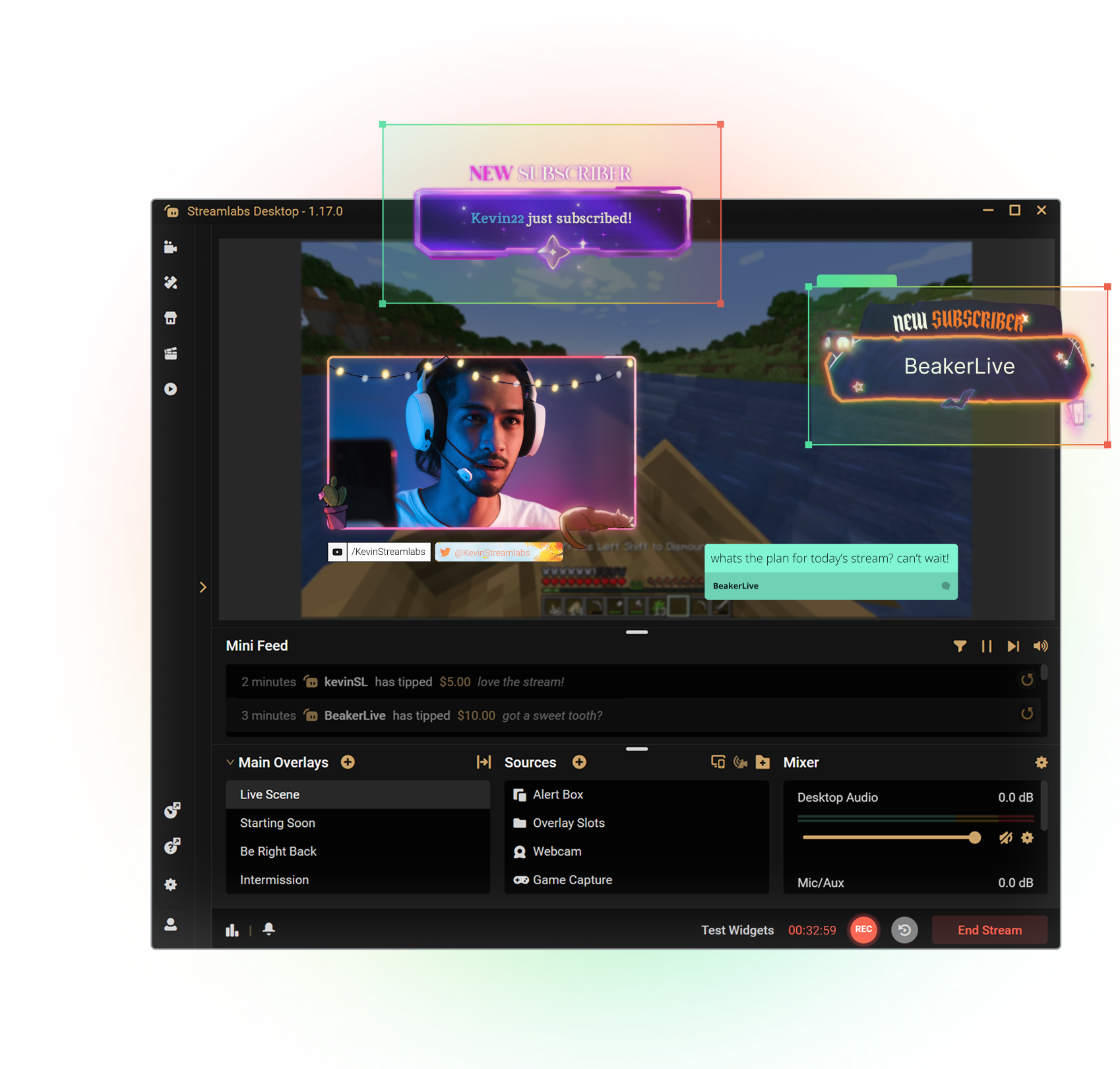

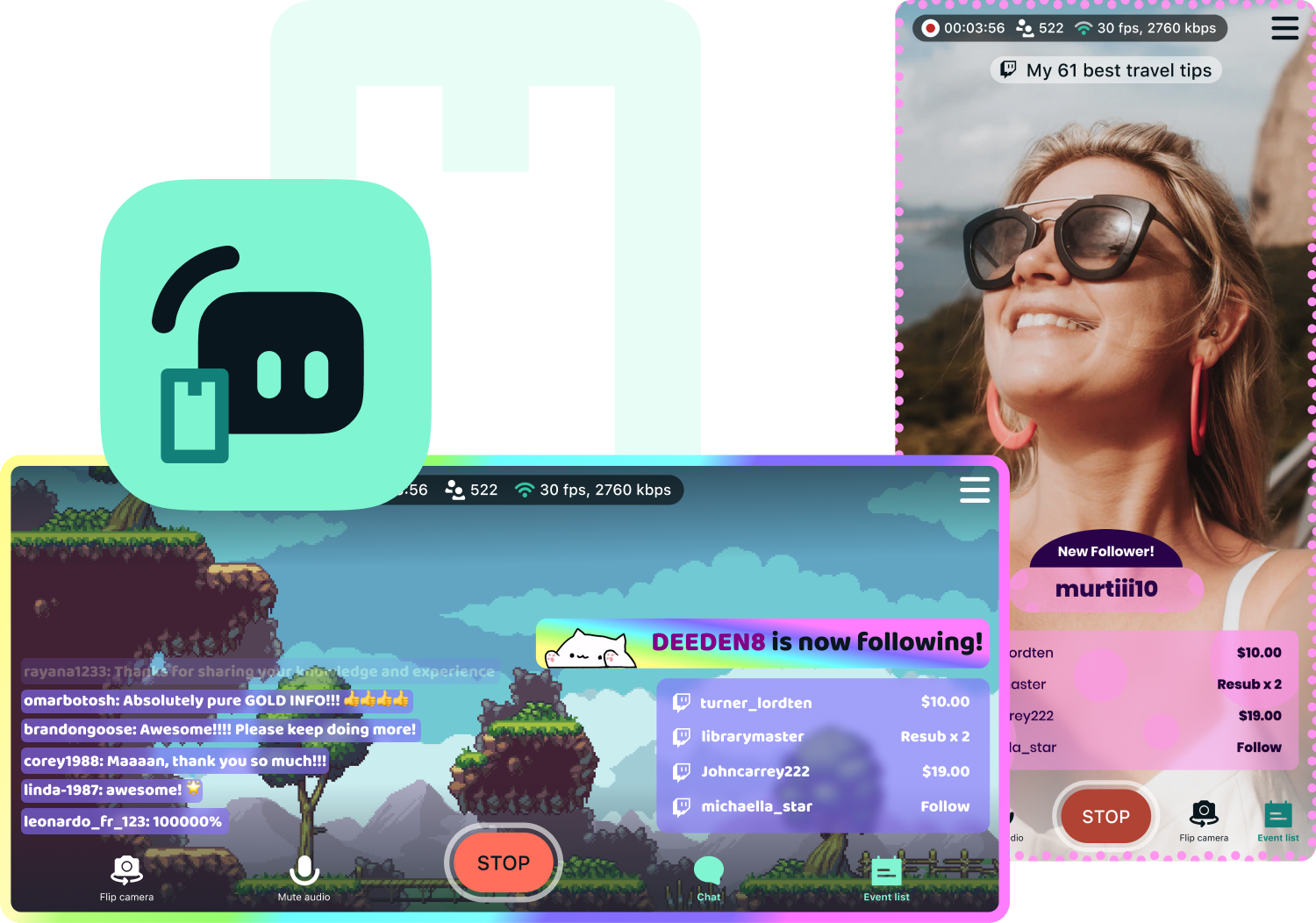
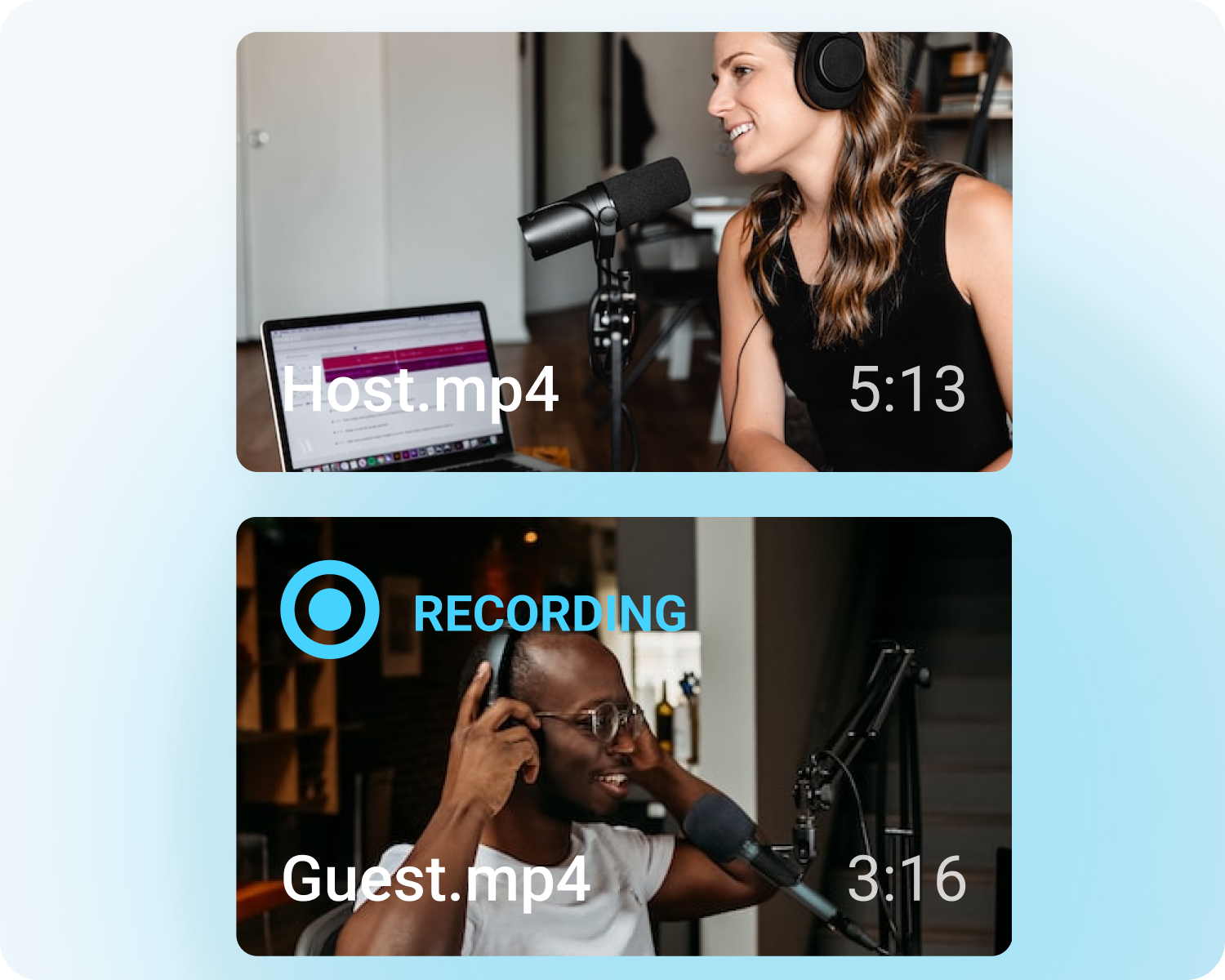


Customize your stream with overlays
Transform your stream with X-specific curated overlays and themes to match your personal brand.
The perks of streaming to X with Streamlabs
From alerts, to overlays and exciting new tools like Highlighter, we have unique features to level up your X stream.

One-click Login
No stream key needed.
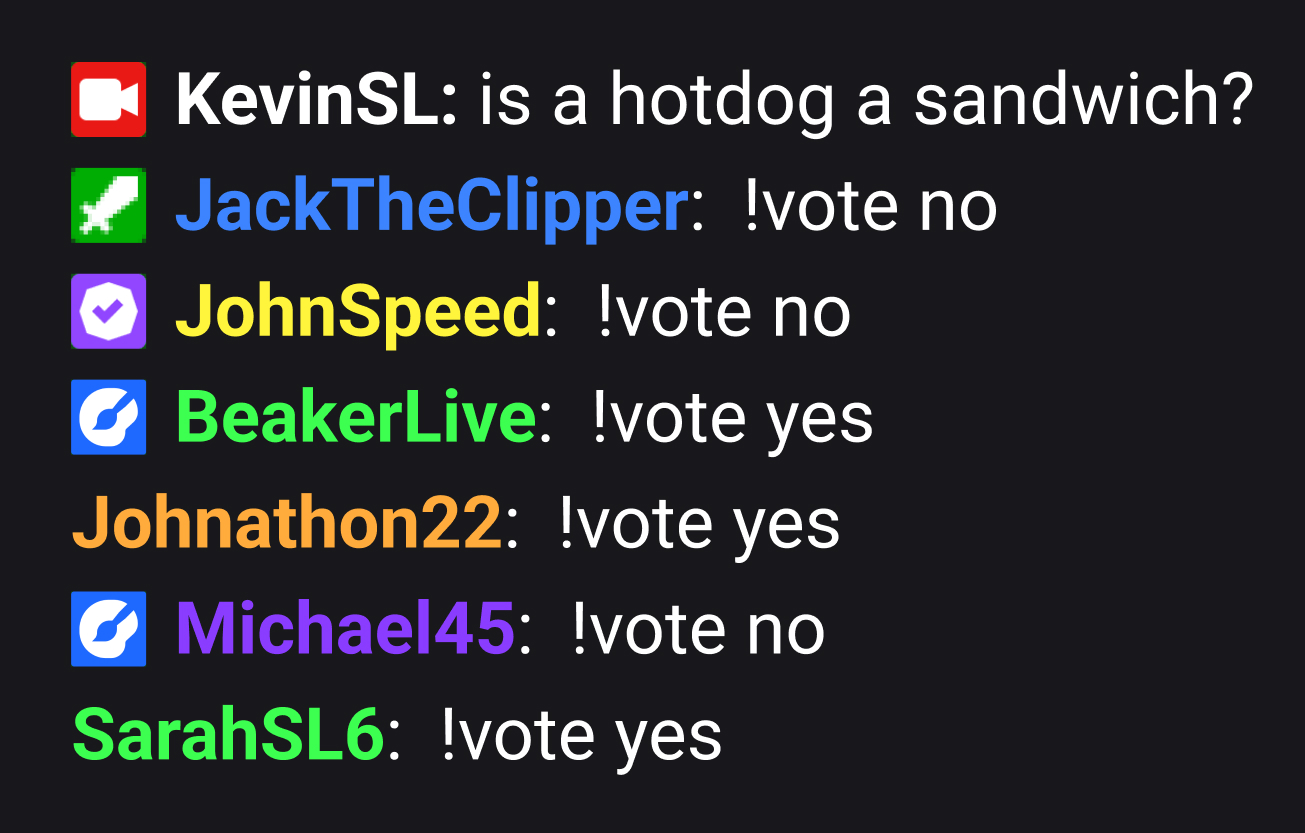
Embedded chat
Monitor and moderate chat directly in Streamlabs Desktop, Plugin or Talk Studio.
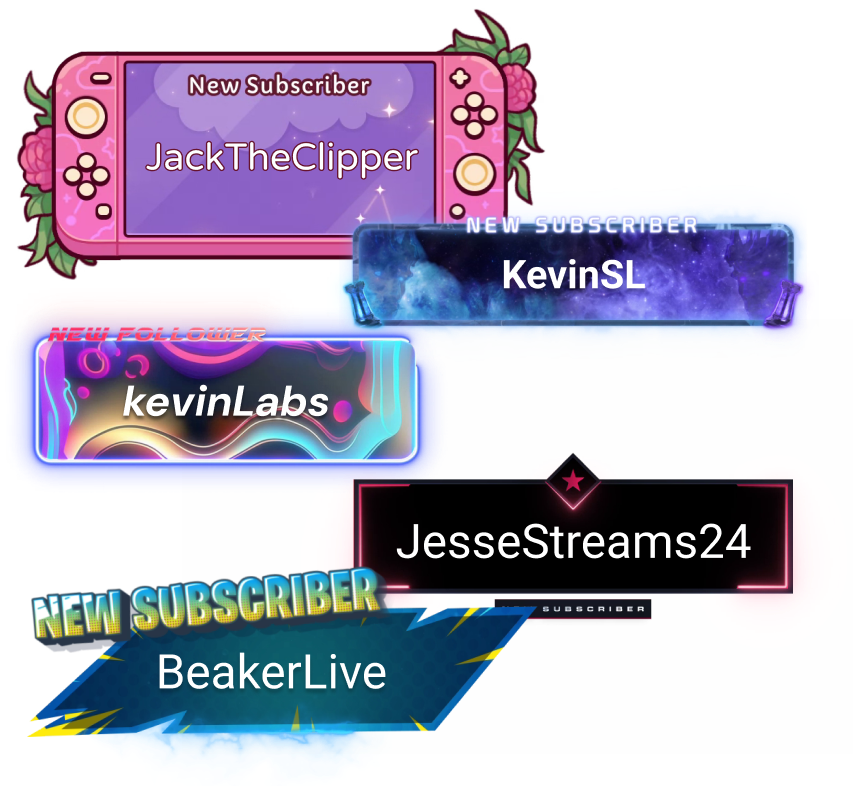
Alerts & Widgets
Customize and add alerts to catch real-time engagement from your viewers.
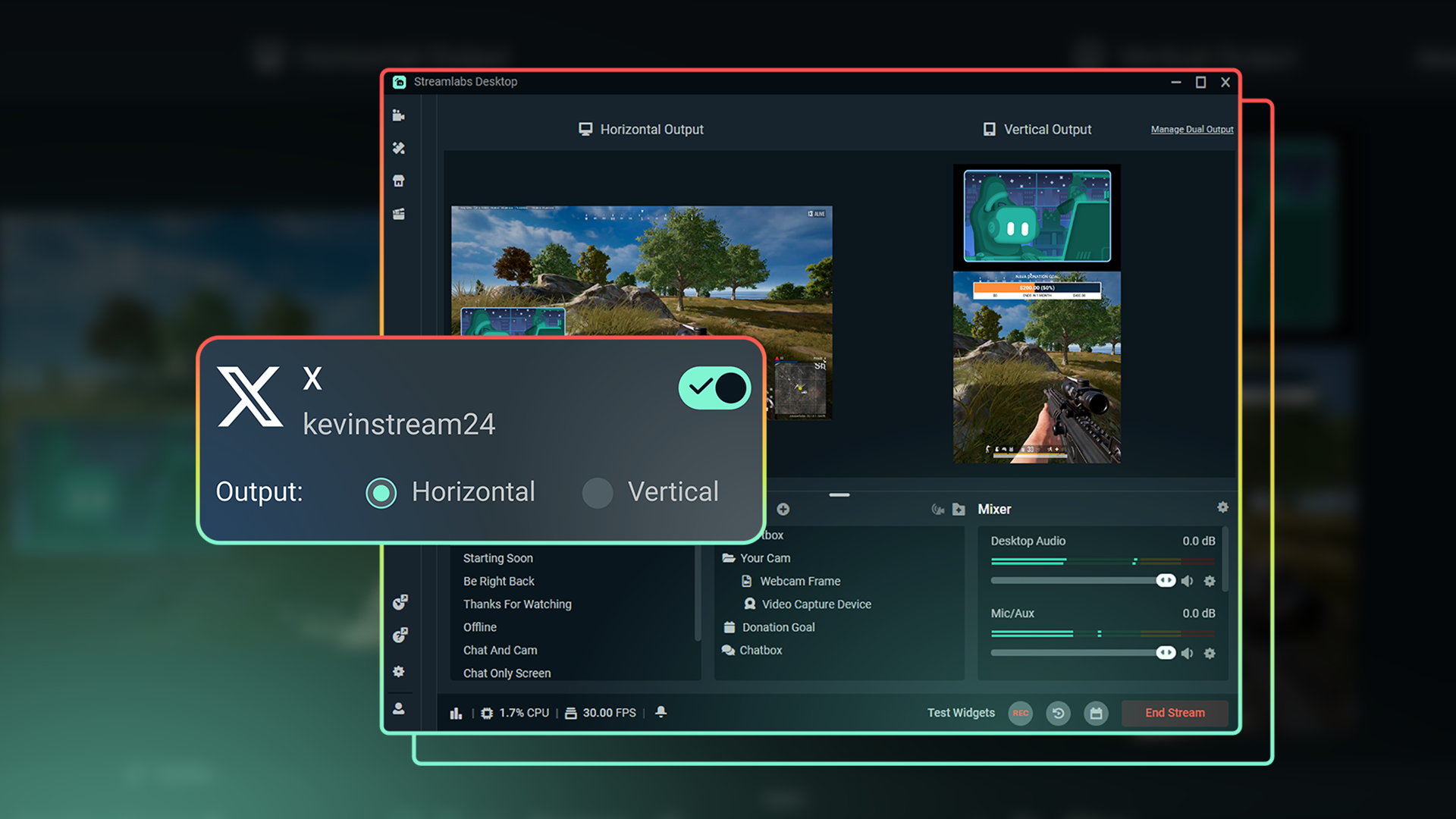
Dual Output
Optimize layouts for both horizontal and vertical streaming.
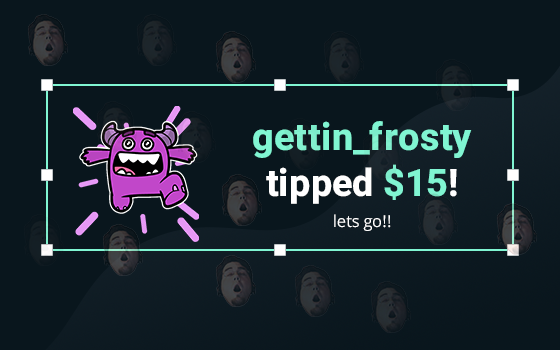
Tipping
Monetize your stream with a custom tip page and integrated alerts so your viewers can support you.
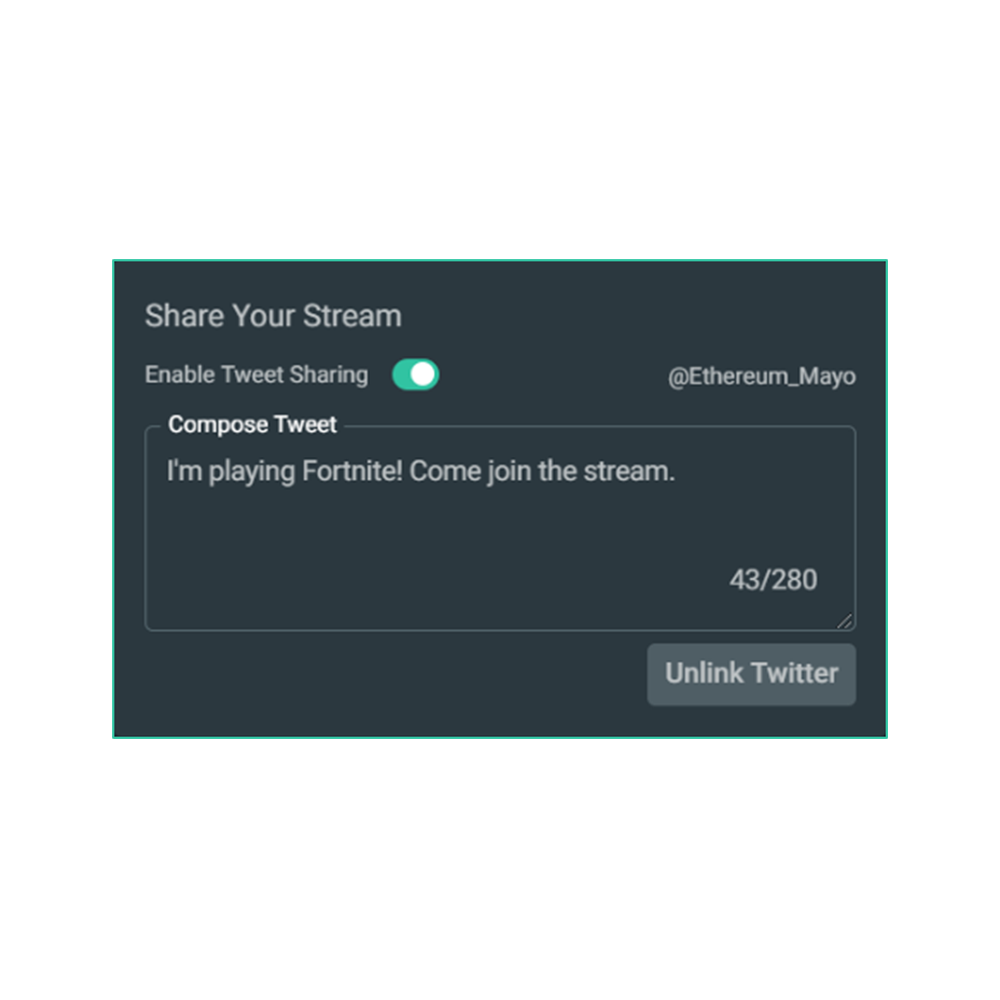
Share your stream on X
Easily promote your stream by posting directly to X in the Go Live window.
Multistream to expand your reach
Reach audiences on X and beyond by multistreaming to more than one platform with Streamlabs Ultra.
Explore even more innovative tools
These features give you even more power to be a gamechanger in the streaming space, while saving you time and effort.
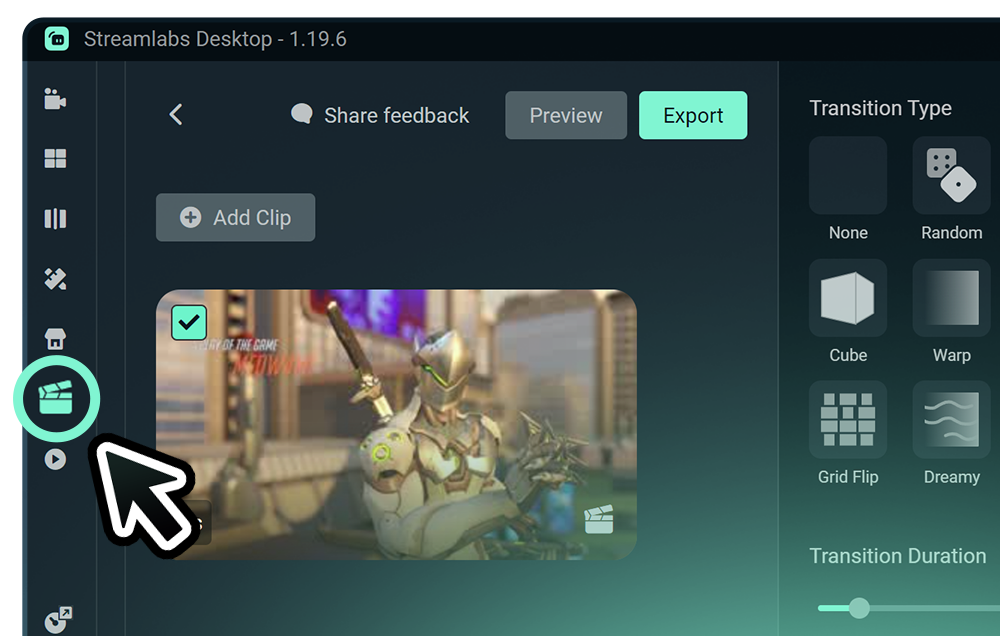
Highlighter
Get automatic clips of your best streaming moments without having to scrub through hours of footage.
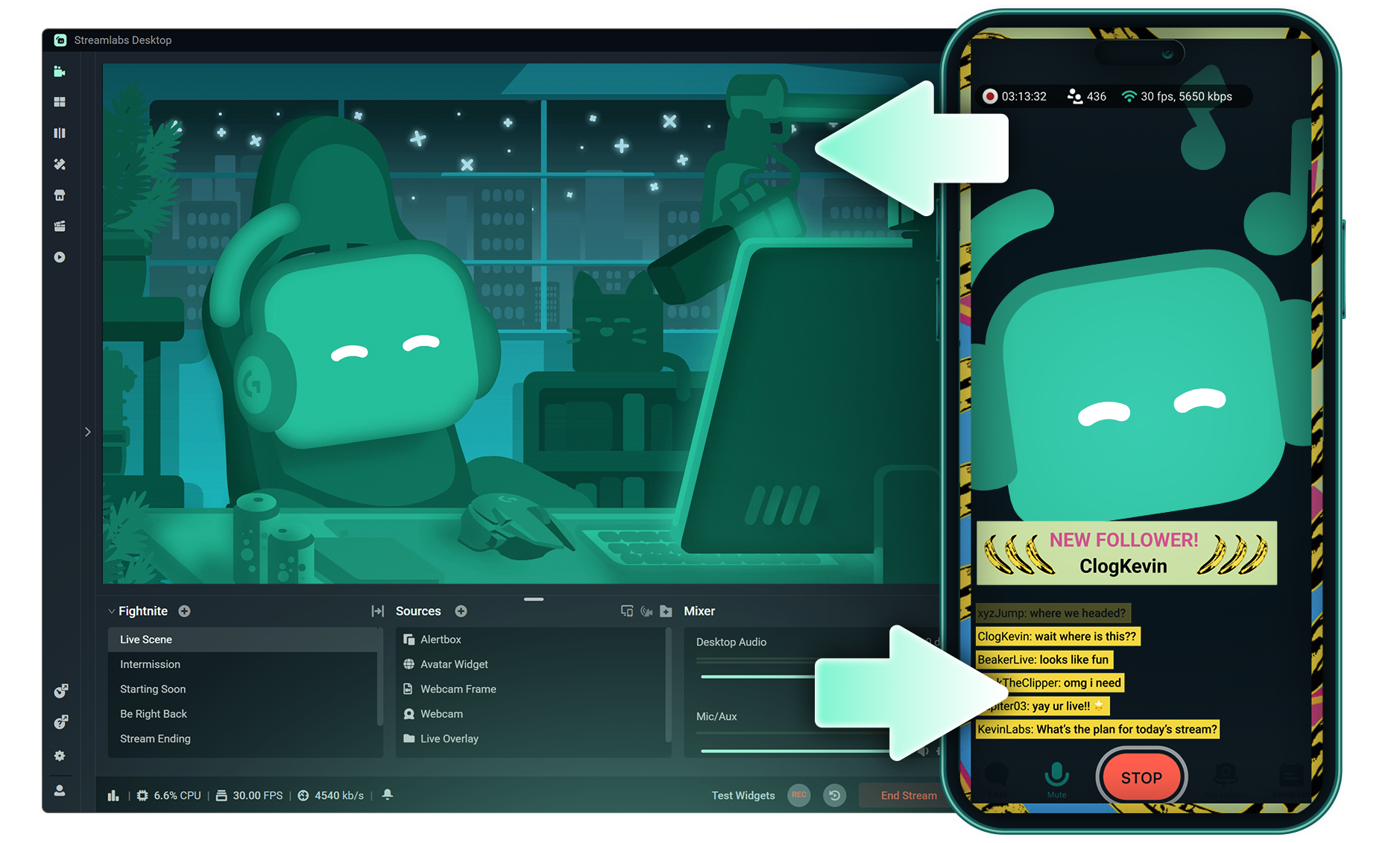
Stream Shift
Switch from streaming on PC to Mobile without any interruptions to your stream.
.png)
Reactive Overlays
Add overlays that react to your gameplay in real-time, adding excitement with every win, streak or kill,
Frequently asked questions
You can get started streaming to X in minutes by opening your preferred software, Desktop, Plugin for OBS, our Mobile App, or Talk Studio, and following the instructions in our Quick Start Guide.
Streamlabs Ultra is a suite of pro-level features for creators offering a wide range of benefits including multistreaming, access to the full Library of thousands of stream overlays and widget themes, higher limits on AI production features through the Intelligent Streaming Agent, watermark-free clip editing, the highest profit margins on Streamlabs Merch, instant access to Gold All Star status for extra giveaway entries and savings on Logitech G hardware, and much more.
With Ultra, you get access to the premium features of Streamlabs Desktop, Mobile, Console, Talk Studio Pro, Cross Clip Pro, Video Editor Pro, Podcast Editor Pro, and Web Suite into one simple plan.
With Ultra Plus, you unlock everything included in Ultra plus additional limits for the Intelligent Streaming Agent plus a dedicated Streamlabs contact, a setup call, and twice annual success calls with our streaming experts.
Learn more about all of the benefits of Ultra and Ultra Plus here.
You can use Streamlabs Desktop, Plugin for OBS, Mobile, or Talk Studio to stream and multistream directly to X. Choose the platform that best fits your streaming setup and workflow.
While traditional multistreaming tools your computer encodes and uploads a separate version of your stream for every platform you go live to, resulting in high CPU and GPU usage plus higher upload bandwidth requirements increasing the likelihood of stream quality drops or crashes.
Streamlabs utilizes a cloud-based multistreaming system mean that you only send one stream (or two with Dual Output enabled — one vertical and one horizontal) to Streamlabs and our servers handle the rest.
With Streamlabs, you also get built in chat integration so you can read your messages across streams in one location.
For even more info, check out our post on what sets Streamlabs Multistream apart.
No, all you need to do to connect your account is open your preferred Streamlabs tool (Desktop, Plugin for OBS, Mobile, or Talk Studio) and then authorize Streamlabs to connect your X account.
All Streamlabs widgets are built directly into Streamlabs Desktop so you can add them with a click. Many Streamlabs widgets are also available in the Streamlabs Plugin for OBS for easy adding to your OBS streams or can be used with any streaming software via adding the widget URL as a browser source.
Streamlabs offers four options depending on your setup: Streamlabs Desktop to access the entire suite of features from Reactive Overlays, to Dual Output and more, the Streamlabs Plugin for OBS if you already use OBS Studio, the Streamlabs Mobile app for iOS and Android phones, and Talk Studio for browser-based streaming with no download required.
Streamlabs Multistream is an Ultra feature. If you want to multistream for free, you can go live to one vertical and one horizontal destination at the same time with Dual Ouput, no subscription required.
Yes, Streamlabs Highlighter uses automated clipping to identify and clip shareable moments from your stream recordings, so you can repurpose X live content into short clips without manually scrubbing through footage.
Yes, the Streamlabs Mobile app for iOS and Android lets you go live on X directly from your phone without needing a desktop setup.
Please contact support at this link.