

The easiest way to stream to X
Stream to X (formerly Twitter) from Streamlabs Desktop, Plugin for OBS, from your phone with Mobile, or your browser with Talk Studio.

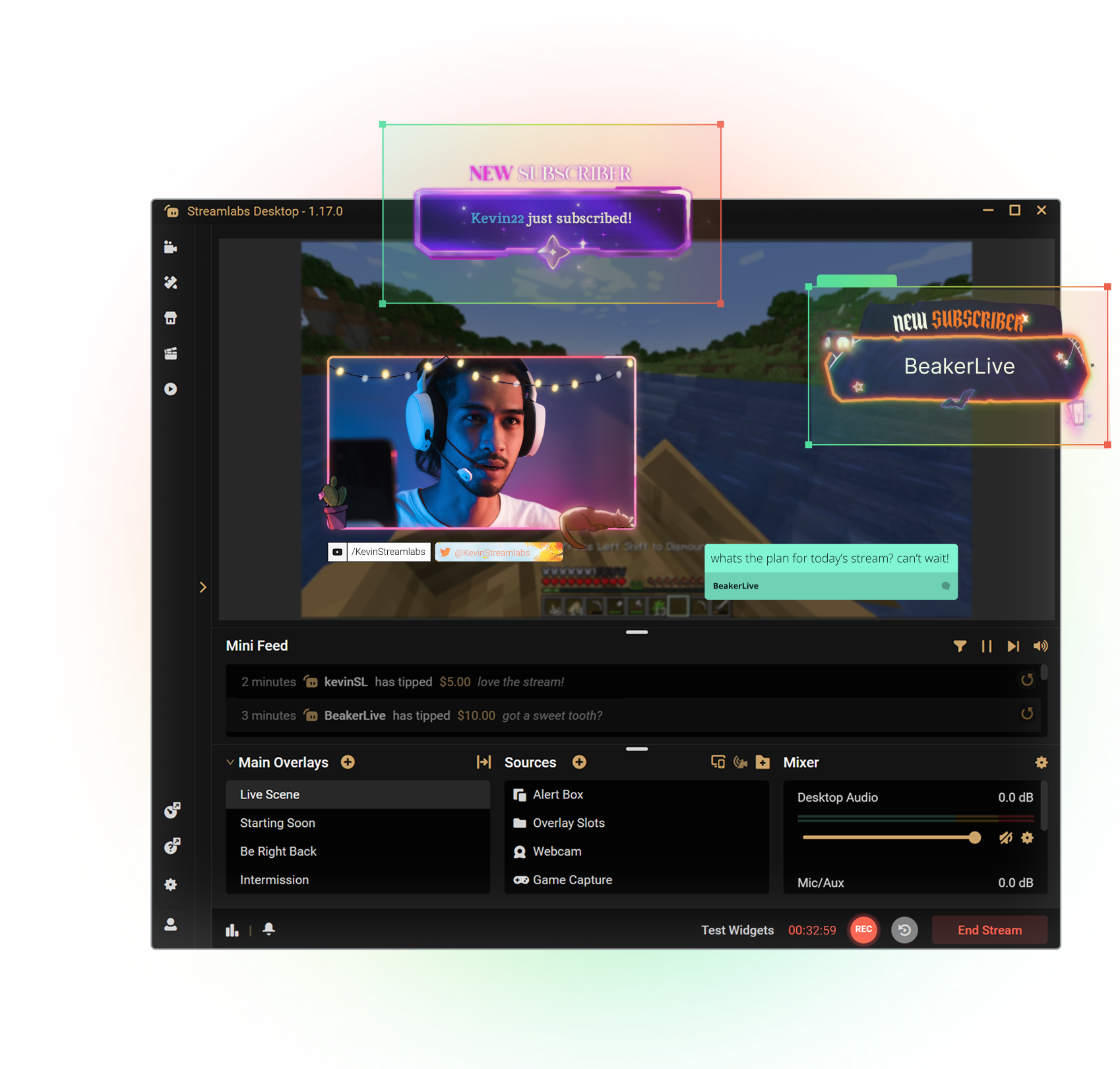

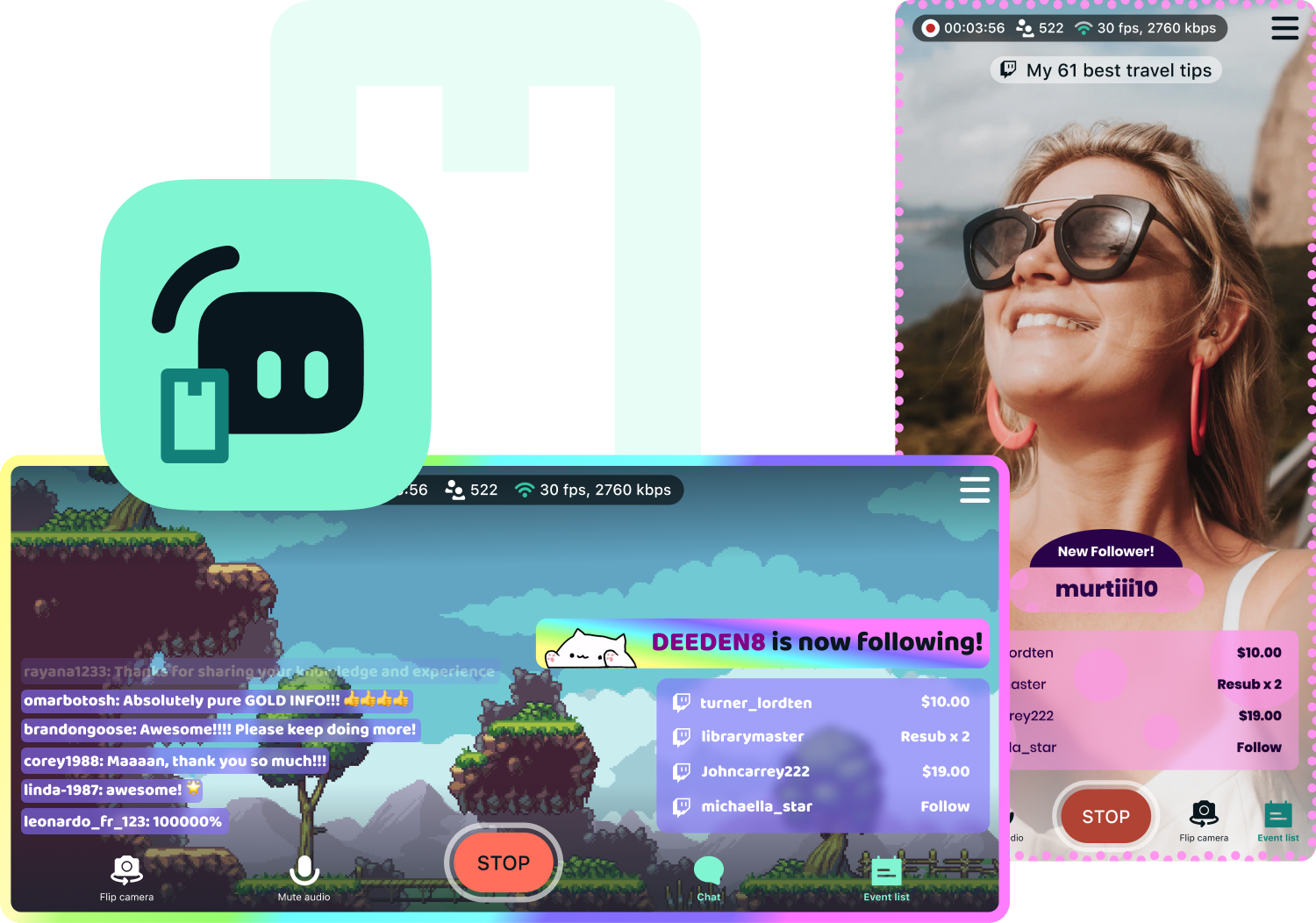
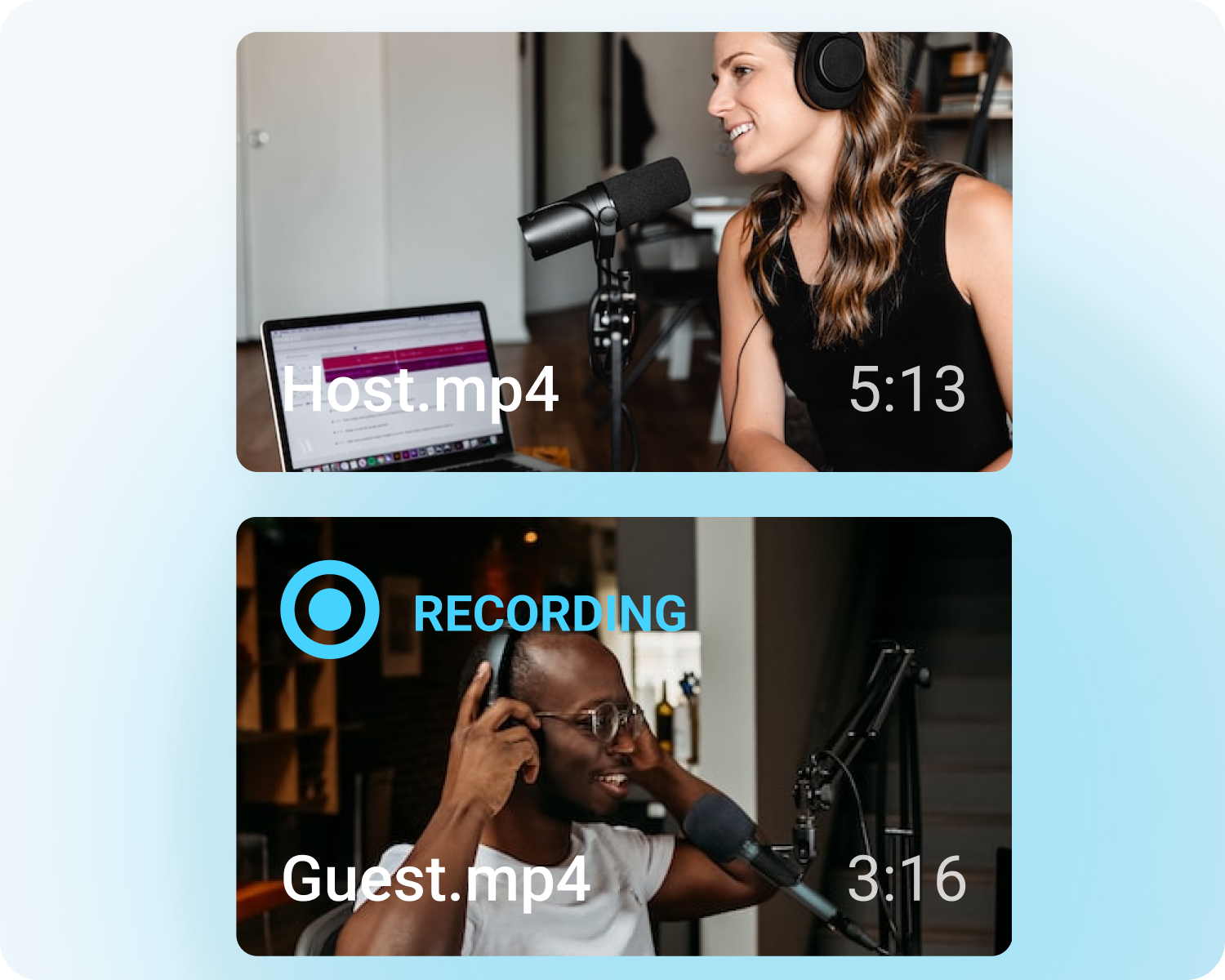


Customize your stream with overlays
Transform your stream with X-specific curated overlays and themes to match your personal brand.
The perks of streaming to X with Streamlabs
From alerts, to overlays and exciting new tools like Highlighter, we have unique features to level up your X stream.

One-click Login
No stream key needed.
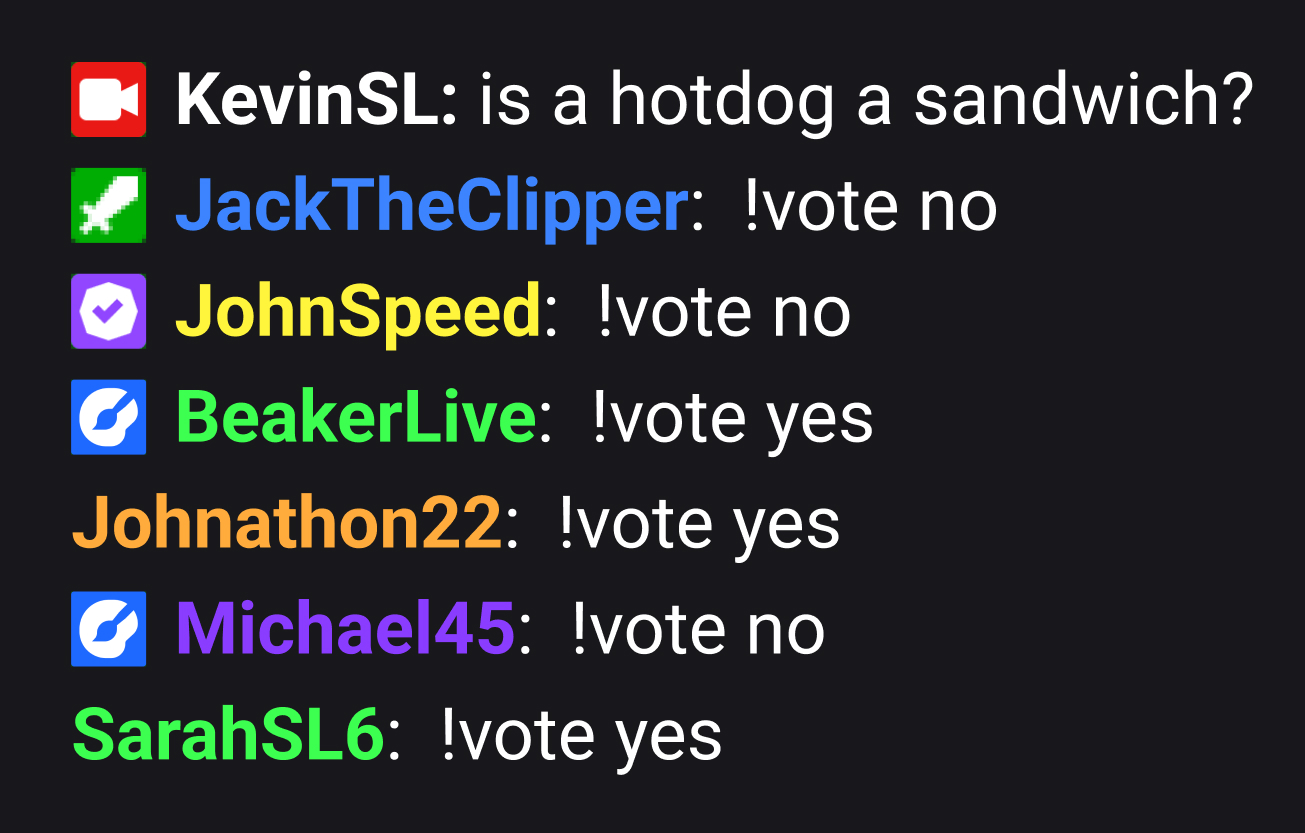
Embedded chat
Monitor and moderate chat directly in Streamlabs Desktop, Plugin or Talk Studio.
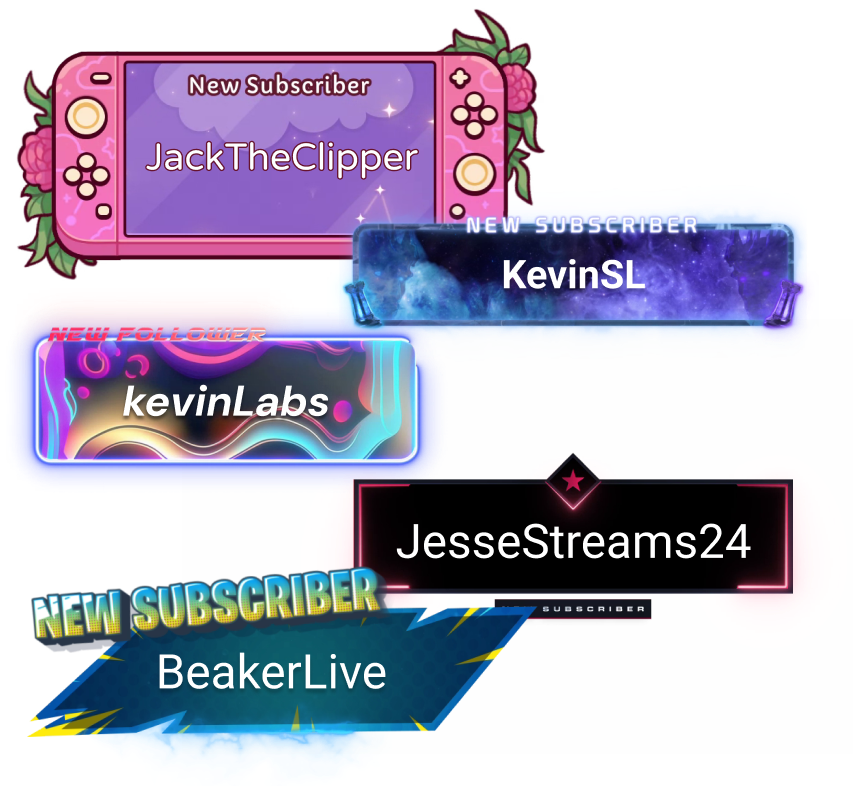
Alerts & Widgets
Customize and add alerts to catch real-time engagement from your viewers.
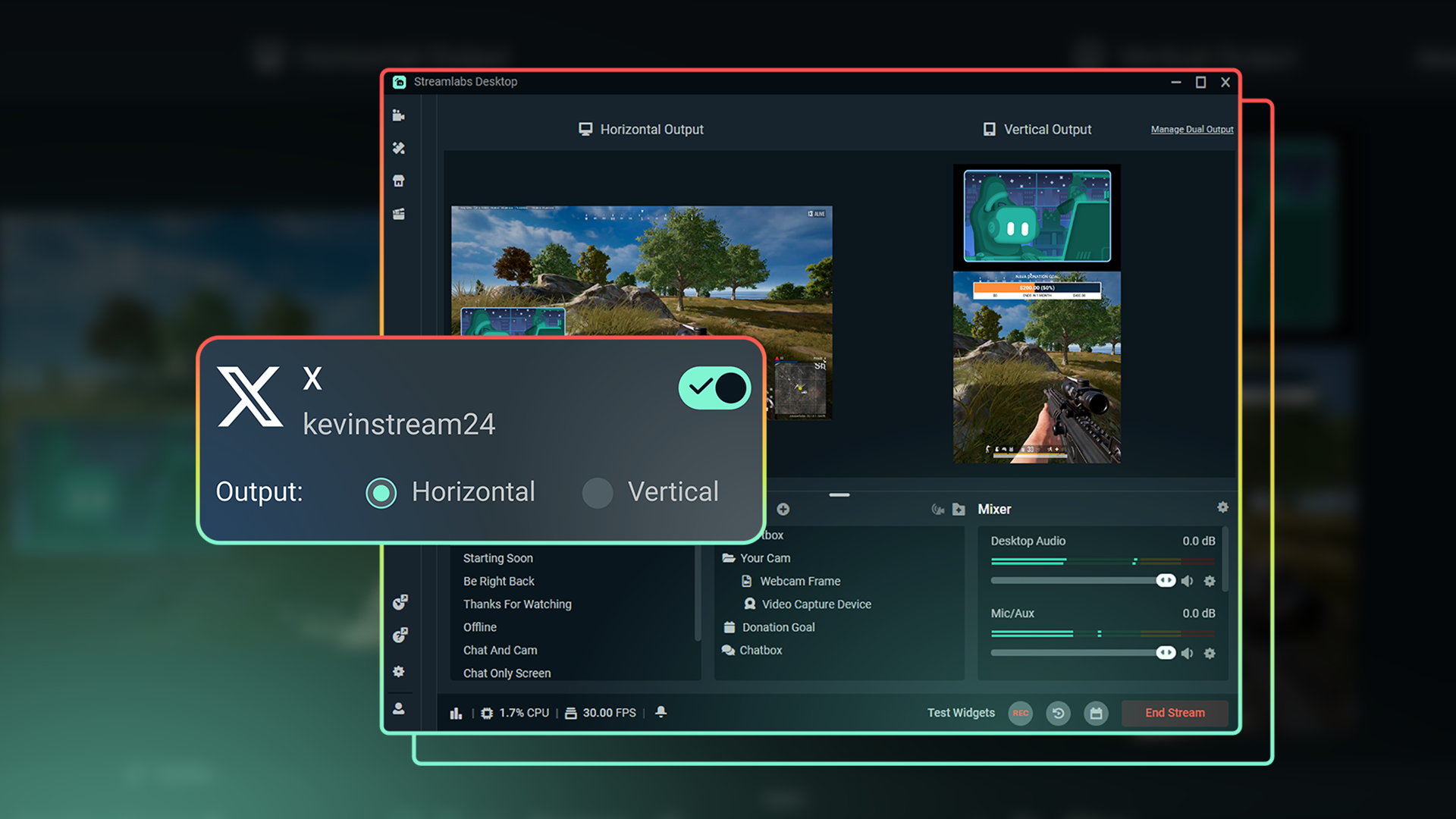
Dual Output
Optimize layouts for both horizontal and vertical streaming.
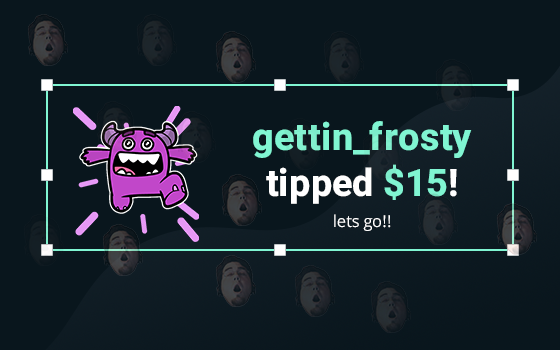
Tipping
Monetize your stream with a custom tip page and integrated alerts so your viewers can support you.
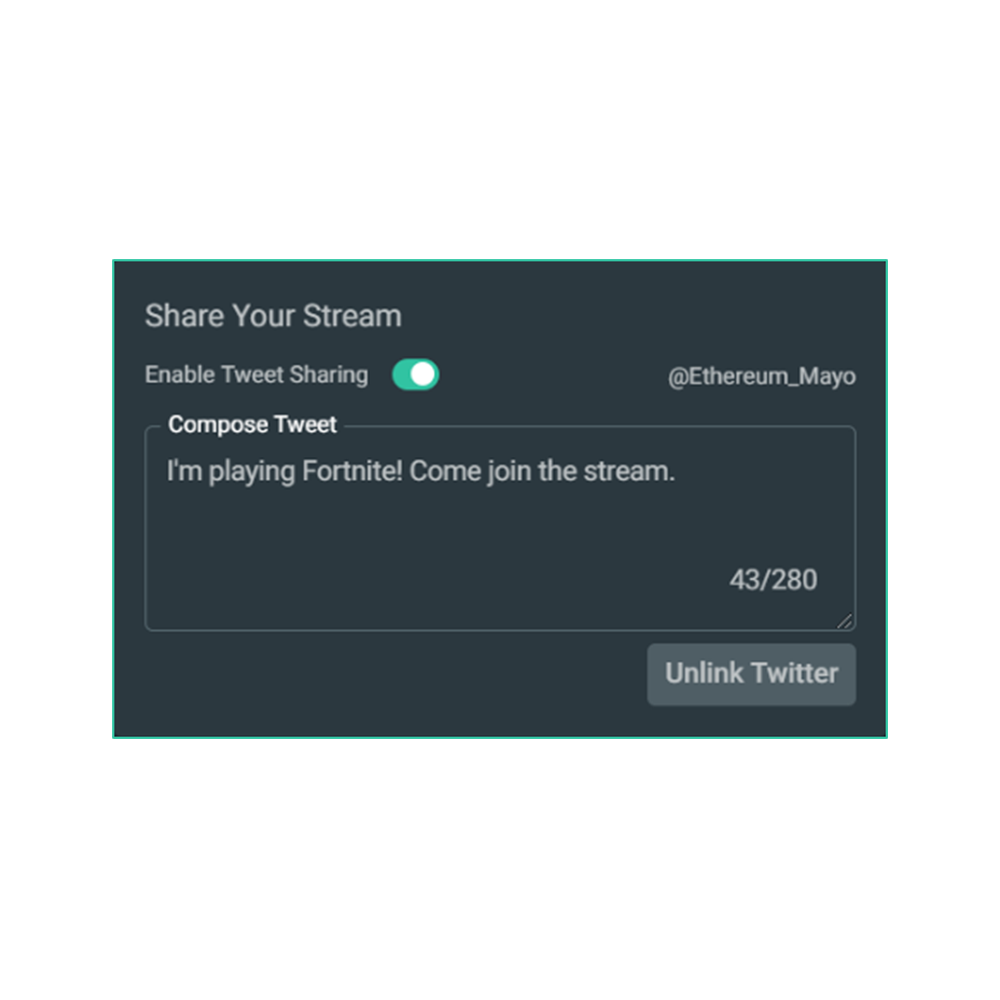
Share your stream on X
Easily promote your stream by posting directly to X in the Go Live window.
Multistream to expand your reach
Reach audiences on X and beyond by multistreaming to more than one platform with Streamlabs Ultra.
Explore even more innovative tools
These features give you even more power to be a gamechanger in the streaming space, while saving you time and effort.
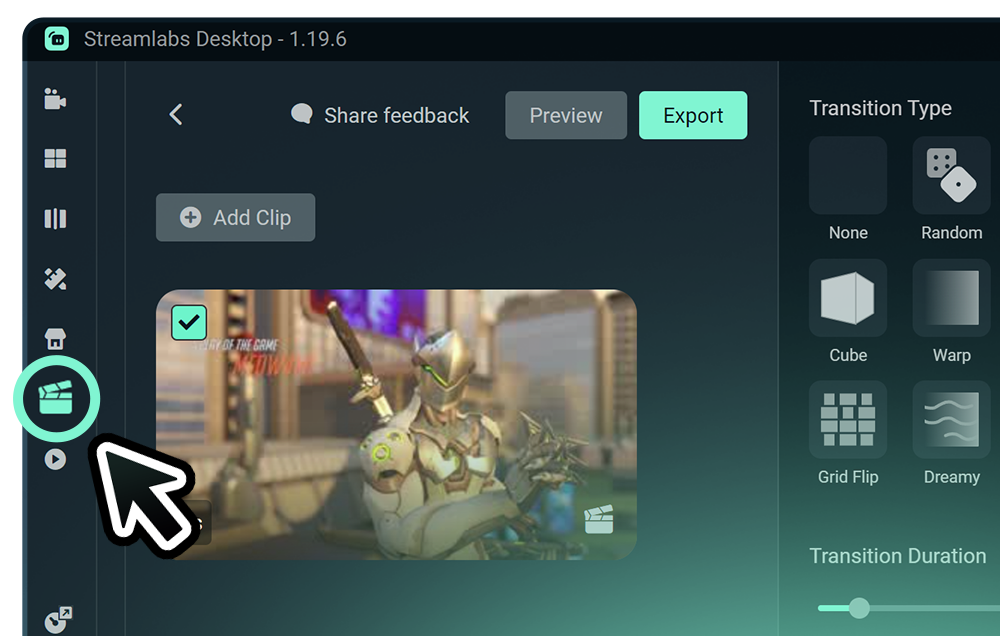
Highlighter
Get automatic clips of your best streaming moments without having to scrub through hours of footage.
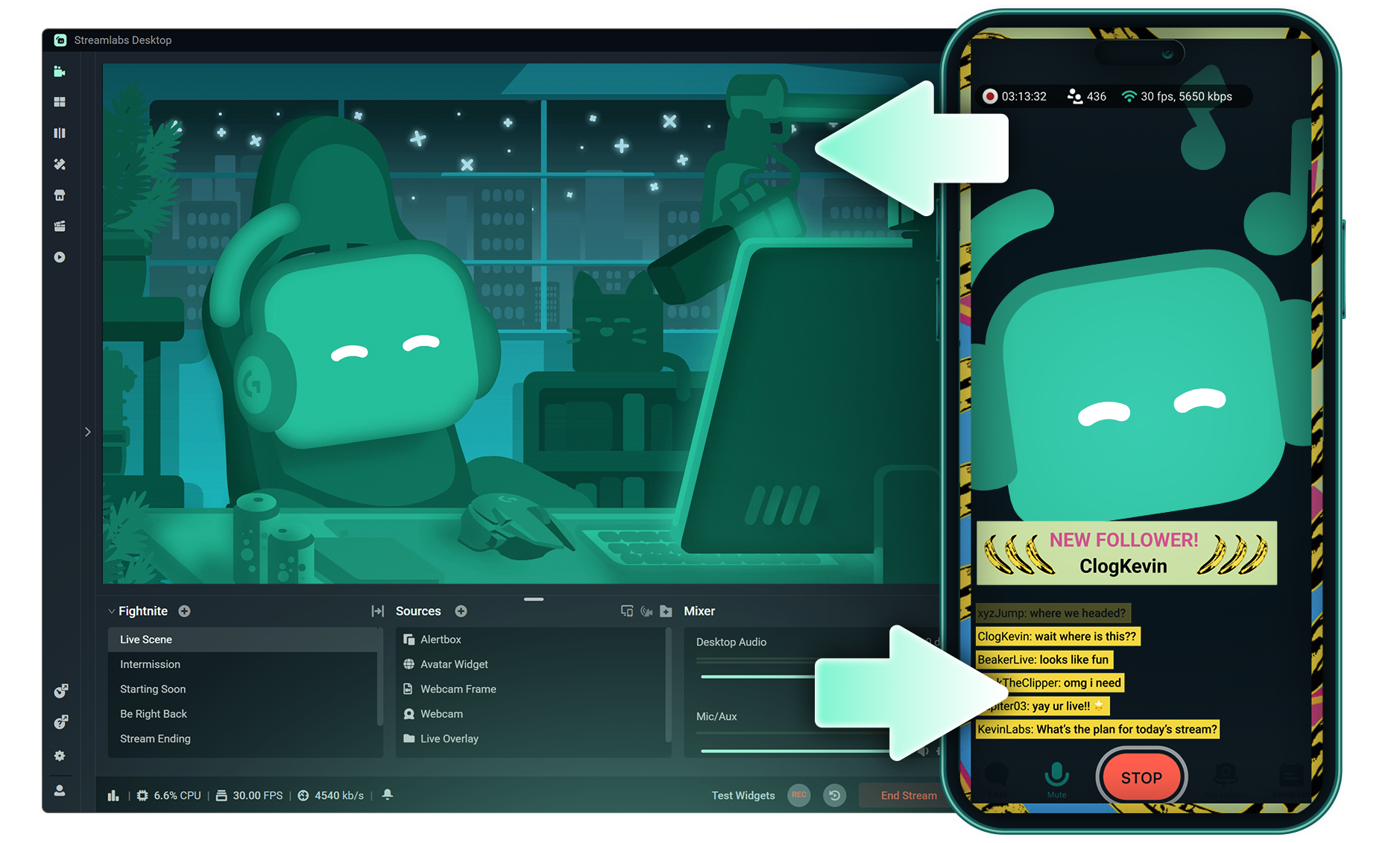
Stream Shift
Switch from streaming on PC to Mobile without any interruptions to your stream.
.png)
Reactive Overlays
Add overlays that react to your gameplay in real-time, adding excitement with every win, streak or kill,
Frequently asked questions
You can get started streaming to X in minutes by opening your preferred software, Desktop, Plugin for OBS, our Mobile App, or Talk Studio, and following the instructions in our Quick Start Guide.
Streamlabs Ultra는 크리에이터를 위한 전문가급 기능 모음으로, 멀티스트리밍, 수천 가지 스트림 오버레이 및 위젯 테마가 포함된 전체 라이브러리 이용, Intelligent Streaming Agent를 통한 AI 제작 기능의 확장된 한도, 워터마크 없는 클립 편집, 최고 수익률의 Streamlabs MD, 추가 경품 응모 기회와 Logitech G 하드웨어 할인 혜택을 받을 수 있는 Gold All Star 등급 즉시 부여 등 다양한 혜택을 제공합니다.
Ultra에서는 Streamlabs Desktop, Mobile, Console, Talk Studio Pro, Cross Clip Pro, Video Editor Pro, Podcast Editor Pro 및 Web Suite의 프리미엄 기능을 하나의 간편한 플랜으로 이용할 수 있습니다.
Ultra Plus에서는 Ultra의 모든 혜택은 물론, Intelligent Streaming Agent의 추가 한도, Streamlabs 전담 담당자, 설정 지원 전화, 그리고 스트리밍 전문가와의 연 2회 성공 상담까지 모두 이용할 수 있습니다.
여기에서 Ultra 및 Ultra Plus의 모든 혜택에 대해 자세히 알아보세요.
You can use Streamlabs Desktop, Plugin for OBS, Mobile, or Talk Studio to stream and multistream directly to X. Choose the platform that best fits your streaming setup and workflow.
기존의 멀티스트리밍 도구를 사용하면 컴퓨터가 스트리밍하는 모든 플랫폼에 대해 별도 버전의 스트림을 인코딩하고 업로드하므로 CPU 및 GPU 사용량이 증가하고 업로드 대역폭 요구량이 높아져 스트림 품질이 떨어지거나 충돌이 발생할 가능성이 높아집니다.
Streamlabs는 클라우드 기반 멀티 스트리밍 시스템을 활용하므로 하나의 스트림(또는 Dual Output이 활성화된 경우 2개의 스트림, 즉 세로 1개와 가로 1개)만 Streamlabs로 전송하면 나머지는 서버가 처리합니다.
Streamlabs에는 채팅 통합 기능도 내장되어 있어 한 곳에서 여러 스트림의 메시지를 읽을 수 있습니다.
더 자세한 내용은 Streamlabs 멀티스트림의 차별화 요소에서 게시물을 확인하세요.
No, all you need to do to connect your account is open your preferred Streamlabs tool (Desktop, Plugin for OBS, Mobile, or Talk Studio) and then authorize Streamlabs to connect your X account.
Streamlabs offers four options depending on your setup: Streamlabs Desktop to access the entire suite of features from Reactive Overlays, to Dual Output and more, the Streamlabs Plugin for OBS if you already use OBS Studio, the Streamlabs Mobile app for iOS and Android phones, and Talk Studio for browser-based streaming with no download required.
Streamlabs 멀티스트림은 Ultra 기능입니다. 무료로 멀티스트리밍을 하고 싶다면 구독 없이도 Dual Ouput을 사용하여 하나의 세로 대상과 하나의 가로 대상에 동시에 스트리밍을 진행할 수 있습니다.
Yes, Streamlabs Highlighter uses automated clipping to identify and clip shareable moments from your stream recordings, so you can repurpose X live content into short clips without manually scrubbing through footage.
Yes, the Streamlabs Mobile app for iOS and Android lets you go live on X directly from your phone without needing a desktop setup.
Please contact support at this link.