

The easiest way to stream to X
Stream to X (formerly Twitter) from Streamlabs Desktop, Plugin for OBS, from your phone with Mobile, or your browser with Talk Studio.

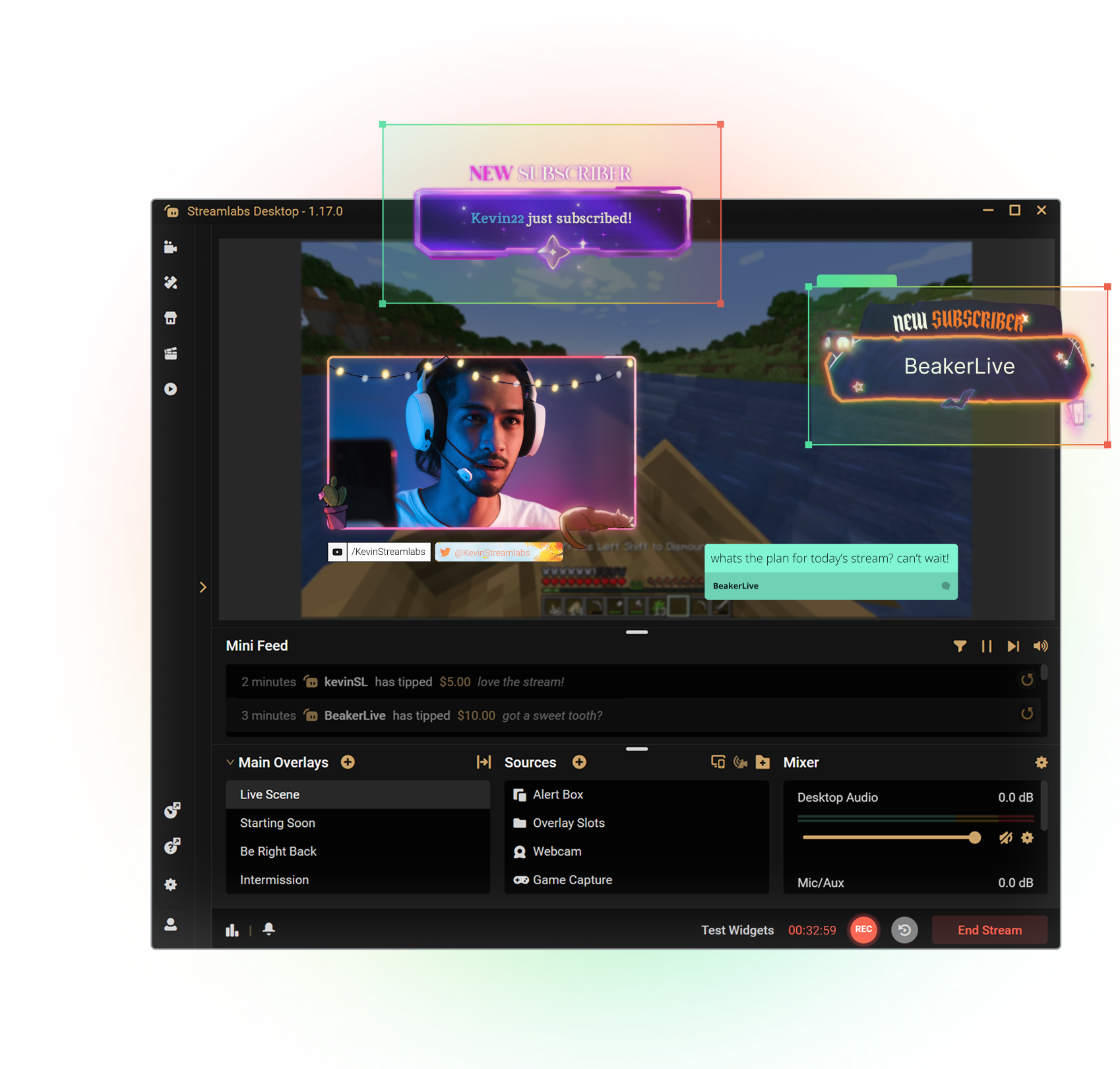



Customize your stream with overlays
Transform your stream with X-specific curated overlays and themes to match your personal brand.
The perks of streaming to X with Streamlabs
From alerts, to overlays and exciting new tools like Highlighter, we have unique features to level up your X stream.

One-click Login
No stream key needed.
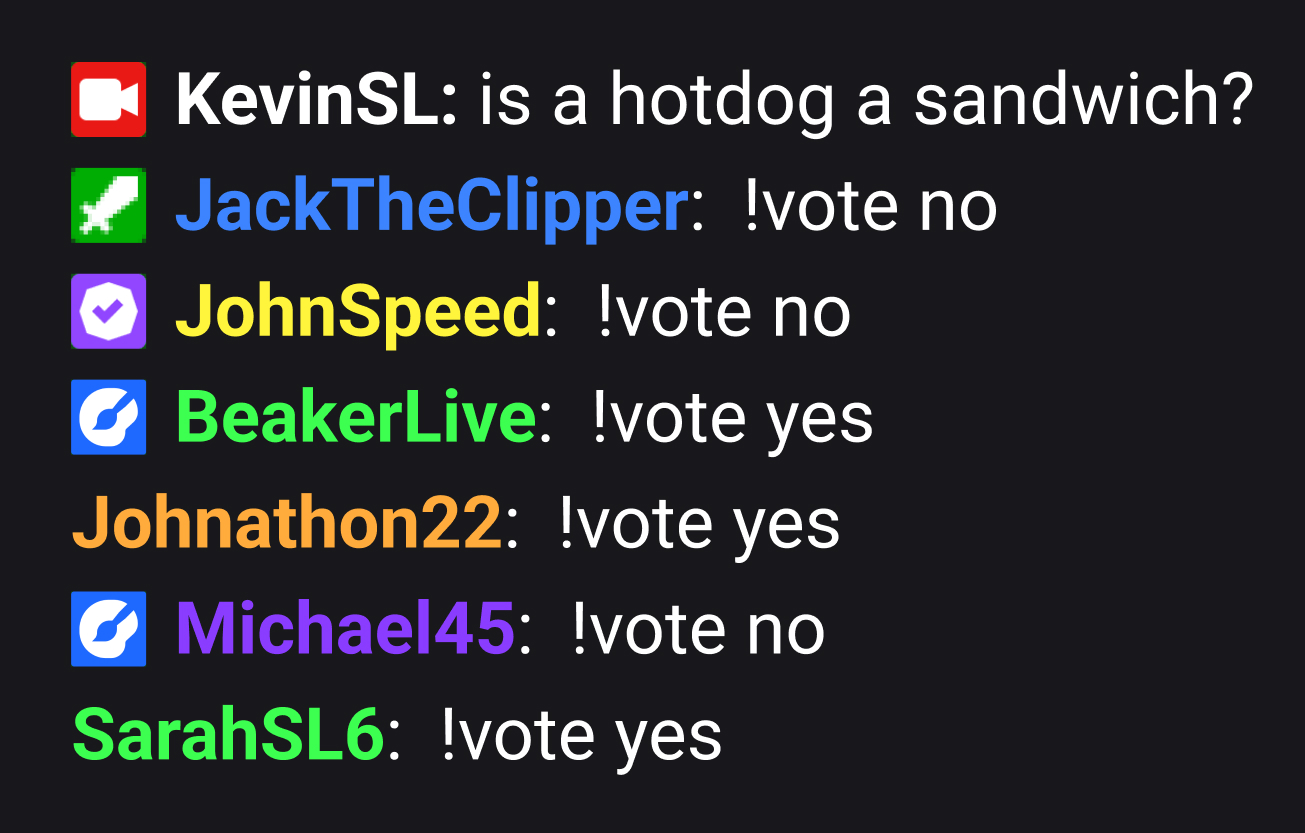
Embedded chat
Monitor and moderate chat directly in Streamlabs Desktop, Plugin or Talk Studio.
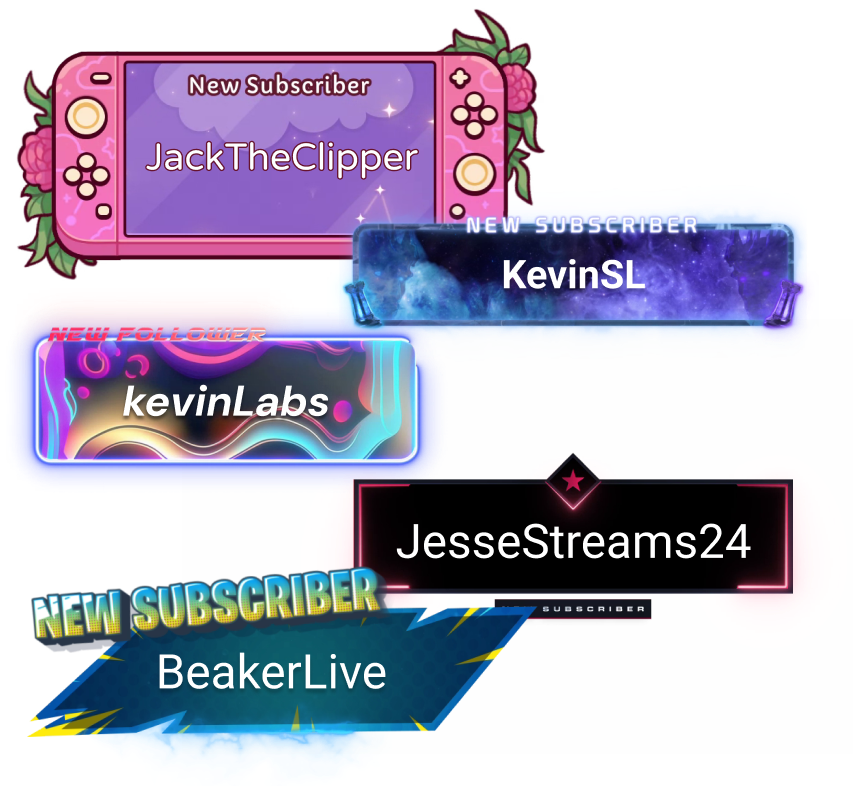
Alerts & Widgets
Customize and add alerts to catch real-time engagement from your viewers.
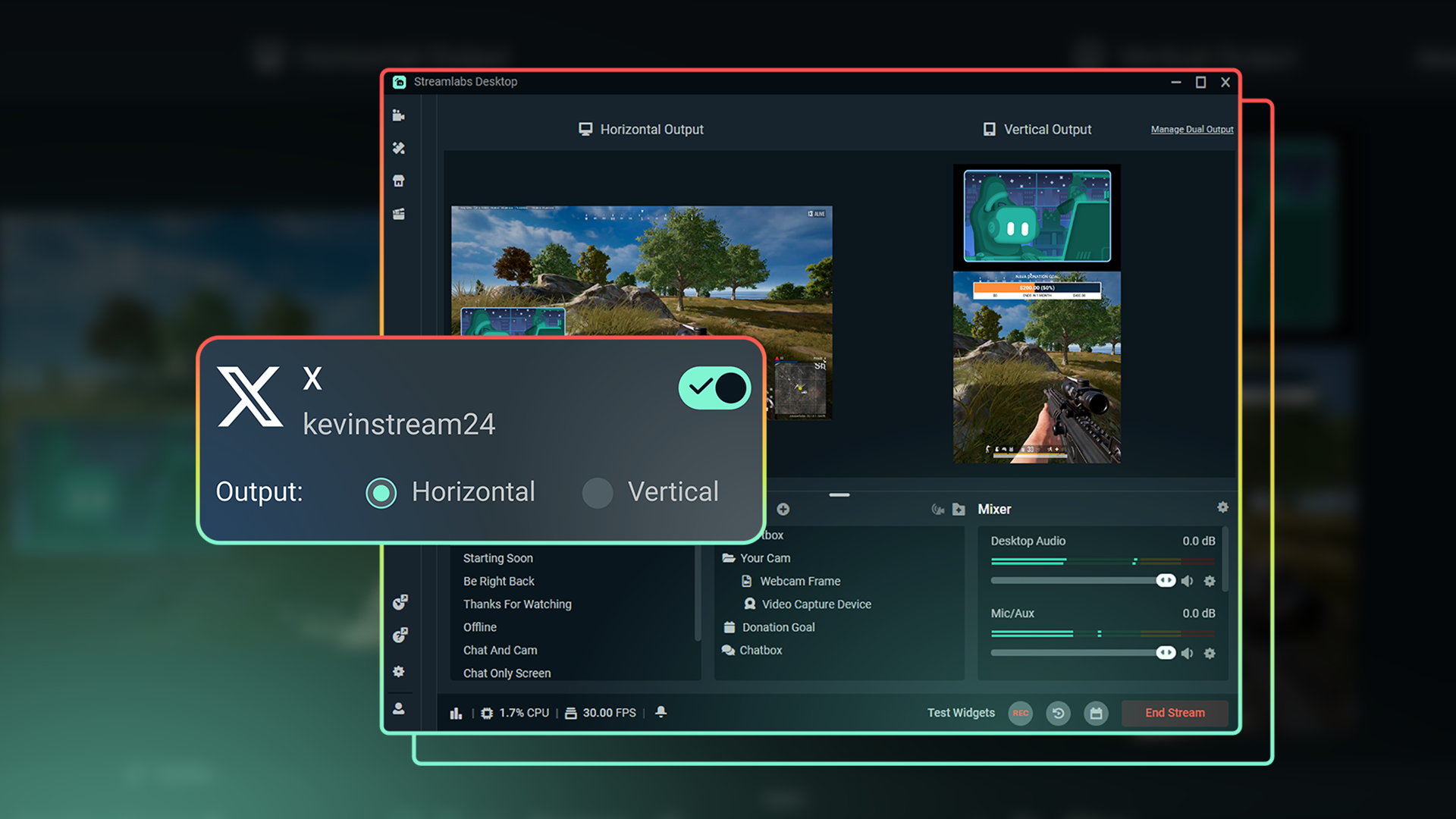
Dual Output
Optimize layouts for both horizontal and vertical streaming.
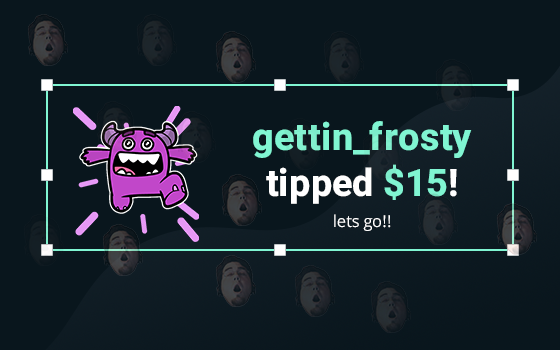
Tipping
Monetize your stream with a custom tip page and integrated alerts so your viewers can support you.
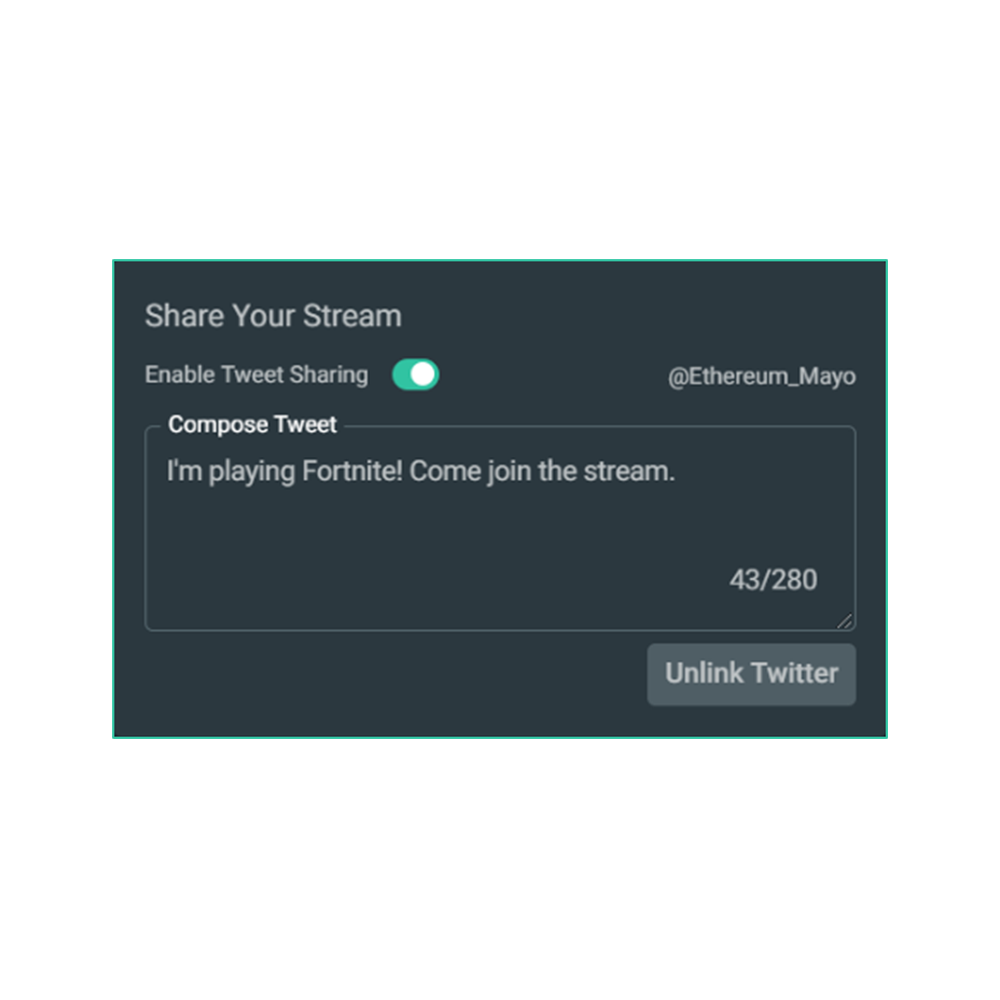
Share your stream on X
Easily promote your stream by posting directly to X in the Go Live window.
Multistream to expand your reach
Reach audiences on X and beyond by multistreaming to more than one platform with Streamlabs Ultra.
Explore even more innovative tools
These features give you even more power to be a gamechanger in the streaming space, while saving you time and effort.
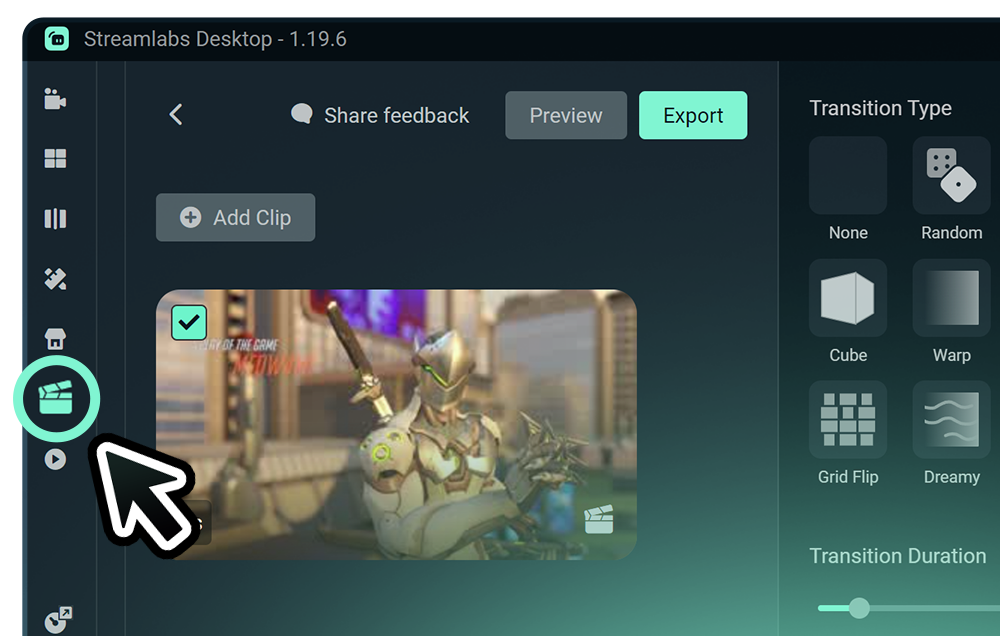
Highlighter
Get automatic clips of your best streaming moments without having to scrub through hours of footage.
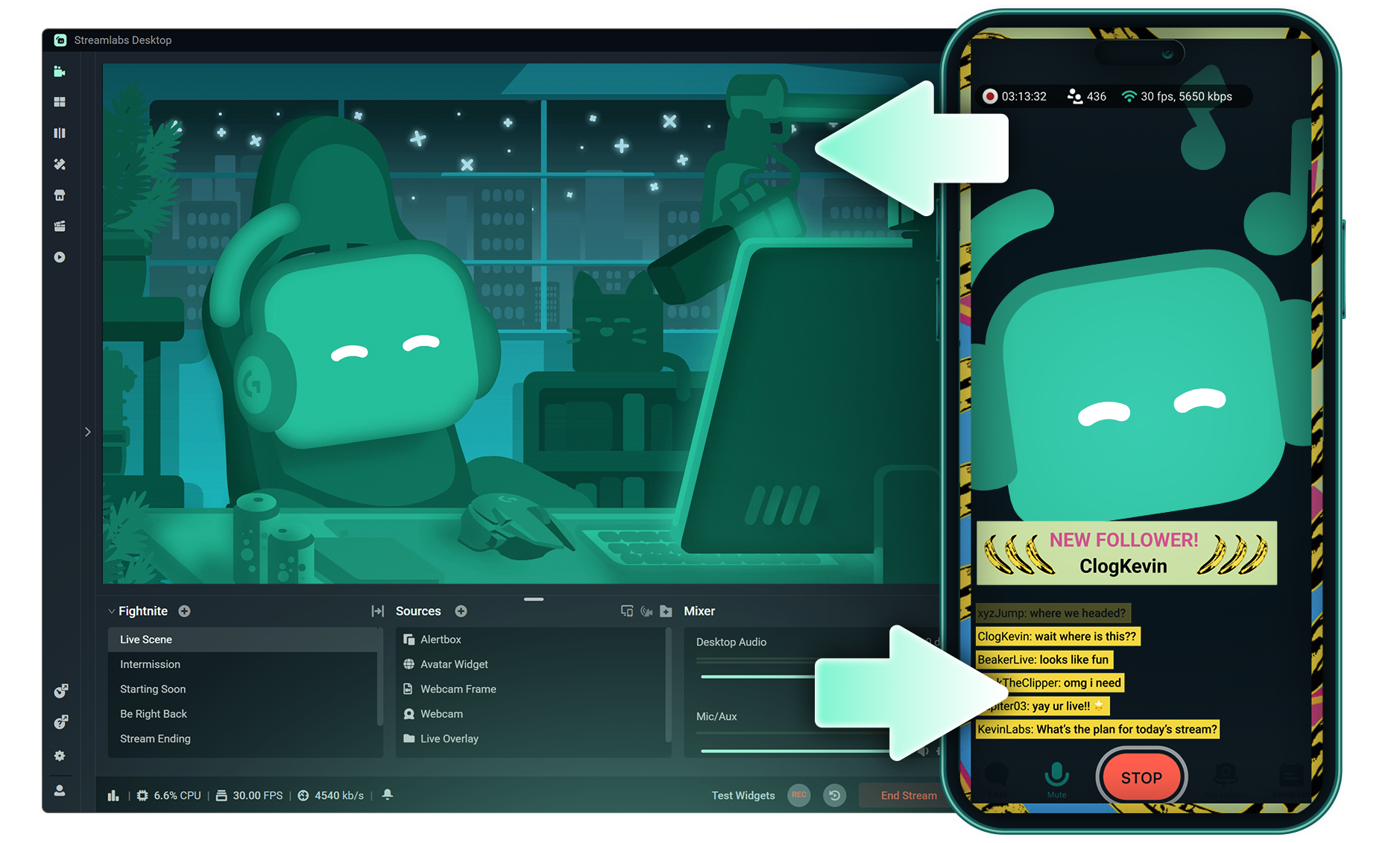
Stream Shift
Switch from streaming on PC to Mobile without any interruptions to your stream.
.png)
Reactive Overlays
Add overlays that react to your gameplay in real-time, adding excitement with every win, streak or kill,
Frequently asked questions
You can get started streaming to X in minutes by opening your preferred software, Desktop, Plugin for OBS, our Mobile App, or Talk Studio, and following the instructions in our Quick Start Guide.
Streamlabs Ultra içerik üreticiler için profesyonel düzeyde bir özellik paketidir ve çoklu yayın, binlerce yayın üst katmanı ve görsel bileşen temasının bulunduğu tam Kütüphane erişimi, Intelligent Streaming Agent aracılığıyla yapay zeka destekli üretim özelliklerinde daha yüksek limitler, filigran içermeyen klip düzenleme, Streamlabs Merch'te en yüksek kâr marjları, ekstra hediye çekilişleri ve Logitech G donanımlarında indirimler için Gold All Star statüsüne anında erişim ve çok daha fazlasını içeren geniş bir yelpazede avantajlar sunar.
Ultra ile Streamlabs Desktop, Mobile, Console, Talk Studio Pro, Cross Clip Pro, Video Editor Pro, Podcast Editor Pro ve Web Suite'in tüm premium özelliklerine tek bir basit paketle erişebilirsiniz.
Ultra Plus ile, Ultra paketinde yer alan tüm özelliklerin yanı sıra Intelligent Streaming Agent için ek limitler, özel bir Streamlabs irtibat kişisi, kurulum görüşmesi ve yayın uzmanlarımızla yılda iki kez gerçekleştirilen başarı görüşmelerinden yararlanabilirsiniz.
Ultra ve Ultra Plus’ın tüm avantajları hakkında daha fazla bilgiyş burada bulabilirsiniz.
You can use Streamlabs Desktop, Plugin for OBS, Mobile, or Talk Studio to stream and multistream directly to X. Choose the platform that best fits your streaming setup and workflow.
Geleneksel çoklu yayın araçlarında, bilgisayarınız canlı yayın yaptığınız her platform için yayının ayrı bir versiyonunu kodlar ve yükler ve bu da yüksek CPU ve GPU kullanımına yol açarak ve yükleme için daha yüksek bant genişliği ihtiyaç duyulmasına neden olarak yayın kalitesinde düşüş veya çökme olasılığını artırır.
Streamlabs bulut tabanlı bir çoklu yayın sistemi kullanır, yani Streamlabs'a yalnızca bir yayın (veya Dual Output etkinleştirildiğinde biri dikey ve diğeri yatay olmak üzere iki yayın) gönderirsiniz ve gerisini sunucularımız halleder.
Streamlabs ile yerleşik sohbet entegrasyonundan yararlanabilir ve böylece tüm yayınlarınızdaki mesajları tek bir konumdan okuyabilirsiniz.
Daha fazla bilgi almak için, Streamlabs Çoklu Yayını diğerlerinden ayıran özellikler hakkındaki yazımıza göz atın.
No, all you need to do to connect your account is open your preferred Streamlabs tool (Desktop, Plugin for OBS, Mobile, or Talk Studio) and then authorize Streamlabs to connect your X account.
Streamlabs offers four options depending on your setup: Streamlabs Desktop to access the entire suite of features from Reactive Overlays, to Dual Output and more, the Streamlabs Plugin for OBS if you already use OBS Studio, the Streamlabs Mobile app for iOS and Android phones, and Talk Studio for browser-based streaming with no download required.
Streamlabs Çoklu Yayın, bir Ultra özelliğidir. Ücretsiz olarak çoklu yayın yapmak istiyorsanız, Dual Ouput kullanarak aynı anda bir dikey ve bir yatay hedefe canlı yayın yapabilirsiniz ve bu özellik abonelik gerektirmez.
Yes, Streamlabs Highlighter uses automated clipping to identify and clip shareable moments from your stream recordings, so you can repurpose X live content into short clips without manually scrubbing through footage.
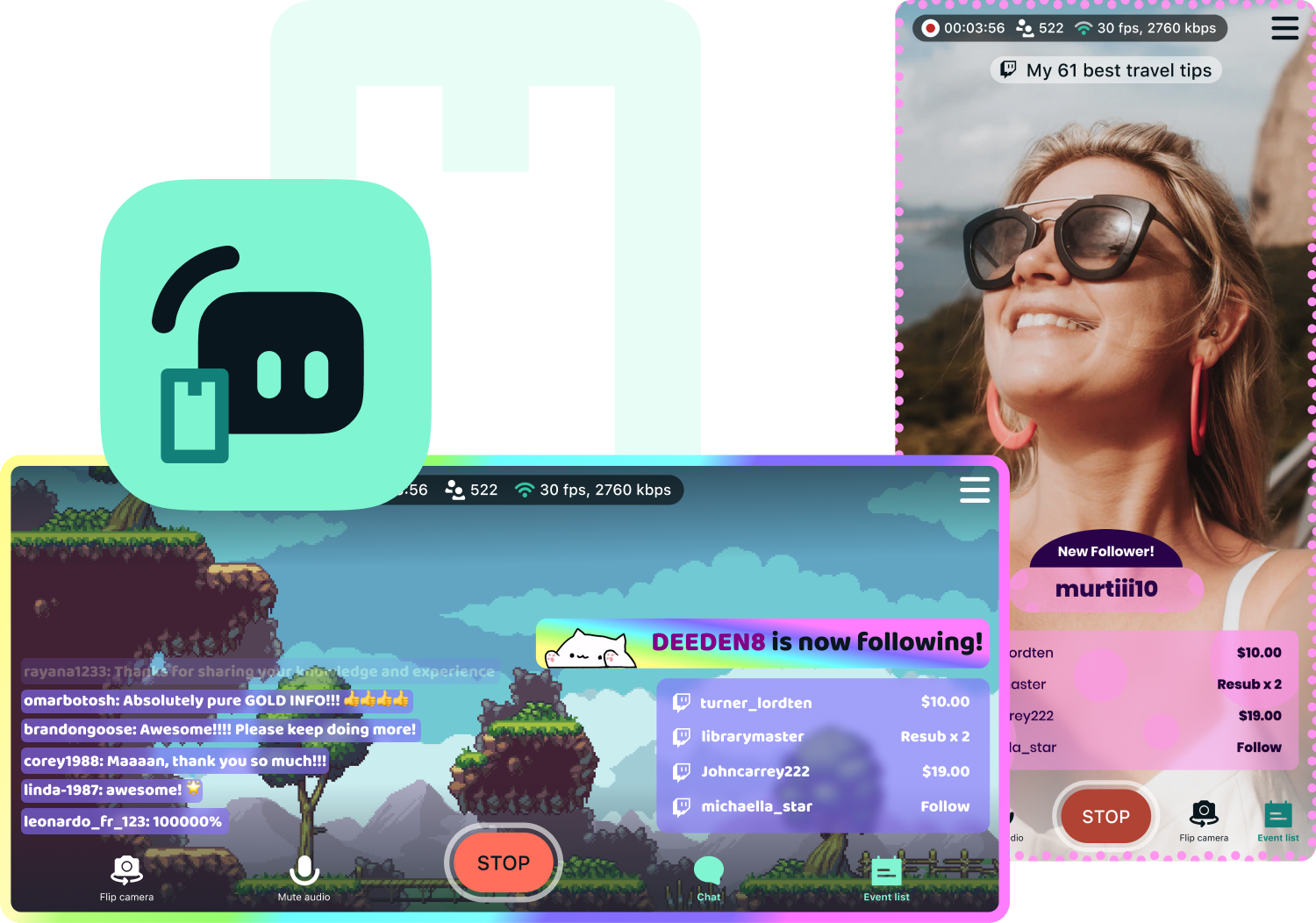
Yes, the Streamlabs Mobile app for iOS and Android lets you go live on X directly from your phone without needing a desktop setup.
Please contact support at this link.