

The easiest way to stream to X
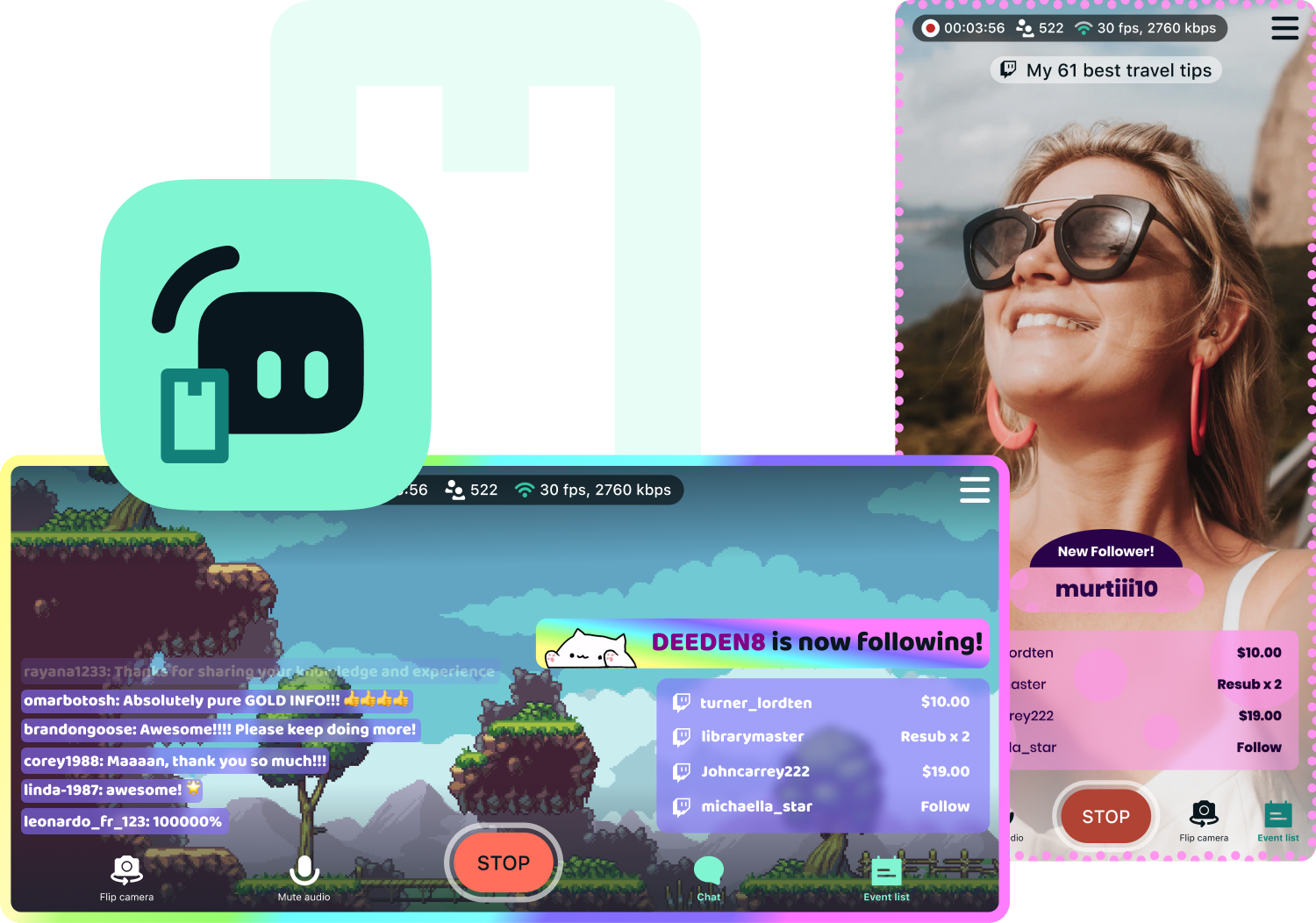
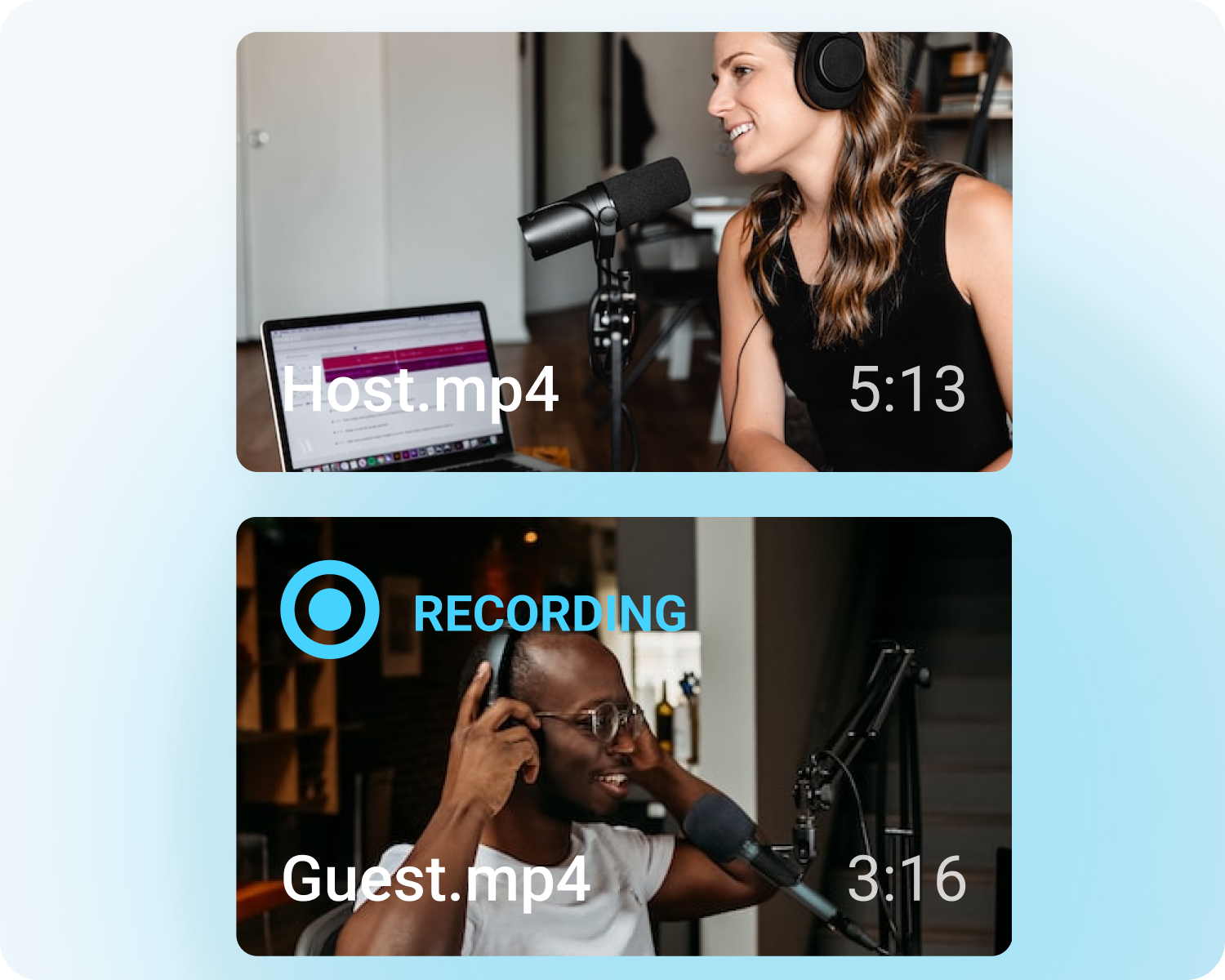
Stream to X (formerly Twitter) from Streamlabs Desktop, Plugin for OBS, from your phone with Mobile, or your browser with Talk Studio.

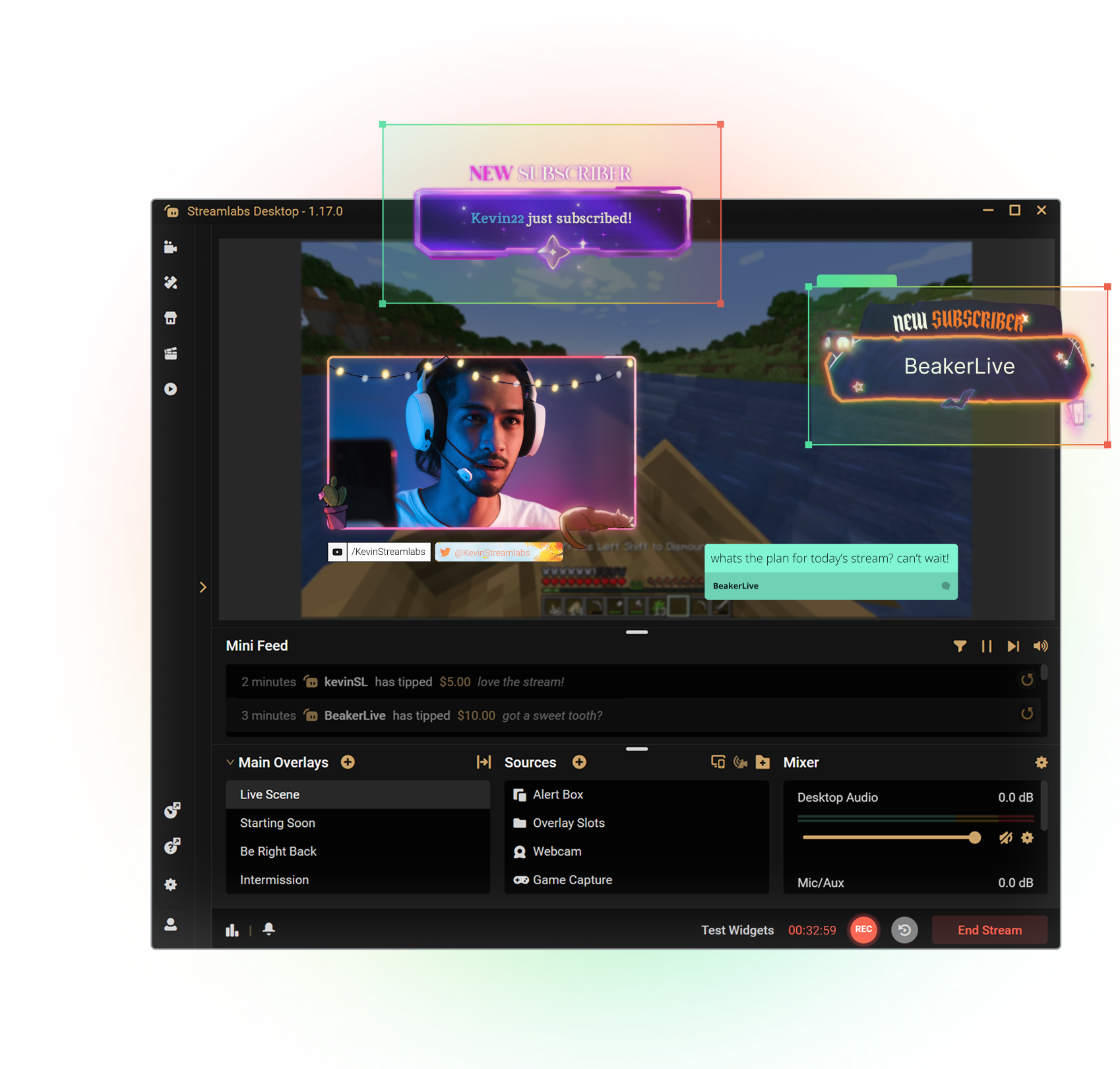



Customize your stream with overlays
Transform your stream with X-specific curated overlays and themes to match your personal brand.
The perks of streaming to X with Streamlabs
From alerts, to overlays and exciting new tools like Highlighter, we have unique features to level up your X stream.

One-click Login
No stream key needed.
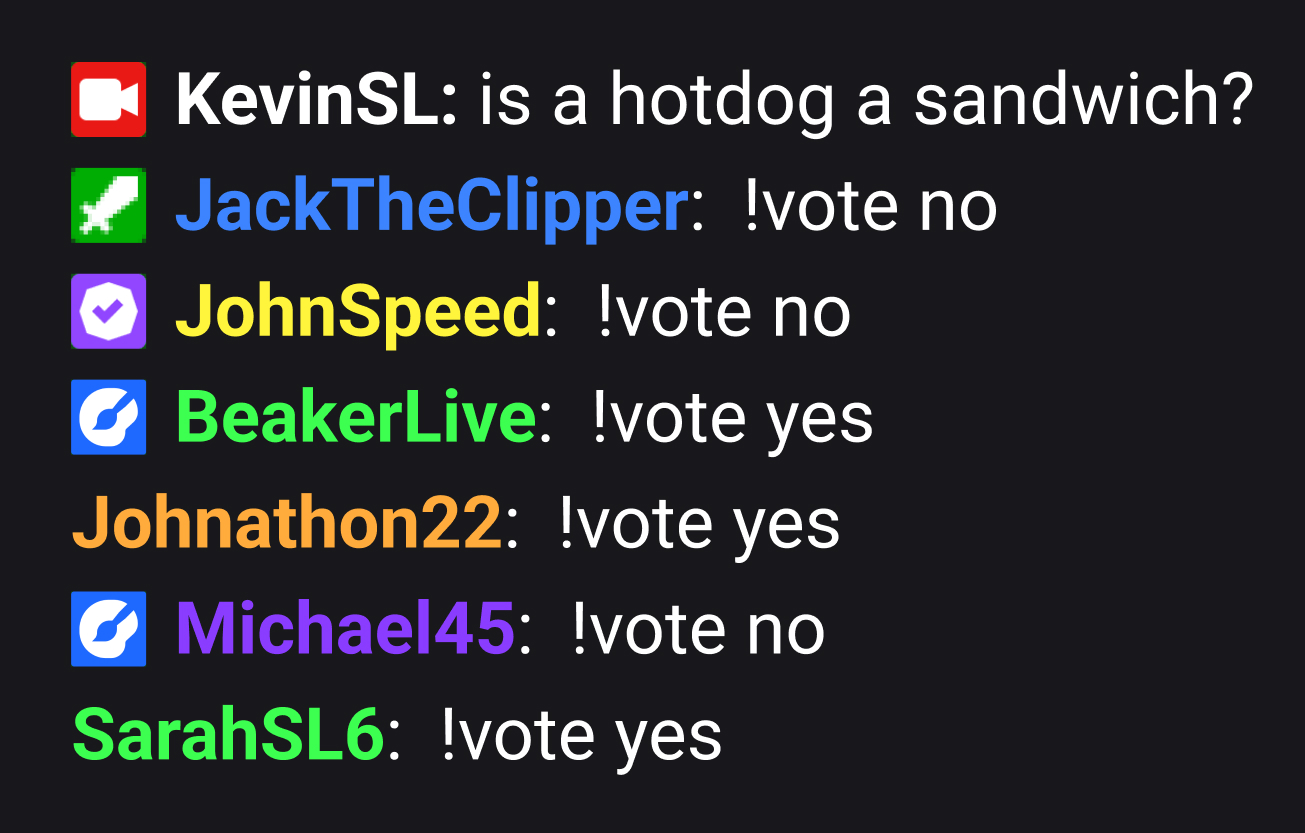
Embedded chat
Monitor and moderate chat directly in Streamlabs Desktop, Plugin or Talk Studio.
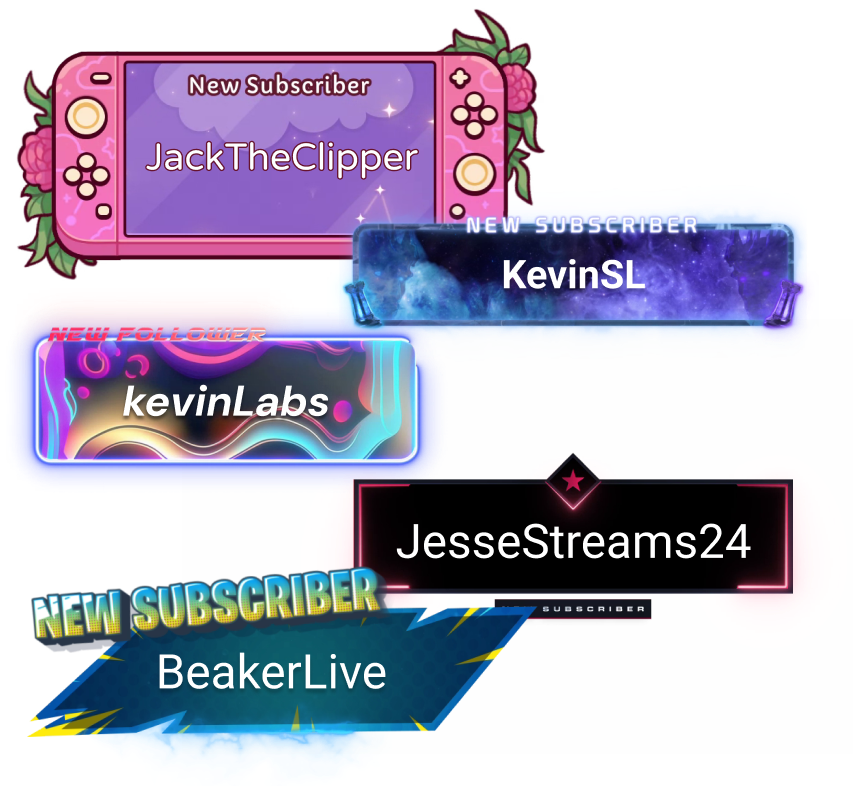
Alerts & Widgets
Customize and add alerts to catch real-time engagement from your viewers.
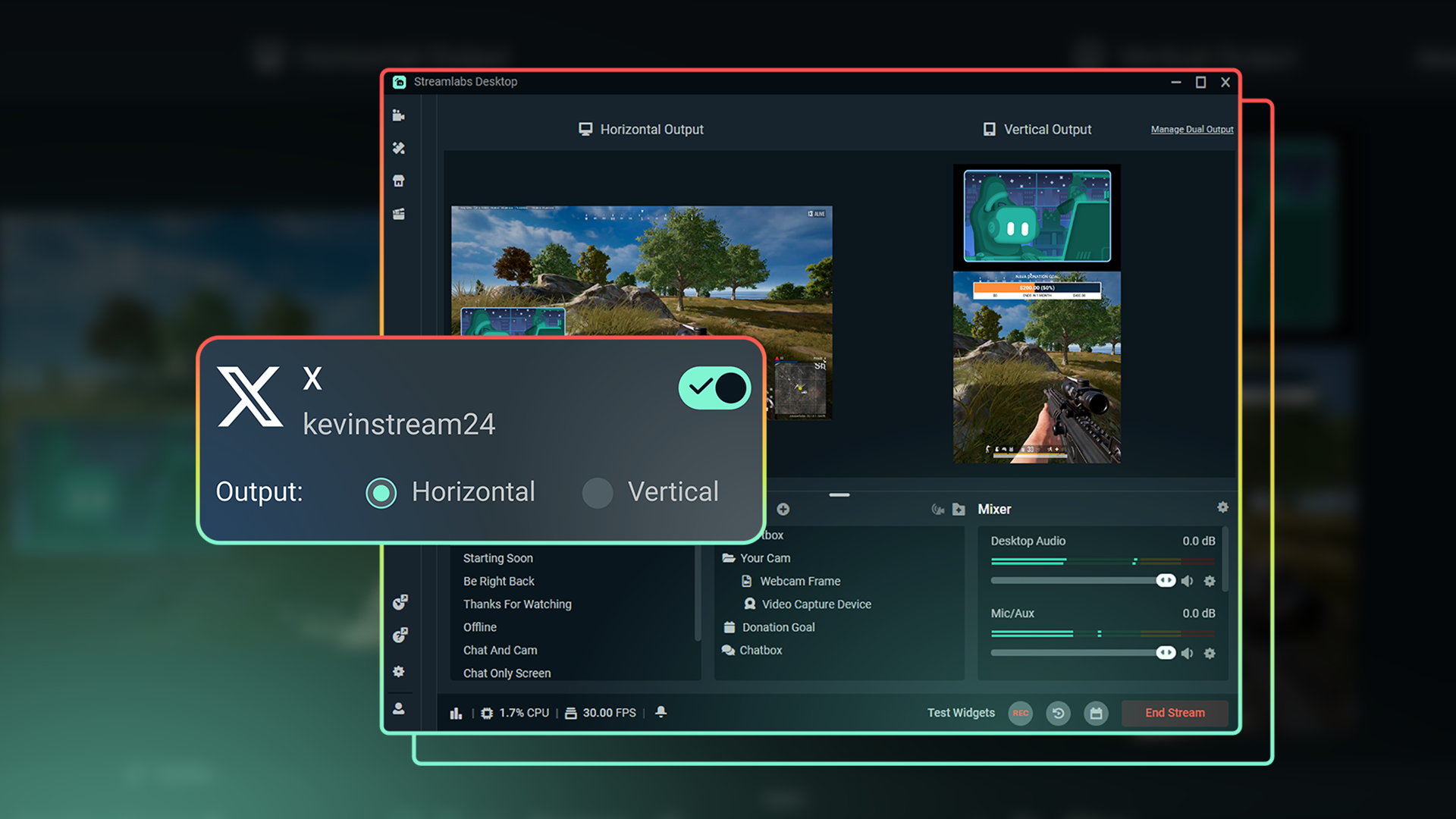
Dual Output
Optimize layouts for both horizontal and vertical streaming.
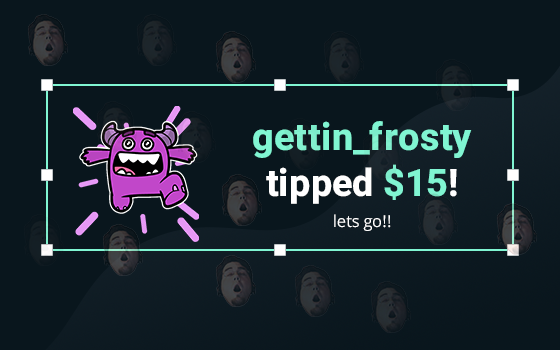
Tipping
Monetize your stream with a custom tip page and integrated alerts so your viewers can support you.
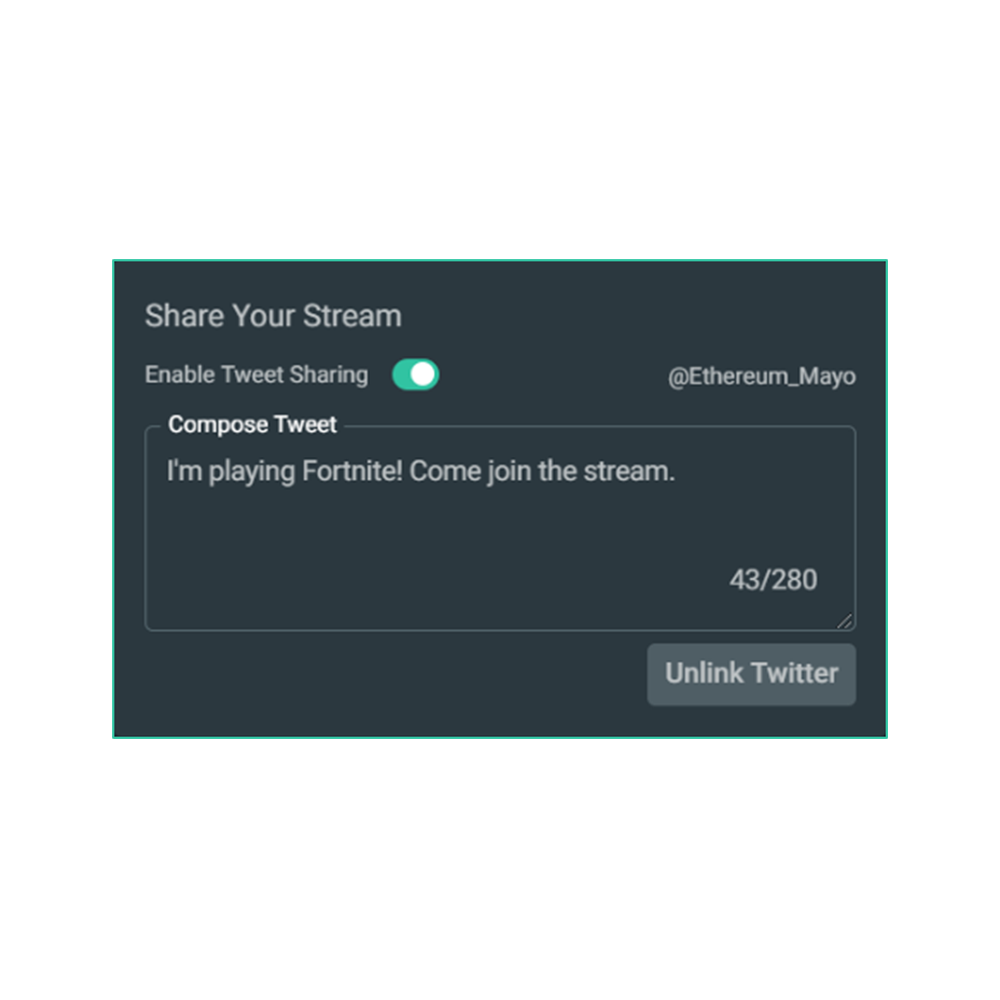
Share your stream on X
Easily promote your stream by posting directly to X in the Go Live window.
Multistream to expand your reach
Reach audiences on X and beyond by multistreaming to more than one platform with Streamlabs Ultra.
Explore even more innovative tools
These features give you even more power to be a gamechanger in the streaming space, while saving you time and effort.
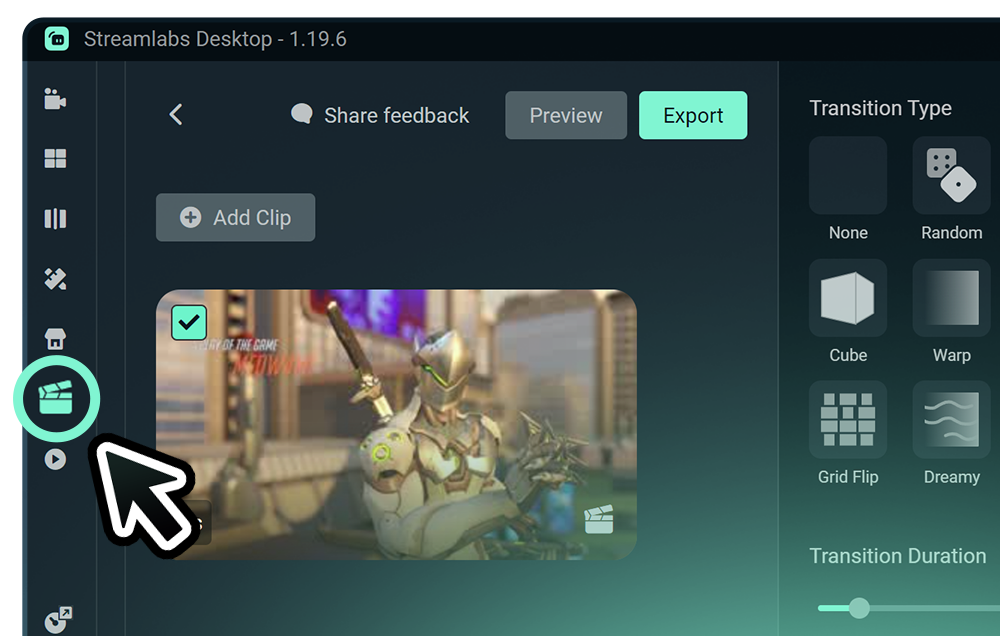
Highlighter
Get automatic clips of your best streaming moments without having to scrub through hours of footage.
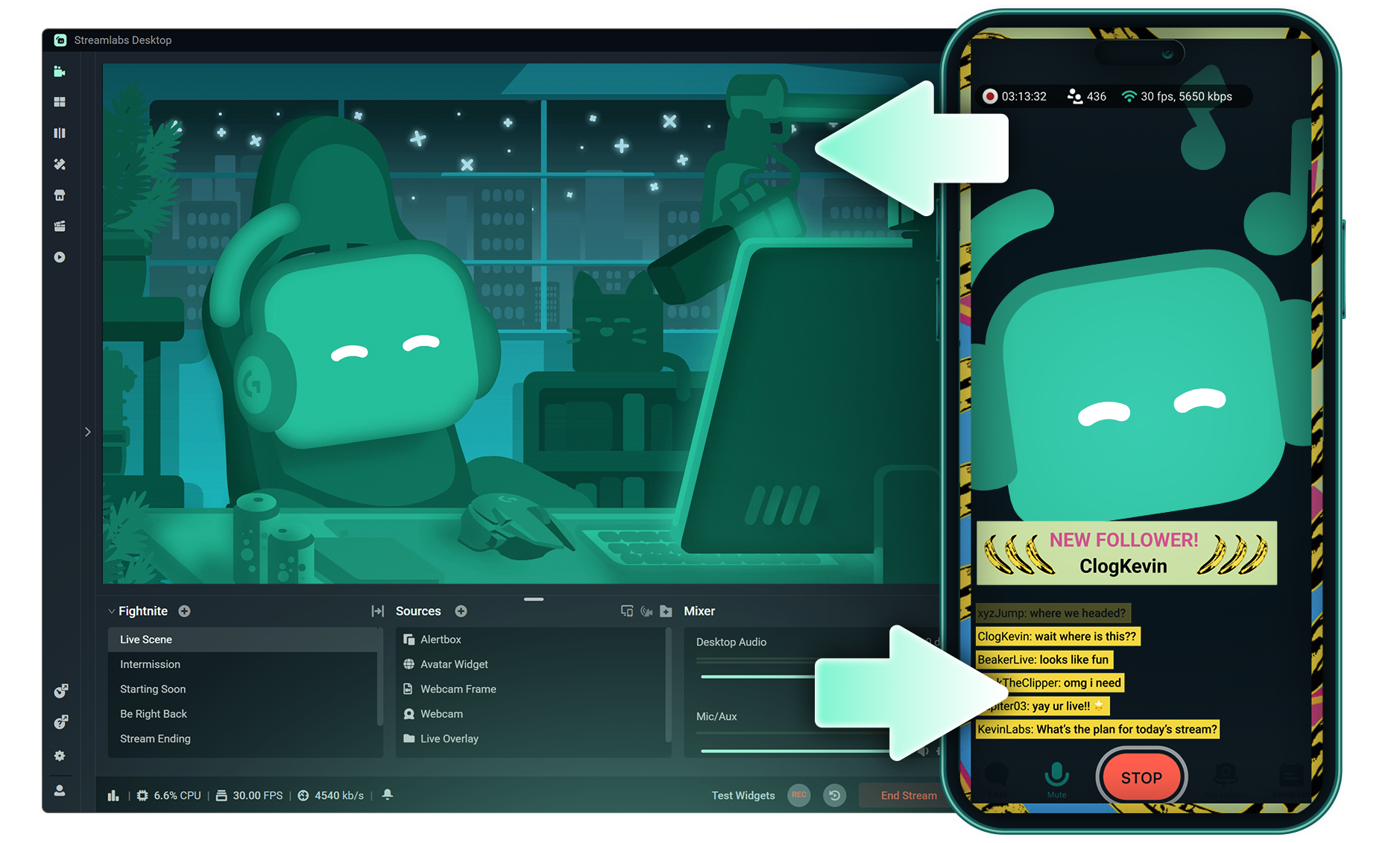
Stream Shift
Switch from streaming on PC to Mobile without any interruptions to your stream.
.png)
Reactive Overlays
Add overlays that react to your gameplay in real-time, adding excitement with every win, streak or kill,
Frequently asked questions
You can get started streaming to X in minutes by opening your preferred software, Desktop, Plugin for OBS, our Mobile App, or Talk Studio, and following the instructions in our Quick Start Guide.
Streamlabs Ultra è una suite di funzionalità professionali pensata per i creator, che offre una vasta gamma di vantaggi, tra cui il multistream, l’accesso all’intera libreria con migliaia di sovrapposizioni e temi per widget, limiti più elevati sulle funzionalità di produzione basate sull’IA tramite l’Intelligent Streaming Agent, l’editing dei clip senza filigrana, i margini di profitto più alti su Streamlabs Merch, l’accesso immediato allo stato All Star Gold per ulteriori partecipazioni ai giveaway e sconti sull’hardware Logitech G, e molto altro ancora.
Con Ultra, avrai accesso alle funzionalità premium di Streamlabs Desktop, Mobile, Console, Talk Studio Pro, Cross Clip Pro, Video Editor Pro, Podcast Editor Pro e Web Suite in un unico e semplice piano.
Con Ultra Plus, avrai accesso all'intera offerta del piano Ultra, ma con dei limiti aggiuntivi per l’Intelligent Streaming Agent, un referente Streamlabs dedicato, una chiamata di supporto all’installazione e due chiamate all’anno con i nostri esperti di streaming per valutare i risultati.
Scopri qui tutti i vantaggi di Ultra e Ultra Plus.
You can use Streamlabs Desktop, Plugin for OBS, Mobile, or Talk Studio to stream and multistream directly to X. Choose the platform that best fits your streaming setup and workflow.
Mentre gli strumenti tradizionali di multistreaming fanno in modo che il tuo computer codifichi e carichi una versione separata del tuo streaming per ogni piattaforma su cui vai in diretta, questo porta a un uso intenso della CPU e della GPU, oltre a richiedere una maggiore larghezza di banda in upload, aumentando la possibilità di cali di qualità dello streaming o di crash.
Streamlabs usa un sistema di multistreaming basato su cloud, quindi ti basta inviare un solo streaming (o due se hai attivato Dual Output: uno verticale e uno orizzontale) a Streamlabs e i nostri server penseranno al resto.
Con Streamlabs, hai anche l’integrazione della chat, così puoi leggere i tuoi messaggi su tutti gli streaming in un unico posto.
Per saperne di più, dai un’occhiata al nostro post che spiega cosa rende speciale Streamlabs Multistream.
No, all you need to do to connect your account is open your preferred Streamlabs tool (Desktop, Plugin for OBS, Mobile, or Talk Studio) and then authorize Streamlabs to connect your X account.
Streamlabs offers four options depending on your setup: Streamlabs Desktop to access the entire suite of features from Reactive Overlays, to Dual Output and more, the Streamlabs Plugin for OBS if you already use OBS Studio, the Streamlabs Mobile app for iOS and Android phones, and Talk Studio for browser-based streaming with no download required.
Streamlabs Multistream è una funzionalità di Ultra. Se vuoi fare multistreaming gratis, puoi trasmettere in diretta su una destinazione verticale e una orizzontale allo stesso tempo con Dual Output, senza bisogno di abbonamento.
Yes, Streamlabs Highlighter uses automated clipping to identify and clip shareable moments from your stream recordings, so you can repurpose X live content into short clips without manually scrubbing through footage.
Yes, the Streamlabs Mobile app for iOS and Android lets you go live on X directly from your phone without needing a desktop setup.
Please contact support at this link.