

The easiest way to stream to X
Stream to X (formerly Twitter) from Streamlabs Desktop, Plugin for OBS, from your phone with Mobile, or your browser with Talk Studio.

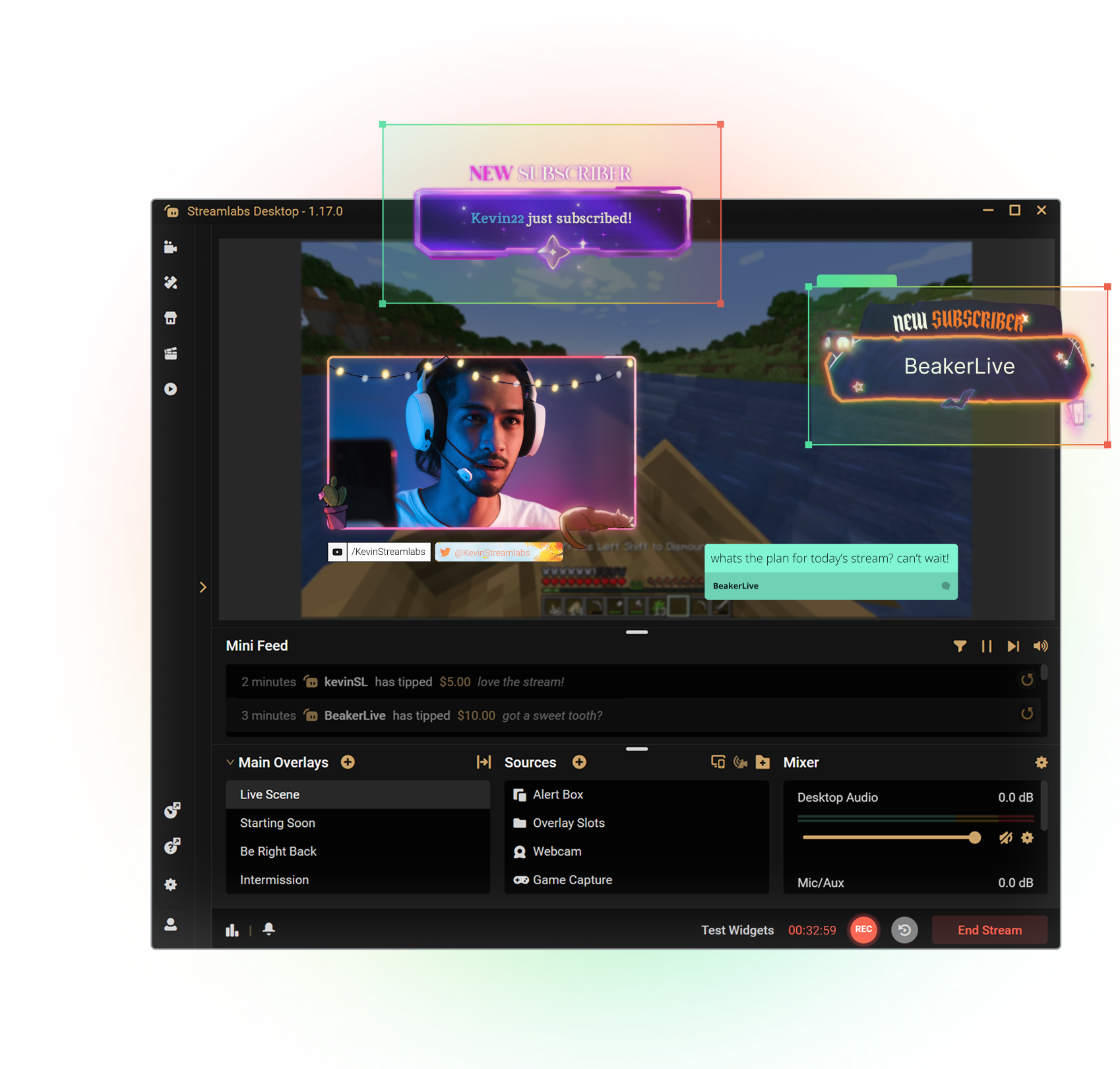



Customize your stream with overlays
Transform your stream with X-specific curated overlays and themes to match your personal brand.
The perks of streaming to X with Streamlabs
From alerts, to overlays and exciting new tools like Highlighter, we have unique features to level up your X stream.

One-click Login
No stream key needed.
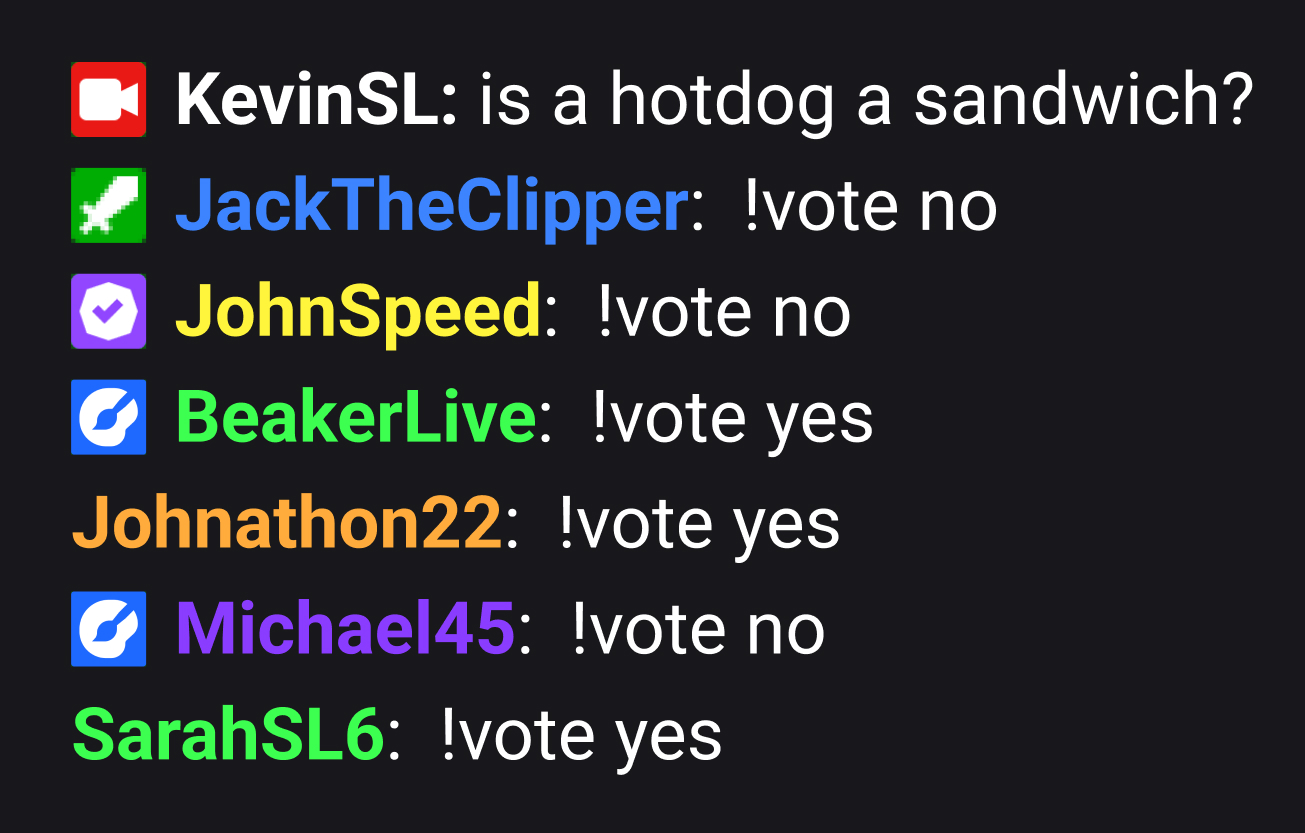
Embedded chat
Monitor and moderate chat directly in Streamlabs Desktop, Plugin or Talk Studio.
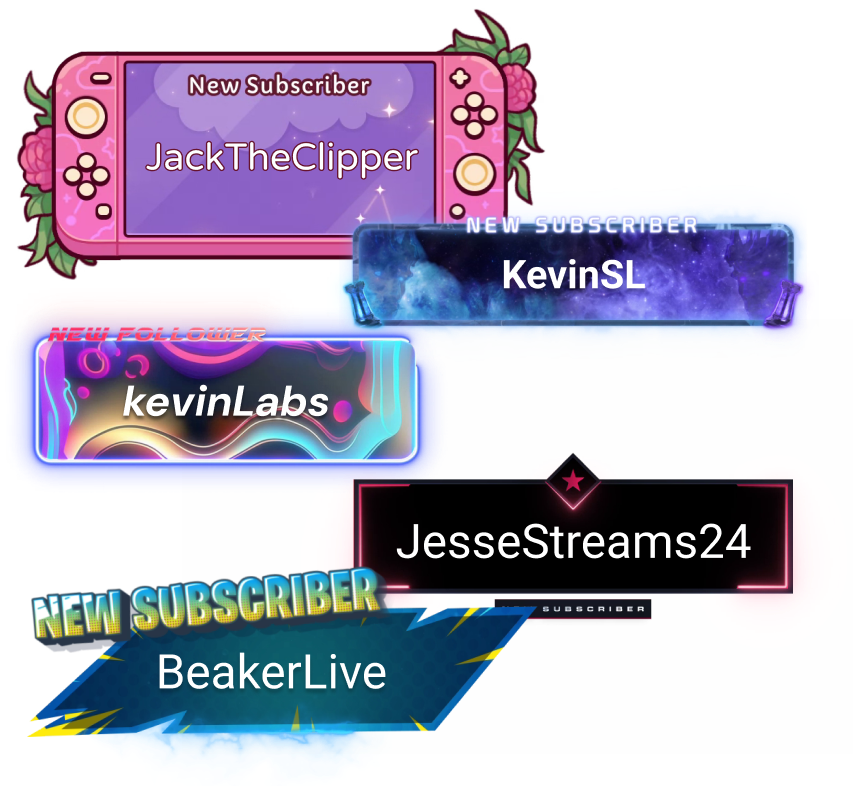
Alerts & Widgets
Customize and add alerts to catch real-time engagement from your viewers.
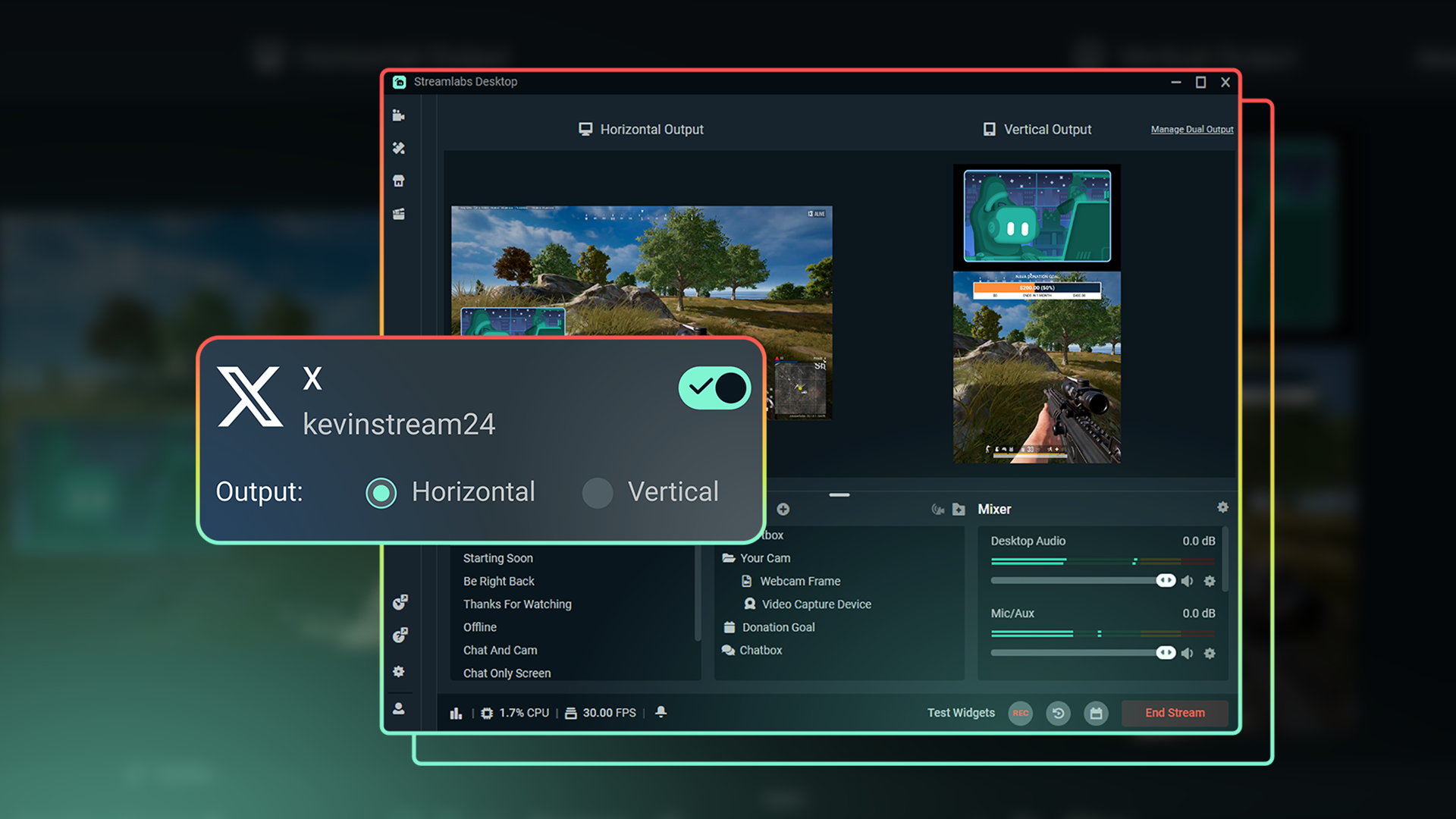
Dual Output
Optimize layouts for both horizontal and vertical streaming.
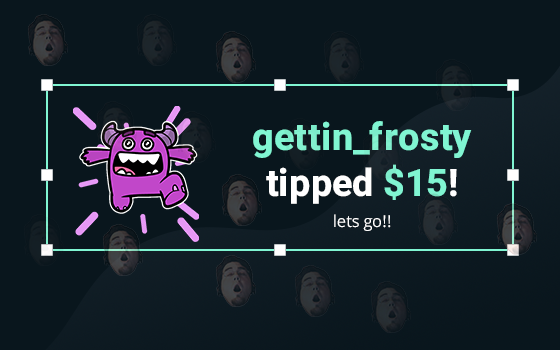
Tipping
Monetize your stream with a custom tip page and integrated alerts so your viewers can support you.
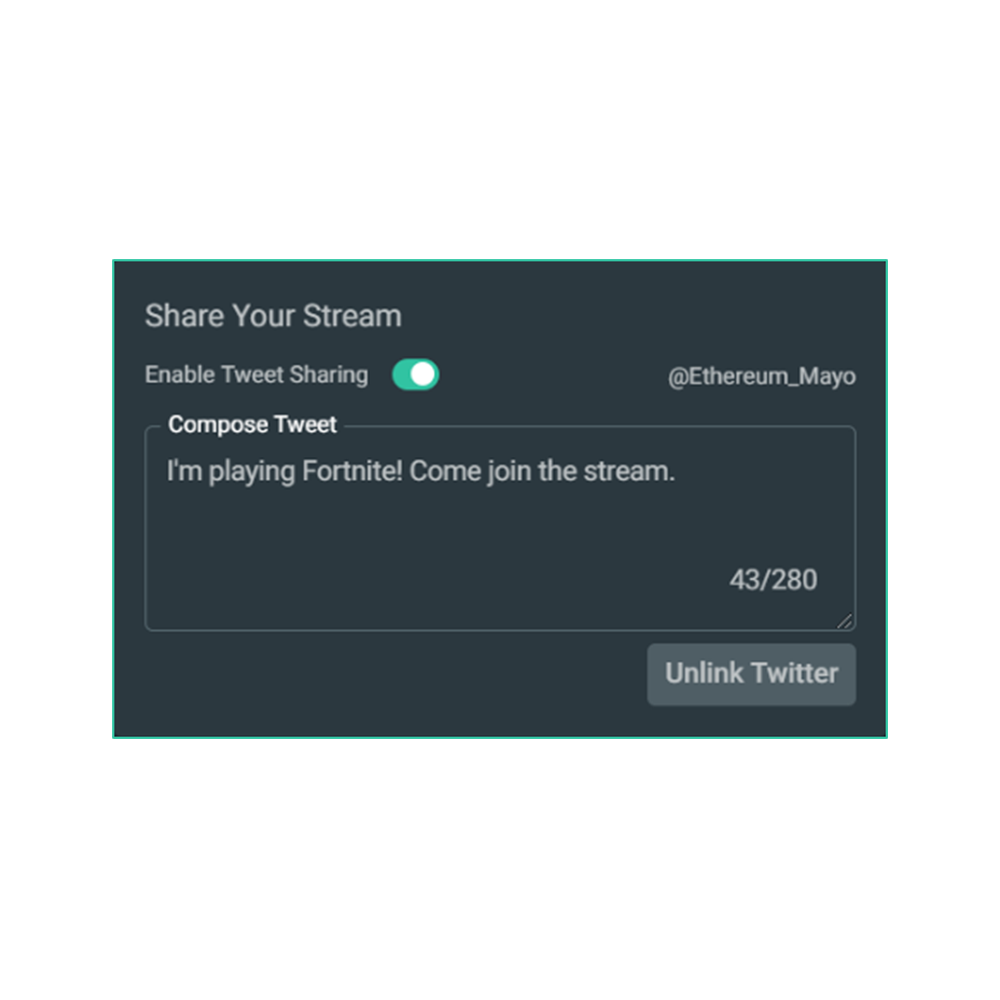
Share your stream on X
Easily promote your stream by posting directly to X in the Go Live window.
Multistream to expand your reach
Reach audiences on X and beyond by multistreaming to more than one platform with Streamlabs Ultra.
Explore even more innovative tools
These features give you even more power to be a gamechanger in the streaming space, while saving you time and effort.
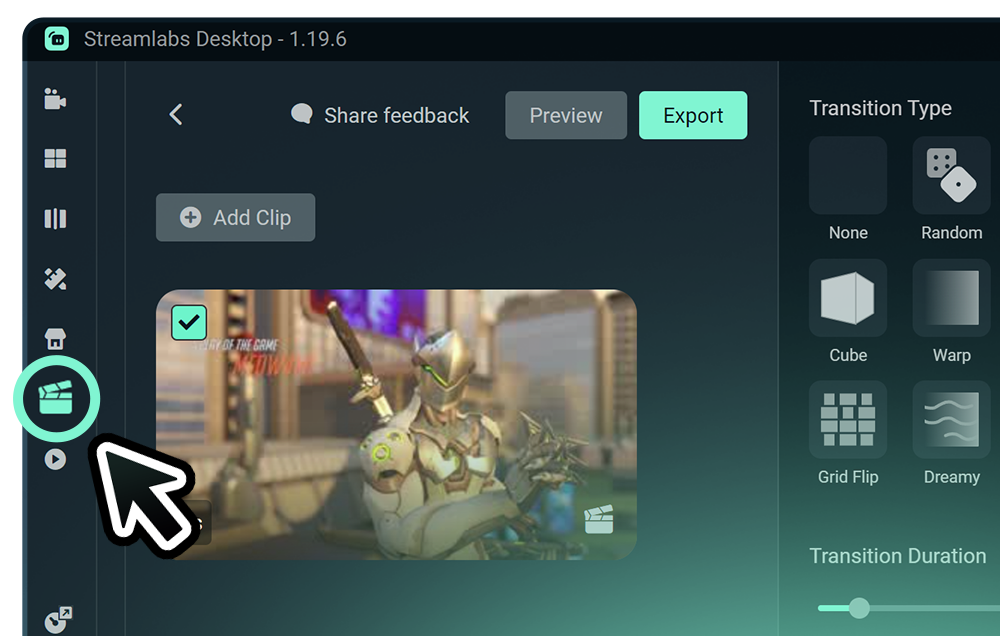
Highlighter
Get automatic clips of your best streaming moments without having to scrub through hours of footage.
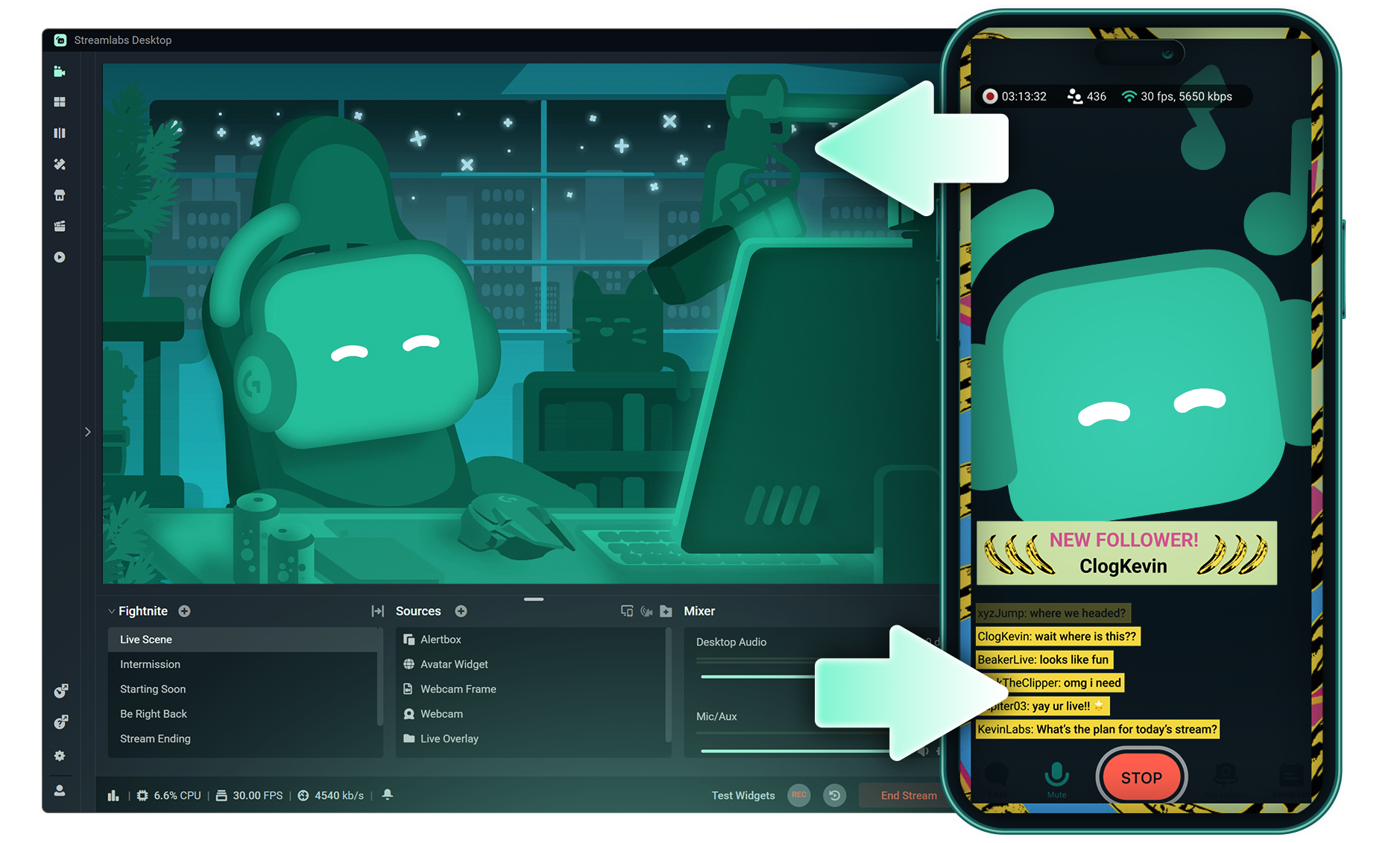
Stream Shift
Switch from streaming on PC to Mobile without any interruptions to your stream.
.png)
Reactive Overlays
Add overlays that react to your gameplay in real-time, adding excitement with every win, streak or kill,
Frequently asked questions
You can get started streaming to X in minutes by opening your preferred software, Desktop, Plugin for OBS, our Mobile App, or Talk Studio, and following the instructions in our Quick Start Guide.
Streamlabs Ultra est une suite de fonctionnalités de niveau pro destinée aux créateurs, qui offre de nombreux avantages, notamment le multistreaming, l'accès à la bibliothèque complète comprenant des milliers d’overlays de stream et de thèmes de widgets, des limites plus élevées pour les fonctionnalités de production IA via l'Intelligent Streaming Agent, l'édition de clips sans filigrane, les marges bénéficiaires les plus élevées sur Streamlabs Merch, l'accès instantané au statut Gold All Star pour obtenir des participations supplémentaires aux tirages au sort, des réductions sur le matériel Logitech G, et bien plus encore.
Avec Ultra, tu as accès aux fonctionnalités premium de Streamlabs Desktop, Mobile, Console, Talk Studio Pro, Cross Clip Pro, Video Editor Pro, Podcast Editor Pro et Web Suite, le tout avec un seul abonnement.
Avec Ultra Plus, tu bénéficies de toutes les fonctionnalités incluses dans Ultra, ainsi que de limites supplémentaires pour l'Intelligent Streaming Agent, d'un interlocuteur Streamlabs dédié, d'un appel de configuration et de deux appels de suivi par an avec nos experts en streaming.
En savoir plus sur tous les avantages des abonnements Ultra et Ultra Plus ici.
You can use Streamlabs Desktop, Plugin for OBS, Mobile, or Talk Studio to stream and multistream directly to X. Choose the platform that best fits your streaming setup and workflow.
Avec les outils de multistreaming classiques, ton ordinateur encode et télécharge une version différente de ton stream pour chaque plateforme sur laquelle tu diffuses en direct. Cela entraîne une utilisation élevée du CPU et du GPU, ainsi que des exigences plus élevées en matière de bande passante de téléchargement, augmentant ainsi le risque de baisse de qualité ou de plantage du stream.
Streamlabs utilise un système de multistreaming basé sur le cloud, ce qui veut dire que tu envoies un seul stream (ou deux si la fonction Dual Output est activée, un vertical et un horizontal) à Streamlabs, et nos serveurs s’occupent du reste.
Avec Streamlabs, tu bénéficies aussi d’une intégration de chat intégrée qui te permet de lire tes messages sur tous les streams depuis un seul endroit.
Pour en savoir plus, consulte notre article sur ce qui rend Streamlabs Multistream unique.
No, all you need to do to connect your account is open your preferred Streamlabs tool (Desktop, Plugin for OBS, Mobile, or Talk Studio) and then authorize Streamlabs to connect your X account.
Streamlabs offers four options depending on your setup: Streamlabs Desktop to access the entire suite of features from Reactive Overlays, to Dual Output and more, the Streamlabs Plugin for OBS if you already use OBS Studio, the Streamlabs Mobile app for iOS and Android phones, and Talk Studio for browser-based streaming with no download required.
Le multistreaming Streamlabs est une fonctionnalité Ultra. Si tu veux faire du multistreaming gratuitement, tu peux diffuser en direct vers une destination verticale et une destination horizontale en même temps avec Dual Ouput sans avoir besoin de t’abonner.
Yes, Streamlabs Highlighter uses automated clipping to identify and clip shareable moments from your stream recordings, so you can repurpose X live content into short clips without manually scrubbing through footage.
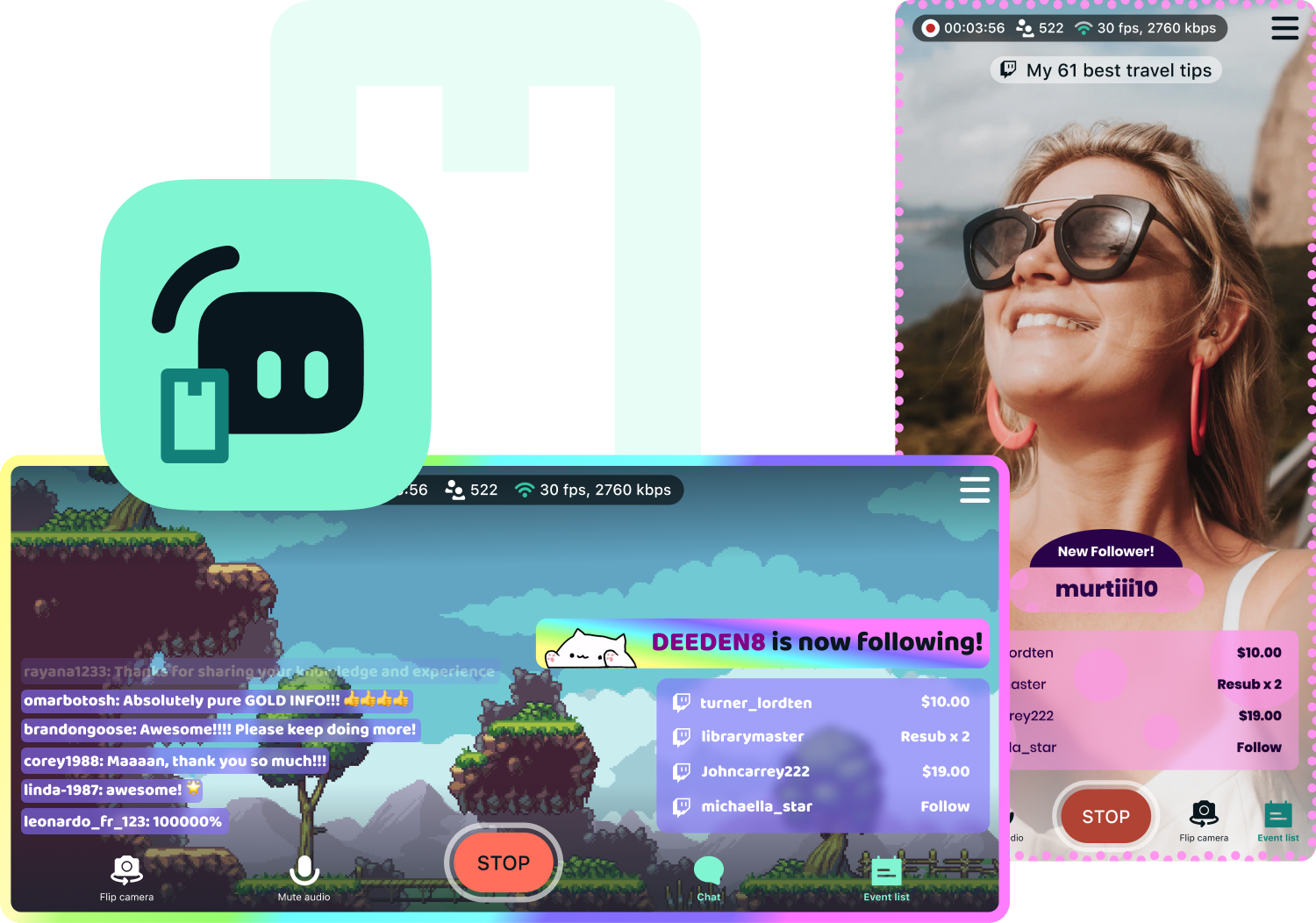
Yes, the Streamlabs Mobile app for iOS and Android lets you go live on X directly from your phone without needing a desktop setup.
Please contact support at this link.