

The easiest way to stream to X
Stream to X (formerly Twitter) from Streamlabs Desktop, Plugin for OBS, from your phone with Mobile, or your browser with Talk Studio.

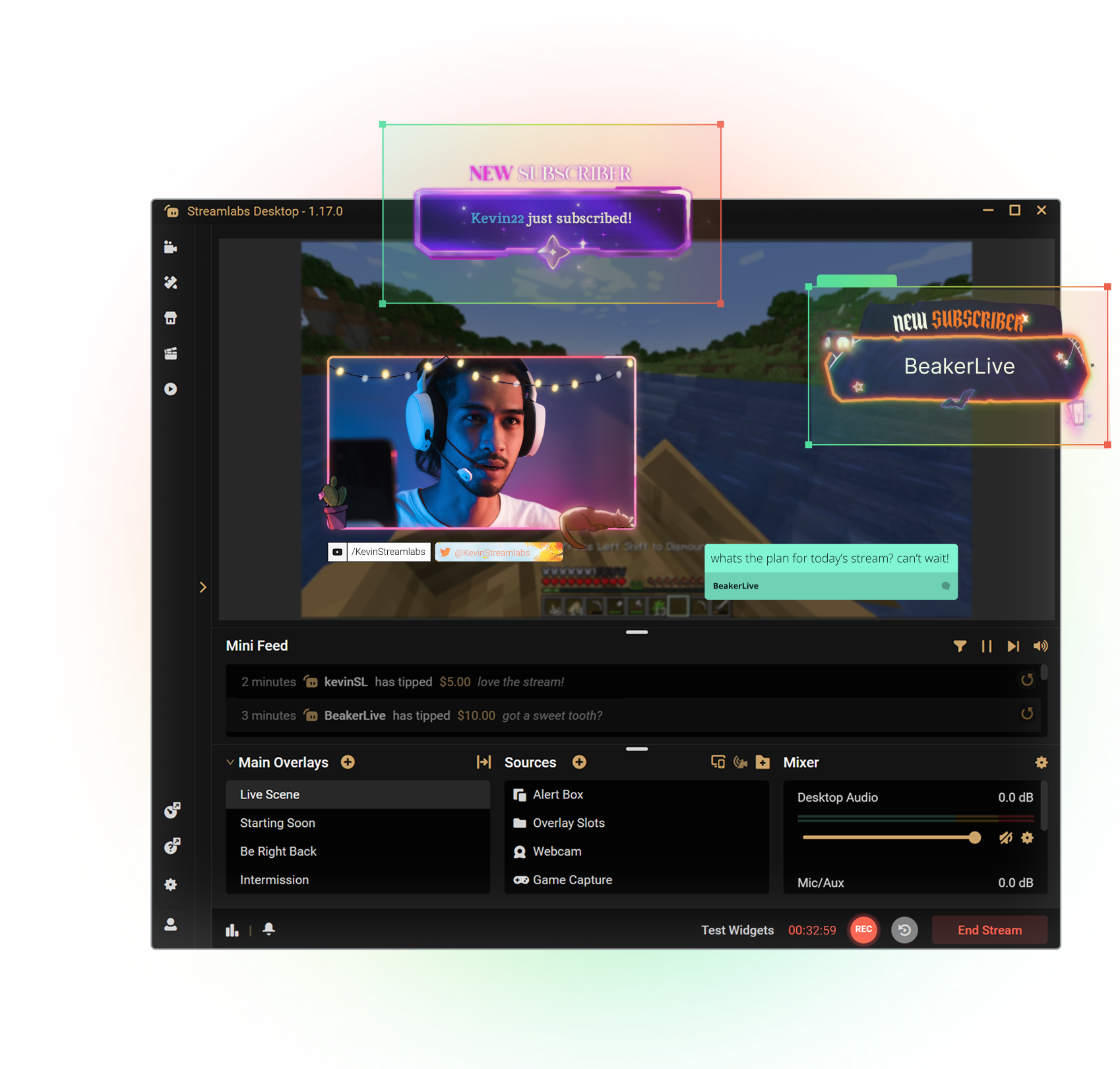

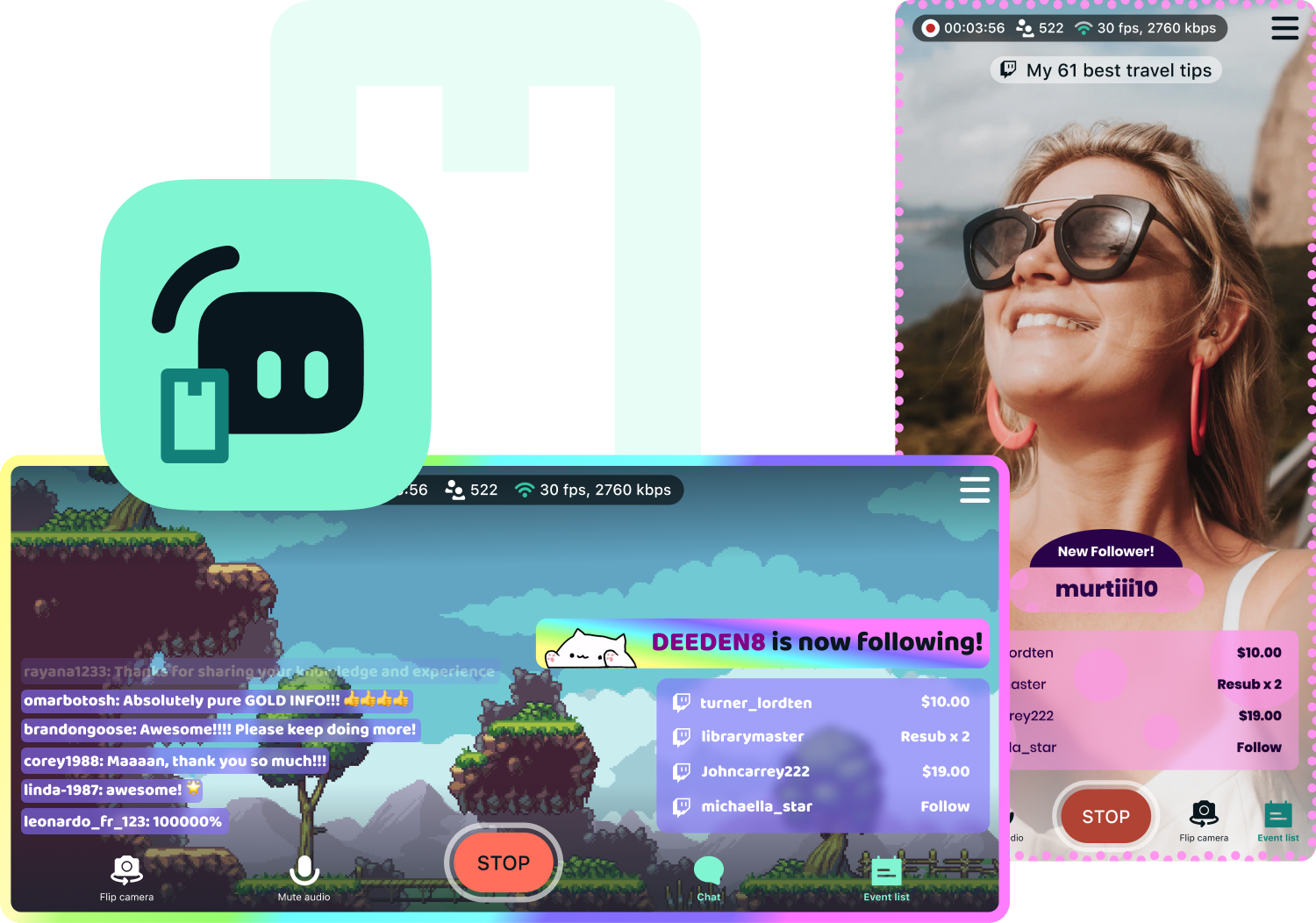
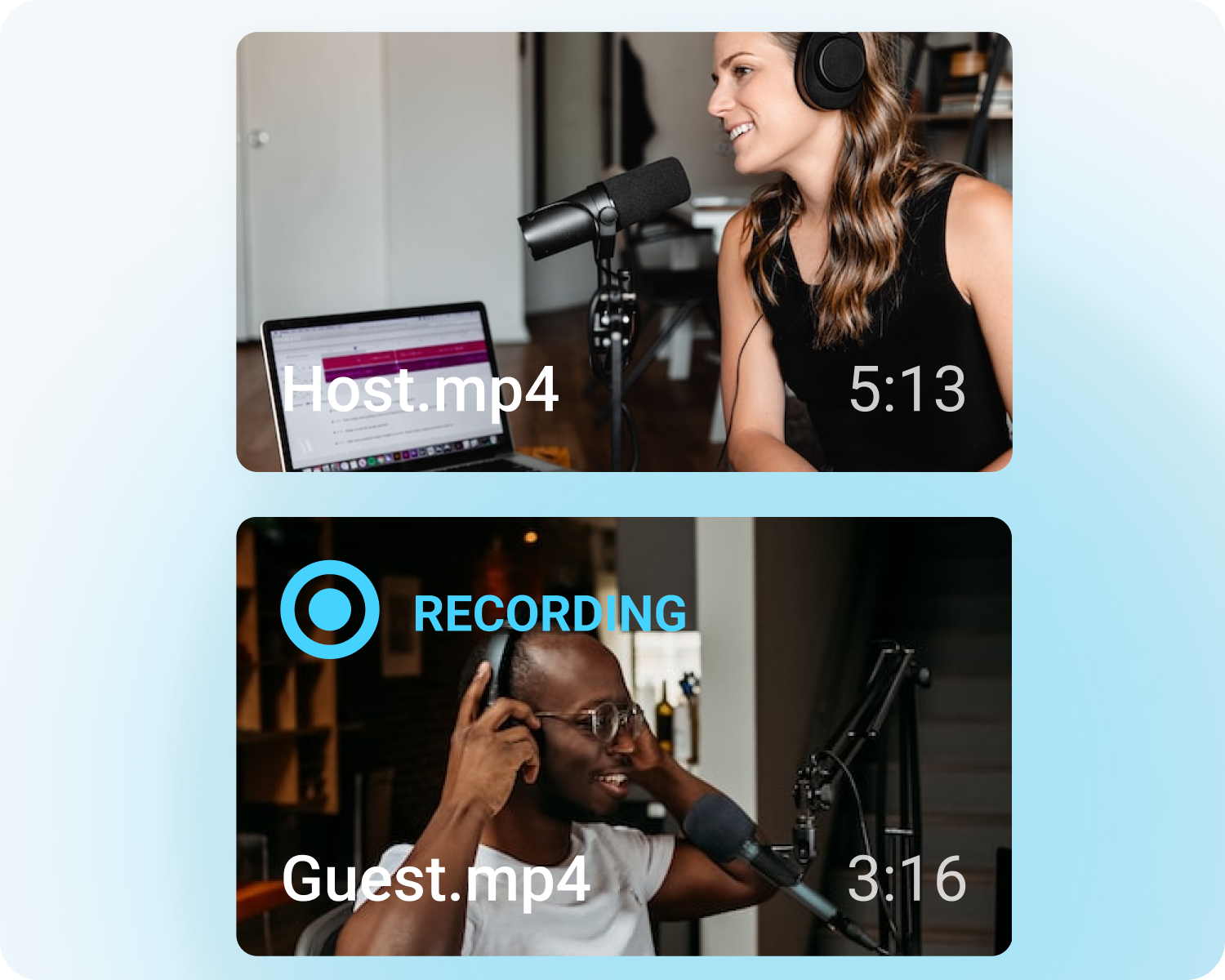


Customize your stream with overlays
Transform your stream with X-specific curated overlays and themes to match your personal brand.
The perks of streaming to X with Streamlabs
From alerts, to overlays and exciting new tools like Highlighter, we have unique features to level up your X stream.

One-click Login
No stream key needed.
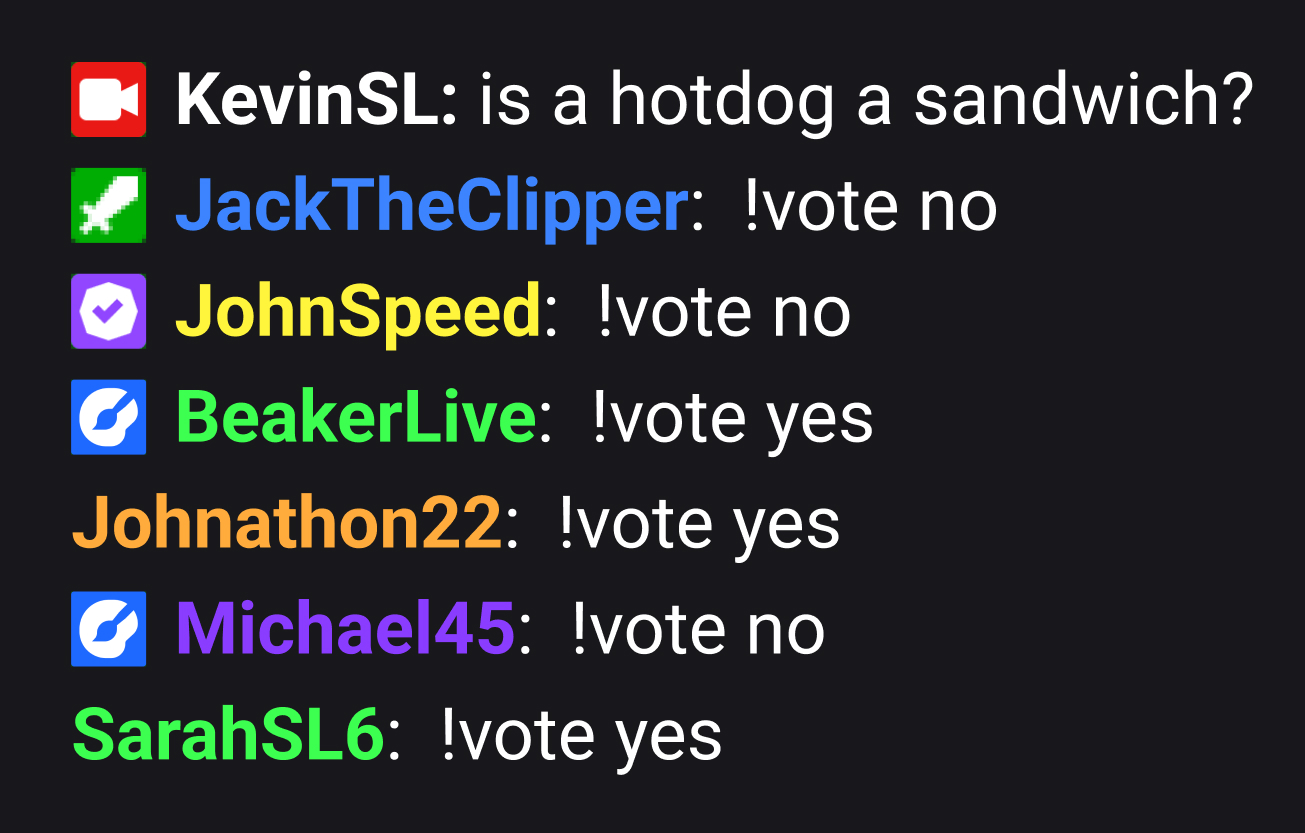
Embedded chat
Monitor and moderate chat directly in Streamlabs Desktop, Plugin or Talk Studio.
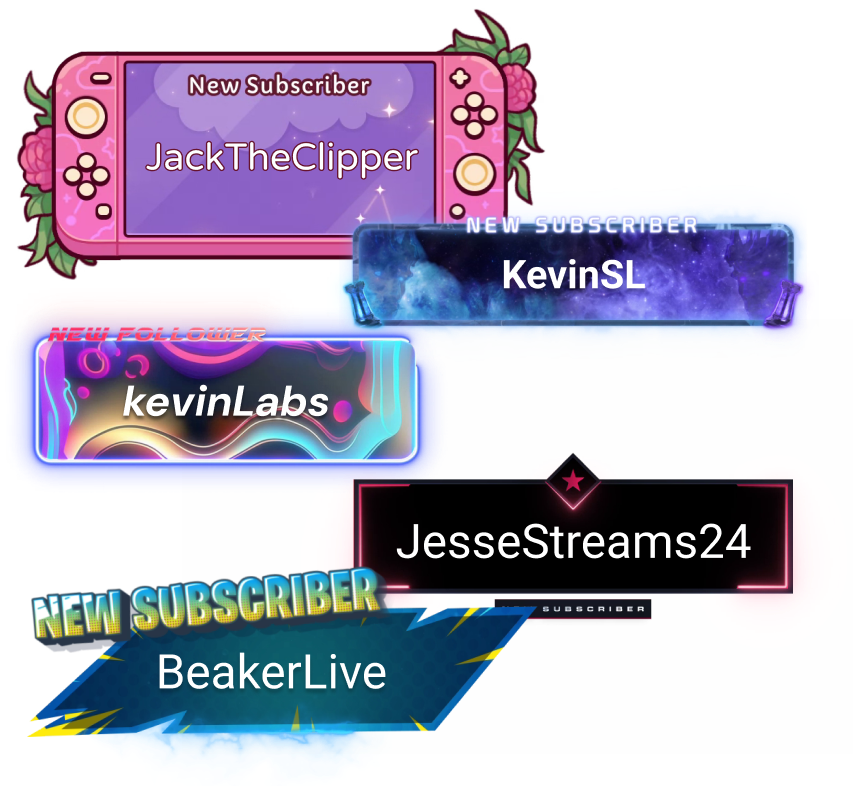
Alerts & Widgets
Customize and add alerts to catch real-time engagement from your viewers.
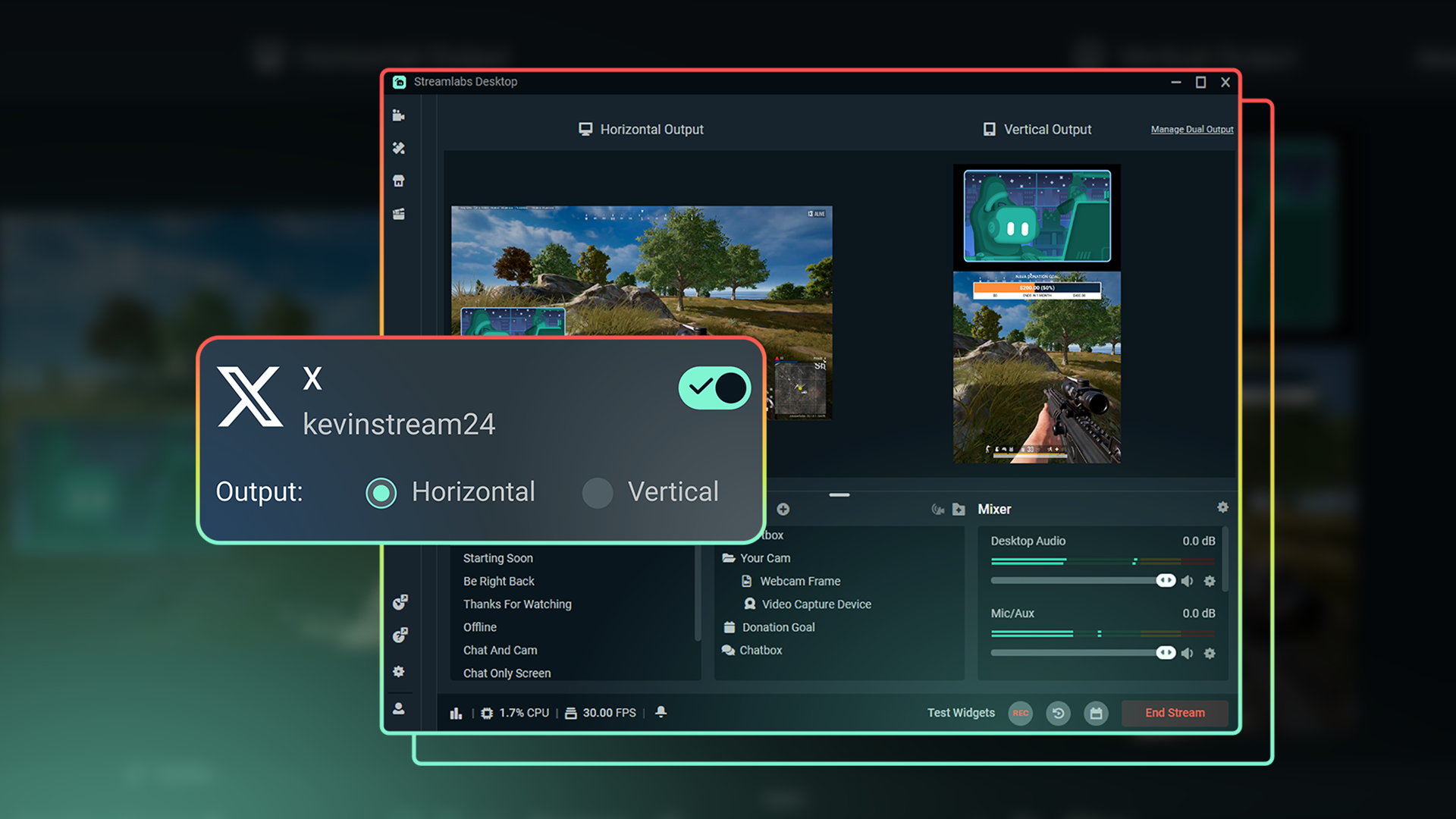
Dual Output
Optimize layouts for both horizontal and vertical streaming.
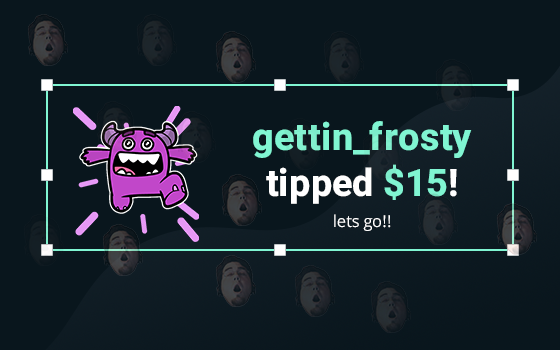
Tipping
Monetize your stream with a custom tip page and integrated alerts so your viewers can support you.
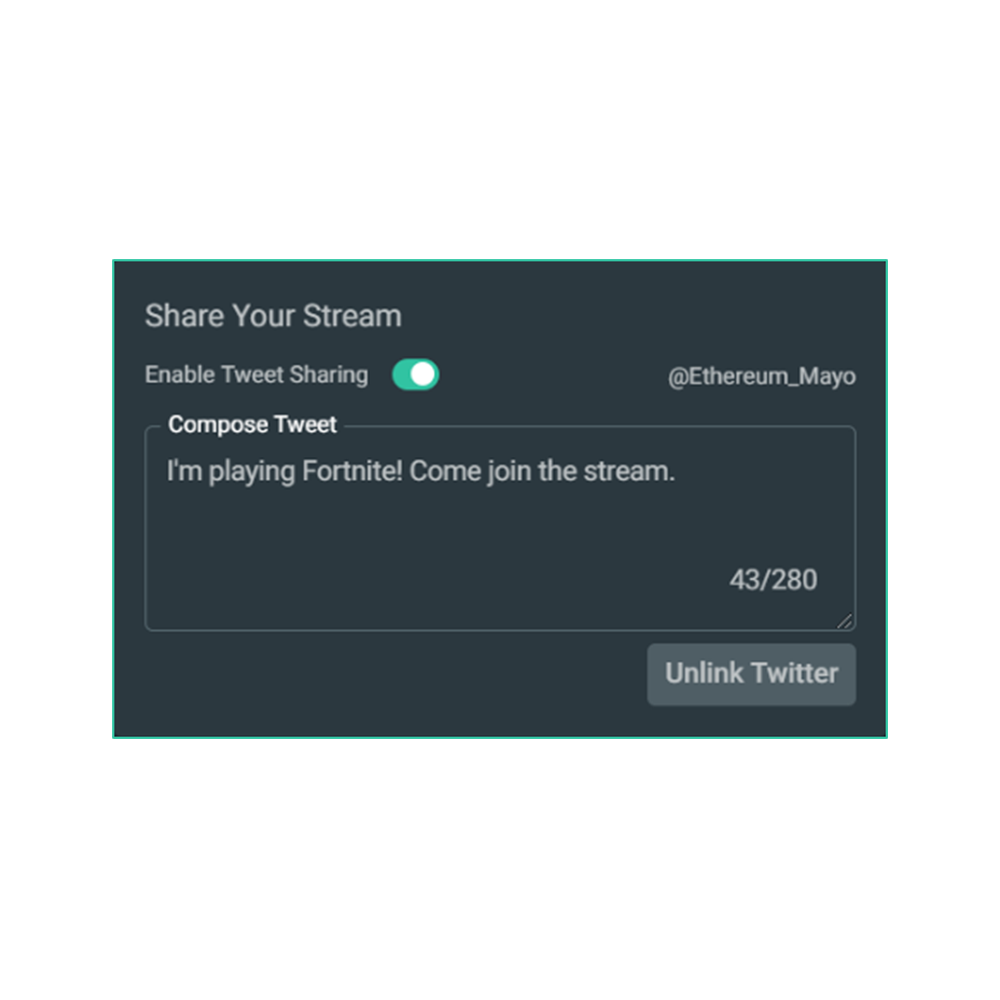
Share your stream on X
Easily promote your stream by posting directly to X in the Go Live window.
Multistream to expand your reach
Reach audiences on X and beyond by multistreaming to more than one platform with Streamlabs Ultra.
Explore even more innovative tools
These features give you even more power to be a gamechanger in the streaming space, while saving you time and effort.
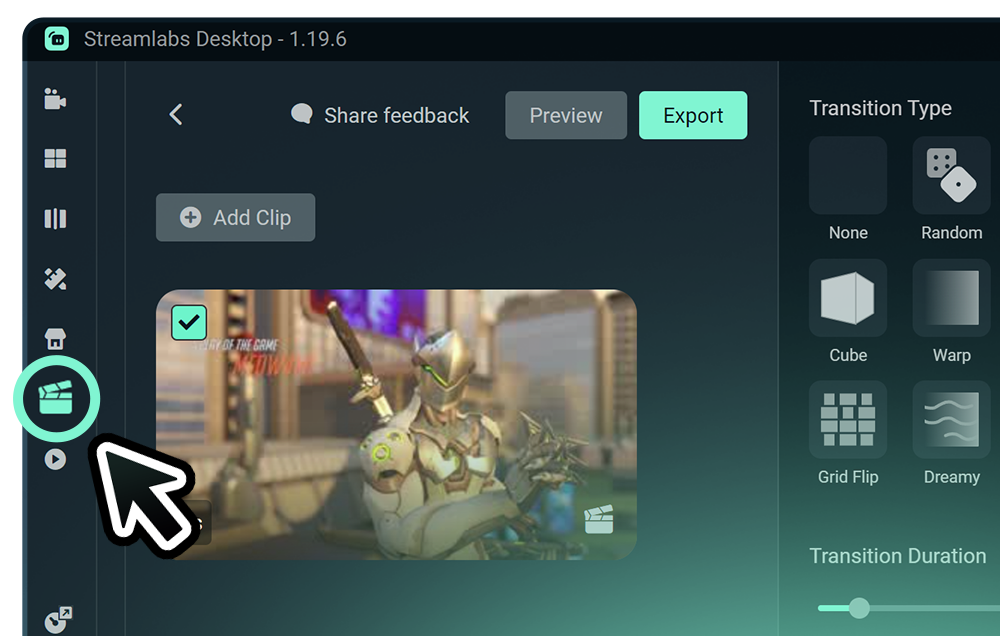
Highlighter
Get automatic clips of your best streaming moments without having to scrub through hours of footage.
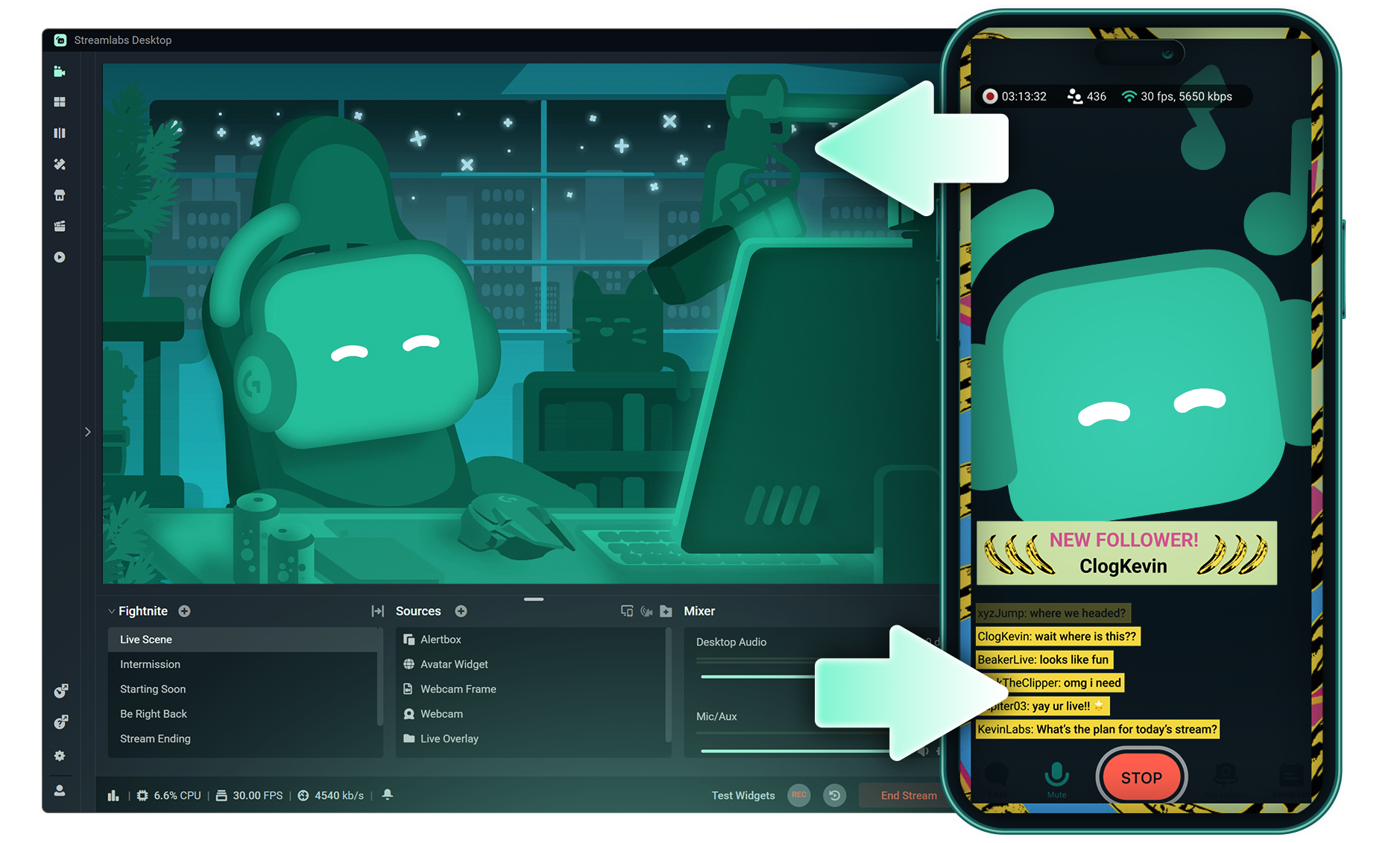
Stream Shift
Switch from streaming on PC to Mobile without any interruptions to your stream.
.png)
Reactive Overlays
Add overlays that react to your gameplay in real-time, adding excitement with every win, streak or kill,
Frequently asked questions
You can get started streaming to X in minutes by opening your preferred software, Desktop, Plugin for OBS, our Mobile App, or Talk Studio, and following the instructions in our Quick Start Guide.
Streamlabs Ultra to pakiet profesjonalnych funkcji dla twórców, oferujący szeroki wachlarz korzyści, w tym możliwość prowadzenia wielu transmisji jednocześnie, dostęp do pełnej biblioteki zawierającej tysiące nakładek na transmisje i motywów widżetów, wyższe limity funkcji produkcyjnych opartych na sztucznej inteligencji dzięki Intelligent Streaming Agent, edycję klipów bez znaków wodnych, najwyższe marże zysku w Streamlabs Merch, natychmiastowy dostęp do statusu Gold All Star, który daje dodatkowe szanse w konkursach z nagrodami oraz zniżki na sprzęt Logitech G, a także wiele innych.
Dzięki pakietowi Ultra zyskujesz dostęp do wszystkich funkcji premium aplikacji Streamlabs Desktop, Mobile, Console, Talk Studio Pro, Cross Clip Pro, Video Editor Pro, Podcast Editor Pro oraz Web Suite w ramach jednej, prostej oferty.
W ramach pakietu Ultra Plus zyskujesz dostęp do wszystkich funkcji zawartych w pakiecie Ultra, a dodatkowo: zwiększone limity dla Intelligent Streaming Agent, dedykowaną osobę kontaktową w Streamlabs, rozmowę dotyczącą konfiguracji oraz dwie rozmowy rocznie z naszymi ekspertami ds. przesyłania strumieniowego, poświęcone twoim sukcesom.
Dowiedz się więcej o wszystkich zaletach planów Ultra i Ultra Plus tutaj.
You can use Streamlabs Desktop, Plugin for OBS, Mobile, or Talk Studio to stream and multistream directly to X. Choose the platform that best fits your streaming setup and workflow.
W przypadku tradycyjnych narzędzi do transmisji multistreamingowych komputer szyfruje i przesyła oddzielną wersję streamu dla każdej platformy, na której prowadzisz transmisję na żywo. Powoduje to wysokie zużycie procesora i karty graficznej oraz wzrost wymagań w zakresie przepustowości łącza, co wiąże się z większym prawdopodobieństwem spadku jakości lub przerwania streamu.
W Streamlabs wykorzystano system multistreamingu w chmurze, co oznacza, że wysyłasz do Streamlabs tylko jeden stream (lub dwa – jeden pionowy i jeden poziomy – jeśli korzystasz z funkcji Dual Output ), a nasze serwery zajmują się resztą.
W Streamlabs otrzymujesz również wbudowaną integrację czatów, dzięki czemu możesz odbierać wiadomości ze wszystkich streamów w jednym miejscu.
Aby uzyskać więcej informacji, zapoznaj się z naszym wpisem na stronie , gdzie wyjaśniamy, co wyróżnia funkcję Streamlabs Multistream.
No, all you need to do to connect your account is open your preferred Streamlabs tool (Desktop, Plugin for OBS, Mobile, or Talk Studio) and then authorize Streamlabs to connect your X account.
Streamlabs offers four options depending on your setup: Streamlabs Desktop to access the entire suite of features from Reactive Overlays, to Dual Output and more, the Streamlabs Plugin for OBS if you already use OBS Studio, the Streamlabs Mobile app for iOS and Android phones, and Talk Studio for browser-based streaming with no download required.
Streamlabs Multistream to funkcja dostępna w ramach pakietu Ultra. Jeśli chcesz korzystać z transmisji multistreamingowych za darmo, dzięki funkcji Dual Ouput możesz prowadzić transmisje na żywo jednocześnie w jednym kanale pionowym i jednym kanale poziomym bez konieczności wykupywania subskrypcji.
Yes, Streamlabs Highlighter uses automated clipping to identify and clip shareable moments from your stream recordings, so you can repurpose X live content into short clips without manually scrubbing through footage.
Yes, the Streamlabs Mobile app for iOS and Android lets you go live on X directly from your phone without needing a desktop setup.
Please contact support at this link.