

The easiest way to stream to X
Stream to X (formerly Twitter) from Streamlabs Desktop, Plugin for OBS, from your phone with Mobile, or your browser with Talk Studio.

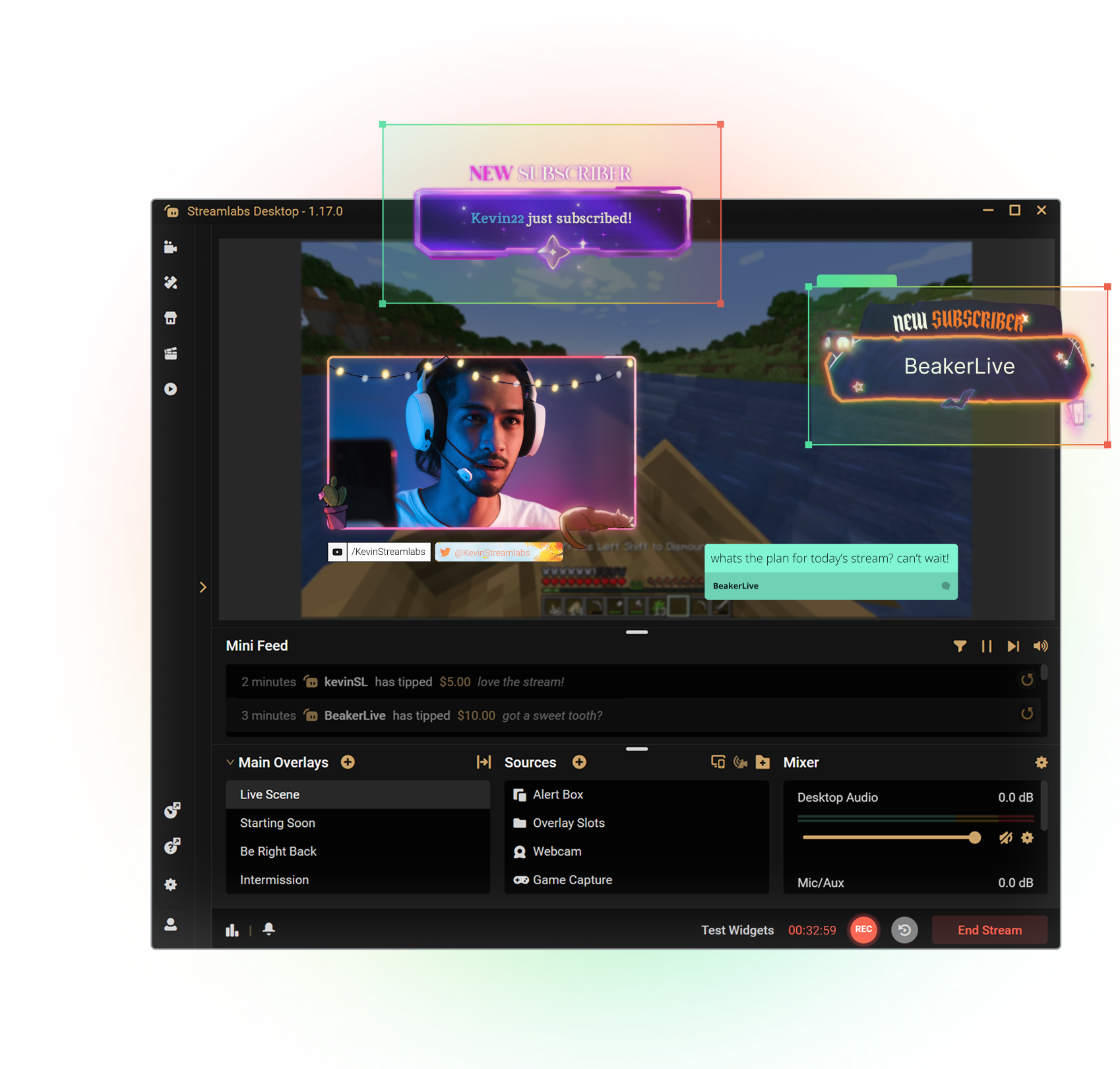

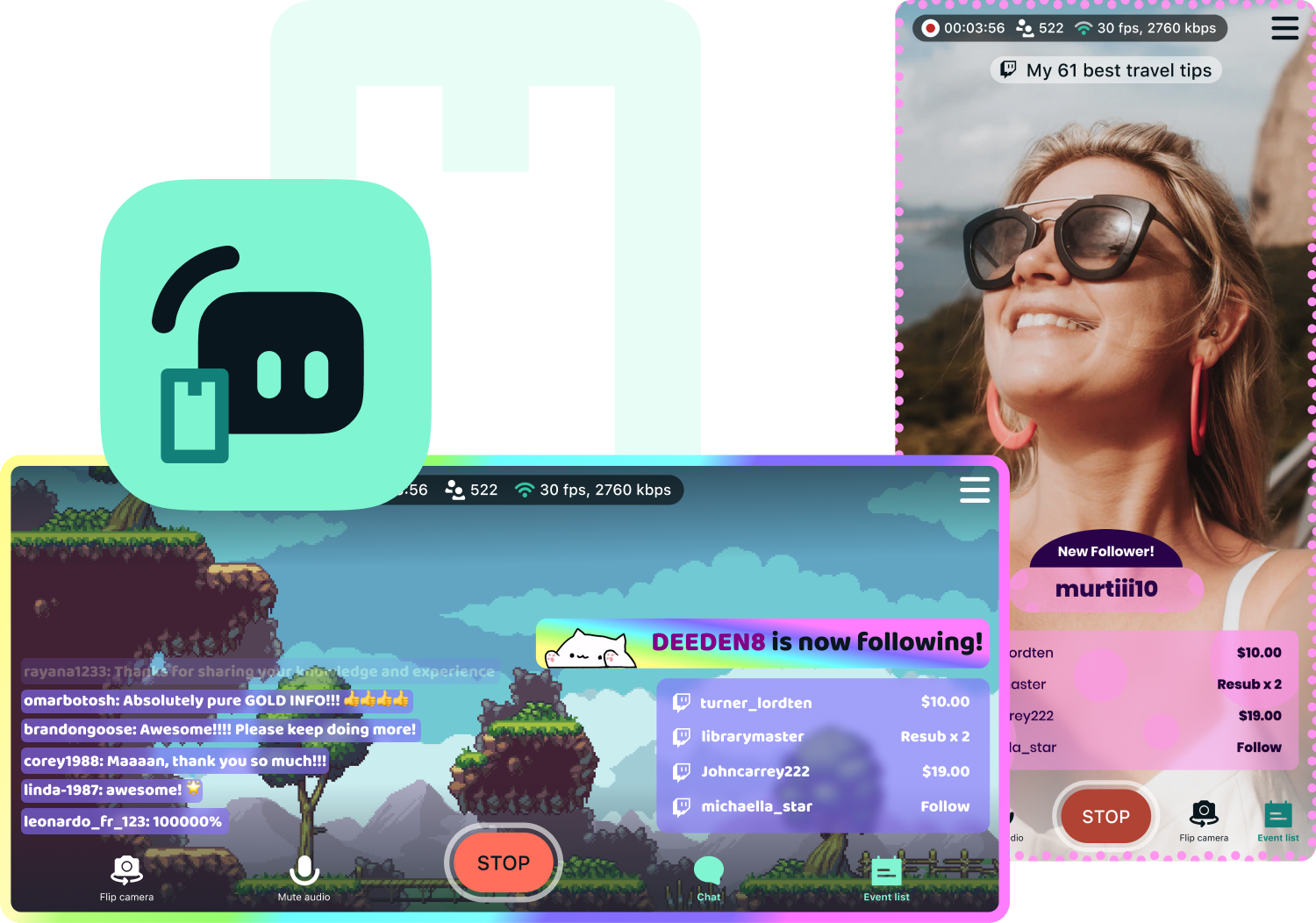
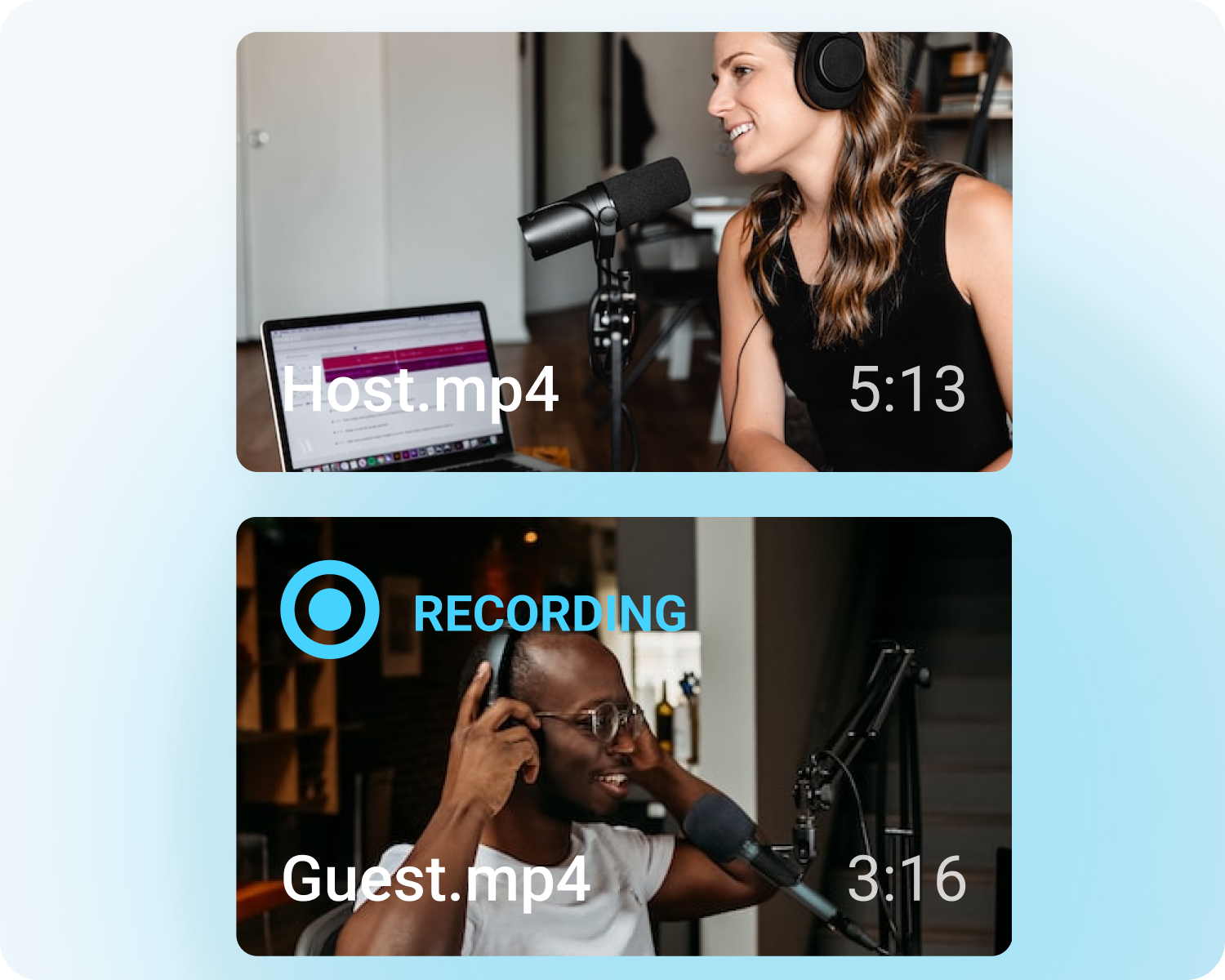


Customize your stream with overlays
Transform your stream with X-specific curated overlays and themes to match your personal brand.
The perks of streaming to X with Streamlabs
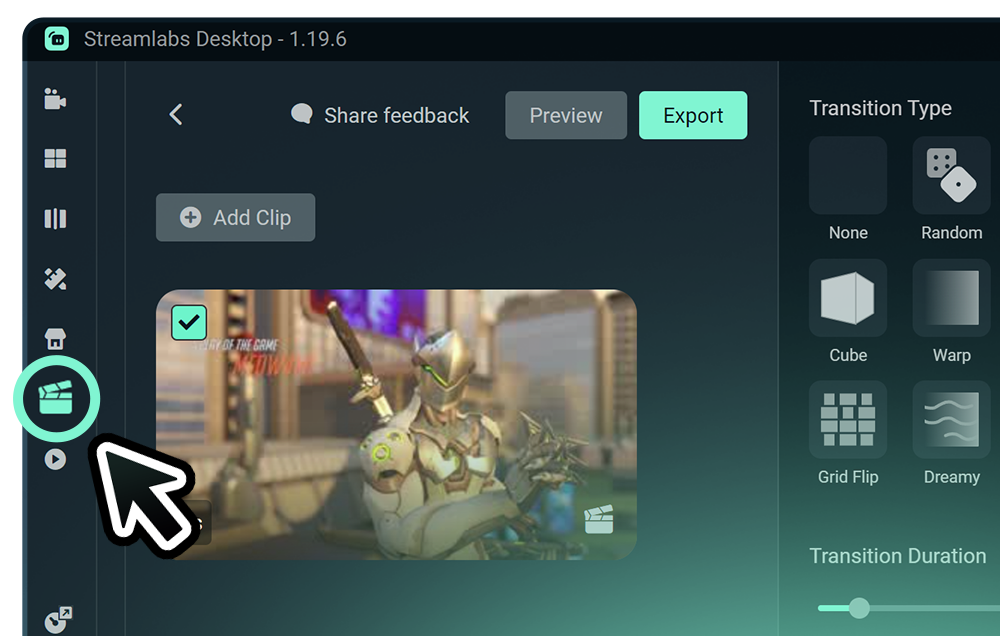
From alerts, to overlays and exciting new tools like Highlighter, we have unique features to level up your X stream.

One-click Login
No stream key needed.
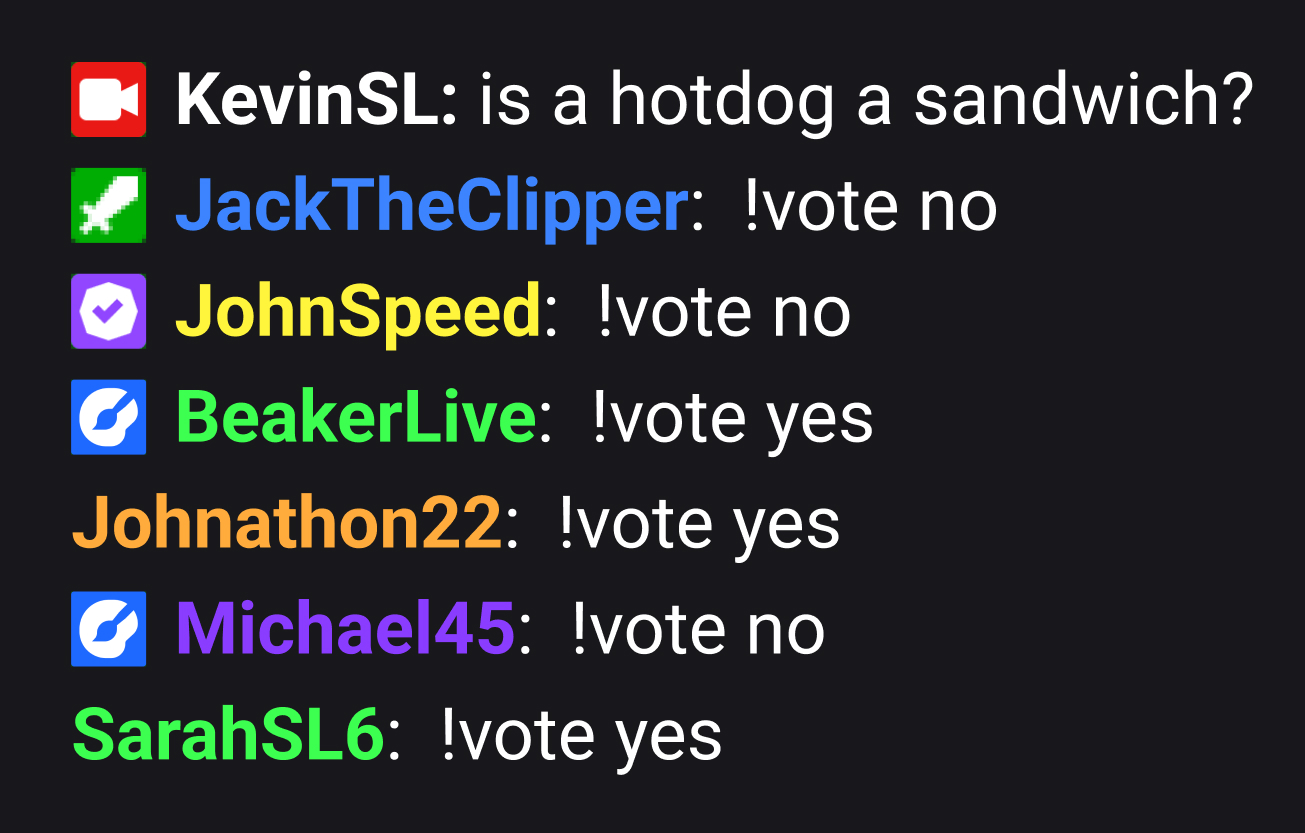
Embedded chat
Monitor and moderate chat directly in Streamlabs Desktop, Plugin or Talk Studio.
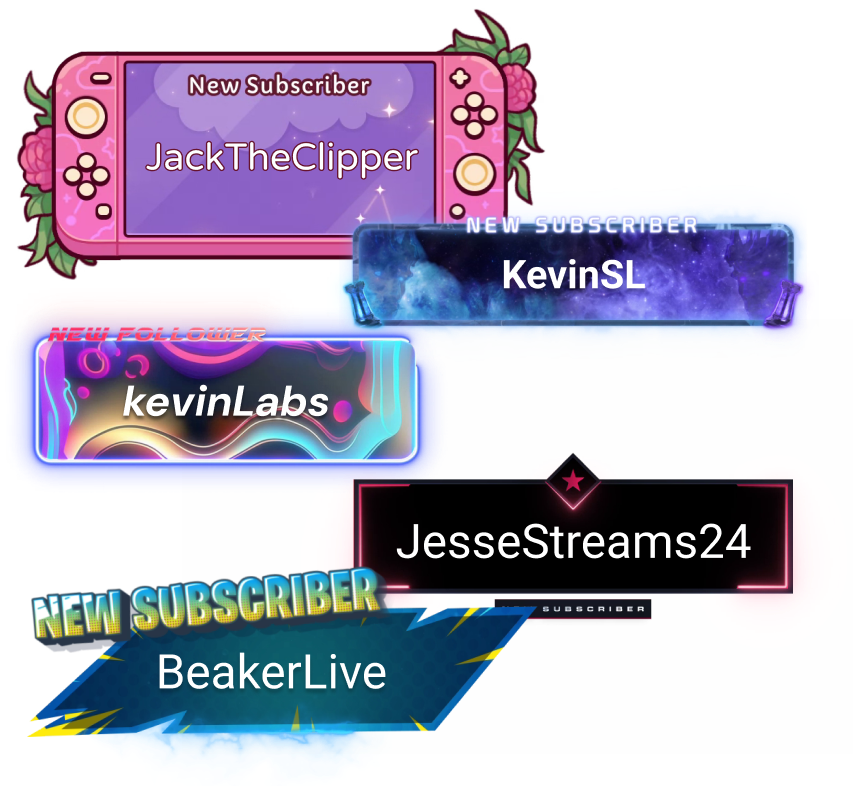
Alerts & Widgets
Customize and add alerts to catch real-time engagement from your viewers.
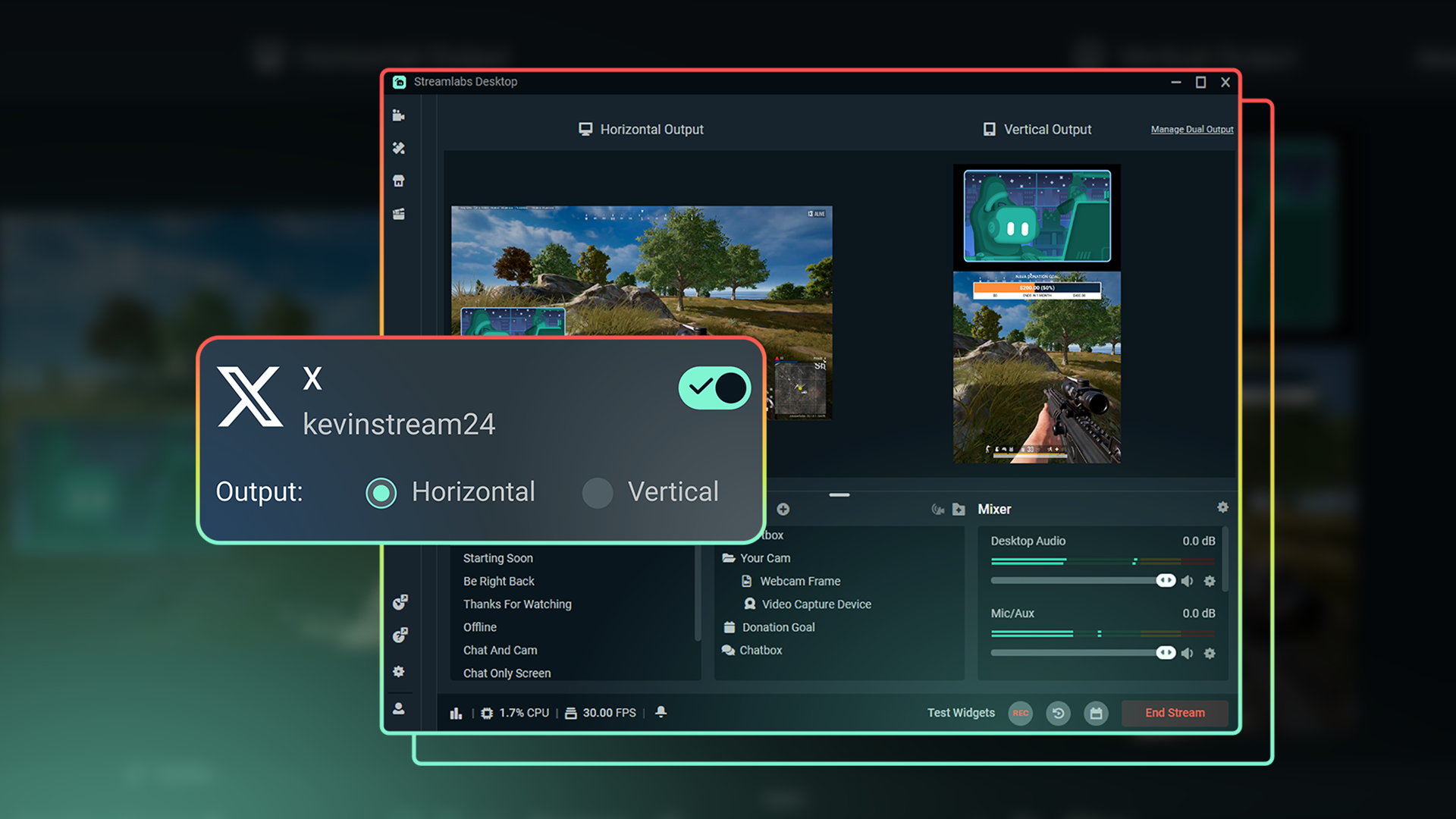
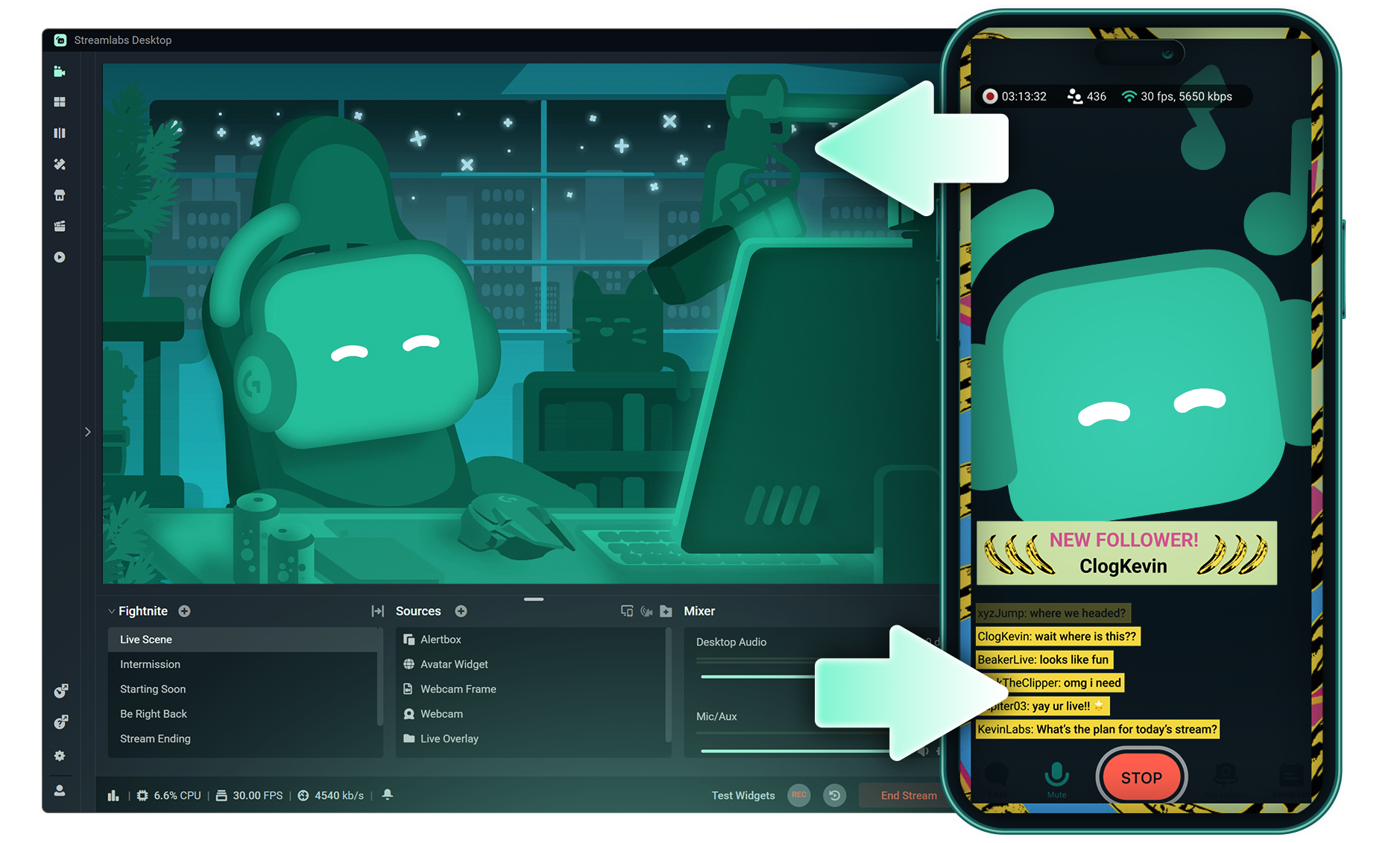
Dual Output
Optimize layouts for both horizontal and vertical streaming.
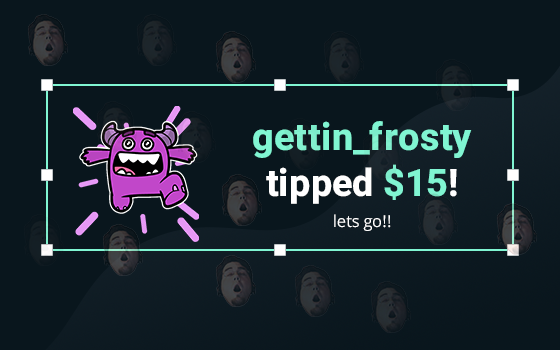
Tipping
Monetize your stream with a custom tip page and integrated alerts so your viewers can support you.
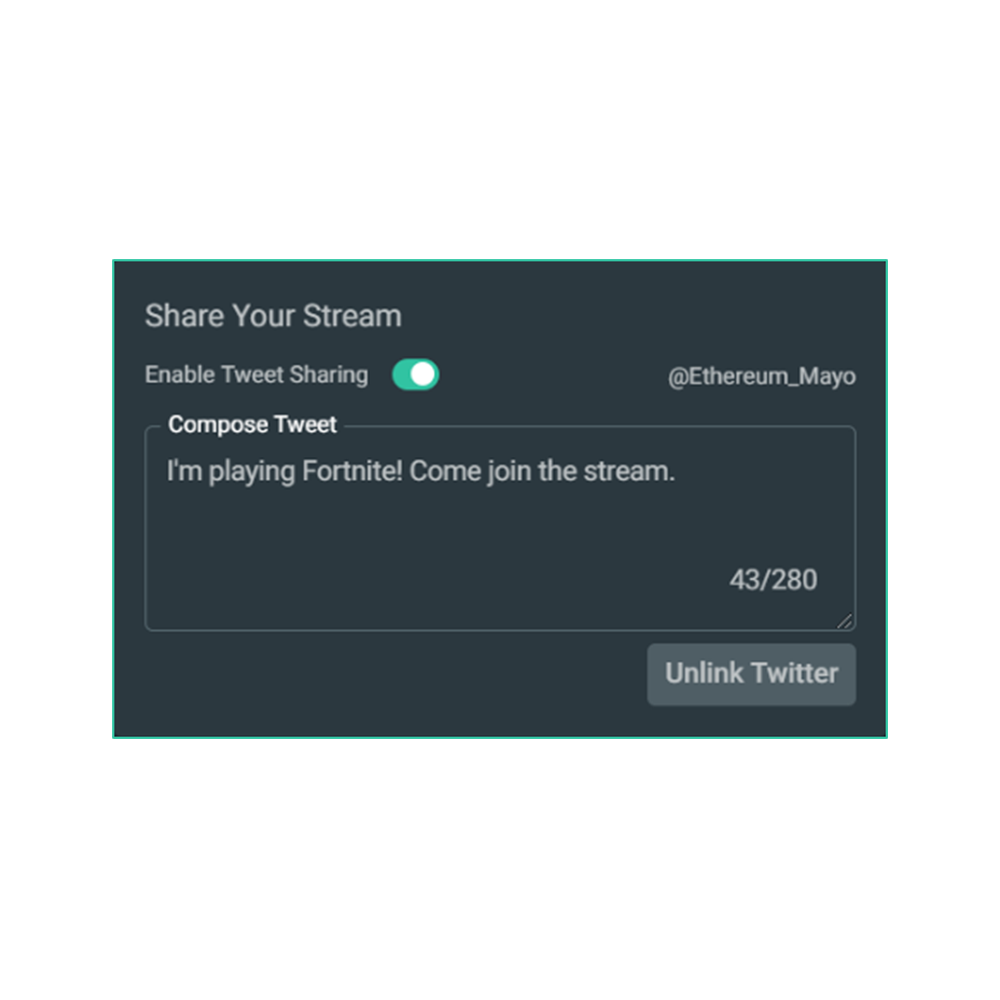
Share your stream on X
Easily promote your stream by posting directly to X in the Go Live window.
Multistream to expand your reach
Reach audiences on X and beyond by multistreaming to more than one platform with Streamlabs Ultra.
Explore even more innovative tools
These features give you even more power to be a gamechanger in the streaming space, while saving you time and effort.
.png)
Frequently asked questions
You can get started streaming to X in minutes by opening your preferred software, Desktop, Plugin for OBS, our Mobile App, or Talk Studio, and following the instructions in our Quick Start Guide.
Streamlabs Ultra es un paquete de funciones de calidad profesional para creadores que ofrece un montón de ventajas, como multistreaming, acceso a toda la biblioteca de miles de superposiciones y temas de widgets para tus streams, mayores límites en las funciones de producción con IA a través de Intelligent Streaming Agent, edición de clips sin marcas de agua, los márgenes de beneficio más altos en la tienda de artículos promocionales de Streamlabs, acceso inmediato al estatus Gold All Star para conseguir más participaciones en sorteos y descuentos en hardware de Logitech G, y mucho más.
Con Ultra, tendrás acceso a las funciones prémium de Streamlabs Desktop, Mobile, Console, Talk Studio Pro, Cross Clip Pro, Video Editor Pro, Podcast Editor Pro y Web Suite, todo en un único y sencillo plan.
Con Ultra Plus, tendrás acceso a todo lo que incluye el plan Ultra, además de límites superiores para Intelligent Streaming Agent, una persona de contacto exclusiva de Streamlabs, una llamada de configuración y dos llamadas de seguimiento al año con nuestros especialistas en streaming.
Descubre aquí todas las ventajas de Ultra y Ultra Plus.
You can use Streamlabs Desktop, Plugin for OBS, Mobile, or Talk Studio to stream and multistream directly to X. Choose the platform that best fits your streaming setup and workflow.
En las herramientas de multistreaming tradicionales, tu ordenador codifica y sube una versión independiente de tu stream para cada plataforma en la que transmites en directo, lo que se traduce en un uso intensivo de la CPU y la GPU, además de mayores requisitos de ancho de banda de subida. De esta forma, hay más posibilidades de que la calidad del stream disminuya o de que se produzcan errores.
En cambio, Streamlabs utiliza un sistema de multistreaming basado en la nube, por lo que solo tienes que enviar un stream (o dos con Dual Output activado: uno vertical y otro horizontal) a Streamlabs y nuestros servidores se encargan del resto.
Streamlabs también integra chat para que puedas leer los mensajes de todos los streams en un solo lugar.
Para obtener más información, consulta nuestra publicación sobre las ventajas del multistreaming de Streamlabs.
No, all you need to do to connect your account is open your preferred Streamlabs tool (Desktop, Plugin for OBS, Mobile, or Talk Studio) and then authorize Streamlabs to connect your X account.
Streamlabs offers four options depending on your setup: Streamlabs Desktop to access the entire suite of features from Reactive Overlays, to Dual Output and more, the Streamlabs Plugin for OBS if you already use OBS Studio, the Streamlabs Mobile app for iOS and Android phones, and Talk Studio for browser-based streaming with no download required.
Multistream de Streamlabs es una función del plan Ultra. Si quieres hacer multistream de forma gratuita, puedes transmitir en directo a un destino en vertical y a otro en horizontal al mismo tiempo con Dual Ouput, sin necesidad de suscripción.
Yes, Streamlabs Highlighter uses automated clipping to identify and clip shareable moments from your stream recordings, so you can repurpose X live content into short clips without manually scrubbing through footage.
Yes, the Streamlabs Mobile app for iOS and Android lets you go live on X directly from your phone without needing a desktop setup.
Please contact support at this link.