

مصمم لمنشئي المحتوى في مجال الألعاب
قم بالبث والتسجيل وإنشاء مقاطع مميزة وتفاعل مع جمهورك باستخدام أدوات مصممة خصيصًا للاعبين.



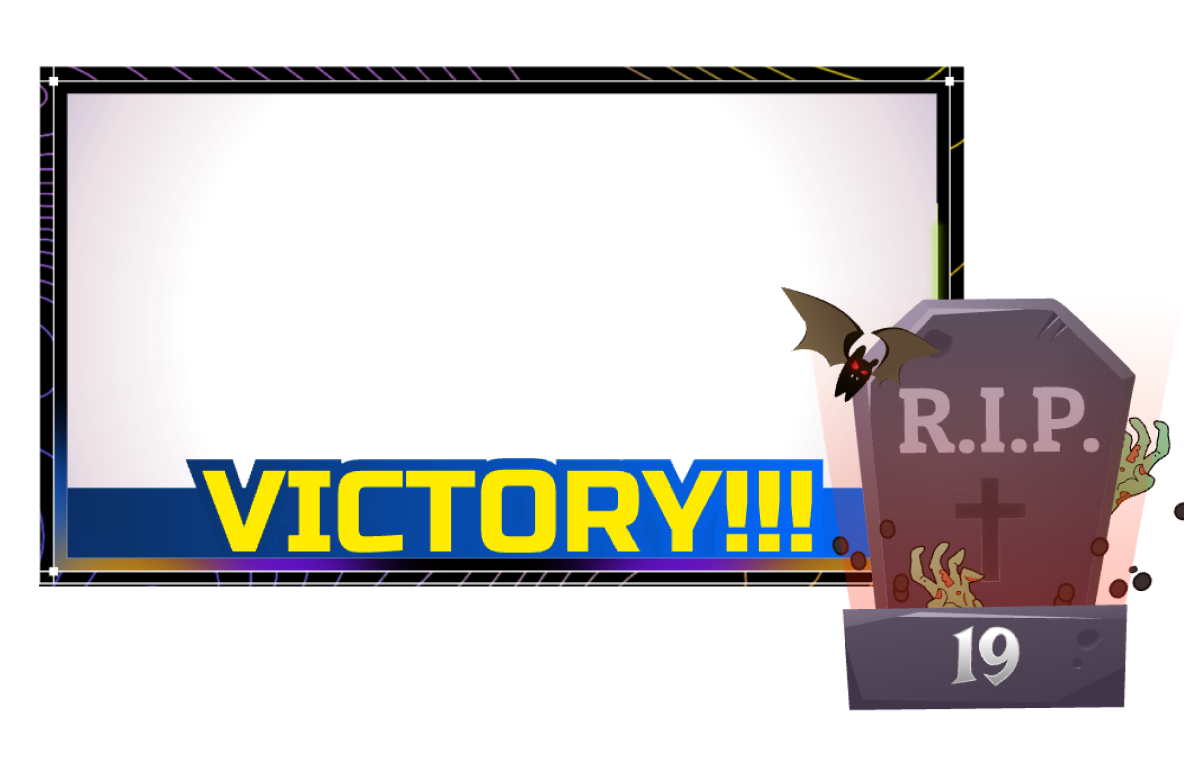
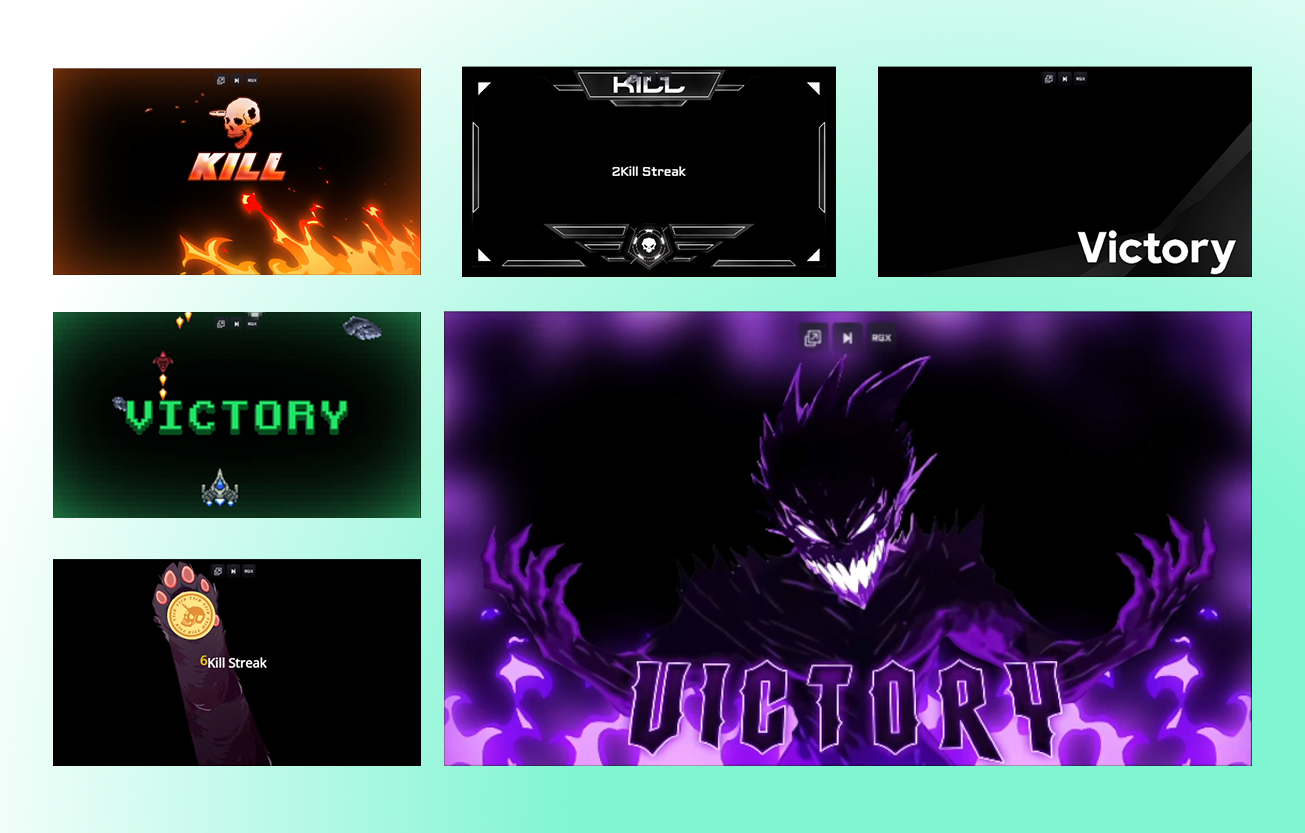
تصميمات بث احترافية، جاهزة في دقائق
اختر من بين آلاف التراكبات، والتنبيهات، وسمات عناصر واجهة المستخدم لتمنح بثك مظهرًا مصقولًا واحترافيًا في بضع نقرات فقط.
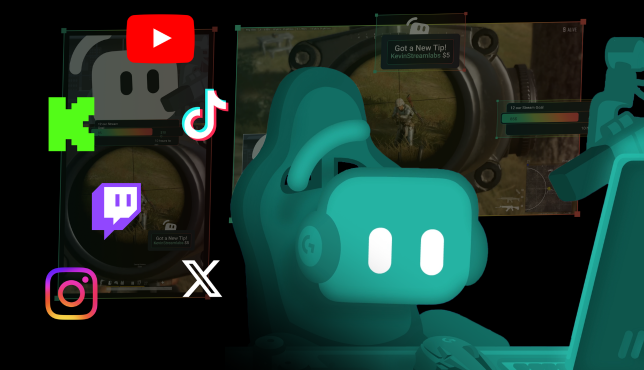
صل إلى المشاهدين عبر المزيد من المنصات
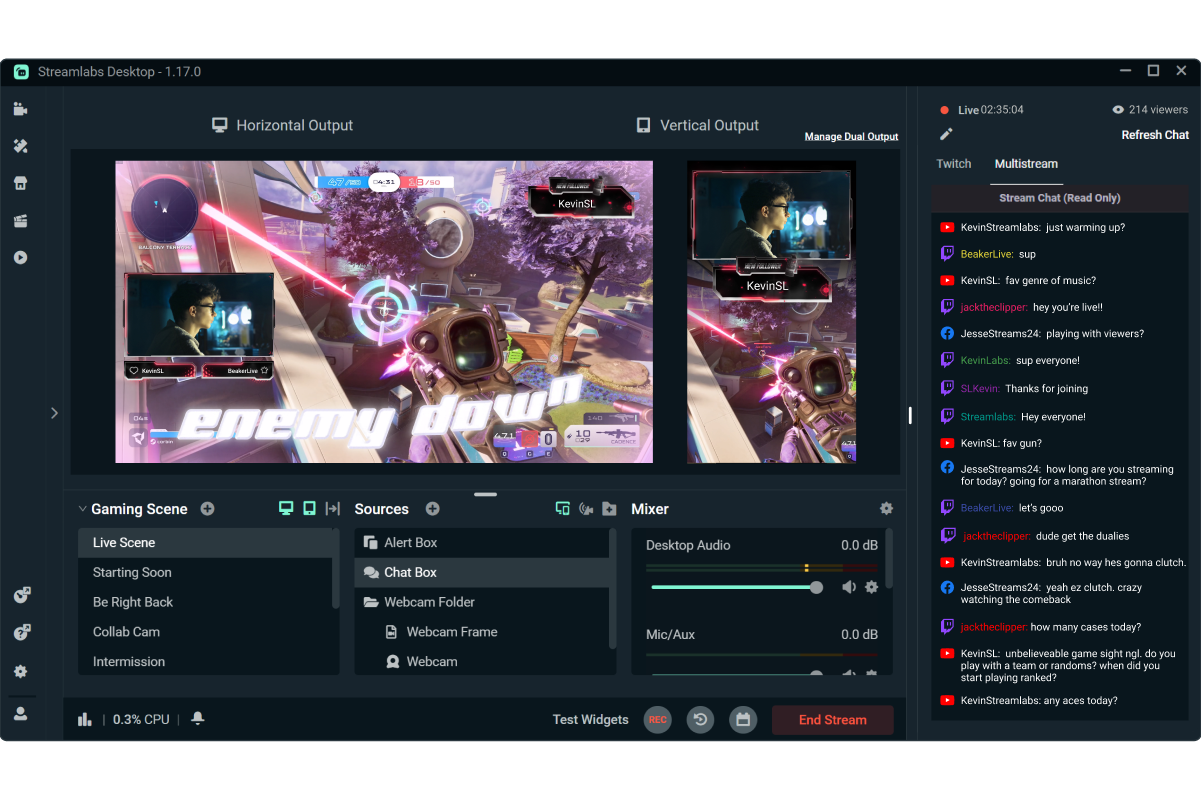
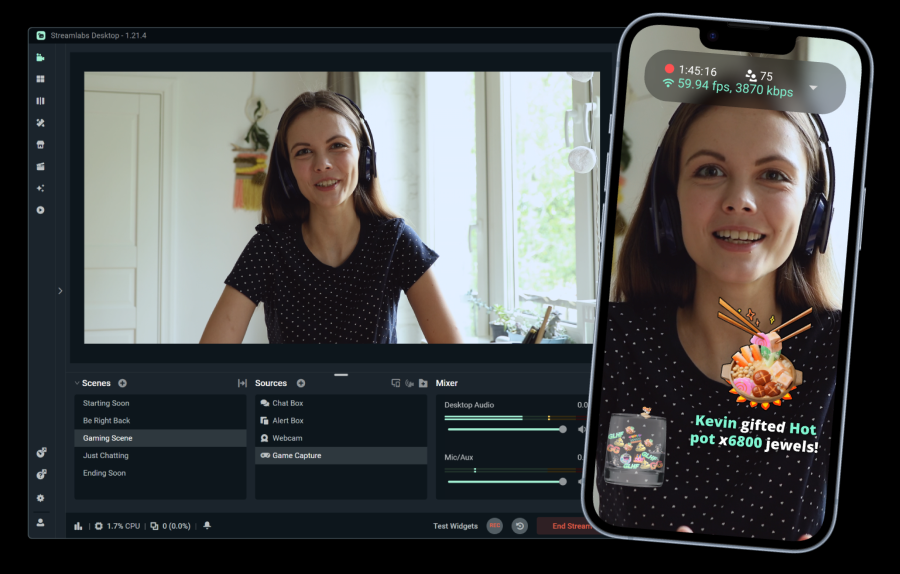
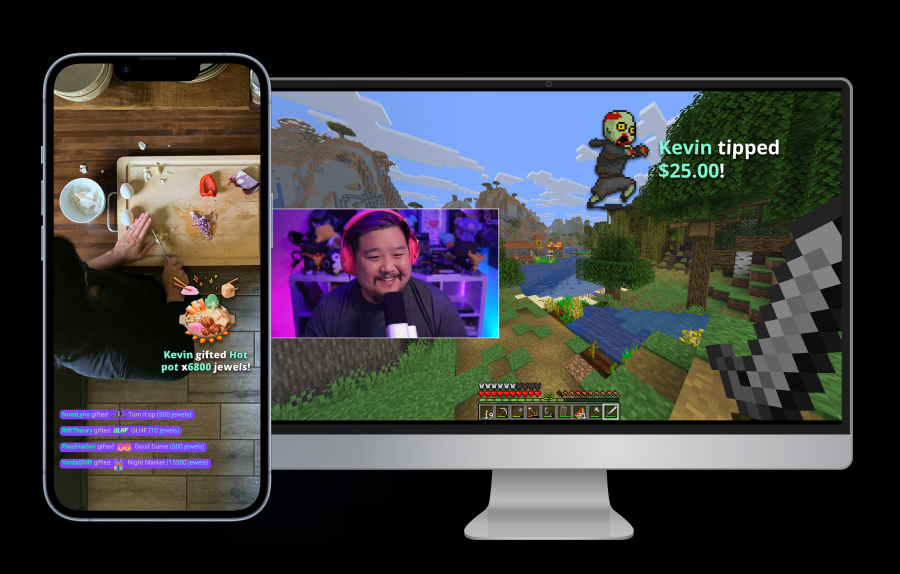
قم بالبث إلى وجهة رأسية واحدة ووجهة أفقية واحدة مجانًا باستخدام Dual Output، أو قم بالبث المتعدد إلى منصات إضافية باستخدام Streamlabs Ultra.
استمتع ببدء البث المباشر بمجرد 50 5 نقرات - البث على أي منصة
استمتع ببدء البث المباشر خلال ساعات دقائق على أي منصة
منشئو المحتوى الجدد الذين يقومون بالبث المتعدد بانتظام* تزيد احتمالية حصولهم على أكثر من 5 مشاهدين في الوقت نفسه بمقدار الضعف.
* المستخدمون الجدد الذين قاموا بالبث لمدة تصل إلى ستة أشهر، والذين قاموا بالبث المتعدد أكثر من 7 مرات


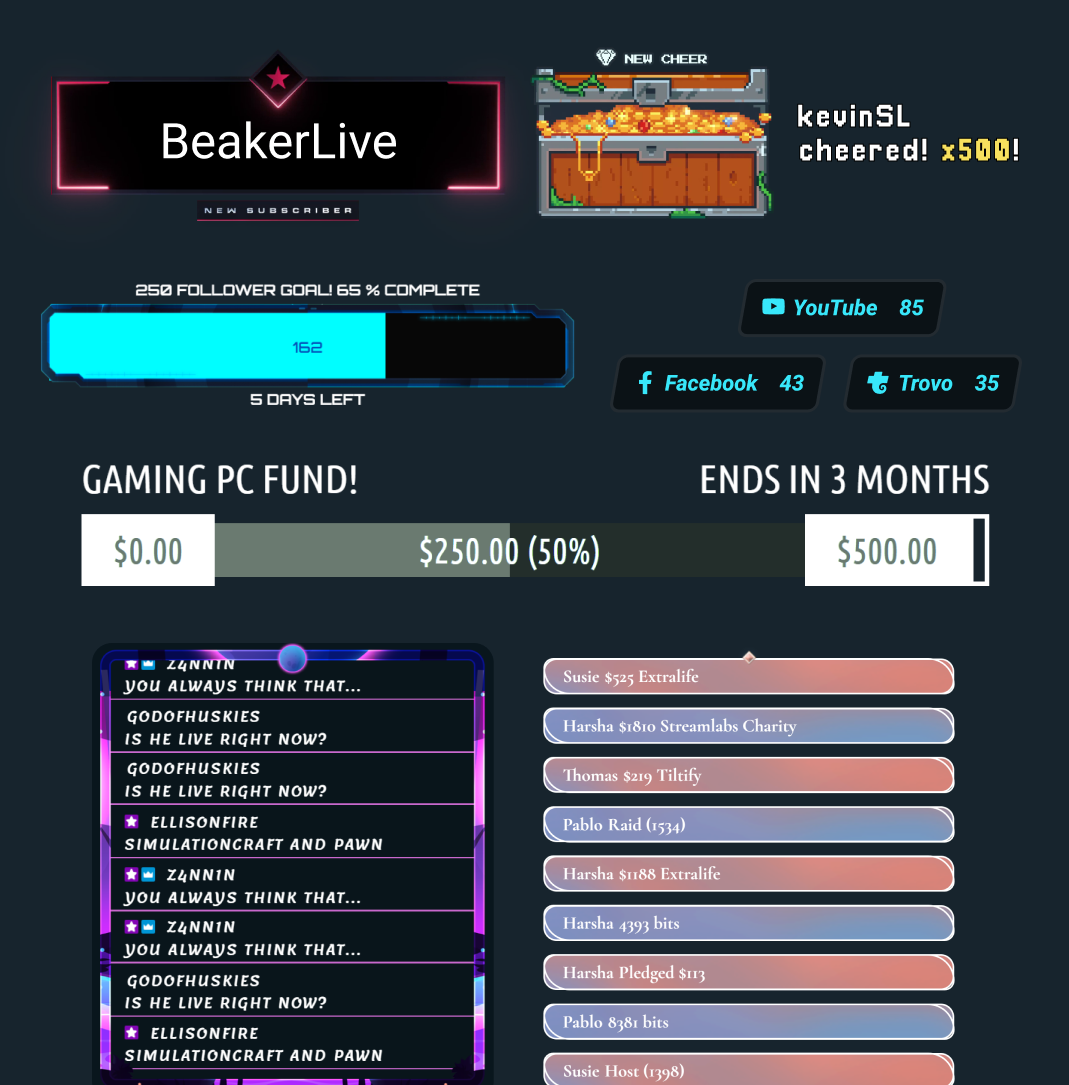
عشرات الأدوات المجانية (widgets)
حوّل المشاهدين السلبيين إلى مشاركين نشطين باستخدام التنبيهات والأهداف واستطلاعات الرأي وغيرها من الأدوات التفاعلية.
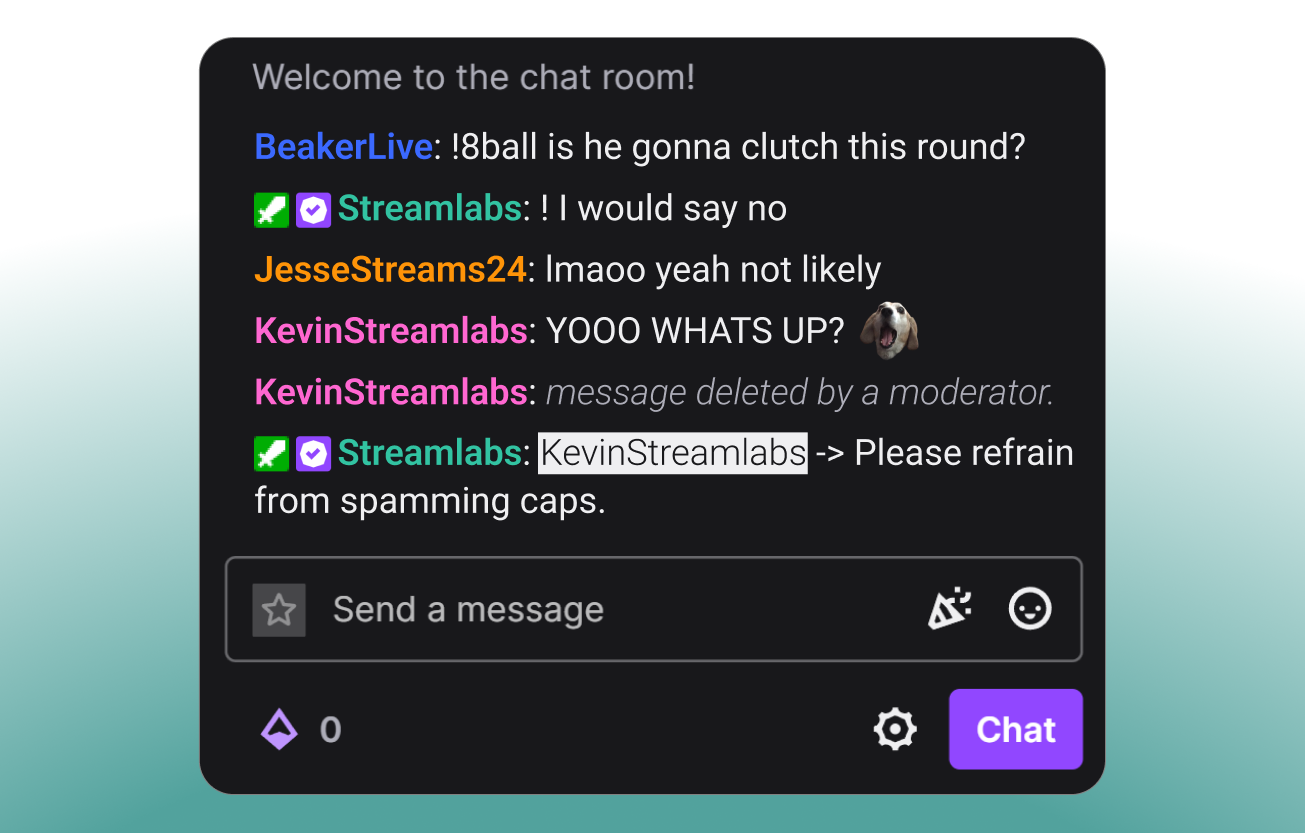
تحكم في دردشتك
حافظ على دردشتك آمنة وجذابة وتحت السيطرة باستخدام Cloudbot، روبوت الدردشة المجاني من Streamlabs.
ميزات ألعاب حصرية لسطح المكتب
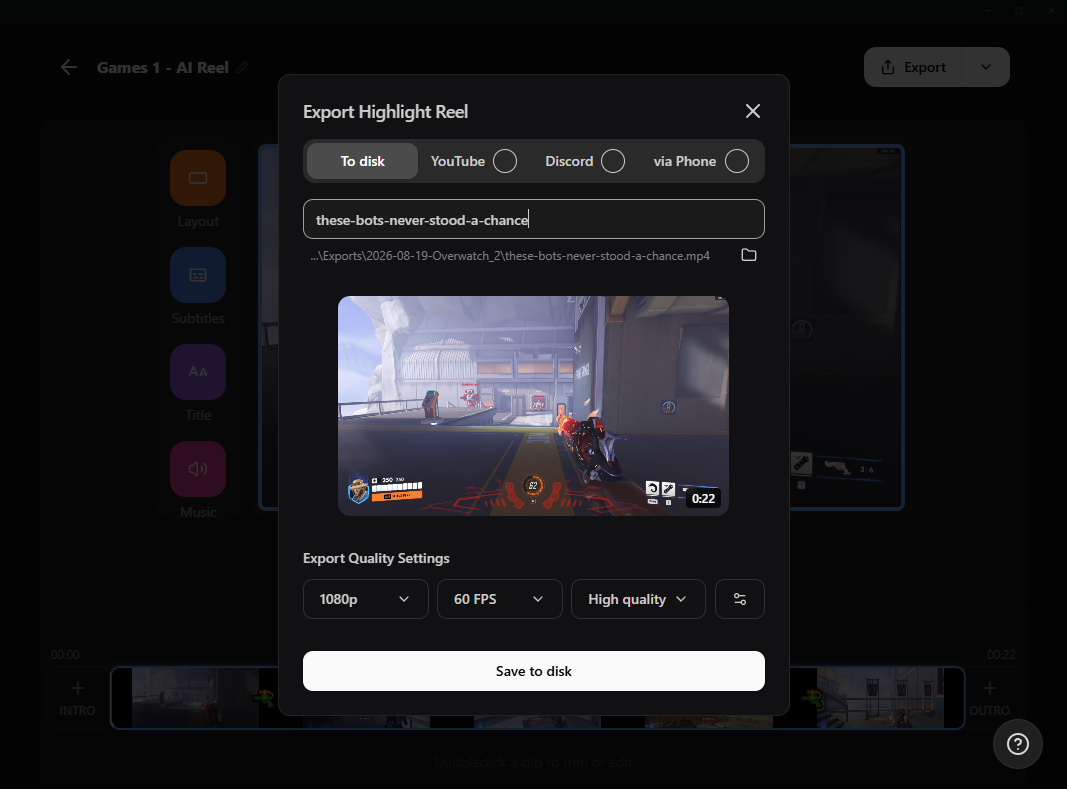
حوّل أفضل لحظاتك إلى محتوى وتجارب مشاهدة لا تُنسى.

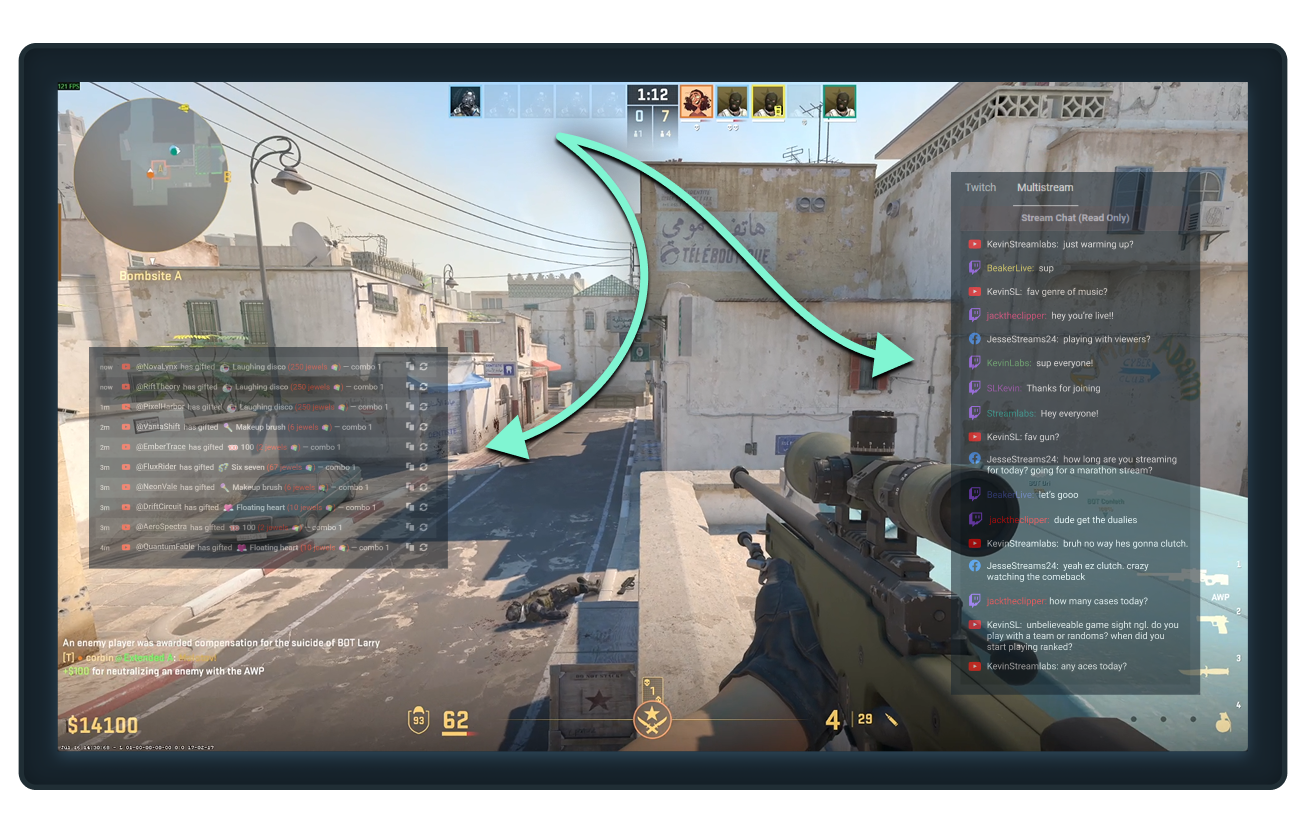
شاشة واحدة؟ لا بأس.
حافظ على ظهور الدردشات والمتابعات والاشتراكات والأحداث المهمة الأخرى أثناء اللعب باستخدام Streamlabs Desktop Game Overlay.
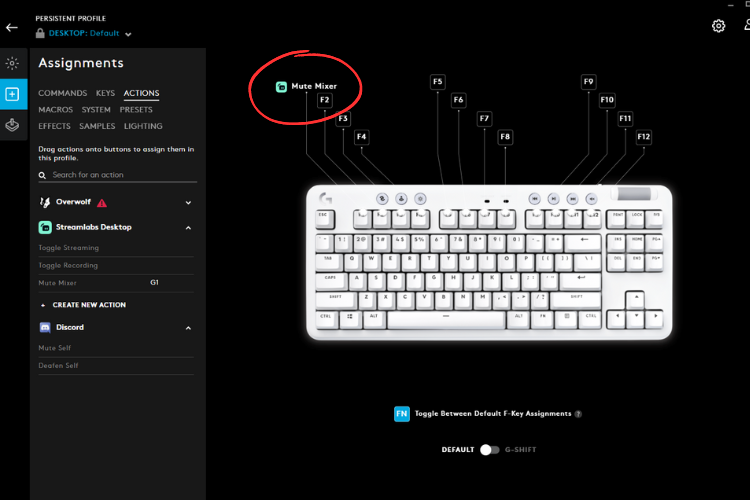
التحكم في البث الخاص بك من لوحة المفاتيح
قم بتوصيل Streamlabs Desktop بـ Logitech G HUB لبدء البث، وتبديل المشاهد، وتشغيل وحدات الماكرو، والمزيد مباشرة من أجهزة Logitech G الطرفية الخاصة بك.
أدوات لكل نوع من المبدعين
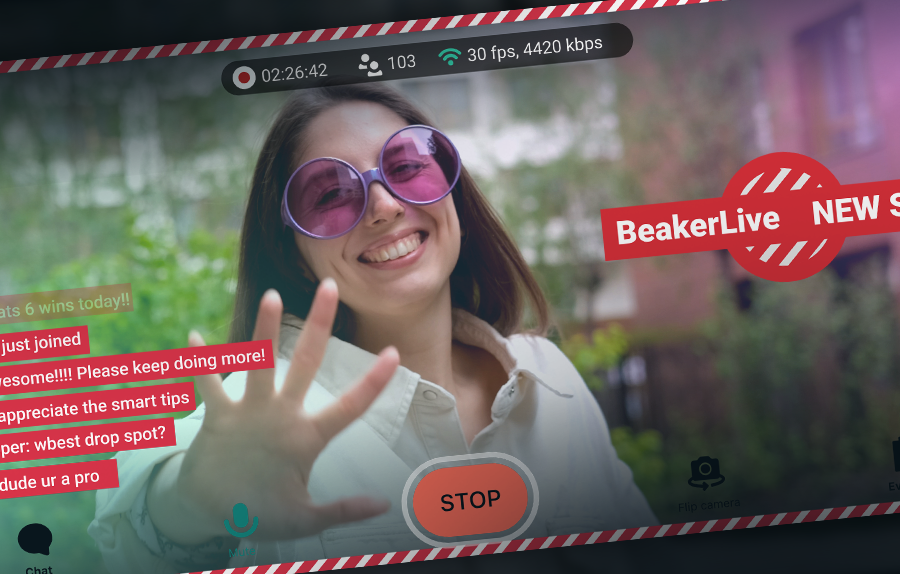
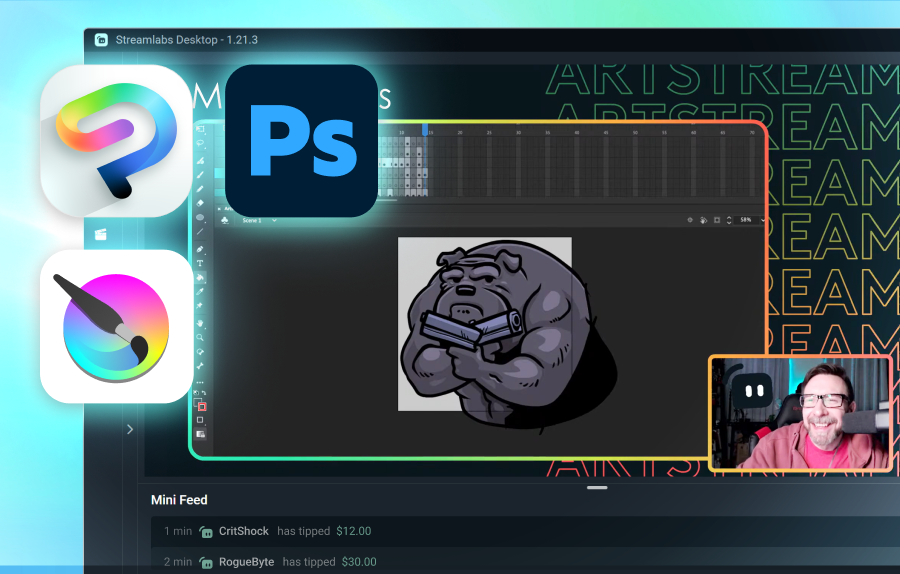
اكتشف كيف يمكن لـ Streamlabs دعم مجموعة من أنواع المحتوى الأخرى.
الأسئلة الشائعة
يعتمد الخيار الأفضل على احتياجاتك:
- يُعد Streamlabs Desktop خياراً رائعاً للإعداد البسيط والعديد من الميزات المدمجة مثل التنبيهات، وتراكب الألعاب (Game Overlay) لاستخدام شاشة واحدة، والمقاطع المميزة التلقائية، والمزيد.
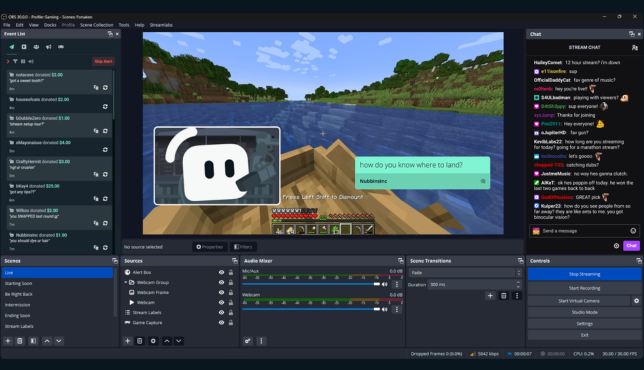
- يُعد OBS مع إضافة Streamlabs خياراً قوياً للمستخدمين الذين يرغبون في استخدام OBS Studio ولكن مع ميزات Streamlabs مثل الأدوات (widgets)، والتراكبات (overlays)، والبث المتعدد.
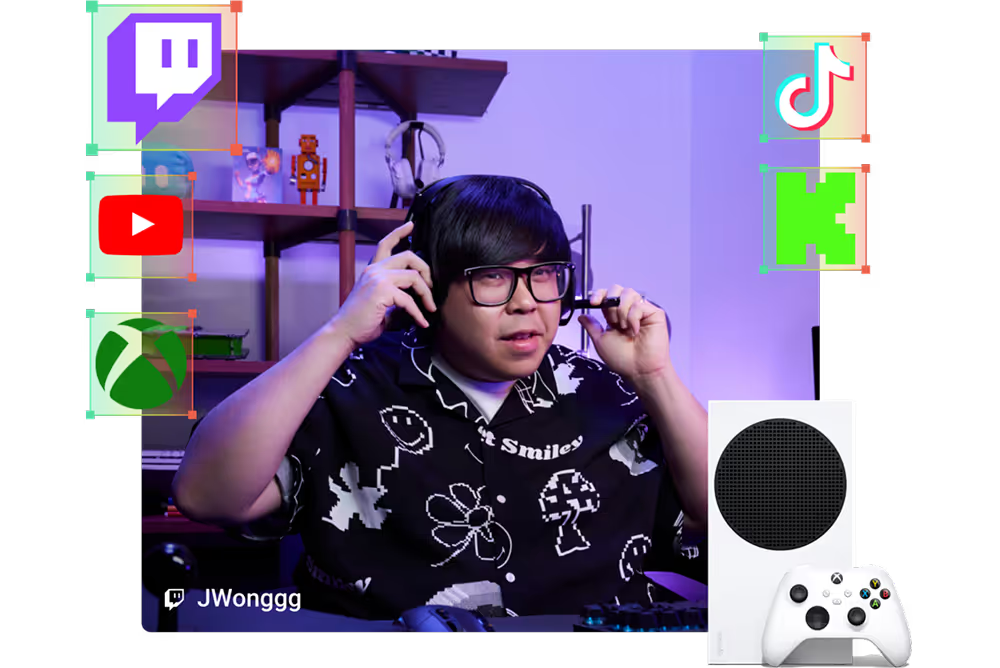
- صُمم Streamlabs Console لمستخدمي Xbox الذين يرغبون في البث المباشر مباشرة من جهاز التحكم الخاص بهم، دون الحاجة إلى جهاز كمبيوتر أو بطاقة التقاط.
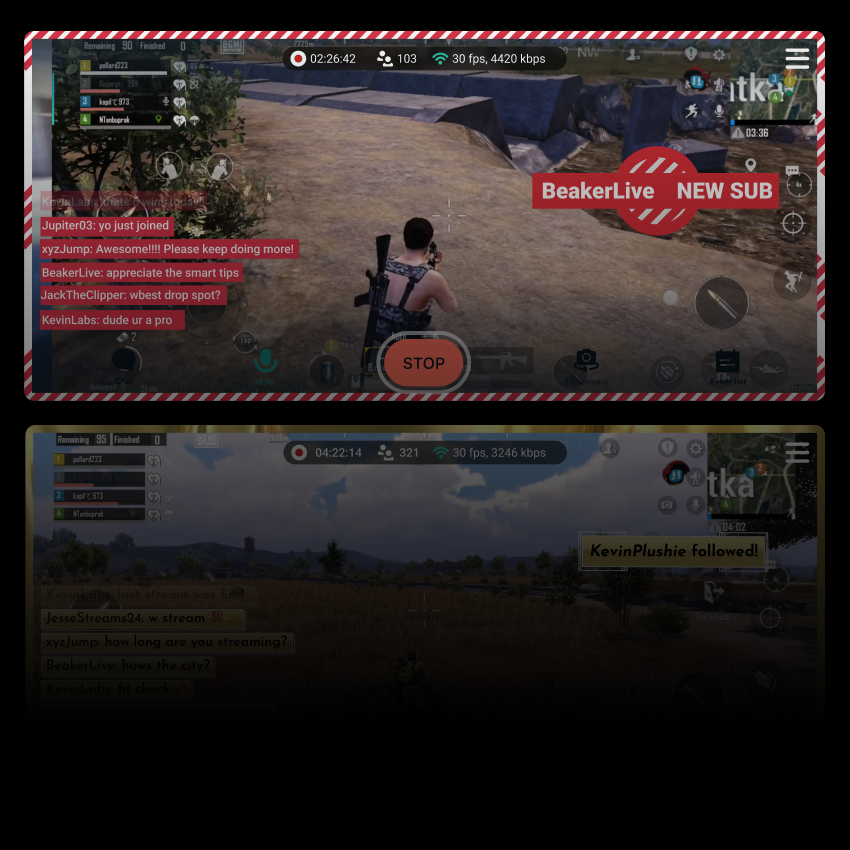
- يُعد Streamlabs Mobile مثالياً لبث ألعاب الهاتف المحمول من أجهزة iOS وAndroid.
مهما كانت طريقة بث ألعابك، فإن Streamlabs لديها خيار يناسب احتياجاتك.
بالإضافة إلى ميزات البث المباشر الأساسية مثل Alert Box وCloudbot وTipping، تقدم Streamlabs أدوات متعددة مصممة خصيصاً لبث الألعاب المباشر:
- Game Pulse: قم بتفعيل تأثيرات وأصوات خاصة أثناء البث لسلاسل القتل، وإجمالي الخسائر، والمزيد. تدعم عشرات الألعاب.
- التراكبات التفاعلية: قم بالترقية باستخدام تراكبات يتم تحديثها في الوقت الفعلي بناءً على أحداث داخل اللعبة. تدعم أكثر من اثنتي عشرة لعبة.
- تراكب الألعاب: اعرض محادثتك وأحداثك الأخيرة فوق طريقة لعبك حتى تتمكن من البث من شاشة واحدة دون أن تفوتك أي لحظة.
- Highlighter: قم بتعيين مفاتيح اختصار للقطات المميزة اليدوية أو احصل على لقطات مميزة تلقائية يتم إنشاؤها بناءً على أحداث داخل اللعبة لعشرات الألعاب.
- Sidekick: مضيف البث المشارك، والمنتج، والدعم الفني الخاص بك. قم بتبديل المشاهد، والتحكم في الصوت، وتفعيل الدردشة، والمزيد.
نعم! يسمح لك كل من Streamlabs Desktop، وPlugin for OBS، وتطبيق الهاتف المحمول ببث وتسجيل ألعابك مجاناً.
يُرجى الاتصال بالدعم على هذا الرابط.