

Projetado para criadores de jogos
Transmita, grave, gere destaques e interaja com seu público com ferramentas criadas especificamente para gamers.
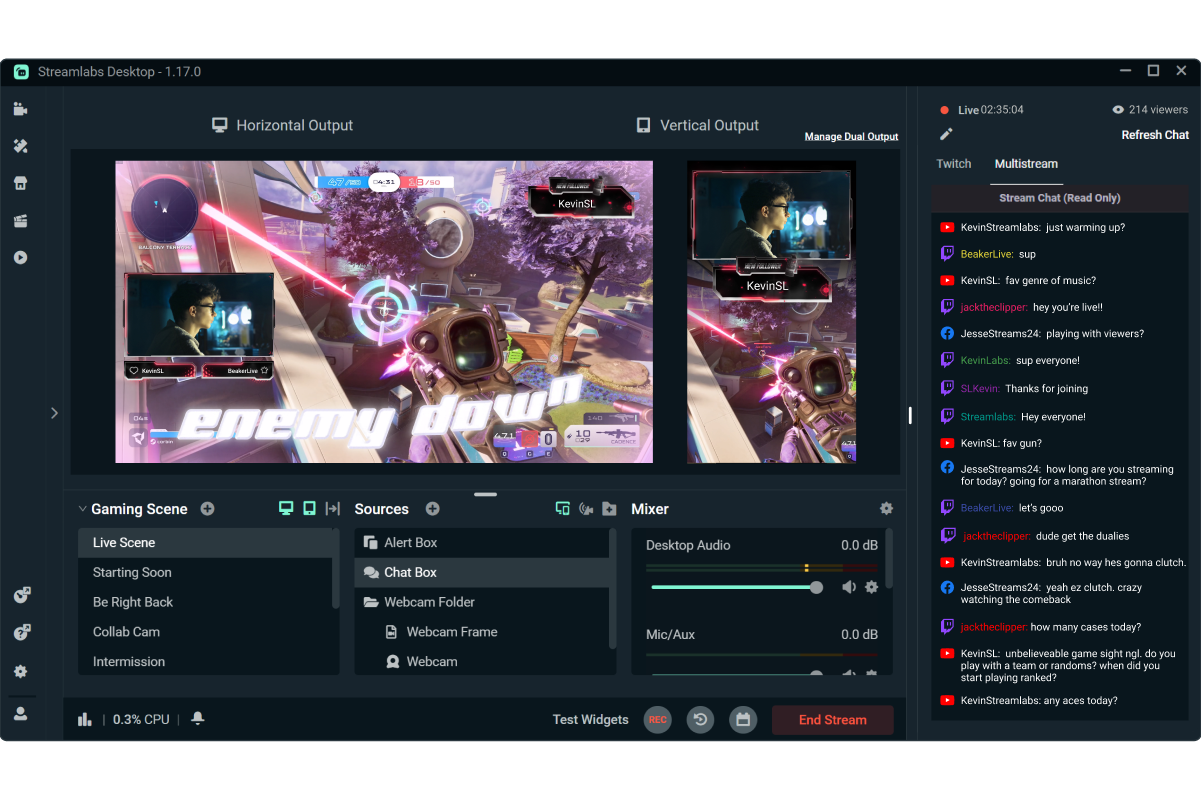

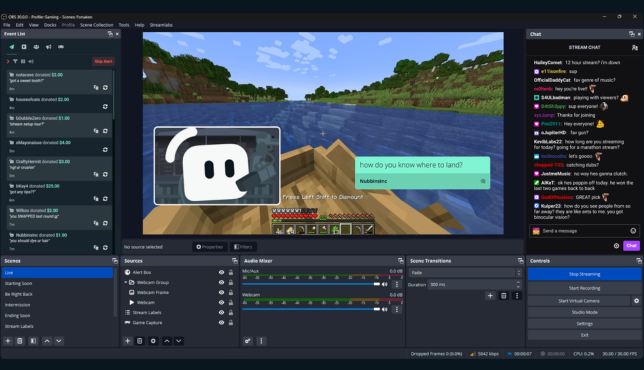
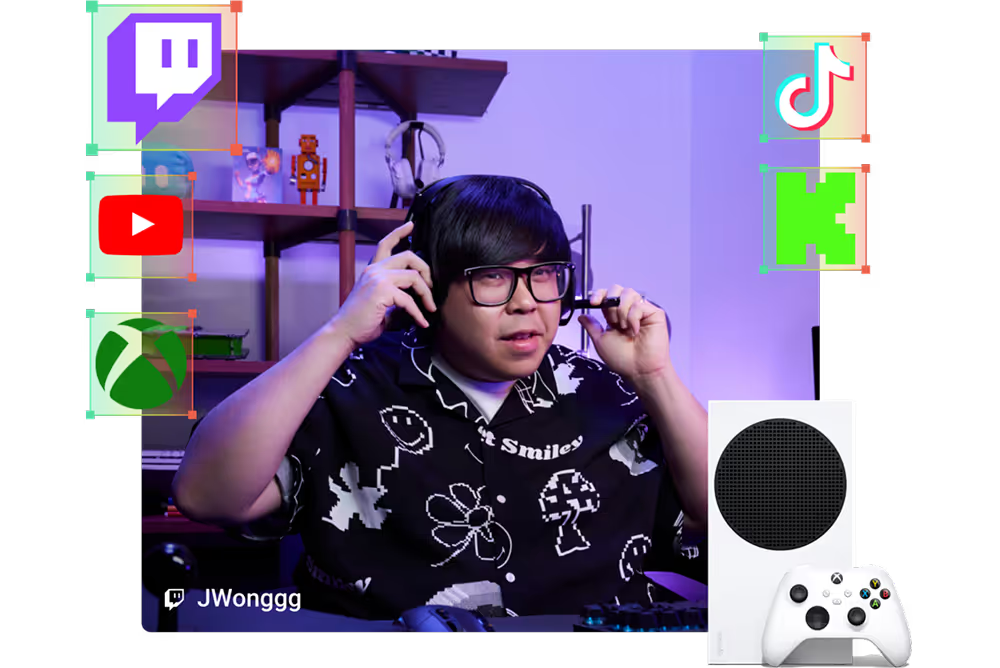
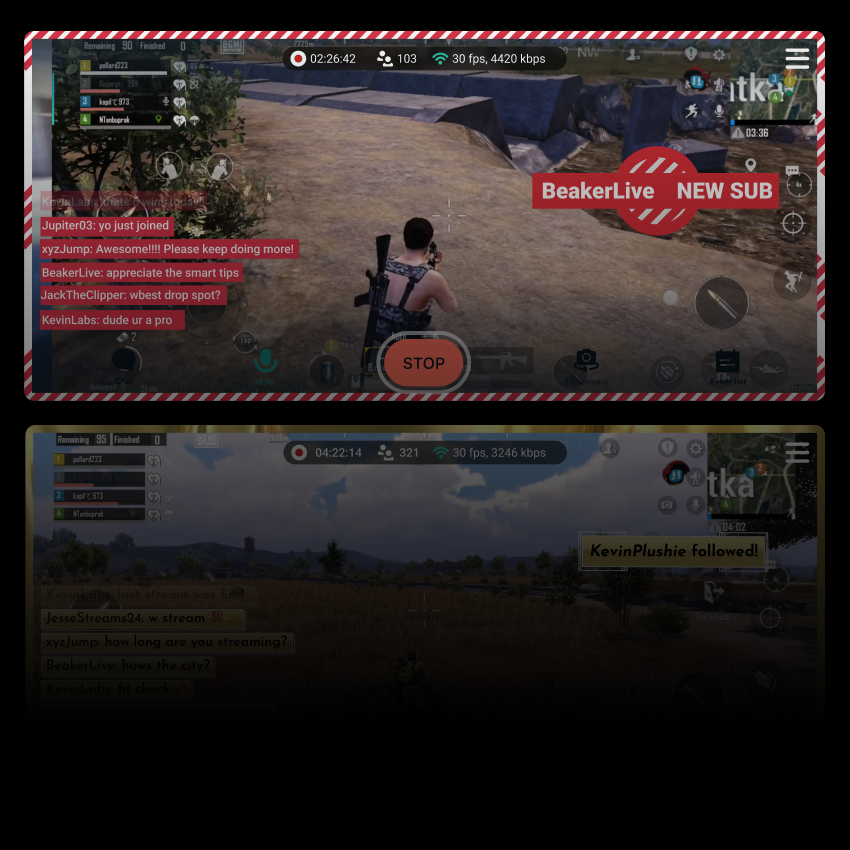


Designs de transmissão profissionais, prontos em minutos
Escolha entre milhares de sobreposições, alertas e temas de widgets para dar à sua transmissão um visual requintado e profissional com apenas alguns cliques.
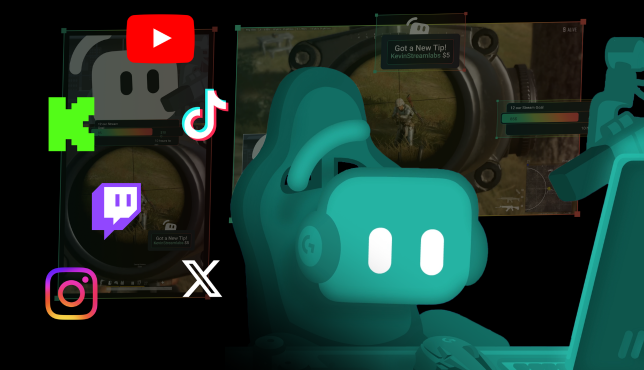
Alcance espectadores em mais plataformas
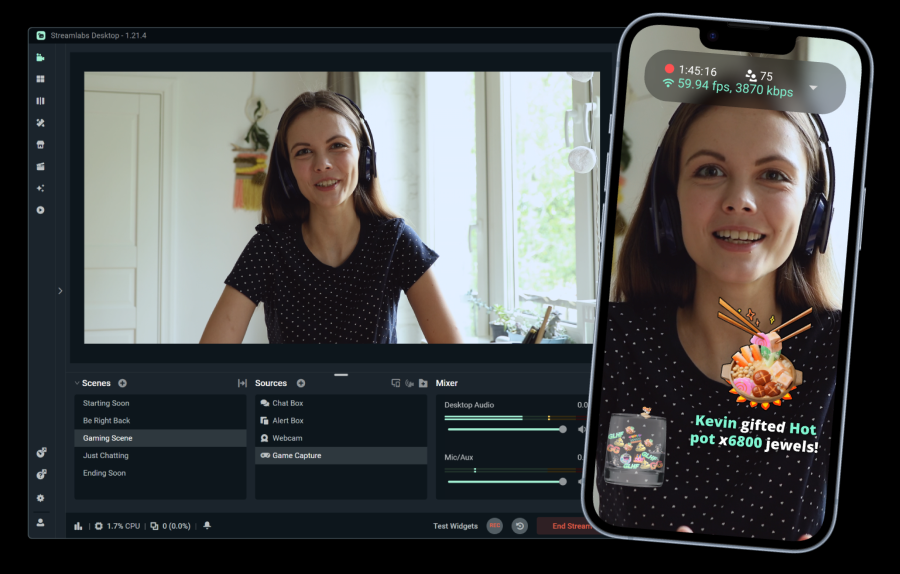
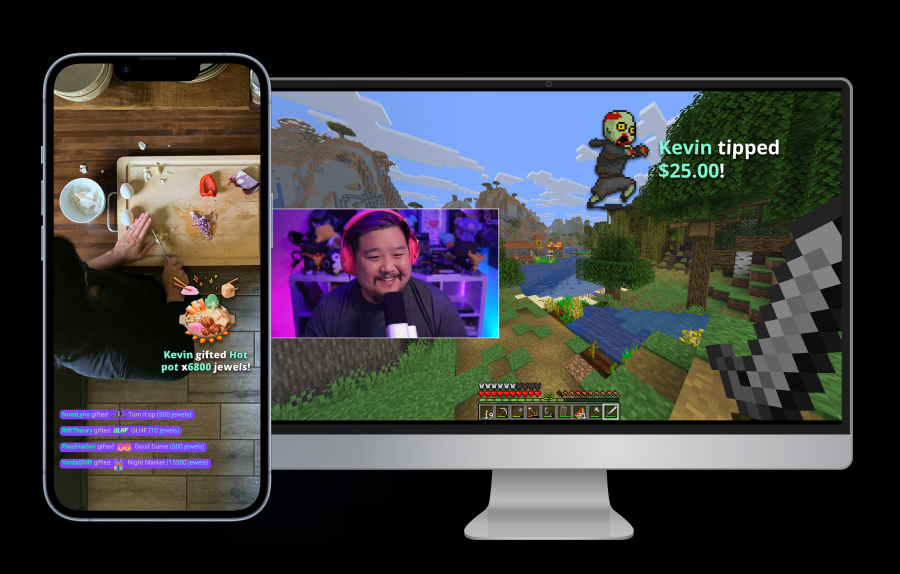
Transmita gratuitamente para um destino vertical e um horizontal com o Dual Output, ou faça uma multitransmissão para plataformas adicionais com o Streamlabs Ultra.
Comece a transmitir ao vivo em 50 5 cliques — transmita para qualquer plataforma
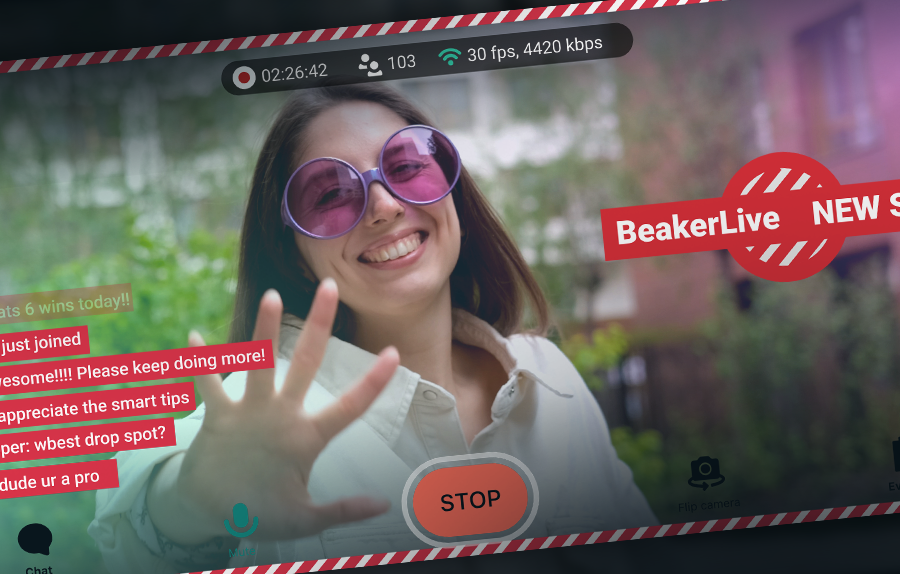
Comece a transmitir ao vivo em horas e minutos para qualquer plataforma
Os novos criadores que fazem transmissões múltiplas regularmente* têm duas vezes mais chances de atrair mais de cinco espectadores simultâneos.
* novos usuários que estiveram transmitindo por até seis meses e que fizeram mais de sete transmissões simultâneas


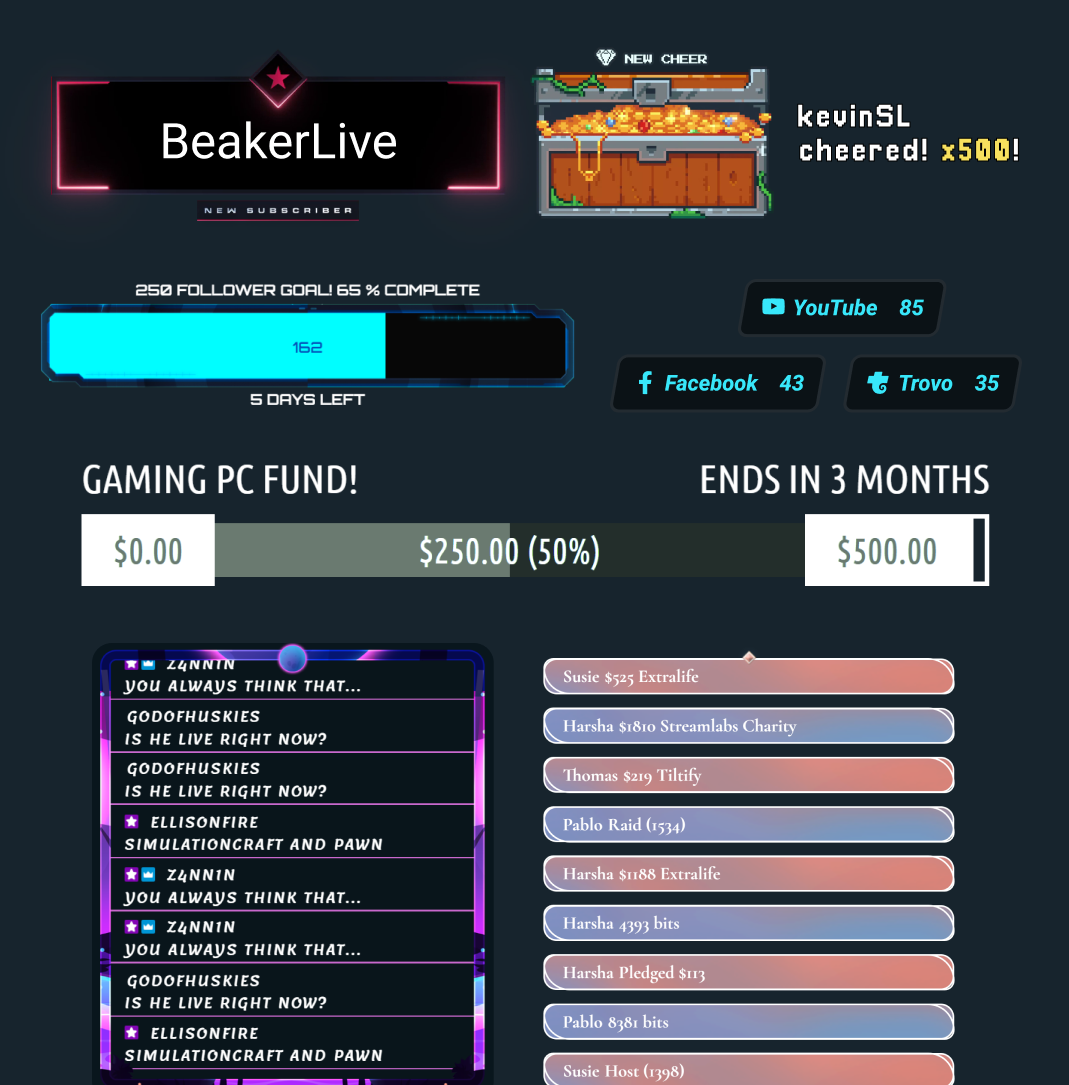
Dezenas de widgets gratuitos
Transforme espectadores passivos em participantes ativos com alertas, metas, enquetes e outros widgets interativos.
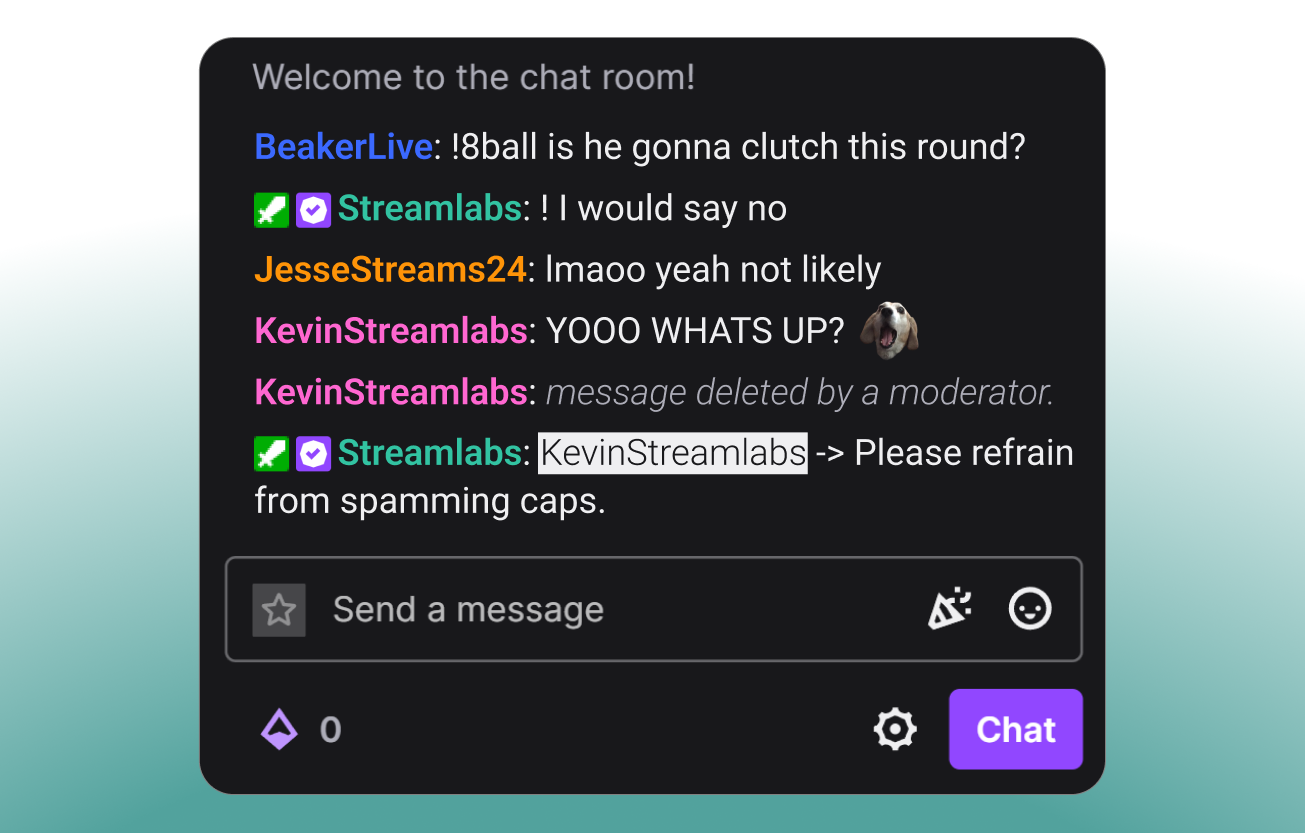
Modere seu chat
Mantenha seu chat seguro, envolvente e sob controle com o Cloudbot, o chatbot gratuito do Streamlabs.
Recursos de jogos exclusivos para desktop
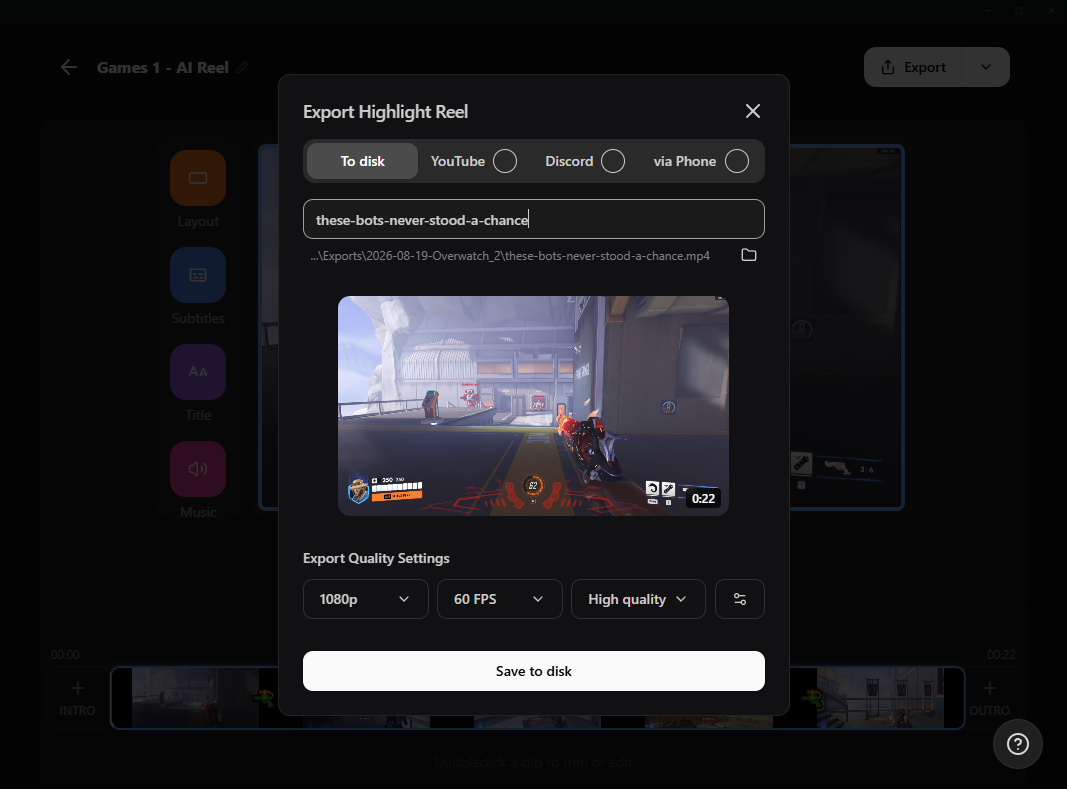
Transforme seus melhores momentos em conteúdo e experiências inesquecíveis para os espectadores.

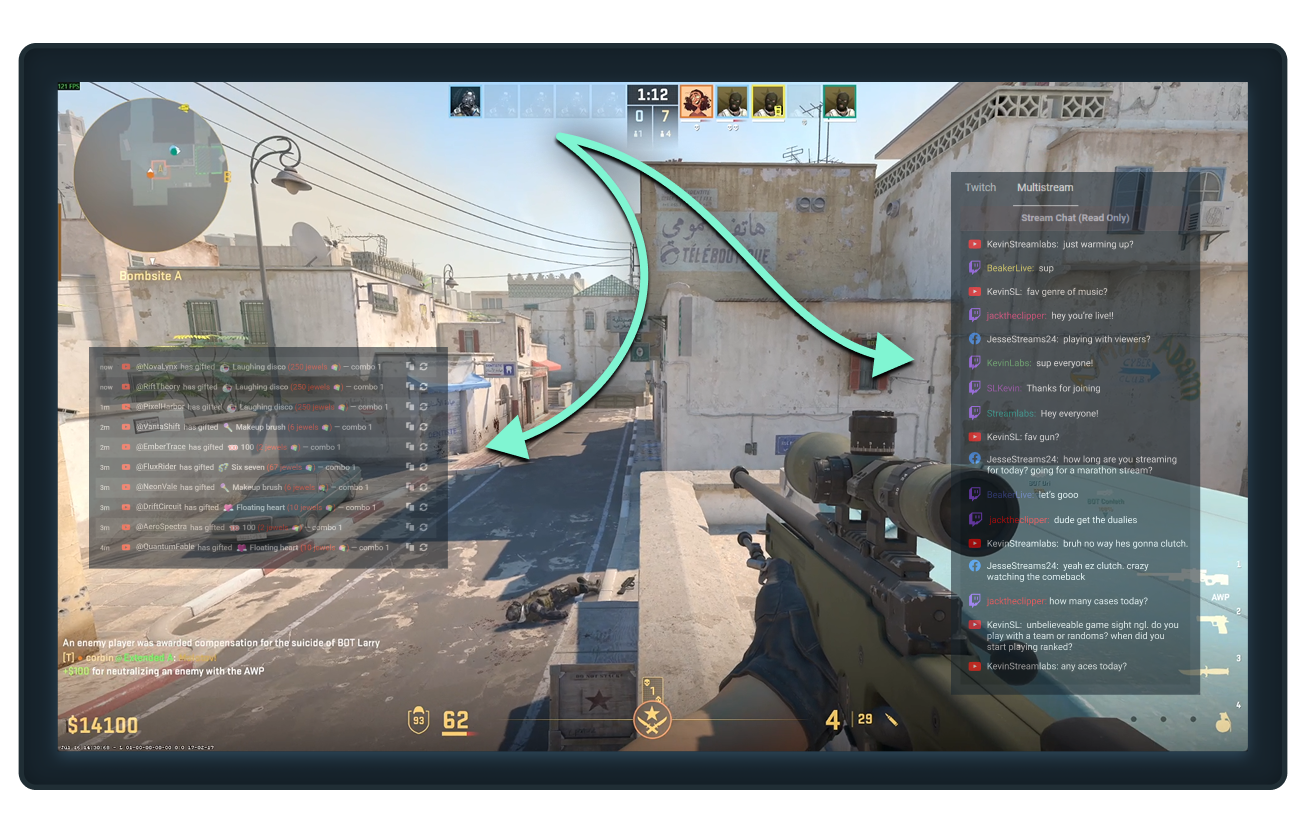
Só tem um monitor? Não tem problema.
Mantenha chats, seguidores, inscrições e outros eventos importantes visíveis enquanto joga com a sobreposição de jogos no Streamlabs Desktop.
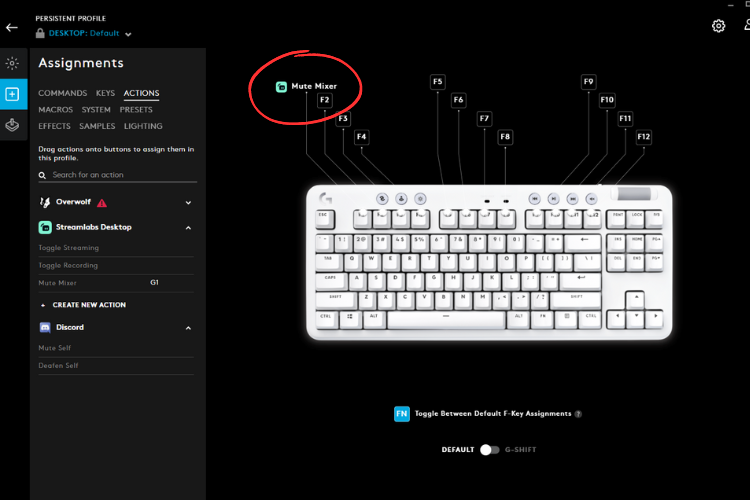
Controle a transmissão pelo teclado
Conecte o Streamlabs Desktop ao Logitech G HUB para iniciar transmissões, trocar de cena, acionar macros e muito mais diretamente dos seus periféricos Logitech G.
Ferramentas para todo tipo de criador
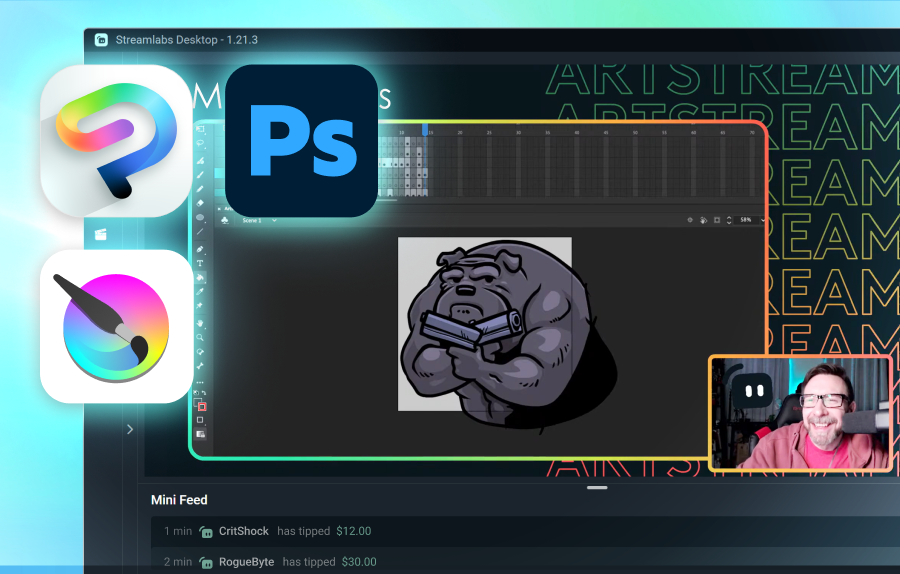
Descubra como o Streamlabs pode dar suporte a vários outros tipos de conteúdo.
Perguntas frequentes
A melhor escolha depende das suas necessidades:
- O Streamlabs Desktop é uma ótima escolha para uma configuração simples e toneladas de recursos integrados como alertas, Game Overlay para uso com um único monitor, destaques automáticos e muito mais.
- O OBS com o Streamlabs Plugin é uma opção sólida para usuários que querem usar o OBS Studio, mas com recursos do Streamlabs como widgets, sobreposições e multistreaming.
- O Streamlabs Console foi projetado para streamers de Xbox que querem entrar ao vivo diretamente do console, sem necessidade de PC ou placa de captura.
- O Streamlabs Mobile é ideal para fazer streaming de jogos mobile a partir de dispositivos iOS e Android.
Não importa como você faz streaming dos seus jogos, o Streamlabs tem uma opção para atender às suas necessidades.
Além de recursos fundamentais de transmissão ao vivo como Alert Box, Cloudbot e doações, o Streamlabs oferece várias ferramentas projetadas especificamente para transmissões ao vivo de jogos:
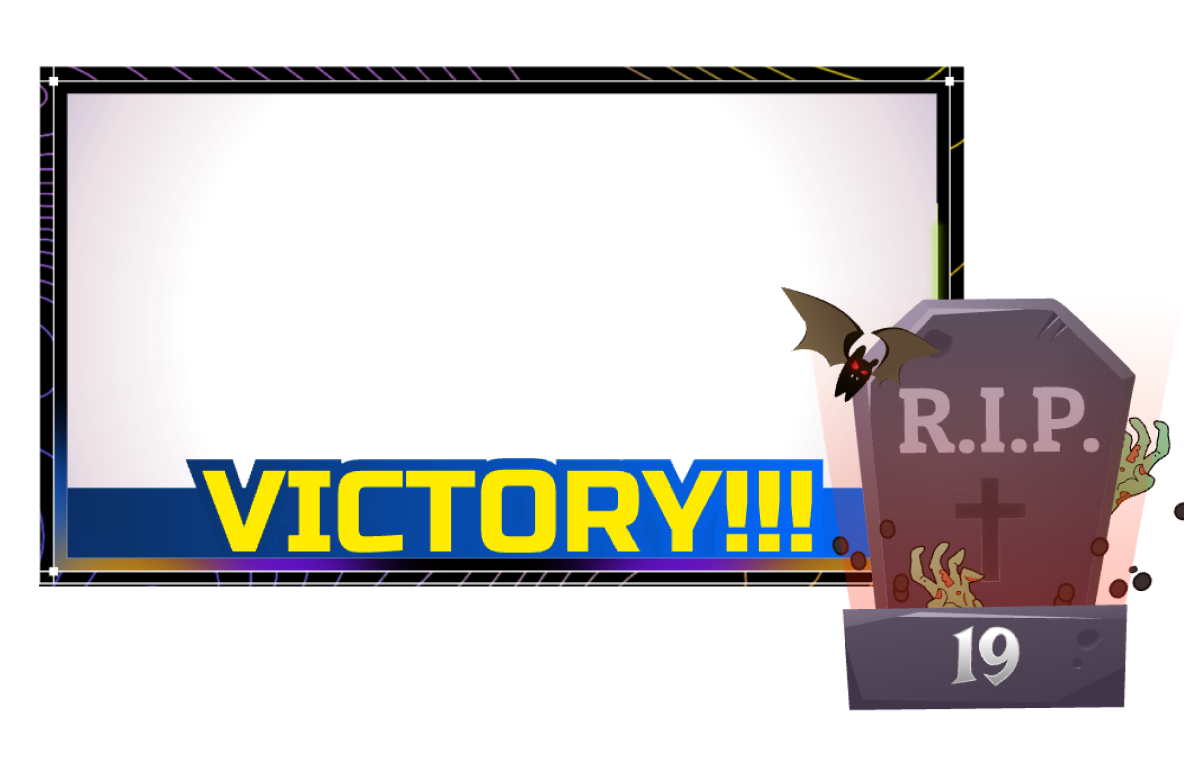
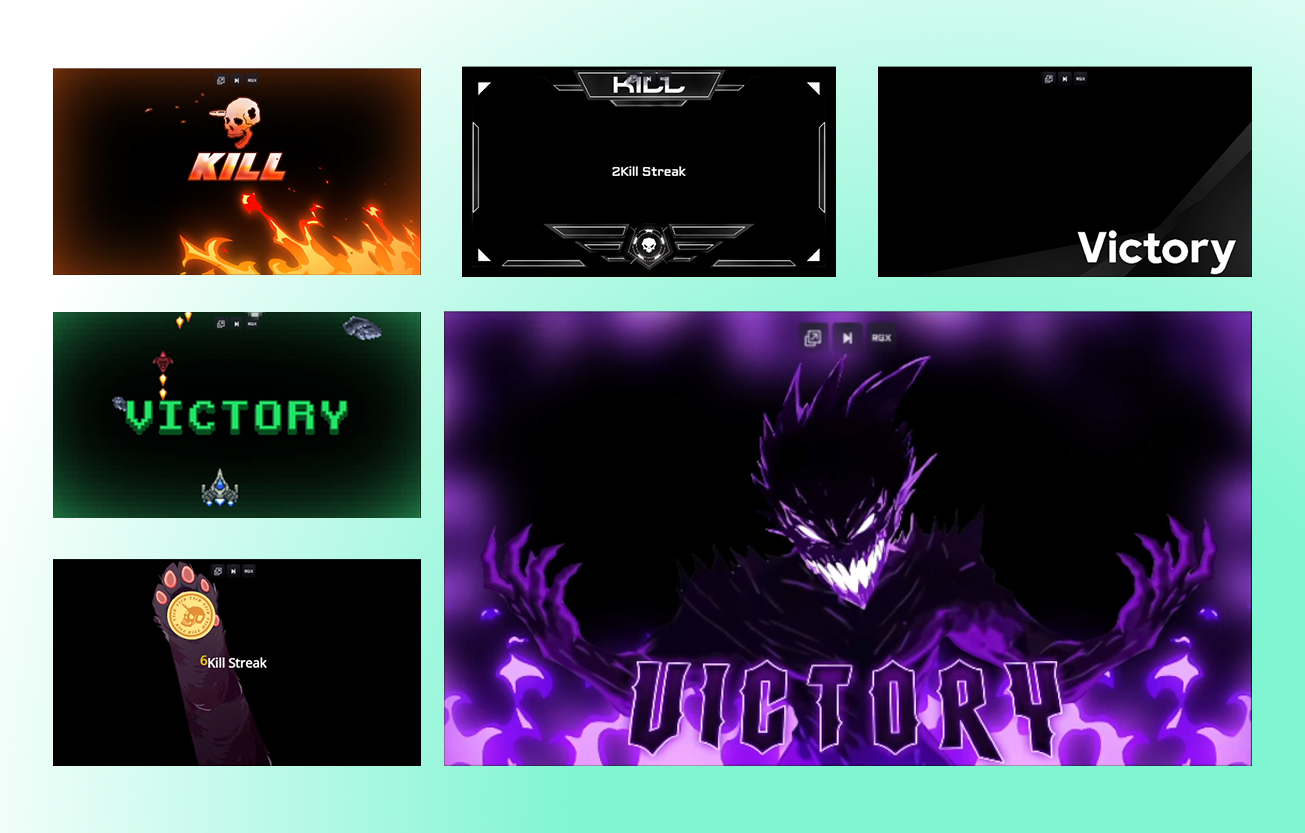
- Game Pulse: Acione efeitos e sons especiais na transmissão para sequências de eliminações, derrotas totais e muito mais. Suporte para dezenas de jogos.
- Sobreposições reativas: Faça um upgrade com sobreposições que são atualizadas em tempo real com base em eventos dentro do jogo. Suporte para mais de uma dúzia de jogos.
- Sobreposição no jogo: Sobreponha seu chat e eventos recentes à sua jogabilidade para que você possa transmitir de um único monitor sem perder nada.
- Highlighter: Defina teclas de atalho para destaques manuais ou obtenha destaques automatizados gerados com base em eventos dentro do jogo para dezenas de jogos.
- Sidekick: Seu co-anfitrião, produtor e suporte técnico de transmissão. Troque de cena, controle o áudio, interaja com o chat e muito mais.
Sim! O Streamlabs Desktop, o plugin para OBS e o aplicativo móvel permitem que você transmita e grave seus jogos gratuitamente.
Entre em contato com o suporte por meio deste link.