

Everything you need to grow on YouTube
Go live with powerful tools built for YouTube creators.

Everything you need to go live on YouTube
Stream with powerful tools built for YouTube creators.
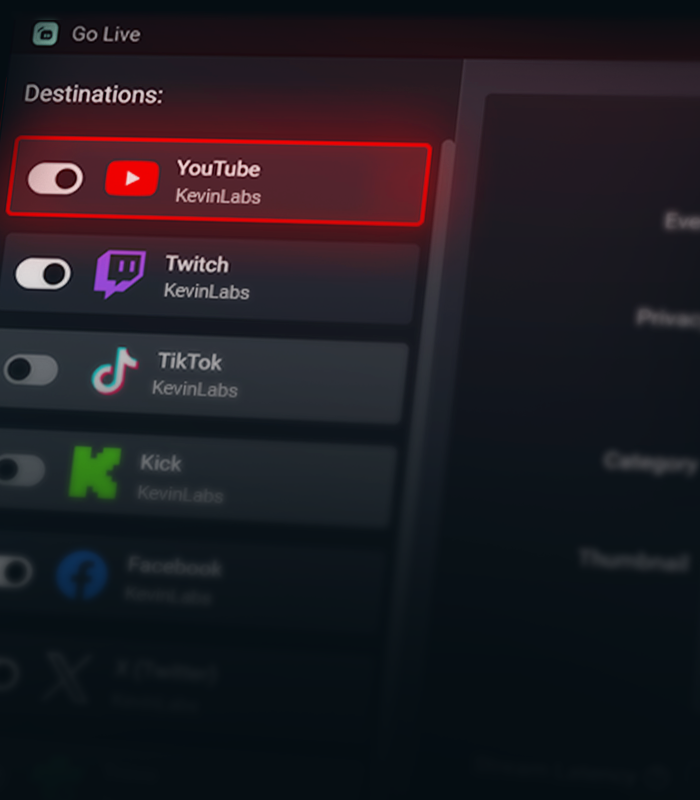

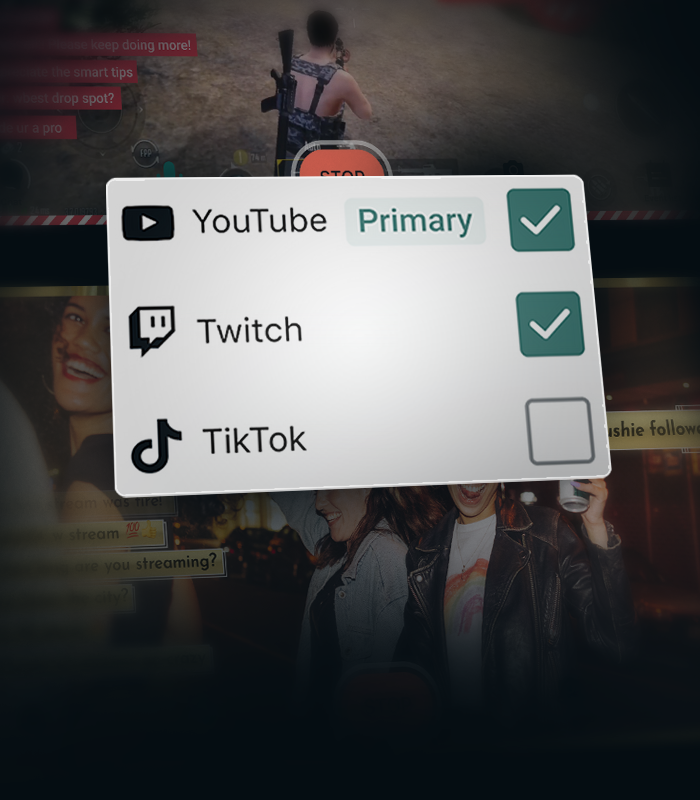
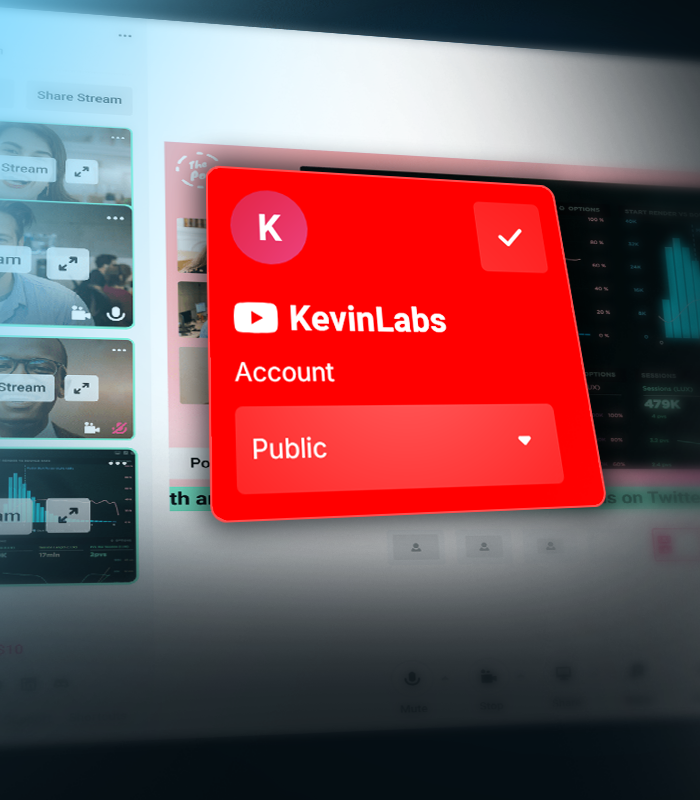


Create separate layouts for vertical and horizontal streams
Create separate layouts for your vertical and horizontal streams with Streamlabs Dual Output, so every viewer gets the best experience no matter how they watch.
Stream Shift keeps you online
Seamlessly transition between desktop and mobile without ending your stream. Stream Shift keeps your broadcast live so you don't lose viewers.
Get more from YouTube with Streamlabs
Exclusive features, tools, and support designed specifically for YouTube creators.

Streamlined Setup
Get live faster with one-click account setup, guided onboarding, and optimized audio and video settings.
Try multistreaming for free
Stream to YouTube and one additional platform free the first time you multistream.
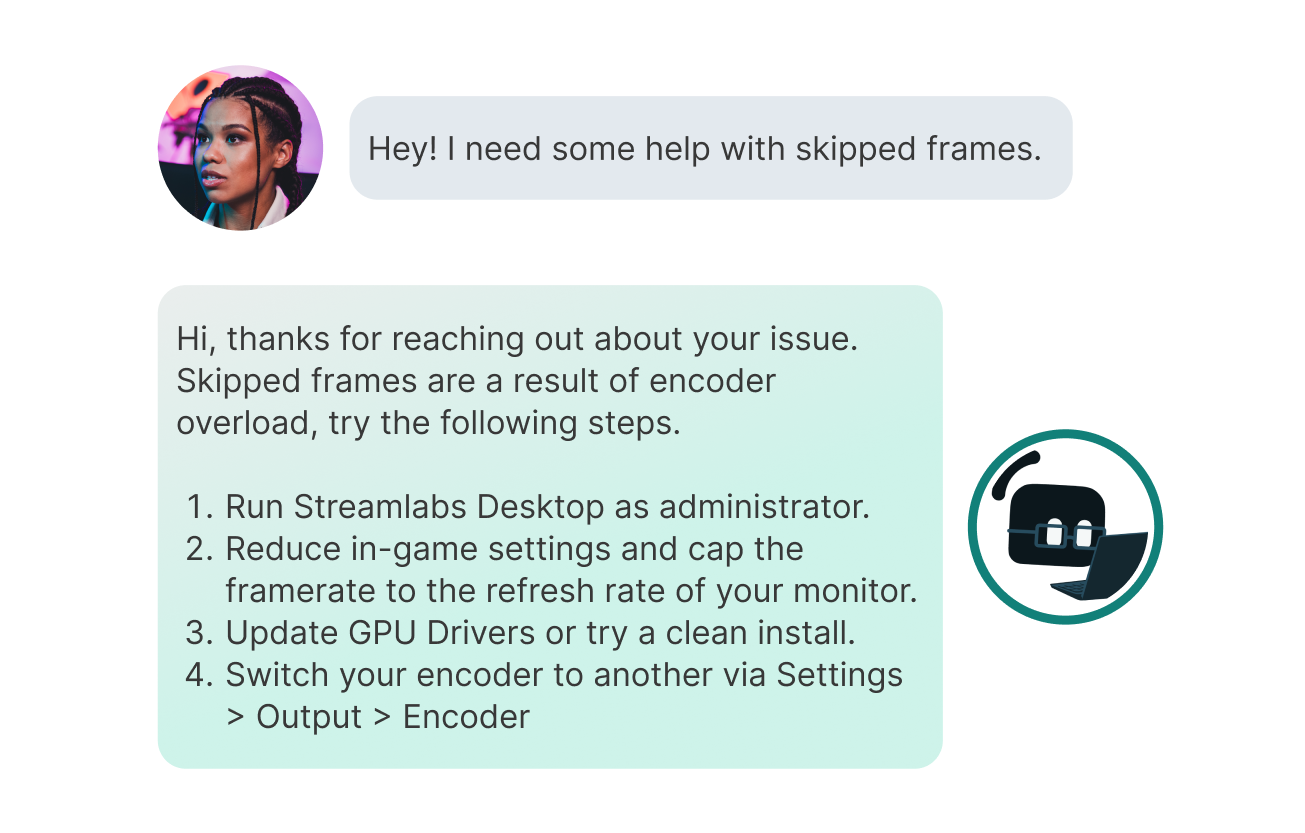
Priority Support
Get help from a dedicated YouTube support team when you need it.
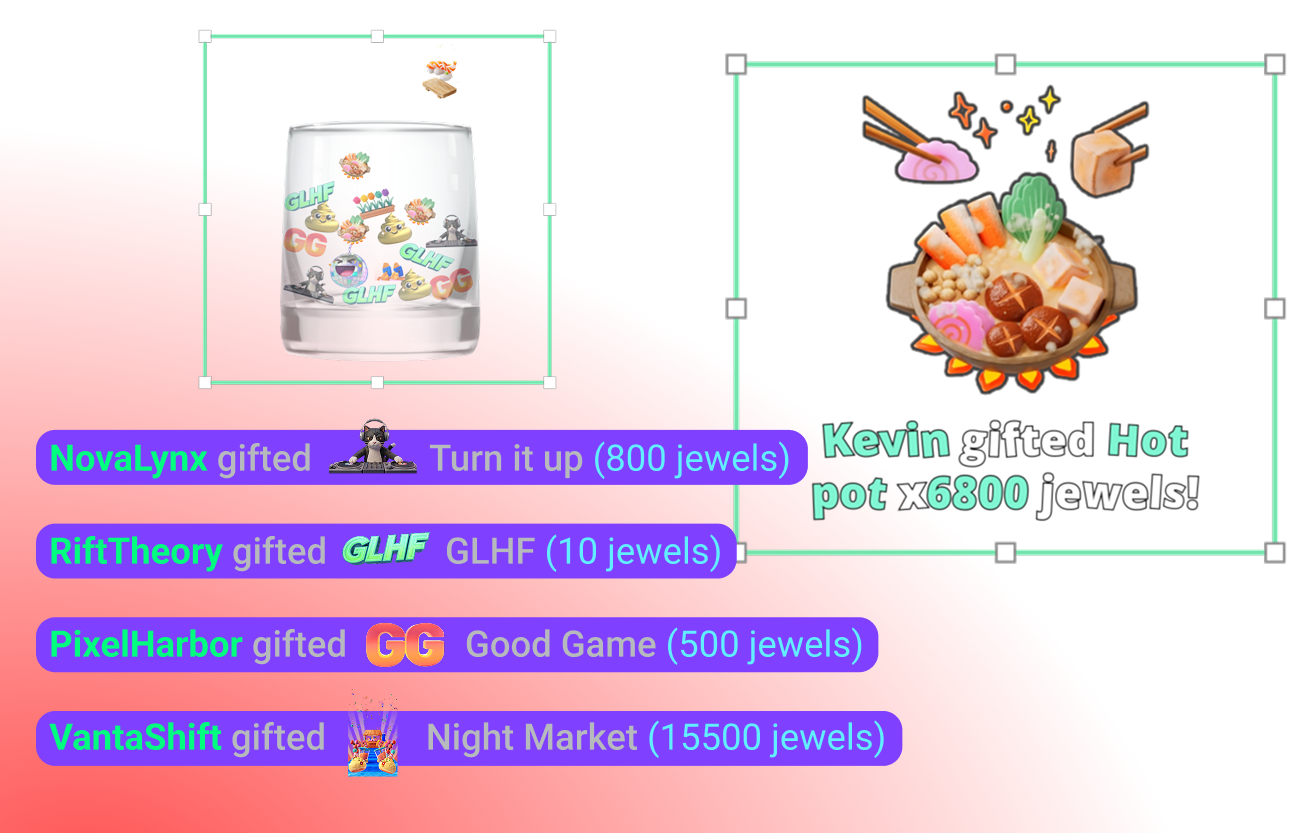
YouTube-specific Widgets
Super Chat, Super Stickers, Emotes and Subscriber alerts keep your community engaged.
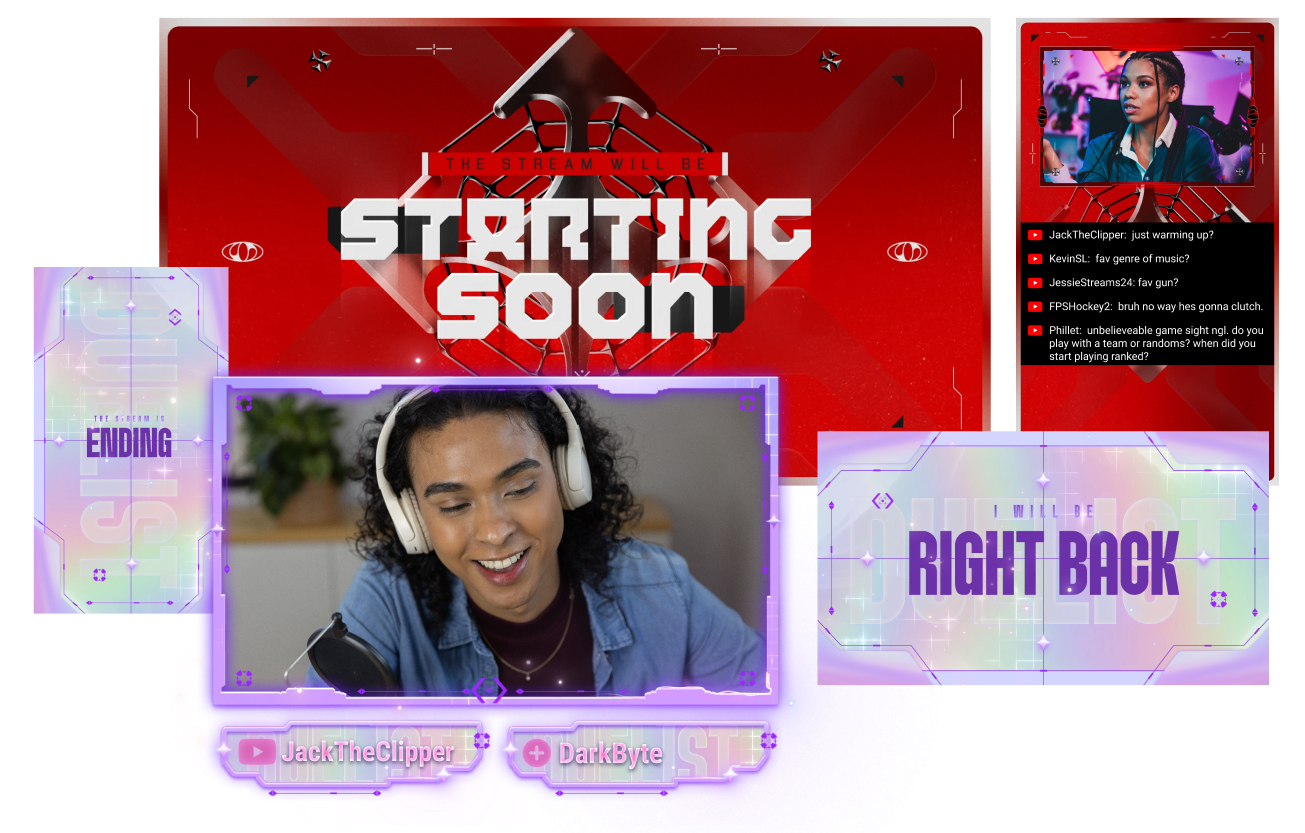
Stand out on YouTube
Give your stream a polished look with overlays built for YouTube creators.
Creator community access
Join a dedicated Discord community for YouTube streamers to share tips, get feedback, and connect with other creators.
Frequently asked questions
You can use Streamlabs Desktop, Plugin for OBS, Mobile, Streamlabs Console or Talk Studio to stream and multistream directly to YouTube. Choose the platform that best fits your streaming setup and workflow.
YouTube’s requirements for live streaming vary by account status and verification. Once your YouTube account meets their streaming requirements, you can immediately connect it to the Streamlabs tool of your choice and start going live.
Streamlabs Ultra 是面向创作者的专业级功能套件,提供广泛的优势,包括多重直播、访问包含数千种直播叠加层和小工具主题的完整库、提高 Intelligent Streaming Agent 的 AI 制作功能使用额度上限、无水印剪辑编辑、Streamlabs 商品最高的利润率、立即获得 Gold All Star 状态以获取更多抽奖机会和罗技 G 硬件折扣等等。
通过 Ultra,您可以在一个简单的计划中访问 Streamlabs Desktop、Mobile、Console、Talk Studio Pro、Cross Clip Pro、Video Editor Pro、Podcast Editor Pro 和 Web Suite 的高级功能。
通过 Ultra Plus,您不仅将解锁 Ultra 包含的所有功能,还能额外增加 Intelligent Streaming Agent 的使用额度上限,并获得专属的 Streamlabs 联系人、设置通话,以及每年两次与我们的直播专家进行交流的成效回访。
在此处详细了解 Ultra 和 Ultra Plus 的所有优势。
Navigate to your Platform Settings in Dashboard, select YouTube as your platform, and then authorize Streamlabs to access your YouTube account. The integration is seamless, and you will see your YouTube account connected in your list of platforms after you click Confirm & Go Live. For Console, you'll need to add YouTube as a second multistream destination. For more detailed instructions on setup, you can watch our video guide here or our setup article here.
There are a bunch of benefits to multistreaming, and there are even more to specifically multistreaming with YouTube as one of your destinations. You can find the full list here in this article.
If you enable Dual Output, you can multistream to one platform per layout. For example, if you stream your horizontal layout to YouTube, you can also multistream your vertical canvas to YouTube for inclusion in the Shorts feed or to one other platform of your choice for free. Console is the only Streamlabs tool you will need an Ultra membership for in order to stream to any destination of your choice.
不需要! You do not need a stream key to stream to YouTube using Streamlabs tools. 只需关联您的账户,即可开始直播。
Streamlabs has a wide range of widgets that support YouTube events. Widgets and event types supported are:
- 提醒框
- 订阅
- 会员
- 超级留言
- Jewel 礼物
- 超级贴纸
- 事件列表
- 订阅
- 会员
- 赠送的会员
- 超级留言
- 再订阅
- Jewel 礼物
- 超级贴纸
- 存钱罐
- 订阅
- 会员
- 超级留言
- Jewel 礼物
- 超级贴纸
- 片尾字幕
- 订阅
- 会员
- 超级留言
- Jewel 礼物
- 超级贴纸
- 聊天亮点
- 投票小工具
- 关注者目标
- 订阅者
- 订阅目标
- 会员
- 超级留言目标
- 超级留言
- 观众人数
- Chat Box badges
- 群主
- 订阅者
Please contact support at this link.