

Everything you need to grow on YouTube
Go live with powerful tools built for YouTube creators.

Everything you need to go live on YouTube
Stream with powerful tools built for YouTube creators.
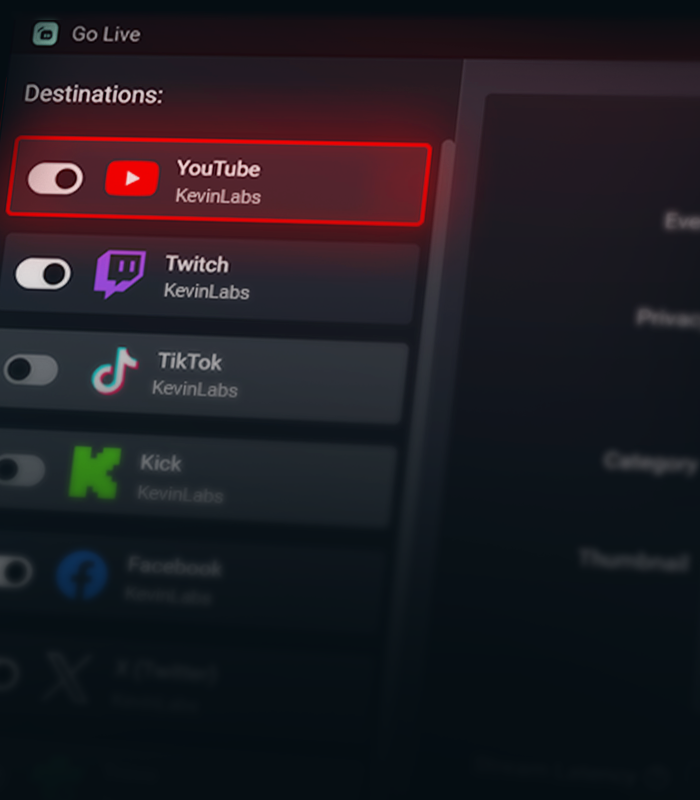

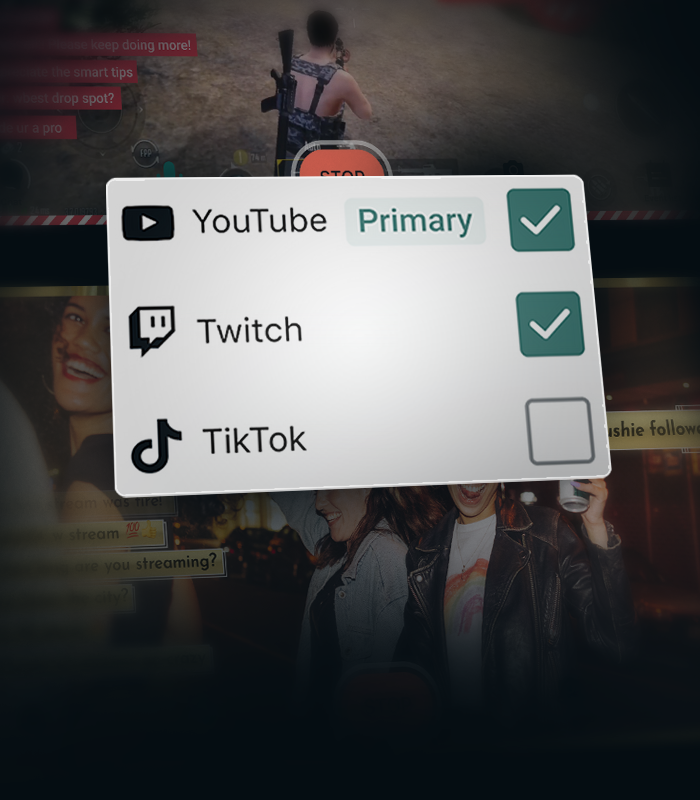


Create separate layouts for vertical and horizontal streams
Create separate layouts for your vertical and horizontal streams with Streamlabs Dual Output, so every viewer gets the best experience no matter how they watch.
Stream Shift keeps you online
Seamlessly transition between desktop and mobile without ending your stream. Stream Shift keeps your broadcast live so you don't lose viewers.
Get more from YouTube with Streamlabs
Exclusive features, tools, and support designed specifically for YouTube creators.

Streamlined Setup
Get live faster with one-click account setup, guided onboarding, and optimized audio and video settings.
Try multistreaming for free
Stream to YouTube and one additional platform free the first time you multistream.
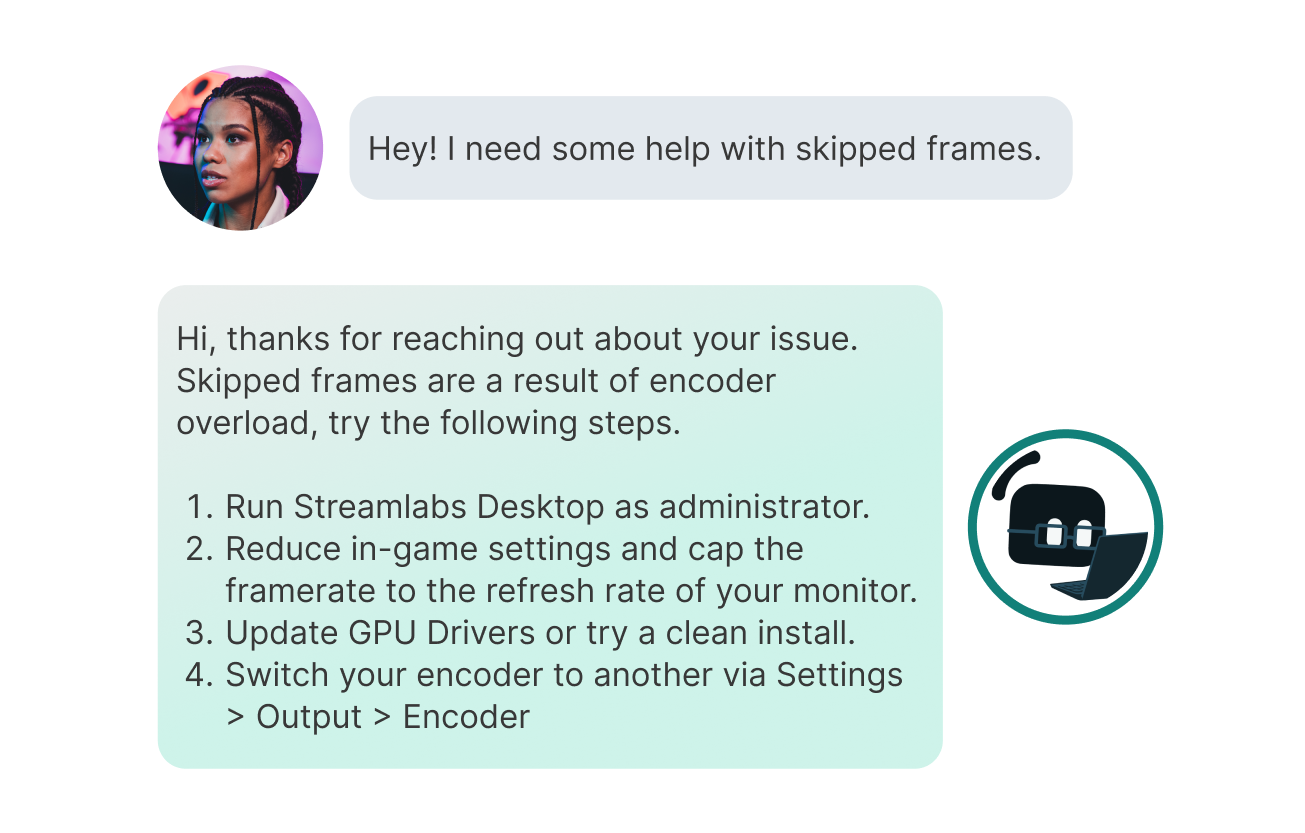
Priority Support
Get help from a dedicated YouTube support team when you need it.
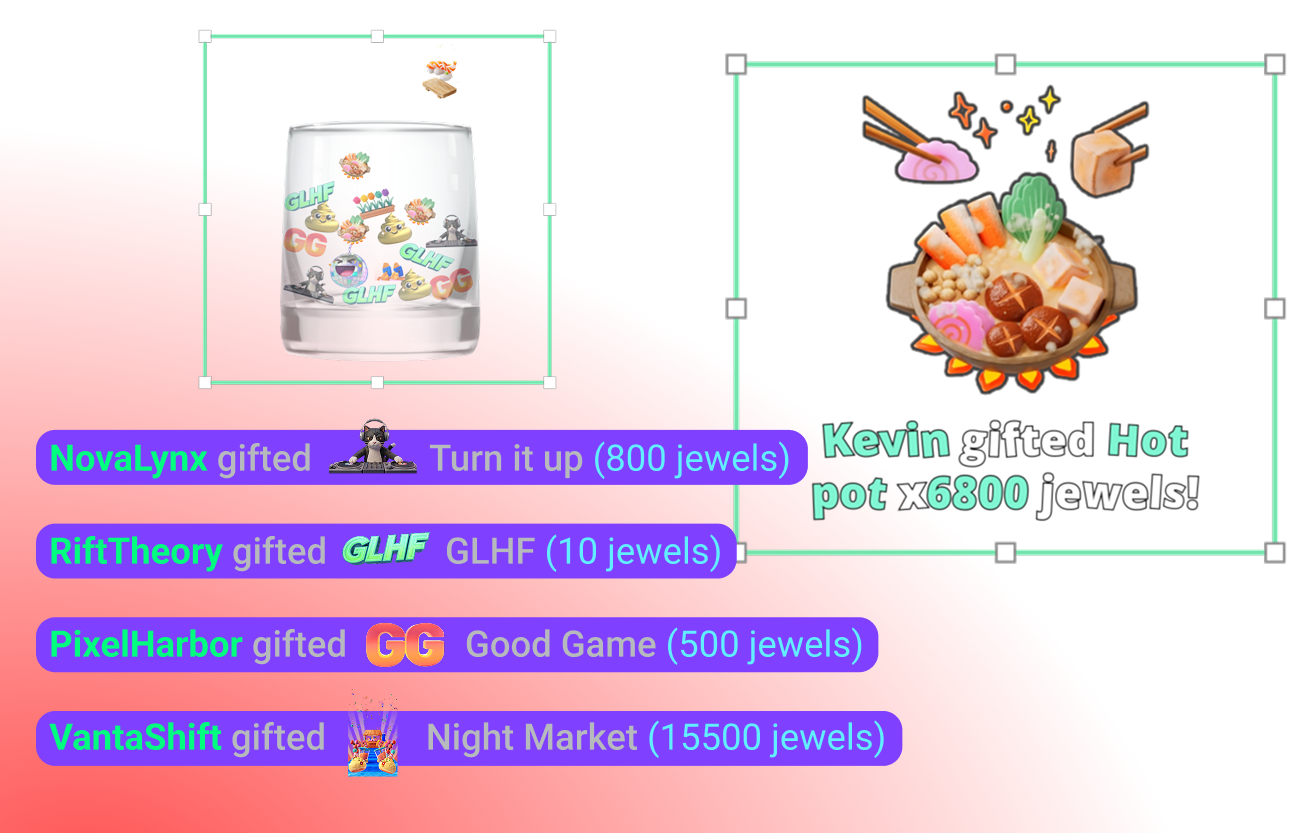
YouTube-specific Widgets
Super Chat, Super Stickers, Emotes and Subscriber alerts keep your community engaged.
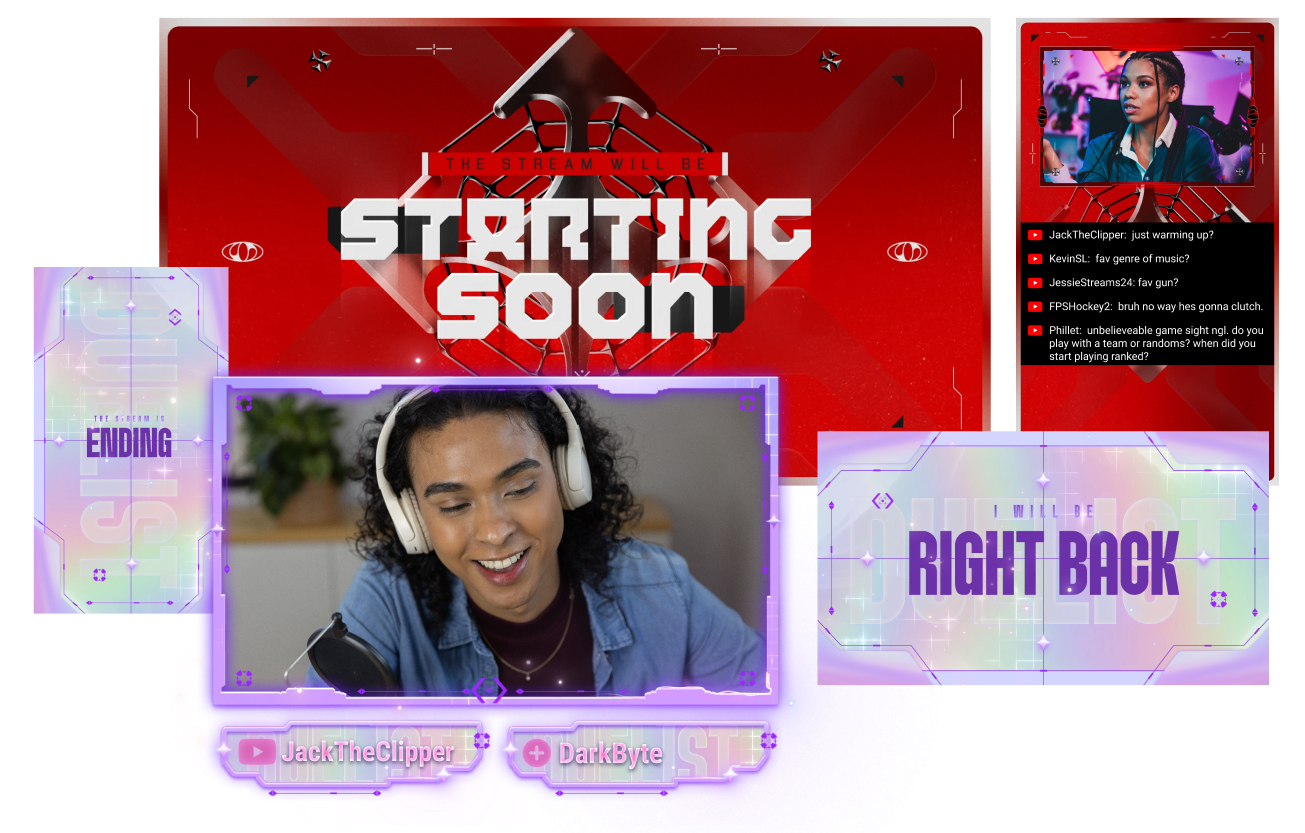
Stand out on YouTube
Give your stream a polished look with overlays built for YouTube creators.
Creator community access
Join a dedicated Discord community for YouTube streamers to share tips, get feedback, and connect with other creators.
Frequently asked questions
You can use Streamlabs Desktop, Plugin for OBS, Mobile, Streamlabs Console or Talk Studio to stream and multistream directly to YouTube. Choose the platform that best fits your streaming setup and workflow.
YouTube’s requirements for live streaming vary by account status and verification. Once your YouTube account meets their streaming requirements, you can immediately connect it to the Streamlabs tool of your choice and start going live.
Streamlabs Ultra は、クリエイター向けのプロレベルの機能スイートです。マルチストリーミング、数千のストリームオーバーレイやウィジェットテーマが揃ったライブラリへのアクセス、Intelligent Streaming Agent による AI 制作機能の利用上限の引き上げ、透かしなしのクリップ編集、Streamlabs グッズでの最高の利益率の確保、追加の応募権やロジクール G ハードウェアの割引特典付きの Gold All Star ステータスへの即時アクセスなど、幅広いメリットを提供します。
Ultra では、Streamlabs Desktop、Mobile、Console、Talk Studio Pro、Cross Clip Pro、Video Editor Pro、Podcast Editor Pro、Web Suite のプレミアム機能を1つのシンプルなプランでご利用いただけます。
Ultra Plus では、Ultra のすべての機能に加え、Intelligent Streaming Agent の利用上限の引き上げと Streamlabs 専用窓口、初回導入サポートミーティング、当社のストリーミングエキスパートによる年2回の成功支援ミーティングをご利用いただけます。
Ultra と Ultra Plus のすべてのメリットの詳細については、こちらをご覧ください。
Navigate to your Platform Settings in Dashboard, select YouTube as your platform, and then authorize Streamlabs to access your YouTube account. The integration is seamless, and you will see your YouTube account connected in your list of platforms after you click Confirm & Go Live. For Console, you'll need to add YouTube as a second multistream destination. For more detailed instructions on setup, you can watch our video guide here or our setup article here.
There are a bunch of benefits to multistreaming, and there are even more to specifically multistreaming with YouTube as one of your destinations. You can find the full list here in this article.
If you enable Dual Output, you can multistream to one platform per layout. For example, if you stream your horizontal layout to YouTube, you can also multistream your vertical canvas to YouTube for inclusion in the Shorts feed or to one other platform of your choice for free. Console is the only Streamlabs tool you will need an Ultra membership for in order to stream to any destination of your choice.
いいえ。 You do not need a stream key to stream to YouTube using Streamlabs tools. アカウントを連携するだけで、すぐに配信を開始できます。
Streamlabs has a wide range of widgets that support YouTube events. Widgets and event types supported are:
- アラートボックス
- サブスクリプション
- メンバーシップ
- スーパーチャット
- ジュエルギフト
- スーパーステッカー
- イベントリスト
- サブスクリプション
- メンバーシップ
- 贈られたメンバーシップ
- スーパーチャット
- リサブ
- ジュエルギフト
- スーパーステッカー
- ジャー
- サブスクリプション
- メンバーシップ
- スーパーチャット
- ジュエルギフト
- スーパーステッカー
- エンドクレジット
- サブスクリプション
- メンバーシップ
- スーパーチャット
- ジュエルギフト
- スーパーステッカー
- チャットのハイライト
- 投票ウィジェット
- フォロワー目標
- サブスクライバー
- サブスクライバー目標
- メンバーシップ
- スーパーチャット目標
- スーパーチャット
- 視聴者数
- Chat Box badges
- モデレーター
- サブスクライバー
Please contact support at this link.