

Everything you need to grow on YouTube
Go live with powerful tools built for YouTube creators.

Everything you need to go live on YouTube
Stream with powerful tools built for YouTube creators.
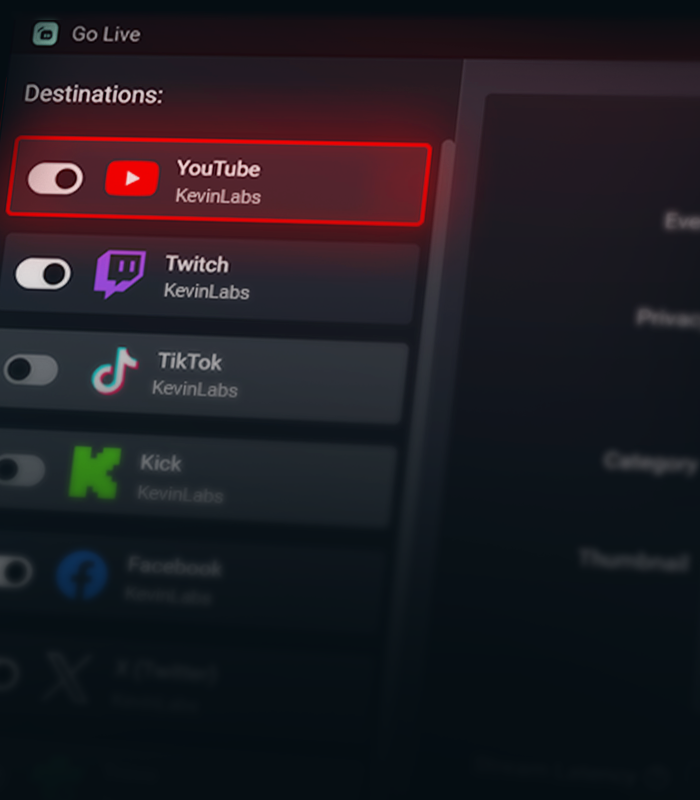

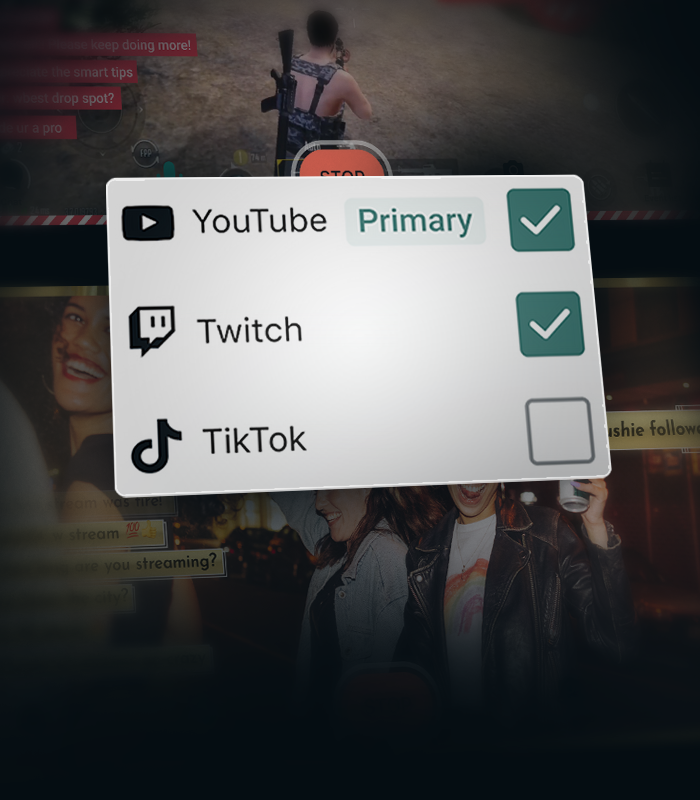
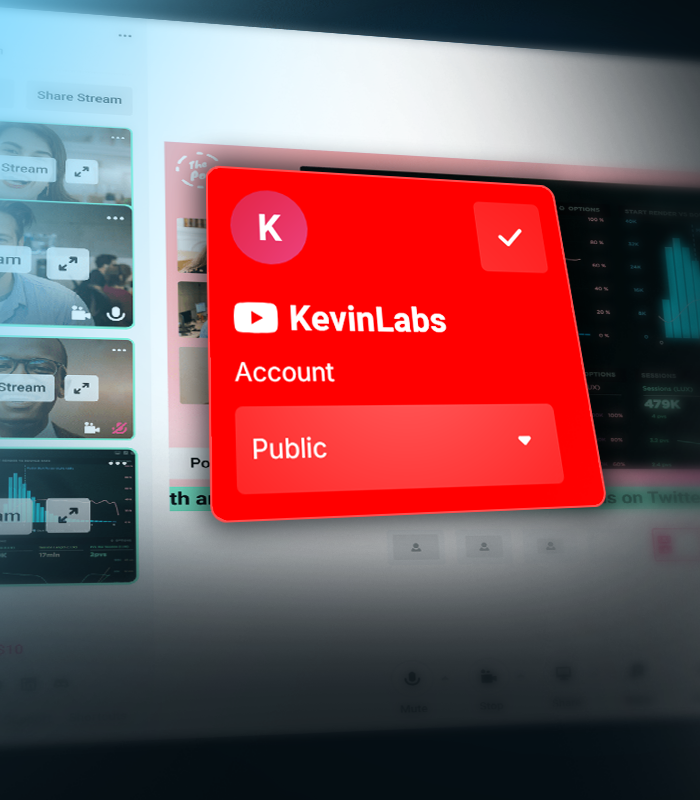


Create separate layouts for vertical and horizontal streams
Create separate layouts for your vertical and horizontal streams with Streamlabs Dual Output, so every viewer gets the best experience no matter how they watch.
Stream Shift keeps you online
Seamlessly transition between desktop and mobile without ending your stream. Stream Shift keeps your broadcast live so you don't lose viewers.
Get more from YouTube with Streamlabs
Exclusive features, tools, and support designed specifically for YouTube creators.

Streamlined Setup
Get live faster with one-click account setup, guided onboarding, and optimized audio and video settings.
Try multistreaming for free
Stream to YouTube and one additional platform free the first time you multistream.
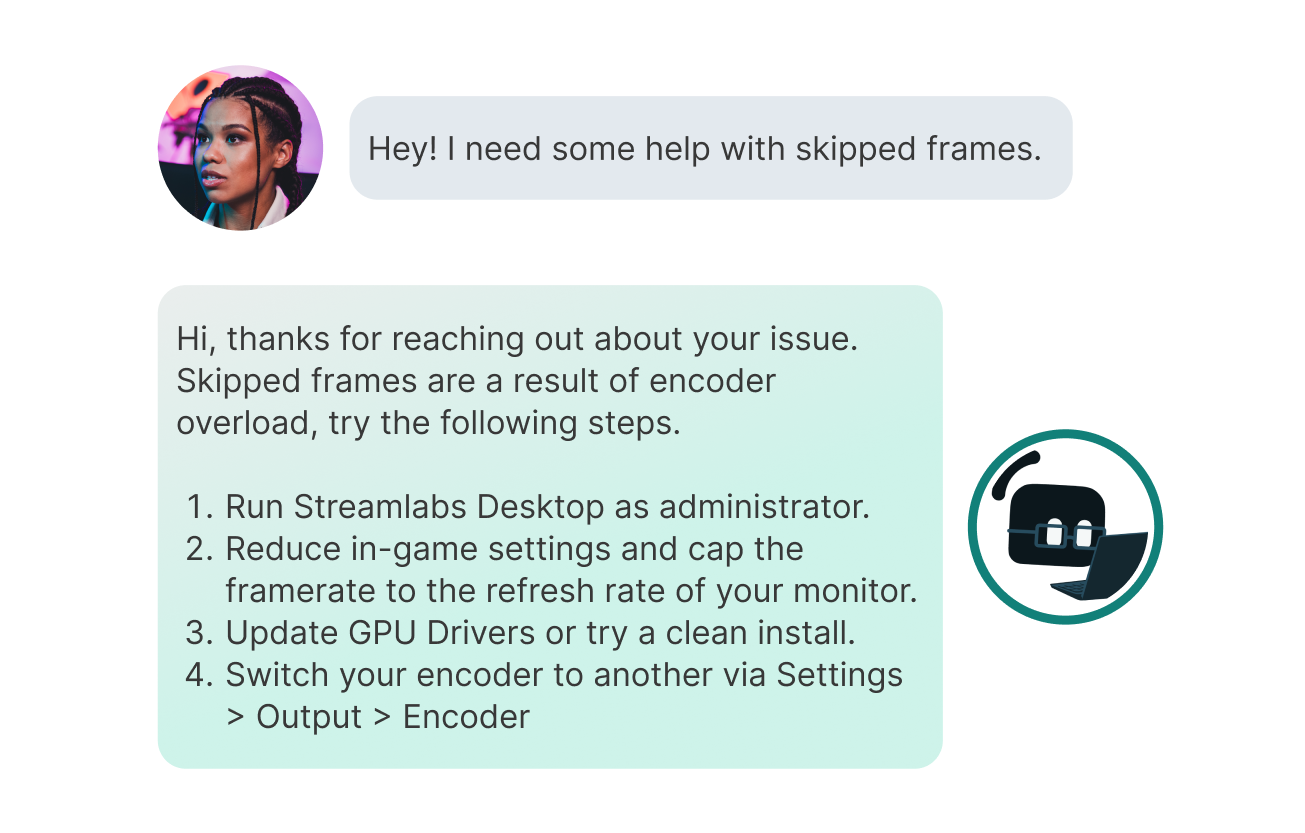
Priority Support
Get help from a dedicated YouTube support team when you need it.
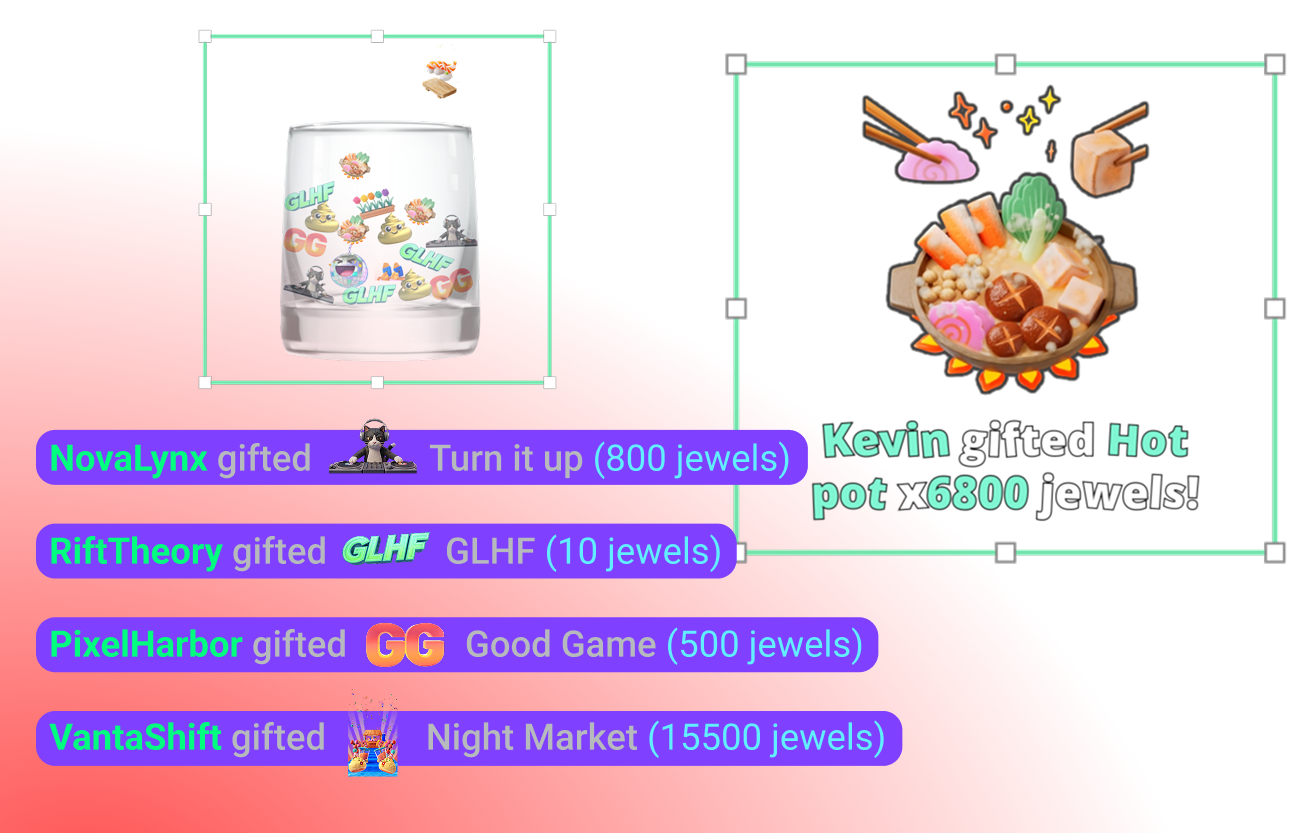
YouTube-specific Widgets
Super Chat, Super Stickers, Emotes and Subscriber alerts keep your community engaged.
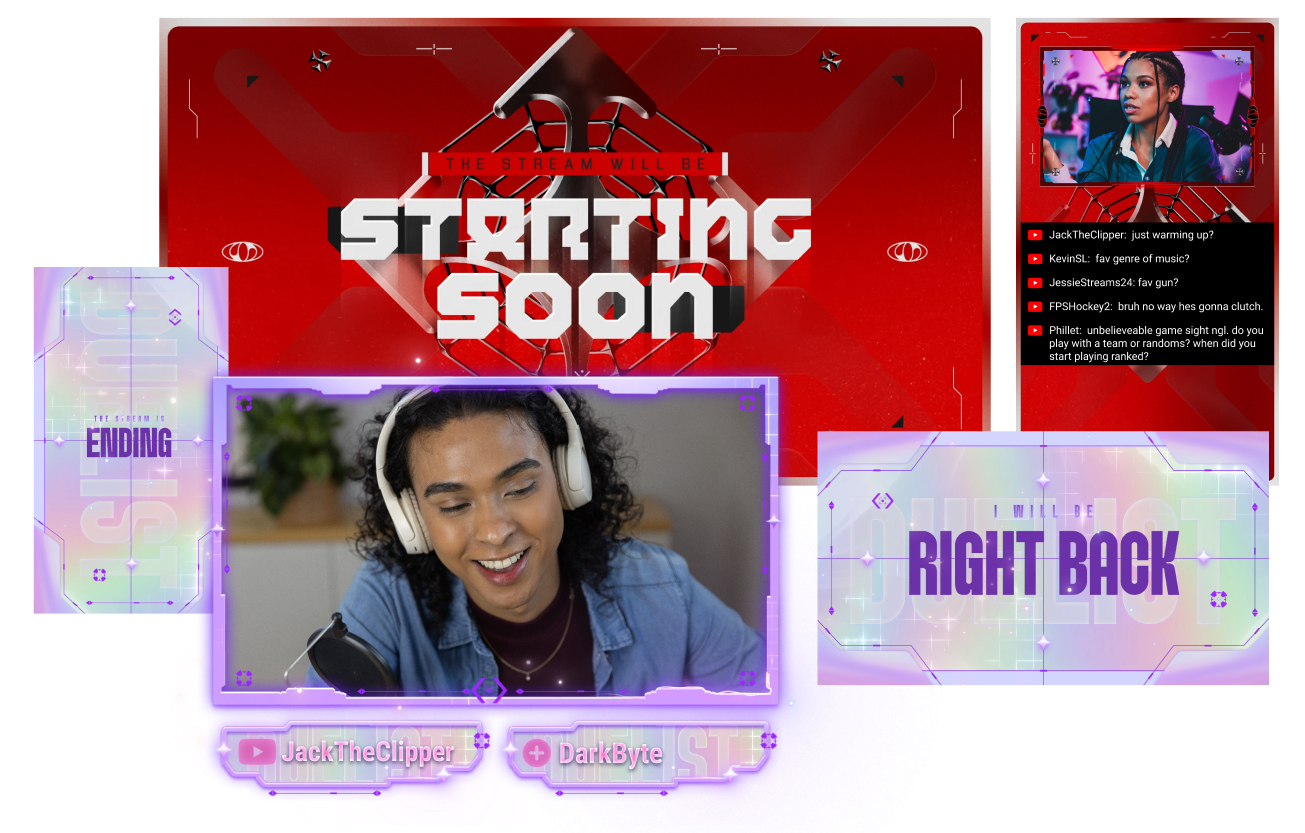
Stand out on YouTube
Give your stream a polished look with overlays built for YouTube creators.
Creator community access
Join a dedicated Discord community for YouTube streamers to share tips, get feedback, and connect with other creators.
Frequently asked questions
You can use Streamlabs Desktop, Plugin for OBS, Mobile, Streamlabs Console or Talk Studio to stream and multistream directly to YouTube. Choose the platform that best fits your streaming setup and workflow.
YouTube’s requirements for live streaming vary by account status and verification. Once your YouTube account meets their streaming requirements, you can immediately connect it to the Streamlabs tool of your choice and start going live.
Streamlabs Ultra to pakiet profesjonalnych funkcji dla twórców, oferujący szeroki wachlarz korzyści, w tym możliwość prowadzenia wielu transmisji jednocześnie, dostęp do pełnej biblioteki zawierającej tysiące nakładek na transmisje i motywów widżetów, wyższe limity funkcji produkcyjnych opartych na sztucznej inteligencji dzięki Intelligent Streaming Agent, edycję klipów bez znaków wodnych, najwyższe marże zysku w Streamlabs Merch, natychmiastowy dostęp do statusu Gold All Star, który daje dodatkowe szanse w konkursach z nagrodami oraz zniżki na sprzęt Logitech G, a także wiele innych.
Dzięki pakietowi Ultra zyskujesz dostęp do wszystkich funkcji premium aplikacji Streamlabs Desktop, Mobile, Console, Talk Studio Pro, Cross Clip Pro, Video Editor Pro, Podcast Editor Pro oraz Web Suite w ramach jednej, prostej oferty.
W ramach pakietu Ultra Plus zyskujesz dostęp do wszystkich funkcji zawartych w pakiecie Ultra, a dodatkowo: zwiększone limity dla Intelligent Streaming Agent, dedykowaną osobę kontaktową w Streamlabs, rozmowę dotyczącą konfiguracji oraz dwie rozmowy rocznie z naszymi ekspertami ds. przesyłania strumieniowego, poświęcone twoim sukcesom.
Dowiedz się więcej o wszystkich zaletach planów Ultra i Ultra Plus tutaj.
Navigate to your Platform Settings in Dashboard, select YouTube as your platform, and then authorize Streamlabs to access your YouTube account. The integration is seamless, and you will see your YouTube account connected in your list of platforms after you click Confirm & Go Live. For Console, you'll need to add YouTube as a second multistream destination. For more detailed instructions on setup, you can watch our video guide here or our setup article here.
There are a bunch of benefits to multistreaming, and there are even more to specifically multistreaming with YouTube as one of your destinations. You can find the full list here in this article.
If you enable Dual Output, you can multistream to one platform per layout. For example, if you stream your horizontal layout to YouTube, you can also multistream your vertical canvas to YouTube for inclusion in the Shorts feed or to one other platform of your choice for free. Console is the only Streamlabs tool you will need an Ultra membership for in order to stream to any destination of your choice.
Nie You do not need a stream key to stream to YouTube using Streamlabs tools. Wystarczy połączyć swoje konto i zacząć nadawać na żywo.
Streamlabs has a wide range of widgets that support YouTube events. Widgets and event types supported are:
- Pole powiadomień
- Subskrypcje
- Członkostwa
- Super Czaty
- Prezenty za klejnoty
- Super naklejki
- Lista wydarzeń
- Subskrypcje
- Członkostwa
- Prezenty w postaci członkostwa
- Super Czaty
- Ponowne subskrypcje
- Prezenty za klejnoty
- Super naklejki
- Słoik
- Subskrypcje
- Członkostwa
- Super Czaty
- Prezenty za klejnoty
- Super naklejki
- Napisy końcowe
- Subskrypcje
- Członkostwa
- Super Czaty
- Prezenty za klejnoty
- Super naklejki
- Wyróżnienie czatu
- Widżet ankiety
- Cel obserwujących
- Subskrybenci
- Cel subów
- Członkostwa
- Cel super czatu
- Super Czaty
- Liczba widzów
- Chat Box badges
- Moderator
- Subskrybent
Please contact support at this link.