

Everything you need to grow on YouTube
Go live with powerful tools built for YouTube creators.

Everything you need to go live on YouTube
Stream with powerful tools built for YouTube creators.
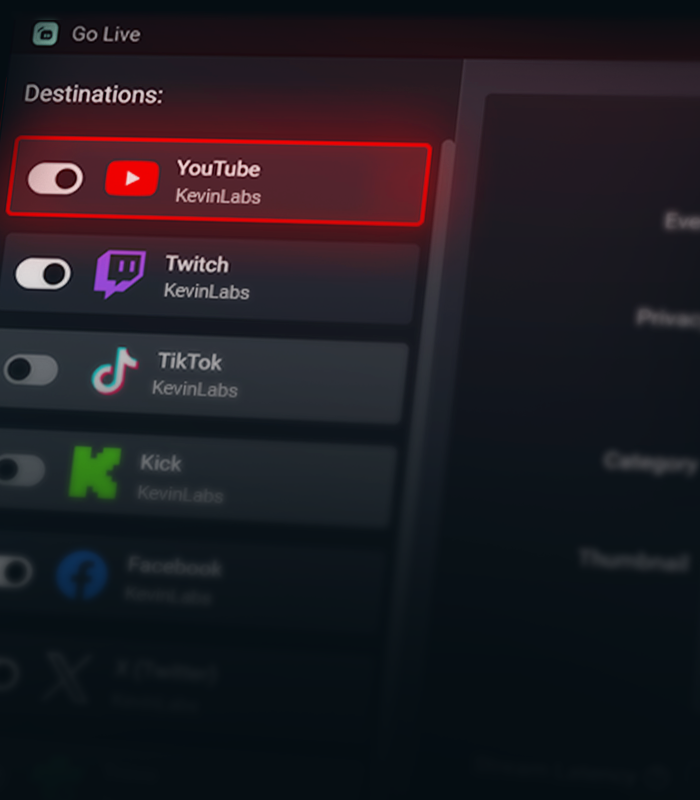

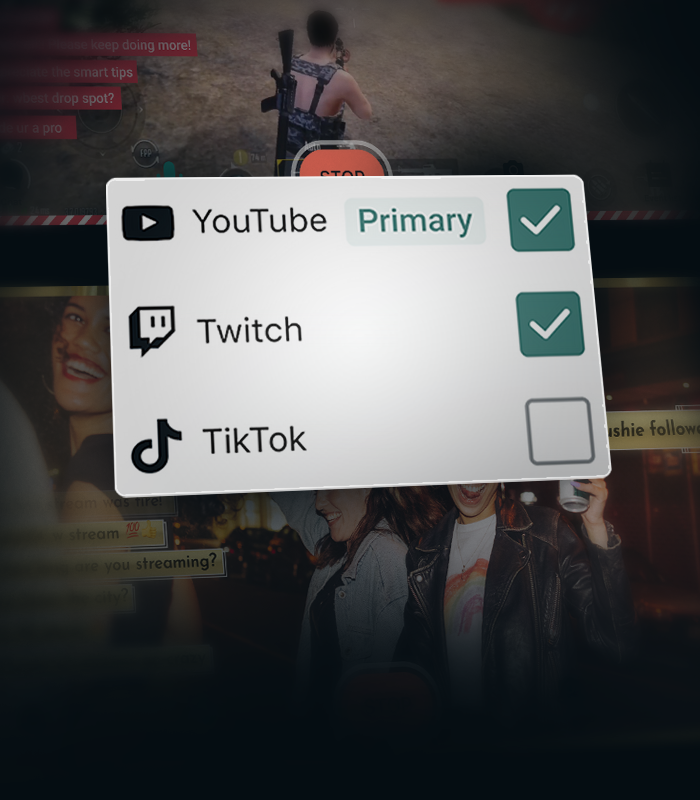
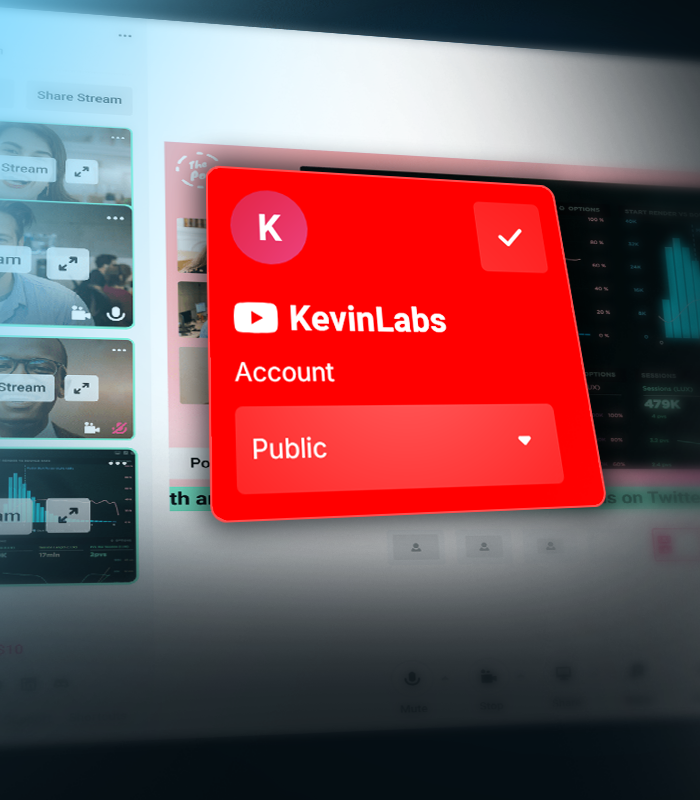


Create separate layouts for vertical and horizontal streams
Create separate layouts for your vertical and horizontal streams with Streamlabs Dual Output, so every viewer gets the best experience no matter how they watch.
Stream Shift keeps you online
Seamlessly transition between desktop and mobile without ending your stream. Stream Shift keeps your broadcast live so you don't lose viewers.
Get more from YouTube with Streamlabs
Exclusive features, tools, and support designed specifically for YouTube creators.

Streamlined Setup
Get live faster with one-click account setup, guided onboarding, and optimized audio and video settings.
Try multistreaming for free
Stream to YouTube and one additional platform free the first time you multistream.
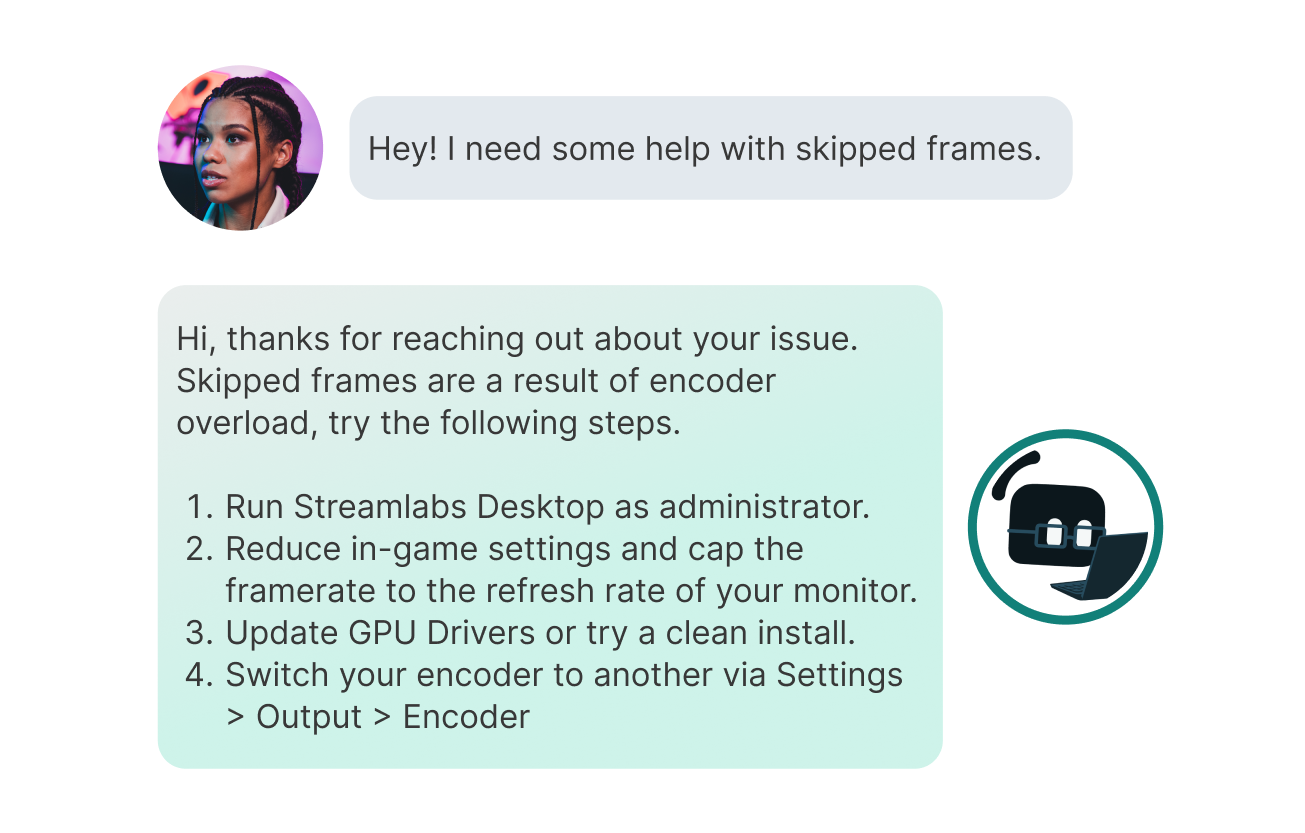
Priority Support
Get help from a dedicated YouTube support team when you need it.
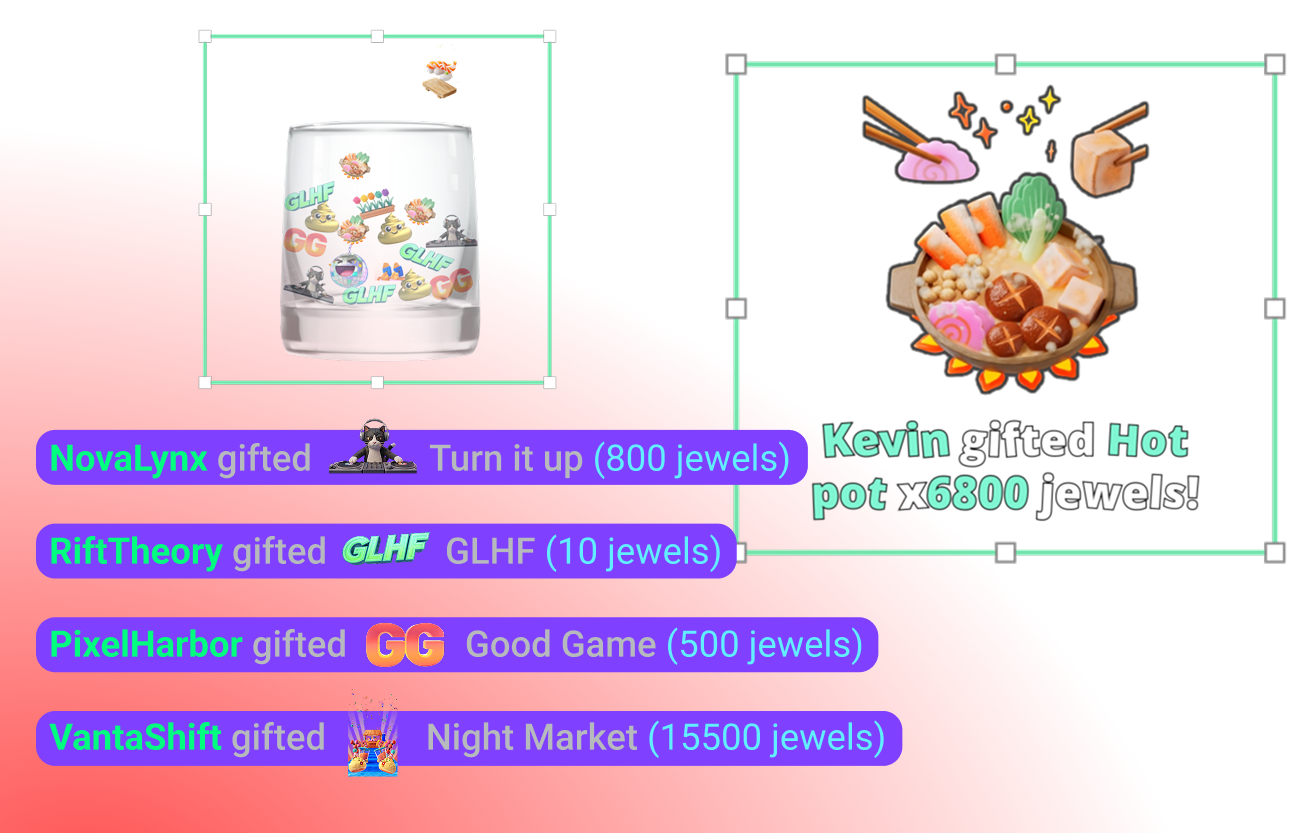
YouTube-specific Widgets
Super Chat, Super Stickers, Emotes and Subscriber alerts keep your community engaged.
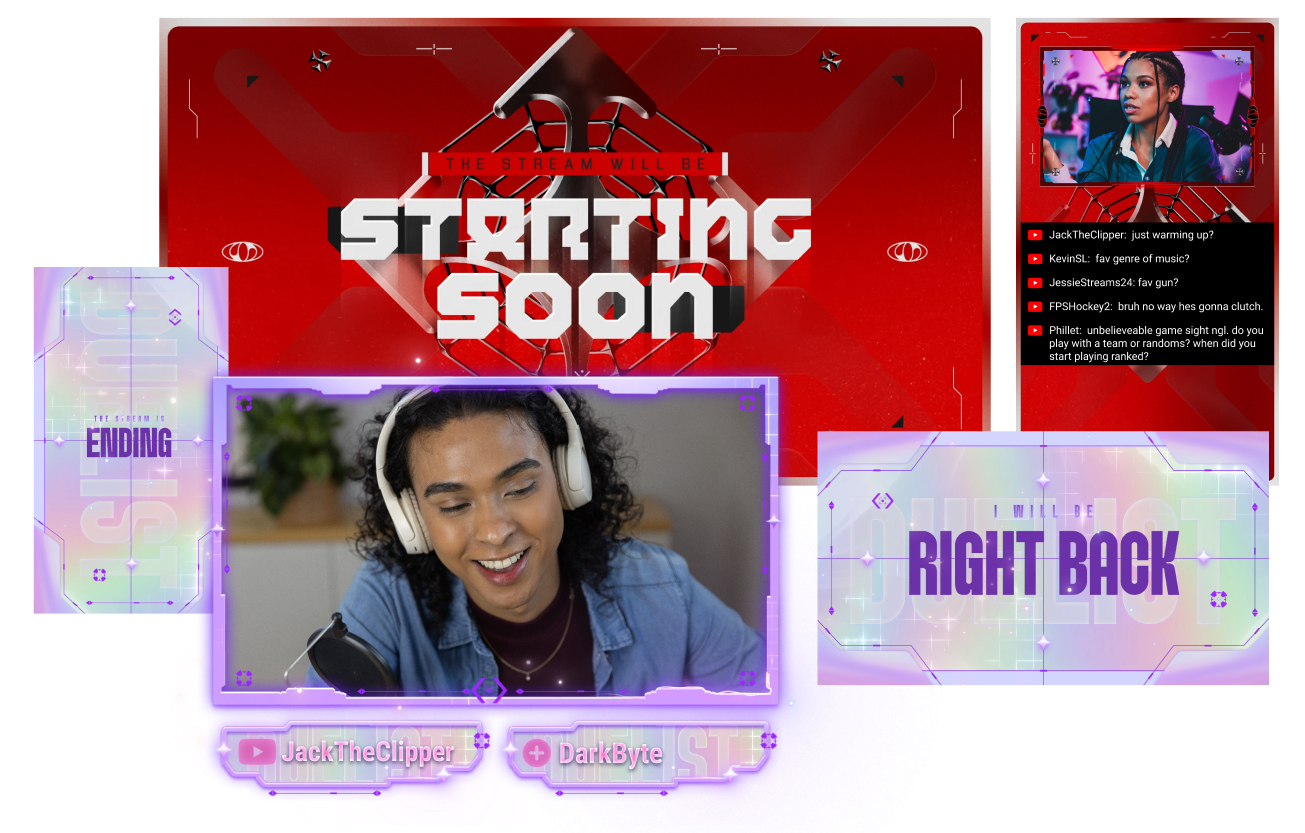
Stand out on YouTube
Give your stream a polished look with overlays built for YouTube creators.
Creator community access
Join a dedicated Discord community for YouTube streamers to share tips, get feedback, and connect with other creators.
Frequently asked questions
You can use Streamlabs Desktop, Plugin for OBS, Mobile, Streamlabs Console or Talk Studio to stream and multistream directly to YouTube. Choose the platform that best fits your streaming setup and workflow.
YouTube’s requirements for live streaming vary by account status and verification. Once your YouTube account meets their streaming requirements, you can immediately connect it to the Streamlabs tool of your choice and start going live.
Streamlabs Ultra es un paquete de funciones de calidad profesional para creadores que ofrece un montón de ventajas, como multistreaming, acceso a toda la biblioteca de miles de superposiciones y temas de widgets para tus streams, mayores límites en las funciones de producción con IA a través de Intelligent Streaming Agent, edición de clips sin marcas de agua, los márgenes de beneficio más altos en la tienda de artículos promocionales de Streamlabs, acceso inmediato al estatus Gold All Star para conseguir más participaciones en sorteos y descuentos en hardware de Logitech G, y mucho más.
Con Ultra, tendrás acceso a las funciones prémium de Streamlabs Desktop, Mobile, Console, Talk Studio Pro, Cross Clip Pro, Video Editor Pro, Podcast Editor Pro y Web Suite, todo en un único y sencillo plan.
Con Ultra Plus, tendrás acceso a todo lo que incluye el plan Ultra, además de límites superiores para Intelligent Streaming Agent, una persona de contacto exclusiva de Streamlabs, una llamada de configuración y dos llamadas de seguimiento al año con nuestros especialistas en streaming.
Descubre aquí todas las ventajas de Ultra y Ultra Plus.
Navigate to your Platform Settings in Dashboard, select YouTube as your platform, and then authorize Streamlabs to access your YouTube account. The integration is seamless, and you will see your YouTube account connected in your list of platforms after you click Confirm & Go Live. For Console, you'll need to add YouTube as a second multistream destination. For more detailed instructions on setup, you can watch our video guide here or our setup article here.
There are a bunch of benefits to multistreaming, and there are even more to specifically multistreaming with YouTube as one of your destinations. You can find the full list here in this article.
If you enable Dual Output, you can multistream to one platform per layout. For example, if you stream your horizontal layout to YouTube, you can also multistream your vertical canvas to YouTube for inclusion in the Shorts feed or to one other platform of your choice for free. Console is the only Streamlabs tool you will need an Ultra membership for in order to stream to any destination of your choice.
¡No! You do not need a stream key to stream to YouTube using Streamlabs tools. Solo tienes que vincular tu cuenta e iniciar el stream.
Streamlabs has a wide range of widgets that support YouTube events. Widgets and event types supported are:
- Cuadro de alertas
- Suscripciones
- Afiliaciones
- Súper chats
- Regalos de Jewels
- Super Stickers
- Lista de eventos
- Suscripciones
- Afiliaciones
- Membresías de regalo
- Súper chats
- Renovaciones de suscripciones
- Regalos de Jewels
- Super Stickers
- El frasco
- Suscripciones
- Afiliaciones
- Súper chats
- Regalos de Jewels
- Super Stickers
- Créditos finales
- Suscripciones
- Afiliaciones
- Súper chats
- Regalos de Jewels
- Super Stickers
- Chat Highlight
- Widget de sondeos
- Objetivo de seguidores
- Suscriptores
- Meta de Subs
- Afiliaciones
- Objetivo de Super Chat
- Súper chats
- Recuento de espectadores
- Chat Box badges
- Moderador
- Suscriptor
Please contact support at this link.