

Everything you need to grow on YouTube
Go live with powerful tools built for YouTube creators.

Everything you need to go live on YouTube
Stream with powerful tools built for YouTube creators.
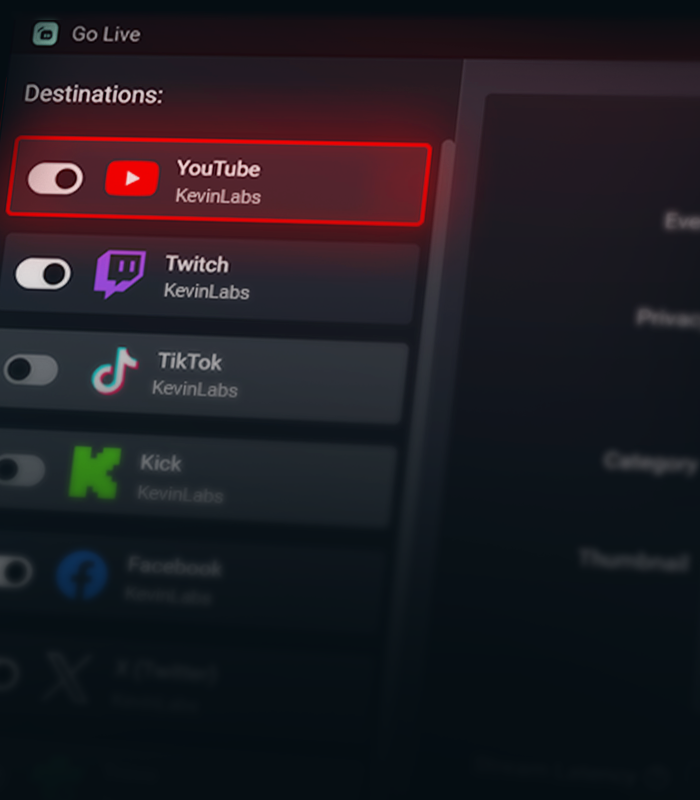

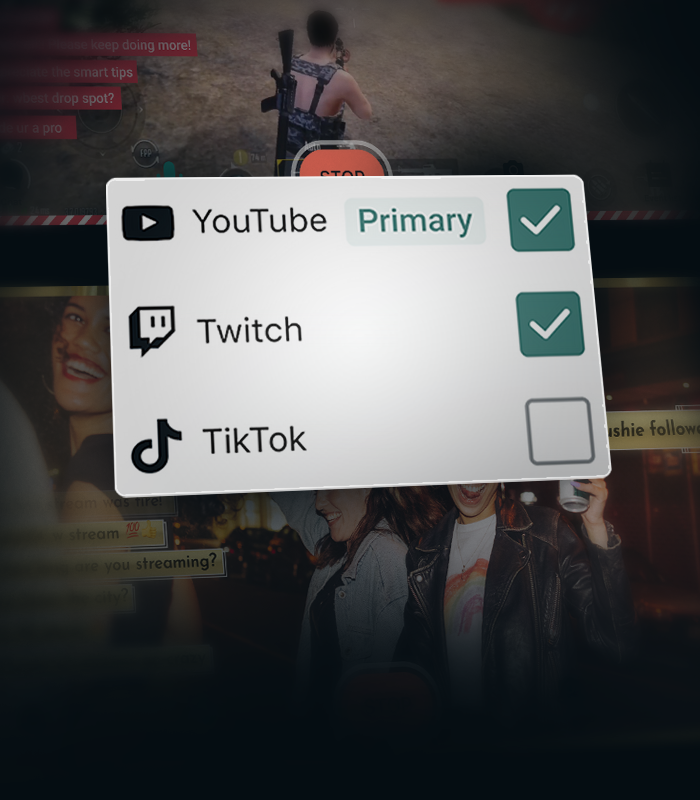


Create separate layouts for vertical and horizontal streams
Create separate layouts for your vertical and horizontal streams with Streamlabs Dual Output, so every viewer gets the best experience no matter how they watch.
Stream Shift keeps you online
Seamlessly transition between desktop and mobile without ending your stream. Stream Shift keeps your broadcast live so you don't lose viewers.
Get more from YouTube with Streamlabs
Exclusive features, tools, and support designed specifically for YouTube creators.

Streamlined Setup
Get live faster with one-click account setup, guided onboarding, and optimized audio and video settings.
Try multistreaming for free
Stream to YouTube and one additional platform free the first time you multistream.
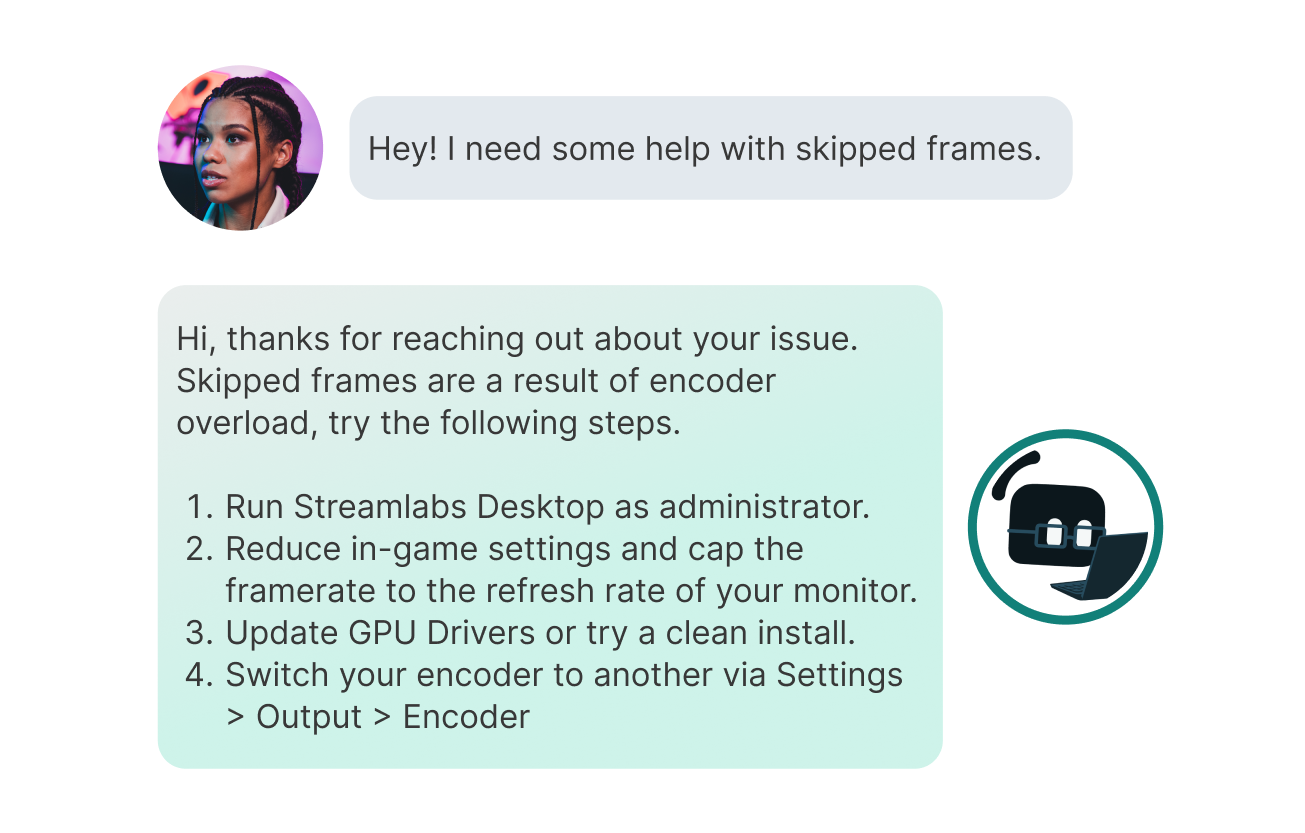
Priority Support
Get help from a dedicated YouTube support team when you need it.
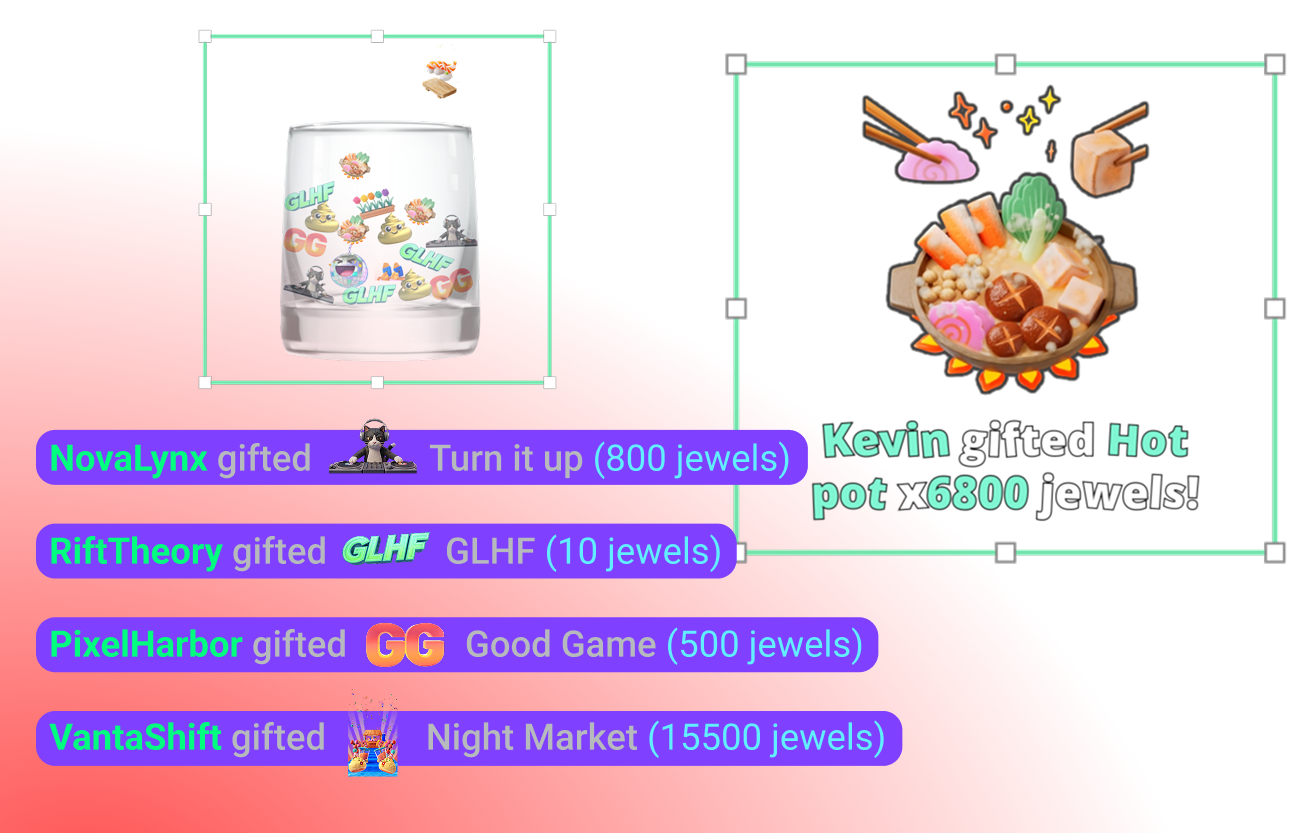
YouTube-specific Widgets
Super Chat, Super Stickers, Emotes and Subscriber alerts keep your community engaged.
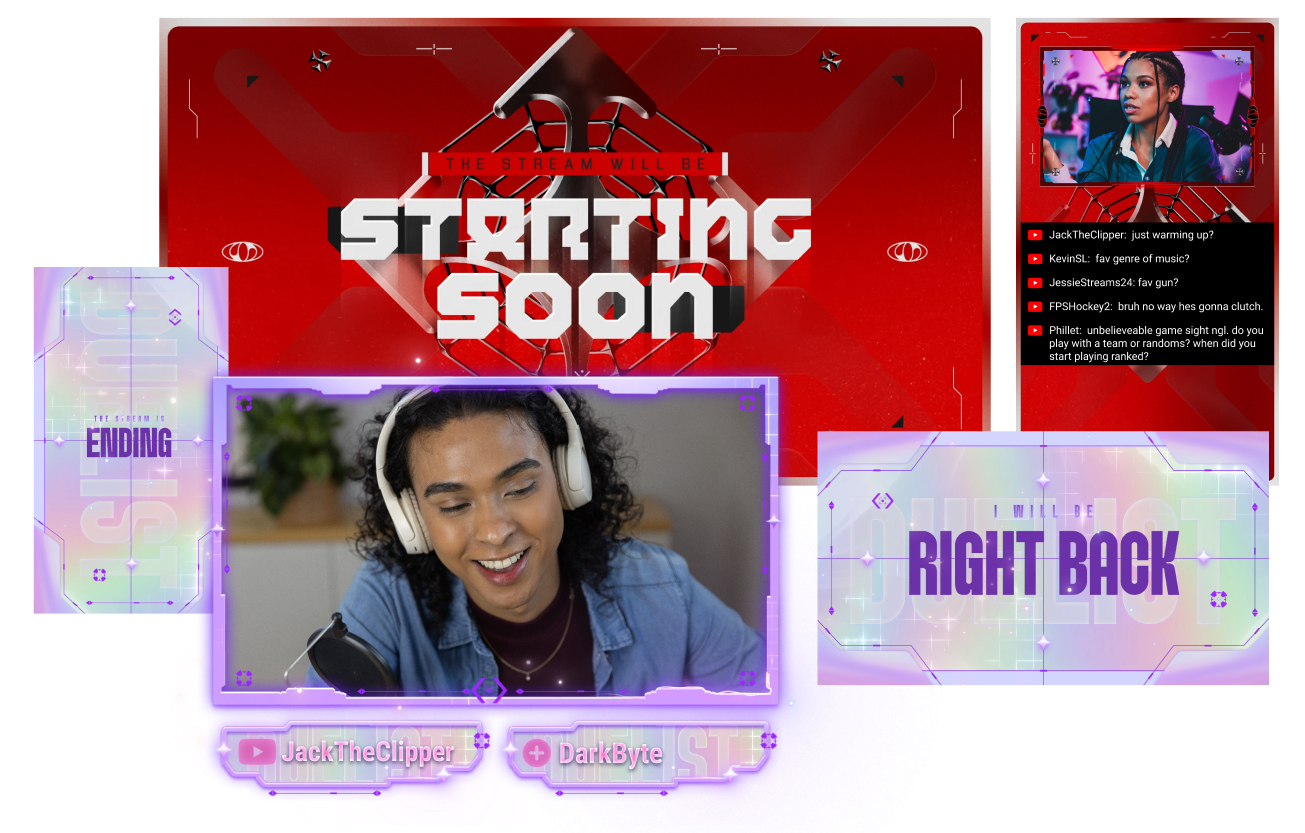
Stand out on YouTube
Give your stream a polished look with overlays built for YouTube creators.
Creator community access
Join a dedicated Discord community for YouTube streamers to share tips, get feedback, and connect with other creators.
Frequently asked questions
You can use Streamlabs Desktop, Plugin for OBS, Mobile, Streamlabs Console or Talk Studio to stream and multistream directly to YouTube. Choose the platform that best fits your streaming setup and workflow.
YouTube’s requirements for live streaming vary by account status and verification. Once your YouTube account meets their streaming requirements, you can immediately connect it to the Streamlabs tool of your choice and start going live.
Streamlabs Ultra는 크리에이터를 위한 전문가급 기능 모음으로, 멀티스트리밍, 수천 가지 스트림 오버레이 및 위젯 테마가 포함된 전체 라이브러리 이용, Intelligent Streaming Agent를 통한 AI 제작 기능의 확장된 한도, 워터마크 없는 클립 편집, 최고 수익률의 Streamlabs MD, 추가 경품 응모 기회와 Logitech G 하드웨어 할인 혜택을 받을 수 있는 Gold All Star 등급 즉시 부여 등 다양한 혜택을 제공합니다.
Ultra에서는 Streamlabs Desktop, Mobile, Console, Talk Studio Pro, Cross Clip Pro, Video Editor Pro, Podcast Editor Pro 및 Web Suite의 프리미엄 기능을 하나의 간편한 플랜으로 이용할 수 있습니다.
Ultra Plus에서는 Ultra의 모든 혜택은 물론, Intelligent Streaming Agent의 추가 한도, Streamlabs 전담 담당자, 설정 지원 전화, 그리고 스트리밍 전문가와의 연 2회 성공 상담까지 모두 이용할 수 있습니다.
여기에서 Ultra 및 Ultra Plus의 모든 혜택에 대해 자세히 알아보세요.
Navigate to your Platform Settings in Dashboard, select YouTube as your platform, and then authorize Streamlabs to access your YouTube account. The integration is seamless, and you will see your YouTube account connected in your list of platforms after you click Confirm & Go Live. For Console, you'll need to add YouTube as a second multistream destination. For more detailed instructions on setup, you can watch our video guide here or our setup article here.
There are a bunch of benefits to multistreaming, and there are even more to specifically multistreaming with YouTube as one of your destinations. You can find the full list here in this article.
If you enable Dual Output, you can multistream to one platform per layout. For example, if you stream your horizontal layout to YouTube, you can also multistream your vertical canvas to YouTube for inclusion in the Shorts feed or to one other platform of your choice for free. Console is the only Streamlabs tool you will need an Ultra membership for in order to stream to any destination of your choice.
아니요. You do not need a stream key to stream to YouTube using Streamlabs tools. 계정을 연결하기만 하면 바로 라이브를 시작할 수 있습니다.
Streamlabs has a wide range of widgets that support YouTube events. Widgets and event types supported are:
- 알림 상자
- 구독
- 멤버십
- 슈퍼챗
- 보석 선물
- 슈퍼 스티커
- 이벤트 목록
- 구독
- 멤버십
- 선물 멤버십 수
- 슈퍼챗
- 재구독
- 보석 선물
- 슈퍼 스티커
- 단지
- 구독
- 멤버십
- 슈퍼챗
- 보석 선물
- 슈퍼 스티커
- 엔딩 크레딧
- 구독
- 멤버십
- 슈퍼챗
- 보석 선물
- 슈퍼 스티커
- 채팅 하이라이트
- 투표 위젯
- 팔로워 목표
- 구독자
- 하위 목표
- 멤버십
- 슈퍼챗 목표
- 슈퍼챗
- 시청자 집계
- Chat Box badges
- 모더레이터
- 구독자
Please contact support at this link.