

Everything you need to grow on YouTube
Go live with powerful tools built for YouTube creators.

Everything you need to go live on YouTube
Stream with powerful tools built for YouTube creators.
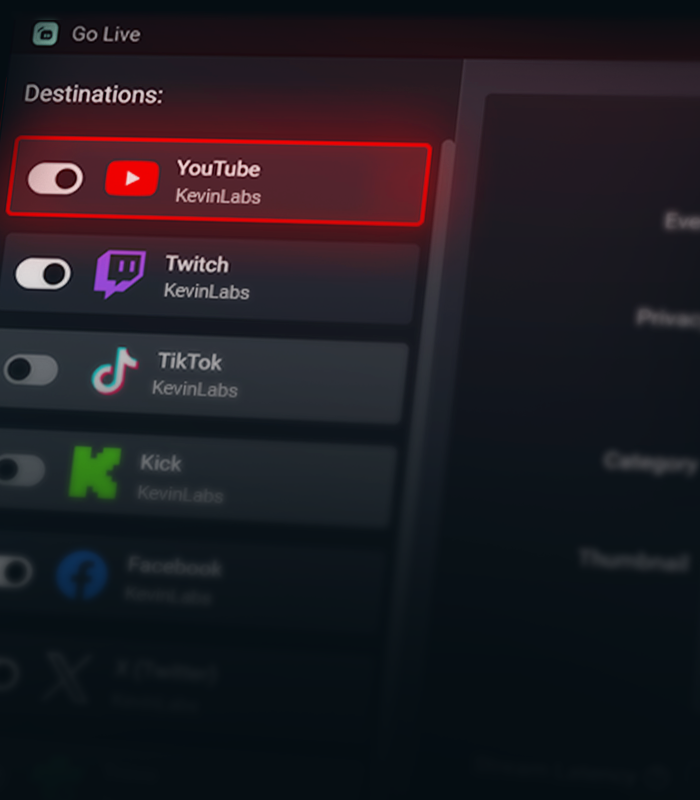

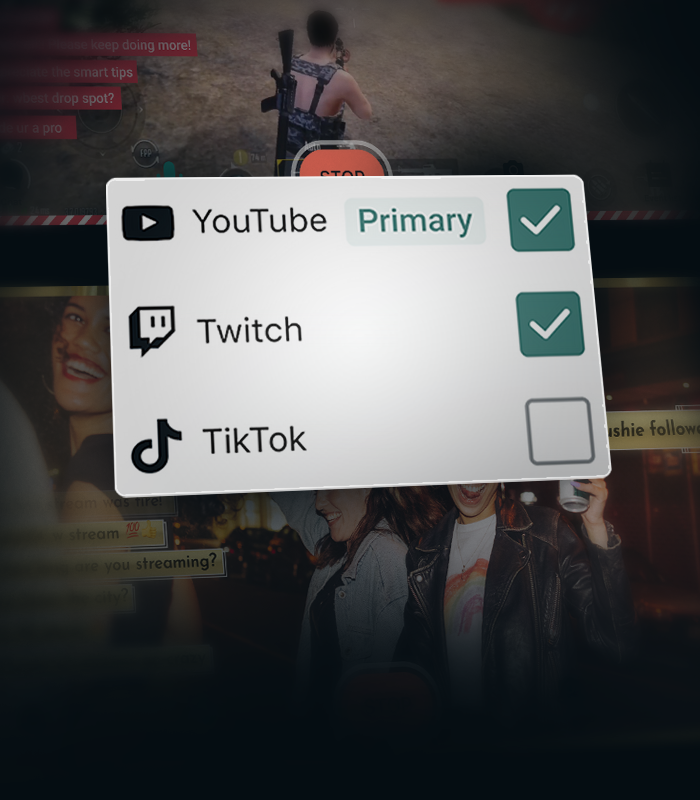
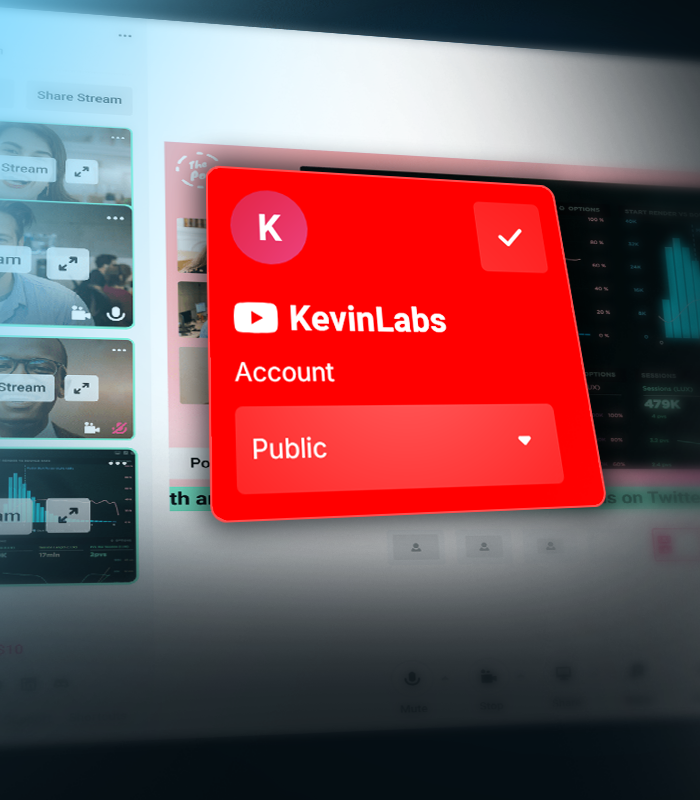


Create separate layouts for vertical and horizontal streams
Create separate layouts for your vertical and horizontal streams with Streamlabs Dual Output, so every viewer gets the best experience no matter how they watch.
Stream Shift keeps you online
Seamlessly transition between desktop and mobile without ending your stream. Stream Shift keeps your broadcast live so you don't lose viewers.
Get more from YouTube with Streamlabs
Exclusive features, tools, and support designed specifically for YouTube creators.

Streamlined Setup
Get live faster with one-click account setup, guided onboarding, and optimized audio and video settings.
Try multistreaming for free
Stream to YouTube and one additional platform free the first time you multistream.
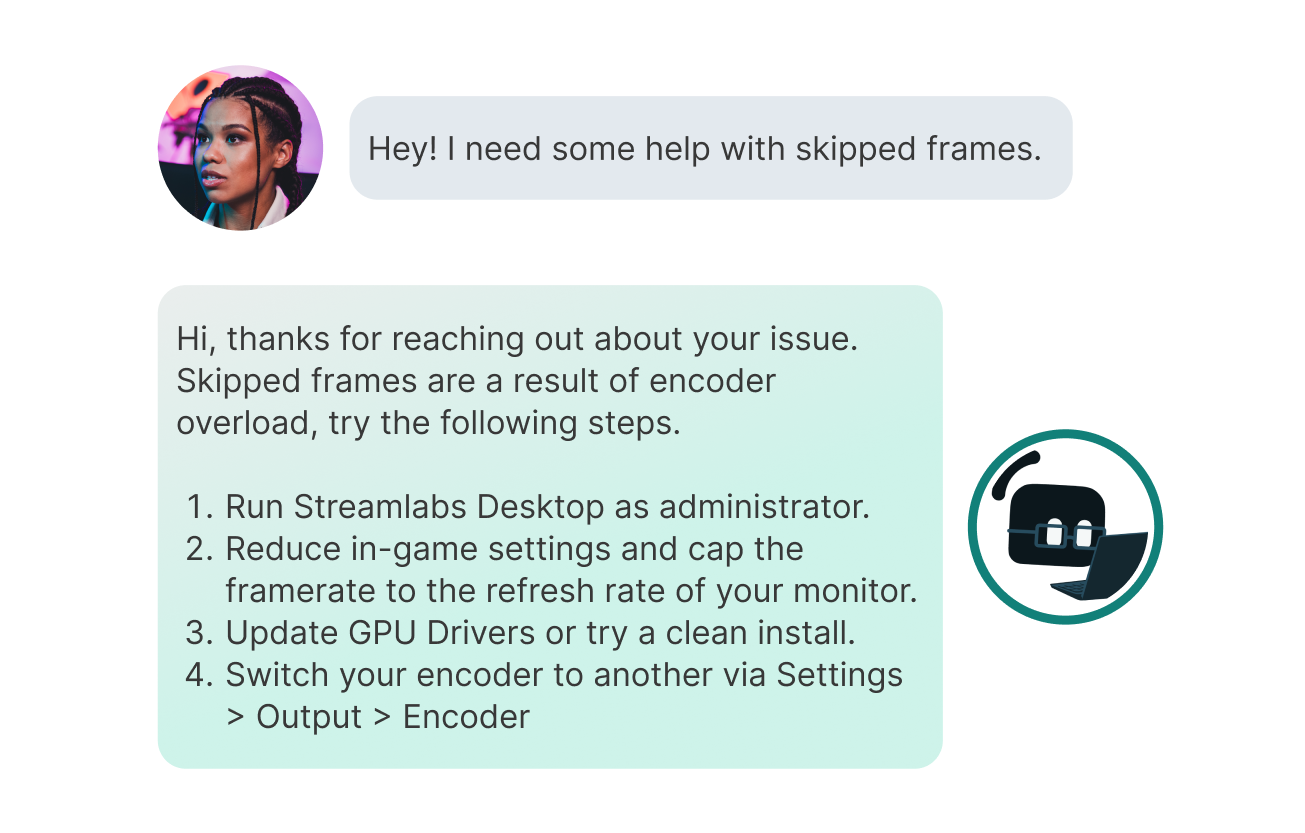
Priority Support
Get help from a dedicated YouTube support team when you need it.
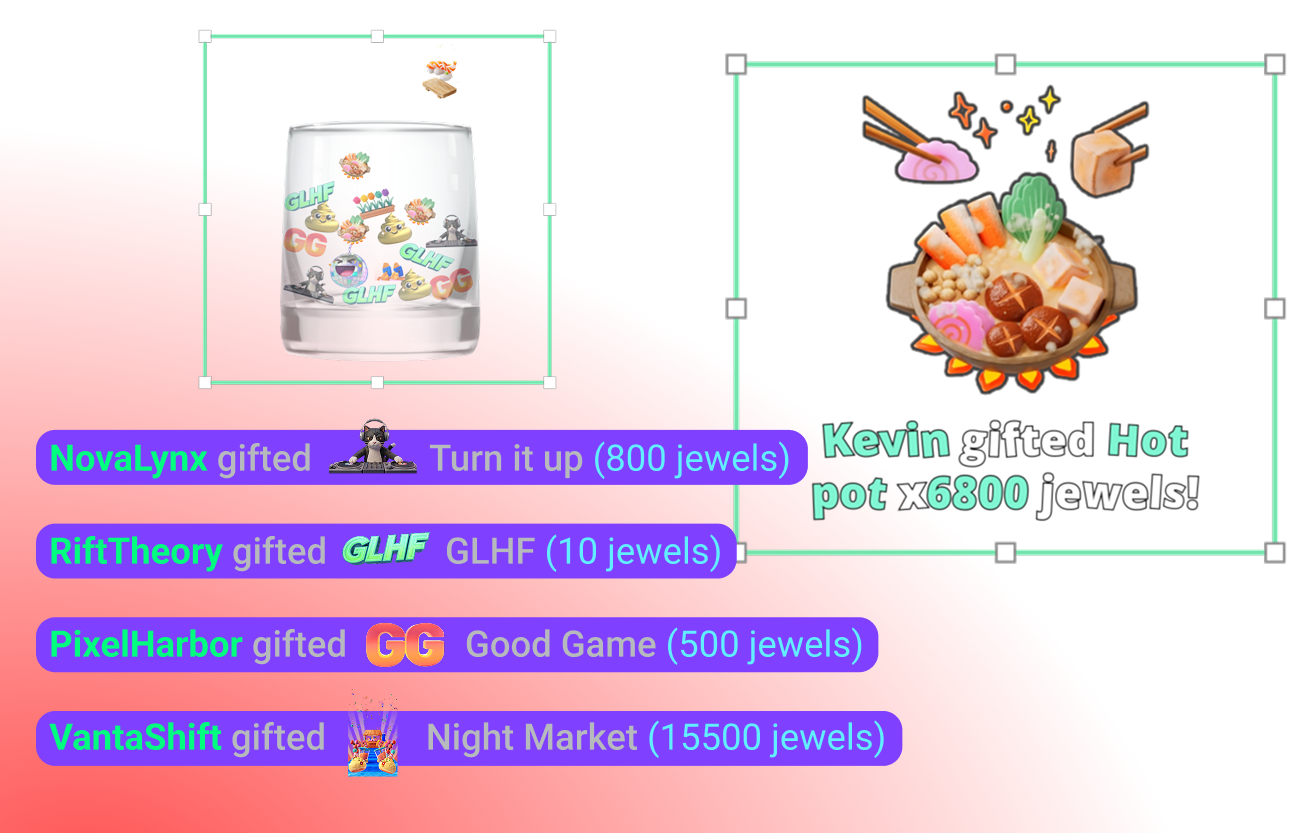
YouTube-specific Widgets
Super Chat, Super Stickers, Emotes and Subscriber alerts keep your community engaged.
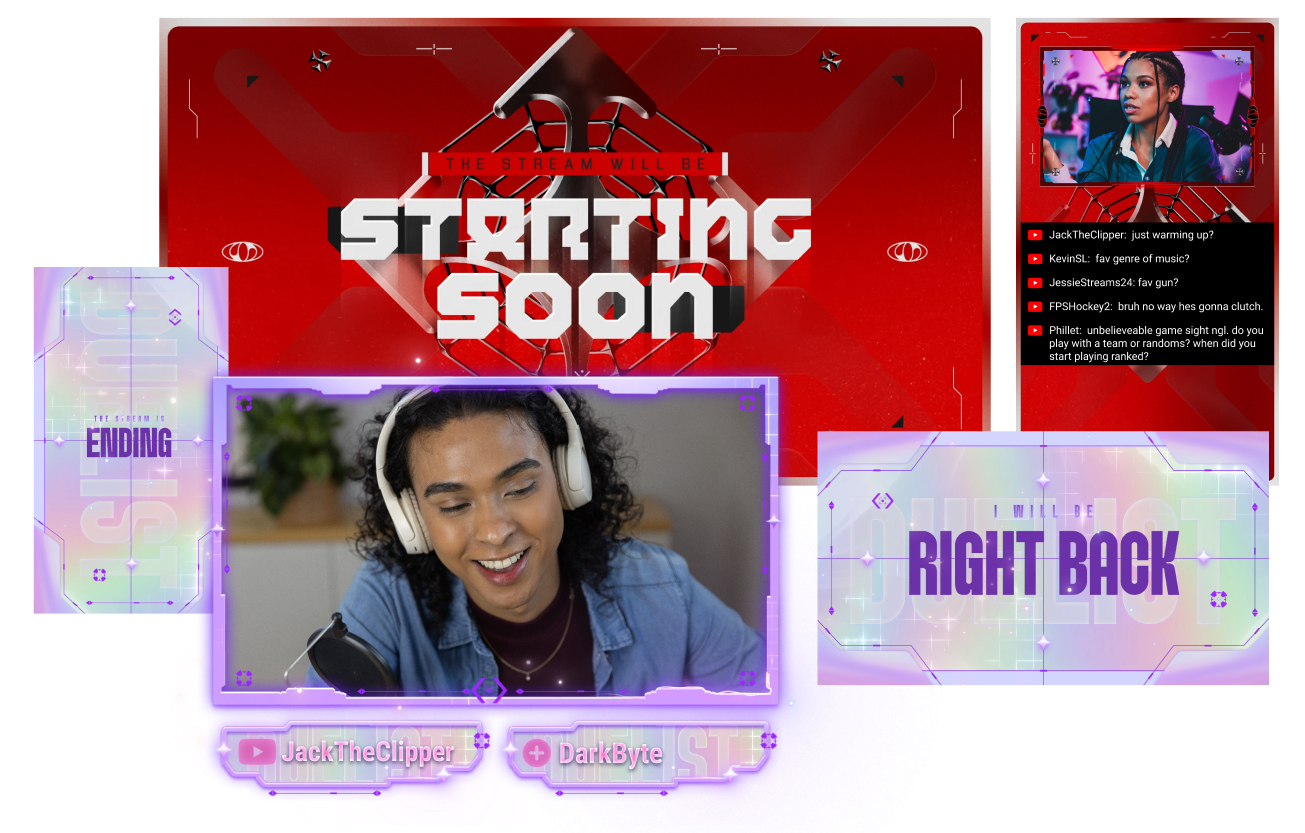
Stand out on YouTube
Give your stream a polished look with overlays built for YouTube creators.
Creator community access
Join a dedicated Discord community for YouTube streamers to share tips, get feedback, and connect with other creators.
Frequently asked questions
You can use Streamlabs Desktop, Plugin for OBS, Mobile, Streamlabs Console or Talk Studio to stream and multistream directly to YouTube. Choose the platform that best fits your streaming setup and workflow.
YouTube’s requirements for live streaming vary by account status and verification. Once your YouTube account meets their streaming requirements, you can immediately connect it to the Streamlabs tool of your choice and start going live.
Streamlabs Ultra içerik üreticiler için profesyonel düzeyde bir özellik paketidir ve çoklu yayın, binlerce yayın üst katmanı ve görsel bileşen temasının bulunduğu tam Kütüphane erişimi, Intelligent Streaming Agent aracılığıyla yapay zeka destekli üretim özelliklerinde daha yüksek limitler, filigran içermeyen klip düzenleme, Streamlabs Merch'te en yüksek kâr marjları, ekstra hediye çekilişleri ve Logitech G donanımlarında indirimler için Gold All Star statüsüne anında erişim ve çok daha fazlasını içeren geniş bir yelpazede avantajlar sunar.
Ultra ile Streamlabs Desktop, Mobile, Console, Talk Studio Pro, Cross Clip Pro, Video Editor Pro, Podcast Editor Pro ve Web Suite'in tüm premium özelliklerine tek bir basit paketle erişebilirsiniz.
Ultra Plus ile, Ultra paketinde yer alan tüm özelliklerin yanı sıra Intelligent Streaming Agent için ek limitler, özel bir Streamlabs irtibat kişisi, kurulum görüşmesi ve yayın uzmanlarımızla yılda iki kez gerçekleştirilen başarı görüşmelerinden yararlanabilirsiniz.
Ultra ve Ultra Plus’ın tüm avantajları hakkında daha fazla bilgiyş burada bulabilirsiniz.
Navigate to your Platform Settings in Dashboard, select YouTube as your platform, and then authorize Streamlabs to access your YouTube account. The integration is seamless, and you will see your YouTube account connected in your list of platforms after you click Confirm & Go Live. For Console, you'll need to add YouTube as a second multistream destination. For more detailed instructions on setup, you can watch our video guide here or our setup article here.
There are a bunch of benefits to multistreaming, and there are even more to specifically multistreaming with YouTube as one of your destinations. You can find the full list here in this article.
If you enable Dual Output, you can multistream to one platform per layout. For example, if you stream your horizontal layout to YouTube, you can also multistream your vertical canvas to YouTube for inclusion in the Shorts feed or to one other platform of your choice for free. Console is the only Streamlabs tool you will need an Ultra membership for in order to stream to any destination of your choice.
Hayır! You do not need a stream key to stream to YouTube using Streamlabs tools. Hesabınızı bağlayın ve canlı yayına başlayın.
Streamlabs has a wide range of widgets that support YouTube events. Widgets and event types supported are:
- Uyarı kutusu
- Abonelikler
- Üyelikler
- Süper Sohbetler
- Mücevher Hediyeleri
- Süper Çıkartmalar
- Etkinlik Listesi
- Abonelikler
- Üyelikler
- Hediye Üyelikler
- Süper Sohbetler
- Yeniden Abone Olanlar
- Mücevher Hediyeleri
- Süper Çıkartmalar
- Bahşiş Kavanozu
- Abonelikler
- Üyelikler
- Süper Sohbetler
- Mücevher Hediyeleri
- Süper Çıkartmalar
- Katkıda Bulunanlar Bitiş Jeneriği
- Abonelikler
- Üyelikler
- Süper Sohbetler
- Mücevher Hediyeleri
- Süper Çıkartmalar
- Sohbet Öne Çıkanı
- Anket Görsel Bileşeni
- Takipçi Hedefi
- Aboneler
- Abone Hedefi
- Üyelikler
- Süper Sohbet Hedefi
- Süper Sohbetler
- İzleyici Sayısı
- Chat Box badges
- Moderatör
- Abone
Please contact support at this link.