

Transforme sua criatividade em uma experiência ao vivo
Faça transmissões de arte, música, artesanato, design e muito mais com ferramentas criadas para ajudar você a mostrar seu processo e engajar seu público.
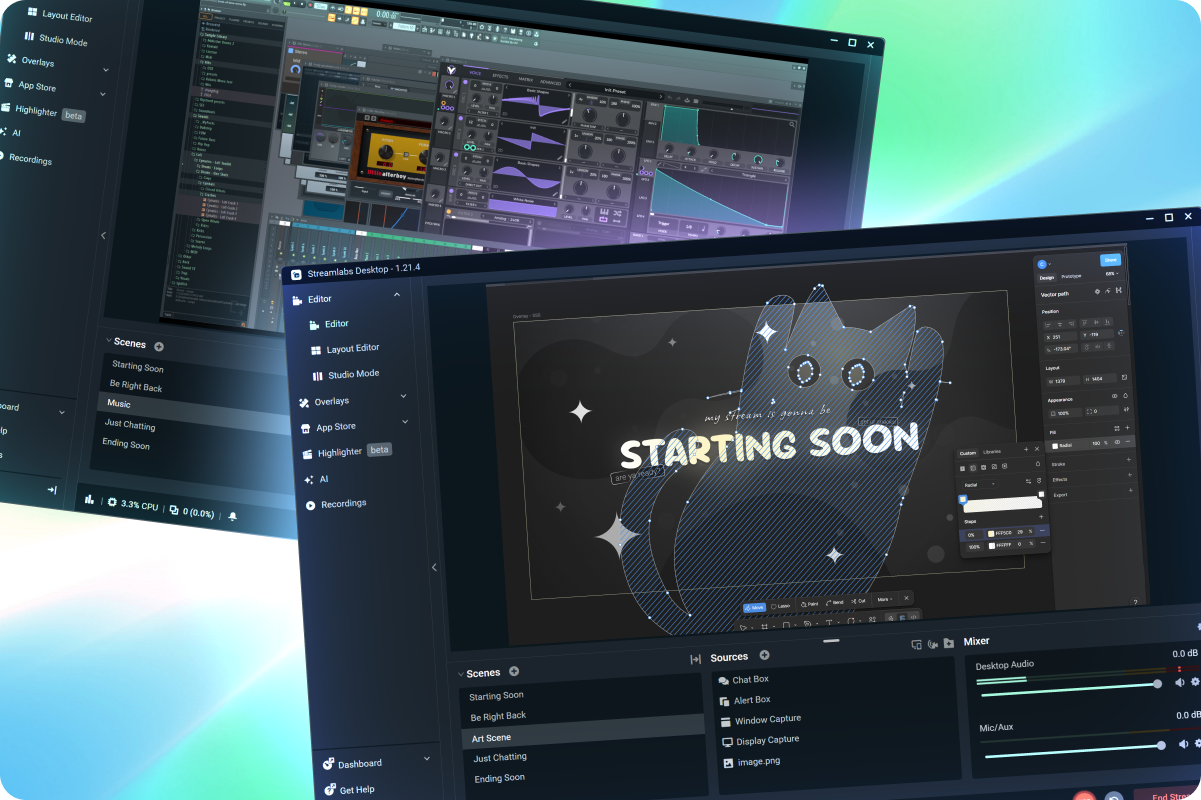
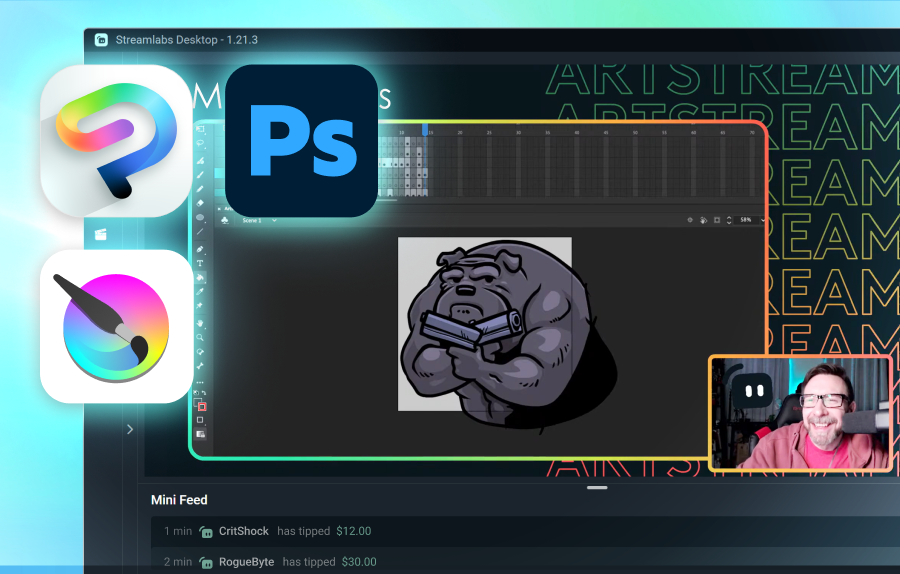



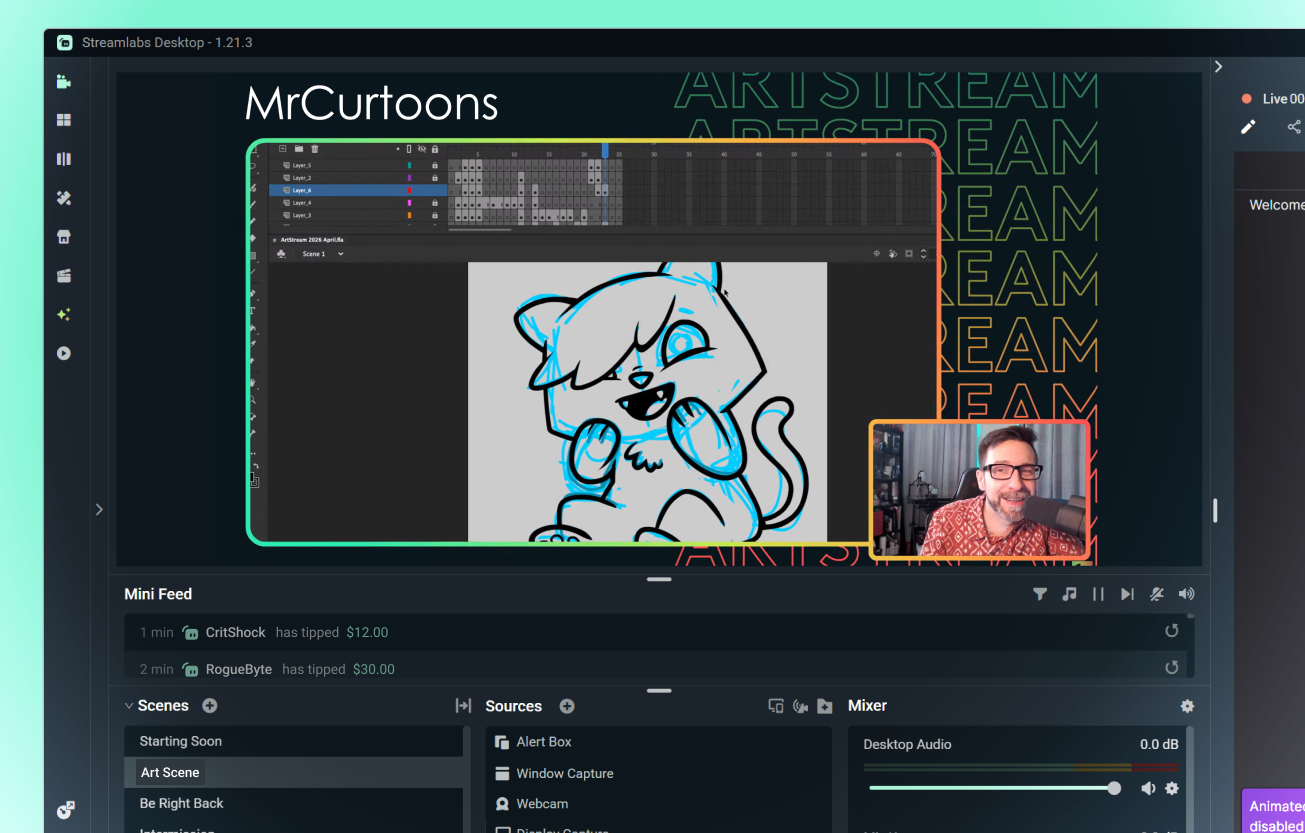
Compartilhe seu processo criativo
Faça transmissão de arte digital, produção musical, animação, design e outros projetos criativos diretamente do seu desktop.
...e criações físicas
Use webcams ou seu celular para mostrar arte tradicional, artesanato, miniaturas e outros projetos manuais.
Use a Collab Cam para transformar seu celular ou tablet em ângulos de câmera adicionais.
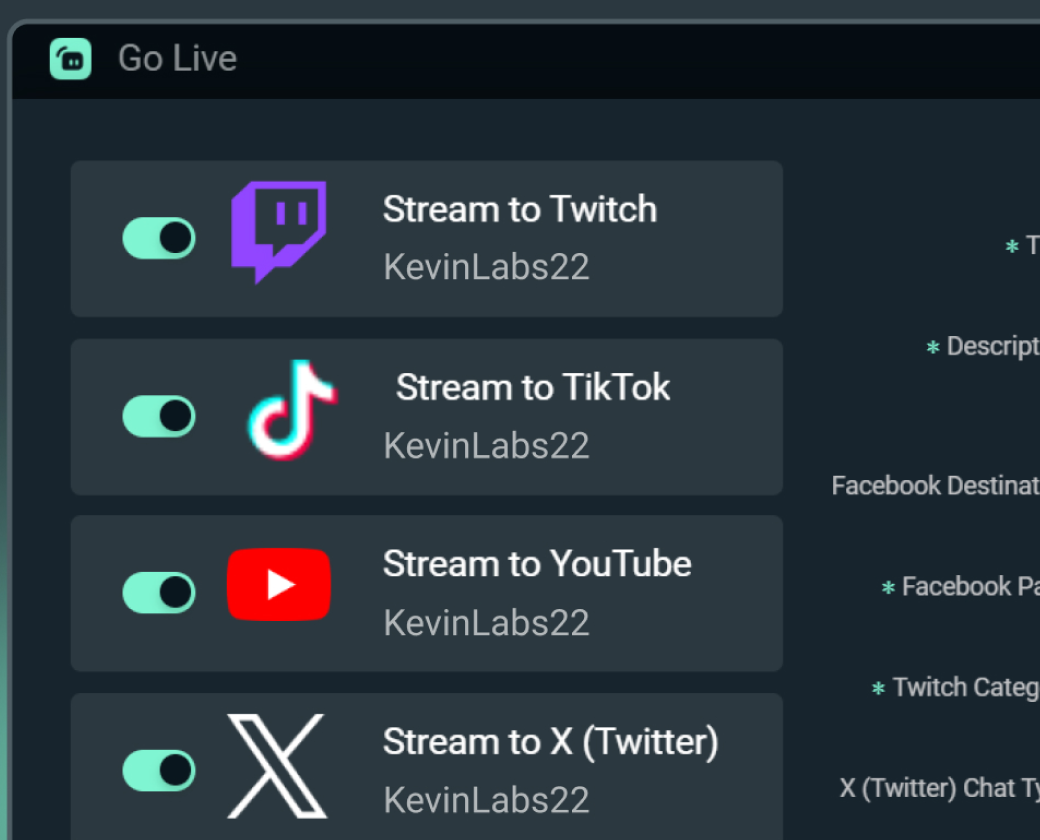
Aumente seu público em várias plataformas
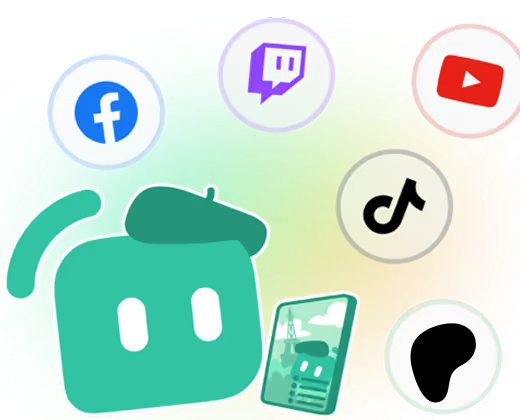
Faça multitransmissões para alcançar espectadores onde quer que eles prefiram assistir.
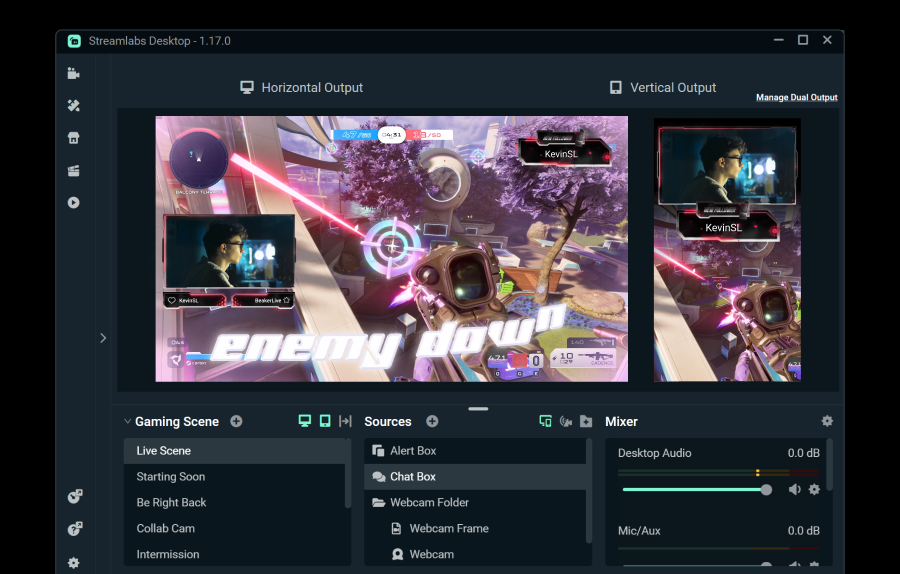
Transmita para um destino horizontal e um vertical de graça usando o Dual Output, ou aproveite os destinos ilimitados com o Streamlabs Ultra.
Comece a transmitir ao vivo em 50 5 cliques — transmita para qualquer plataforma
Comece a transmitir ao vivo em horas e minutos para qualquer plataforma
Os novos criadores que fazem transmissões múltiplas regularmente* têm duas vezes mais chances de atrair mais de cinco espectadores simultâneos.
* novos usuários que estiveram transmitindo por até seis meses e que fizeram mais de sete transmissões simultâneas


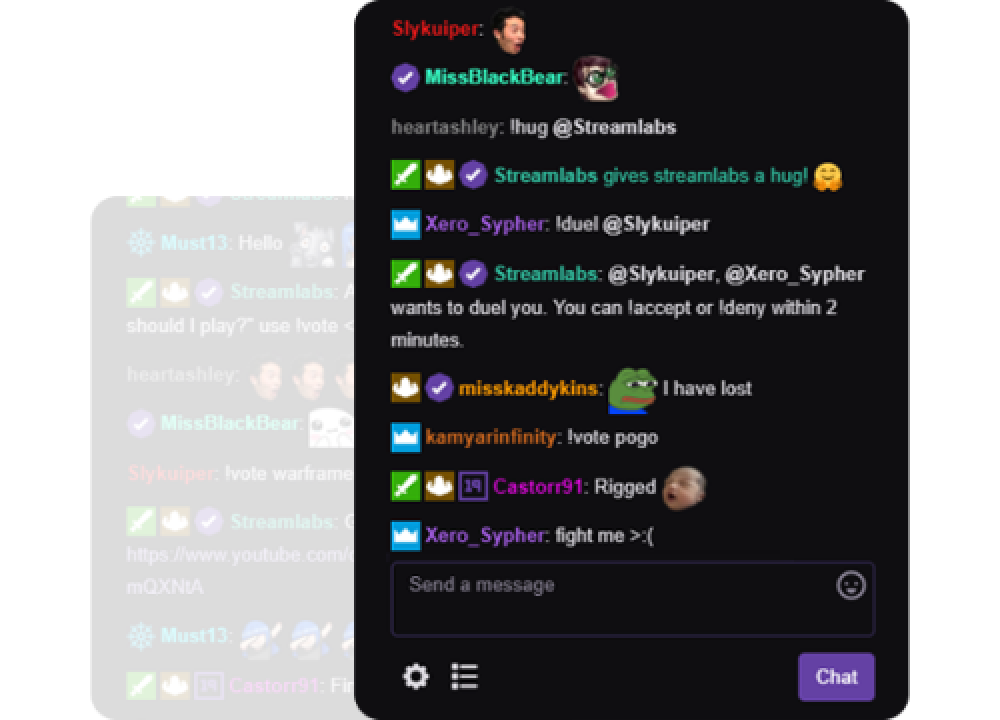
Modere seu chat
Modere seu chat sem levantar um dedo usando filtros de moderação predefinidos e personalizados. Você também pode configurar mensagens temporizadas, ativar enquetes e muito mais.
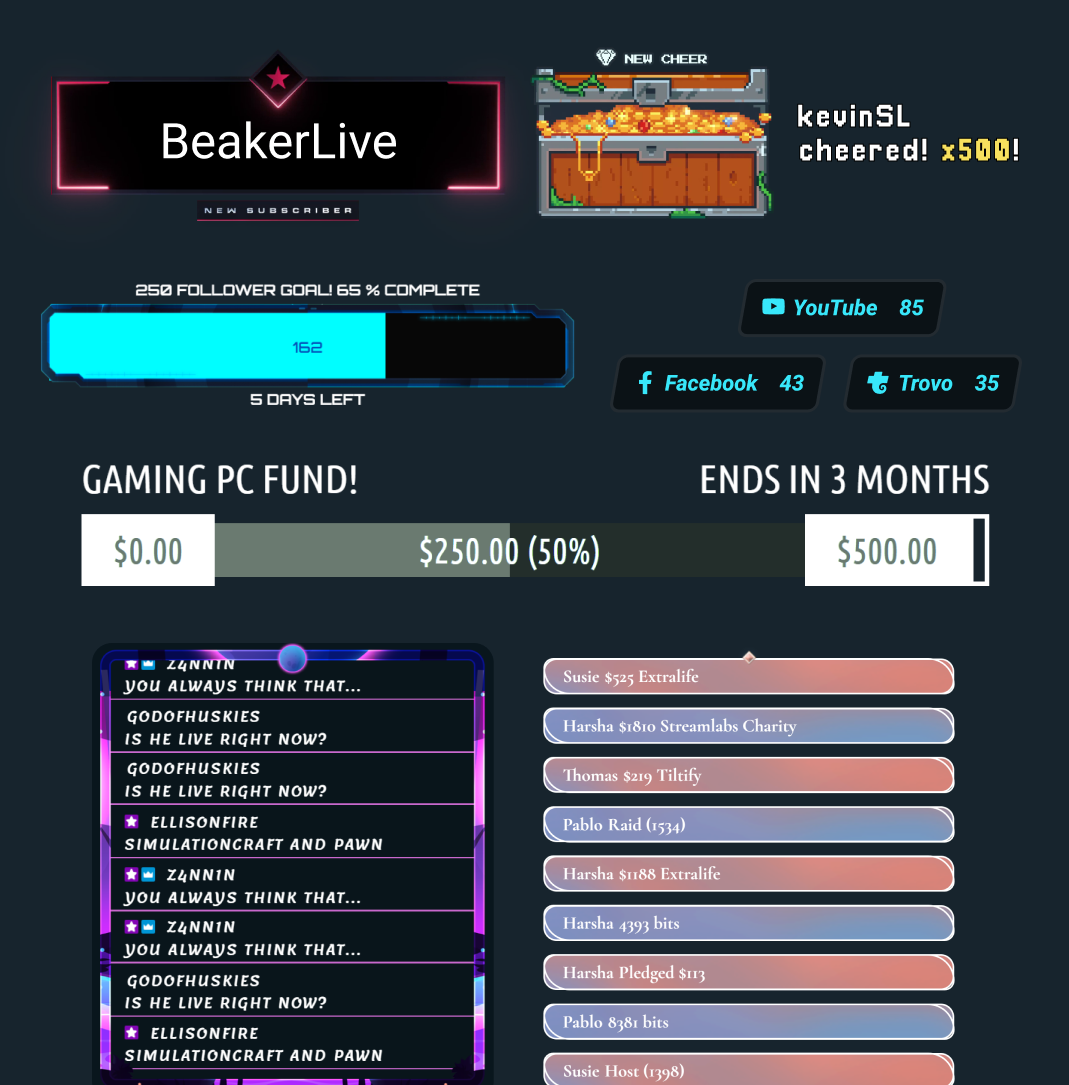
Dezenas de widgets gratuitos
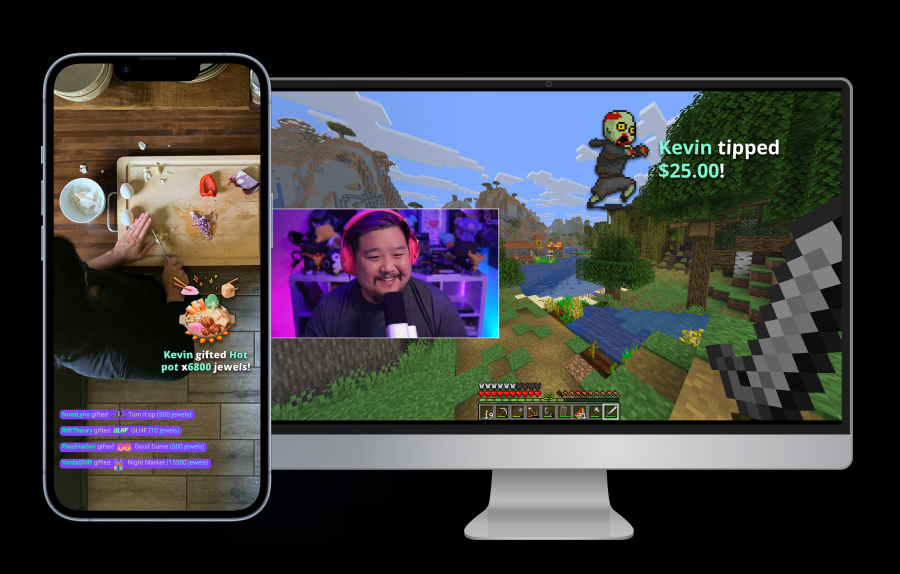
Transforme espectadores passivos em participantes ativos com alertas, metas, enquetes e outros widgets interativos.
Ferramentas para todo tipo de criador
Descubra como o Streamlabs pode dar suporte a vários outros tipos de conteúdo.
Perguntas frequentes
O melhor software para suas necessidades dependerá de vários fatores, mas algumas opções a considerar são:
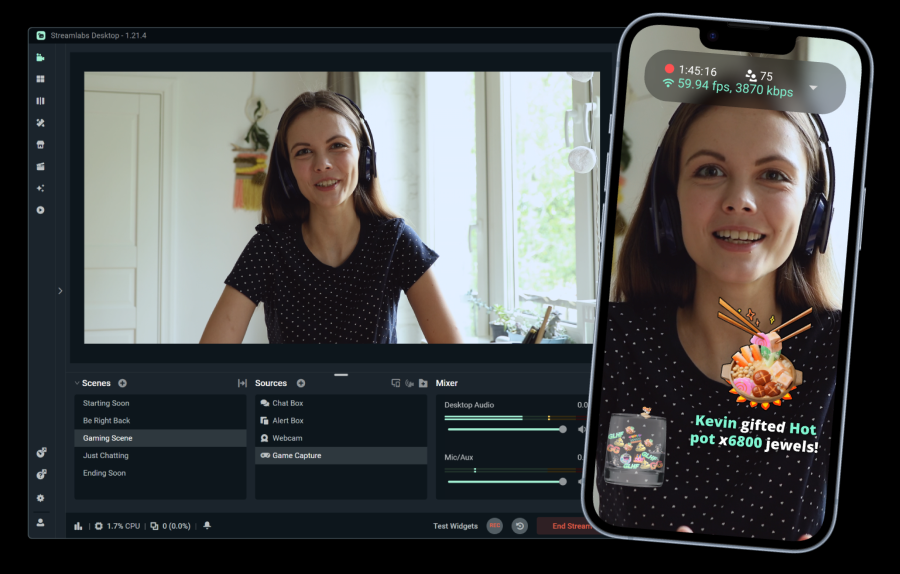
- Streamlabs Desktop: Perfeito para criadores que querem entrar ao vivo rapidamente. Estilize sua live com seus próprios designs ou escolha entre milhares na biblioteca de overlays.
- OBS com o Streamlabs Plugin: O OBS é um software de streaming testado e aprovado e, com o Streamlabs Plugin, é ainda mais fácil adicionar seus alertas, entrar ao vivo em plataformas como Twitch, YouTube, Patreon e mais.
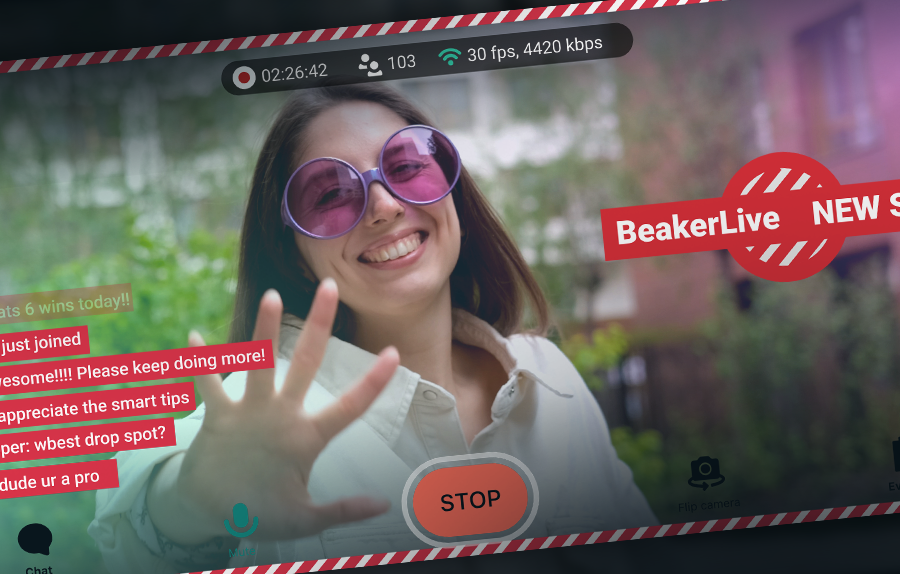
- Streamlabs Mobile: Se você está criando em movimento, leve sua live com você. O App Streamlabs Mobile está disponível para iOS e Android e torna simples entrar ao vivo onde quer que você esteja.
- Talk Studio: Perfeito para configurações simples, o Talk Studio permite que você entre ao vivo e adicione convidados diretamente do seu navegador.
Com ferramentas tradicionais de transmissão ao vivo como Caixa de alerta, sobreposições e widgets projetados para dar suporte a todos os streamers, alguns recursos são especialmente poderosos para transmissões ao vivo criativas, como as de artistas e músicos.
- Integração com o Patreon: Faça transmissões ao vivo diretamente para seus apoiadores no Patreon, sem precisar de chave de transmissão.
- Collab Cam: Adicione ângulos de câmera extras à sua transmissão usando seu celular ou outro dispositivo como webcam. Capture suas mãos e seu rosto enquanto desenha, dê a cada membro da banda um ângulo ao transmitir ensaios e muito mais.
- Multitransmissão: Alcance novos públicos mais rápido fazendo transmissões ao vivo em várias plataformas ao mesmo tempo.
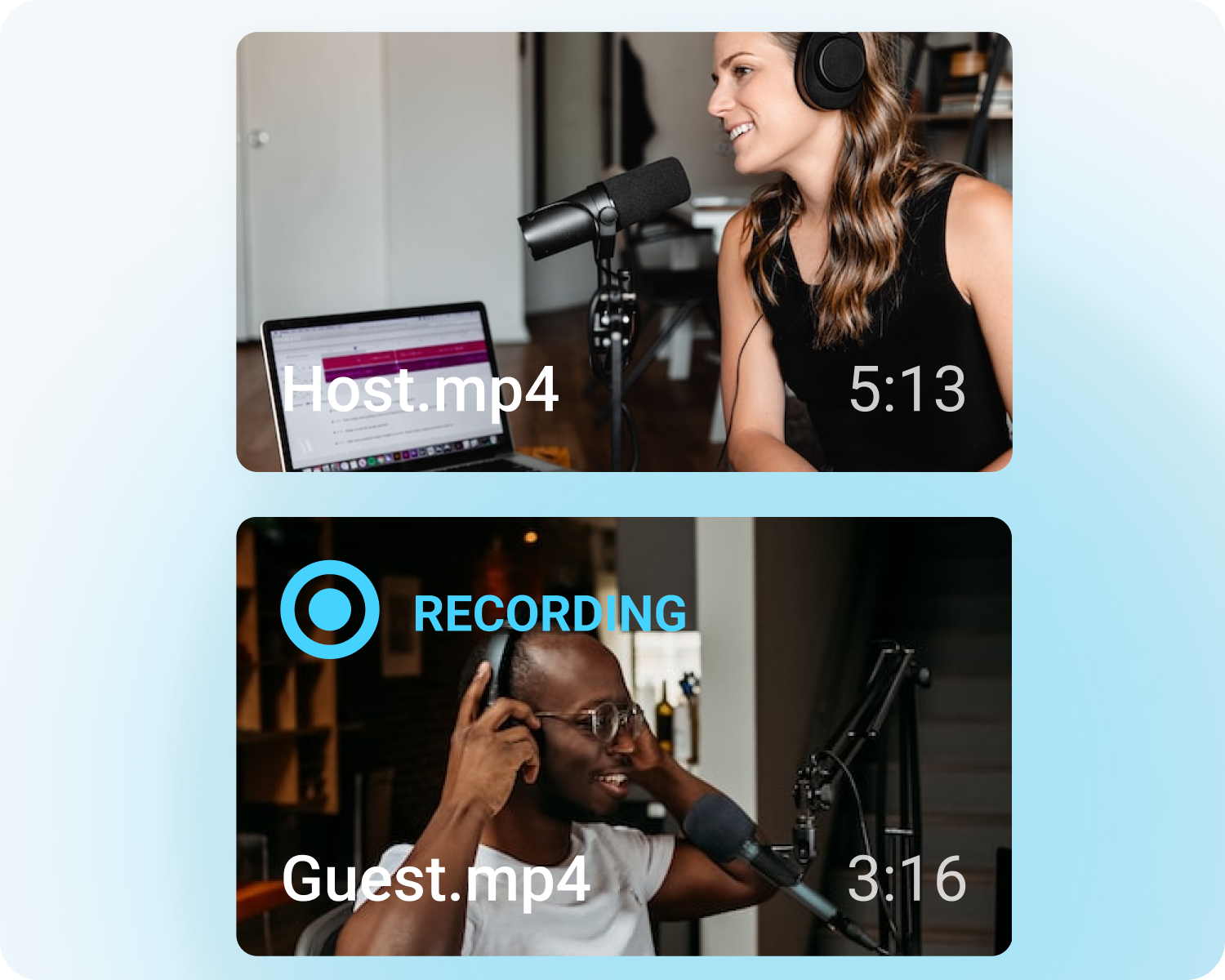
- Gravação: Envie todo o seu processo criativo para a web. Ótimo para demonstrar que não há IA na sua arte.
Monetizar sua arte será sempre uma jornada pessoal, mas algumas opções incluem:
- Doação: Com as doações do Streamlabs, seus fãs podem te apoiar. Nunca cobramos comissão, portanto você fica com tudo o que ganhar depois de deduzidas as taxas padrão do processador de pagamentos.
- Monetização da plataforma: Cada plataforma de streaming tem suas próprias opções de monetização. Ganhe com assinaturas do YouTube, inscrições da Twitch e muito mais.
- Venda de produtos: Vincule seus perfis a quaisquer sites onde você vende seus produtos. Aumente suas vendas ao configurar temporizadores do Cloudbot para lembrar os espectadores de conferir sua loja.
- Produto: Venda produtos personalizados com a loja de produtos do Streamlabs.
Entre em contato com o suporte por meio deste link.