

Full streaming toolkit for Kick
Stream to Kick with Streamlabs and take advantage of premium overlays, custom alerts, multistream and more.



Multistream made easy
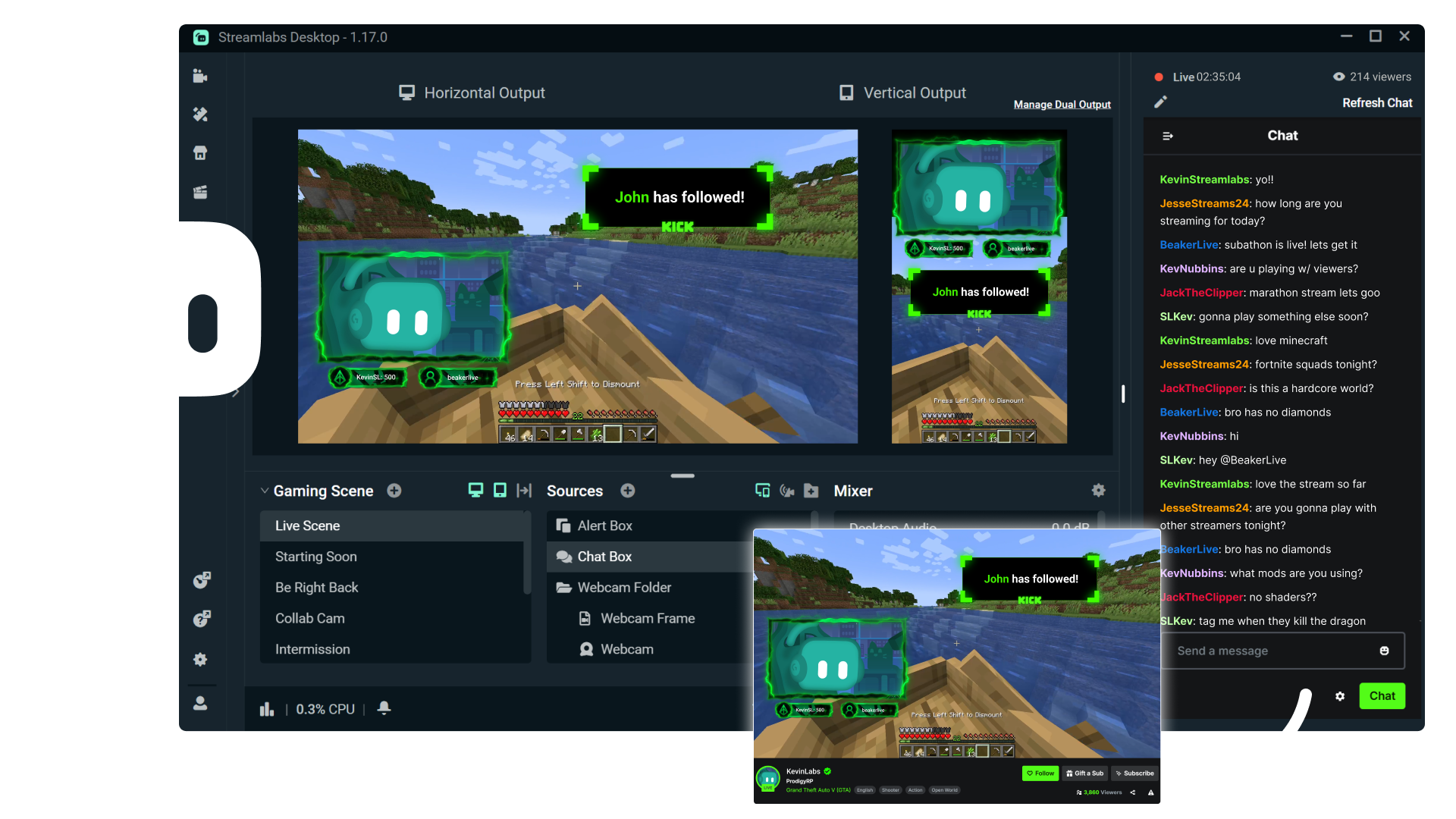
Multistreaming is the best way to grow your audience across all your platforms. With Streamlabs Ultra, you can multistream to Kick and any additional destinations of your choice.
Keep your Kick brand strong with overlays
Choose from thousands of professionally designed, dynamic overlays from the Streamlabs overlay library.
Engage with your audience with widgets
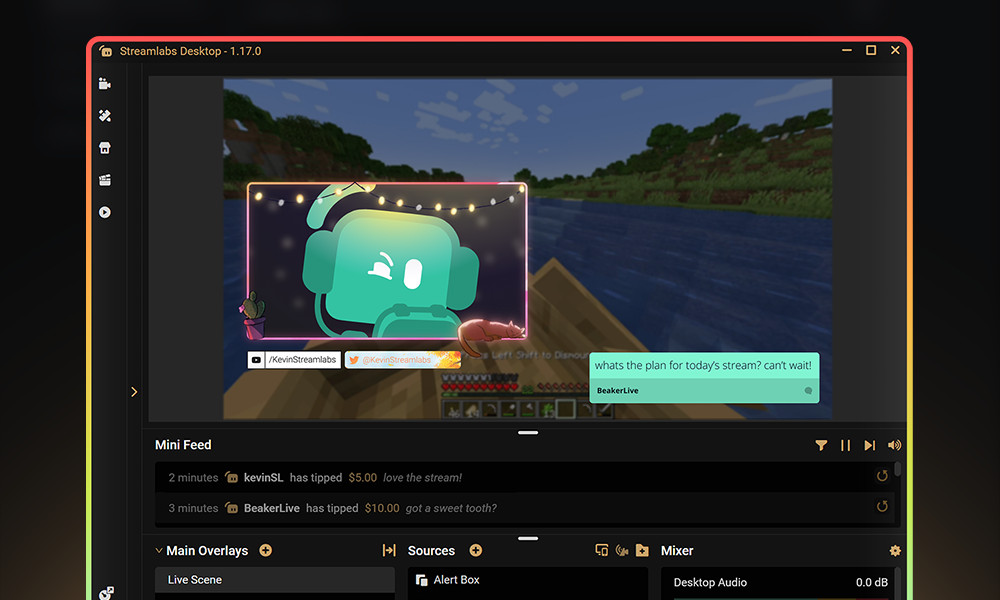
Add widgets like alert box, event list, Cloudbot and more to keep your stream active and engaged and give your audience even more reason to stick around.
Turn your Kick streams into income
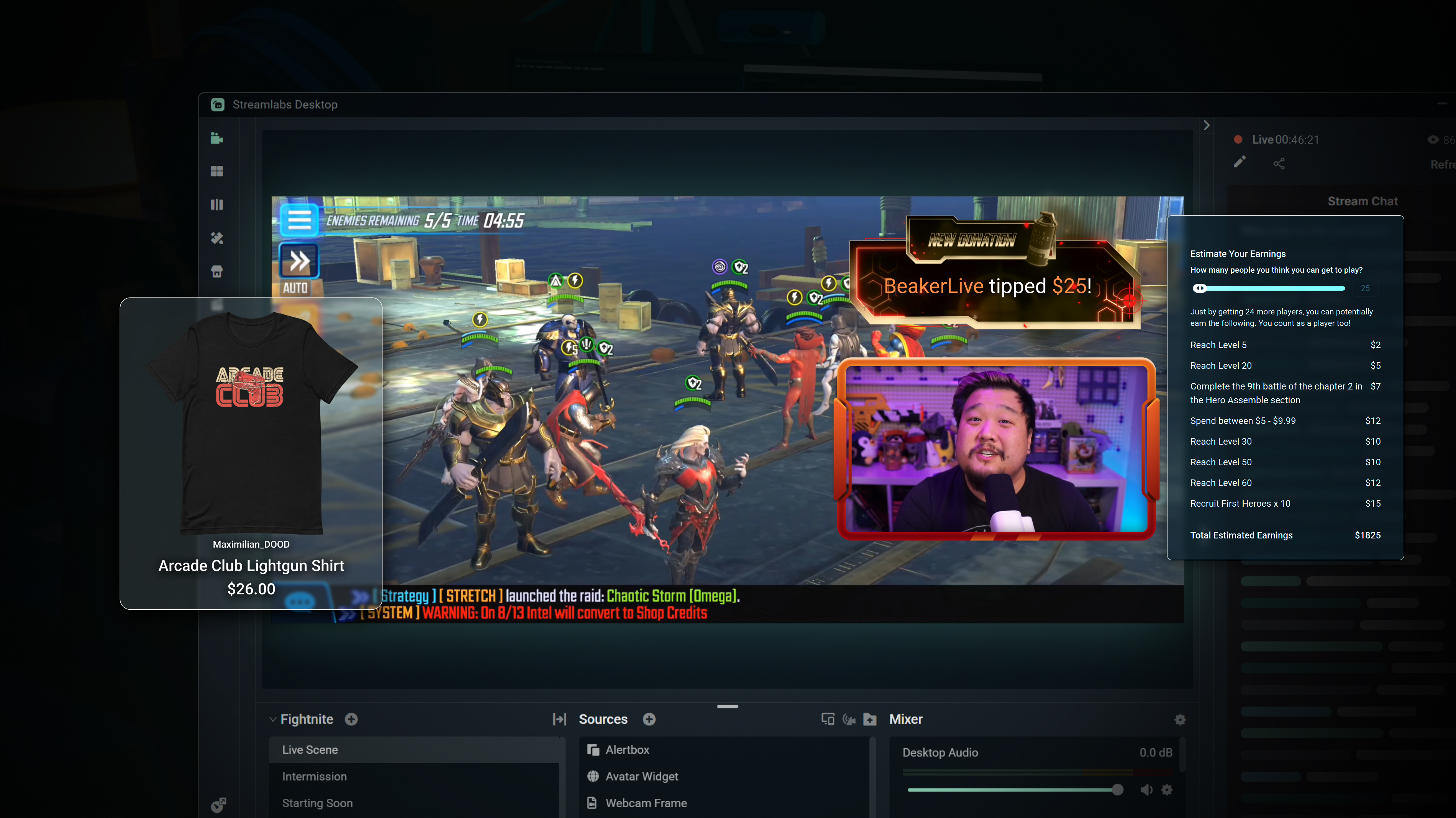
Merch
Sell branded merch to your KICK community without having to use a third-party platform.
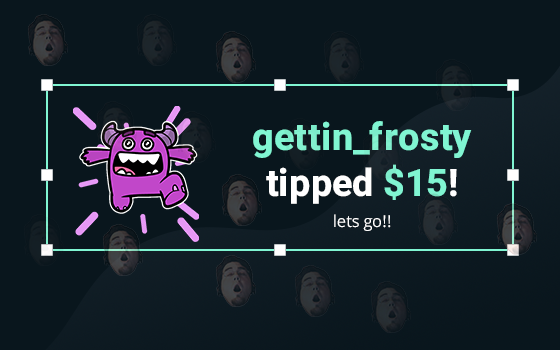
Tipping
Setup tipping so your audience can always donate on-stream, and get automatic alerts when they do.
Powerful features, perfect for Kick
Explore even more innovative Streamlabs tools that will make your KICK stream stand out from the crowd.
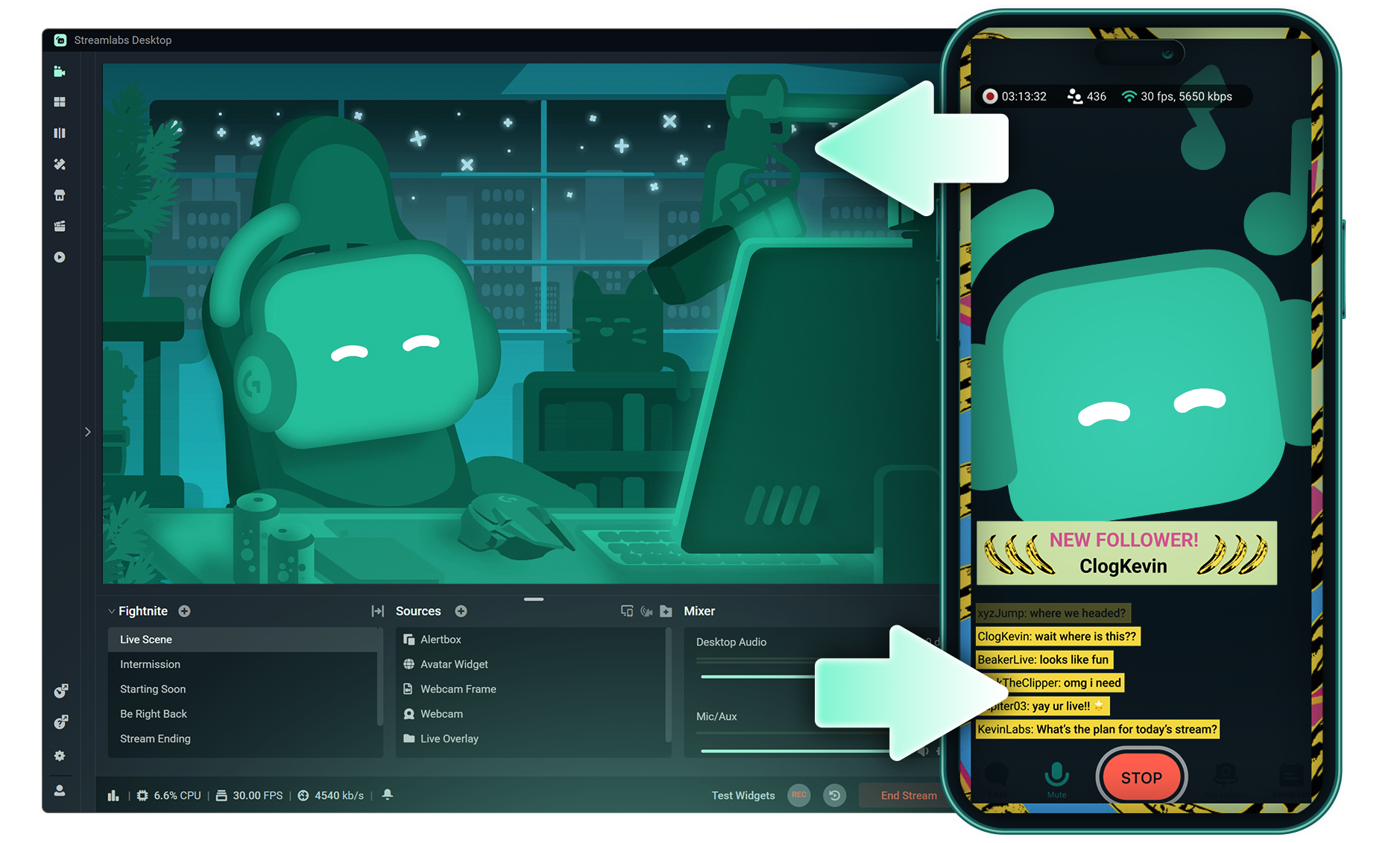
Stream Shift
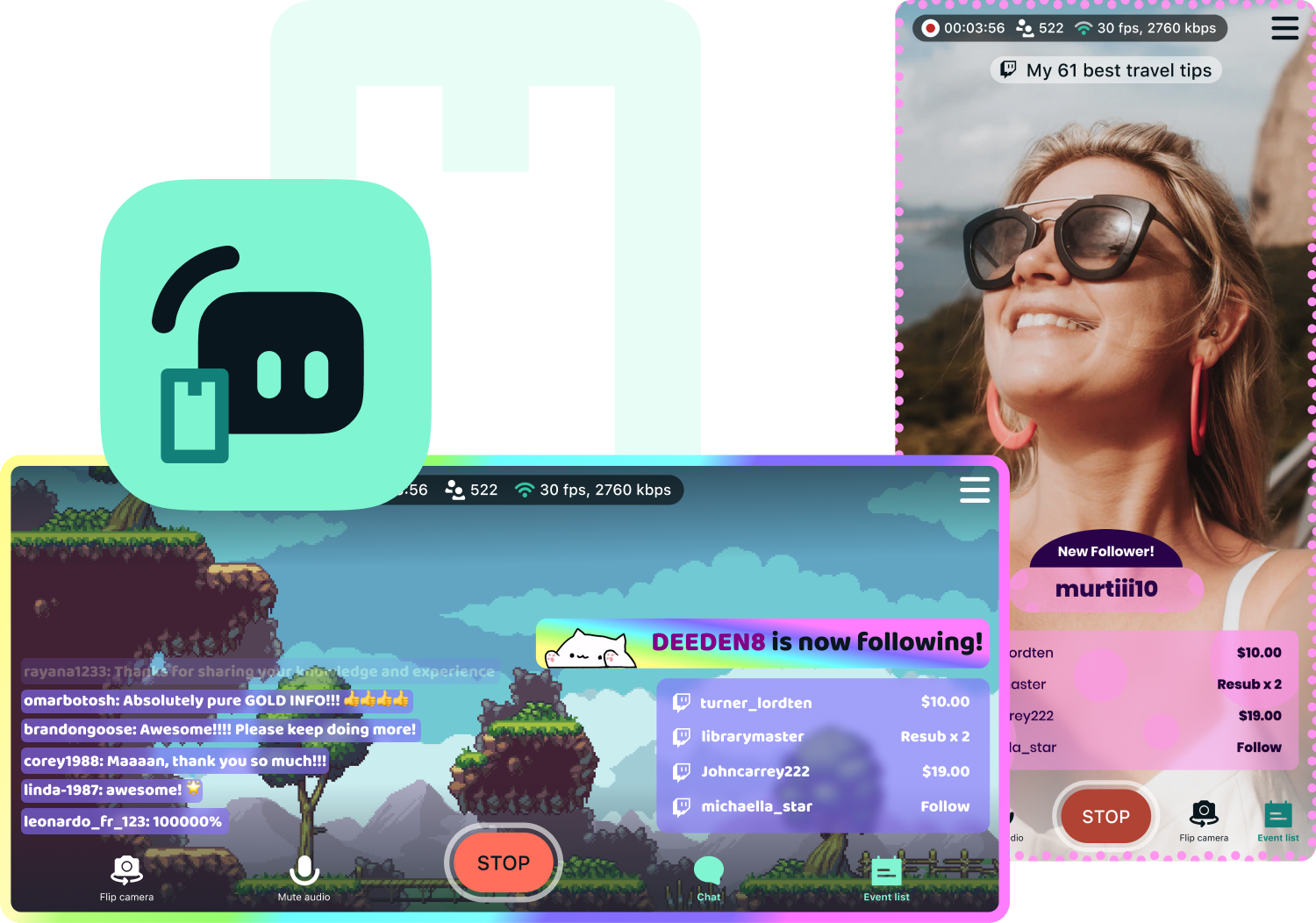
Shift your stream from PC to Mobile with no interruptions for your viewers.

Dual Output
Push both horizontal and vertical feeds from a single session, each configured best for each layout.
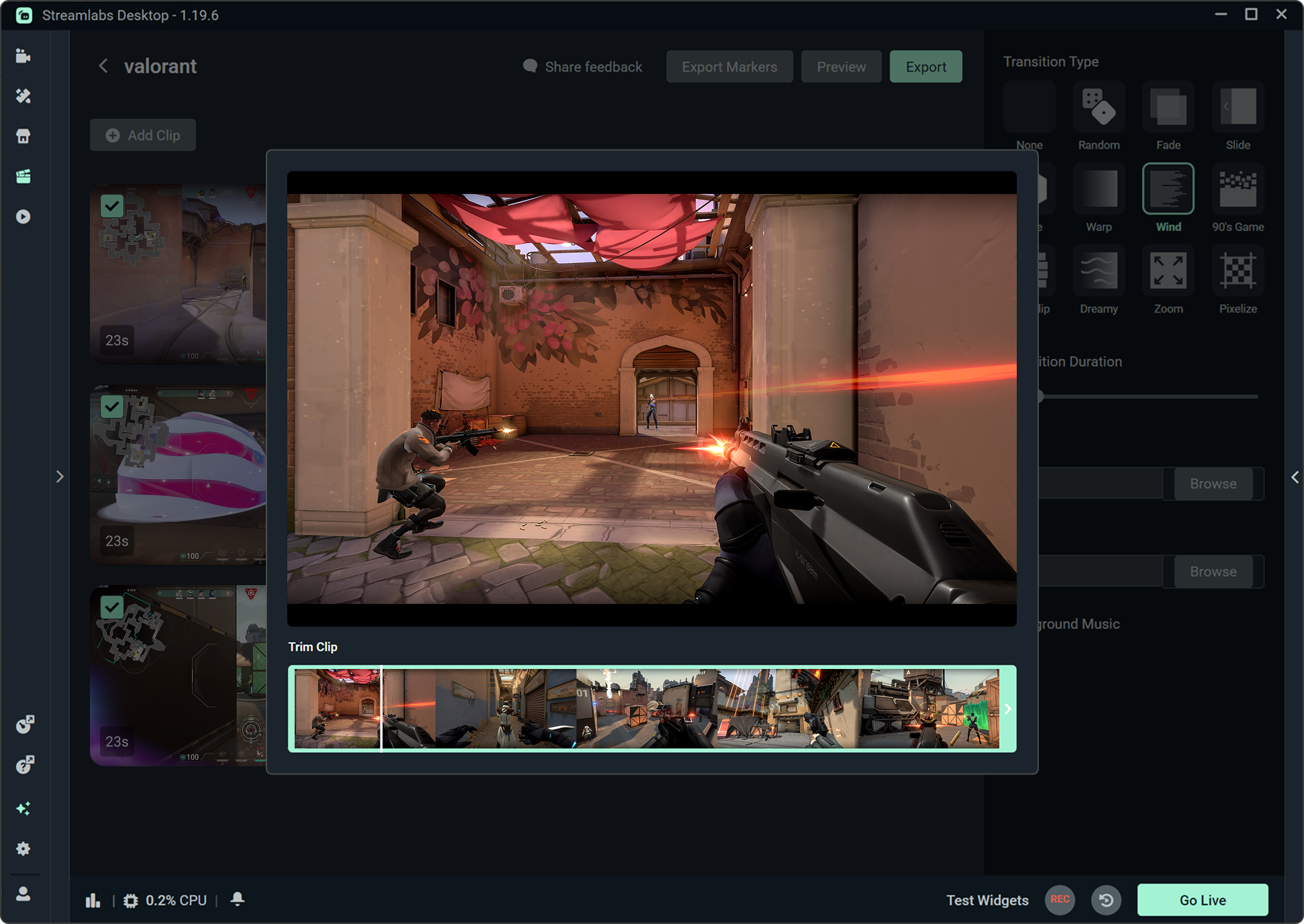
Highlighter
Automatically clips your stream highlights, so no need to spend hours editing.

Intelligent Streaming Agent
A stream companion that serves as a co‑host, live producer, and tech support.
Frequently asked questions
You can get started streaming to KICK in minutes by opening your preferred software, Desktop, Plugin for OBS, our Mobile App, Talk Studio or Console, and following the instructions in our Quick Start Guide.
Streamlabs Ultra to pakiet profesjonalnych funkcji dla twórców, oferujący szeroki wachlarz korzyści, w tym możliwość prowadzenia wielu transmisji jednocześnie, dostęp do pełnej biblioteki zawierającej tysiące nakładek na transmisje i motywów widżetów, wyższe limity funkcji produkcyjnych opartych na sztucznej inteligencji dzięki Intelligent Streaming Agent, edycję klipów bez znaków wodnych, najwyższe marże zysku w Streamlabs Merch, natychmiastowy dostęp do statusu Gold All Star, który daje dodatkowe szanse w konkursach z nagrodami oraz zniżki na sprzęt Logitech G, a także wiele innych.
Dzięki pakietowi Ultra zyskujesz dostęp do wszystkich funkcji premium aplikacji Streamlabs Desktop, Mobile, Console, Talk Studio Pro, Cross Clip Pro, Video Editor Pro, Podcast Editor Pro oraz Web Suite w ramach jednej, prostej oferty.
W ramach pakietu Ultra Plus zyskujesz dostęp do wszystkich funkcji zawartych w pakiecie Ultra, a dodatkowo: zwiększone limity dla Intelligent Streaming Agent, dedykowaną osobę kontaktową w Streamlabs, rozmowę dotyczącą konfiguracji oraz dwie rozmowy rocznie z naszymi ekspertami ds. przesyłania strumieniowego, poświęcone twoim sukcesom.
Dowiedz się więcej o wszystkich zaletach planów Ultra i Ultra Plus tutaj.
You do not need to find or manually input your stream key to setup streaming to KICK from Streamlabs' tools. Simply choose KICK as a platform on the login page, authorize your account and start streaming!
W przypadku tradycyjnych narzędzi do transmisji multistreamingowych komputer szyfruje i przesyła oddzielną wersję streamu dla każdej platformy, na której prowadzisz transmisję na żywo. Powoduje to wysokie zużycie procesora i karty graficznej oraz wzrost wymagań w zakresie przepustowości łącza, co wiąże się z większym prawdopodobieństwem spadku jakości lub przerwania streamu.
W Streamlabs wykorzystano system multistreamingu w chmurze, co oznacza, że wysyłasz do Streamlabs tylko jeden stream (lub dwa – jeden pionowy i jeden poziomy – jeśli korzystasz z funkcji Dual Output ), a nasze serwery zajmują się resztą.
W Streamlabs otrzymujesz również wbudowaną integrację czatów, dzięki czemu możesz odbierać wiadomości ze wszystkich streamów w jednym miejscu.
Aby uzyskać więcej informacji, zapoznaj się z naszym wpisem na stronie , gdzie wyjaśniamy, co wyróżnia funkcję Streamlabs Multistream.
Yes! With Streamlabs multistream, you can broadcast to KICK and other platforms like Twitch, YouTube, Patreon and more simultaneously from a single stream, without additional CPU or bandwidth load on your computer.
Yes, Streamlabs supports Just Chatting streams on KICK with tools like customizable overlays and themes, alert box for follows and tips, Cloudbot for chat moderation, integrated chat so you don't miss anything your viewers say, and more. Check out all of the specific tools Streamlabs has to support Just Chatting streams here.
Streamlabs Multistream to funkcja dostępna w ramach pakietu Ultra. Jeśli chcesz korzystać z transmisji multistreamingowych za darmo, dzięki funkcji Dual Ouput możesz prowadzić transmisje na żywo jednocześnie w jednym kanale pionowym i jednym kanale poziomym bez konieczności wykupywania subskrypcji.
Yes, Streamlabs Mobile lets you go live to KICK from your Android or iOS phone by connecting your KICK account. Learn more about mobile streaming in our guide.
Streamlabs Desktop, Plugin for OBS, Mobile, and Talk Studio all include built-in chat integration that aggregates messages from KICK and other platforms into a single unified feed, so you can monitor and respond to your audience without switching between tabs.
Yes, you can use Streamlabs Highlighter to automatically identify key moments from your KICK VODs to clip and share to social media without having to scrub hours of stream and go through the editing process. You can learn more about Highlighter here.
Please contact support at this link.