

Full streaming toolkit for Kick
Stream to Kick with Streamlabs and take advantage of premium overlays, custom alerts, multistream and more.



Multistream made easy
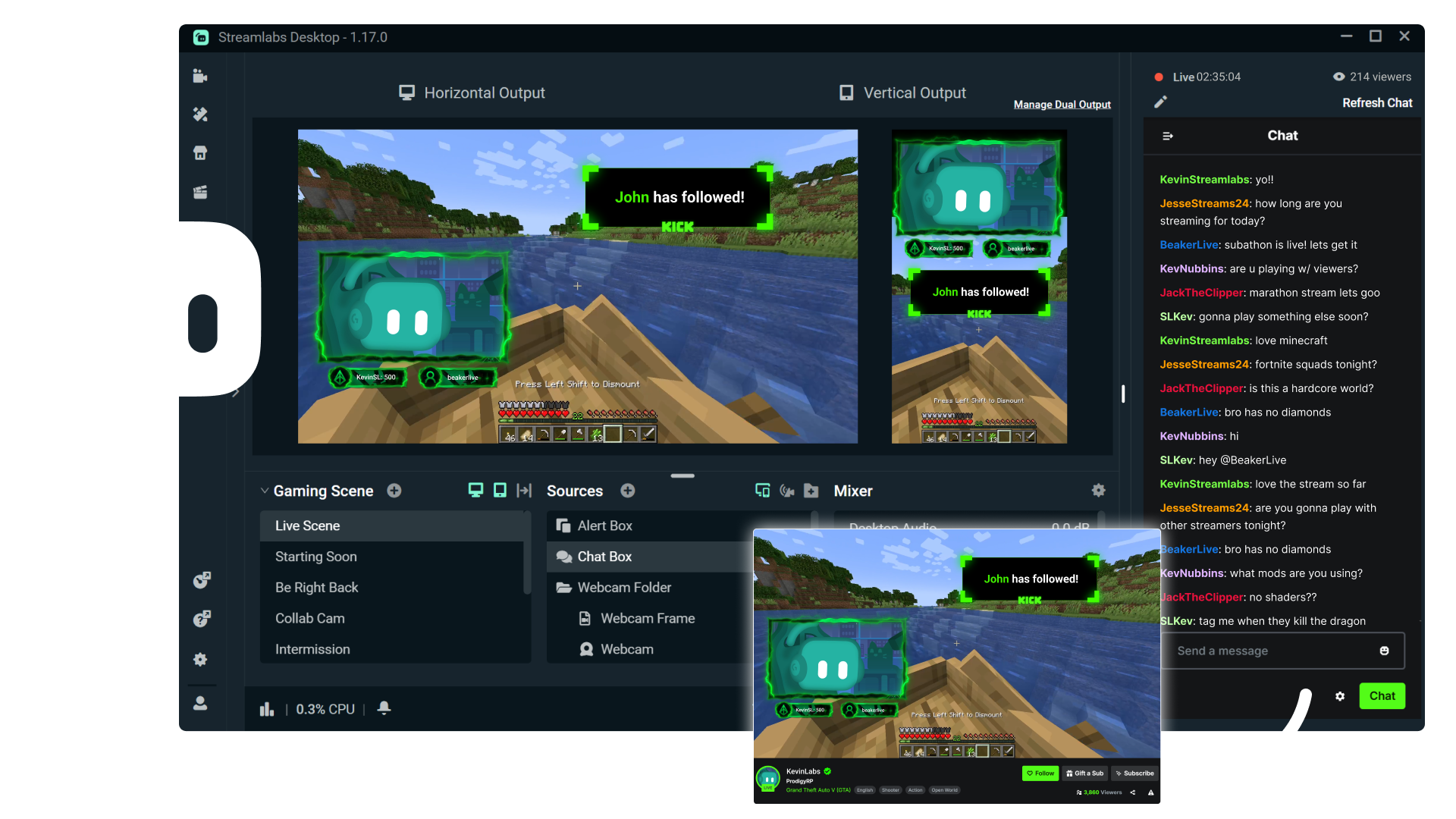
Multistreaming is the best way to grow your audience across all your platforms. With Streamlabs Ultra, you can multistream to Kick and any additional destinations of your choice.
Keep your Kick brand strong with overlays
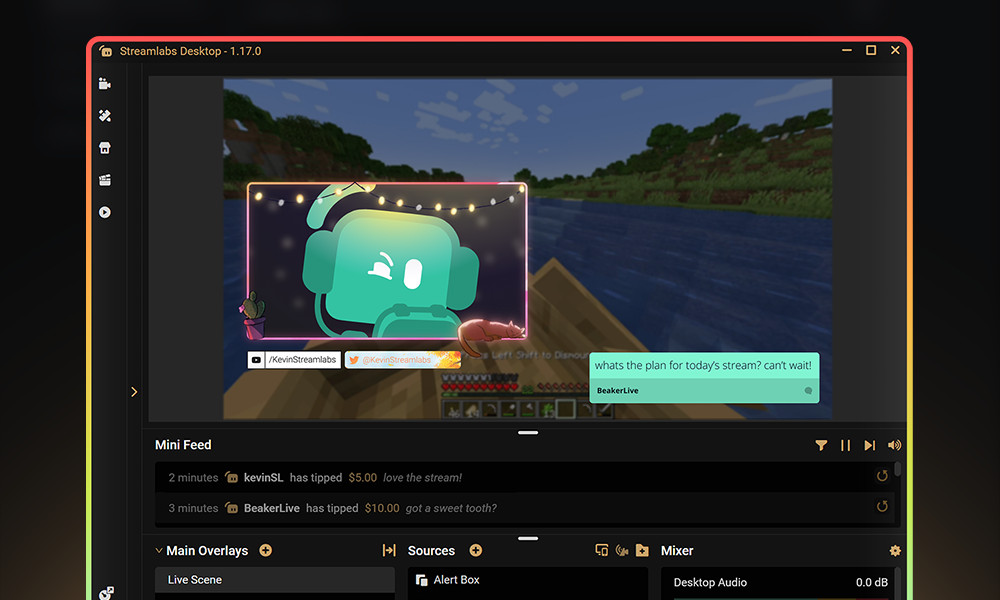
Choose from thousands of professionally designed, dynamic overlays from the Streamlabs overlay library.
Engage with your audience with widgets
Add widgets like alert box, event list, Cloudbot and more to keep your stream active and engaged and give your audience even more reason to stick around.
Turn your Kick streams into income
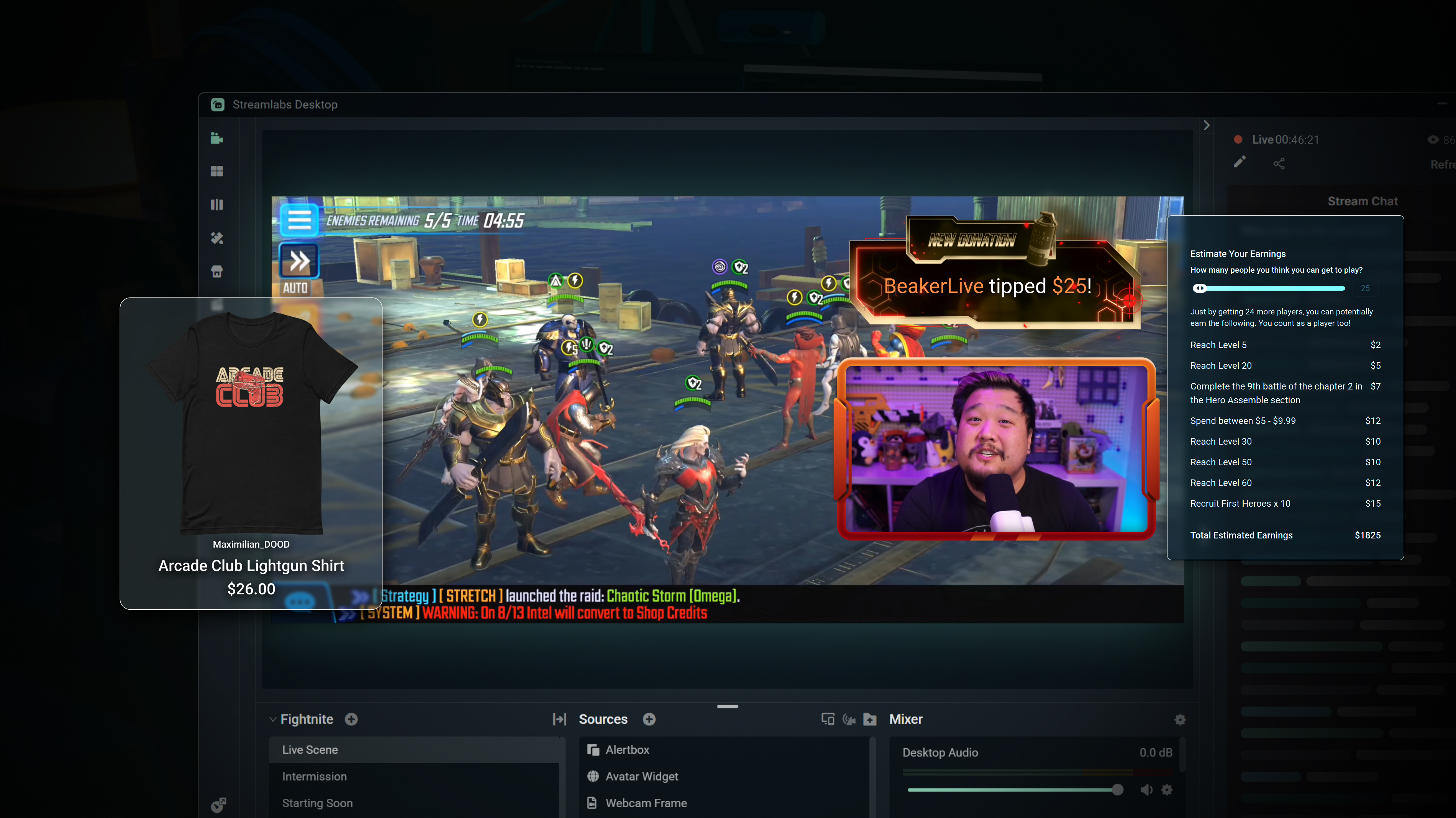
Merch
Sell branded merch to your KICK community without having to use a third-party platform.
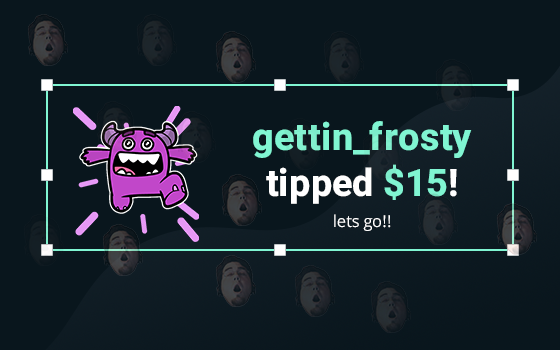
Tipping
Setup tipping so your audience can always donate on-stream, and get automatic alerts when they do.
Powerful features, perfect for Kick
Explore even more innovative Streamlabs tools that will make your KICK stream stand out from the crowd.
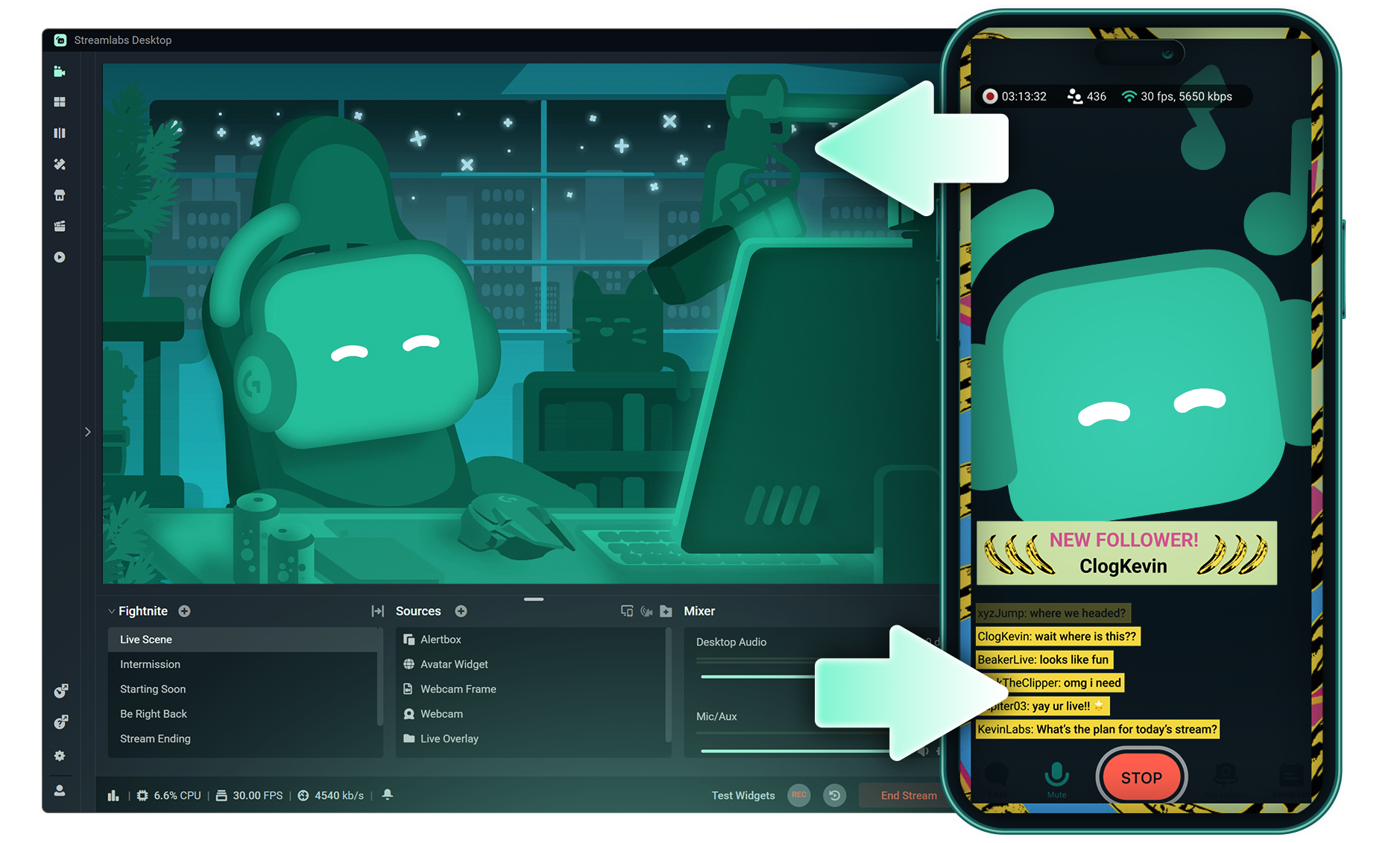
Stream Shift
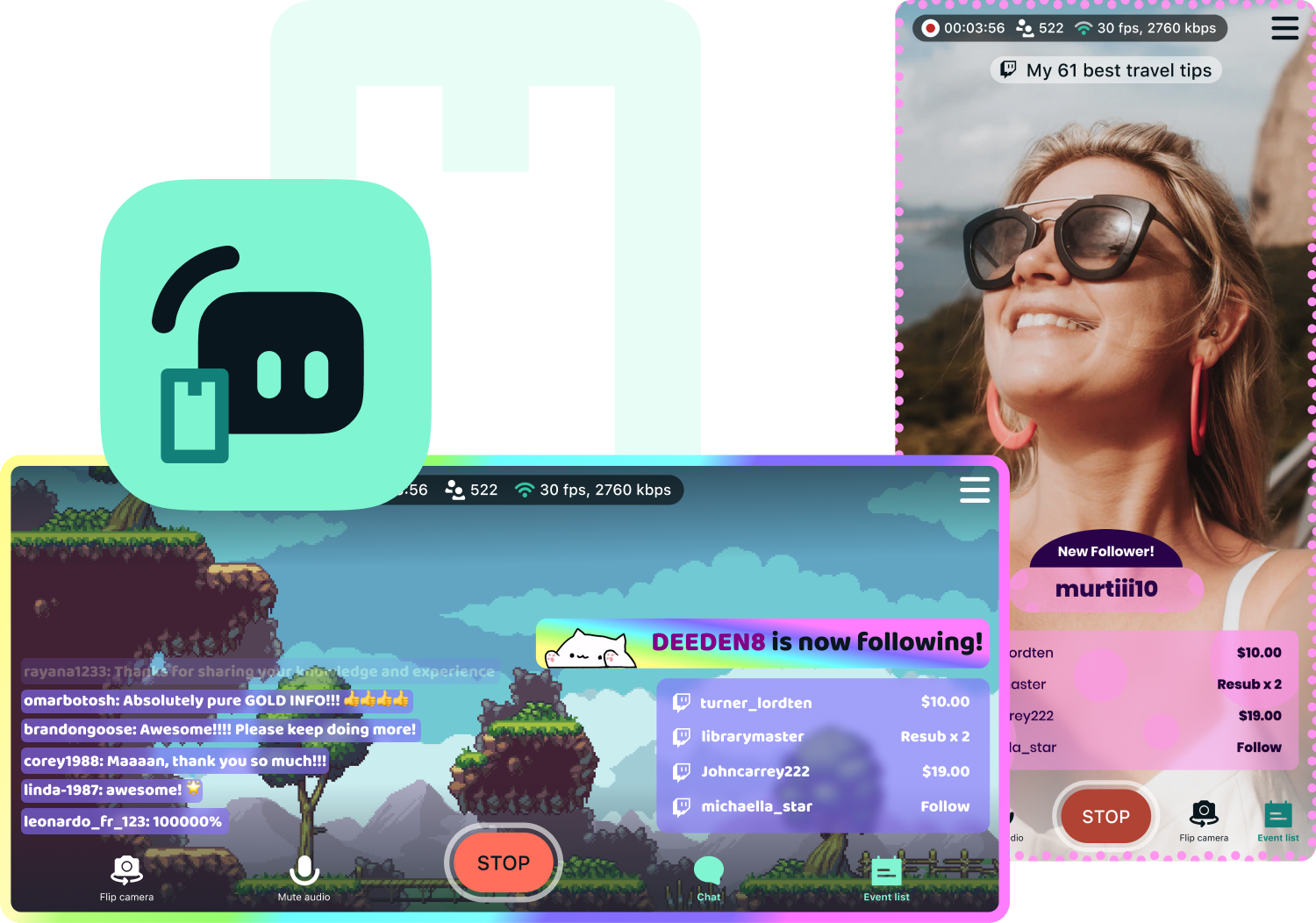
Shift your stream from PC to Mobile with no interruptions for your viewers.

Dual Output
Push both horizontal and vertical feeds from a single session, each configured best for each layout.
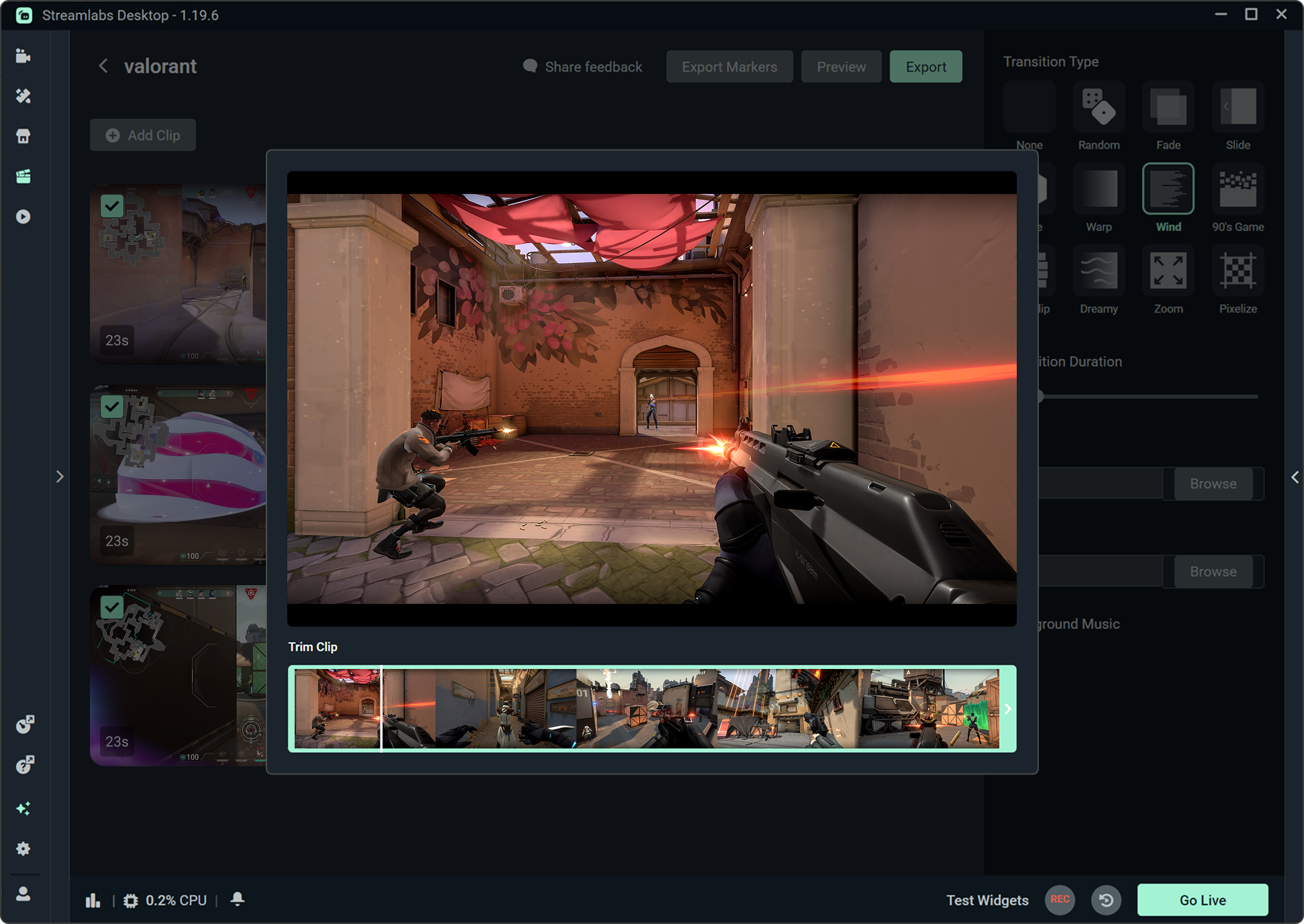
Highlighter
Automatically clips your stream highlights, so no need to spend hours editing.

Intelligent Streaming Agent
A stream companion that serves as a co‑host, live producer, and tech support.
Frequently asked questions
You can get started streaming to KICK in minutes by opening your preferred software, Desktop, Plugin for OBS, our Mobile App, Talk Studio or Console, and following the instructions in our Quick Start Guide.
Streamlabs Ultra ist eine Suite mit professionellen Funktionen für Creator, die eine Vielzahl von Vorteilen bietet, darunter Multistreaming, Zugriff auf die gesamte Bibliothek mit Tausenden von Stream-Overlays und Widget-Themen, höhere Limits für KI-Produktionsfunktionen über den Intelligent Streaming Agent, wasserzeichenfreie Clip-Bearbeitung, die höchsten Gewinnspannen bei Streamlabs Merch, sofortigen Zugang zum Gold All Star-Status für zusätzliche Gewinnspielteilnahmen und Rabatte auf Logitech G-Hardware sowie vieles mehr.
Mit Ultra erhältst du Zugang zu den Premium-Funktionen von Streamlabs Desktop, Mobile, Console, Talk Studio Pro, Cross Clip Pro, Video Editor Pro, Podcast Editor Pro und Web Suite – alles in einem einzigen, übersichtlichen Paket.
Mit Ultra Plus erhältst du Zugriff auf alle Funktionen von Ultra sowie zusätzliche Limits für den Intelligent Streaming Agent, einen persönlichen Ansprechpartner bei Streamlabs, einen Einrichtungsanruf und zweimal jährlich ein Beratungsgespräch mit unseren Streaming-Experten.
Hier erfährst du mehr über alle Vorteile von Ultra und Ultra Plus.
You do not need to find or manually input your stream key to setup streaming to KICK from Streamlabs' tools. Simply choose KICK as a platform on the login page, authorize your account and start streaming!
Bei den üblichen Multistreaming-Tools codiert und lädt dein Computer für jede Plattform, auf der du live gehst, eine eigene Version deines Streams hoch. Das führt zu einer hohen CPU- und GPU-Auslastung und höheren Anforderungen an die Upload-Bandbreite, was die Wahrscheinlichkeit von Einbußen bei der Stream-Qualität oder Abstürzen erhöht.
Streamlabs nutzt ein Cloud-basiertes Multistreaming-System, was bedeutet, dass du nur einen Stream (oder zwei, wenn Dual Output aktiviert ist – einen vertikalen und einen horizontalen) an Streamlabs sendest und unsere Server den Rest erledigen.
Mit Streamlabs erhältst du auch eine integrierte Chat-Funktion, sodass du deine Nachrichten aus allen Streams an einem Ort lesen kannst.
Noch mehr Informationen findest du in unserem Beitrag Was macht Streamlabs Multistream so besonders.
Yes! With Streamlabs multistream, you can broadcast to KICK and other platforms like Twitch, YouTube, Patreon and more simultaneously from a single stream, without additional CPU or bandwidth load on your computer.
Yes, Streamlabs supports Just Chatting streams on KICK with tools like customizable overlays and themes, alert box for follows and tips, Cloudbot for chat moderation, integrated chat so you don't miss anything your viewers say, and more. Check out all of the specific tools Streamlabs has to support Just Chatting streams here.
Streamlabs Multistream ist eine Ultra-Funktion. Wenn du kostenlos Multistreaming machen willst, kannst du mit Dual Output gleichzeitig auf einem vertikalen und einem horizontalen Ziel live gehen, ohne dass du ein Abonnement brauchst.
Yes, Streamlabs Mobile lets you go live to KICK from your Android or iOS phone by connecting your KICK account. Learn more about mobile streaming in our guide.
Streamlabs Desktop, Plugin for OBS, Mobile, and Talk Studio all include built-in chat integration that aggregates messages from KICK and other platforms into a single unified feed, so you can monitor and respond to your audience without switching between tabs.
Yes, you can use Streamlabs Highlighter to automatically identify key moments from your KICK VODs to clip and share to social media without having to scrub hours of stream and go through the editing process. You can learn more about Highlighter here.
Please contact support at this link.