

Full streaming toolkit for Kick
Stream to Kick with Streamlabs and take advantage of premium overlays, custom alerts, multistream and more.
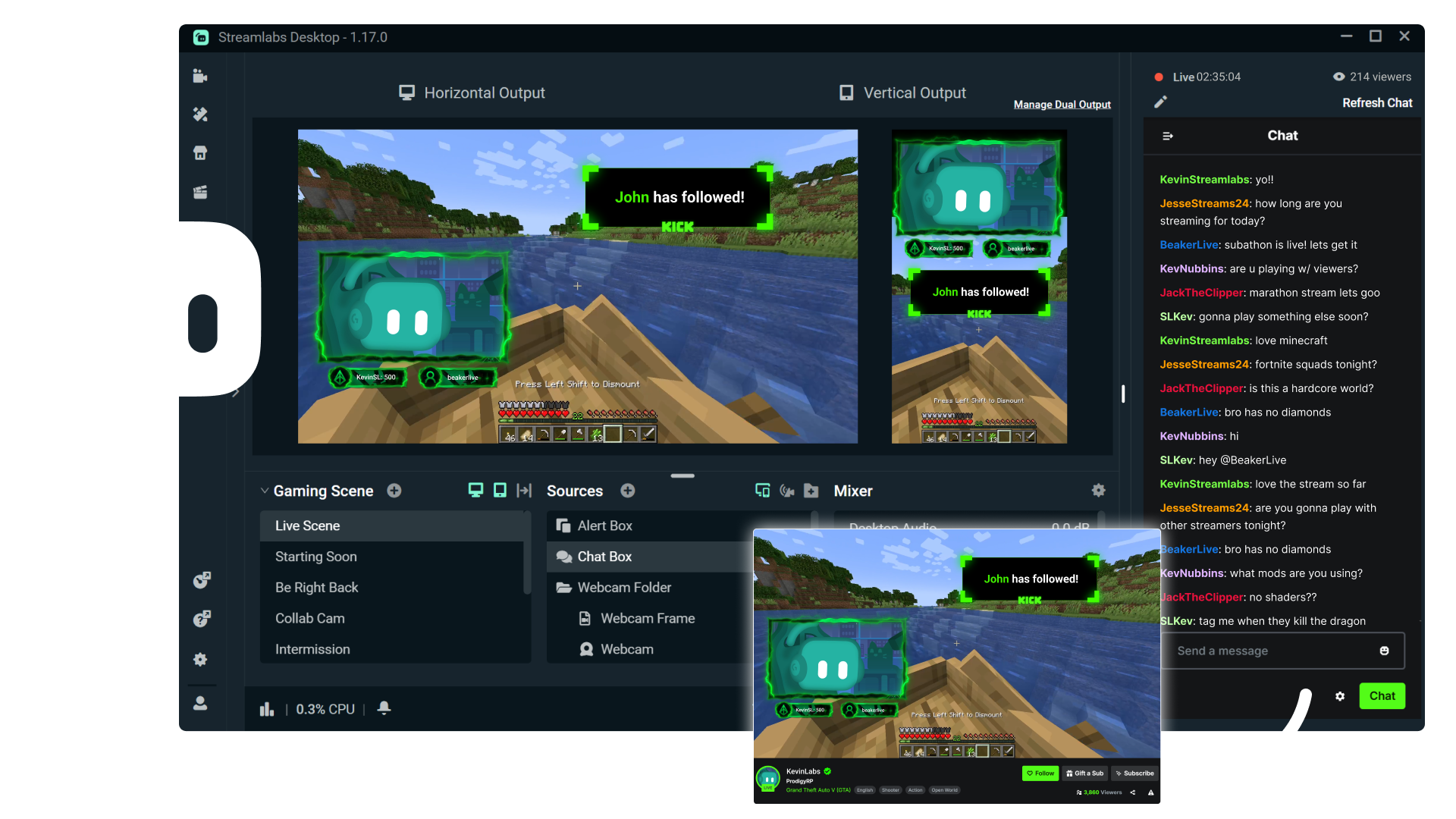



Multistream made easy
Multistreaming is the best way to grow your audience across all your platforms. With Streamlabs Ultra, you can multistream to Kick and any additional destinations of your choice.
Keep your Kick brand strong with overlays
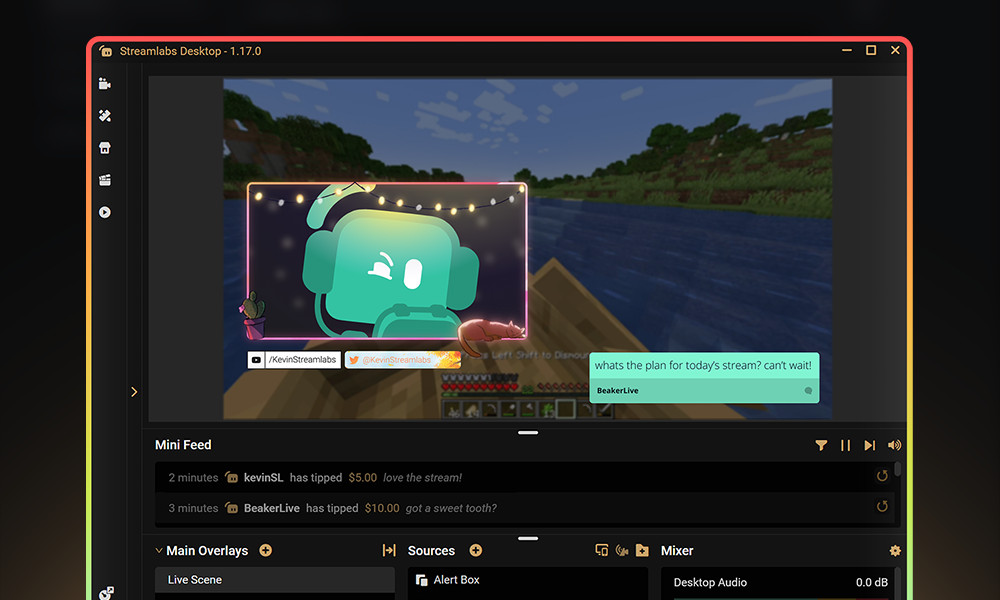
Choose from thousands of professionally designed, dynamic overlays from the Streamlabs overlay library.
Engage with your audience with widgets
Add widgets like alert box, event list, Cloudbot and more to keep your stream active and engaged and give your audience even more reason to stick around.
Turn your Kick streams into income
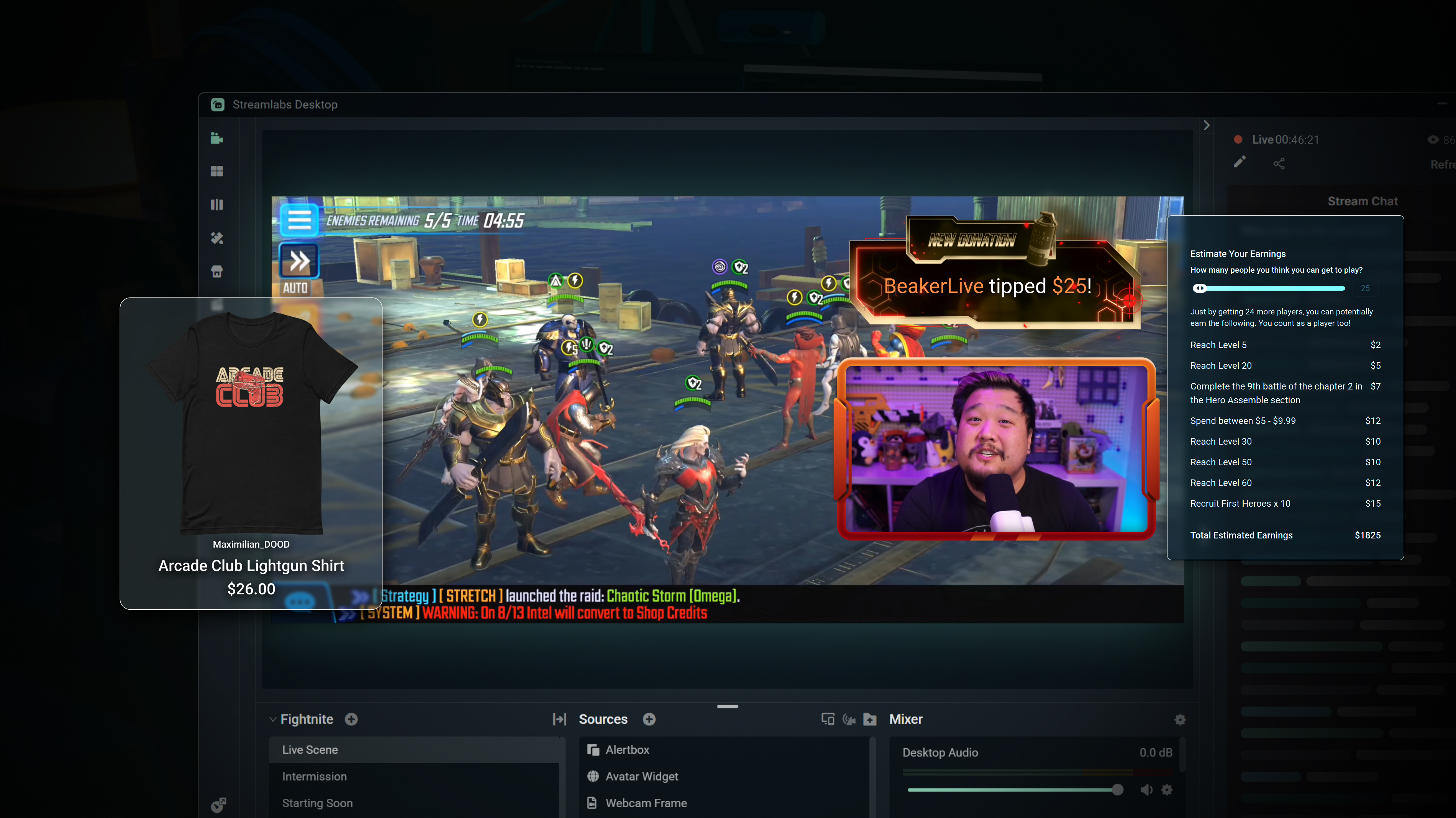
Merch
Sell branded merch to your KICK community without having to use a third-party platform.
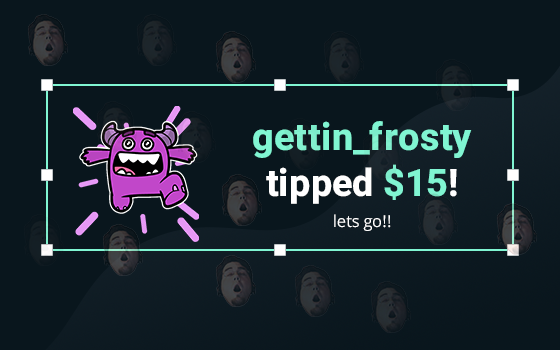
Tipping
Setup tipping so your audience can always donate on-stream, and get automatic alerts when they do.
Powerful features, perfect for Kick
Explore even more innovative Streamlabs tools that will make your KICK stream stand out from the crowd.
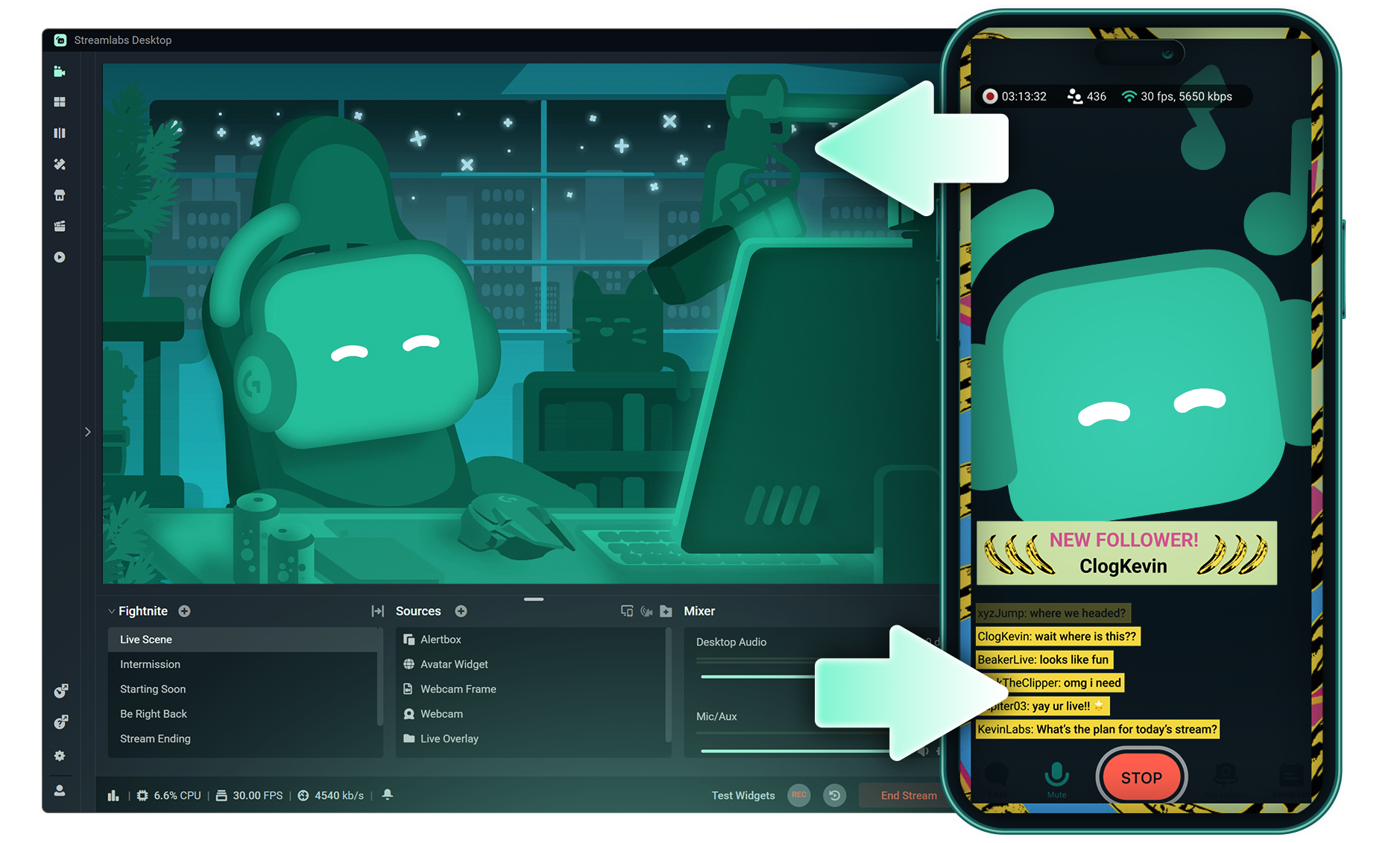
Stream Shift
Shift your stream from PC to Mobile with no interruptions for your viewers.

Dual Output
Push both horizontal and vertical feeds from a single session, each configured best for each layout.
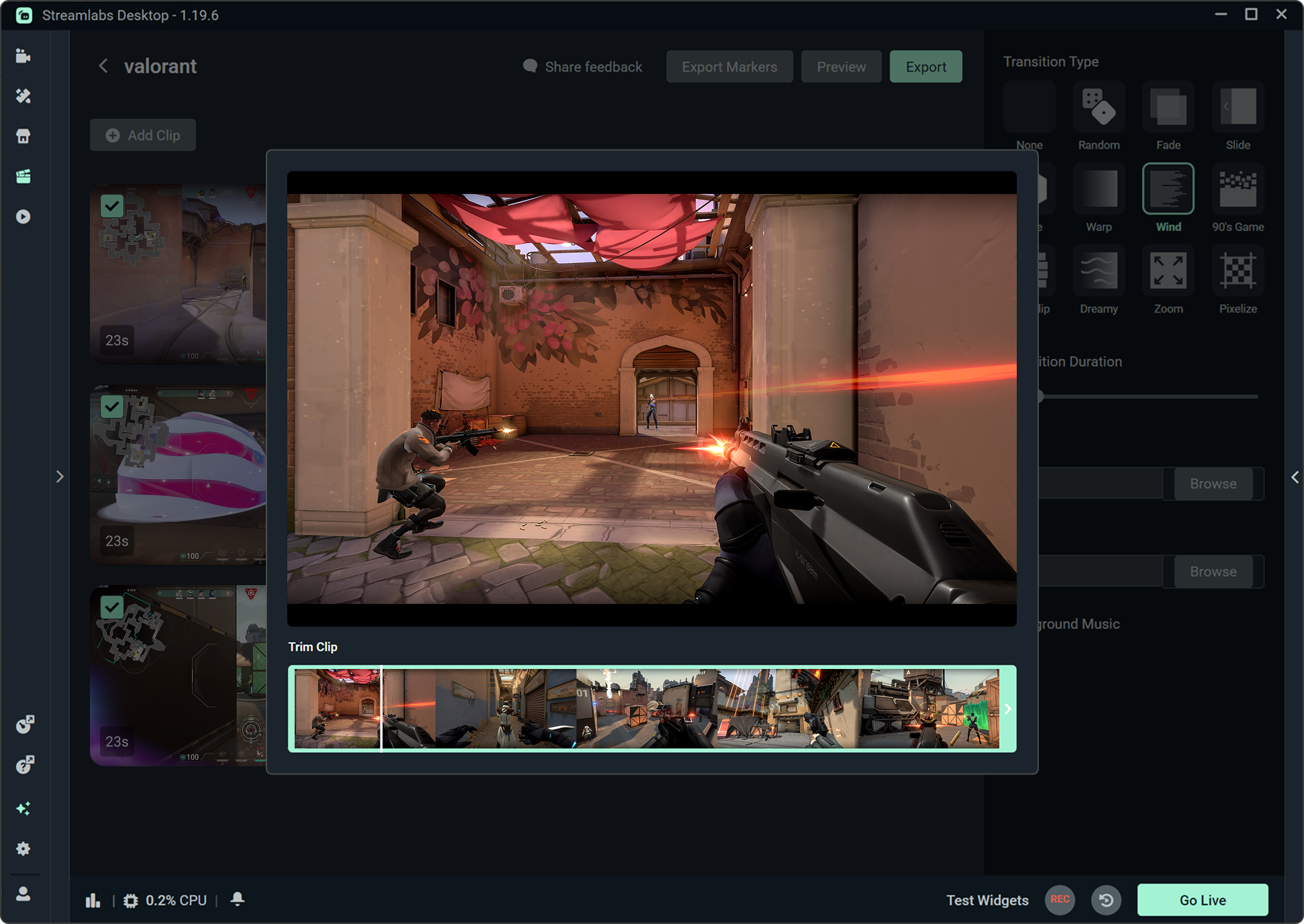
Highlighter
Automatically clips your stream highlights, so no need to spend hours editing.

Intelligent Streaming Agent
A stream companion that serves as a co‑host, live producer, and tech support.
Frequently asked questions
You can get started streaming to KICK in minutes by opening your preferred software, Desktop, Plugin for OBS, our Mobile App, Talk Studio or Console, and following the instructions in our Quick Start Guide.
Streamlabs Ultra is a suite of pro-level features for creators offering a wide range of benefits including multistreaming, access to the full Library of thousands of stream overlays and widget themes, higher limits on AI production features through the Intelligent Streaming Agent, watermark-free clip editing, the highest profit margins on Streamlabs Merch, instant access to Gold All Star status for extra giveaway entries and savings on Logitech G hardware, and much more.
With Ultra, you get access to the premium features of Streamlabs Desktop, Mobile, Console, Talk Studio Pro, Cross Clip Pro, Video Editor Pro, Podcast Editor Pro, and Web Suite into one simple plan.
With Ultra Plus, you unlock everything included in Ultra plus additional limits for the Intelligent Streaming Agent plus a dedicated Streamlabs contact, a setup call, and twice annual success calls with our streaming experts.
Learn more about all of the benefits of Ultra and Ultra Plus here.
You do not need to find or manually input your stream key to setup streaming to KICK from Streamlabs' tools. Simply choose KICK as a platform on the login page, authorize your account and start streaming!
While traditional multistreaming tools your computer encodes and uploads a separate version of your stream for every platform you go live to, resulting in high CPU and GPU usage plus higher upload bandwidth requirements increasing the likelihood of stream quality drops or crashes.
Streamlabs utilizes a cloud-based multistreaming system mean that you only send one stream (or two with Dual Output enabled — one vertical and one horizontal) to Streamlabs and our servers handle the rest.
With Streamlabs, you also get built in chat integration so you can read your messages across streams in one location.
For even more info, check out our post on what sets Streamlabs Multistream apart.
Yes! With Streamlabs multistream, you can broadcast to KICK and other platforms like Twitch, YouTube, Patreon and more simultaneously from a single stream, without additional CPU or bandwidth load on your computer.
All Streamlabs widgets are built directly into Streamlabs Desktop so you can add them with a click. Many Streamlabs widgets are also available in the Streamlabs Plugin for OBS for easy adding to your OBS streams or can be used with any streaming software via adding the widget URL as a browser source.
Yes, Streamlabs supports Just Chatting streams on KICK with tools like customizable overlays and themes, alert box for follows and tips, Cloudbot for chat moderation, integrated chat so you don't miss anything your viewers say, and more. Check out all of the specific tools Streamlabs has to support Just Chatting streams here.
Streamlabs Multistream is an Ultra feature. If you want to multistream for free, you can go live to one vertical and one horizontal destination at the same time with Dual Ouput, no subscription required.
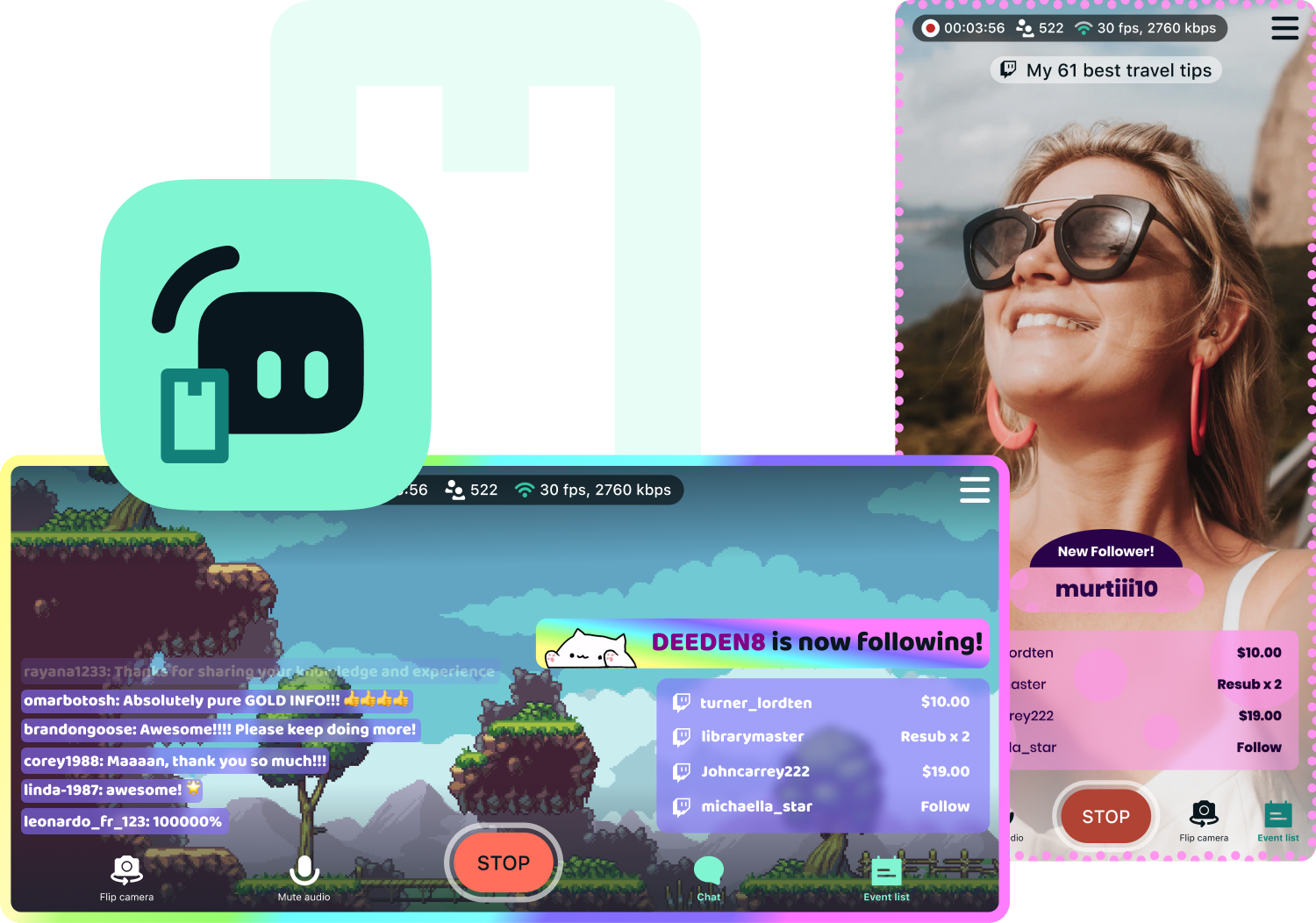
Yes, Streamlabs Mobile lets you go live to KICK from your Android or iOS phone by connecting your KICK account. Learn more about mobile streaming in our guide.
Streamlabs Desktop, Plugin for OBS, Mobile, and Talk Studio all include built-in chat integration that aggregates messages from KICK and other platforms into a single unified feed, so you can monitor and respond to your audience without switching between tabs.
Yes, you can use Streamlabs Highlighter to automatically identify key moments from your KICK VODs to clip and share to social media without having to scrub hours of stream and go through the editing process. You can learn more about Highlighter here.
Please contact support at this link.