

Full streaming toolkit for Kick
Stream to Kick with Streamlabs and take advantage of premium overlays, custom alerts, multistream and more.
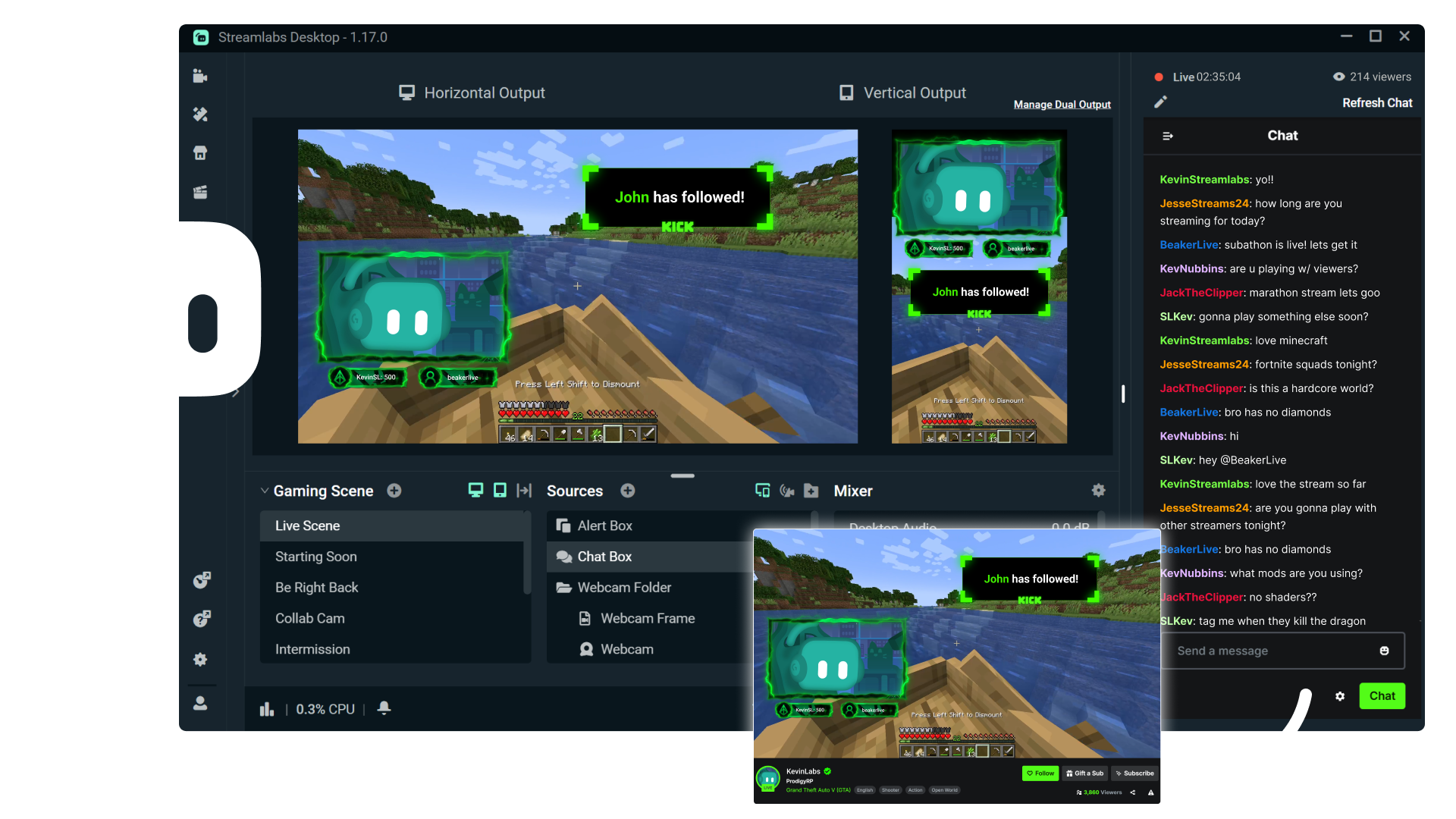



Multistream made easy
Multistreaming is the best way to grow your audience across all your platforms. With Streamlabs Ultra, you can multistream to Kick and any additional destinations of your choice.
Keep your Kick brand strong with overlays
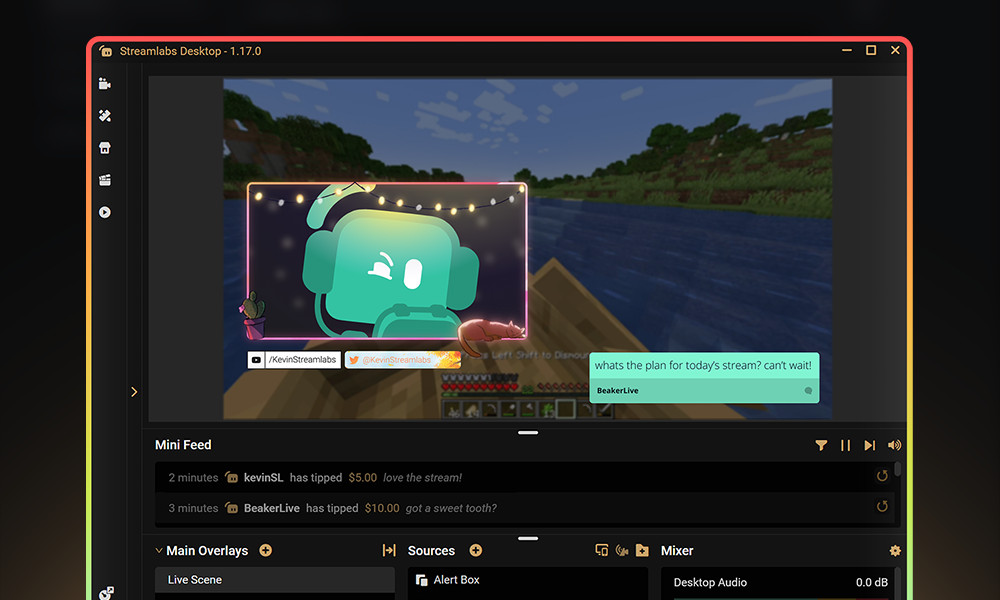
Choose from thousands of professionally designed, dynamic overlays from the Streamlabs overlay library.
Engage with your audience with widgets
Add widgets like alert box, event list, Cloudbot and more to keep your stream active and engaged and give your audience even more reason to stick around.
Turn your Kick streams into income
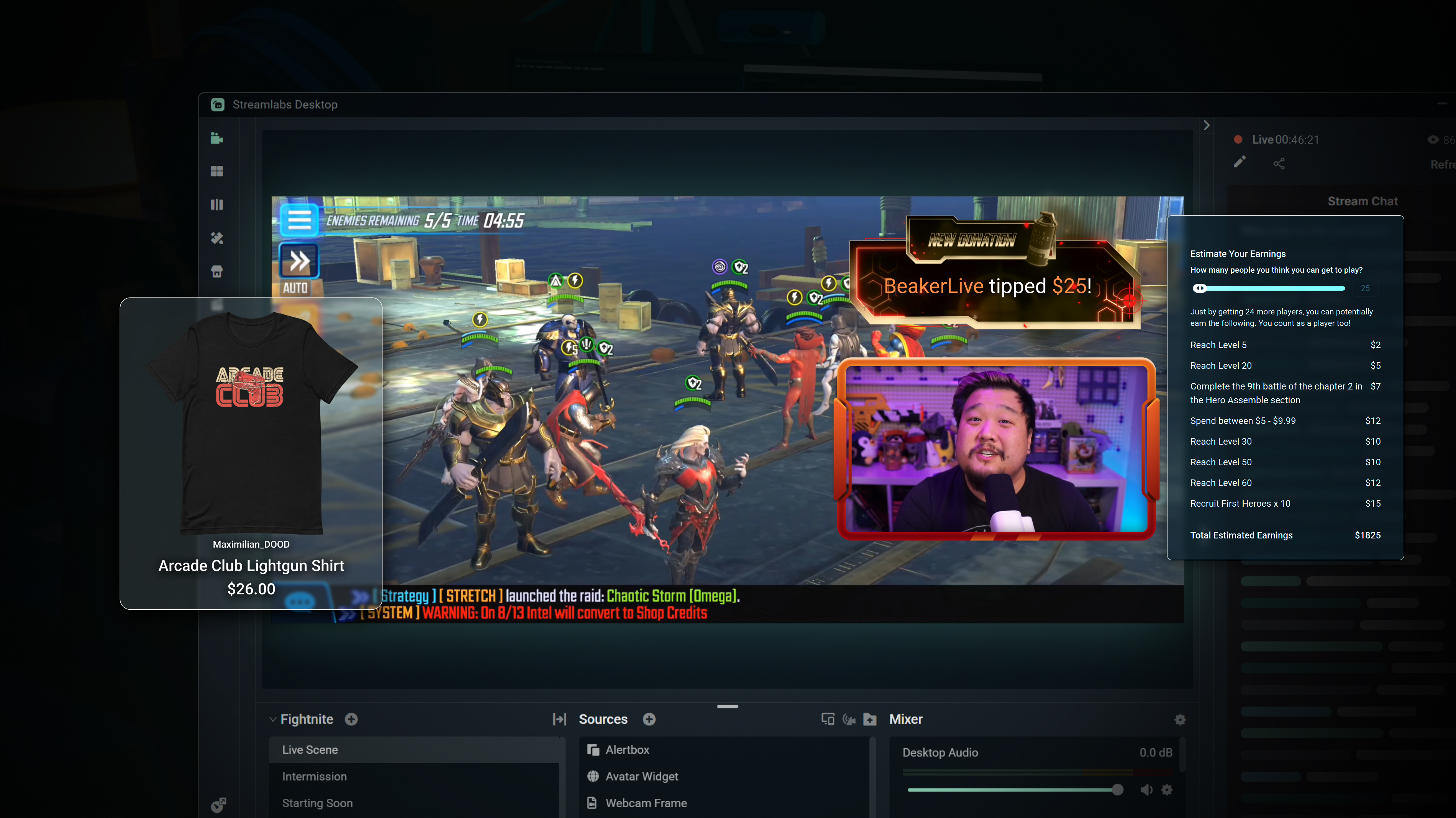
Merch
Sell branded merch to your KICK community without having to use a third-party platform.
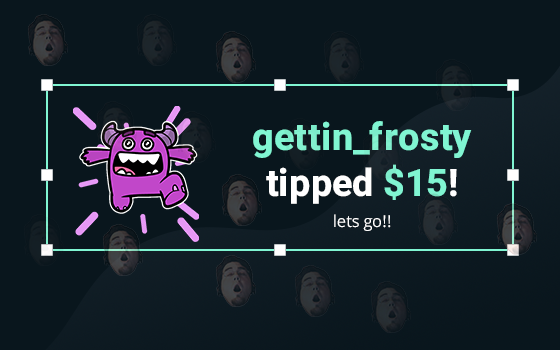
Tipping
Setup tipping so your audience can always donate on-stream, and get automatic alerts when they do.
Powerful features, perfect for Kick
Explore even more innovative Streamlabs tools that will make your KICK stream stand out from the crowd.
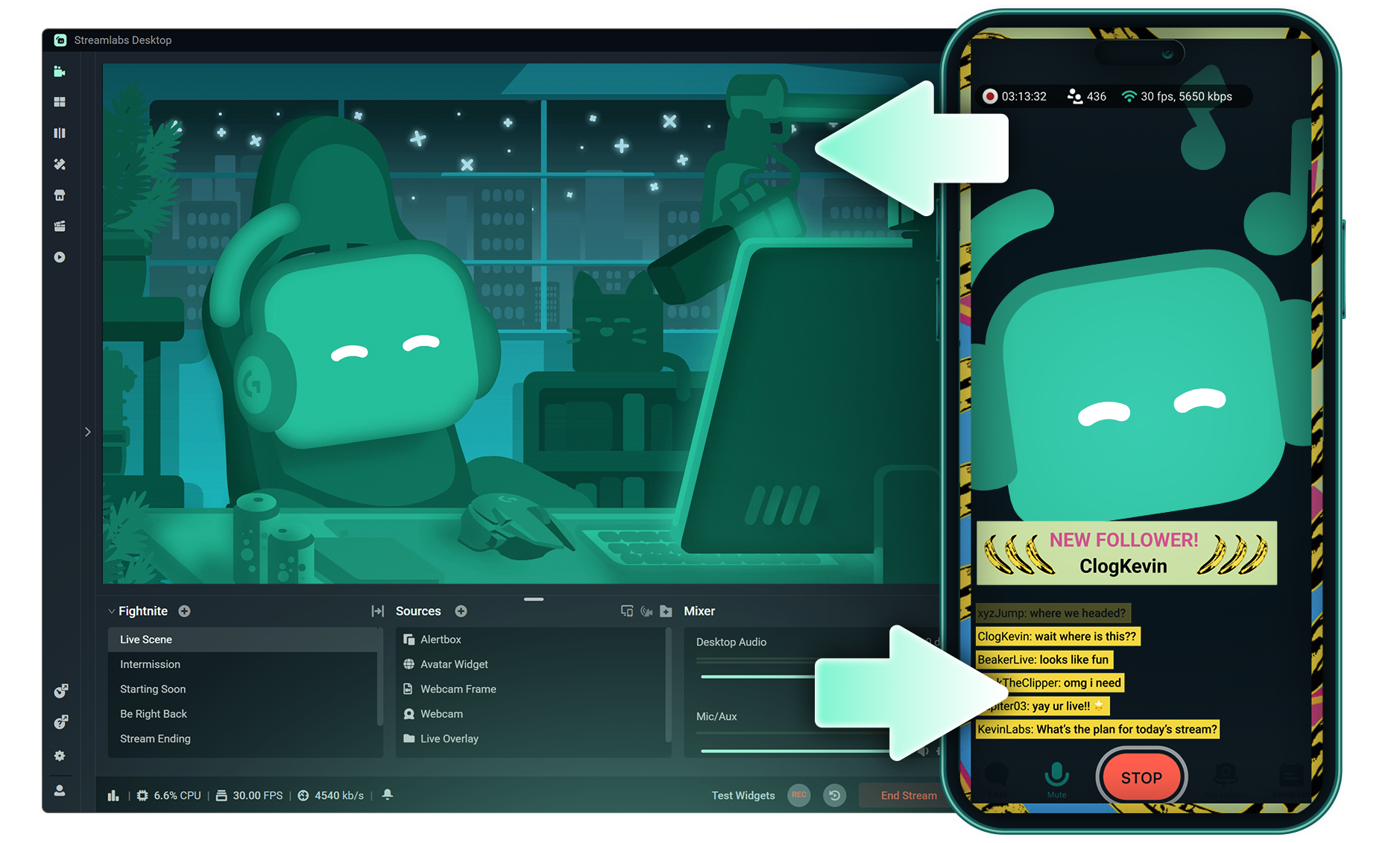
Stream Shift
Shift your stream from PC to Mobile with no interruptions for your viewers.

Dual Output
Push both horizontal and vertical feeds from a single session, each configured best for each layout.
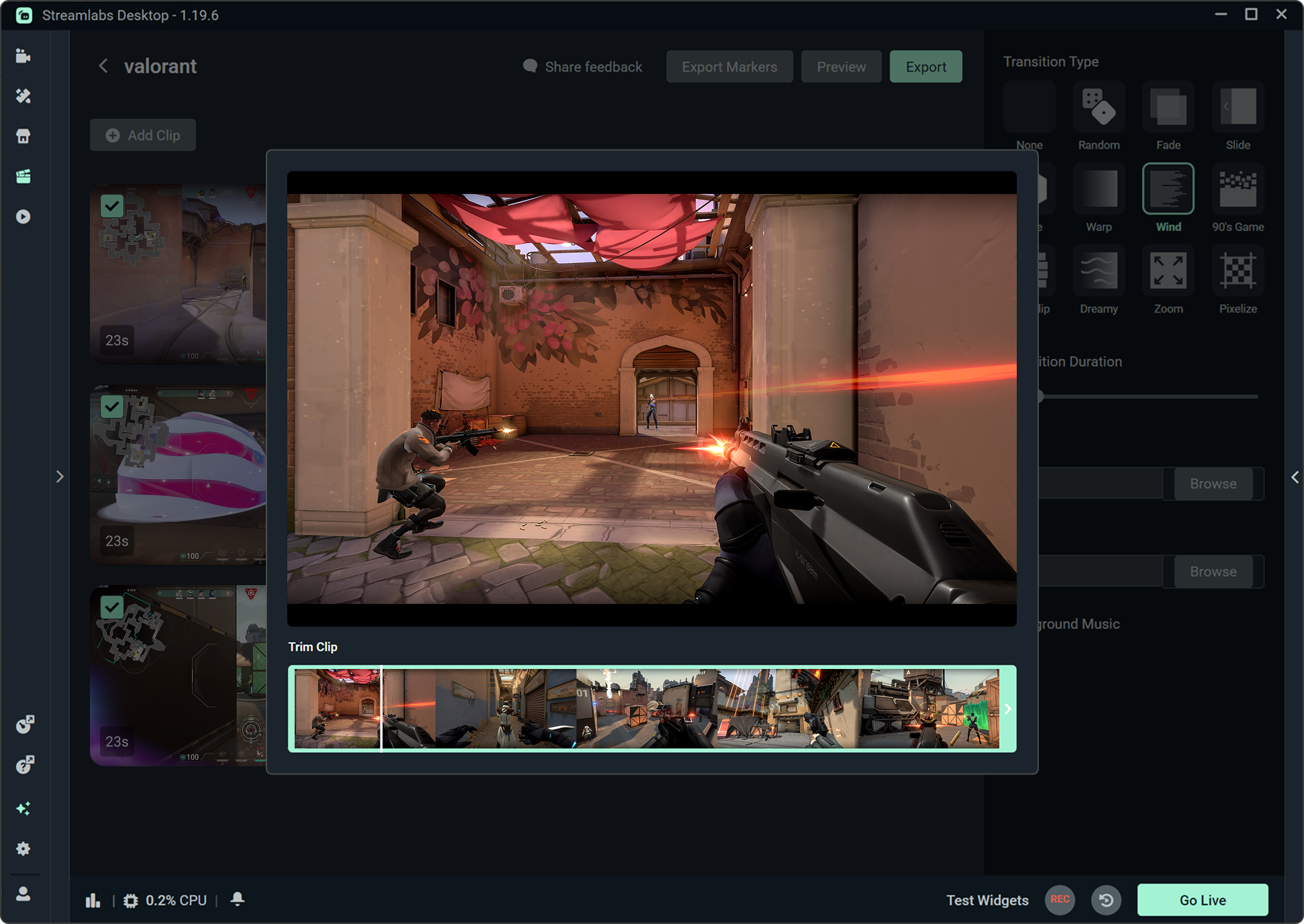
Highlighter
Automatically clips your stream highlights, so no need to spend hours editing.

Intelligent Streaming Agent
A stream companion that serves as a co‑host, live producer, and tech support.
Frequently asked questions
You can get started streaming to KICK in minutes by opening your preferred software, Desktop, Plugin for OBS, our Mobile App, Talk Studio or Console, and following the instructions in our Quick Start Guide.
Streamlabs Ultra는 크리에이터를 위한 전문가급 기능 모음으로, 멀티스트리밍, 수천 가지 스트림 오버레이 및 위젯 테마가 포함된 전체 라이브러리 이용, Intelligent Streaming Agent를 통한 AI 제작 기능의 확장된 한도, 워터마크 없는 클립 편집, 최고 수익률의 Streamlabs MD, 추가 경품 응모 기회와 Logitech G 하드웨어 할인 혜택을 받을 수 있는 Gold All Star 등급 즉시 부여 등 다양한 혜택을 제공합니다.
Ultra에서는 Streamlabs Desktop, Mobile, Console, Talk Studio Pro, Cross Clip Pro, Video Editor Pro, Podcast Editor Pro 및 Web Suite의 프리미엄 기능을 하나의 간편한 플랜으로 이용할 수 있습니다.
Ultra Plus에서는 Ultra의 모든 혜택은 물론, Intelligent Streaming Agent의 추가 한도, Streamlabs 전담 담당자, 설정 지원 전화, 그리고 스트리밍 전문가와의 연 2회 성공 상담까지 모두 이용할 수 있습니다.
여기에서 Ultra 및 Ultra Plus의 모든 혜택에 대해 자세히 알아보세요.
You do not need to find or manually input your stream key to setup streaming to KICK from Streamlabs' tools. Simply choose KICK as a platform on the login page, authorize your account and start streaming!
기존의 멀티스트리밍 도구를 사용하면 컴퓨터가 스트리밍하는 모든 플랫폼에 대해 별도 버전의 스트림을 인코딩하고 업로드하므로 CPU 및 GPU 사용량이 증가하고 업로드 대역폭 요구량이 높아져 스트림 품질이 떨어지거나 충돌이 발생할 가능성이 높아집니다.
Streamlabs는 클라우드 기반 멀티 스트리밍 시스템을 활용하므로 하나의 스트림(또는 Dual Output이 활성화된 경우 2개의 스트림, 즉 세로 1개와 가로 1개)만 Streamlabs로 전송하면 나머지는 서버가 처리합니다.
Streamlabs에는 채팅 통합 기능도 내장되어 있어 한 곳에서 여러 스트림의 메시지를 읽을 수 있습니다.
더 자세한 내용은 Streamlabs 멀티스트림의 차별화 요소에서 게시물을 확인하세요.
Yes! With Streamlabs multistream, you can broadcast to KICK and other platforms like Twitch, YouTube, Patreon and more simultaneously from a single stream, without additional CPU or bandwidth load on your computer.
Yes, Streamlabs supports Just Chatting streams on KICK with tools like customizable overlays and themes, alert box for follows and tips, Cloudbot for chat moderation, integrated chat so you don't miss anything your viewers say, and more. Check out all of the specific tools Streamlabs has to support Just Chatting streams here.
Streamlabs 멀티스트림은 Ultra 기능입니다. 무료로 멀티스트리밍을 하고 싶다면 구독 없이도 Dual Ouput을 사용하여 하나의 세로 대상과 하나의 가로 대상에 동시에 스트리밍을 진행할 수 있습니다.
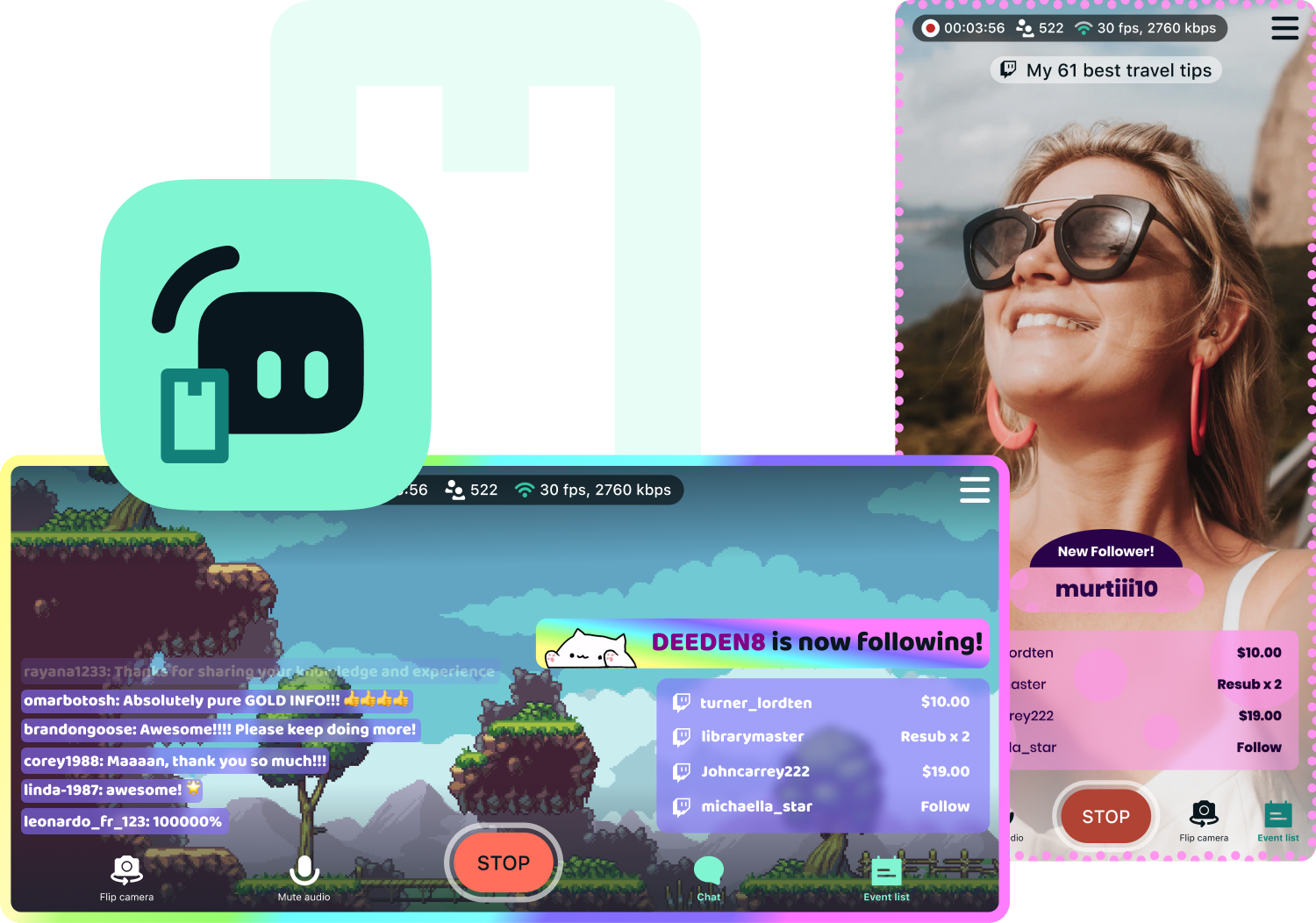
Yes, Streamlabs Mobile lets you go live to KICK from your Android or iOS phone by connecting your KICK account. Learn more about mobile streaming in our guide.
Streamlabs Desktop, Plugin for OBS, Mobile, and Talk Studio all include built-in chat integration that aggregates messages from KICK and other platforms into a single unified feed, so you can monitor and respond to your audience without switching between tabs.
Yes, you can use Streamlabs Highlighter to automatically identify key moments from your KICK VODs to clip and share to social media without having to scrub hours of stream and go through the editing process. You can learn more about Highlighter here.
Please contact support at this link.