

Full streaming toolkit for Kick
Stream to Kick with Streamlabs and take advantage of premium overlays, custom alerts, multistream and more.
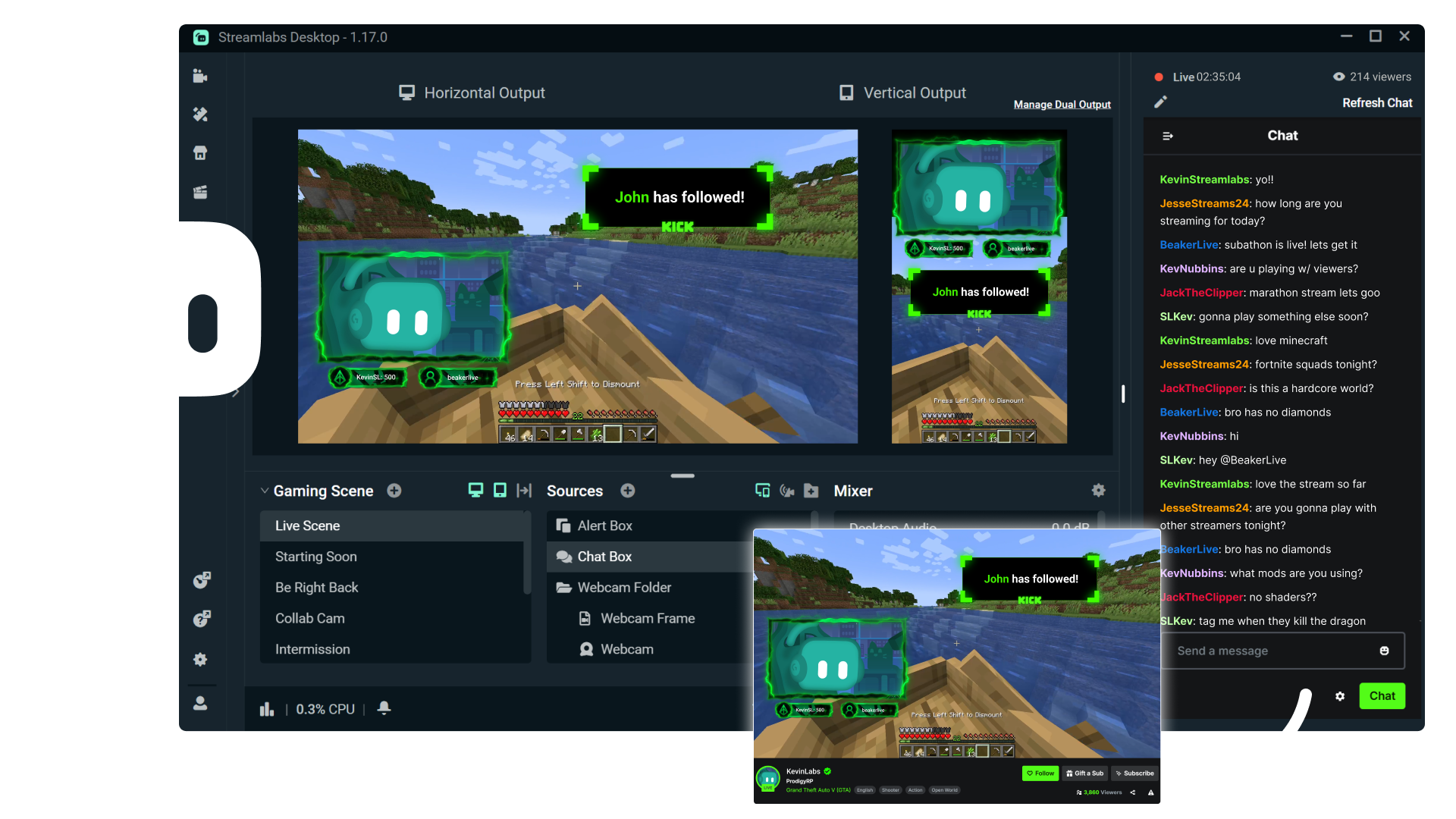
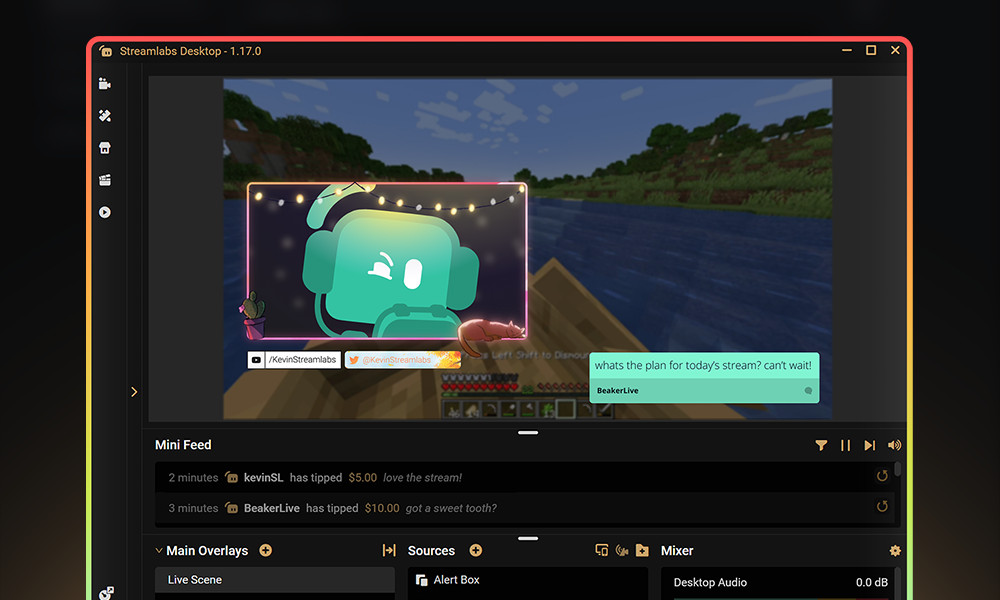

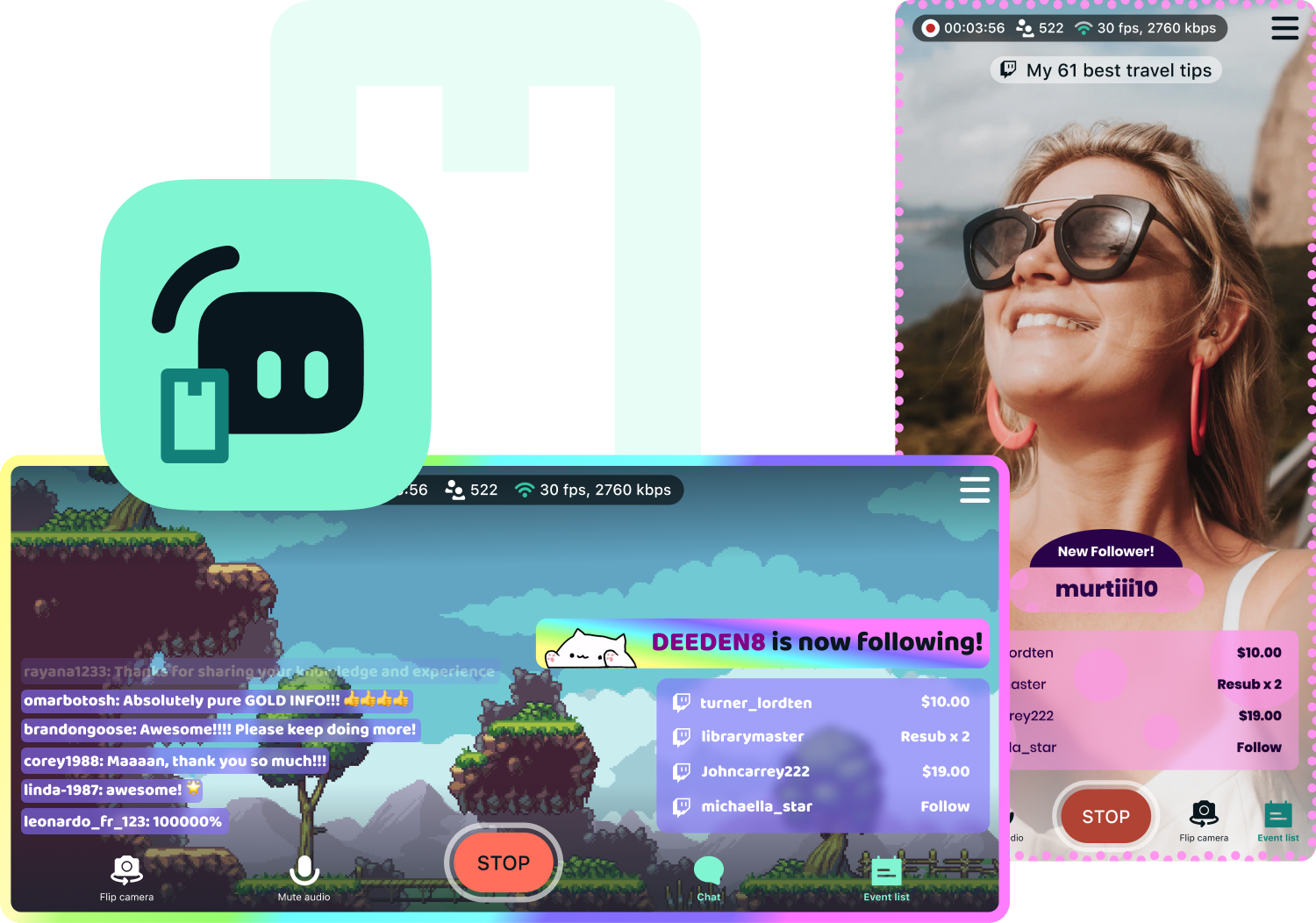
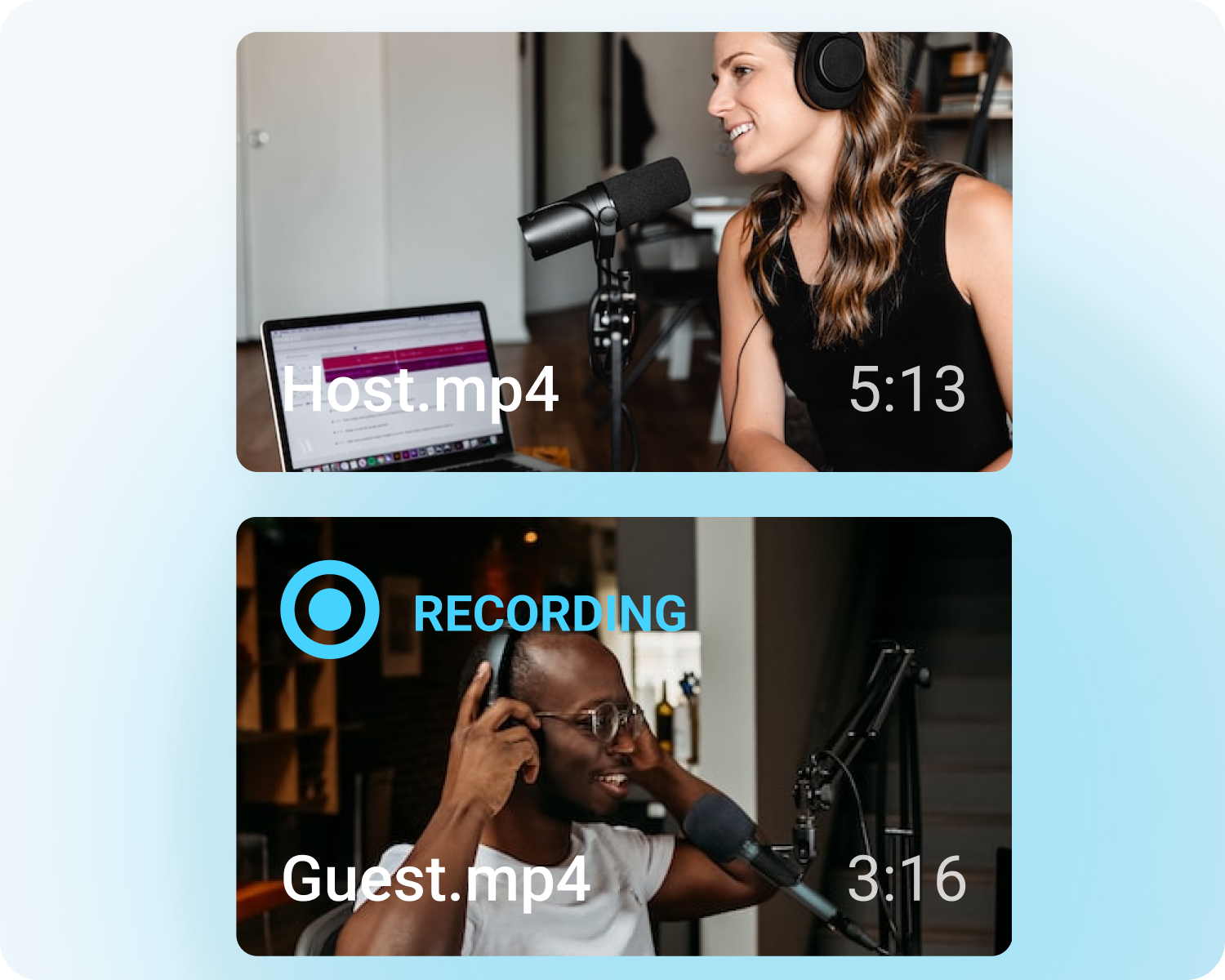


Multistream made easy
Multistreaming is the best way to grow your audience across all your platforms. With Streamlabs Ultra, you can multistream to Kick and any additional destinations of your choice.
Keep your Kick brand strong with overlays
Choose from thousands of professionally designed, dynamic overlays from the Streamlabs overlay library.
Engage with your audience with widgets
Add widgets like alert box, event list, Cloudbot and more to keep your stream active and engaged and give your audience even more reason to stick around.
Turn your Kick streams into income
Lorem ipsum dolor sit amet, consectetur adipiscing elit. Suspendisse tincidunt sagittis eros. Quisque quis euismod lorem. Etiam sodales ac felis id interdum.
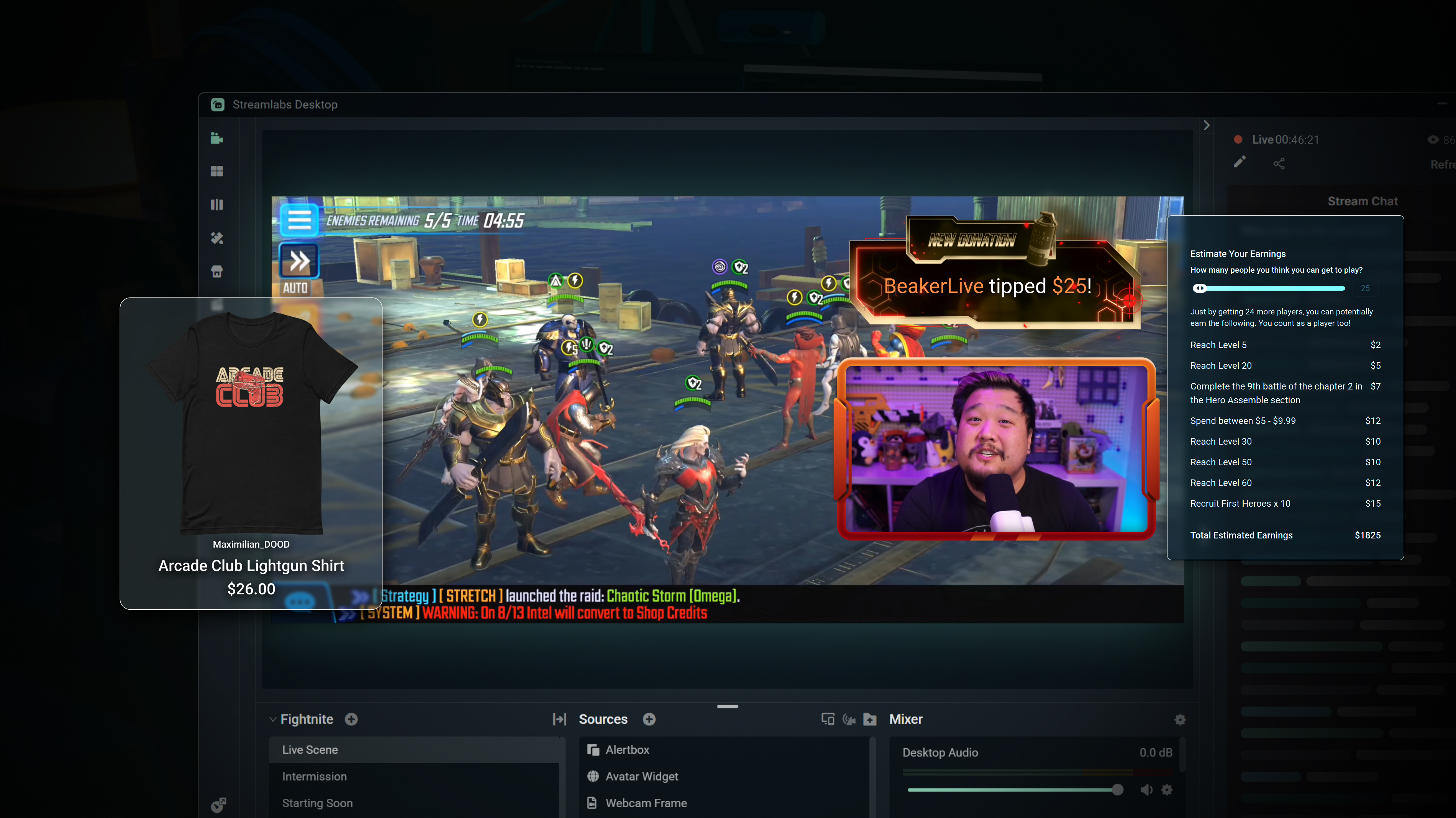
Merch
Sell branded merch to your KICK community without having to use a third-party platform.
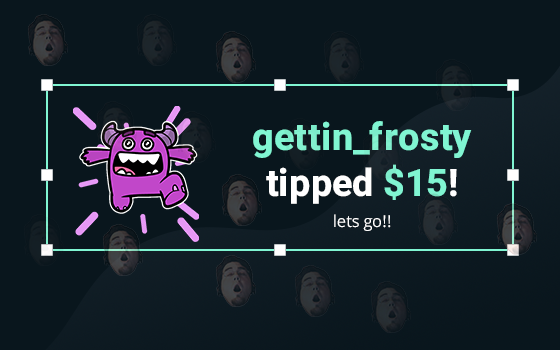
Tipping
Setup tipping so your audience can always donate on-stream, and get automatic alerts when they do.
Bottom Note, hidden by default.
Powerful features, perfect for Kick
Explore even more innovative Streamlabs tools that will make your KICK stream stand out from the crowd.
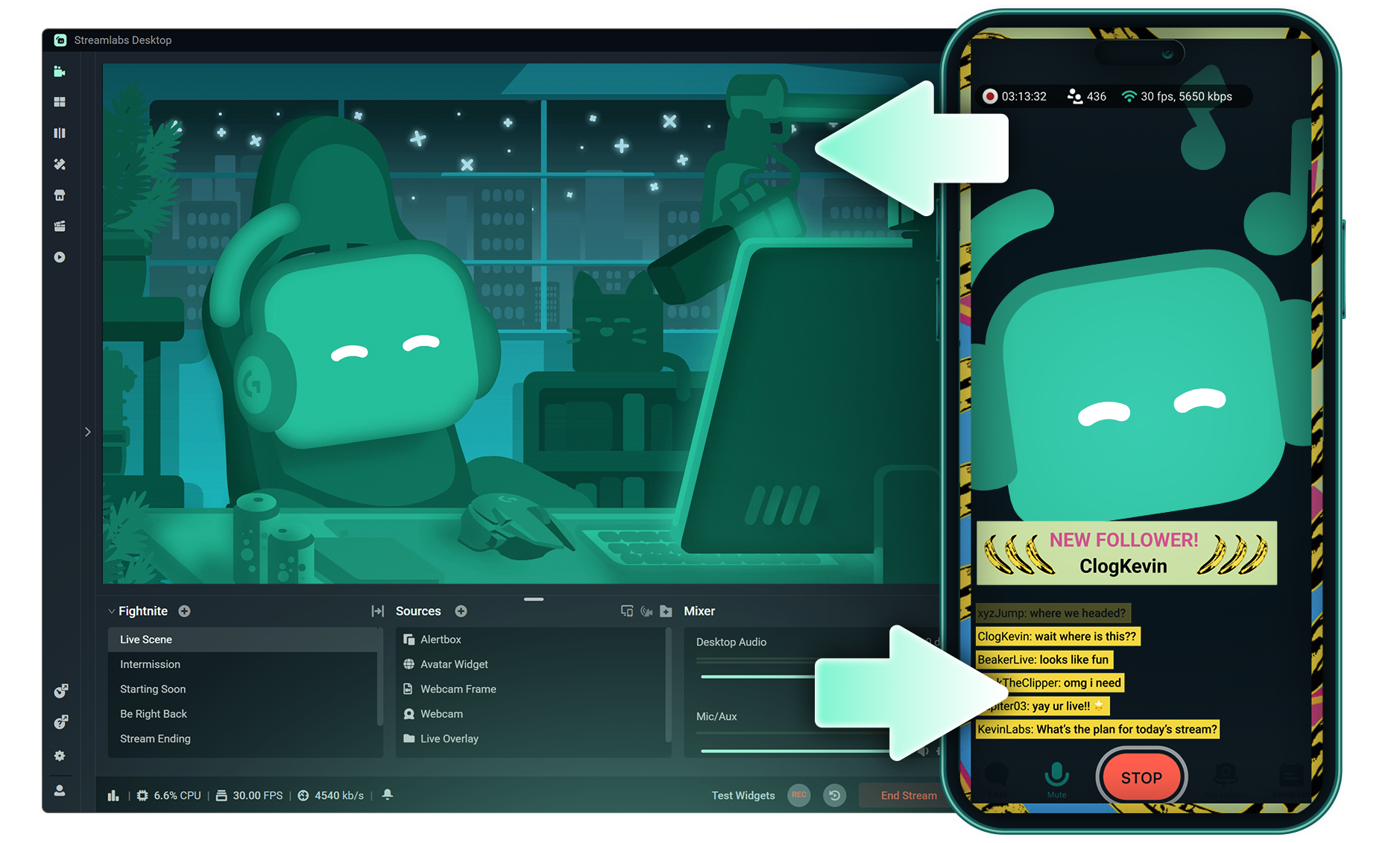
Stream Shift
Shift your stream from PC to Mobile with no interruptions for your viewers.

Dual Output
Push both horizontal and vertical feeds from a single session, each configured best for each layout.
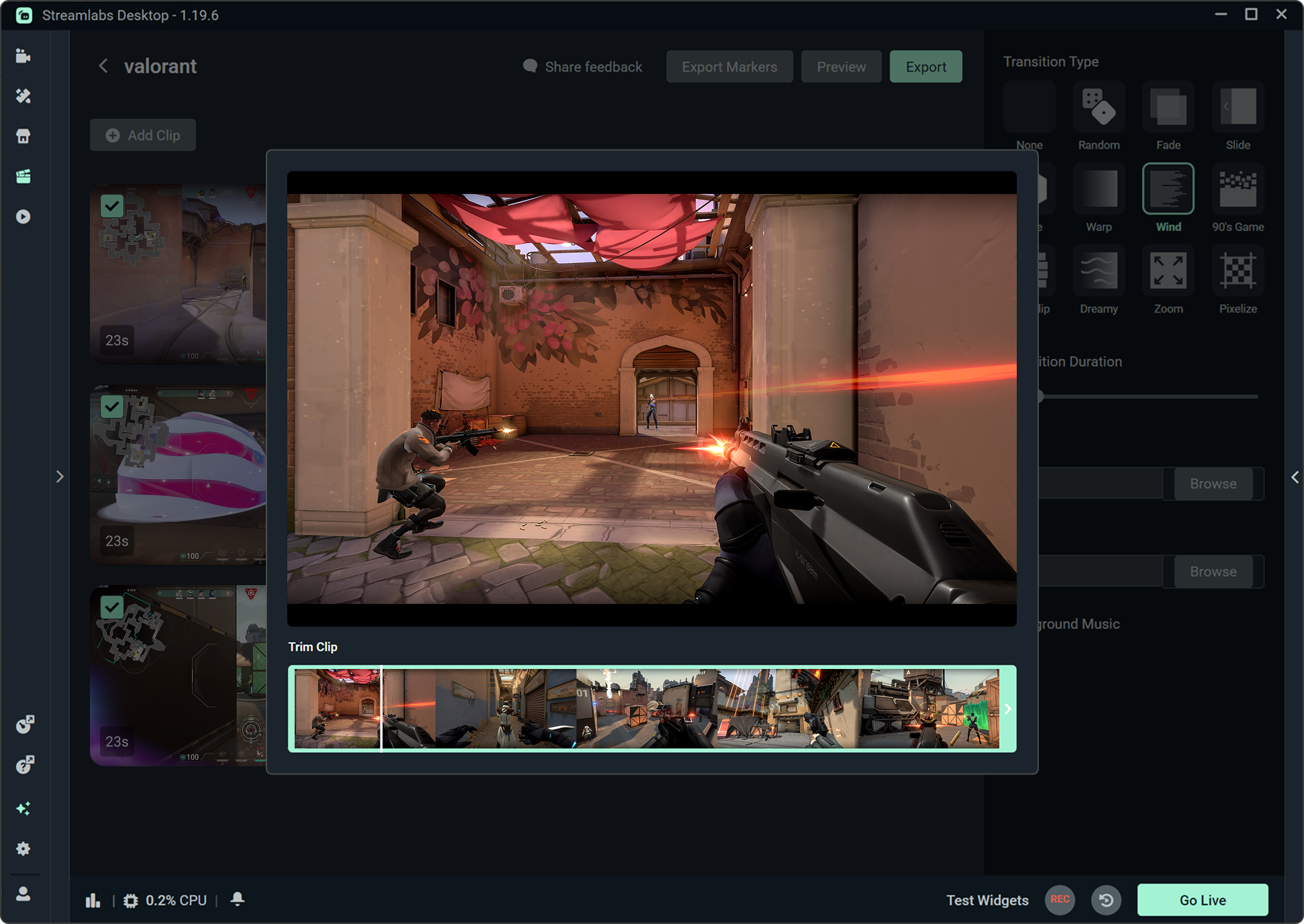
Highlighter
Automatically clips your stream highlights, so no need to spend hours editing.

Intelligent Streaming Agent
A stream companion that serves as a co‑host, live producer, and tech support.
Frequently asked questions
You can get started streaming to KICK in minutes by opening your preferred software, Desktop, Plugin for OBS, our Mobile App, Talk Studio or Console, and following the instructions in our Quick Start Guide.
Streamlabs Ultra es un paquete de funciones de calidad profesional para creadores que ofrece un montón de ventajas, como multistreaming, acceso a toda la biblioteca de miles de superposiciones y temas de widgets para tus streams, mayores límites en las funciones de producción con IA a través de Intelligent Streaming Agent, edición de clips sin marcas de agua, los márgenes de beneficio más altos en la tienda de artículos promocionales de Streamlabs, acceso inmediato al estatus Gold All Star para conseguir más participaciones en sorteos y descuentos en hardware de Logitech G, y mucho más.
Con Ultra, tendrás acceso a las funciones prémium de Streamlabs Desktop, Mobile, Console, Talk Studio Pro, Cross Clip Pro, Video Editor Pro, Podcast Editor Pro y Web Suite, todo en un único y sencillo plan.
Con Ultra Plus, tendrás acceso a todo lo que incluye el plan Ultra, además de límites superiores para Intelligent Streaming Agent, una persona de contacto exclusiva de Streamlabs, una llamada de configuración y dos llamadas de seguimiento al año con nuestros especialistas en streaming.
Descubre aquí todas las ventajas de Ultra y Ultra Plus.
You do not need to find or manually input your stream key to setup streaming to KICK from Streamlabs' tools. Simply choose KICK as a platform on the login page, authorize your account and start streaming!
En las herramientas de multistreaming tradicionales, tu ordenador codifica y sube una versión independiente de tu stream para cada plataforma en la que transmites en directo, lo que se traduce en un uso intensivo de la CPU y la GPU, además de mayores requisitos de ancho de banda de subida. De esta forma, hay más posibilidades de que la calidad del stream disminuya o de que se produzcan errores.
En cambio, Streamlabs utiliza un sistema de multistreaming basado en la nube, por lo que solo tienes que enviar un stream (o dos con Dual Output activado: uno vertical y otro horizontal) a Streamlabs y nuestros servidores se encargan del resto.
Streamlabs también integra chat para que puedas leer los mensajes de todos los streams en un solo lugar.
Para obtener más información, consulta nuestra publicación sobre las ventajas del multistreaming de Streamlabs.
Yes! With Streamlabs multistream, you can broadcast to KICK and other platforms like Twitch, YouTube, Patreon and more simultaneously from a single stream, without additional CPU or bandwidth load on your computer.
Yes, Streamlabs supports Just Chatting streams on KICK with tools like customizable overlays and themes, alert box for follows and tips, Cloudbot for chat moderation, integrated chat so you don't miss anything your viewers say, and more. Check out all of the specific tools Streamlabs has to support Just Chatting streams here.
Multistream de Streamlabs es una función del plan Ultra. Si quieres hacer multistream de forma gratuita, puedes transmitir en directo a un destino en vertical y a otro en horizontal al mismo tiempo con Dual Ouput, sin necesidad de suscripción.
Yes, Streamlabs Mobile lets you go live to KICK from your Android or iOS phone by connecting your KICK account. Learn more about mobile streaming in our guide.
Streamlabs Desktop, Plugin for OBS, Mobile, and Talk Studio all include built-in chat integration that aggregates messages from KICK and other platforms into a single unified feed, so you can monitor and respond to your audience without switching between tabs.
Yes, you can use Streamlabs Highlighter to automatically identify key moments from your KICK VODs to clip and share to social media without having to scrub hours of stream and go through the editing process. You can learn more about Highlighter here.
Please contact support at this link.