

Full streaming toolkit for Kick
Stream to Kick with Streamlabs and take advantage of premium overlays, custom alerts, multistream and more.



Multistream made easy
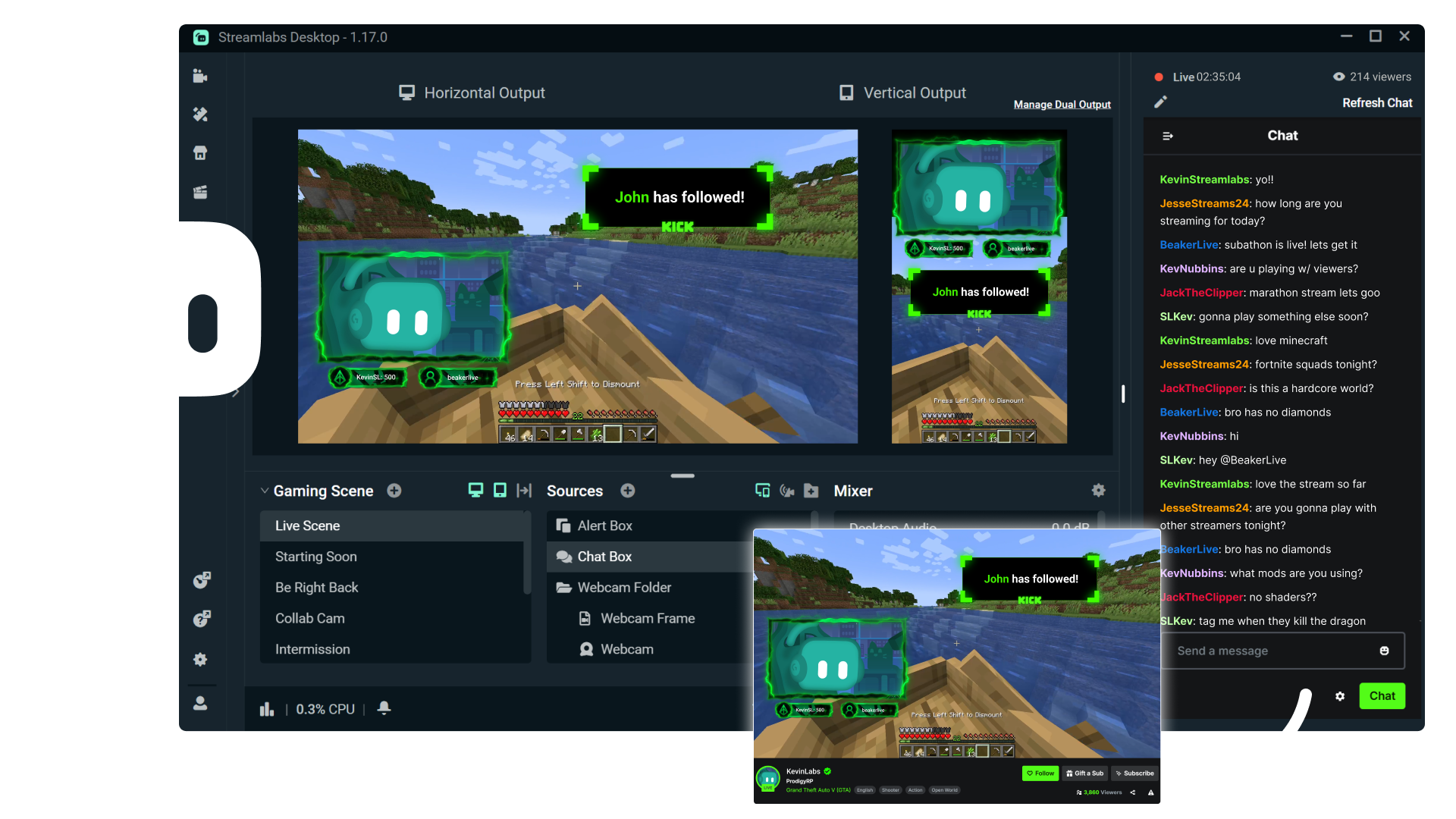
Multistreaming is the best way to grow your audience across all your platforms. With Streamlabs Ultra, you can multistream to Kick and any additional destinations of your choice.
Keep your Kick brand strong with overlays
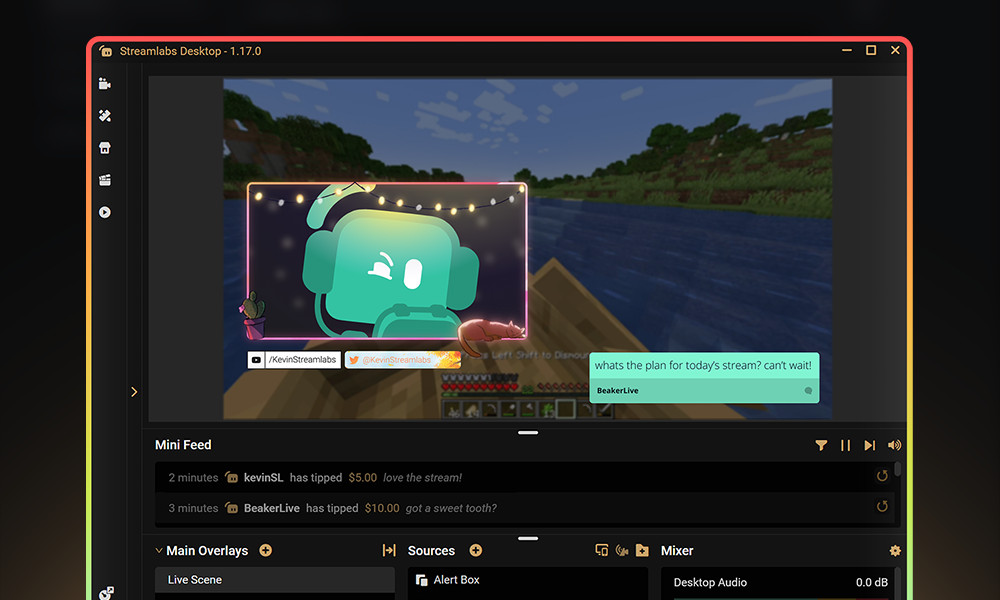
Choose from thousands of professionally designed, dynamic overlays from the Streamlabs overlay library.
Engage with your audience with widgets
Add widgets like alert box, event list, Cloudbot and more to keep your stream active and engaged and give your audience even more reason to stick around.
Turn your Kick streams into income
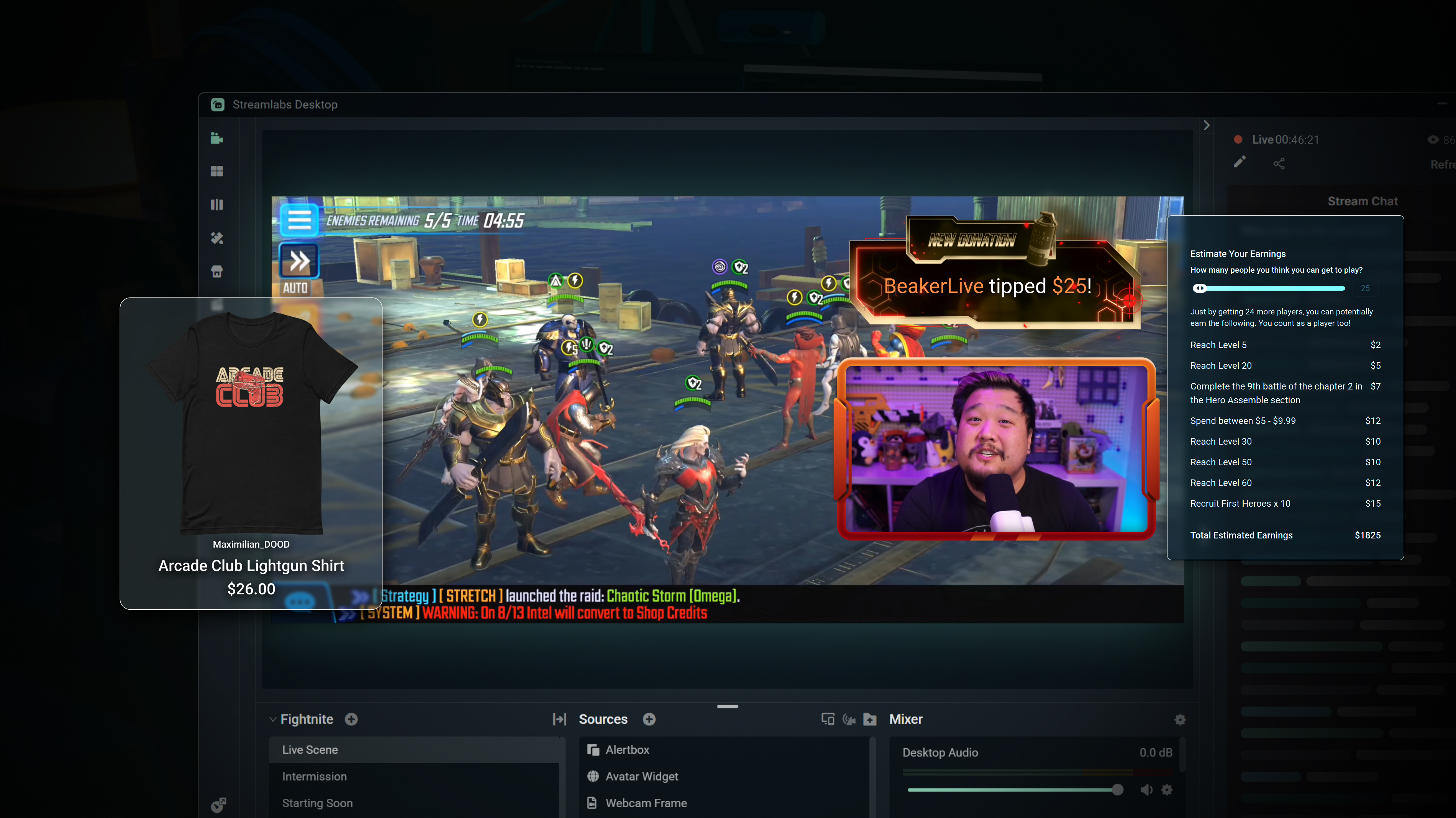
Merch
Sell branded merch to your KICK community without having to use a third-party platform.
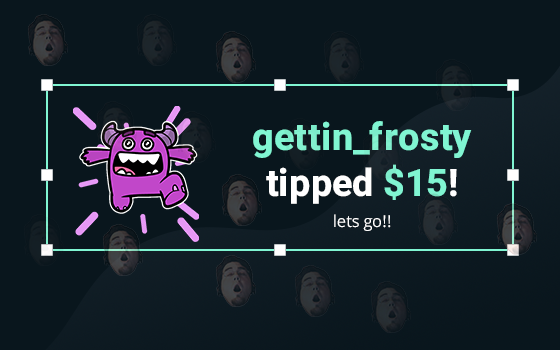
Tipping
Setup tipping so your audience can always donate on-stream, and get automatic alerts when they do.
Powerful features, perfect for Kick
Explore even more innovative Streamlabs tools that will make your KICK stream stand out from the crowd.
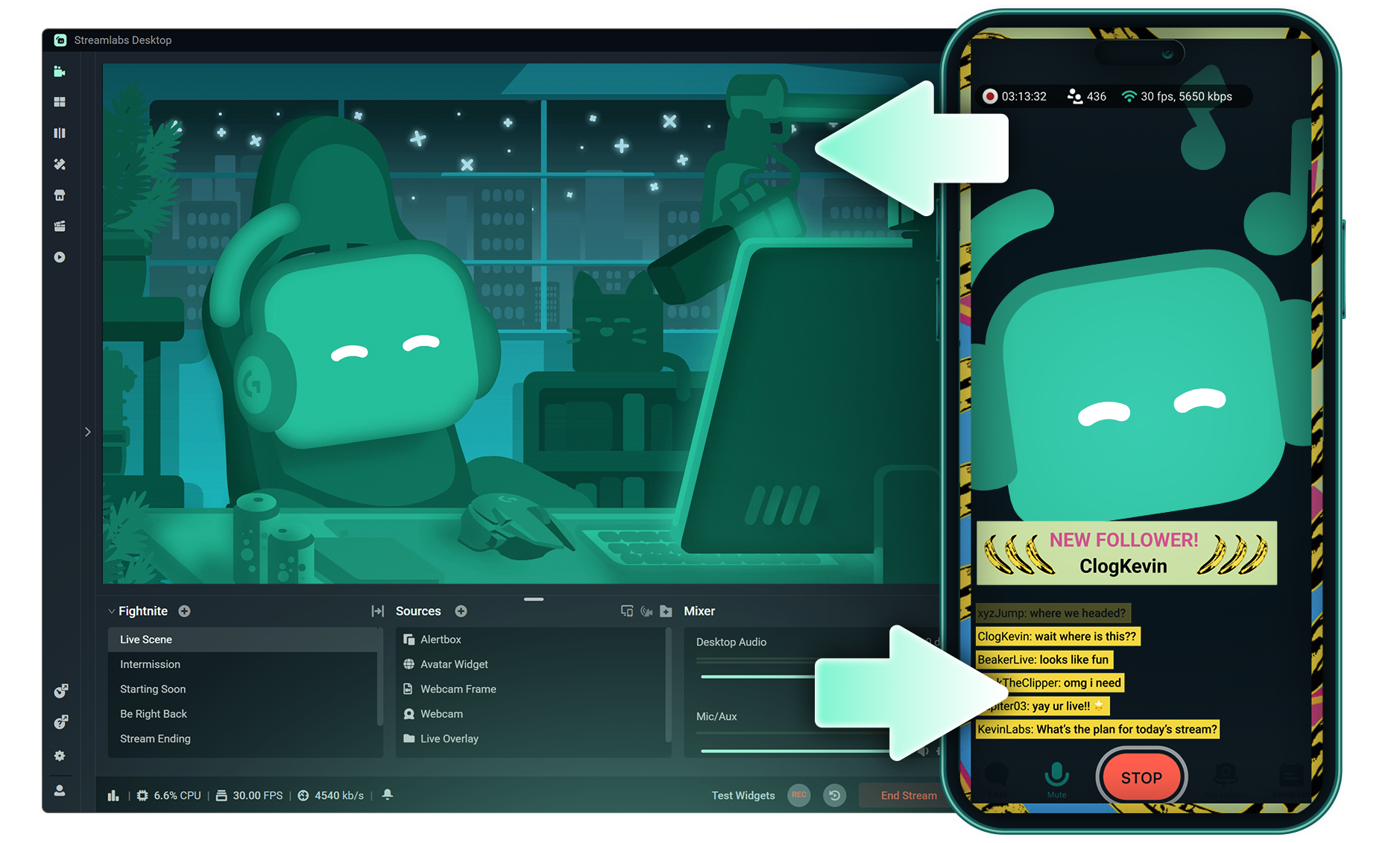
Stream Shift
Shift your stream from PC to Mobile with no interruptions for your viewers.

Dual Output
Push both horizontal and vertical feeds from a single session, each configured best for each layout.
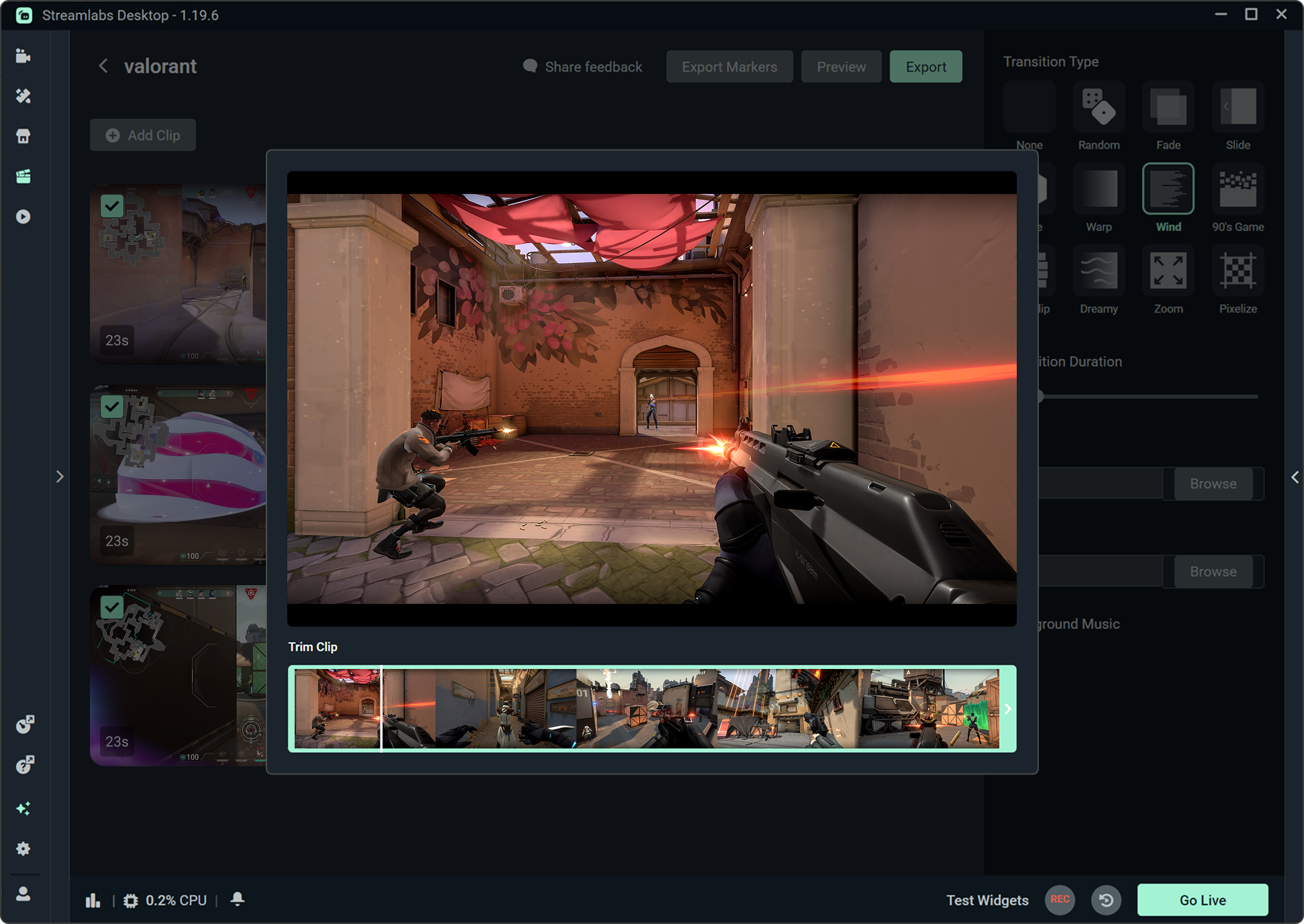
Highlighter
Automatically clips your stream highlights, so no need to spend hours editing.

Intelligent Streaming Agent
A stream companion that serves as a co‑host, live producer, and tech support.
Frequently asked questions
You can get started streaming to KICK in minutes by opening your preferred software, Desktop, Plugin for OBS, our Mobile App, Talk Studio or Console, and following the instructions in our Quick Start Guide.
Streamlabs Ultra は、クリエイター向けのプロレベルの機能スイートです。マルチストリーミング、数千のストリームオーバーレイやウィジェットテーマが揃ったライブラリへのアクセス、Intelligent Streaming Agent による AI 制作機能の利用上限の引き上げ、透かしなしのクリップ編集、Streamlabs グッズでの最高の利益率の確保、追加の応募権やロジクール G ハードウェアの割引特典付きの Gold All Star ステータスへの即時アクセスなど、幅広いメリットを提供します。
Ultra では、Streamlabs Desktop、Mobile、Console、Talk Studio Pro、Cross Clip Pro、Video Editor Pro、Podcast Editor Pro、Web Suite のプレミアム機能を1つのシンプルなプランでご利用いただけます。
Ultra Plus では、Ultra のすべての機能に加え、Intelligent Streaming Agent の利用上限の引き上げと Streamlabs 専用窓口、初回導入サポートミーティング、当社のストリーミングエキスパートによる年2回の成功支援ミーティングをご利用いただけます。
Ultra と Ultra Plus のすべてのメリットの詳細については、こちらをご覧ください。
You do not need to find or manually input your stream key to setup streaming to KICK from Streamlabs' tools. Simply choose KICK as a platform on the login page, authorize your account and start streaming!
従来のマルチストリーミングツールでは、ライブ配信先プラットフォームごとに個別のストリームバージョンをエンコードしてアップロードするため、CPU と GPU の使用率が高くなり、アップロード帯域の必要量も増加します。これにより、配信品質の低下やクラッシュが発生しやすくなります。
Streamlabs はクラウドベースのマルチストリーミングシステムを採用しています。つまり、お客様が Streamlabs に送るストリームは1本(または Dual Output を有効にした場合は垂直と水平の2本)だけで、あとは Streamlabs のサーバーが処理します。
Streamlabs には、チャット統合も組み込まれているので、複数ストリームのメッセージを一か所で読むことができます。
詳しくは、Streamlabs マルチストリームの特徴に関する記事をご覧ください。
Yes! With Streamlabs multistream, you can broadcast to KICK and other platforms like Twitch, YouTube, Patreon and more simultaneously from a single stream, without additional CPU or bandwidth load on your computer.
Yes, Streamlabs supports Just Chatting streams on KICK with tools like customizable overlays and themes, alert box for follows and tips, Cloudbot for chat moderation, integrated chat so you don't miss anything your viewers say, and more. Check out all of the specific tools Streamlabs has to support Just Chatting streams here.
Streamlabs Multistream は Ultra の機能です。 無料でマルチストリームを行う際には、Dual Output を使用すると、垂直方向と水平方向の同時ライブ配信が可能です。サブスクリプションは必要ありません。
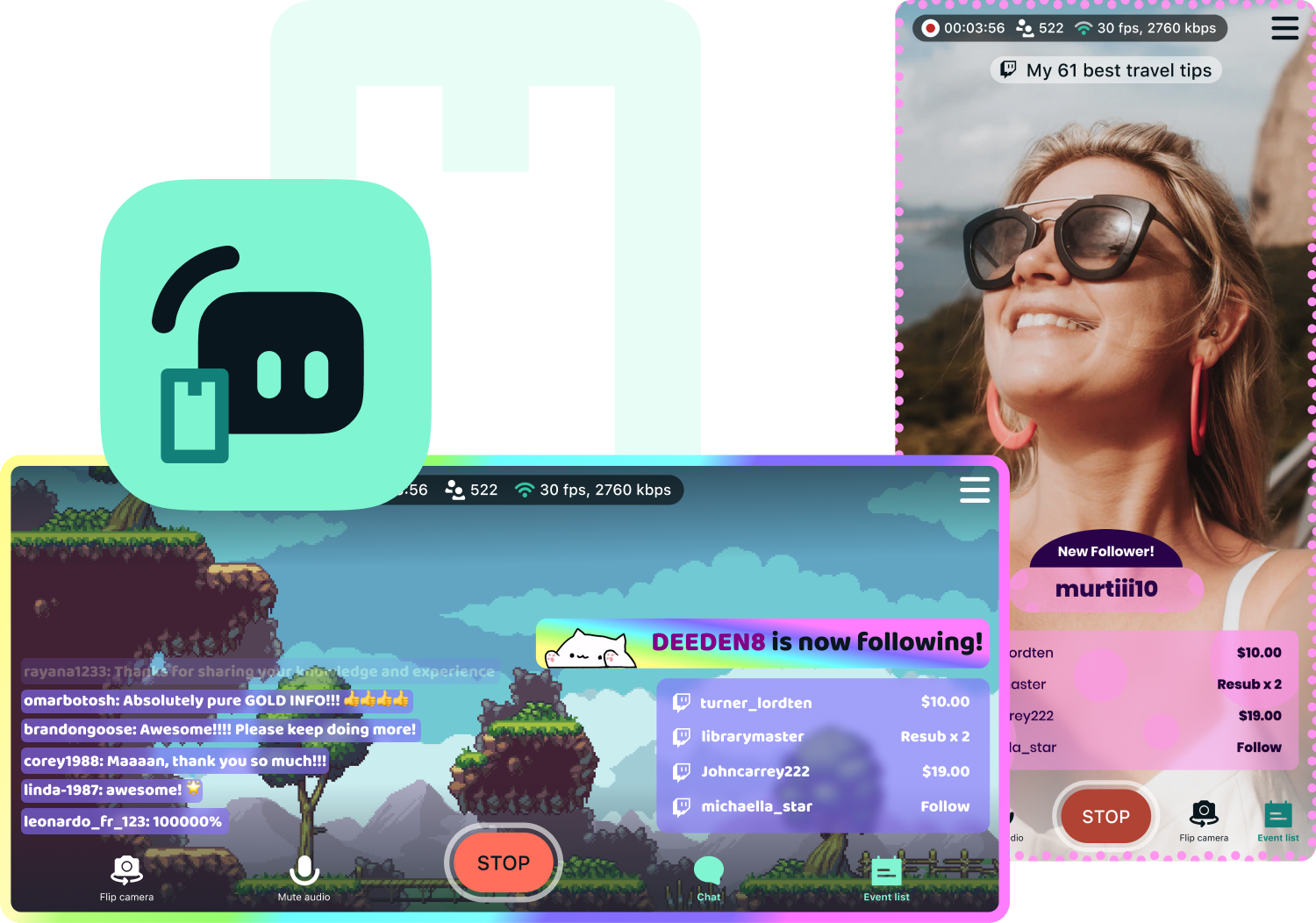
Yes, Streamlabs Mobile lets you go live to KICK from your Android or iOS phone by connecting your KICK account. Learn more about mobile streaming in our guide.
Streamlabs Desktop, Plugin for OBS, Mobile, and Talk Studio all include built-in chat integration that aggregates messages from KICK and other platforms into a single unified feed, so you can monitor and respond to your audience without switching between tabs.
Yes, you can use Streamlabs Highlighter to automatically identify key moments from your KICK VODs to clip and share to social media without having to scrub hours of stream and go through the editing process. You can learn more about Highlighter here.
Please contact support at this link.