

Pro for Viewers
Stand out when you tip through Streamlabs plus save on purchases at creators' Streamlabs Merch stores.
Stand out with custom tip alerts exclusive to Pro
Let your donation speak louder than words! Customize your alert from any Streamlabs tip page* with a personalized GIF and attention-grabbing effect.
Get seen faster with alert priority—your alerts jump to top of the queue and play ahead of others.
*creator being tipped must have Pro features enabled, be live, and have Alert Box added to their stream for GIFs and effects to show on stream.
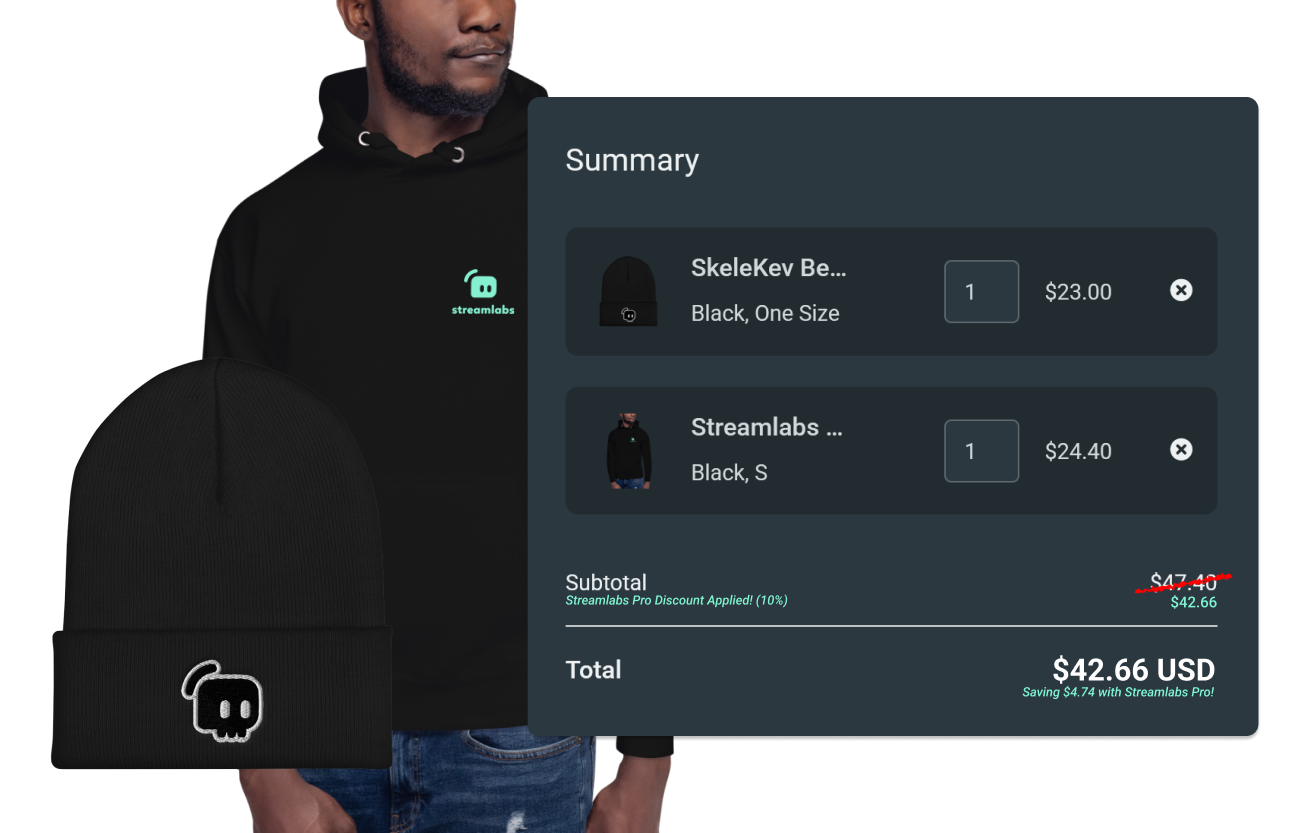
Save on merch
Enjoy 10% off at Streamlabs merch stores and save while repping your favorite creators!
We cover the discount so creator profit isn't impacted.
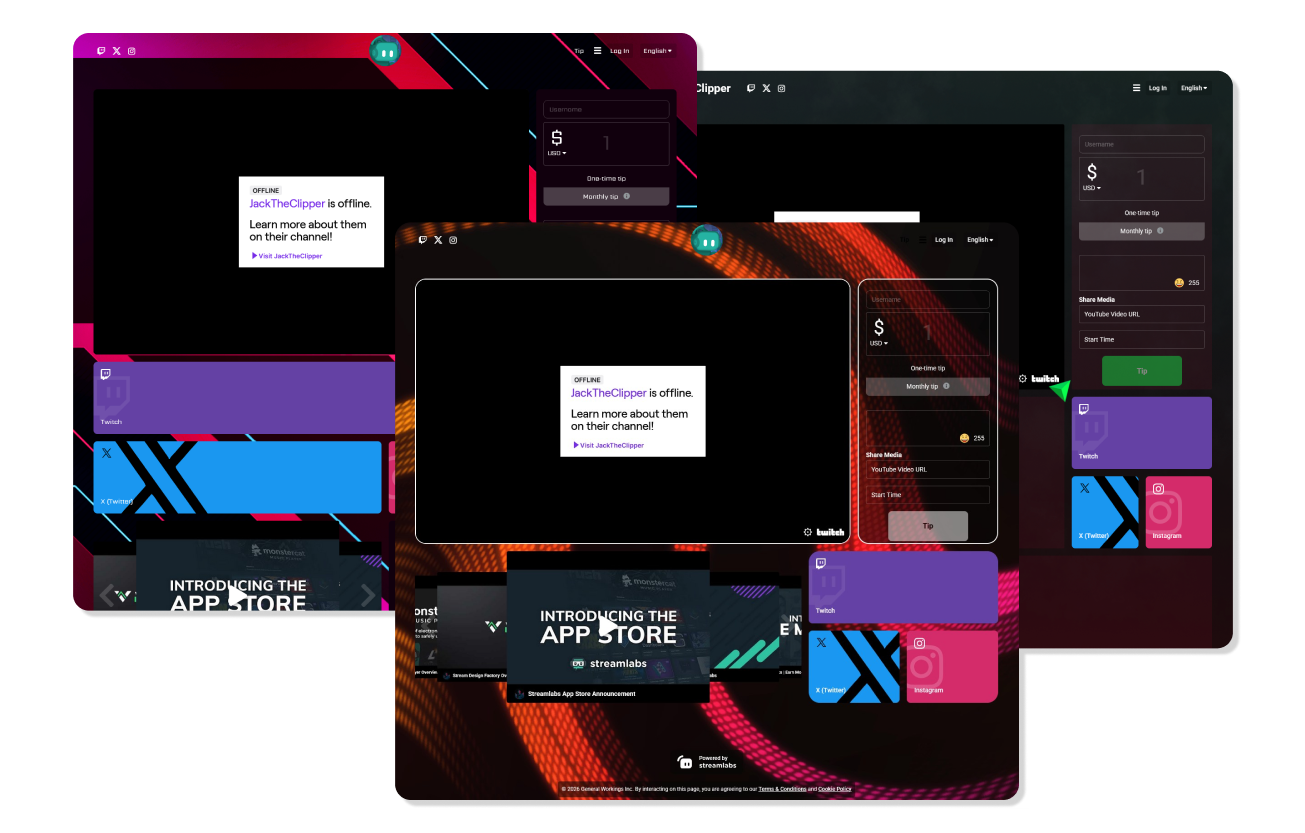
One membership for all your tips & hauls
When you sign up for Streamlabs Pro, you get custom tip alerts with every tip you send via Streamlabs in addition to savings at every Streamlabs merch store.
The more you support creators, the more tips you can customize and the more you save!
Help creators earn more when you tip with Streamlabs
When you tip with Streamlabs—with or without Pro—you're helping creators maximize their earnings. Streamlabs never takes a cut of tips. The streamer will receive your full donation minus third-party processing fees.
Frequently asked questions
Streamlabs Pro is a monthly subscription designed for live stream viewers that allows them to customize the donation alert that shows when they tip with a GIF and effect. Pro members also receive 10% off purchases from Streamlabs Merch stores.
No, Pro doesn't have any impact on the amount of money a streamer earns from a tip. Streamlabs never takes a cut from any tip. The streamer will always receive the full tip minus third-party processing fees for any tips.
To sign up for Streamlabs Pro simply visit the tip page of a streamer you wish to tip and either add a GIF under the box for your personal message or toggle on adding a GIF and/or effect to your donation alert. If you don't see these options, it's possible the streamer you are tipping doesn't have Pro features enabled. If this is the case, you will need to visit another streamer's page who has the features enabled to start your subscription. When you go to tip you will see your tip amount broken out separately from your Pro subscription.
You can cancel your subscription by logging into your Streamlabs Dashboard, clicking the arrow next to your profile icon in the top right, clicking Memberships, and cancelling from here. Alternately, you can visit any tip page, click the arrow next to your profile icon in the top right, and select Pro Settings and cancel from the popup.
Please contact support at this link.