

Every chat. One place.
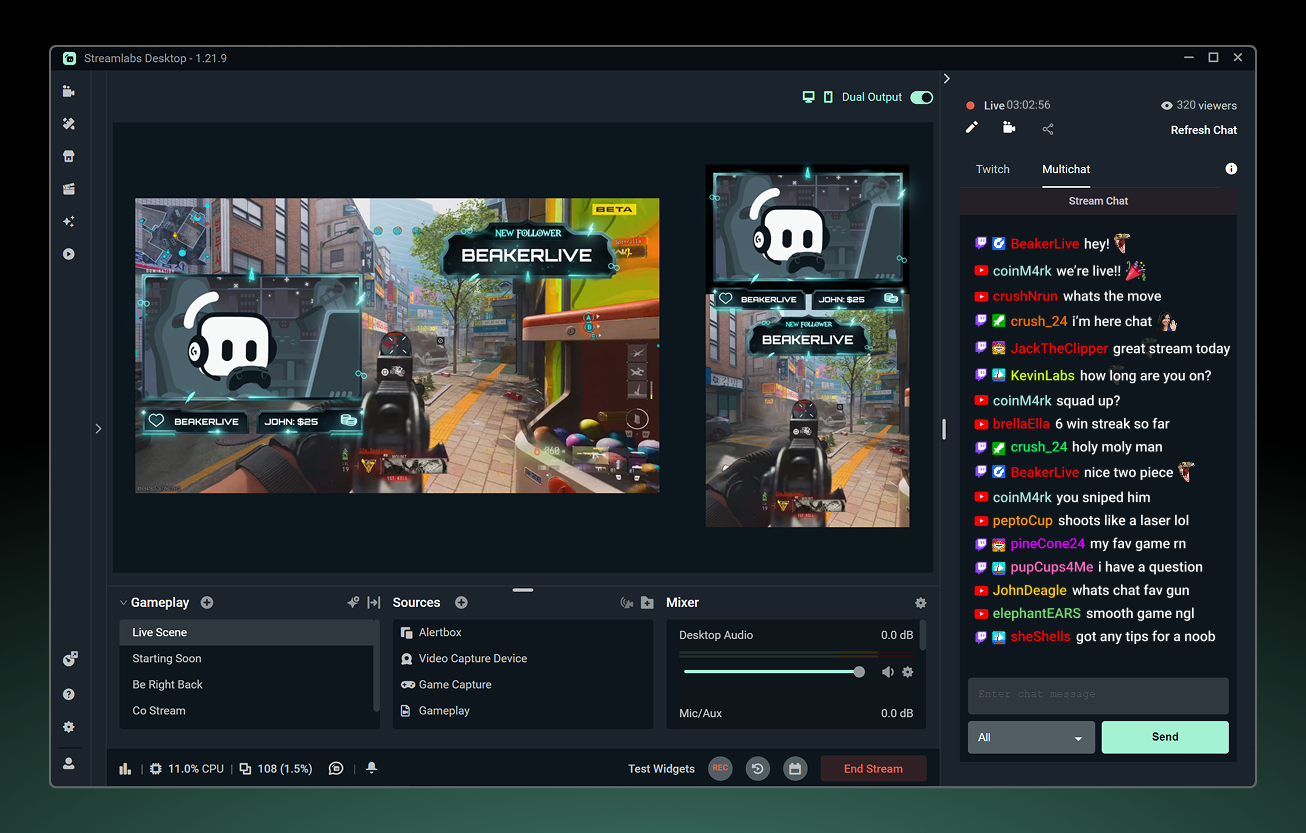
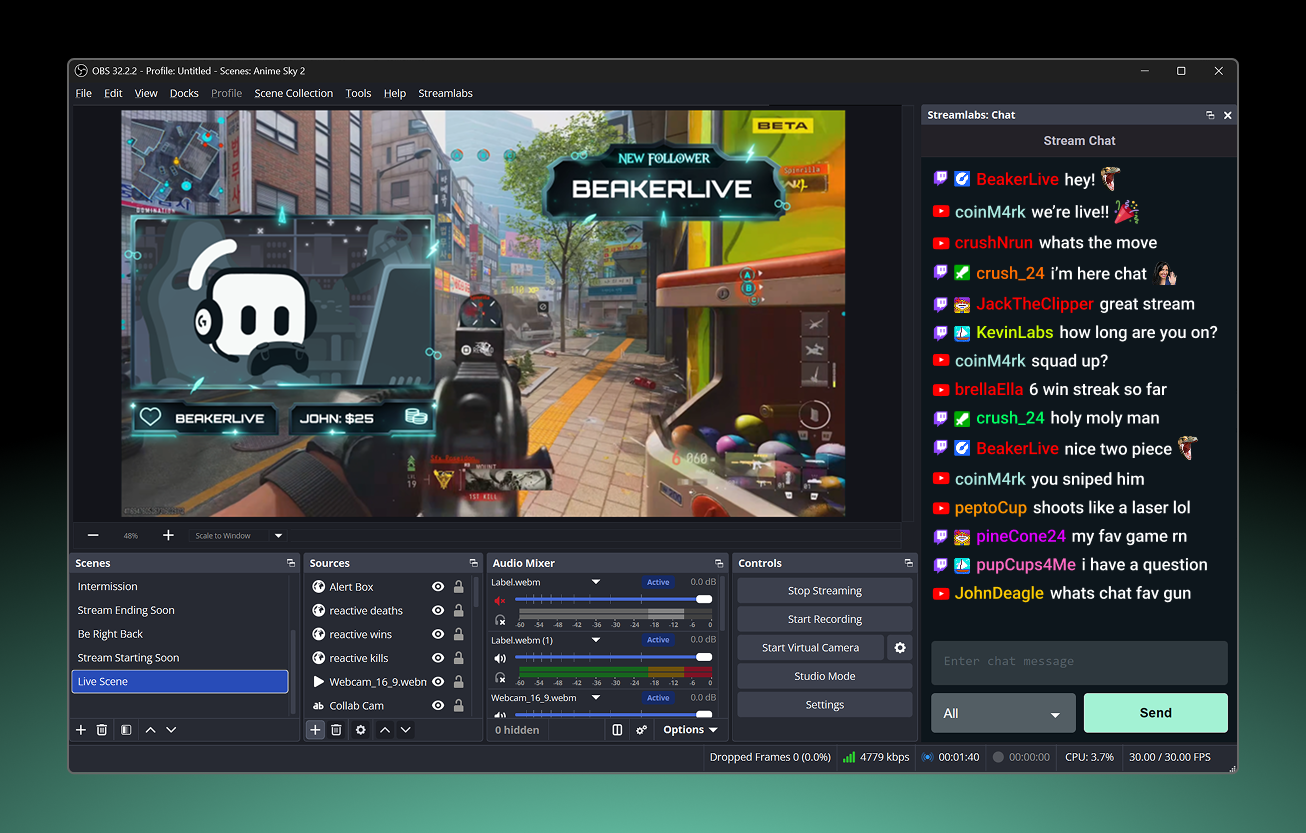
Keep up with every chat in one window. Read and respond to chats across platforms from Streamlabs Desktop, OBS, or your web browser.
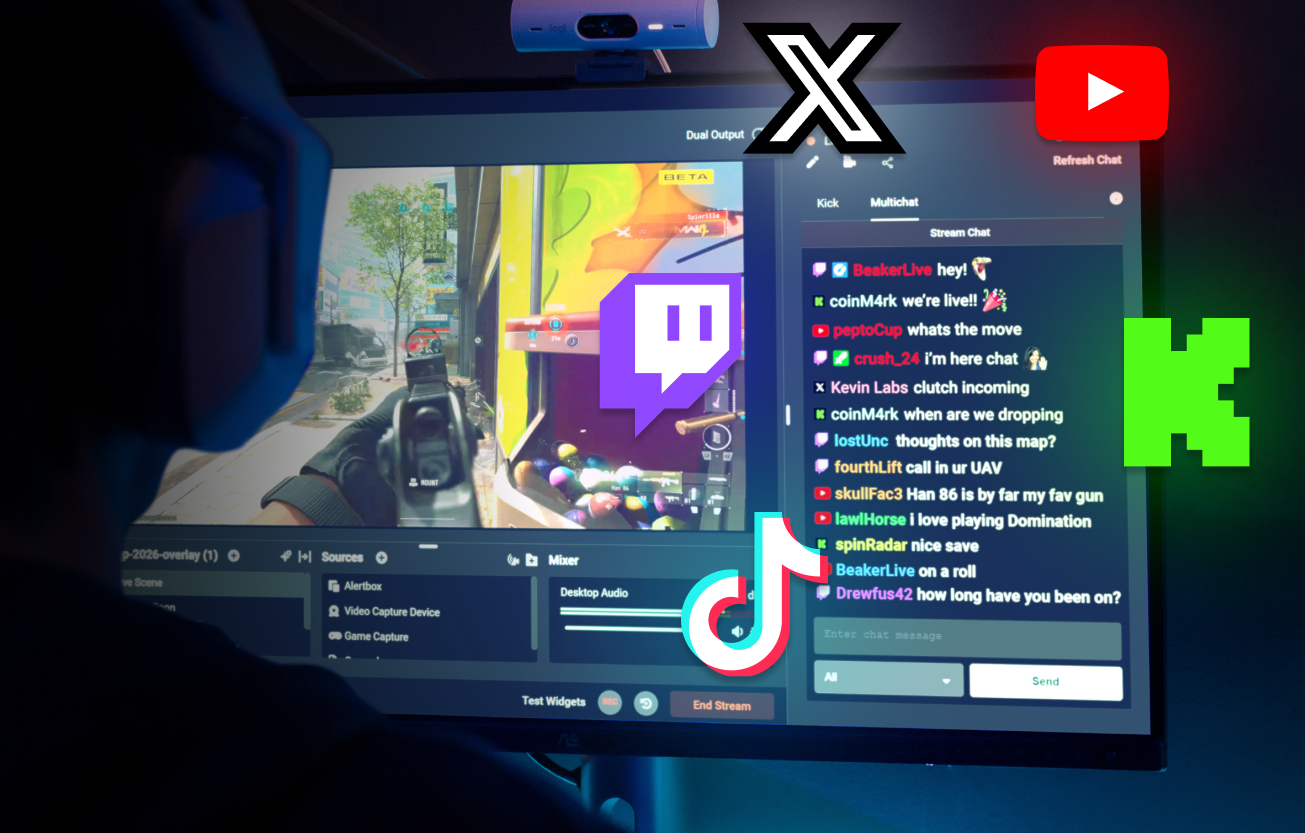
The perfect multistream companion
Multistreaming helps you reach more viewers across platforms. Multichat makes it easier to keep up with them all in one place.
Multichat allows you to view chat from Twitch, YouTube, KICK, X, and Facebook all in one window so you won't miss a thing.
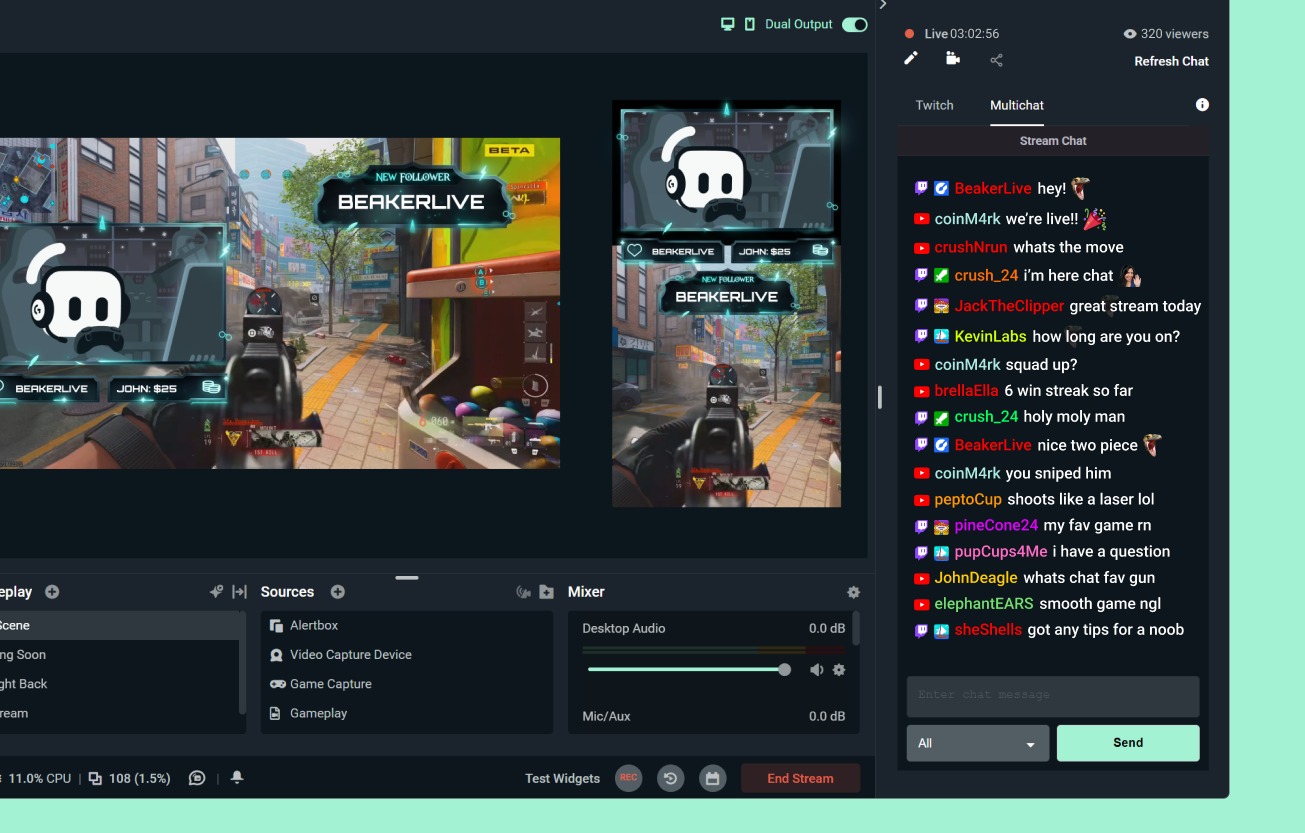
Free multichat with Dual Output
With Dual Output, you can go live to one horizontal and one vertical platform for free—and use Multichat across both.
Want to stream and chat across more platforms at once? Unlimited Multistreaming and Multichat are included with Streamlabs Ultra.

Multichat Supported Platforms
| View Chat | Send Messages | Desktop & Plugin: Read | Desktop & Plugin: Post | |
|---|---|---|---|---|
Twitch | ||||
YouTube | ||||
Facebook Pages | Streamlabs Desktop only | |||
Facebook Profiles | Streamlabs Desktop only | |||
X (Twitter) | Available in multichat in Plugin for OBS and browser multichat & separately in Desktop | |||
KICK | Available in multichat in Plugin for OBS and browser multichat & separately in Desktop | |||
TikTok | ||||
Instagram Live | ||||
Frequently asked questions
Multichat is a feature built into Streamlabs that combines chat messages from multiple streaming platforms, including Twitch, YouTube, KICK, and more into a single chat feed so you can keep up with messages without switching windows or tabs.
While the full benefit of multichat is unlocked by multistreaming to multiple platforms, which is an Ultra feature, you can use multichat for free in combination with Dual Output. With Dual Output you can go live to two platforms for free by streaming to one in horizontal layout and another in vertical layout and access multichat for those platforms, as well.
Yes. Streamlabs multichat is available in OBS with the Streamlabs Plugin for OBS. Multichat can also be accessed via browser here.
Please contact support at this link.