

All the tools for a pro-level live stream
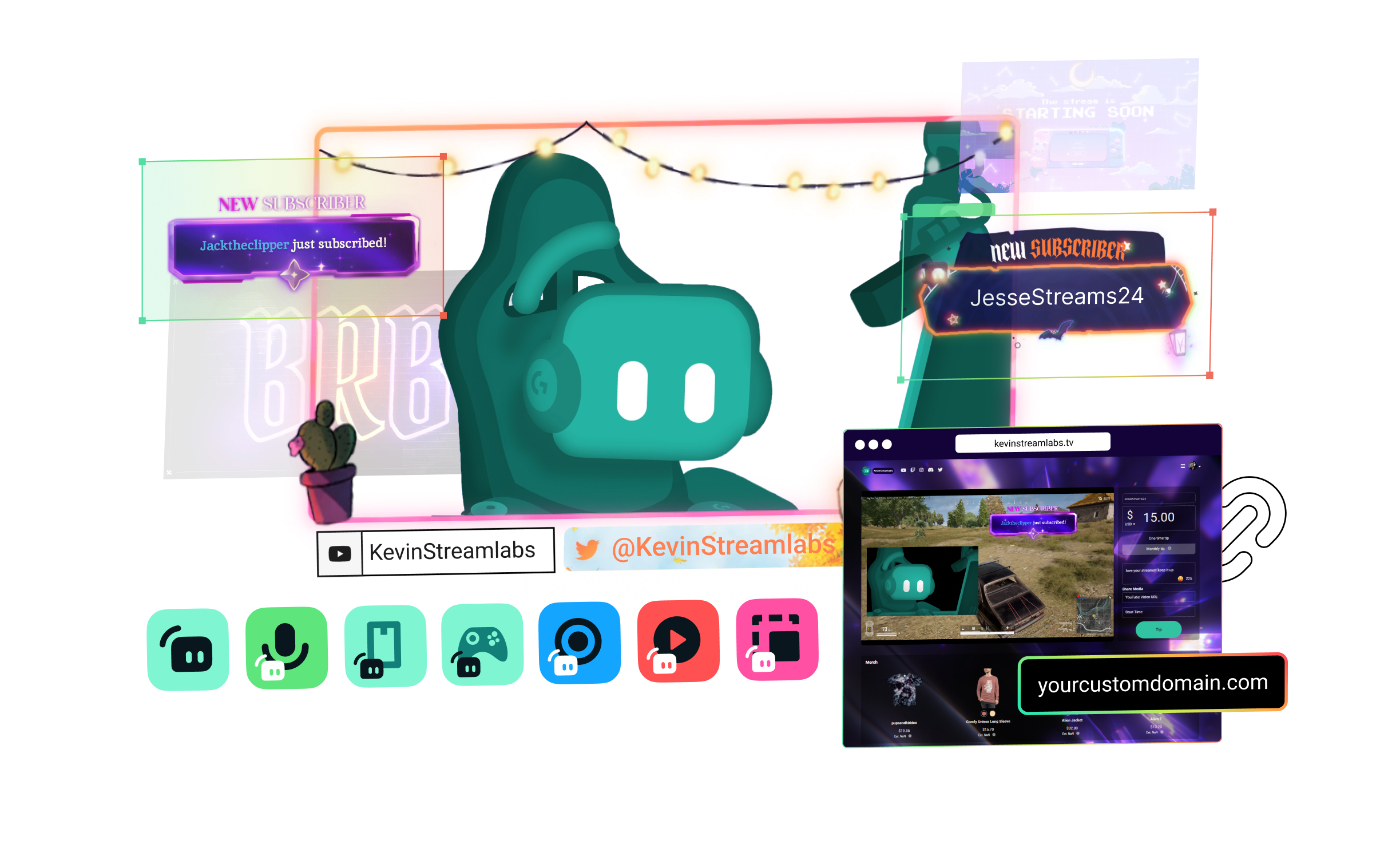
Streamlabs Ultra includes a number of features to take your broadcast to the next level including Multistreaming, Reactive Overlays, Scene Automations, and so much more.



Compare plans
Free
- Free plan includes:
- Stream from your PC, laptop, or phone to popular platforms
- Stream to one vertical and one horizontal output with Dual Output
- Hundreds of free stream overlays and widget themes
- Dozens of stream widgets including Alert Box, Chat Box, and more
- Tipping - Personal tip page with no fees from us
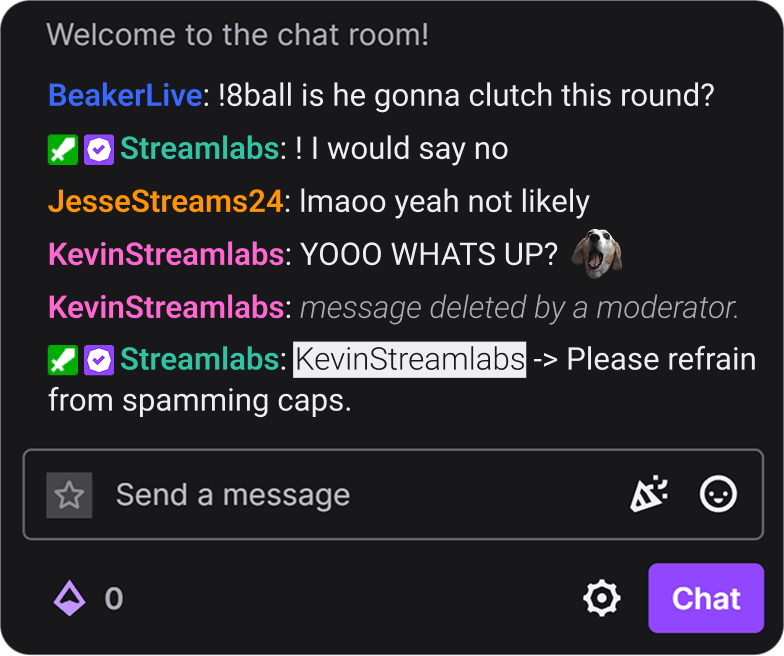
- Cloudbot with built-in chat moderation and interaction
- Limited free Desktop apps from App Store
- Design and sell with Merch Store
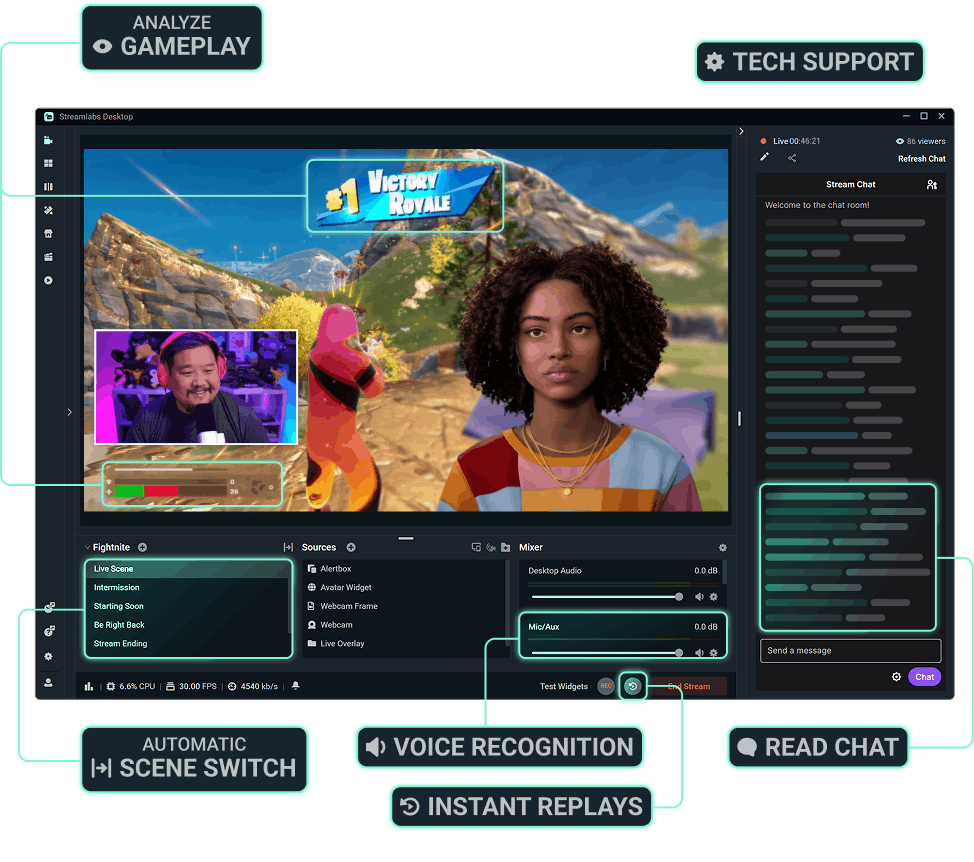
- Intelligent Streaming Agent with Automations, Co-Host, and more
- 1GB Cloud Storage
- Collab Cam for one guest or camera
- Streamer and creator apps

Ultra
- Includes everything in free, plus:
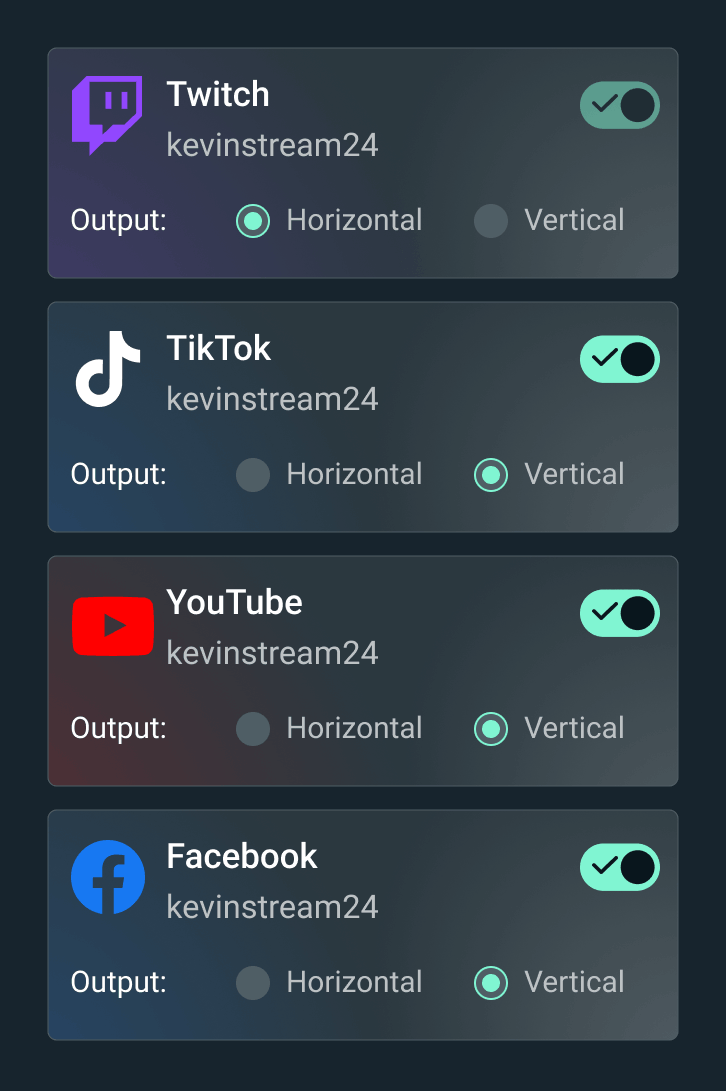
- Multistream to several destinations
- Full access to thousands of stream overlays and widget themes including Reactive Overlays
- Customize your tip page
- Custom named Cloudbot
- Full Desktop App Store access with dozens of apps
- Best Merch Store profit marginsStreamlabs Console app for Xbox streaming
- Higher Intelligent Streaming Agent usage limitsStream Shift to switch devices mid-stream
- 10GB Cloud Storage
- Collab Cam for up to 11 guests or cameras
- Ultra tier support
- Pro features across the full suite

Ultra+
- Includes everything in Ultra, plus:
- One-on-one streamer success call
- Ultra+ dedicated support
- Semi-annual success check-in
- Dedicated Streamlabs contact
- Highest Intelligent Streaming Agent usage limits
- 5,000 Co-Host interactions/month
- 30 Automations
- 30GB Cloud Storage
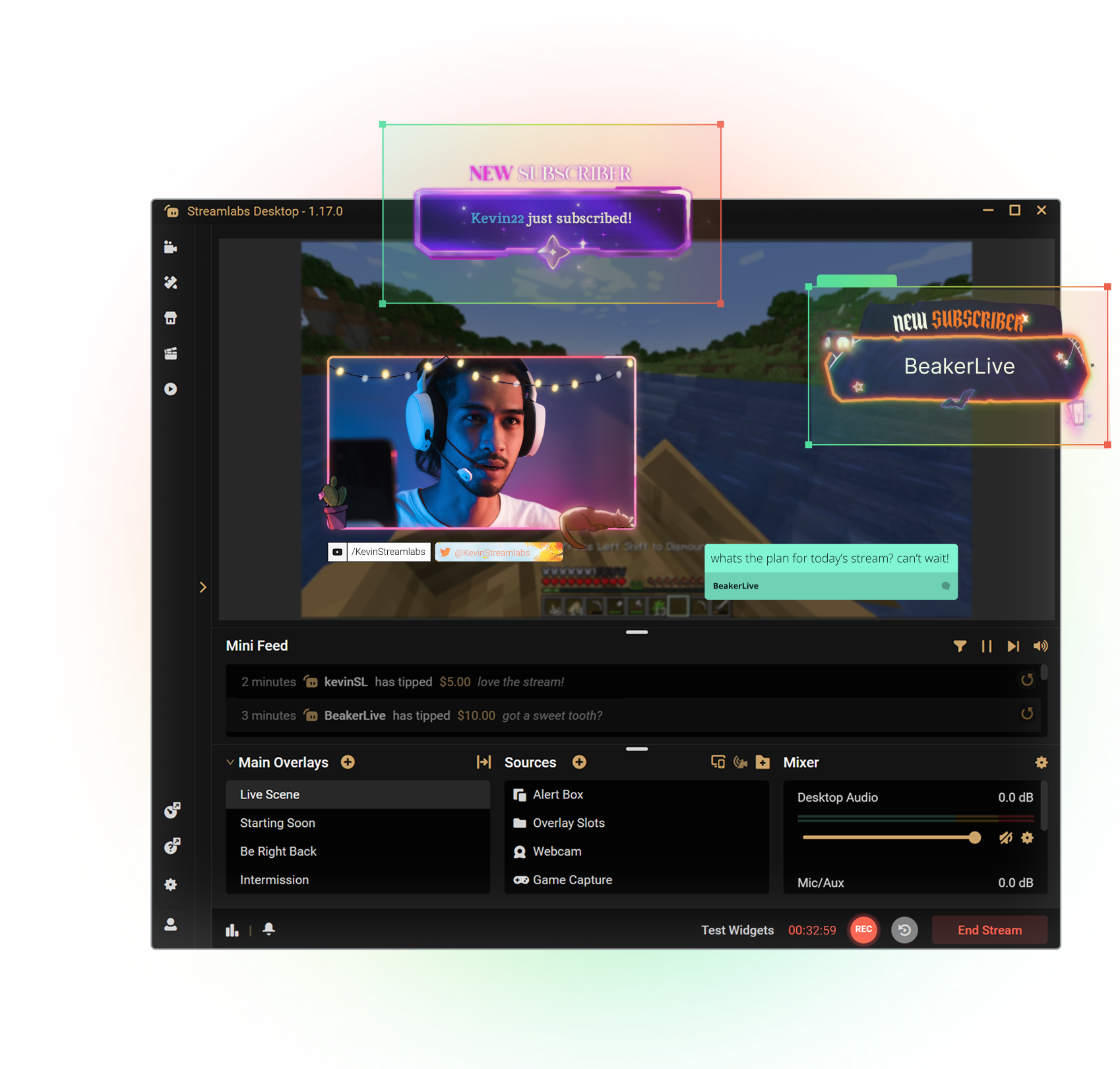
Get the most out of Streamlabs Desktop
With Ultra you unlock access to Multistream, the full overlay and widget theme library, the entire App Store, and more to boost your stream. All native within Streamlabs Desktop.
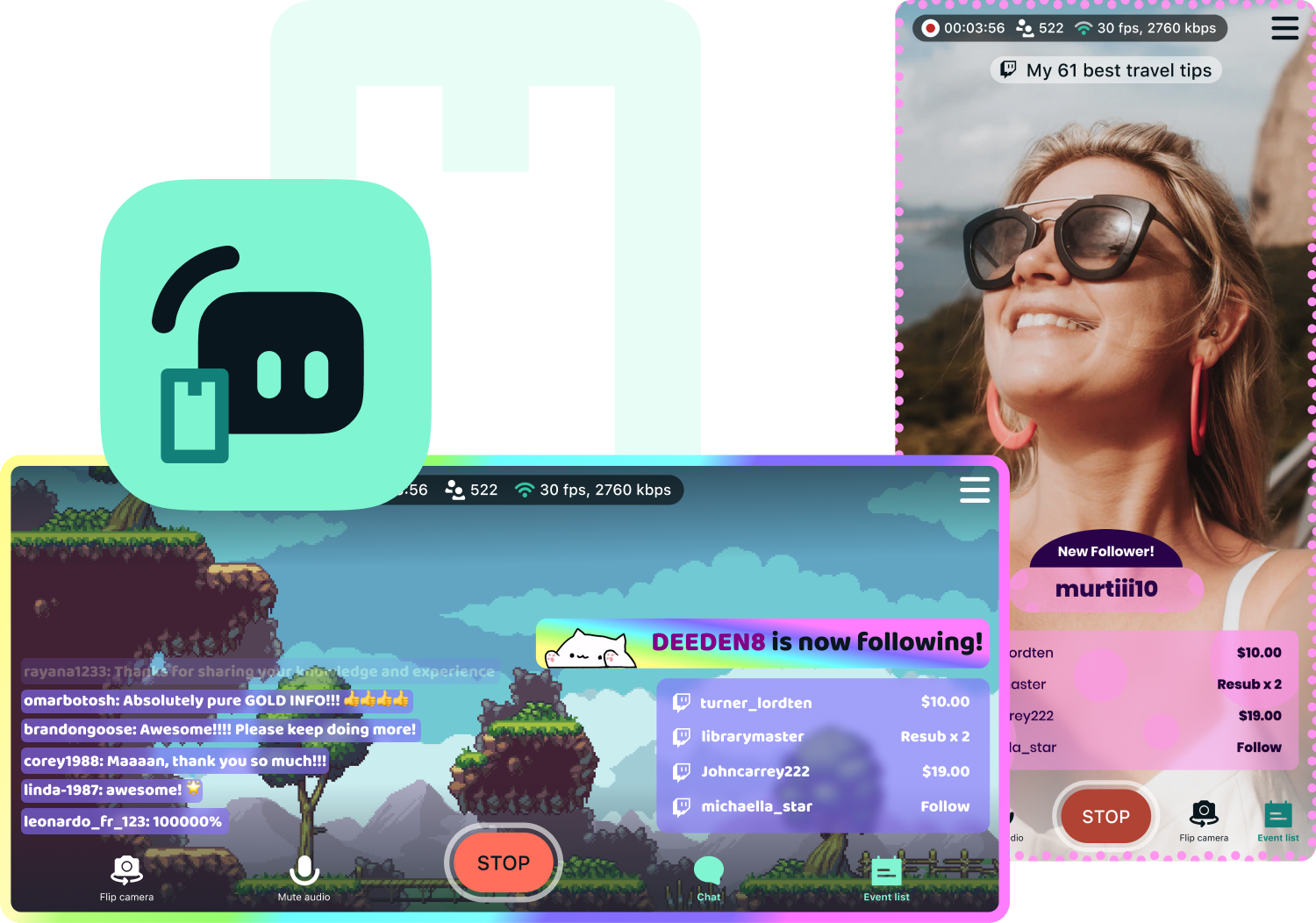
Access exclusive Streamlabs Mobile upgrades
Stream your games and camera from anywhere with disconnect protection and go live to all your platforms with multistream. Plus, switch between your phone and PC without losing viewers with Stream Shift and choose from dozens of mobile overlays to customize your stream.
Available for Android and iOS.
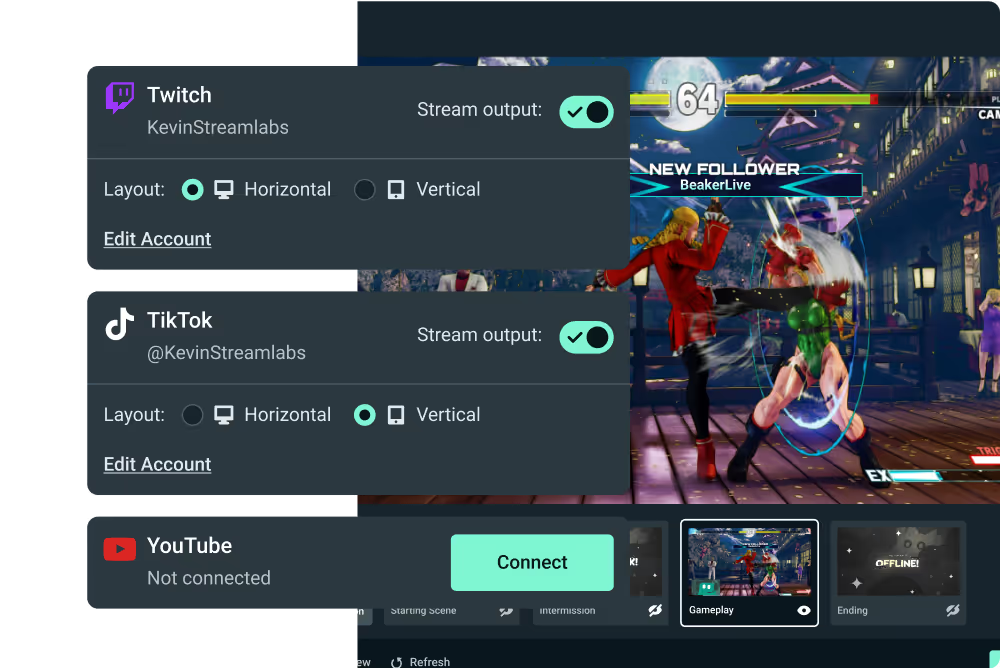
Go live from your Xbox with Streamlabs Console
Use Streamlabs Console to design your broadcast and multistream from Xbox to Twitch, YouTube, and more with no game capture card or PC required.
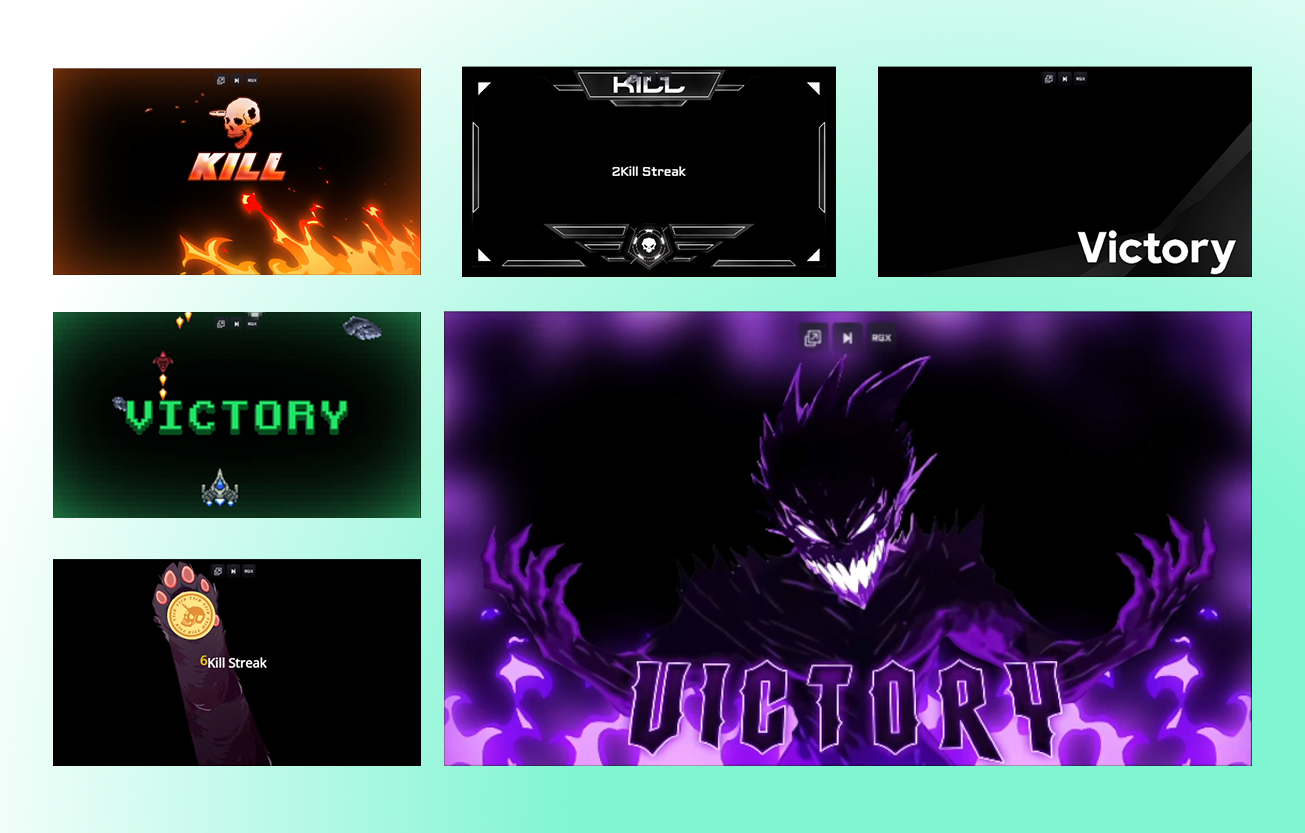
Tap into game events and automate your stream
Streamlabs AI powered features are here to make your stream production better than ever before. Automatically enhance your broadcast based on real-time, in-game events. Get the most of Streamlabs AI with Ultra.



More perks with Ultra
Best profit margins on Merch
Pro tier on all creator tools
More Cloud Storage
Designated Ultra support

Level up your live streams, branding, editing, and more with Streamlabs Ultra
Access premium features across the full suite including Streamlabs Desktop, Mobile, Console, Talk Studio, Podcast Editor, Cross Clip, and more, available at one, affordable price. Learn More
Compare Ultra Plans
Frequently asked questions
With a Streamlabs ID, both free and Ultra creators can access any product from Streamlabs (including Streamlabs Desktop, Mobile, Console, Talk Studio, Cross Clip, Video Editor, Podcast Editor, and the Web Suite) with a single login. If you’re in the Streamlabs Dashboard, there is a product menu in the top right corner which lets you easily navigate across Streamlabs various apps.
Streamlabs Ultra is a suite of pro-level features for creators offering a wide range of benefits including multistreaming, access to the full Library of thousands of stream overlays and widget themes, higher limits on AI production features through the Intelligent Streaming Agent, watermark-free clip editing, the highest profit margins on Streamlabs Merch, instant access to Gold All Star status for extra giveaway entries and savings on Logitech G hardware, and much more.
With Ultra, you get access to the premium features of Streamlabs Desktop, Mobile, Console, Talk Studio Pro, Cross Clip Pro, Video Editor Pro, Podcast Editor Pro, and Web Suite into one simple plan.
With Ultra Plus, you unlock everything included in Ultra plus additional limits for the Intelligent Streaming Agent plus a dedicated Streamlabs contact, a setup call, and twice annual success calls with our streaming experts.
Learn more about all of the benefits of Ultra and Ultra Plus here.
No, everyone can access the free versions of Streamlabs Desktop, Mobile and Web Suite, as well as Video Editor, Cross Clip, and Podcast Editor. You can live stream to any of the major platforms, edit clips and videos, and get an all-in-one link using our tools for free. Streamlabs ID makes it easy to access them all from one simple login.
A Streamlabs ID is one simple login that gives you access to Streamlabs Desktop, Console, Mobile, Plugin for OBS, Talk Studio, Cross Clip, Video Editor, Podcast Editor, and the Streamlabs Web Suite. You can set up a Streamlabs ID from within the Streamlabs Dashboard without impacting your current account. If you have an Ultra subscription, you’ll need a Streamlabs ID to access your pro benefits across all of our apps. Learn how to set up your Streamlabs ID.
Streamlabs Starter and Ultra both offer tools for a variety of devices from desktop to mobile to browser. With Ultra you also get access to Streamlabs Console for Xbox streaming and Talk Studio for browser-based streaming.
You’ll continue to have access to Streamlabs’ free product suite including the free versions of Streamlabs Desktop, Mobile, Cross Clip, Video Editor, Podcast Editor, and Web Suite.
Streamlabs Starter, Ultra, and Ultra Plus plans all offer tools for a variety of devices from desktop to mobile to browser. With Ultra and Ultra Plus you also get access to Streamlabs Console for Xbox streaming and Talk Studio for browser-based streaming among many other features.
You can upgrade to Streamlabs Ultra or Ultra Plus any time here.
We offer a-la-carte subscription options for Talk Studio, Cross Clip, Video Editor, Podcast Editor, and Streamlabs Console. If you’re using more than one tool, your best value is to subscribe to Streamlabs Ultra or Ultra Plus.
In today's creator-centric world, creators aren't pigeonholed to one content type or platform. In fact, many creators are now diversifying their content and growing their audience by experimenting with new formats and distribution channels. This is why we're expanding beyond traditional live streaming tools and building a suite that caters to all types of creators. With Ultra and Ultra Plus, you'll have everything you need to create great content across a variety of platforms.
Absolutely not. Live streaming is at the heart and soul of Streamlabs. We will continue to build the best tools in the industry for live streaming. We are constantly improving and adding new features to Streamlabs Desktop and Mobile. However, we believe that Ultra is a much-needed solution for the modern creator, and we’re excited to offer it to our community.
We created Streamlabs Ultra so we could bring you the cutting-edge features needed to keep pace in the ever evolving streaming space. We believe in making products, not making you the product, and Ultra fees help us:
- staff the development team that brings live creators powerful tools and features for the best streaming experience possible, used by millions of creators each month.
- pay professional (human) designers and developers for Stream Overlays, Widget Themes, and Desktop Apps.
- maintain Multistreaming servers that allow you to go live to all your favorite platforms without putting extra strain on your PC.
- offer fee-free Sponsorships so you keep your earnings.
- provide financial support to the OBS open source project.