
直播變簡單,只需幾分鐘即可開始!
Streamlabs Desktop 是頂尖的一站式直播與錄影應用程式,內建通知、疊層、小工具與變現功能,無需複雜設定,即可解鎖專業級自訂功能。
免費獲得直播時您所需要的一切
Streamlabs Desktop 內建通知、疊層、小工具與自訂場景,提供您免費開始直播與錄影所需的一切。
針對高品質視訊與音訊最佳化,讓您在同一處擷取網路攝影機、遊戲畫面、桌面與麥克風。 可透過 Ultra 訂閱取得選用功能。

同時在多個平台上直播
透過多平台直播,在 YouTube、Twitch、Kick 等更多平台觸及觀眾。 此外,透過 Dual Output,您可以同時進行直向和橫向直播;每種格式各一個可免費使用,隨著您的成長,Ultra 還提供更進階的多平台直播功能。
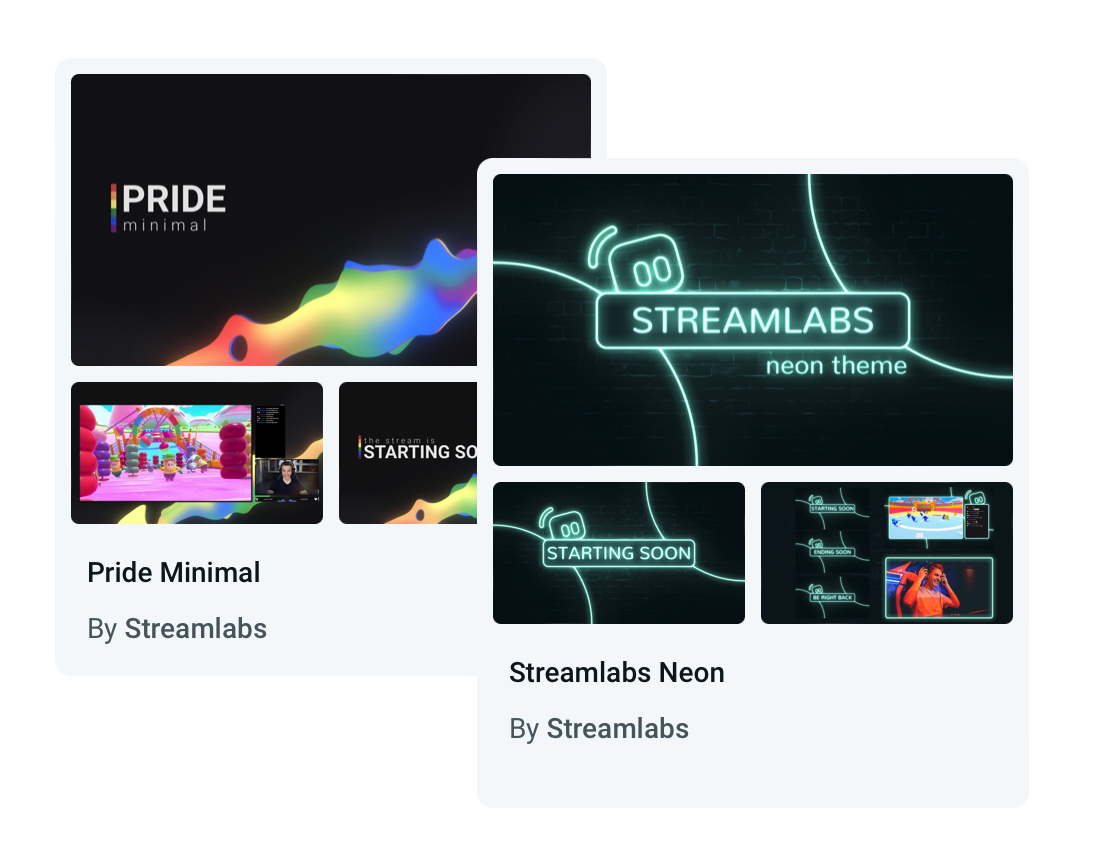
打造與眾不同的直播
從數百種免費、精美且專業設計的疊層與小工具主題中選擇。 從休閒到現代再到搞怪,您會找到適合您個性和品牌的東西。
想要更具動態感的內容嗎? 由 Streamlabs AI 驅動的反應式疊層,會即時回應遊戲事件,讓您的直播栩栩如生。
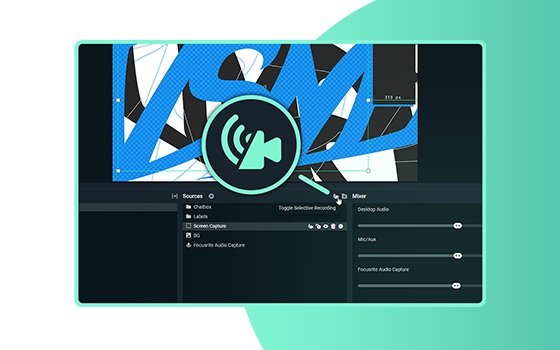
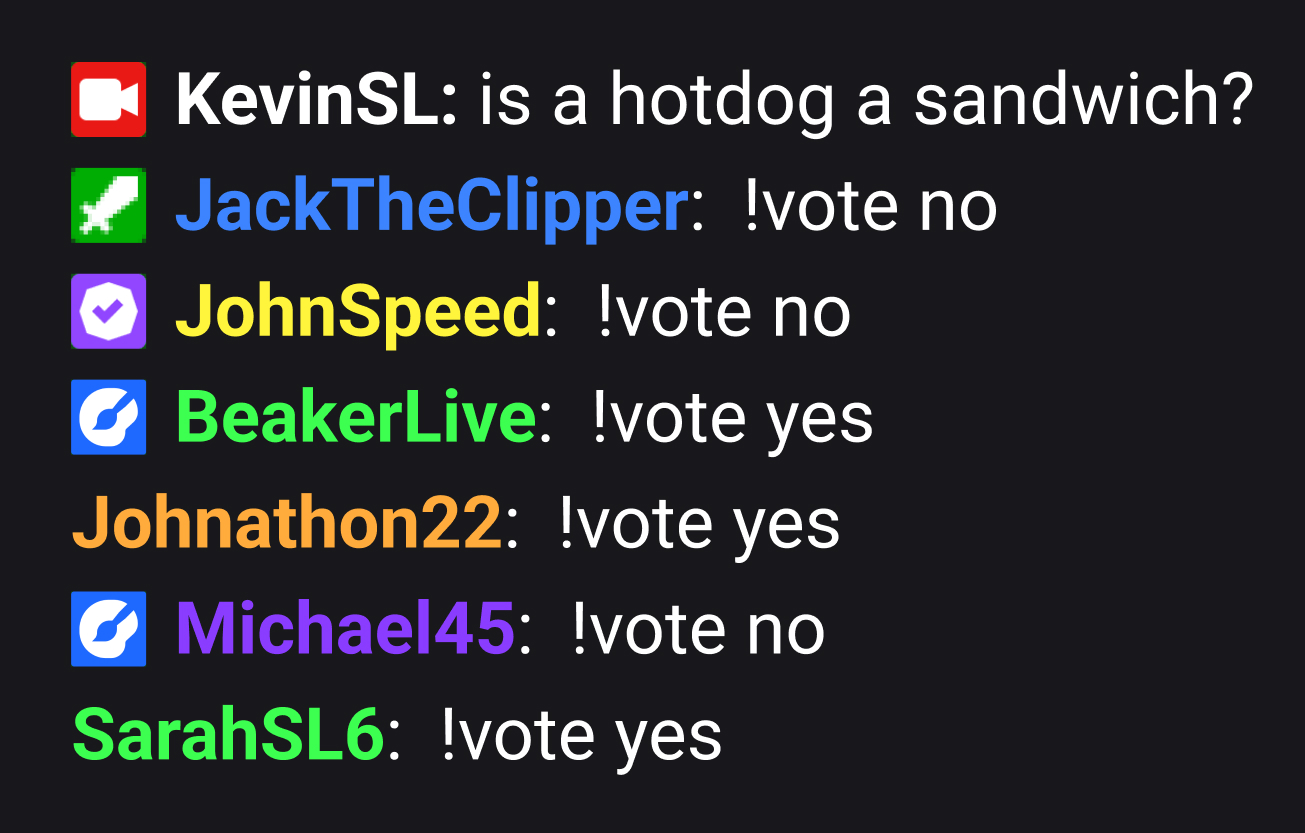

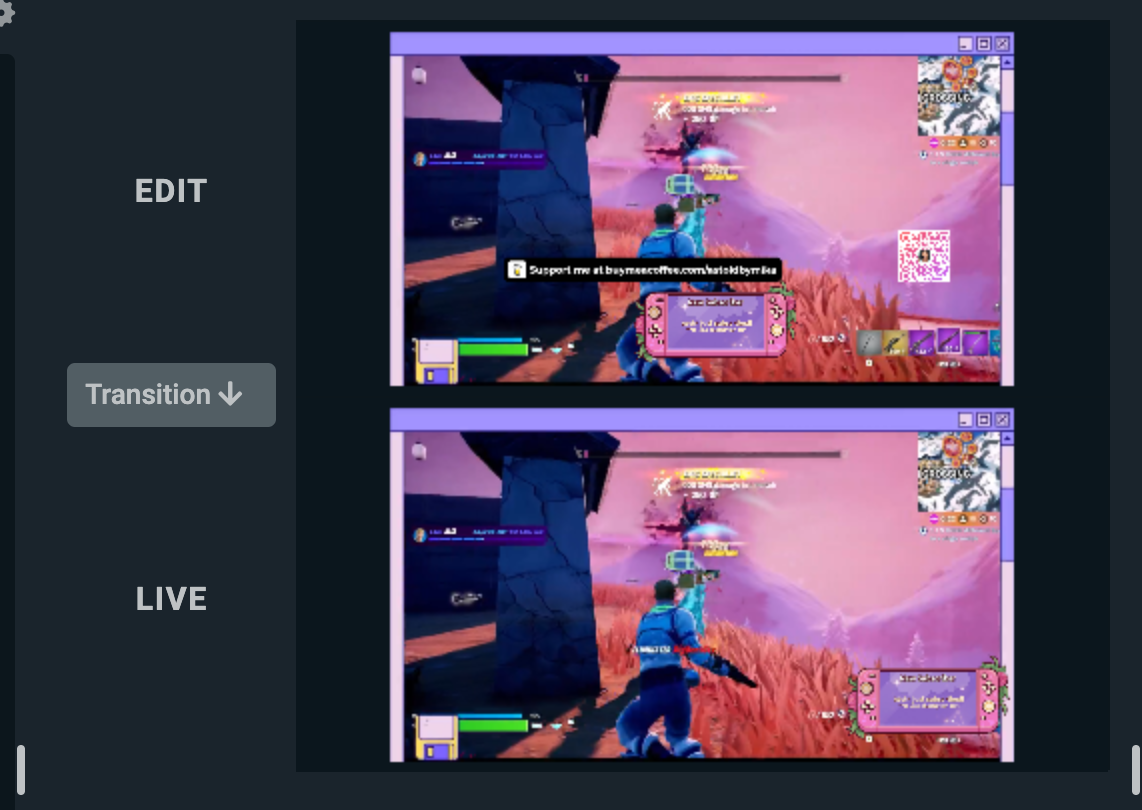
使用有趣的小工具提高參與度
利用完全可自訂的小費追蹤器、投票、互動遊戲、關注者/訂閱目標、聊天疊層等,與您的觀眾一起玩樂。
猶如 Game Pulse 這類小工具,甚至能回應遊戲事件,代您吸引觀眾互動。
快速錄製和發布精彩片段
輕鬆從重播中編輯並製作精彩片段影片,適用於 YouTube、TikTok、Reels 等平台。
我們免費的 AI Highlighter 會自動擷取您的最佳遊戲時刻,讓您在幾秒內編輯並分享到社群。 支援超過十幾款遊戲,包括《Fortnite》、《英雄聯盟》和《Battlefield 6》等!
協作與控制
邀請其他人加入您的直播,並從任何地方輕鬆管理一切。
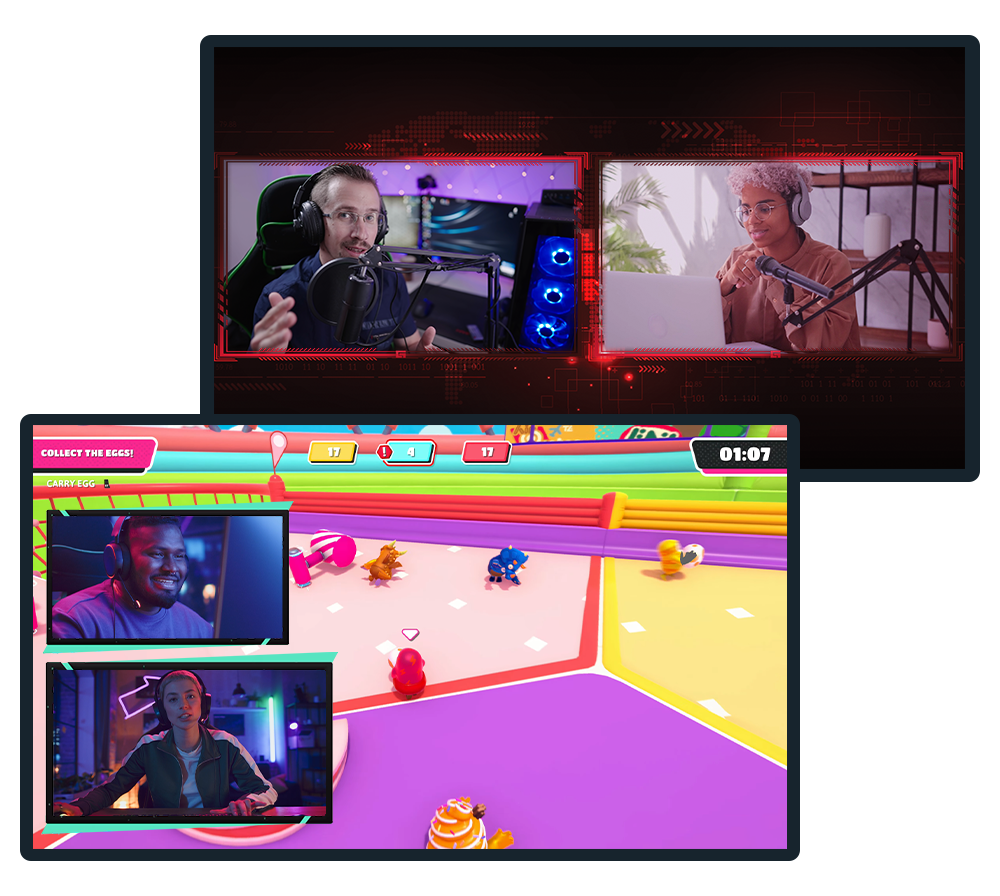
Collab Cam
透過協作拓展您的直播,並為 Twitch、YouTube、Kick 等平台的直播或錄影加入來賓。
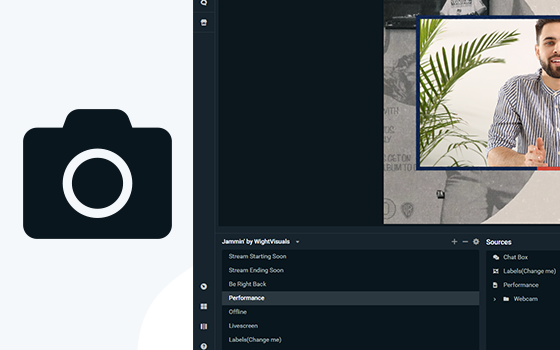
虛擬網路攝影機
將您的場景轉換為網路攝影機來源,並直接在 Zoom 等視訊會議應用程式中使用您的直播版面配置。
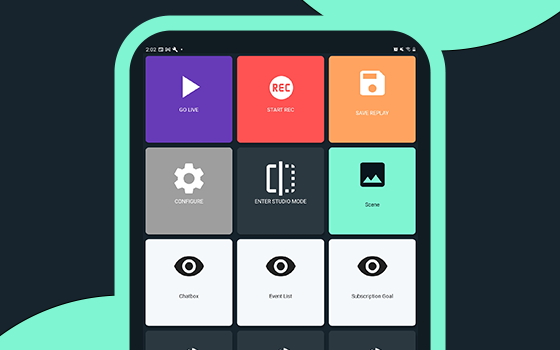
控制器應用程式
只需使用行動裝置,即可在 Streamlabs Desktop 中控制您的直播。 適用於 Android 與 iOS。
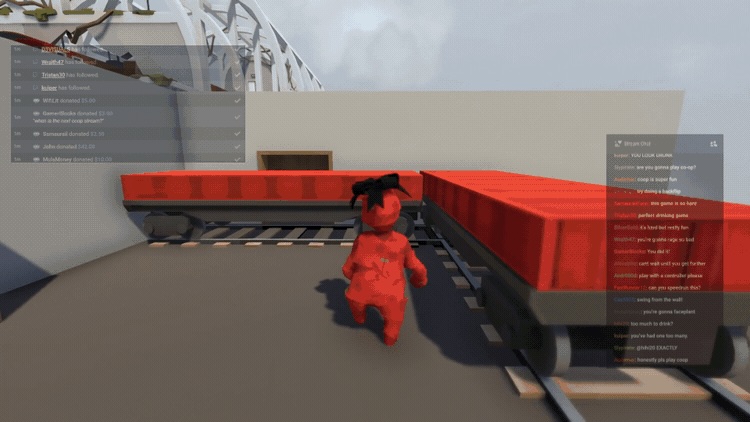
遊戲疊層
將聊天室與直播事件直接顯示在遊戲畫面上方,讓您無需切換視窗也能輕鬆與觀眾互動。
Intelligent Streaming Agent
您的共同主持、現場製作人和技術支援共同合作,讓您專注於創作。 採用 NVIDIA 與 Inworld 技術打造,呈現栩栩如生的虛擬化身與即時智慧。
在直播中途順暢切換裝置
透過 Stream Shift 切換裝置,無需結束直播!
從電腦開始,切換到筆記型電腦,或跳到行動裝置,觀眾數都不會減少,也不會分割 VOD。 一次不間斷的直播,零干擾。
透過 Sponsorships 獲得直播收入
直接從 Streamlabs Desktop 存取贊助機會,隨著觀眾成長,開始透過您的內容獲利。 各種規模的直播主皆可使用!
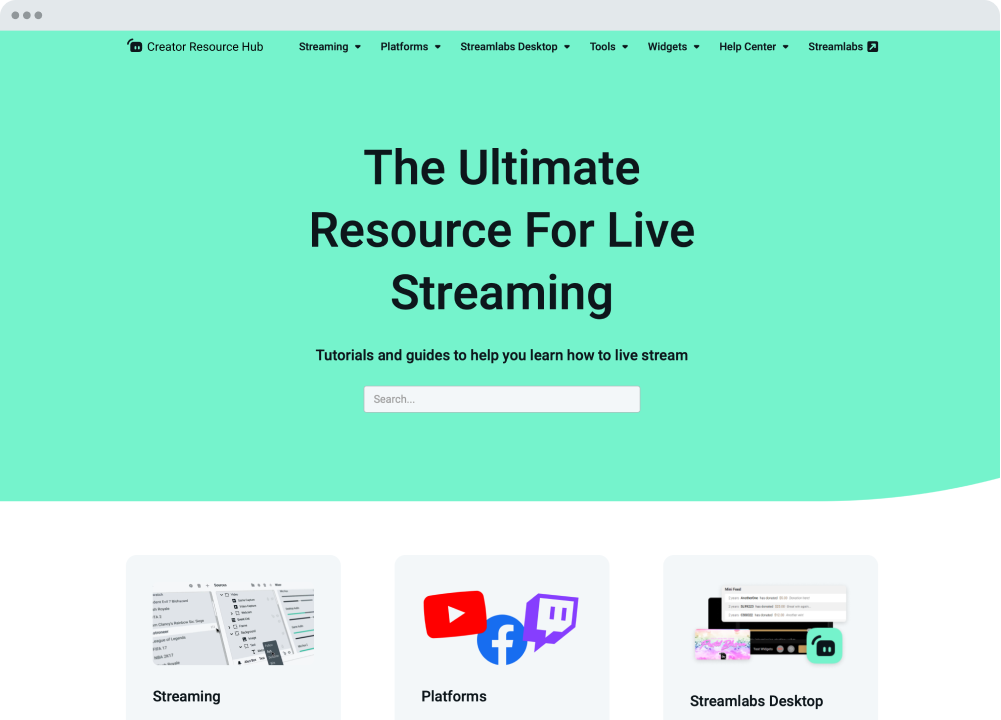
我們隨時為您提供協助
Streamlabs 學院與 Creator Resource Hub 提供逐步教學、影片等豐富內容,帶您從入門到進階,更上一層樓。 我們的 24/7 支援團隊也可透過 Discord 或電子郵件為您解答任何問題。
生態系統與工作流程
讓內容創作與管理更輕鬆的工具與整合。
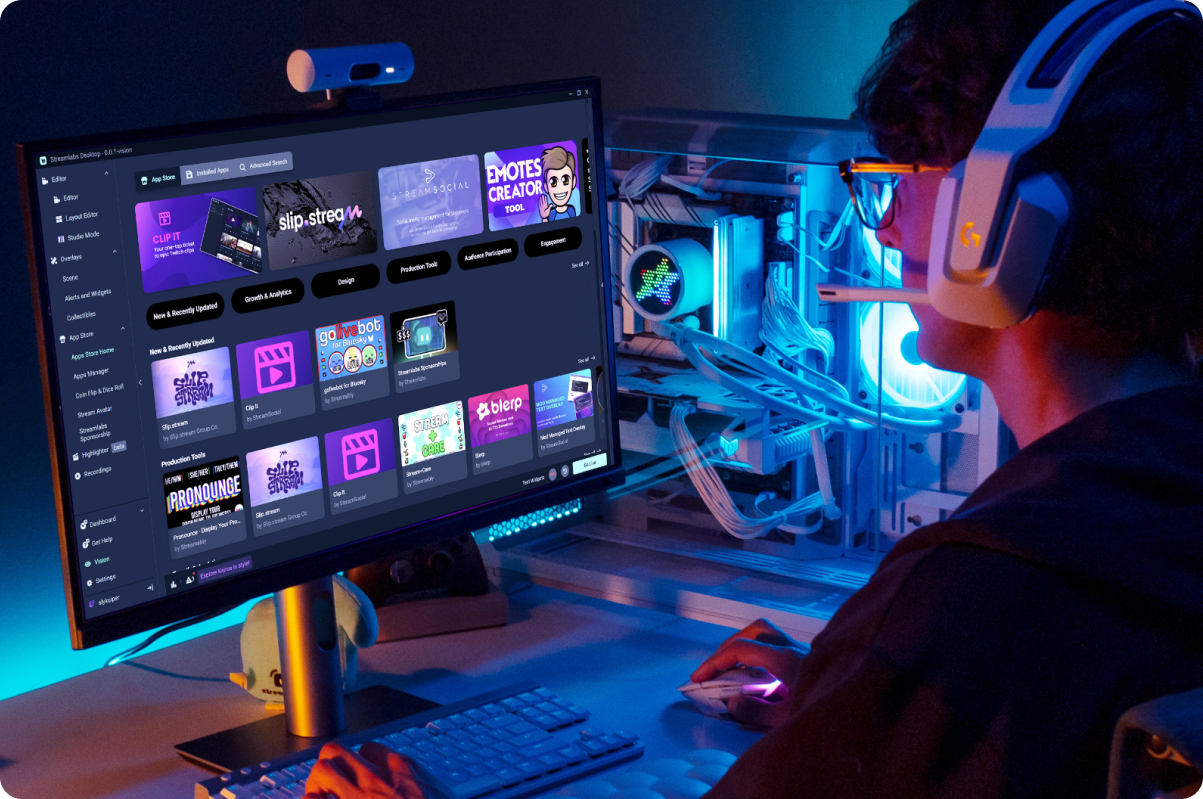
應用程式商店
存取持續成長的應用程式庫,擴展 Streamlabs Desktop 為您和您的直播所能做到的事。
順暢的創作者工作流程
使用專為簡化整個創作者工作流程而設計的 Streamlabs 工具,更快速地錄製、編輯與創作。
雲端備份
將您的設定安全備份到雲端,讓您可隨時還原直播設定。
G Hub 整合
將相容 Logitech 設備上的 G 鍵與 F 鍵對應到 Streamlabs Desktop 中的觸發動作。
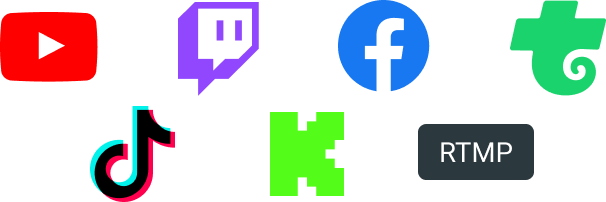
在觀眾觀看的任何平台直播 — Twitch、YouTube、Kick 等。

常見問答集
A Streamlabs account is not required if you are using Streamlabs Desktop for recording only. However, signing in allows you to access features like alerts, widgets, cloud backups, and integrations.
You can use Streamlabs tools like alerts, widgets, overlays, and tipping with OBS through Streamlabs Plugin for OBS. This plugin allows you to add your favorite Streamlabs features directly to your OBS setup.
Your bitrate and encoder settings depend on your internet speed and the platform you’re streaming to. Most creators stream at 4500–6000 kbps using hardware encoders like NVENC or AMF when available. Check out our blog to learn more about bitrate settings when live streaming.
Yes! With multistreaming, you can broadcast your stream to multiple platforms at the same time while using other Streamlabs Desktop features and customizations. You can go live to one horizontal and one vertical output for free with Dual output or explore expanded multistreaming features with Streamlabs Ultra. Our multistream feature operates on our servers, saving your PC’s resources.
Streamlabs Desktop supports popular platforms like Twitch, YouTube, Kick, TikTok, X (Twitter), Trovo, Facebook, and Instagram via native integrations. Plus many others through custom RTMP connections.
Streamlabs Desktop runs on Windows and macOS and requires a computer capable of real-time video encoding.
Minimum Requirements
Operating System: Either Windows 10 or Mac OS 12 and higher.
RAM: 8GB
Recommended Requirements
Operating System: Either Windows 10 or Mac OS 13 and higher
CPU:
- Intel® Core™ i5 or higher (11th or 12th gen)
- AMD Ryzen 5000 series or higher
GPU:
RAM: 16GB+
Storage: 512GB SSD or more
Internet: Ethernet connection. Also review what upload speeds you need for live streaming (3.6 Mbps or better for 720p at 30 fps for most platforms) and our tips on bitrate settings.
No. Streamlabs Desktop does not add watermarks or impose time limits on local recordings. You can record your content freely using the built-in recording tools.
OBS is a powerful open-source streaming tool that lets creators build their setup from scratch. Streamlabs Desktop, built on top of OBS, is also open-source and offers an easy setup with built-in alerts, overlays, widgets, and other creator-focused features designed to simplify streaming.
Streamlabs Desktop is a free streaming software that helps creators capture, customize, and broadcast their live stream content to their preferred platforms. It’s designed for streamers, gamers, and creators who want powerful tools to go live, record content, and engage their audience.
Click go live
Yes
Get Streamlabs
- go live in minutes!
Streamlabs Desktop 建構於核心 OBS 引擎之上。 我們要感謝 Jim 和為 OBS 專案貢獻心力的開發人員。 若沒有他們多年來的辛勤付出,就不會有 Streamlabs Desktop。 無限感激他們的付出。