
直播化繁为简——几分钟即可开播!
Streamlabs Desktop 是一款集直播和录制于一身的一站式应用,内置提醒、叠加层、小工具及变现功能,无需复杂设置,即可解锁专业级自定义功能。
免费直播所需的一切
Streamlabs Desktop 免费提供直播和录制所需的一切功能,包括内置提醒、叠加层、小工具和自定义场景。
专为高质量视频与音频优化,可在同一界面中捕捉网络摄像头、游戏画面、桌面和麦克风。 部分功能需订阅 Ultra 方可使用。

同时在多个平台开播
通过多重直播,触达 YouTube、Twitch、Kick 等更多平台上的观众。 此外,借助 Dual Output,可同时进行竖屏和横屏直播——两种格式各免费体验一次,Ultra 可解锁更强大的多重直播功能。
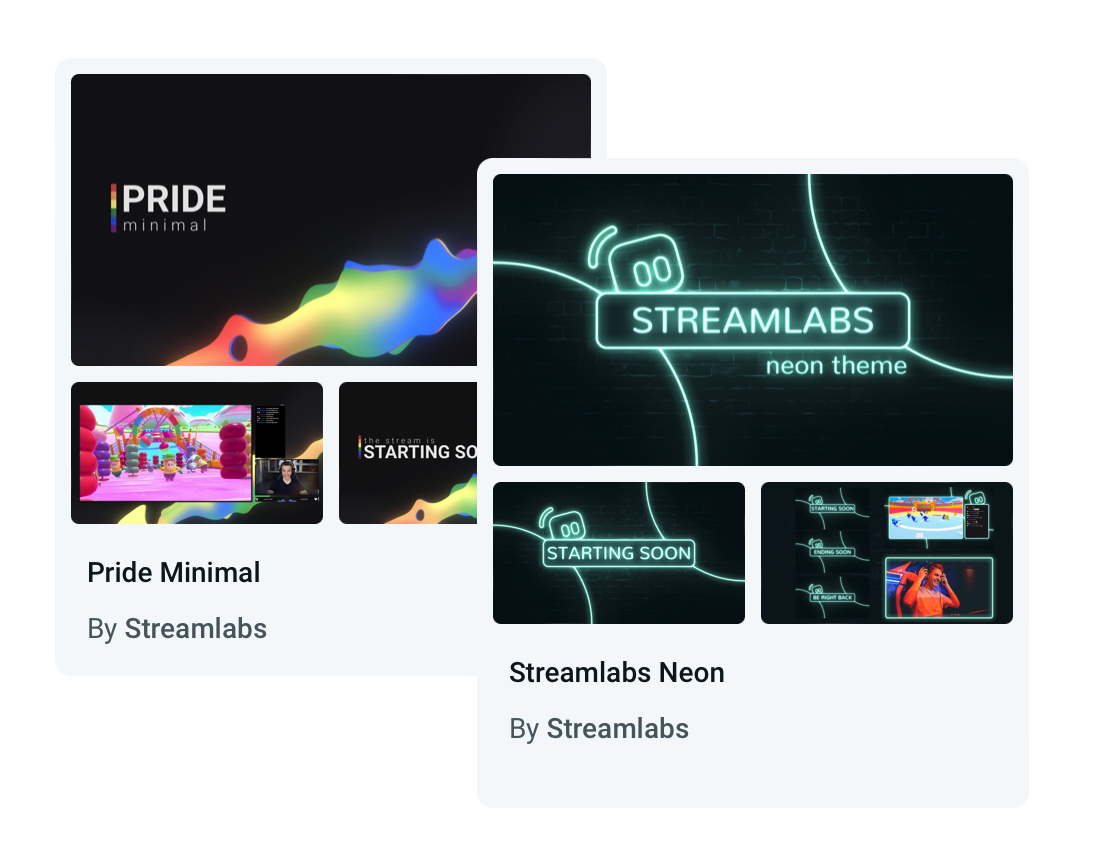
设计脱颖而出的直播
从数百款免费、精美且由专业设计师打造的叠加层与小工具主题中自由选择。 无论休闲、现代还是硬核,总能找到适合您个性与品牌的选择。
想要更动态的效果? 由 Streamlabs AI 驱动的动态叠加层,可实时响应游戏事件,让直播真正动起来。
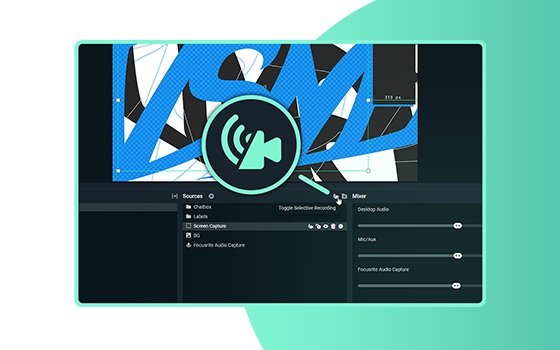
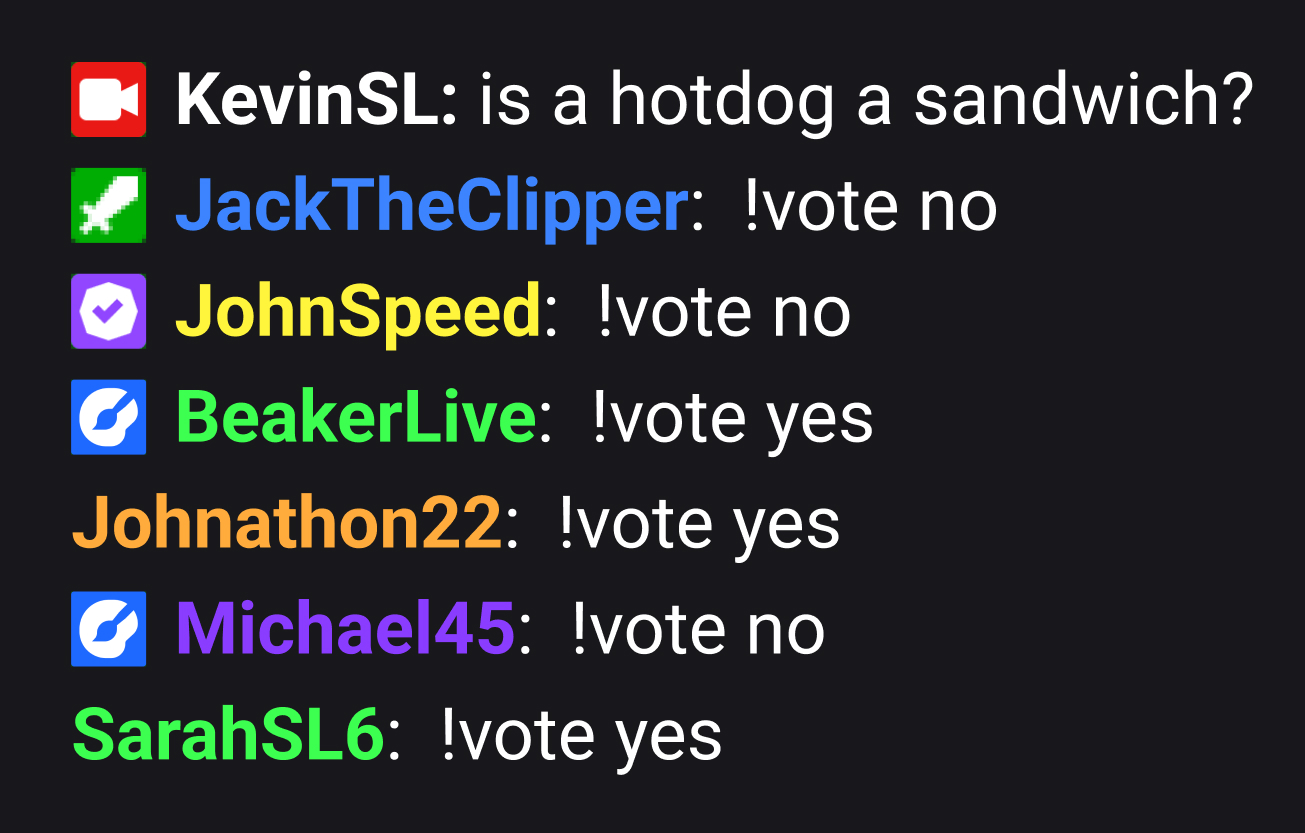

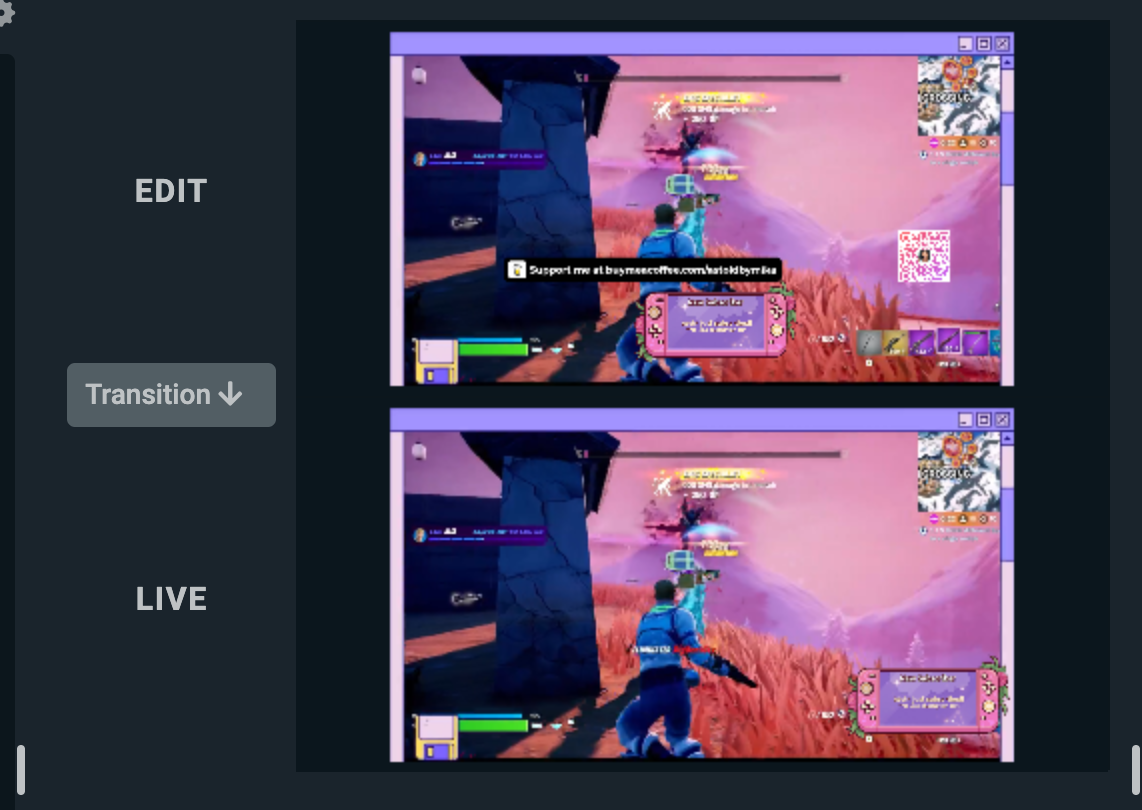
使用有趣的小工具提高参与度
通过完全可自定义的打赏追踪器、投票、互动游戏、关注/订阅目标、聊天叠加层等,与您的观众共度欢乐时光。
Game Pulse 等小工具甚至可对游戏事件做出响应,并代您与观众互动。
快速录制和发布精彩片段
从回放中轻松编辑并制作精彩视频,用于 YouTube、TikTok、Reels 等平台。
我们的免费 AI Highlighter 可自动捕捉最精彩的游戏瞬间,让您几秒内即可编辑并分享至社交媒体。 支持十余款游戏,包括《堡垒之夜》、《英雄联盟》、《战地 6》等!
协作与控制
邀请他人加入直播,随时随地轻松管理一切。
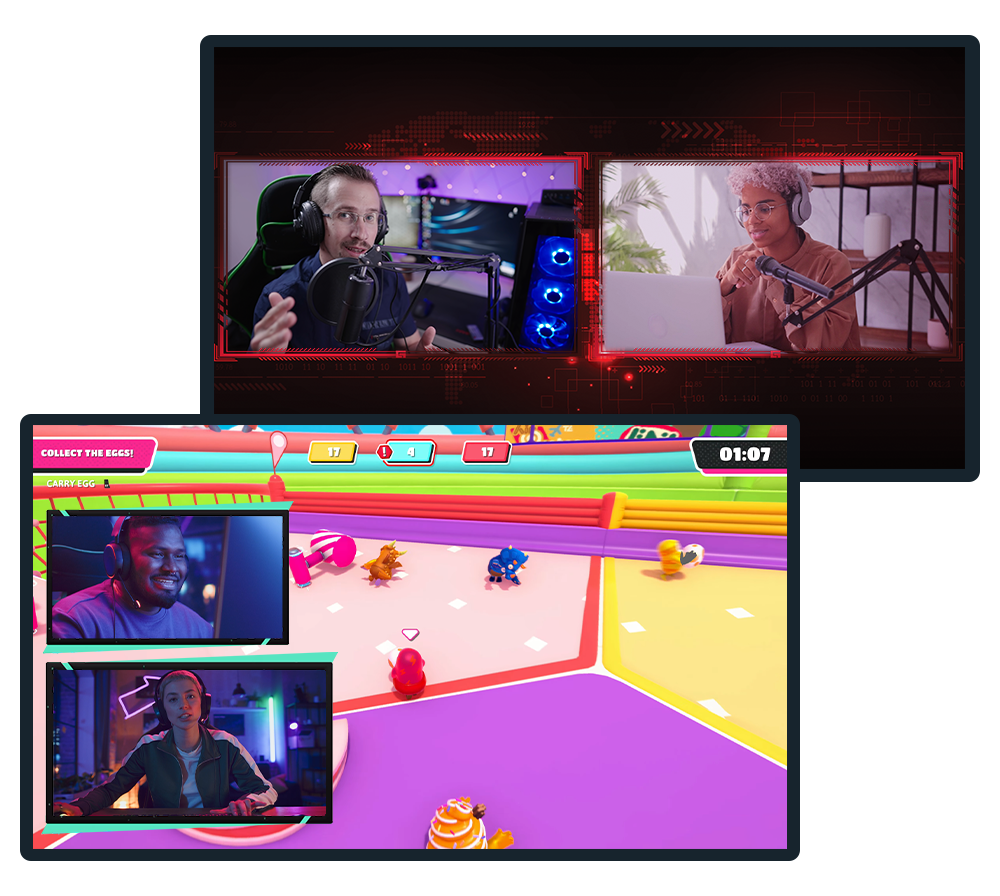
Collab Cam
通过合作扩大直播影响力,在 Twitch、YouTube、Kick 等平台的直播或录制中加入嘉宾。
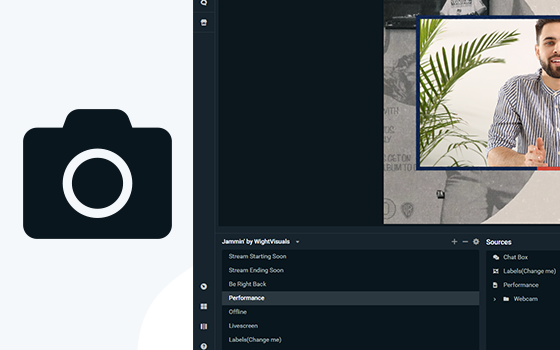
虚拟网络摄像头
将场景转换为网络摄像头源,直接在 Zoom 等视频会议应用中使用直播布局。
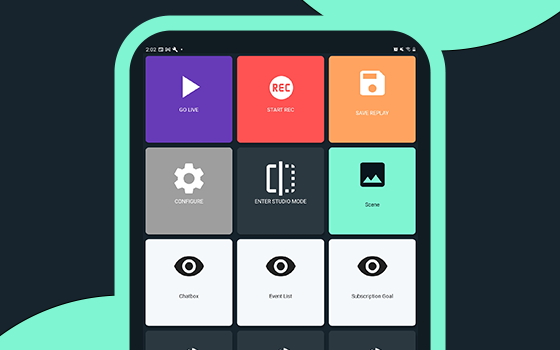
控制器应用
仅通过移动设备即可在 Streamlabs Desktop 中控制直播。 支持 Android 和 iOS 系统。
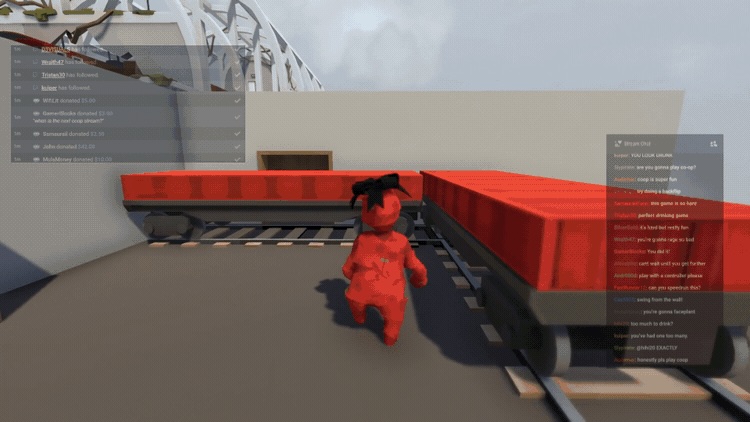
游戏叠加
将聊天和直播事件直接显示在游戏画面上方,无需切换窗口即可轻松与观众互动。
Intelligent Streaming Agent
您的联合主持人、直播节目制作人和技术支持人员携手合作,让您可以专注于创作。 采用 NVIDIA 和 Inworld 技术构建,提供栩栩如生的虚拟形象和实时智能。
直播中无缝切换设备
使用 Stream Shift 切换设备,无需中断直播。
从 PC 开始,切换至笔记本电脑,或跳转到移动设备,不会丢失观众或拆分您的 VOD。 一场连续的直播,零中断。
通过 Sponsorships 获取直播费用
直接在 Streamlabs Desktop 中获取赞助机会,随着观众增长,开始从内容创作中赚取收入。 适用于所有规模的主播。
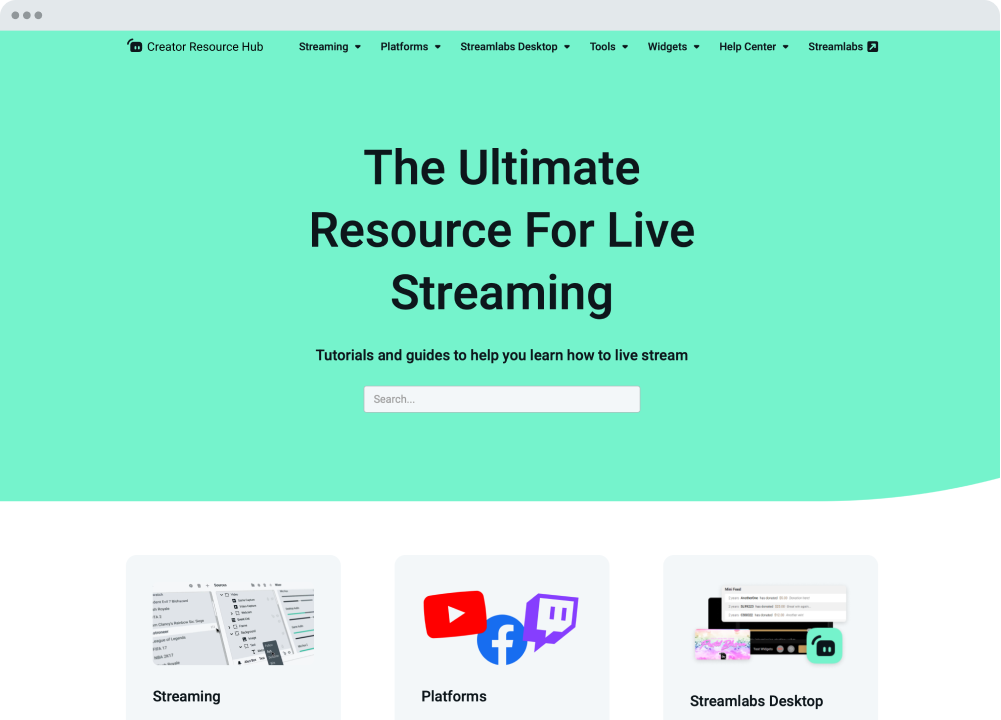
我们随时为您提供帮助
Streamlabs 大学和创作者资源中心为您提供循序渐进的教程、视频等,帮助您入门并更进一步。 我们的全天候支持团队也可通过 Discord 或电子邮件回答您的任何问题。
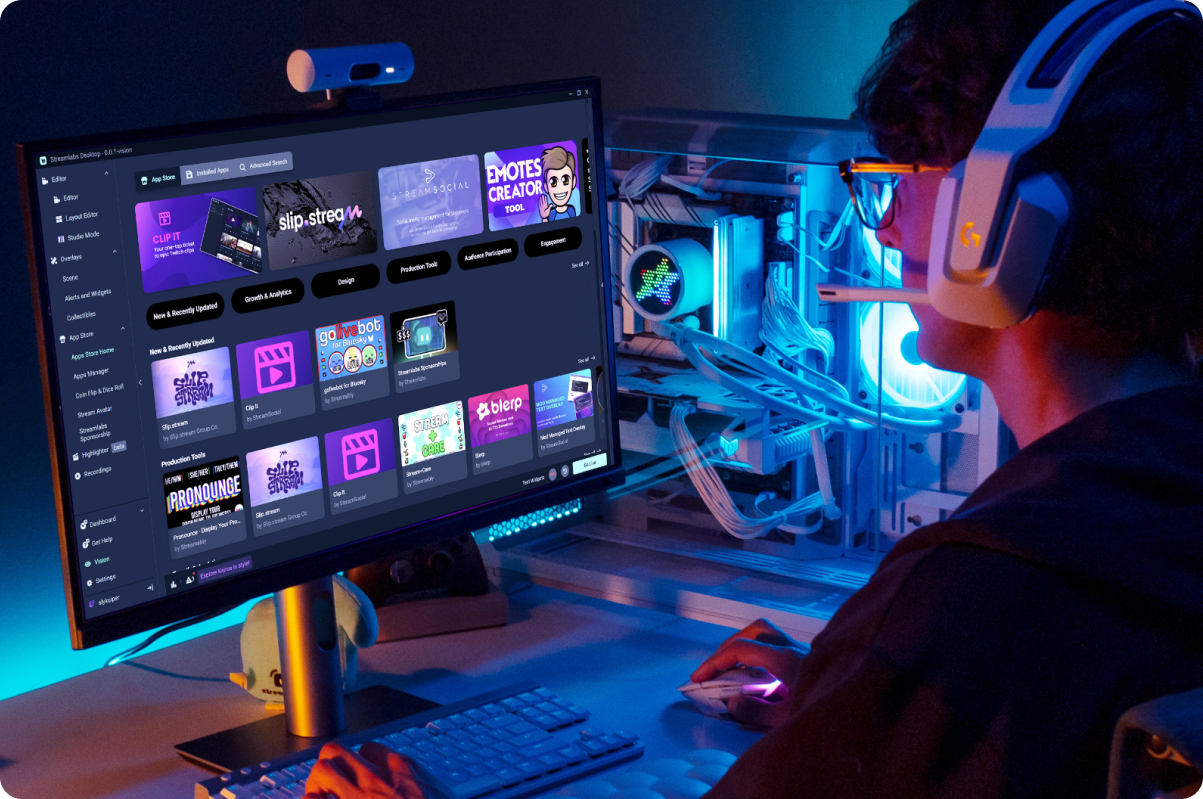
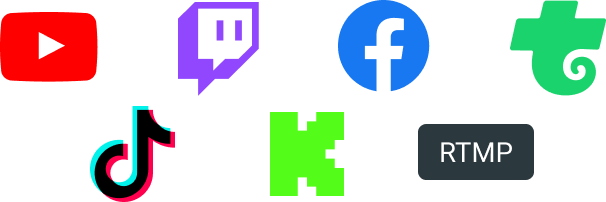
在观众所在的任何平台直播——Twitch、YouTube、Kick 等。

常见问题解答
A Streamlabs account is not required if you are using Streamlabs Desktop for recording only. However, signing in allows you to access features like alerts, widgets, cloud backups, and integrations.
You can use Streamlabs tools like alerts, widgets, overlays, and tipping with OBS through Streamlabs Plugin for OBS. This plugin allows you to add your favorite Streamlabs features directly to your OBS setup.
Your bitrate and encoder settings depend on your internet speed and the platform you’re streaming to. Most creators stream at 4500–6000 kbps using hardware encoders like NVENC or AMF when available. Check out our blog to learn more about bitrate settings when live streaming.
Yes! With multistreaming, you can broadcast your stream to multiple platforms at the same time while using other Streamlabs Desktop features and customizations. You can go live to one horizontal and one vertical output for free with Dual output or explore expanded multistreaming features with Streamlabs Ultra. Our multistream feature operates on our servers, saving your PC’s resources.
Streamlabs Desktop supports popular platforms like Twitch, YouTube, Kick, TikTok, X (Twitter), Trovo, Facebook, and Instagram via native integrations. Plus many others through custom RTMP connections.
Streamlabs Desktop runs on Windows and macOS and requires a computer capable of real-time video encoding.
Minimum Requirements
Operating System: Either Windows 10 or Mac OS 12 and higher.
RAM: 8GB
Recommended Requirements
Operating System: Either Windows 10 or Mac OS 13 and higher
CPU:
- Intel® Core™ i5 or higher (11th or 12th gen)
- AMD Ryzen 5000 series or higher
GPU:
RAM: 16GB+
Storage: 512GB SSD or more
Internet: Ethernet connection. Also review what upload speeds you need for live streaming (3.6 Mbps or better for 720p at 30 fps for most platforms) and our tips on bitrate settings.
No. Streamlabs Desktop does not add watermarks or impose time limits on local recordings. You can record your content freely using the built-in recording tools.
OBS is a powerful open-source streaming tool that lets creators build their setup from scratch. Streamlabs Desktop, built on top of OBS, is also open-source and offers an easy setup with built-in alerts, overlays, widgets, and other creator-focused features designed to simplify streaming.
Streamlabs Desktop is a free streaming software that helps creators capture, customize, and broadcast their live stream content to their preferred platforms. It’s designed for streamers, gamers, and creators who want powerful tools to go live, record content, and engage their audience.
Click go live
Yes
Get Streamlabs
- go live in minutes!
Streamlabs Desktop 基于核心 OBS 引擎构建。 我们要感谢 Jim 和为 OBS 项目做出贡献的开发人员。 没有他们多年的努力,就没有 Streamlabs Desktop 的出现。 我们满怀赞许和感激之情。