
Streamen op een eenvoudige manier – binnen enkele minuten aan de slag!
Streamlabs Desktop is dé toonaangevende alles-in-één-app voor livestreaming en opnames, met ingebouwde meldingen, overlays, widgets en mogelijkheden om geld te verdienen – profiteer van professionele aanpassingsmogelijkheden zonder ingewikkelde installatie.
Alles wat je nodig hebt om gratis te streamen
Streamlabs Desktop biedt alles wat je nodig hebt om gratis live te gaan en video’s op te nemen, inclusief ingebouwde meldingen, overlays, widgets en aangepaste scènes.
Geoptimaliseerd voor video en audio van hoge kwaliteit: je kunt je webcam, gameplay, bureaublad en microfoon allemaal op één plek opnemen. Optionele functies die beschikbaar zijn bij een Ultra-abonnement.

Ga tegelijkertijd op meerdere platforms live
Bereik kijkers op meer platforms zoals YouTube, Twitch, Kick en nog veel meer met multistreaming. En met Dual Output kun je tegelijkertijd verticaal en horizontaal streamen – één van elk formaat is gratis, en als je bedrijf groeit, krijg je met Ultra toegang tot uitgebreide multistreaming-functies.
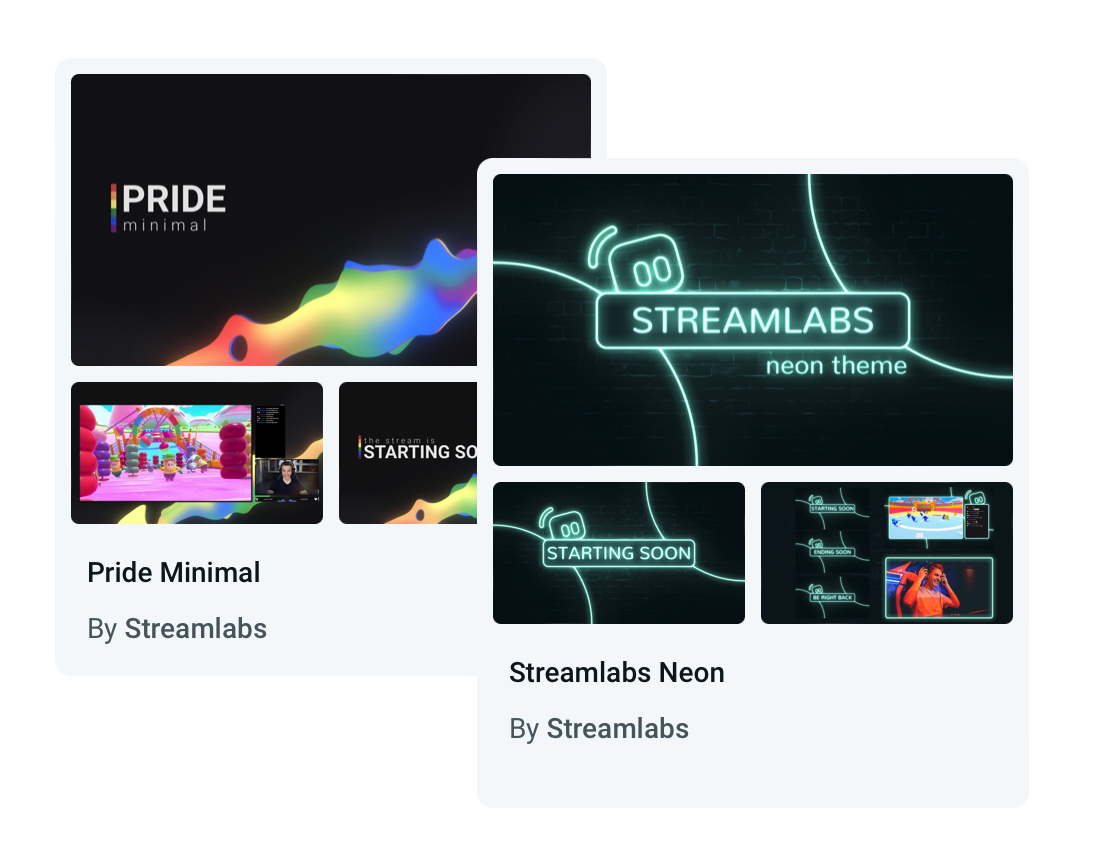
Ontwerp een stream die opvalt
Kies uit honderden professioneel ontworpen overlays en widgetthema’s. Van casual tot modern tot stoer, je vindt altijd wel iets dat bij je persoonlijkheid en merk past.
Wil je iets dynamischers? Reactieve overlays gebaseerd op Streamlabs AI reageren in realtime op gebeurtenissen in de game en brengen je stream tot leven.
Doe het zoals jij wilt
Pas de lay-out van je Streamlabs Desktop heel eenvoudig aan met video, audio, chat en recente gebeurtenissen, precies waar je dat wilt, met de Layout Editor.
Productietools
Krachtige ingebouwde tools waarmee je elk onderdeel van je stream kunt vastleggen, beheren en perfectioneren.
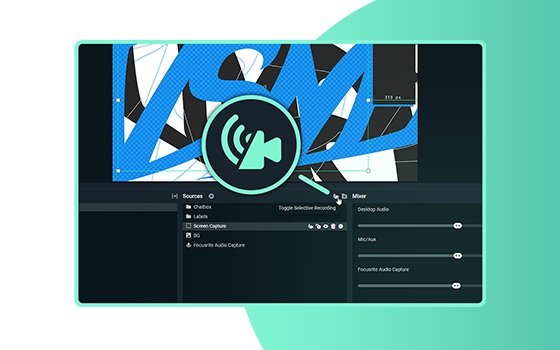
Selectief opnemen
Kies welke bronnen je wilt laten zien in de opgenomen versie van je livestream.
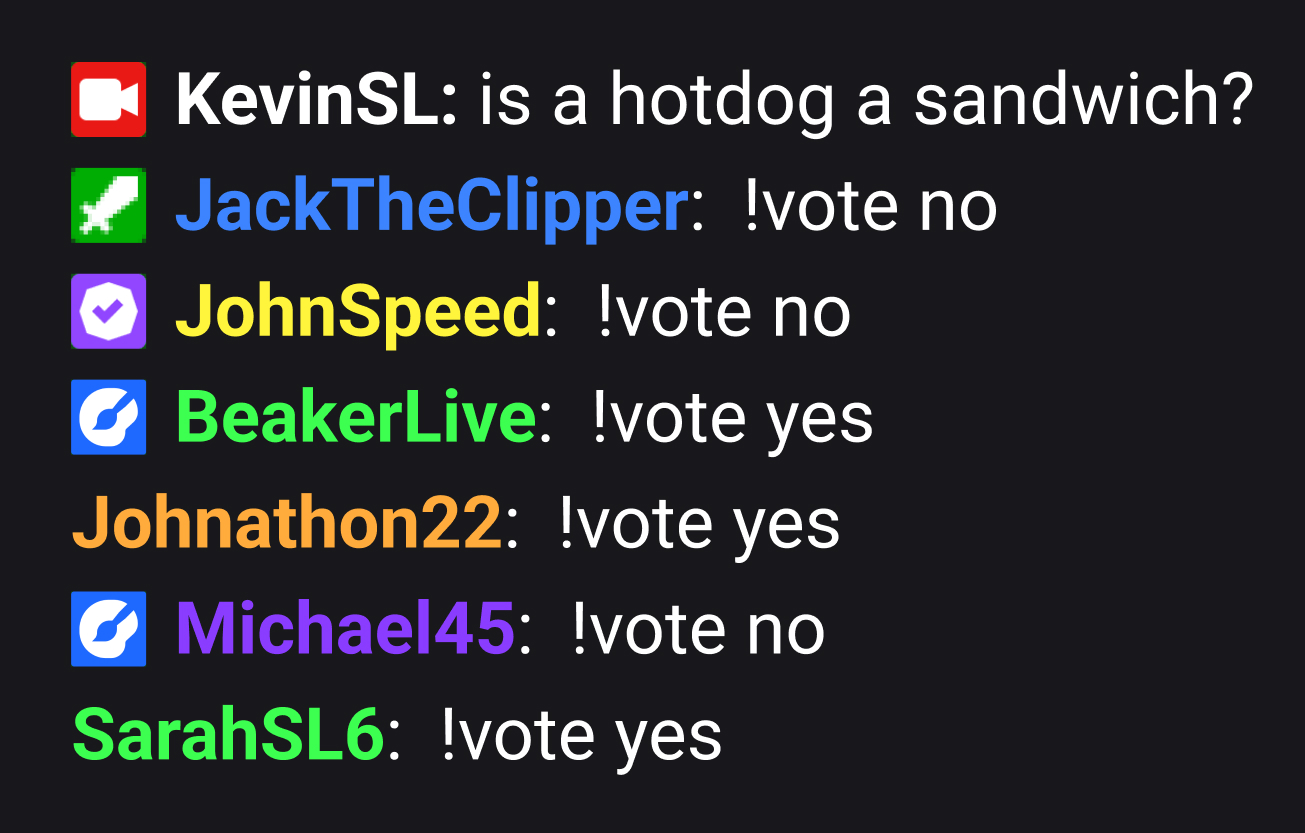
Ingebouwde chat
Hiermee kunnen streamers berichten van kijkers van Twitch, YouTube, Kick en meer rechtstreeks in Streamlabs weergeven en beheren.

Geluidsmixing
Til je geluidskwaliteit naar een hoger niveau met de ingebouwde instellingen en mixer van Streamlabs Desktop
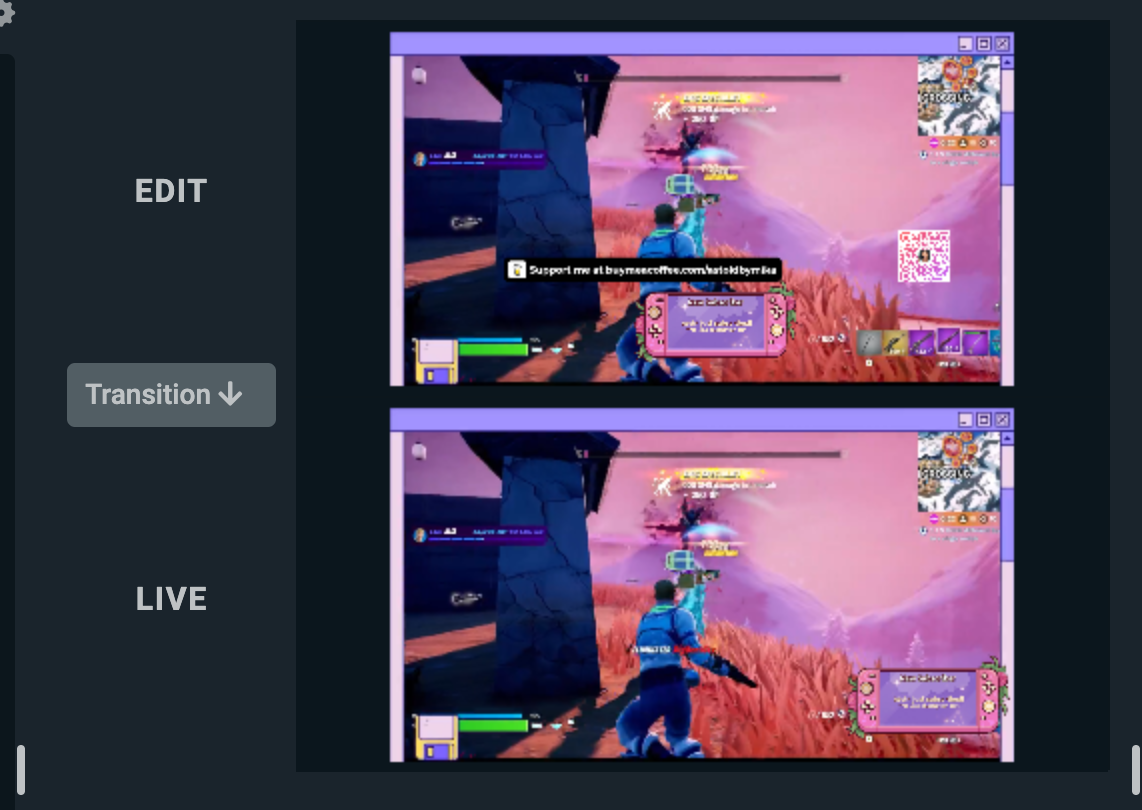
Studiomodus
Pas een scène aan en verfijn deze terwijl je live bent, voordat je kijkers het te zien krijgen.
Aangepaste meldingen maken
Zet dynamische meldingen op voor de beste interactie. Je kunt meldingen instellen voor nieuwe volgers, abonnees, fooien, cheers, hosts, donaties aan goede doelen en nog veel meer.
Zorg voor meer betrokkenheid met leuke widgets
Maak indruk op je publiek met volledig aanpasbare fooi-trackers, polls, interactieve spelletjes, volgers-/abonnementendoelen, chat-overlay en nog veel meer.
Widgets zoals Game Pulse kunnen zelfs reageren op gebeurtenissen in de game en namens jou je publiek betrekken.
Cloudbot is je nieuwe tool
Onze gratis chatbot biedt leuke dingen en moderatiefuncties om je chat te beschermen tegen vervelende trollen, terwijl hij ook leuke spelletjes, aanpasbare commando's en nog veel meer biedt voor je groeiende publiek.
Neem hoogtepunten in een handomdraai op en post ze
Maak en bewerk makkelijk highlightvideo's van herhalingen voor YouTube, TikTok, Reels en meer.
Onze gratis AI-Highlighter legt automatisch je mooiste gameplay-momenten vast, zodat je ze binnen enkele seconden kunt bewerken en op social media kunt delen. Ondersteunt vele games, waaronder Fortnite, League of Legends, Battlefield 6 en nog veel meer!
Samenwerking en controle
Nodig anderen uit voor je stream en beheer alles eenvoudig – waar je ook bent.
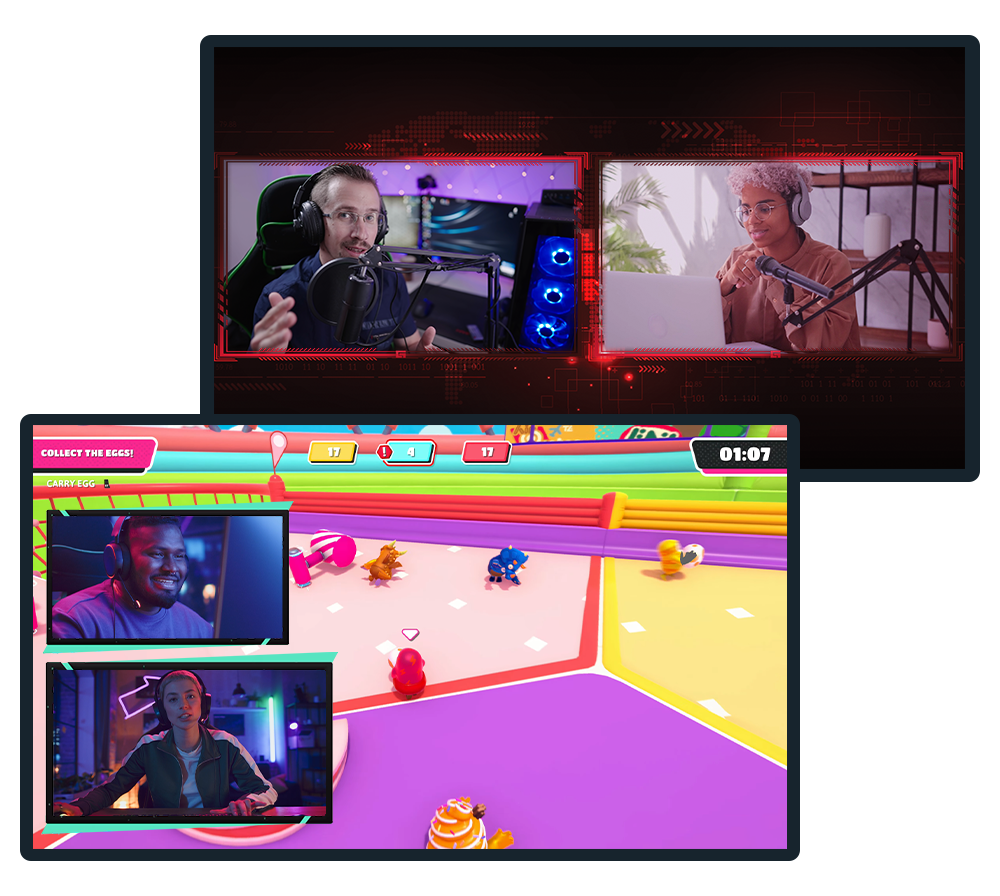
Collab Cam
Laat je stream groeien door samen te werken en gasten uit te nodigen voor je stream of opnames op Twitch, YouTube, Kick en meer.
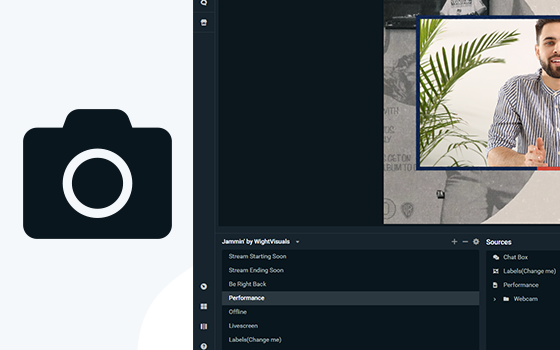
Virtual Webcam
Maak van je scènes een webcambron en gebruik je streamlay-out, rechtstreeks in videoconferentie-apps zoals Zoom.
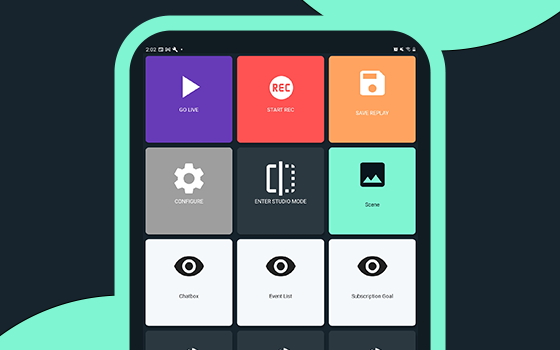
Controller-app
Bedien je stream in Streamlabs Desktop met alleen je mobiele apparaat. Beschikbaar voor Android en iOS.
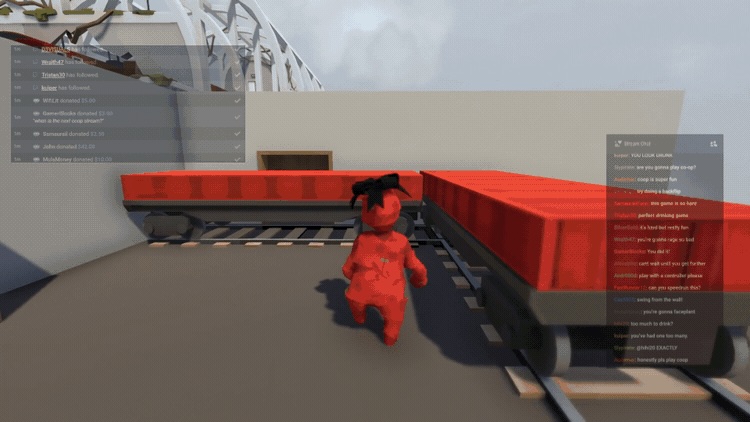
Game-overlay
Laat chat- en stream-berichten direct boven je gameplay zien, zodat je makkelijk met je kijkers kunt communiceren zonder dat je naar een ander scherm hoeft te schakelen.
Intelligent Streaming Agent
Je medepresentator, liveproducent en technische ondersteuning – ze werken samen zodat jij je kunt concentreren op het creëren. Gebouwd met technologie van NVIDIA en Inworld voor levensechte avatars en realtime intelligentie.
Schakel tijdens het gebruik naadloos over naar een ander apparaat
Wissel van apparaat zonder je stream te onderbreken met Stream Shift!
Begin op je pc, ga verder op je laptop of stap over op je mobiel, zonder kijkers te verliezen of je VOD op te splitsen. Eén doorlopende sessie, zonder onderbrekingen.
Word betaald om te streamen met sponsoring
Bekijk sponsormogelijkheden rechtstreeks vanuit Streamlabs Desktop en verdien geld met je content terwijl je je publiek uitbreidt. Voor streamers van elk niveau!
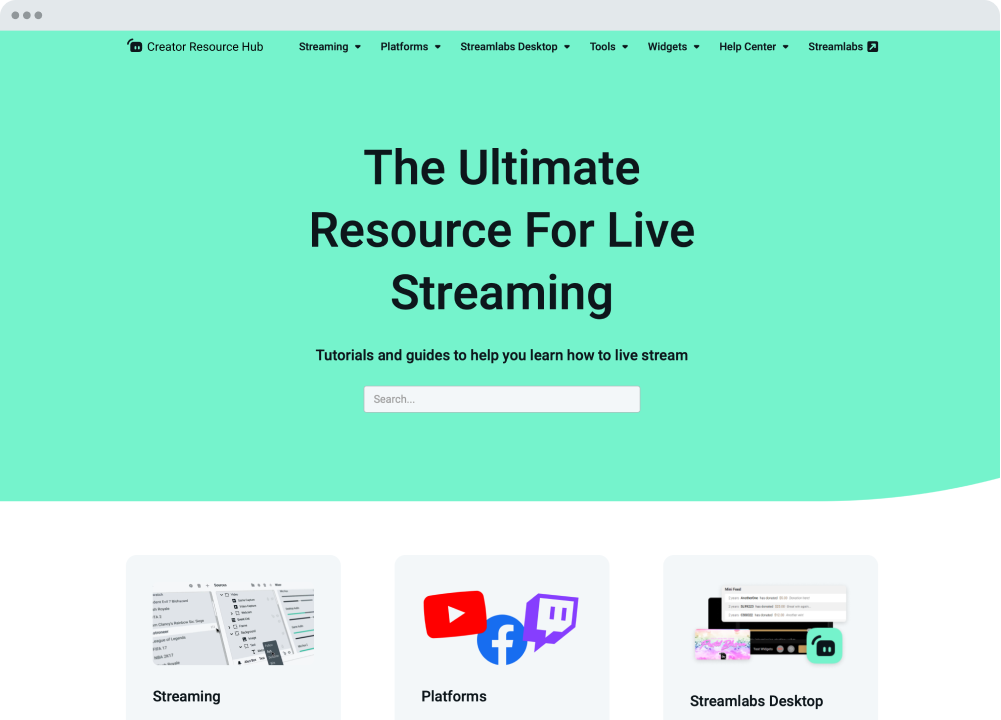
Wij helpen je.
Streamlabs University en Creator Resource Hub hebben stap-voor-stap handleidingen, video's en nog veel meer om je op weg te helpen en je naar een hoger niveau te tillen. Ons 24/7 supportteam is ook bereikbaar via Discord of e-mail om al je vragen te beantwoorden.
Ecosysteem en workflow
Tools en integraties die het maken en beheren van content makkelijker maken.
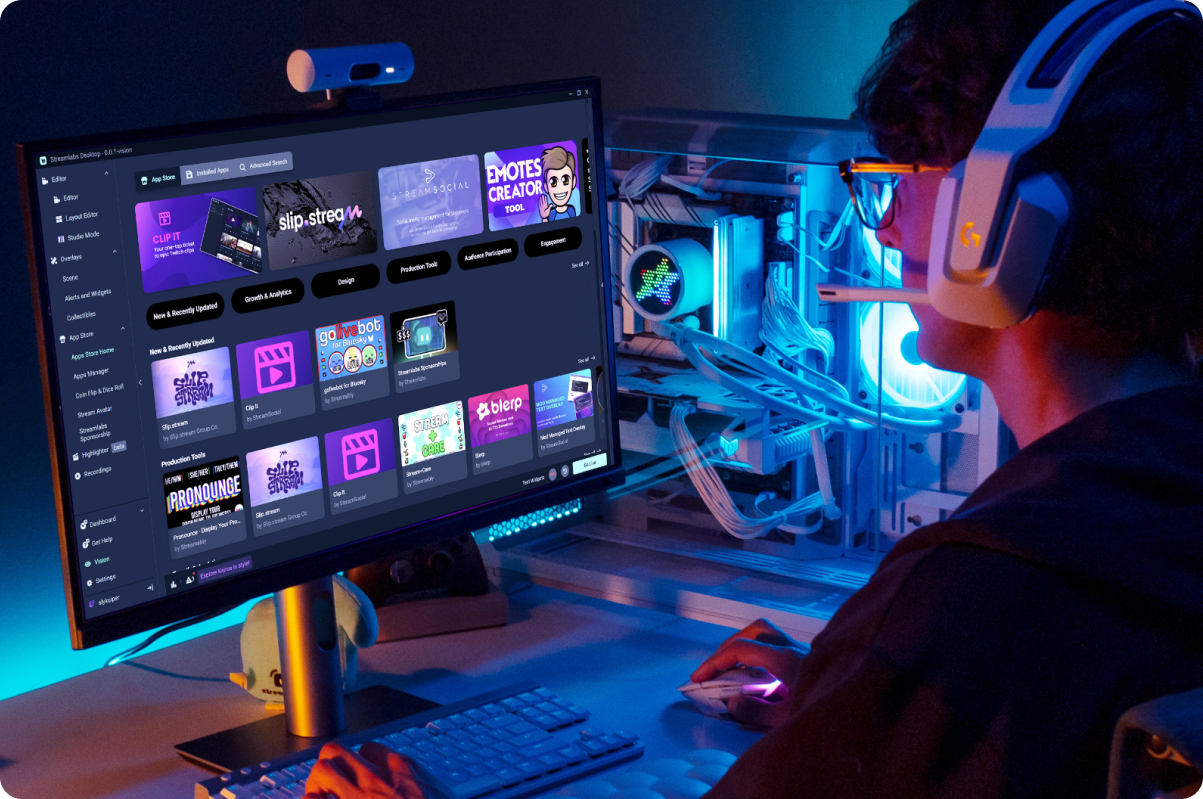
App Store
Krijg toegang tot een steeds groter wordende bibliotheek met apps om de mogelijkheden van Streamlabs Desktop voor jou en je stream uit te breiden.
Naadloze creatorworkflow
Creëer content sneller met de tools van Streamlabs, die zijn ontworpen om je hele workflow als contentmaker te stroomlijnen.
Back-ups in de cloud
Maak een veilige back-up van je instellingen in de cloud, zodat je je stream-instellingen op elk moment kunt herstellen.
G Hub-integratie
Wijs G-toetsen en F-toetsen op compatibele Logitech-apparatuur toe om acties in Streamlabs Desktop te activeren.
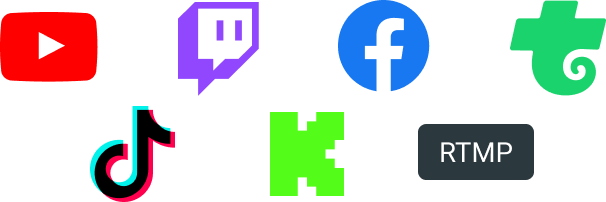
Stream overal waar je publiek kijkt: Twitch, YouTube, Kick en nog veel meer.

Veelgestelde vragen
A Streamlabs account is not required if you are using Streamlabs Desktop for recording only. However, signing in allows you to access features like alerts, widgets, cloud backups, and integrations.
You can use Streamlabs tools like alerts, widgets, overlays, and tipping with OBS through Streamlabs Plugin for OBS. This plugin allows you to add your favorite Streamlabs features directly to your OBS setup.
Your bitrate and encoder settings depend on your internet speed and the platform you’re streaming to. Most creators stream at 4500–6000 kbps using hardware encoders like NVENC or AMF when available. Check out our blog to learn more about bitrate settings when live streaming.
Yes! With multistreaming, you can broadcast your stream to multiple platforms at the same time while using other Streamlabs Desktop features and customizations. You can go live to one horizontal and one vertical output for free with Dual output or explore expanded multistreaming features with Streamlabs Ultra. Our multistream feature operates on our servers, saving your PC’s resources.
Streamlabs Desktop supports popular platforms like Twitch, YouTube, Kick, TikTok, X (Twitter), Trovo, Facebook, and Instagram via native integrations. Plus many others through custom RTMP connections.
Streamlabs Desktop runs on Windows and macOS and requires a computer capable of real-time video encoding.
Minimum Requirements
Operating System: Either Windows 10 or Mac OS 12 and higher.
RAM: 8GB
Recommended Requirements
Operating System: Either Windows 10 or Mac OS 13 and higher
CPU:
- Intel® Core™ i5 or higher (11th or 12th gen)
- AMD Ryzen 5000 series or higher
GPU:
RAM: 16GB+
Storage: 512GB SSD or more
Internet: Ethernet connection. Also review what upload speeds you need for live streaming (3.6 Mbps or better for 720p at 30 fps for most platforms) and our tips on bitrate settings.
No. Streamlabs Desktop does not add watermarks or impose time limits on local recordings. You can record your content freely using the built-in recording tools.
OBS is a powerful open-source streaming tool that lets creators build their setup from scratch. Streamlabs Desktop, built on top of OBS, is also open-source and offers an easy setup with built-in alerts, overlays, widgets, and other creator-focused features designed to simplify streaming.
Streamlabs Desktop is a free streaming software that helps creators capture, customize, and broadcast their live stream content to their preferred platforms. It’s designed for streamers, gamers, and creators who want powerful tools to go live, record content, and engage their audience.
Click go live
Yes
Get Streamlabs
- go live in minutes!
Streamlabs Desktop is gebaseerd op de kern van de OBS-engine. We willen Jim en de ontwikkelaars bedanken die hebben meegewerkt aan het OBS-project. Zonder hun jarenlange harde werk zou Streamlabs Desktop nooit mogelijk zijn geweest. Onze grote waardering.