

All the tools for a pro-level live stream
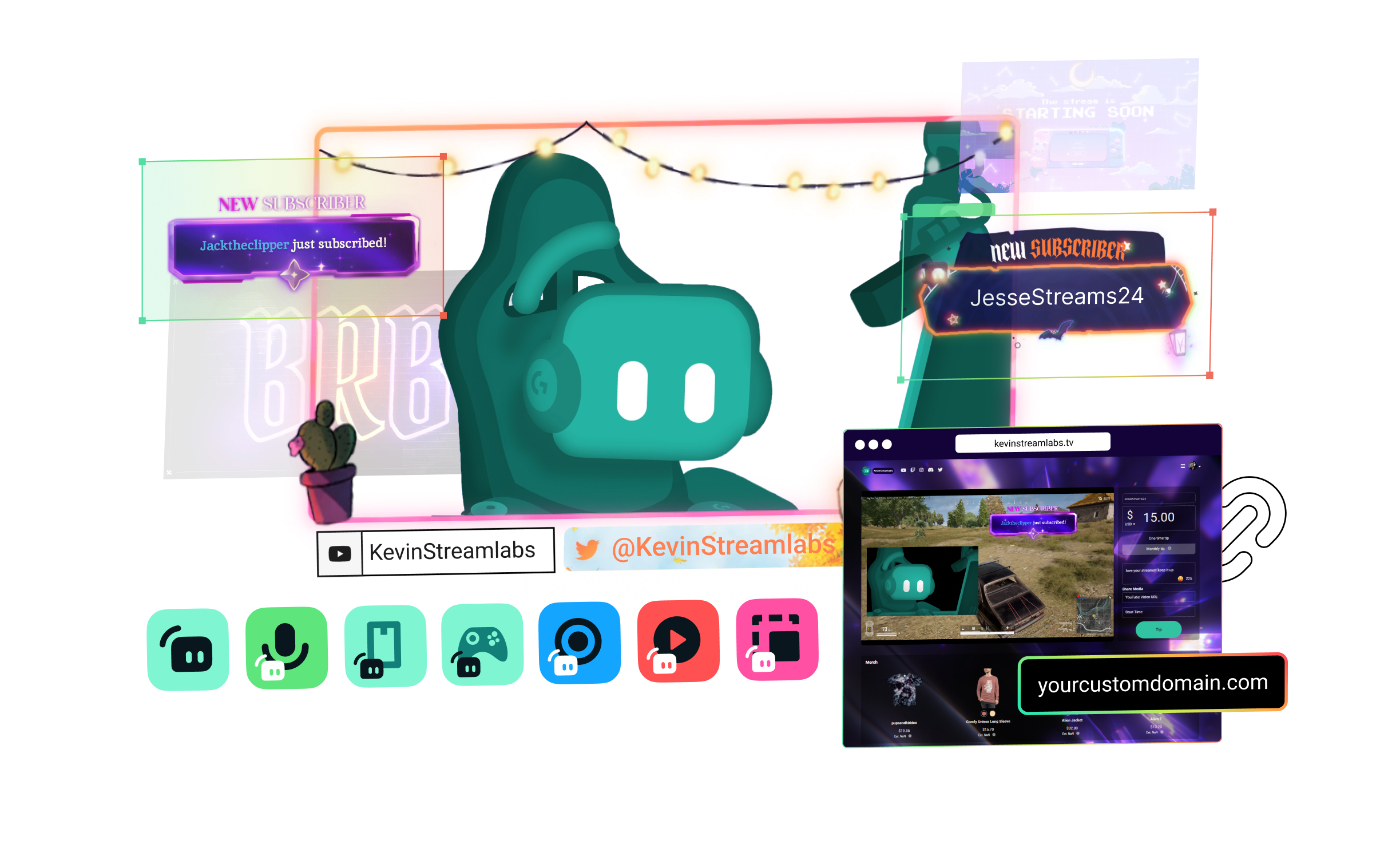
Streamlabs Ultra includes a number of features to take your broadcast to the next level including Multistreaming, Reactive Overlays, Scene Automations, and so much more.


Compare plans
Free
- Free plan includes:
- Stream from your PC, laptop, or phone to popular platforms
- Stream to one vertical and one horizontal output with Dual Output
- Hundreds of free stream overlays and widget themes
- Dozens of stream widgets including Alert Box, Chat Box, and more
- Tipping - Personal tip page with no fees from us
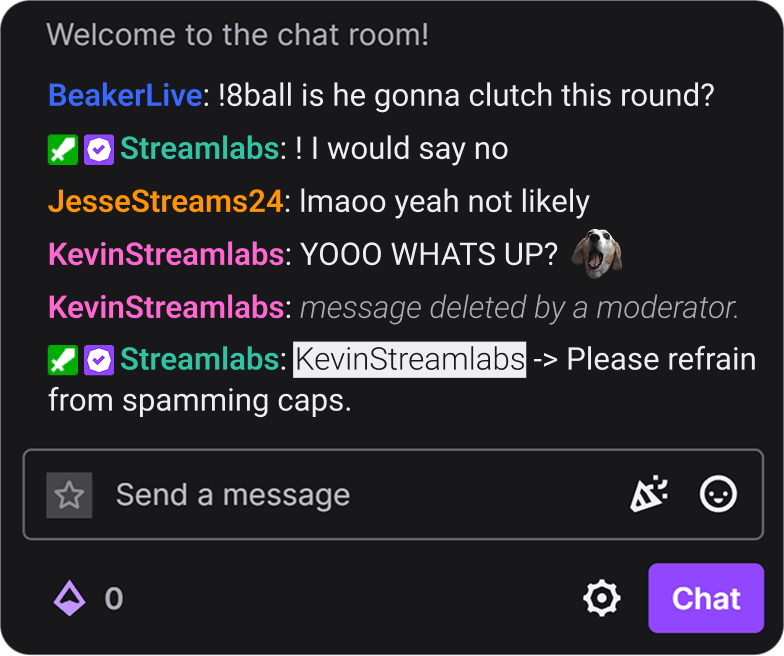
- Cloudbot with built-in chat moderation and interaction
- Limited free Desktop apps from App Store
- Design and sell with Merch Store
- Intelligent Streaming Agent with Automations, Co-Host, and more
- 1GB Cloud Storage
- Collab Cam for one guest or camera
- Streamer and creator apps

Ultra
- Includes everything in free, plus:
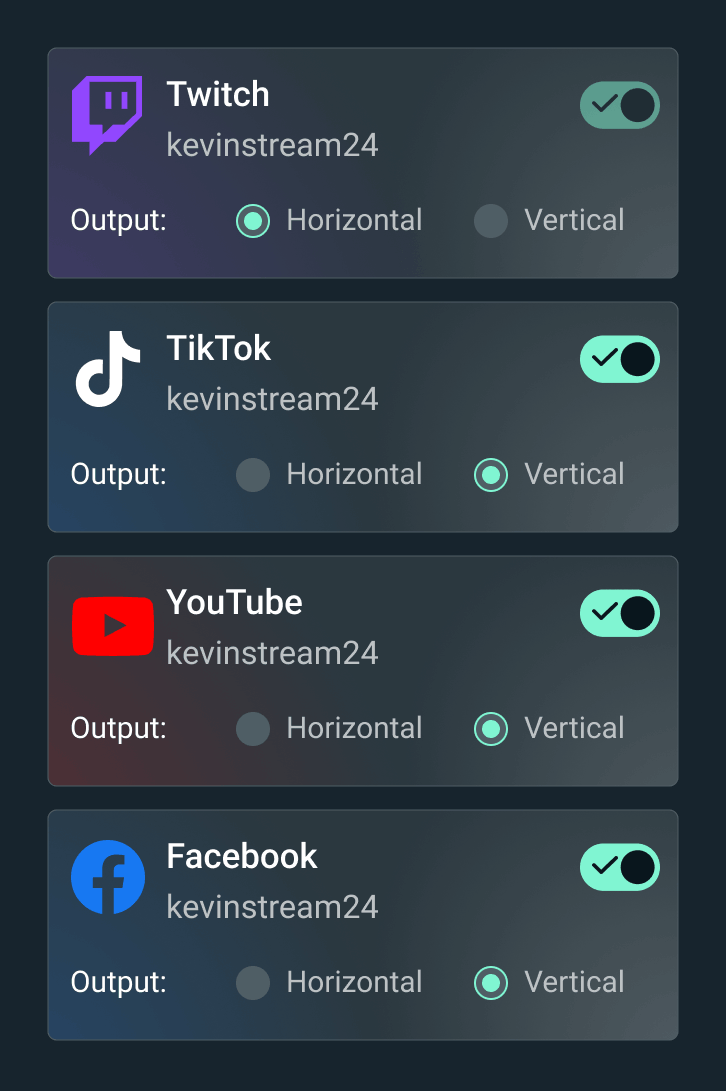
- Multistream to several destinations
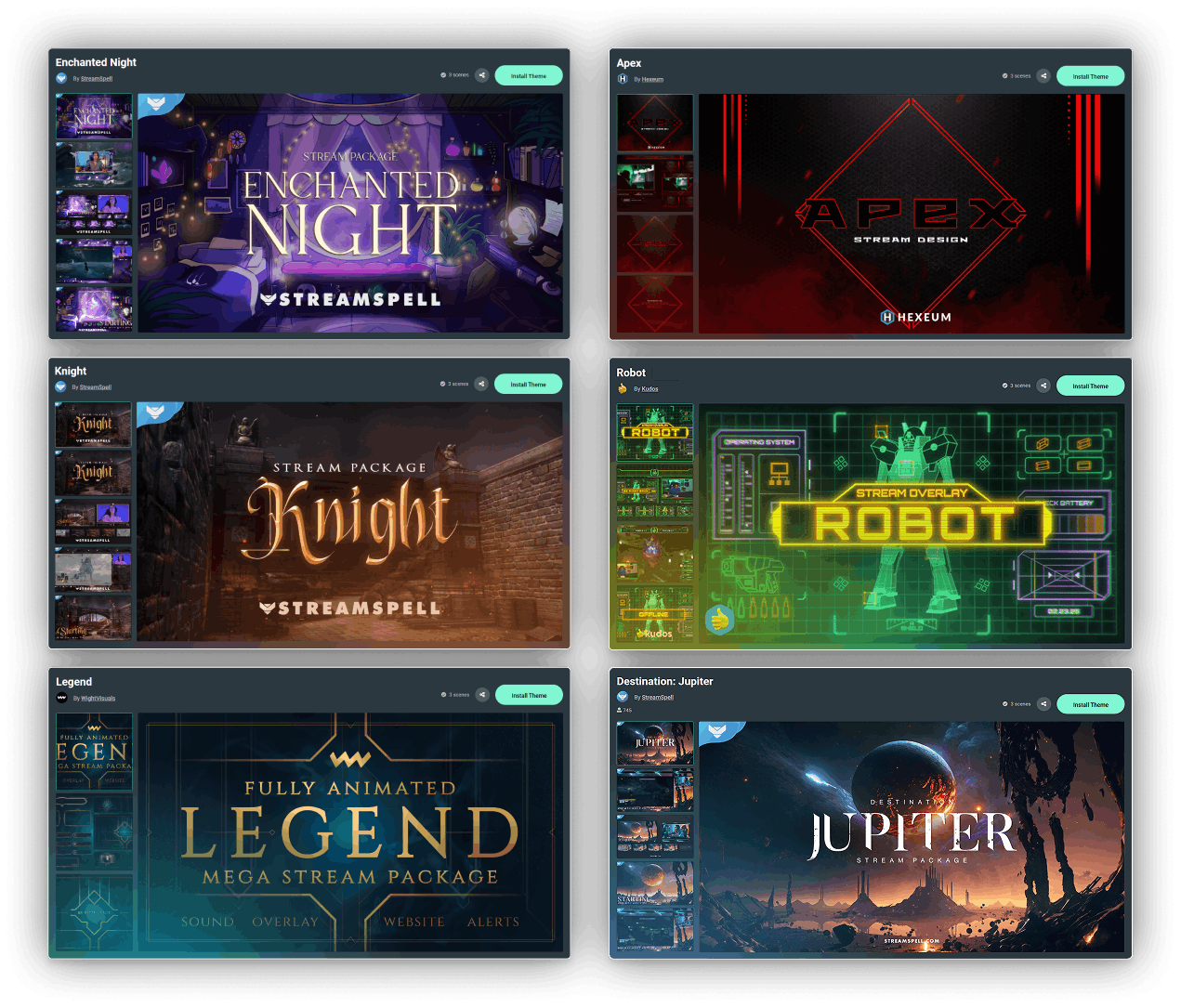
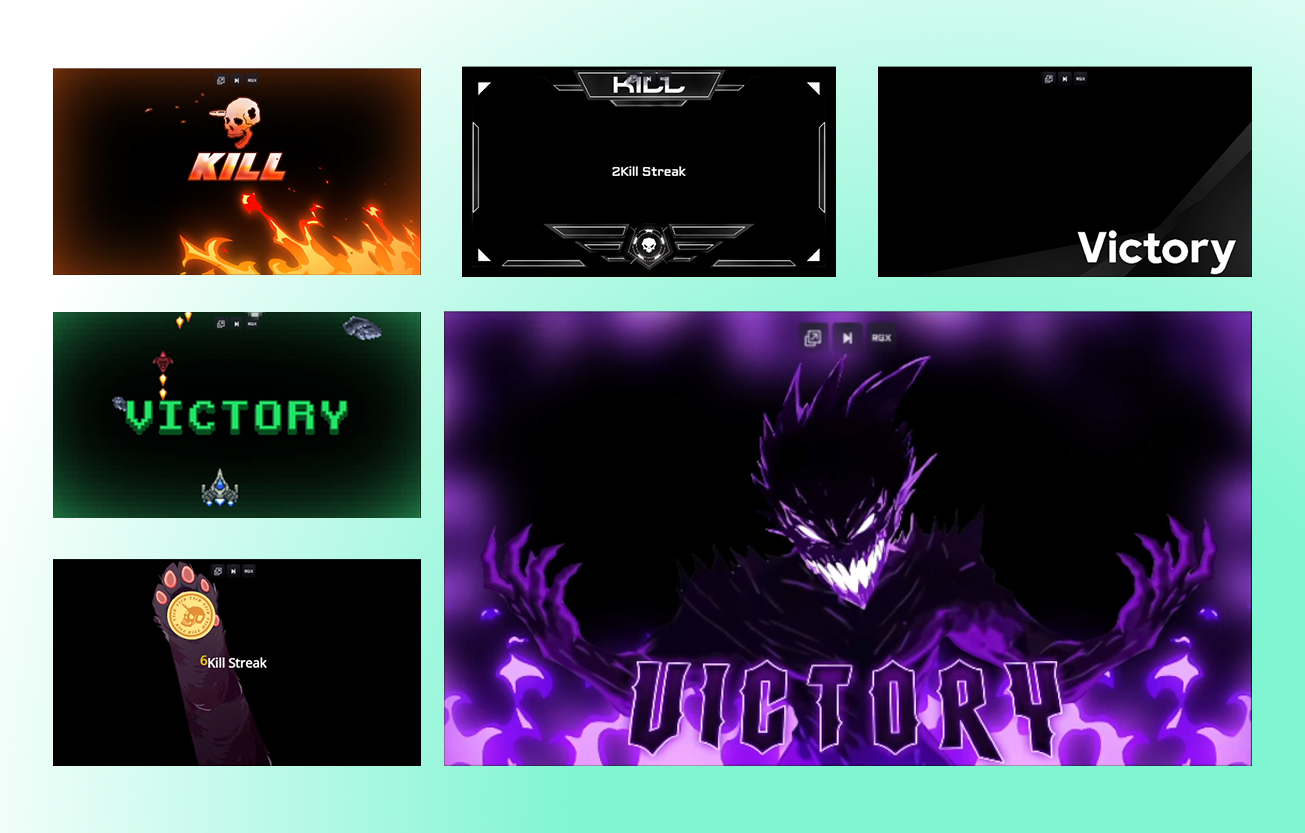
- Full access to thousands of stream overlays and widget themes including Reactive Overlays
- Customize your tip page
- Custom named Cloudbot
- Full Desktop App Store access with dozens of apps
- Best Merch Store profit marginsStreamlabs Console app for Xbox streaming
- Higher Intelligent Streaming Agent usage limitsStream Shift to switch devices mid-stream
- 10GB Cloud Storage
- Collab Cam for up to 11 guests or cameras
- Ultra tier support
- Pro features across the full suite

Ultra+
- Includes everything in Ultra, plus:
- One-on-one streamer success call
- Ultra+ dedicated support
- Semi-annual success check-in
- Dedicated Streamlabs contact
- Highest Intelligent Streaming Agent usage limits
- 5,000 Co-Host interactions/month
- 30 Automations
- 30GB Cloud Storage
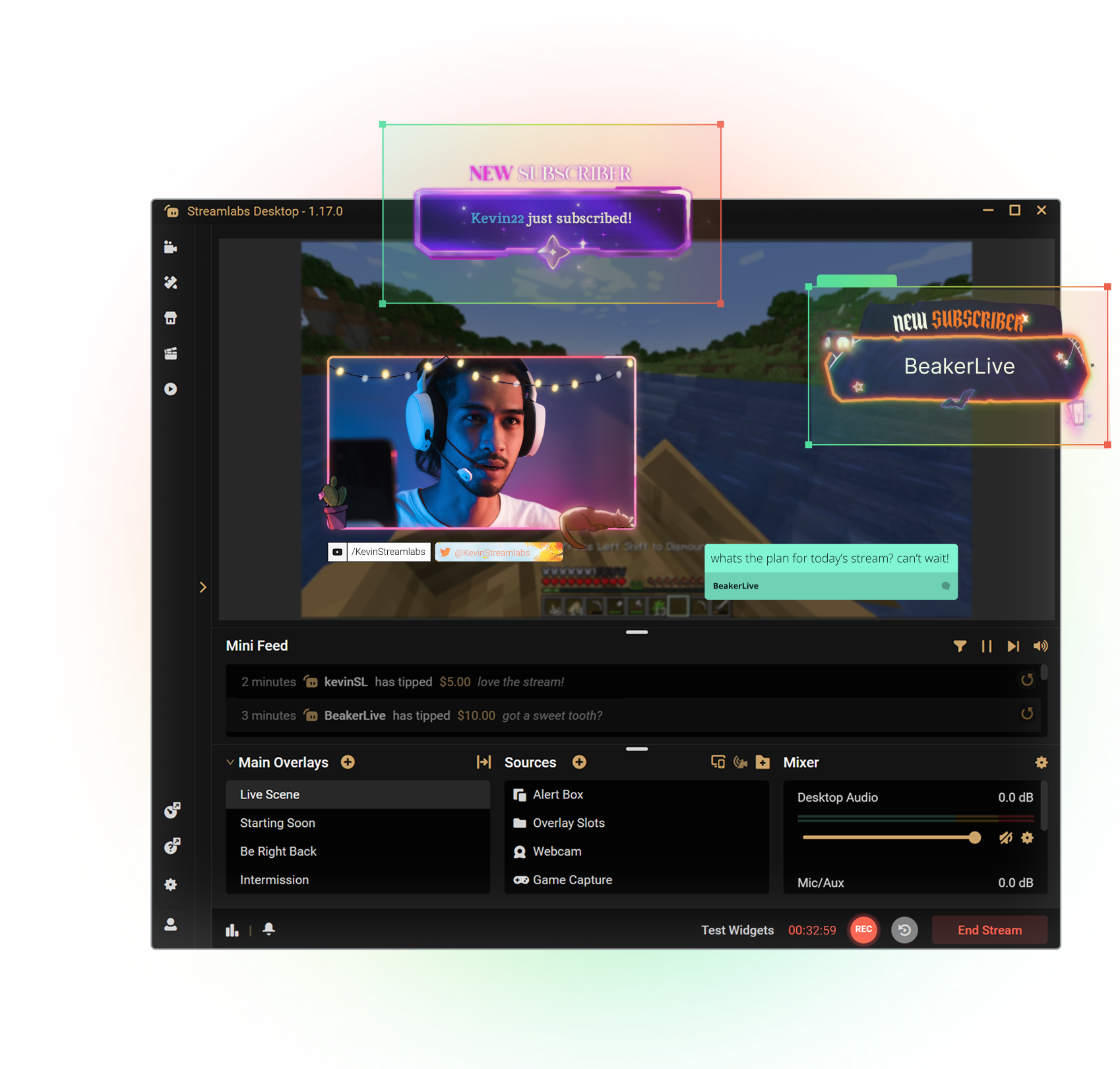
Get the most out of Streamlabs Desktop
With Ultra you unlock access to Multistream, the full overlay and widget theme library, the entire App Store, and more to boost your stream. All native within Streamlabs Desktop.
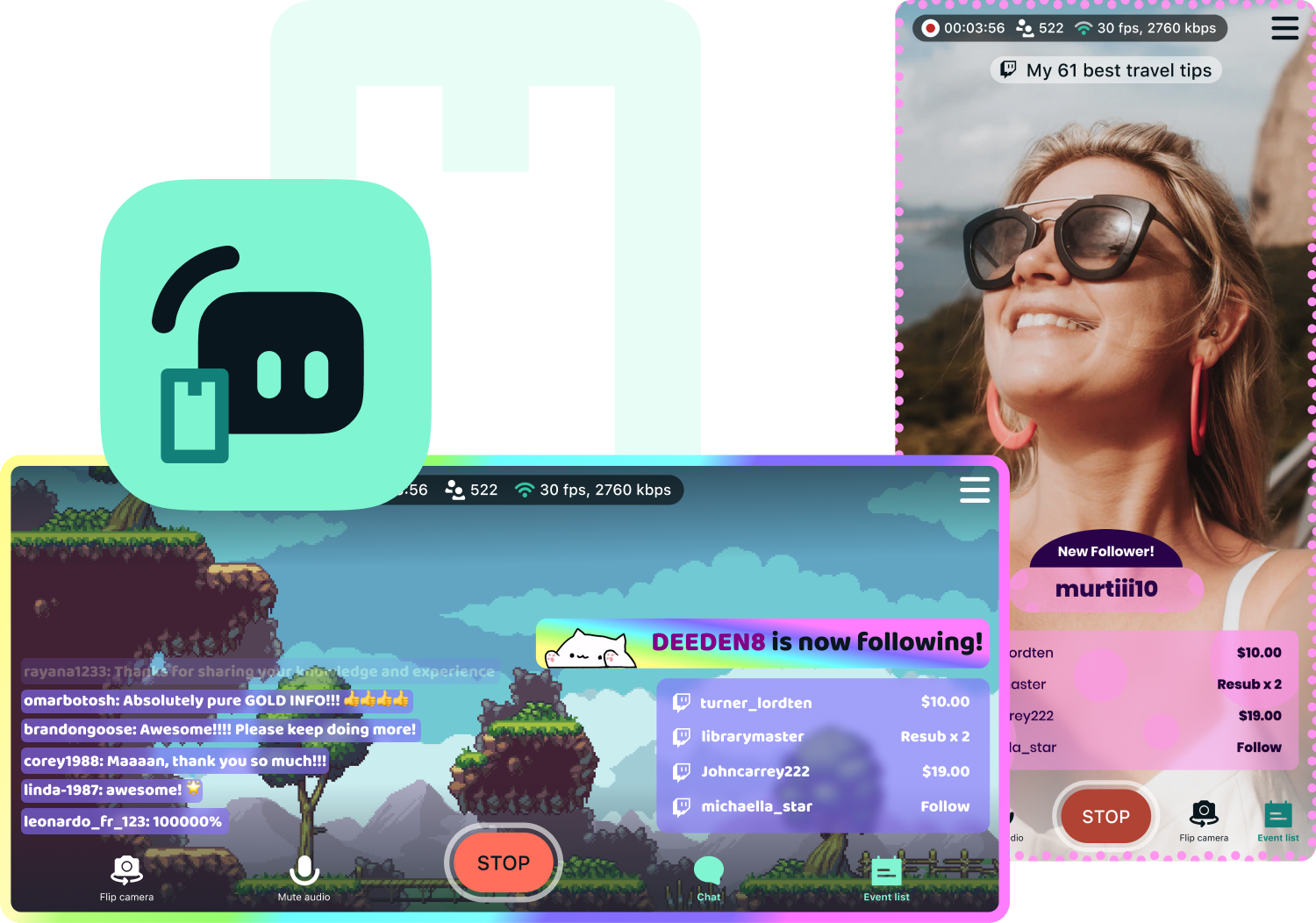
Access exclusive Streamlabs Mobile upgrades
Stream your games and camera from anywhere with disconnect protection and go live to all your platforms with multistream. Plus, switch between your phone and PC without losing viewers with Stream Shift and choose from dozens of mobile overlays to customize your stream.
Available for Android and iOS.
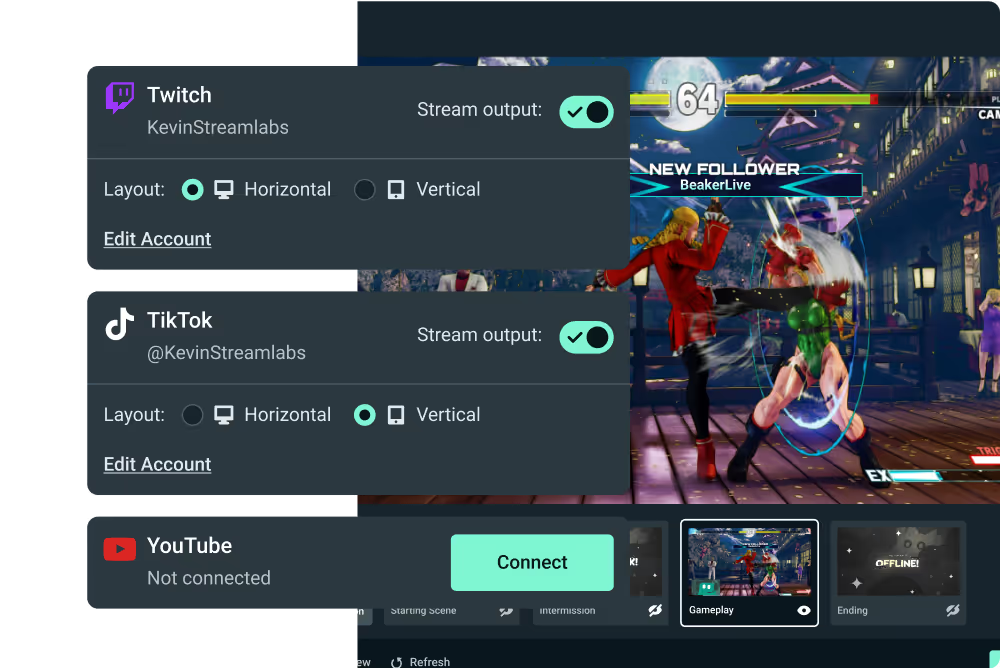
Go live from your Xbox with Streamlabs Console
Use Streamlabs Console to design your broadcast and multistream from Xbox to Twitch, YouTube, and more with no game capture card or PC required.
Tap into game events and automate your stream
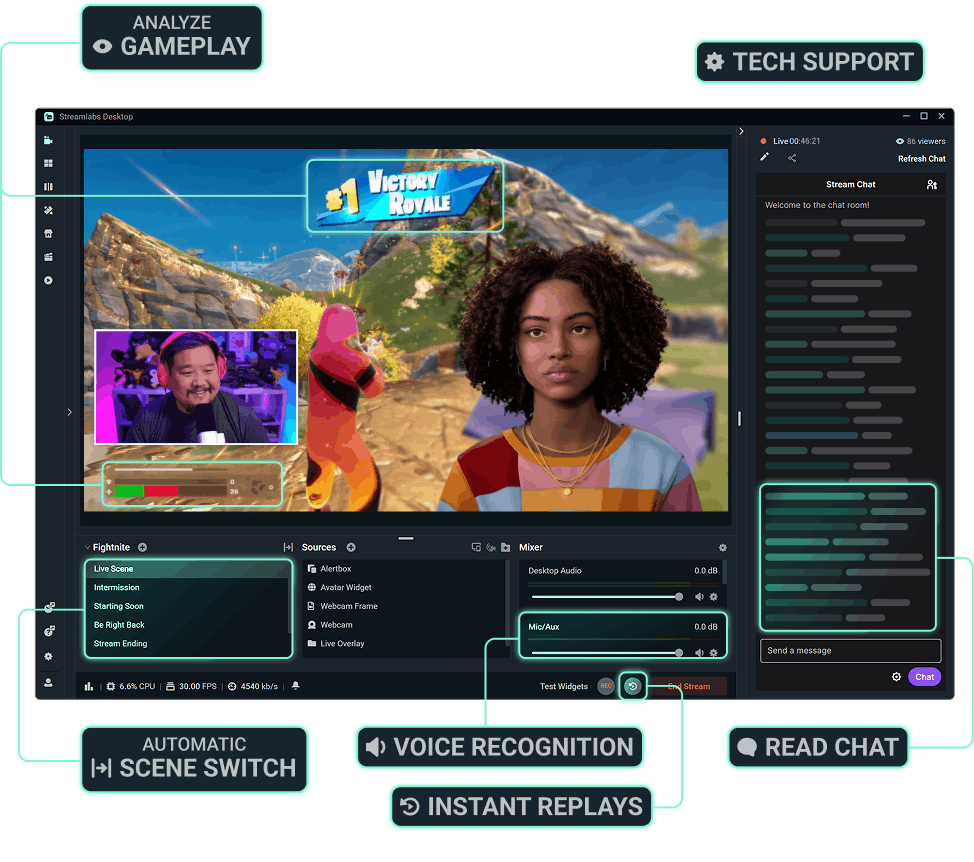
Streamlabs AI powered features are here to make your stream production better than ever before. Automatically enhance your broadcast based on real-time, in-game events. Get the most of Streamlabs AI with Ultra.



More perks with Ultra
Best profit margins on Merch
Pro tier on all creator tools
More Cloud Storage
Designated Ultra support

Streamlabs Ultra로 라이브 스트리밍, 브랜딩, 편집 등 모든 제작 과정을 한 단계 업그레이드하세요
Streamlabs Desktop, Mobile, Console, Talk Studio, Podcast Editor, Cross Clip 등 전체 제품군의 프리미엄 기능을 하나의 합리적인 가격으로 이용할 수 있습니다. 자세히 알아보기
Compare Ultra Plans
자주 묻는 질문
무료 및 Ultra 크리에이터 모두 Streamlabs ID가 있으면 한 번의 로그인으로 Streamlabs의 모든 제품(Streamlabs Desktop, Talk Studio, Cross Clip, Video Editor, Streamlabs Console, Web Suite 포함)에 액세스할 수 있습니다. Streamlabs 대시보드의 오른쪽 상단에 있는 제품 메뉴에서 Streamlabs의 다양한 앱으로 쉽게 이동할 수 있습니다.
Streamlabs Ultra는 크리에이터를 위한 프로급 도구 모음으로, Streamlabs Desktop, Talk Studio Pro, Cross Clip Pro, Video Editor Pro, Web Suite 및 Streamlabs Console의 프리미엄 기능을 하나의 간단한 요금제로 결합한 제품입니다.
콘텐츠가 넘쳐나는 오늘날의 환경에서는 크리에이터가 다양한 플랫폼에서 강력한 존재감을 드러내는 것이 그 어느 때보다 중요합니다. 하지만 시간이 많지 않으면 다른 콘텐츠보다 눈에 띄는 고품질의 숏폼 및 롱폼 콘텐츠를 제작하기 어렵죠. Streamlabs Ultra는 콘텐츠 크리에이터가 열정을 한 단계 더 끌어올릴 수 있도록 설계된 프로급의 종합적인 도구 모음입니다.
Ultra는 멀티 스트리밍, 여러 게스트 또는 카메라, 워터마크 없는 고품질 녹화 및 클립 편집, 완전히 사용자 지정 가능한 브랜딩 및 수익 창출 도구 등을 제공합니다. 간편한 크로스 플랫폼 프로모션, 커뮤니티 관리, 상위 계층의 수익 창출 도구를 통해 도달 범위와 수익 잠재력을 극대화할 수 있습니다. 지금 바로 잠재력을 발휘하고 Streamlabs Ultra가 어떤 도움을 줄 수 있는지 알아보세요!
아니요, 누구나 무료 버전의 Streamlabs Desktop, Mobile 및 Web Suite와 Video Editor 및 Cross Clip에 액세스할 수 있습니다. 주요 플랫폼으로 라이브 스트리밍하고, 클립 및 비디오를 편집하고, 무료 툴을 사용하여 올인원 링크를 받을 수 있습니다. Streamlabs ID를 사용하면 한 번의 간단한 로그인으로 모든 도구에 쉽게 액세스할 수 있습니다.
Streamlabs ID는 하나의 간단한 로그인으로 Streamlabs Desktop, OBS용 플러그인, Talk Studio, Cross Clip, Video Editor, Streamlabs Console, Streamlabs Mobile, Streamlabs Web Suite에 액세스할 수 있는 계정입니다. 현재 계정에 영향을 미치지 않고 Streamlabs 대시보드에서 Streamlabs ID를 설정할 수 있습니다. Ultra 구독이 있는 경우, 모든 앱에서 프로 혜택을 누리려면 Streamlabs ID가 필요합니다. Streamlabs ID를 설정하는 방법을 알아보세요.
Streamlabs Starter와 Ultra 둘 다 데스크톱에서 모바일, 브라우저까지 다양한 장치에서 사용할 수 있는 도구를 제공합니다. Ultra를 사용하면 Xbox 스트리밍을 위한 Streamlabs Console과 브라우저 기반 스트리밍을 위한 Talk Studio도 이용할 수 있습니다.
사용자는 Streamlabs Desktop, Cross Clip, Video Editor, Web Suite 무료 버전을 포함한 Streamlabs의 무료 제품군을 계속 이용할 수 있습니다.
언제든지 여기에서 Streamlabs Ultra로 업그레이드할 수 있습니다.
Streamlabs는 Talk Studio, Cross Clip, Video Editor, Streamlabs Console에 대한 단품 구독 옵션을 제공합니다. 두 개 이상의 도구를 사용하는 경우 Streamlabs Ultra를 구독하는 것이 가장 가성비가 좋습니다.
크리에이터가 중심이 된 오늘날의 세상에서 크리에이터는 하나의 콘텐츠 유형이나 플랫폼에 얽매이지 않습니다. 실제로 많은 크리에이터들이 새로운 형식과 배포 채널을 실험하면서 콘텐츠를 다양화하고 잠재 고객을 늘리고 있습니다. 그렇기 때문에 당사는 기존의 라이브 스트리밍 도구를 넘어 모든 유형의 크리에이터를 위한 모음을 구축합니다. Ultra는 다양한 플랫폼에서 멋진 콘텐츠를 제작하는 데 필요한 모든 것을 선사합니다.
절대 아닙니다. 라이브 스트리밍은 Streamlabs의 핵심이자 영혼입니다. 앞으로도 계속해서 라이브 스트리밍을 위한 업계 최고의 도구를 구축할 것입니다. Streamlabs Desktop과 Mobile은 지속적으로 개선되고 새로운 기능이 추가되고 있습니다. 하지만 저희는 Ultra가 현대 크리에이터에게 꼭 필요한 솔루션이라고 생각하며, 이를 커뮤니티에 제공하게 되어 매우 기쁘게 생각합니다.