
스트리밍이 한결 쉬워졌습니다. 단 몇 분 만에 시작하세요!
Streamlabs Desktop은 알림, 오버레이, 위젯, 수익화 기능이 내장된 최고의 올인원 라이브 스트리밍 및 녹화 앱으로, 복잡한 설정 없이도 전문가 수준의 커스터마이징이 가능합니다.
스트리밍에 필요한 모든 것을 무료 이용
Streamlabs Desktop에는 알림, 오버레이, 위젯, 커스텀 장면 등 라이브 스트리밍 및 동영상 녹화에 필요한 모든 기능이 무료로 제공됩니다.
고화질 영상과 음향에 최적화되어 있어, 웹캠, 게임 화면, 데스크톱 화면, 마이크를 한 곳에서 모두 캡처할 수 있습니다. Ultra 구독 시 추가 기능을 이용할 수 있습니다.

여러 플랫폼에 동시에 라이브 방송하기
멀티스트리밍을 통해 YouTube, Twitch, Kick 등 더 많은 플랫폼의 시청자들에게 다가갈 수 있습니다. 또한 Dual Output 기능을 통해 세로 및 가로 화면을 동시에 스트리밍할 수 있습니다. 각 형식당 하나가 무료로 제공되며, 규모가 커짐에 따라 Ultra 요금제를 통해 확장된 멀티 스트리밍 기능을 이용할 수 있습니다.
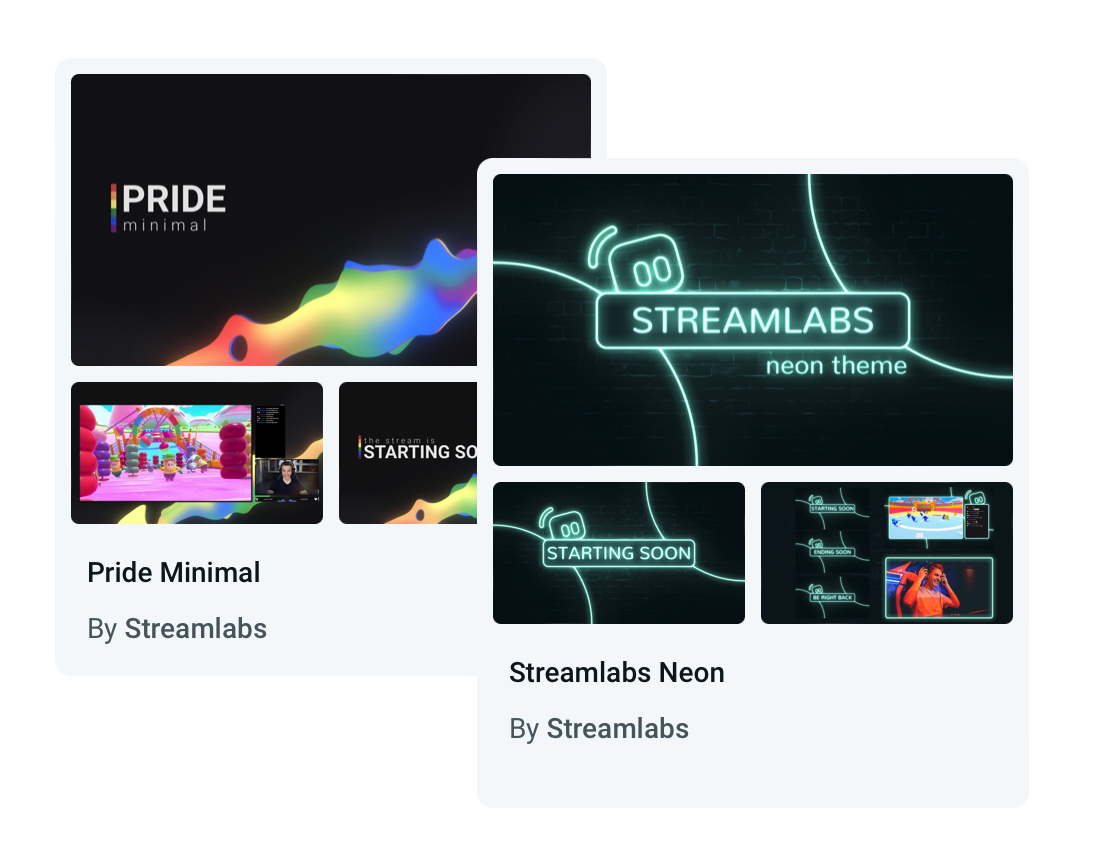
눈에 띄는 스트림을 디자인하세요
프로가 디자인한 수백 가지의 아름다운 오버레이와 위젯 테마를 무료로 이용해보세요. 캐주얼한 느낌부터 모던한 느낌, 센 느낌까지 나의 개성과 브랜드에 맞는 디자인을 찾아보세요.
좀 더 역동적인 걸 원하시나요? Streamlabs AI가 지원하는 반응형 오버레이는 게임 플레이 상황에 실시간으로 반응하여 스트리밍에 생동감을 더합니다.
내 마음대로 작업
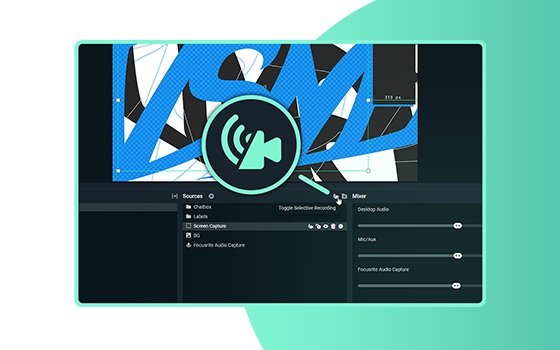
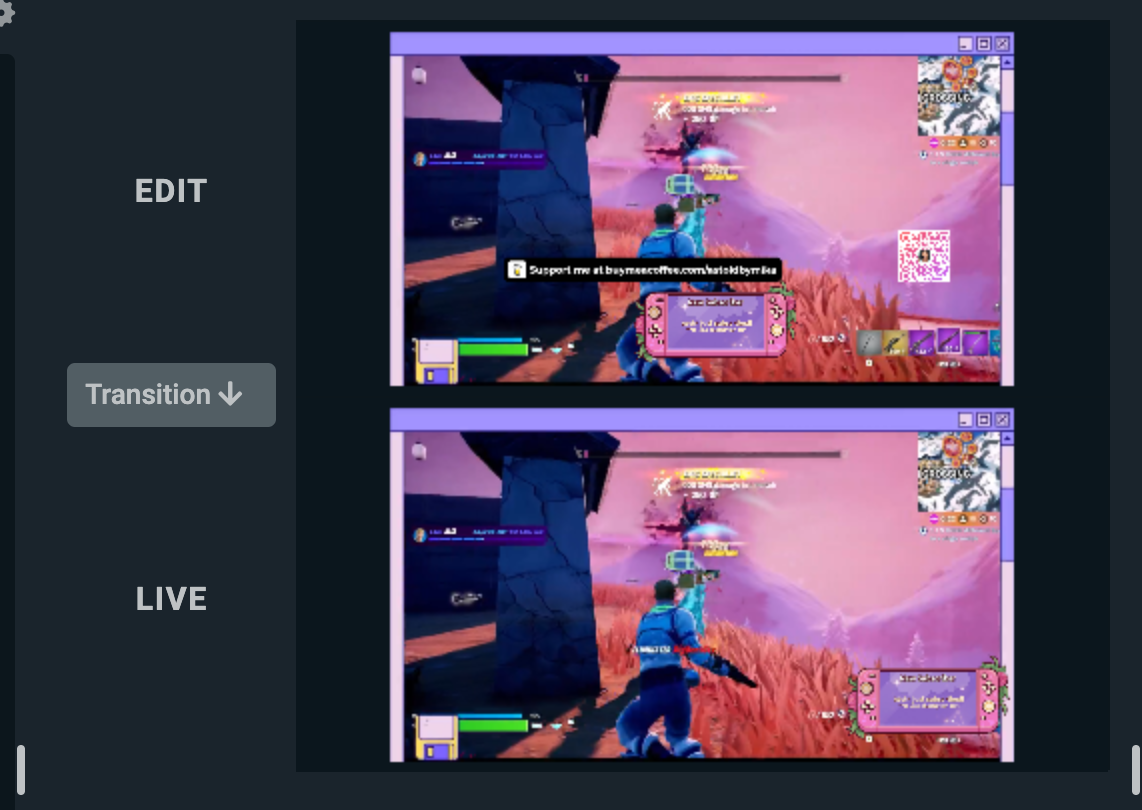
레이아웃 편집기를 사용하면 비디오, 오디오, 채팅, 최근 이벤트로 Streamlabs Desktop 레이아웃을 원하는 대로 설정할 수 있습니다.

커스텀 알림 설정
궁극의 소통을 위한 동적 알림을 설정해보세요. 새로운 팔로워, 구독자, 팁, 응원, 호스트, 자선 도네이션 등에 대한 알림을 설정할 수 있습니다.
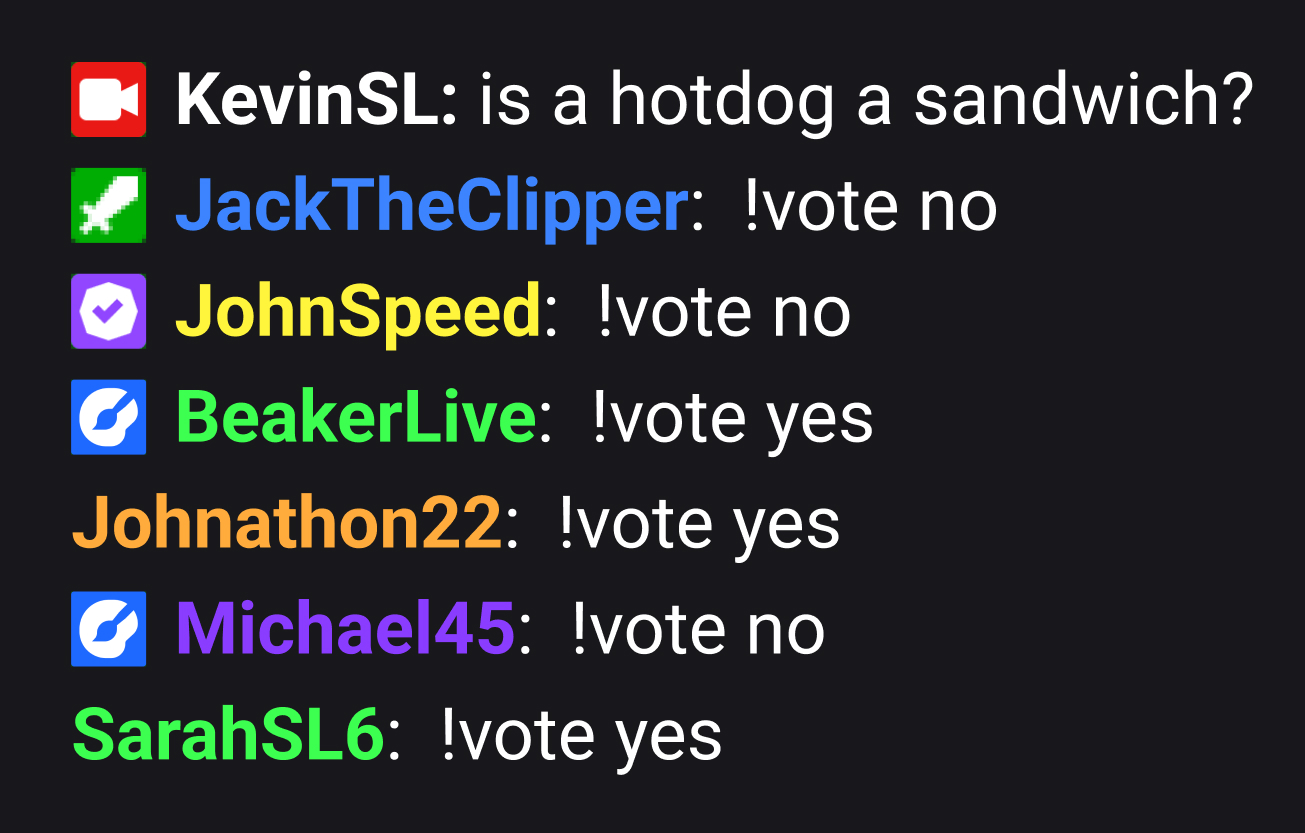
재미있는 위젯으로 참여율 높이기
완전한 커스텀이 가능한 팁 트래커, 투표, 상호형 게임, 팔로워/구독 목표, 채팅 오버레이 등 시청자와 함께 즐거운 시간을 보낼 수 있습니다.
게임 펄스와 같은 위젯은 게임 이벤트에 반응하여 사용자를 대신해 관객의 참여를 유도할 수도 있습니다.
Cloudbot은 당신의 새로운 베스트 프렌트
무료 챗봇이 엔터테인먼트와 모더레이션 기능을 제공하며 트롤로부터 채팅을 보호합니다. 재미있는 게임과 커스텀 명령어 등 시청자를 늘리는 데 도움이 되는 다양한 기능 또한 제공됩니다.
바로바로 하이라이트 기록 및 포스트 가능
리플레이 영상에서 YouTube, TikTok, Reels 등 다양한 플랫폼에 사용할 하이라이트 영상을 간편하게 편집하고 제작하세요.
무료 AI Highlighter는 최고의 게임 플레이 장면을 자동으로 캡처하여 몇 초 만에 편집하고 소셜 미디어에 공유할 수 있게 해줍니다. Fortnite, League of Legends, Battlefield 6 등 10여 종 이상의 게임을 지원합니다!
협업과 제어
사람들을 스트림에 초대하고 어디서든 모든 것을 간편하게 관리하세요.
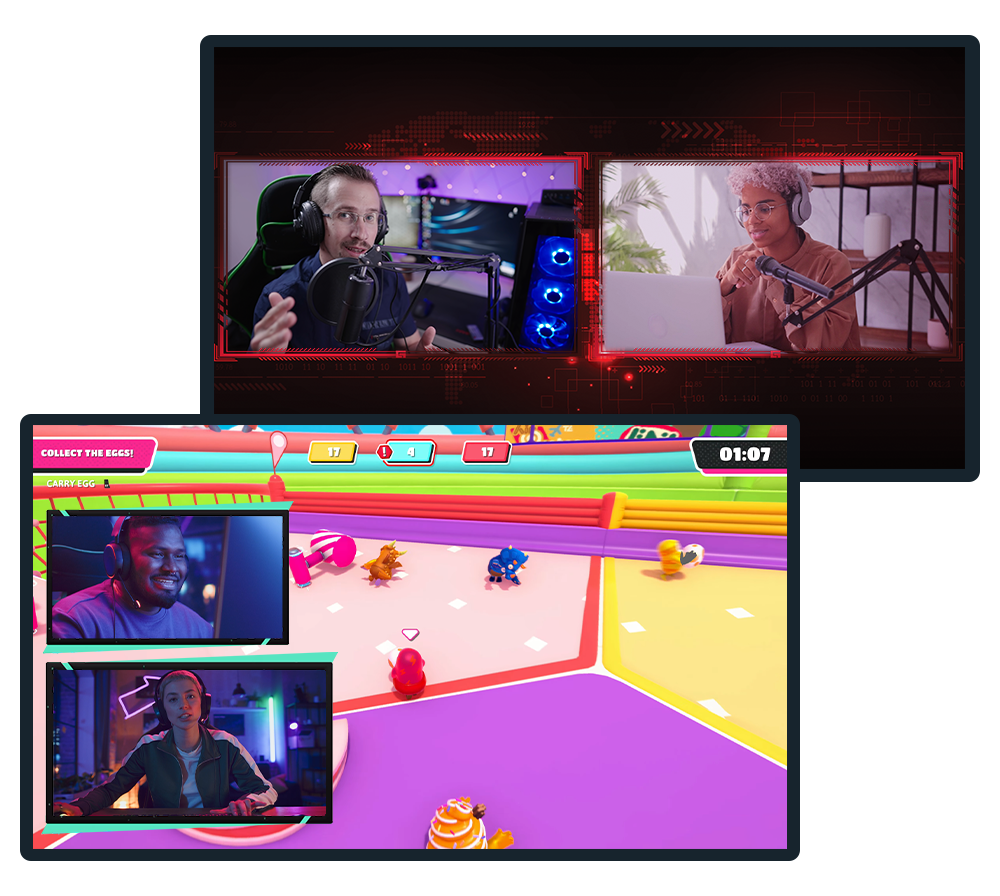
Collab Cam
협업을 통해 스트리밍을 발전시키고, Twitch, YouTube, Kick 등 다양한 플랫폼의 스트리밍이나 녹화 영상에 게스트를 초대하세요.
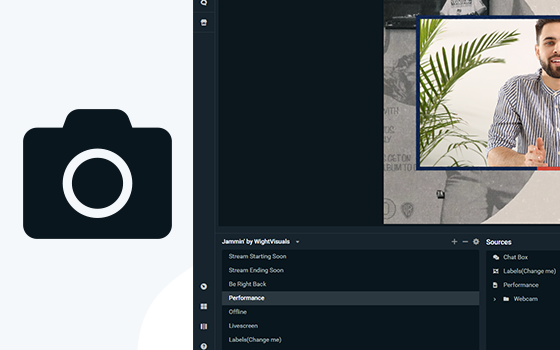
가상 웹캠
장면을 웹캠 소스로 설정하고, Zoom과 같은 화상 회의 앱에서 바로 스트림 레이아웃을 활용하세요.
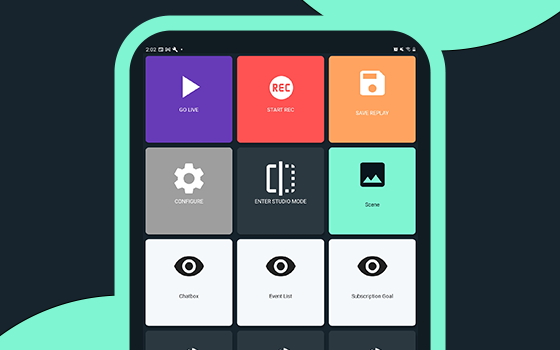
컨트롤러 앱
모바일 장치만 사용하여 Streamlabs Desktop에서 스트리밍을 제어할 수 있습니다. Android 및 iOS에서 이용 가능합니다.
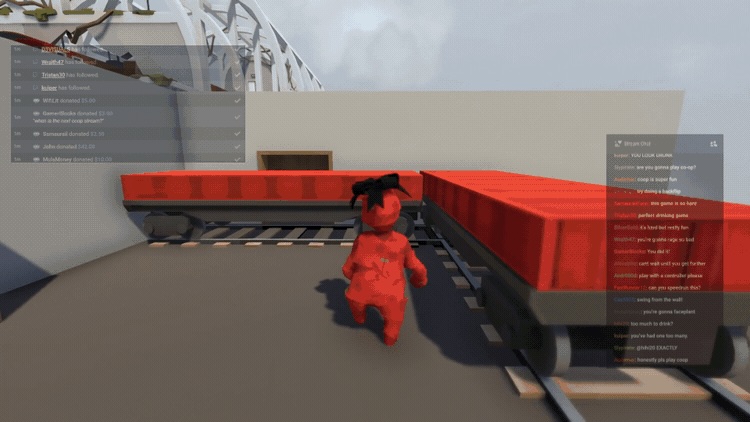
게임 오버레이
게임 화면 위에 채팅과 스트리밍 이벤트를 바로 표시하여, 창을 전환하지 않고도 시청자들과 손쉽게 소통할 수 있습니다.
Intelligent Streaming Agent
여러분이 창작에 전념할 수 있도록, 공동 진행자, 라이브 프로듀서 그리고 기술 도우미가 되어 함께합니다. NVIDIA와 Inworld의 기술을 이용하여 사실적인 아바타와 실시간 인텔리전스를 구현했습니다.
스트리밍 중에 끊김 없이 장치 전환
Stream Shift로 스트리밍을 중단하지 않고 장치를 전환하세요!
PC에서 시작한 다음 시청자를 잃거나 VOD를 분할하지 않고도 노트북으로 이동하거나 모바일로 전환할 수 있습니다. 하나의 연속 세션으로 중단 없이 진행하세요.
Sponsorships으로 스트리밍 지불 받기
Streamlabs Desktop에서 직접 스폰서십 기회를 확인하고, 시청자층을 확대해 나가며 콘텐츠를 통해 수익을 창출해 보세요. 규모에 상관없이 모든 스트리머가 이용 가능합니다!
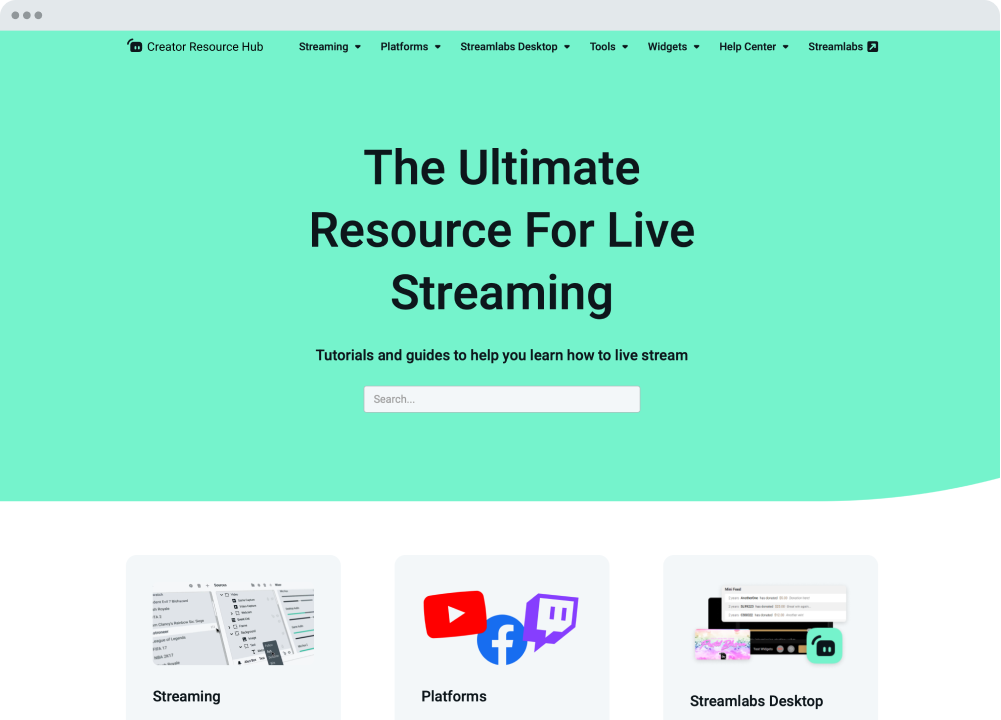
여러분을 도와드리겠습니다
Streamlabs 대학 및 크리에이터 리소스 허브는 방송을 시작하고 한 차원 성장할 수 있도록 단계별 튜토리얼, 비디오 등을 제공합니다. 연중무휴 24시간 지원팀이 Discord 또는 이메일을 통해 모든 질문에 답변해드립니다.
생태계 및 워크플로
콘텐츠 제작과 관리를 더 쉽게 만들어 주는 도구 및 연동 기능.
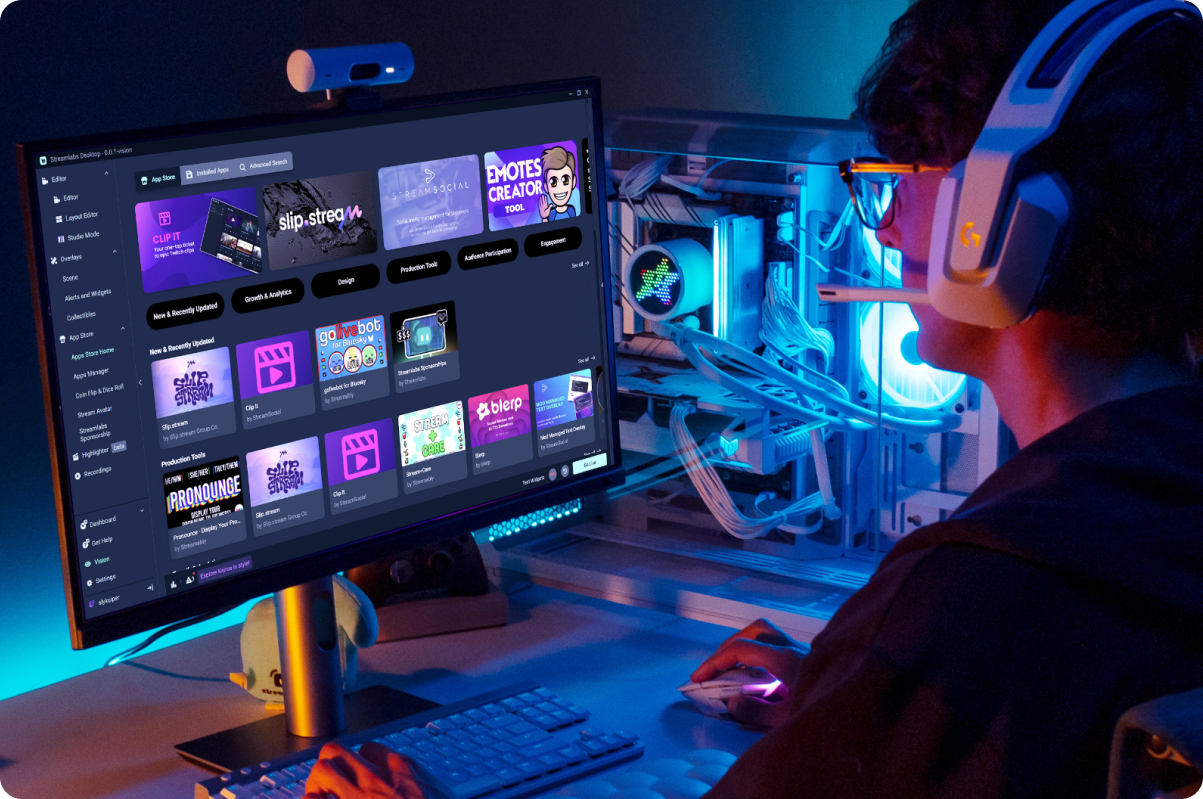
앱 스토어
점점 더 풍부해지는 앱 라이브러리를 활용하여 Streamlabs Desktop이 여러분과 여러분의 스트리밍에 제공할 수 있는 기능을 확장해 보세요.
매끄러운 Creator 워크플로
크리에이터의 전체 작업 흐름을 효율적으로 관리할 수 있도록 설계된 Streamlabs 도구를 활용해 더 빠르게 녹화하고, 편집하고, 콘텐츠를 제작하세요.
클라우드 백업
설정을 클라우드에 안전하게 백업해 두면 언제든지 스트리밍 설정을 복원할 수 있습니다.
G Hub 통합
호환되는 Logitech 장비의 G 키와 F 키를 매핑하여 Streamlabs Desktop에서 동작을 실행하세요.
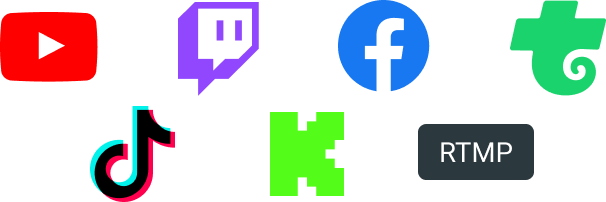
Twitch, YouTube, Kick 등 시청자들이 시청하는 곳이라면 어디든 스트리밍하세요.

자주 묻는 질문
A Streamlabs account is not required if you are using Streamlabs Desktop for recording only. However, signing in allows you to access features like alerts, widgets, cloud backups, and integrations.
You can use Streamlabs tools like alerts, widgets, overlays, and tipping with OBS through Streamlabs Plugin for OBS. This plugin allows you to add your favorite Streamlabs features directly to your OBS setup.
Your bitrate and encoder settings depend on your internet speed and the platform you’re streaming to. Most creators stream at 4500–6000 kbps using hardware encoders like NVENC or AMF when available. Check out our blog to learn more about bitrate settings when live streaming.
Yes! With multistreaming, you can broadcast your stream to multiple platforms at the same time while using other Streamlabs Desktop features and customizations. You can go live to one horizontal and one vertical output for free with Dual output or explore expanded multistreaming features with Streamlabs Ultra. Our multistream feature operates on our servers, saving your PC’s resources.
Streamlabs Desktop supports popular platforms like Twitch, YouTube, Kick, TikTok, X (Twitter), Trovo, Facebook, and Instagram via native integrations. Plus many others through custom RTMP connections.
Streamlabs Desktop runs on Windows and macOS and requires a computer capable of real-time video encoding.
Minimum Requirements
Operating System: Either Windows 10 or Mac OS 12 and higher.
RAM: 8GB
Recommended Requirements
Operating System: Either Windows 10 or Mac OS 13 and higher
CPU:
- Intel® Core™ i5 or higher (11th or 12th gen)
- AMD Ryzen 5000 series or higher
GPU:
RAM: 16GB+
Storage: 512GB SSD or more
Internet: Ethernet connection. Also review what upload speeds you need for live streaming (3.6 Mbps or better for 720p at 30 fps for most platforms) and our tips on bitrate settings.
No. Streamlabs Desktop does not add watermarks or impose time limits on local recordings. You can record your content freely using the built-in recording tools.
OBS is a powerful open-source streaming tool that lets creators build their setup from scratch. Streamlabs Desktop, built on top of OBS, is also open-source and offers an easy setup with built-in alerts, overlays, widgets, and other creator-focused features designed to simplify streaming.
Streamlabs Desktop is a free streaming software that helps creators capture, customize, and broadcast their live stream content to their preferred platforms. It’s designed for streamers, gamers, and creators who want powerful tools to go live, record content, and engage their audience.
Click go live
Yes
Get Streamlabs
- go live in minutes!
Streamlabs Desktop은 OBS 엔진을 기반으로 구축되었습니다. OBS 프로젝트에 기여한 Jim과 개발자들에게 감사 인사를 전하고 싶습니다. 그들의 수년간의 노력이 없었다면 Streamlabs Desktop 역시 가능하지 않았을 겁니다. 정말 사랑하고 감사합니다.