

All the tools for a pro-level live stream
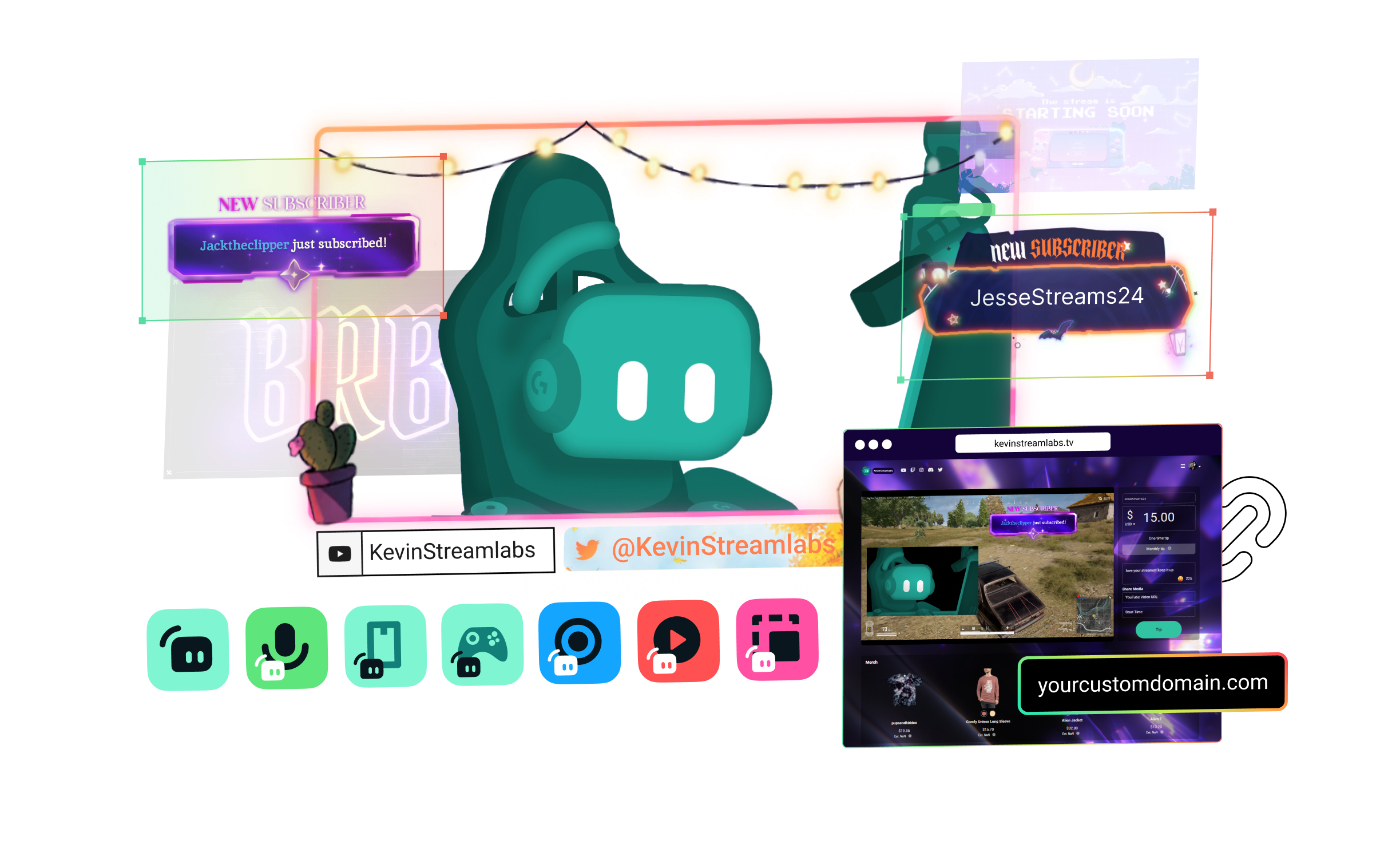
Streamlabs Ultra includes a number of features to take your broadcast to the next level including Multistreaming, Reactive Overlays, Scene Automations, and so much more.


Compare plans
Free
- Free plan includes:
- Stream from your PC, laptop, or phone to popular platforms
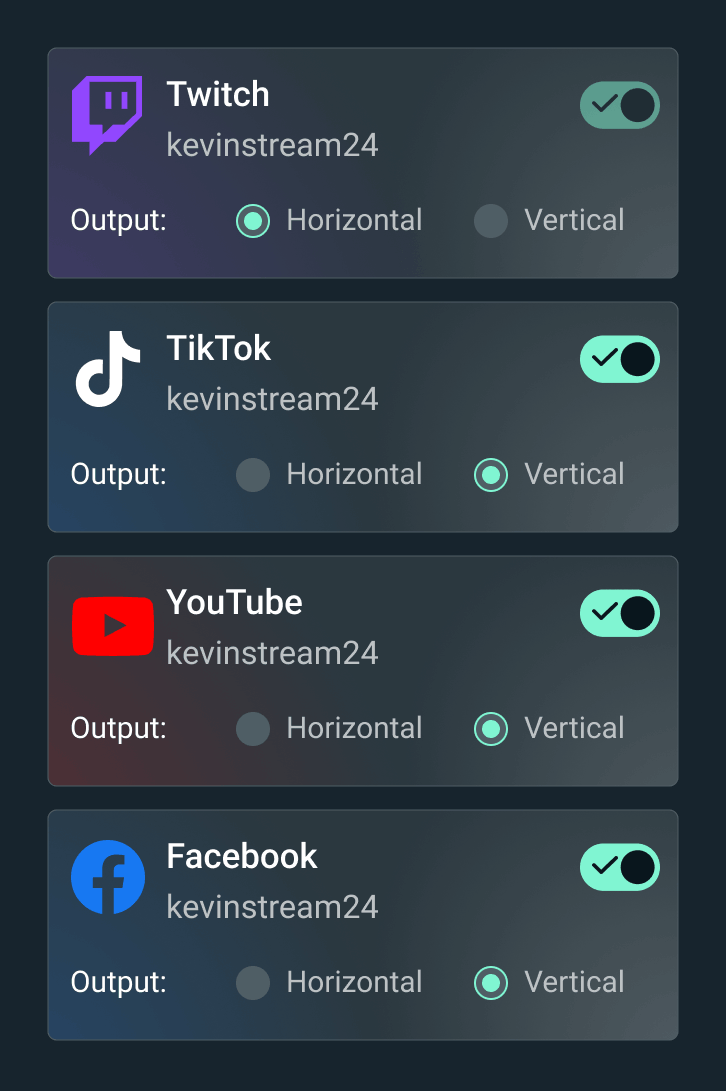
- Stream to one vertical and one horizontal output with Dual Output
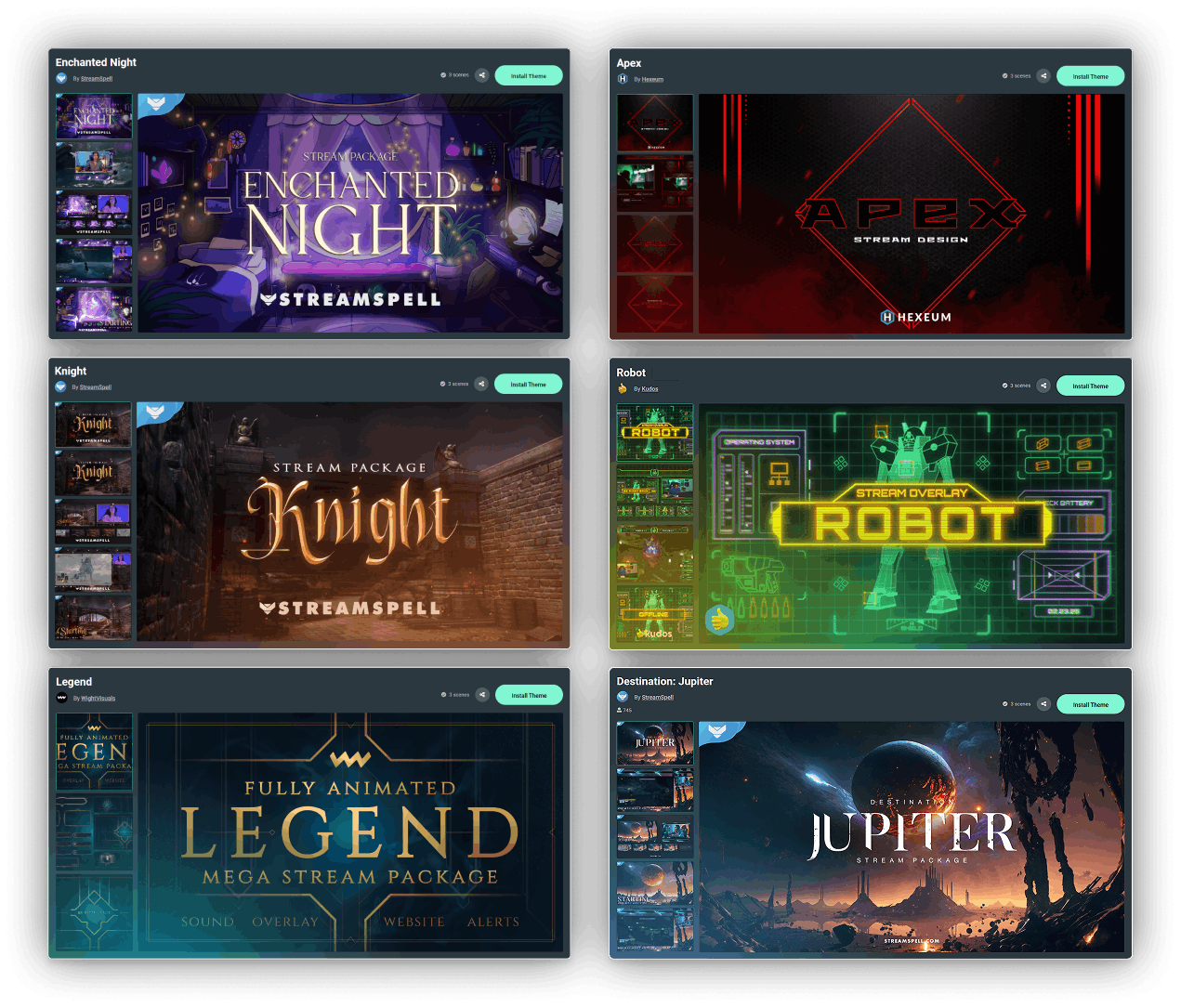
- Hundreds of free stream overlays and widget themes
- Dozens of stream widgets including Alert Box, Chat Box, and more
- Tipping - Personal tip page with no fees from us
- Cloudbot with built-in chat moderation and interaction
- Limited free Desktop apps from App Store
- Design and sell with Merch Store
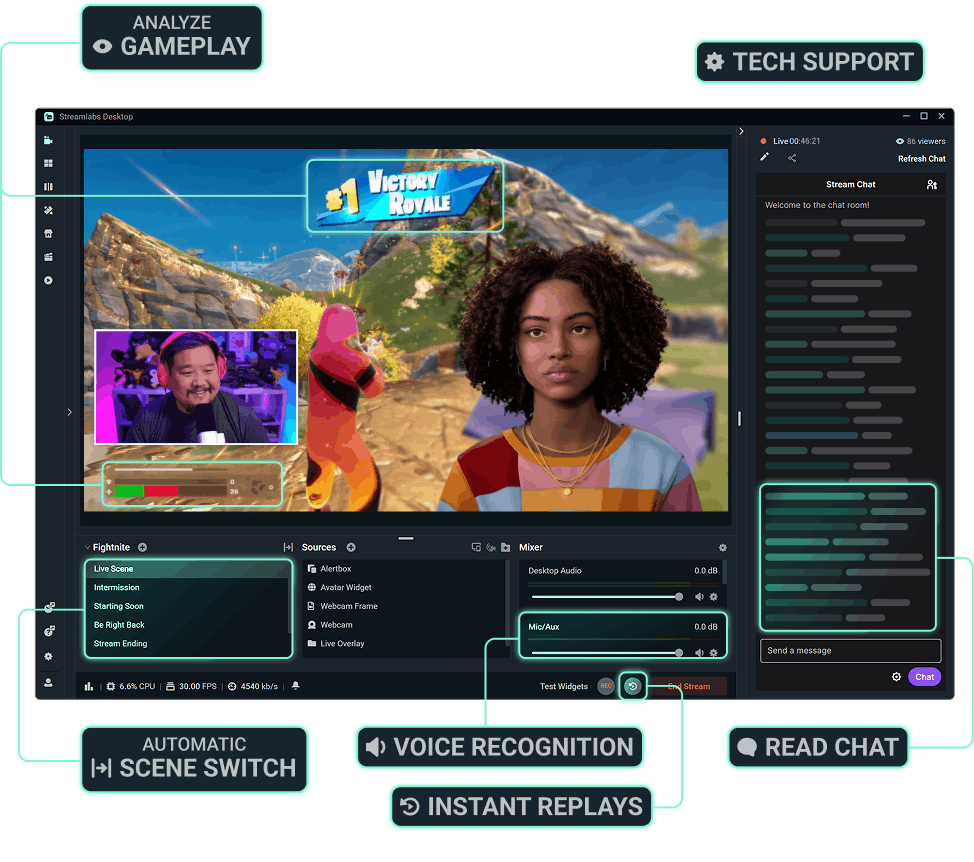
- Intelligent Streaming Agent with Automations, Co-Host, and more
- 1GB Cloud Storage
- Collab Cam for one guest or camera
- Streamer and creator apps

Ultra
- Includes everything in free, plus:
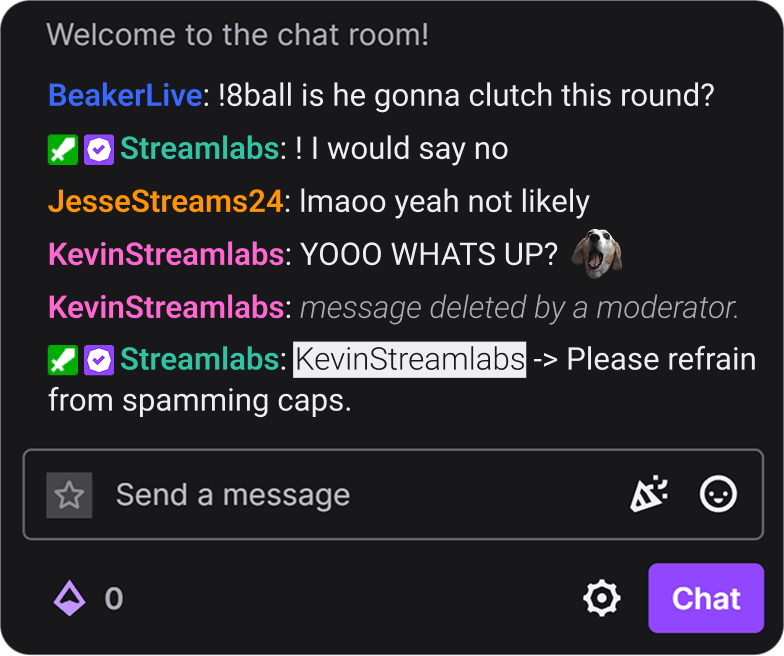
- Multistream to several destinations
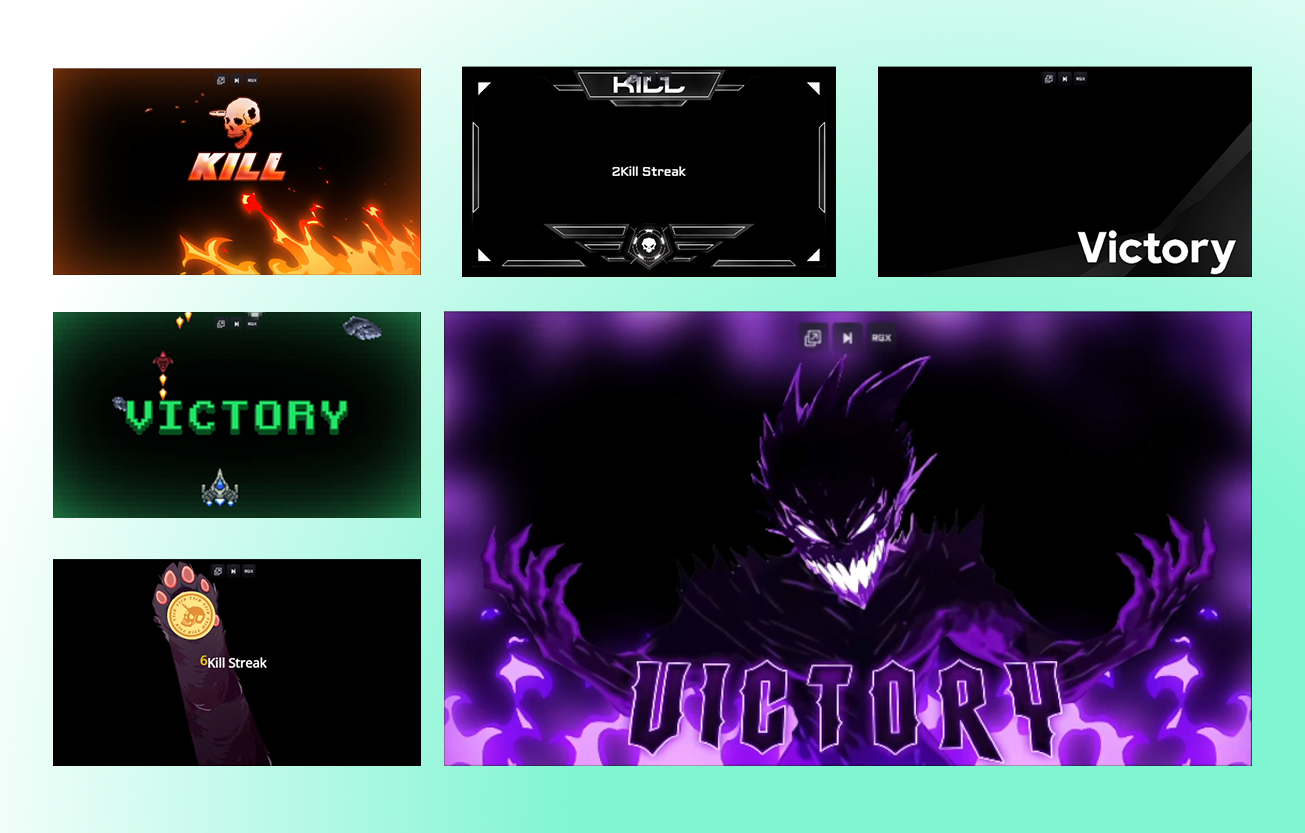
- Full access to thousands of stream overlays and widget themes including Reactive Overlays
- Customize your tip page
- Custom named Cloudbot
- Full Desktop App Store access with dozens of apps
- Best Merch Store profit marginsStreamlabs Console app for Xbox streaming
- Higher Intelligent Streaming Agent usage limitsStream Shift to switch devices mid-stream
- 10GB Cloud Storage
- Collab Cam for up to 11 guests or cameras
- Ultra tier support
- Pro features across the full suite

Ultra+
- Includes everything in Ultra, plus:
- One-on-one streamer success call
- Ultra+ dedicated support
- Semi-annual success check-in
- Dedicated Streamlabs contact
- Highest Intelligent Streaming Agent usage limits
- 5,000 Co-Host interactions/month
- 30 Automations
- 30GB Cloud Storage
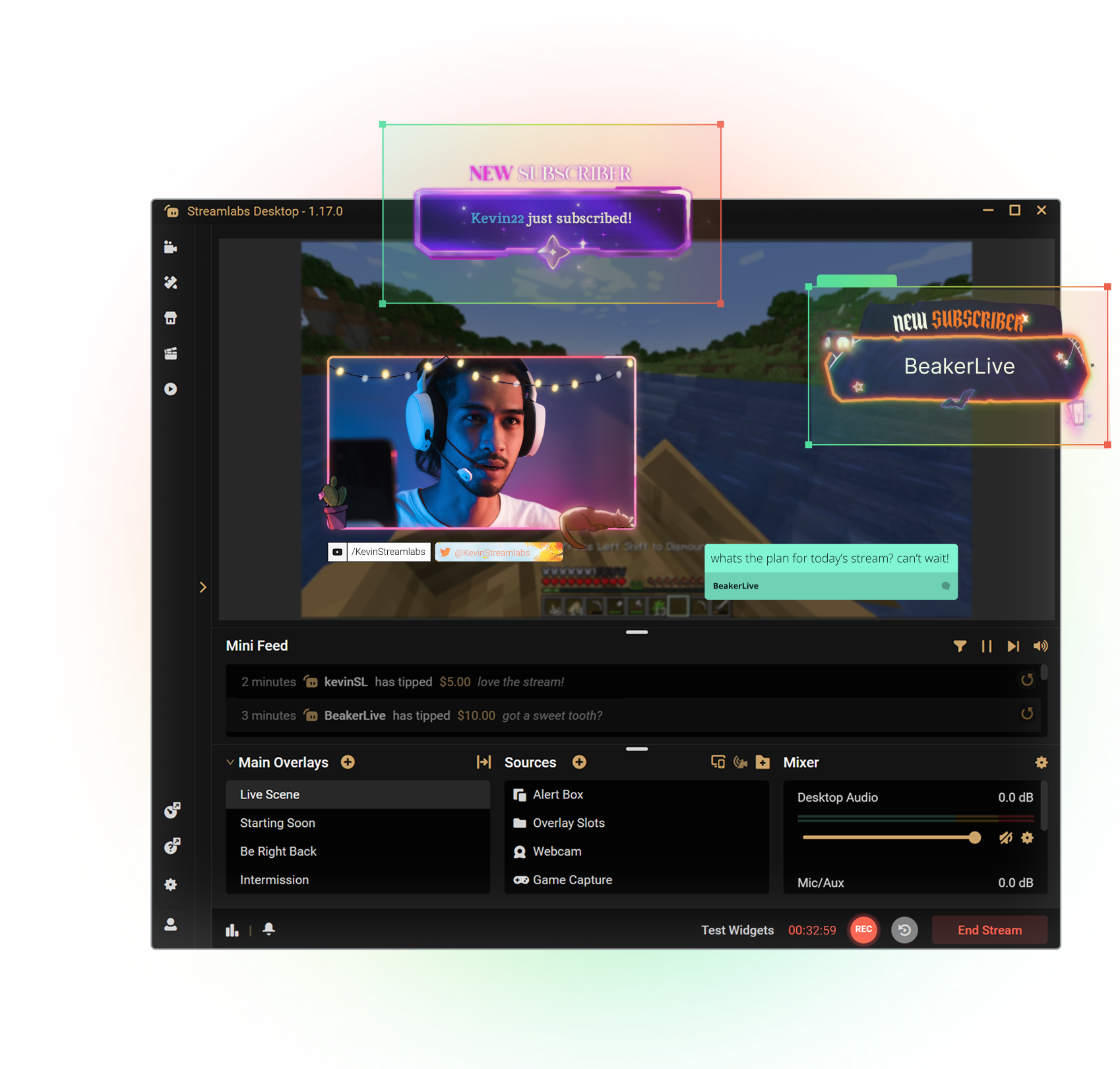
Get the most out of Streamlabs Desktop
With Ultra you unlock access to Multistream, the full overlay and widget theme library, the entire App Store, and more to boost your stream. All native within Streamlabs Desktop.
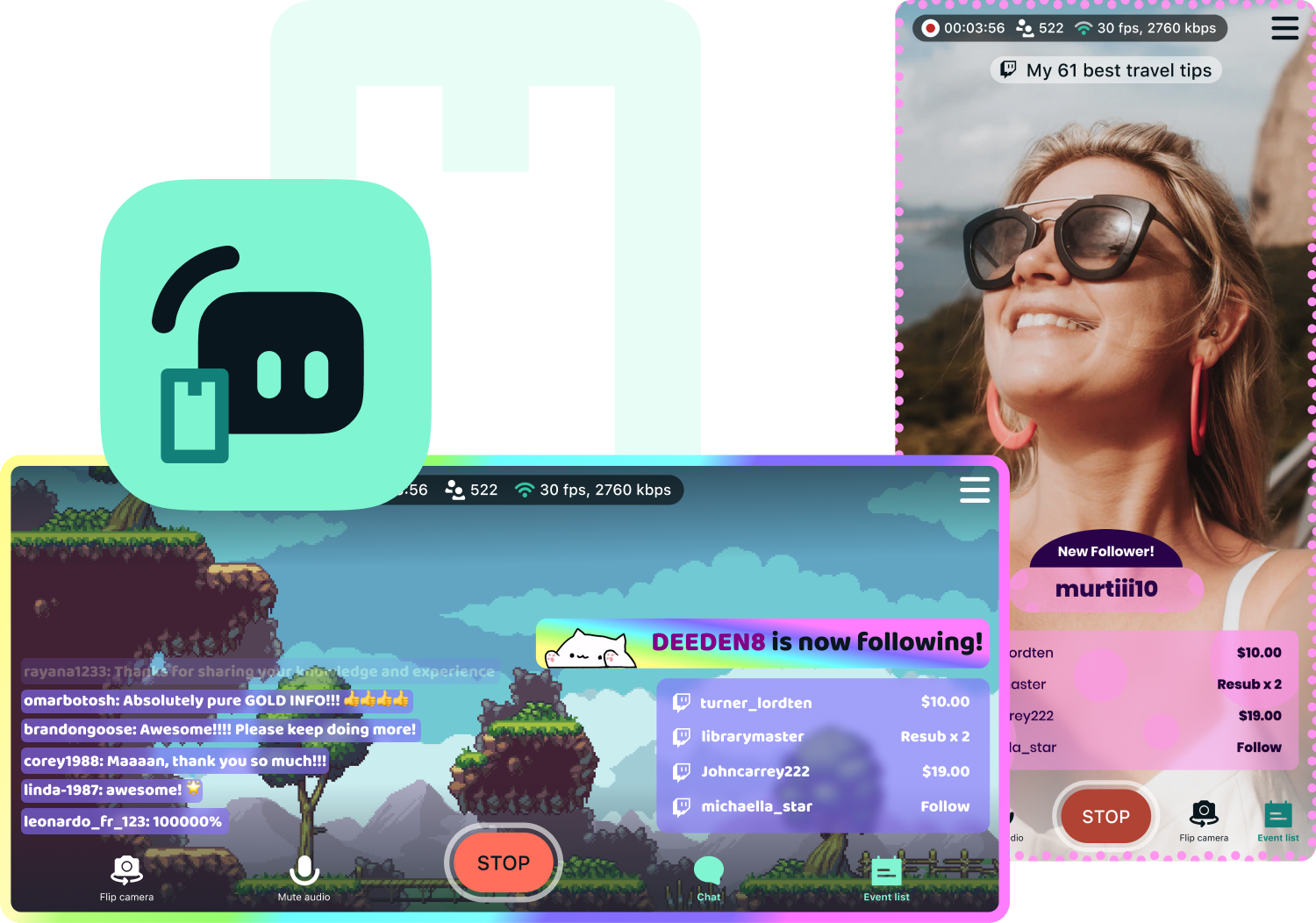
Access exclusive Streamlabs Mobile upgrades
Stream your games and camera from anywhere with disconnect protection and go live to all your platforms with multistream. Plus, switch between your phone and PC without losing viewers with Stream Shift and choose from dozens of mobile overlays to customize your stream.
Available for Android and iOS.
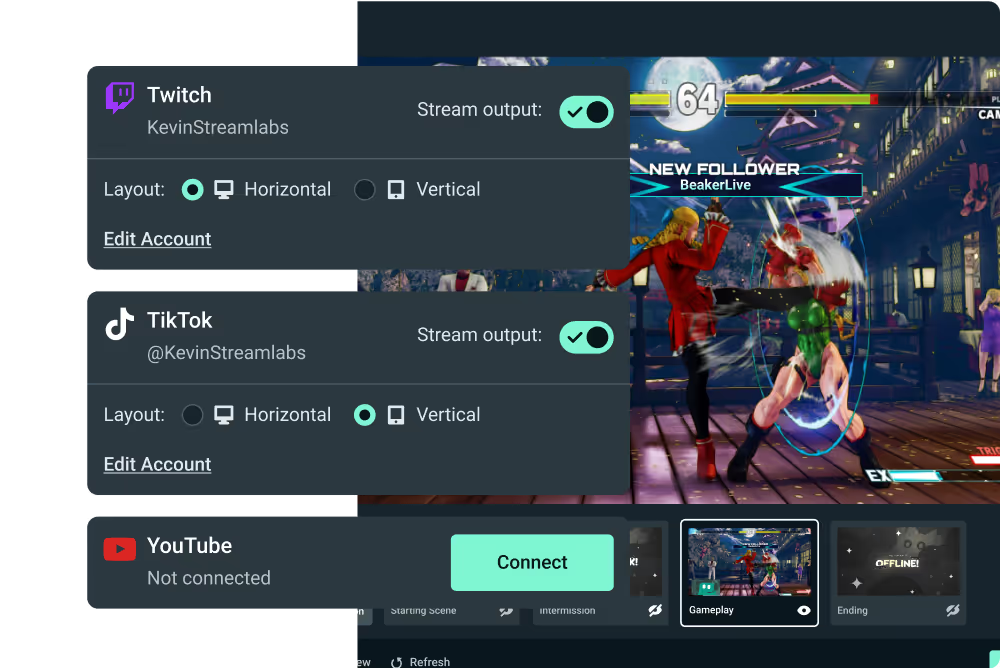
Go live from your Xbox with Streamlabs Console
Use Streamlabs Console to design your broadcast and multistream from Xbox to Twitch, YouTube, and more with no game capture card or PC required.
Tap into game events and automate your stream
Streamlabs AI powered features are here to make your stream production better than ever before. Automatically enhance your broadcast based on real-time, in-game events. Get the most of Streamlabs AI with Ultra.



More perks with Ultra
Best profit margins on Merch
Pro tier on all creator tools
More Cloud Storage
Designated Ultra support

Streamlabs Ultra でライブストリーム、ブランディング、編集などをレベルアップ
Streamlabs Desktop、Mobile、Console、Talk Studio、Podcast Editor、Cross Clip を含む完全スイートのプレミアム機能にアクセスできます。手頃な単一価格でご利用いただけます。 詳細はこちら
Compare Ultra Plans
よくある質問
Streamlabs ID があれば、無料版のクリエイターも Ultra のクリエイターも、Streamlabs のあらゆる製品(Streamlabs Desktop、Talk Studio、Cross Clip、Video Editor、Streamlabs Console、Web Suite を含む)に 1 回のログインでアクセスできます。 Streamlabs ダッシュボードでは、右上に製品メニューがあり、Streamlabs のさまざまなアプリを簡単にナビゲートできます。
Streamlabs Ultra は、Streamlabs Desktop、Talk Studio Pro、Cross Clip Pro、Video Editor Pro、Web Suite、Streamlabs Console のプレミアム機能を 1 つのシンプルなプランにまとめた、クリエイター向けのプロ仕様のツール群です。
コンテンツにあふれた今日の環境では、クリエーターにとって、複数のプラットフォームで強い存在感を示すことがこれまで以上に重要になっています。 しかし、コンテンツ制作には長時間かかり、他のコンテンツと一線を画する高品質の短編および長編のコンテンツを制作するのは簡単ではありません。 そこで Streamlabs Ultra の出番です。 このプロレベルの総合ツールスイートは、コンテンツクリエイターが自分の情熱を次のレベルに引き上げられるよう考案されました。
Ultra は、マルチストリーミング、複数のゲストやカメラ、透かしなしの高画質録画とクリップ編集、完全にカスタマイズ可能なブランディングと収益化ツールなどを提供します。 簡単なクロスプラットフォーム プロモーション、コミュニティ管理、およびハイレベルの収益化ツールを使って、リーチを拡大し、収益の可能性を最大化することができます。 今すぐご自身の可能性を引き出し、Streamlabs Ultra で実現できることをお確かめください!
いいえ、どなたでも Streamlabs Desktop、Mobile、Web Suite、Video Editor、Cross Clip の無料版をご利用いただけます。 当社の無料ツールを使って、主要プラットフォームへのライブストリーム、クリップや動画の編集、オールインワンリンクの取得ができます。 Streamlabs ID を使用すると、一度の簡単なログインで、すべてに簡単にアクセスできます。
Streamlabs ID は、Streamlabs Desktop、Plugin for OBS、Talk Studio、Cross Clip、Video Editor、Streamlabs Console、Streamlabs Mobile、Streamlabs Web Suite にアクセスできる1つのシンプルなログインです。 現在のアカウントに影響を与えることなく、Streamlabs ダッシュボードから Streamlabs ID を設定できます。 Ultra サブスクリプションをご登録の場合、すべてのアプリでプロ仕様の特典にアクセスするには Streamlabs ID が必要です。 詳しくは、Streamlabs ID の設定方法をご覧ください。
Streamlabs Starter と Ultra は、デスクトップからモバイル、ブラウザまで、さまざまなデバイスに対応するツールを提供しています。 Ultra では、Xbox ストリーミング用の Streamlabs Console と、ブラウザベースのストリーミング用の Talk Studio もご利用いただけます。
Streamlabs Desktop、Cross Clip、Video Editor、Web Suite の無料版を含む Streamlabs の無料製品群は引き続きご利用いただけます。
Streamlabs Ultra へのアップグレードはこちらからいつでも可能です。
Talk Studio、Cross Clip、Video Editor、Streamlabs Console 個々のサブスクリプションオプションをご用意しています。 複数のツールをお使いの場合、Streamlabs Ultra のサブスクリプション登録が最もお得です。
今日のクリエーター中心の世界では、クリエーターは、1 つのコンテンツタイプやプラットフォームに制限されている訳ではありません。 実際、最近の多くのクリエーターは、新しいフォーマットや配信チャネルを試すことで、コンテンツを多様化し、視聴者を増やしています。 これが、当社が従来のライブストリーミングツールを超えて、あらゆるタイプのクリエーターに対応するスイートを開発している理由です。 Ultra があれば、さまざまなプラットフォームで優れたコンテンツを作成するために必要なツールがすべて揃います。
全くそうではありません。 ライブストリーミングは Streamlabs の核心です。 私たちはこれからも、業界最高のライブストリーミング用ツールの構築に取り組んでいきます。 Streamlabs Desktop と Mobile に対しては、常に機能の改善と新機能の追加を行なっています。 しかし、私たちは Ultra こそが現代のクリエイターにとって必要なソリューションであると確信しています。