

All the tools for a pro-level live stream
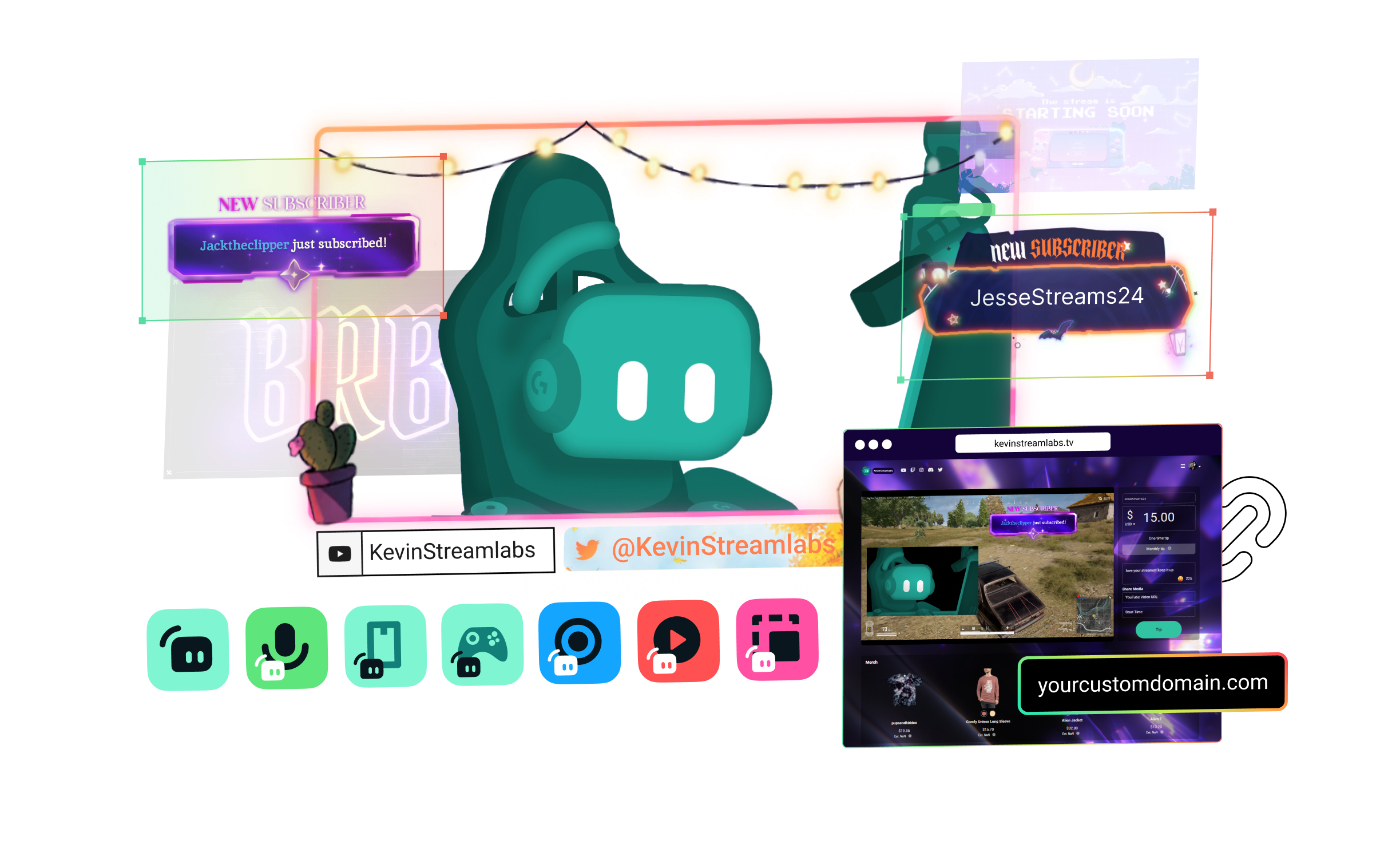
Streamlabs Ultra includes a number of features to take your broadcast to the next level including Multistreaming, Reactive Overlays, Scene Automations, and so much more.
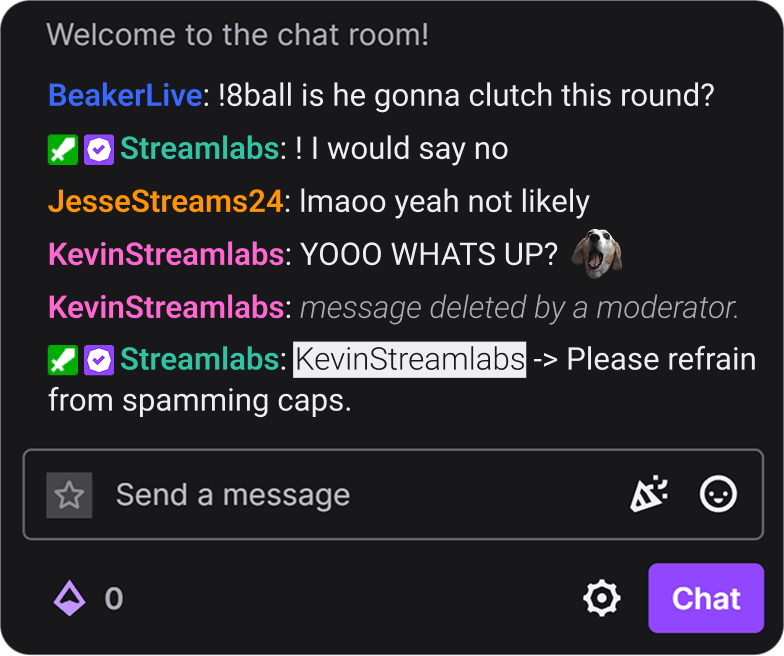


Compare plans
Free
- Free plan includes:
- Stream from your PC, laptop, or phone to popular platforms
- Stream to one vertical and one horizontal output with Dual Output
- Hundreds of free stream overlays and widget themes
- Dozens of stream widgets including Alert Box, Chat Box, and more
- Tipping - Personal tip page with no fees from us
- Cloudbot with built-in chat moderation and interaction
- Limited free Desktop apps from App Store
- Design and sell with Merch Store
- Intelligent Streaming Agent with Automations, Co-Host, and more
- 1GB Cloud Storage
- Collab Cam for one guest or camera
- Streamer and creator apps

Ultra
- Includes everything in free, plus:
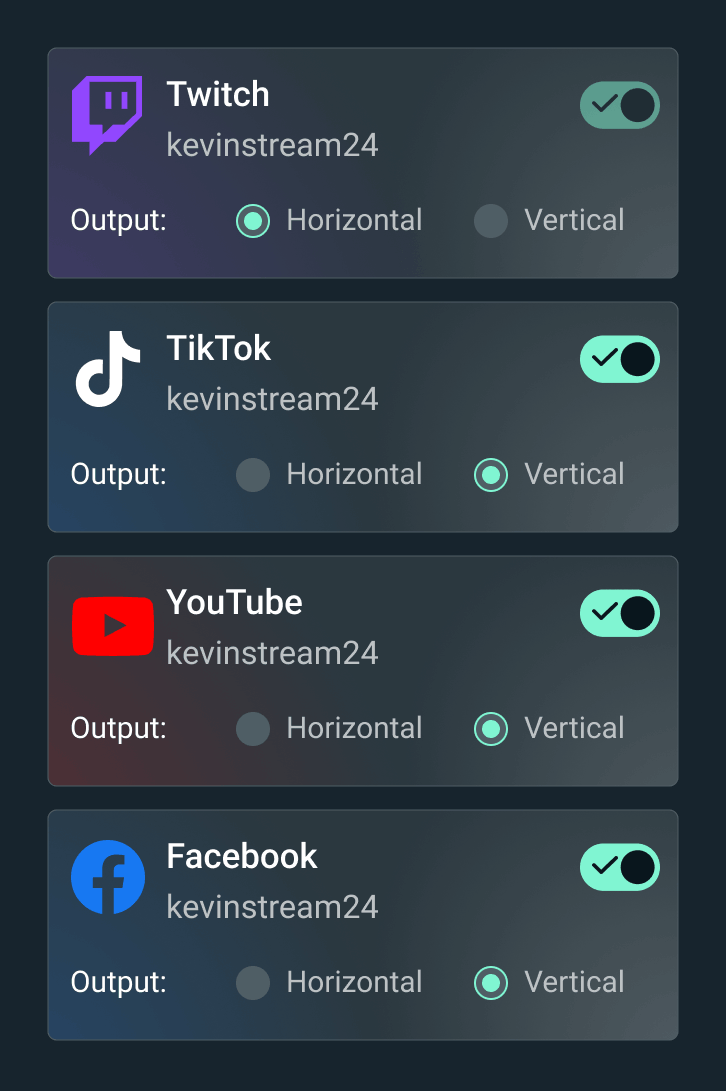
- Multistream to several destinations
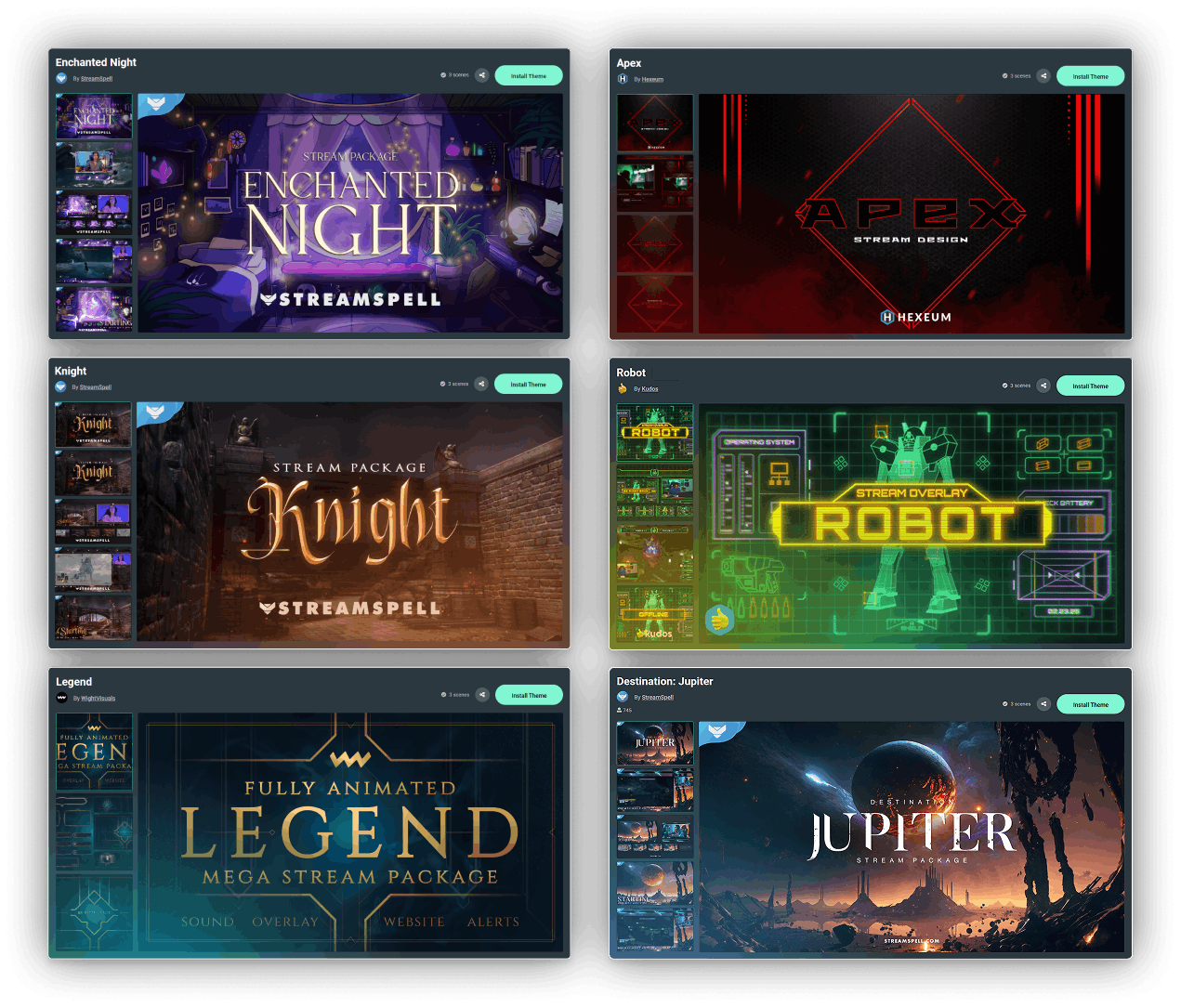
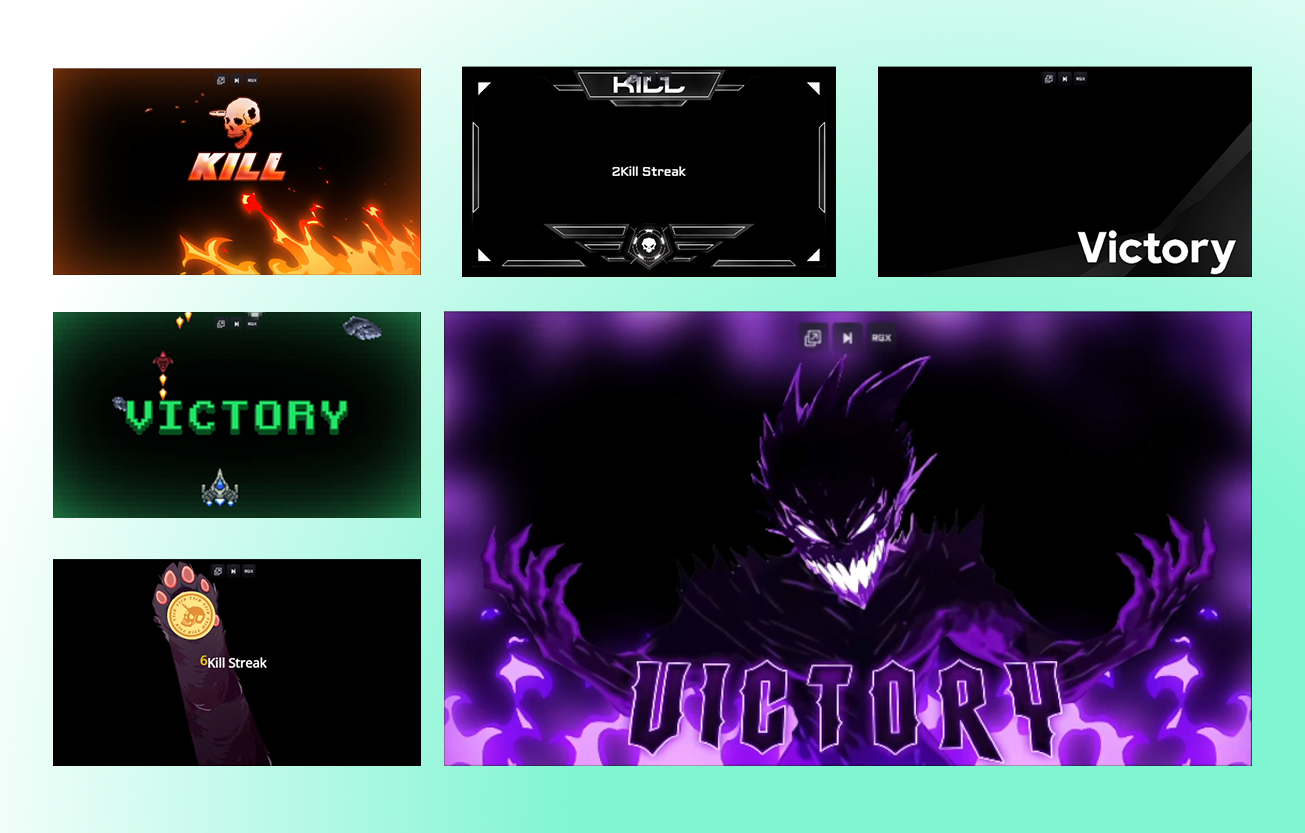
- Full access to thousands of stream overlays and widget themes including Reactive Overlays
- Customize your tip page
- Custom named Cloudbot
- Full Desktop App Store access with dozens of apps
- Best Merch Store profit marginsStreamlabs Console app for Xbox streaming
- Higher Intelligent Streaming Agent usage limitsStream Shift to switch devices mid-stream
- 10GB Cloud Storage
- Collab Cam for up to 11 guests or cameras
- Ultra tier support
- Pro features across the full suite

Ultra+
- Includes everything in Ultra, plus:
- One-on-one streamer success call
- Ultra+ dedicated support
- Semi-annual success check-in
- Dedicated Streamlabs contact
- Highest Intelligent Streaming Agent usage limits
- 5,000 Co-Host interactions/month
- 30 Automations
- 30GB Cloud Storage
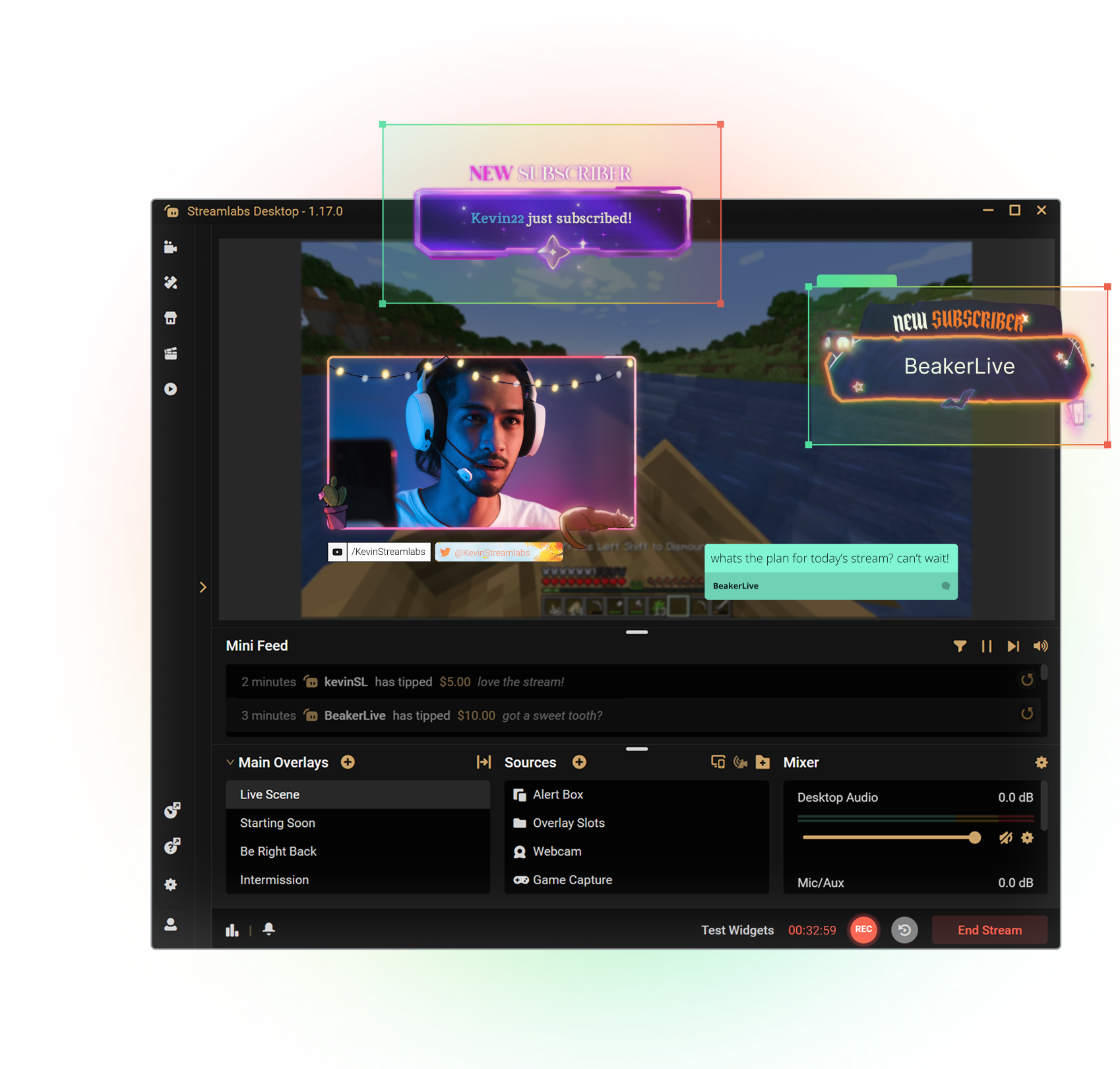
Get the most out of Streamlabs Desktop
With Ultra you unlock access to Multistream, the full overlay and widget theme library, the entire App Store, and more to boost your stream. All native within Streamlabs Desktop.
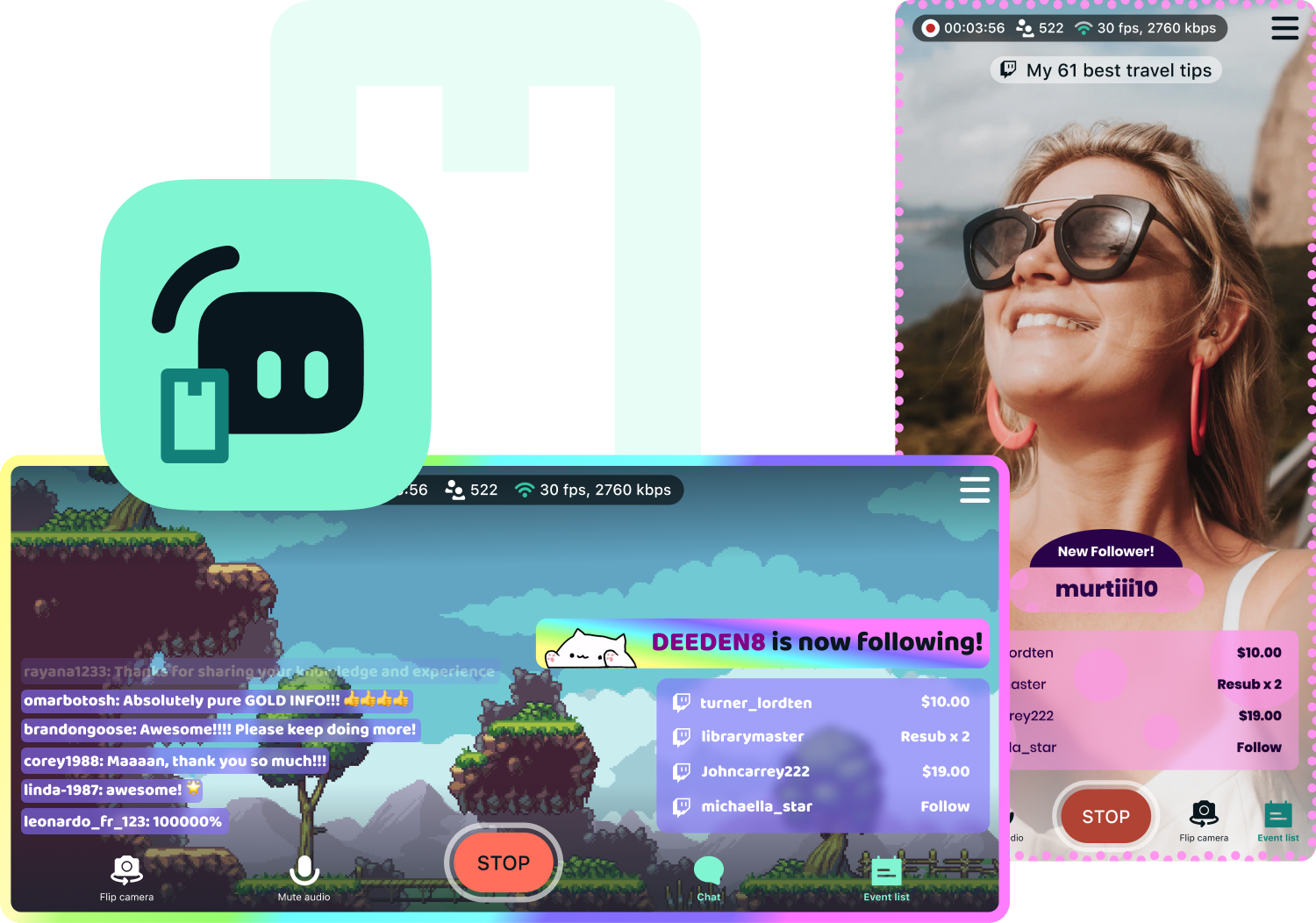
Access exclusive Streamlabs Mobile upgrades
Stream your games and camera from anywhere with disconnect protection and go live to all your platforms with multistream. Plus, switch between your phone and PC without losing viewers with Stream Shift and choose from dozens of mobile overlays to customize your stream.
Available for Android and iOS.
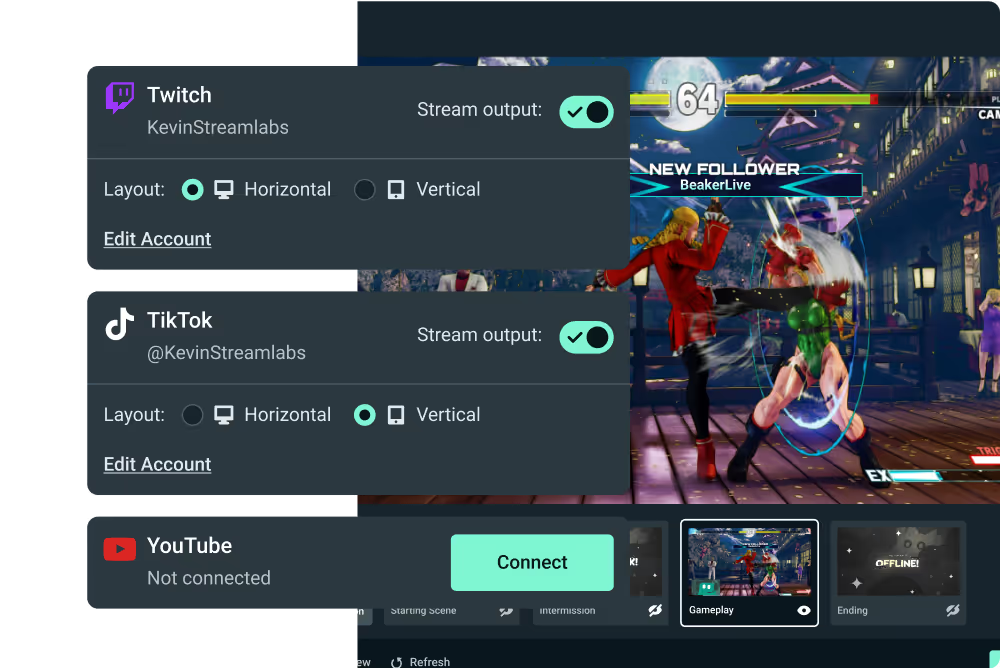
Go live from your Xbox with Streamlabs Console
Use Streamlabs Console to design your broadcast and multistream from Xbox to Twitch, YouTube, and more with no game capture card or PC required.
Tap into game events and automate your stream
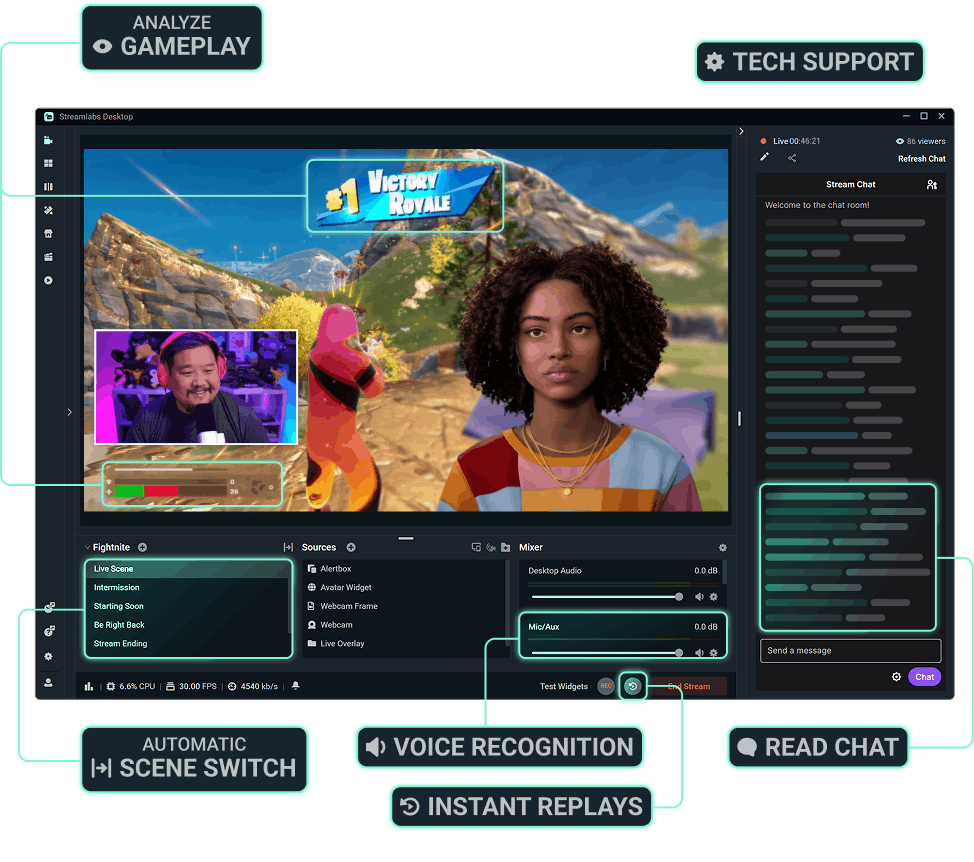
Streamlabs AI powered features are here to make your stream production better than ever before. Automatically enhance your broadcast based on real-time, in-game events. Get the most of Streamlabs AI with Ultra.



More perks with Ultra
Best profit margins on Merch
Pro tier on all creator tools
More Cloud Storage
Designated Ultra support

Migliora i tuoi live stream, il branding, l'editing e molto altro ancora con Streamlabs Ultra
Accedi a tutte le funzioni premium della suite completa, tra cui Streamlabs Desktop, Mobile, Console, Talk Studio, Podcast Editor, Cross Clip e altro ancora, a un prezzo unico e conveniente. Scopri di più
Compare Ultra Plans
Domande frequenti
Con uno Streamlabs ID, sia i creator sul piano gratuito che quelli con Ultra possono usare qualsiasi prodotto Streamlabs (come Streamlabs Desktop, Talk Studio, Cross Clip, Video Editor, Streamlabs Console e la Web Suite) con un solo login. Nella dashboard di Streamlabs, trovi un menu prodotti nell’angolo in alto a destra che ti permette di navigare facilmente tra le varie app di Streamlabs.
Streamlabs Ultra è un pacchetto di strumenti professionali per i creatori di contenuti, che mette insieme le funzionalità premium di Streamlabs Desktop, Talk Studio Pro, Cross Clip Pro, Video Editor Pro, Web Suite e Streamlabs Console in un unico e semplice piano.
In un contesto saturo di contenuti come quello odierno, per i creatori è più importante che mai vantare una presenza forte su più piattaforme. Tuttavia, a fronte di così tante richieste che assorbono il tuo tempo, può essere difficile produrre contenuti di alta qualità che si distinguano dagli altri. È qui che entra in gioco Streamlabs Ultra. Si tratta di un pacchetto completo di strumenti professionali pensati per aiutare chi crea contenuti a portare la propria passione a un livello superiore.
Ultra ti dà la possibilità di sfruttare il multistreaming, avere più ospiti o videocamere, registrare e modificare clip in alta qualità senza filigrana, personalizzare completamente il tuo brand e gli strumenti per guadagnare, e molto altro ancora. Grazie alla promozione multipiattaforma semplificata, alla gestione della community e a strumenti di monetizzazione di livello superiore, sarai in grado di massimizzare la tua copertura e il potenziale di guadagno. Scopri subito il tuo potenziale e vedi cosa può fare Streamlabs Ultra per te!
No, tutti possono usare le versioni gratuite di Streamlabs Desktop, Mobile e Web Suite, così come Video Editor e Cross Clip. Puoi trasmettere in diretta su una qualsiasi delle principali piattaforme, modificare clip e video e ottenere un collegamento integrato utilizzando i nostri strumenti gratuitamente. Streamlabs ID ti permette di accedere facilmente a tutti questi servizi con un solo login.
Uno Streamlabs ID è un unico login che ti permette di accedere a Streamlabs Desktop, Plugin per OBS, Talk Studio, Cross Clip, Video Editor, Streamlabs Console, Streamlabs Mobile e Streamlabs Web Suite. Puoi creare uno Streamlabs ID dalla dashboard di Streamlabs senza alcun impatto sul tuo account corrente. Se hai un abbonamento Ultra, avrai bisogno di uno Streamlabs ID per accedere ai vantaggi professionali su tutte le nostre app. Scopri come configurare il tuo Streamlabs ID.
Entrambi Streamlabs Starter e Ultra offrono strumenti per una varietà di dispositivi, dal desktop ai dispositivi mobili, ai browser. Con Ultra puoi anche usare Streamlabs Console per lo streaming da Xbox e Talk Studio per lo streaming tramite browser.
Continuerai ad avere accesso alla suite di prodotti gratuiti di Streamlabs, comprese le versioni gratuite di Streamlabs Desktop, Cross Clip, Video Editor e Web Suite.
Puoi passare a Streamlabs Ultra in qualsiasi momento da qui.
Offriamo abbonamenti individuali per Talk Studio, Cross Clip, Video Editor e Streamlabs Console. Se stai usando più di uno strumento, la scelta migliore è abbonarti a Streamlabs Ultra.
Nel mondo di oggi, dove tutto ruota attorno ai creatori, questi ultimi non sono confinati a un solo tipo di contenuto o a una sola piattaforma. In effetti, molti creatori stanno diversificando i propri contenuti e ampliando il proprio pubblico sperimentando nuovi formati e canali di distribuzione. Questo è il motivo per cui ci stiamo espandendo oltre i tradizionali strumenti di streaming in diretta e creando una suite che si risponda a tutti i tipi di creatori di contenuti. Con Ultra, avrai tutto quello che ti serve per creare contenuti fantastici su un sacco di piattaforme diverse.
Assolutamente no. Il live streaming è il cuore e l’anima di Streamlabs. Continueremo a creare i migliori strumenti del settore per lo streaming in diretta. Continuiamo a migliorare e aggiungere nuove funzioni a Streamlabs Desktop e Mobile. Tuttavia, crediamo che Ultra sia una soluzione indispensabile per i creator moderni e siamo lieti di offrirla alla nostra community.