

All the tools for a pro-level live stream
Streamlabs Ultra includes a number of features to take your broadcast to the next level including Multistreaming, Reactive Overlays, Scene Automations, and so much more.
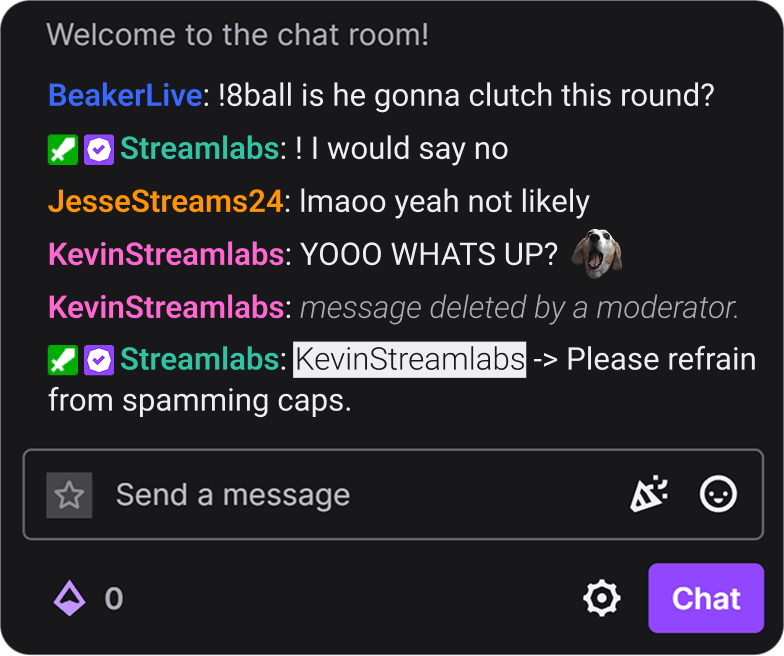


Compare plans
Free
- Free plan includes:
- Stream from your PC, laptop, or phone to popular platforms
- Stream to one vertical and one horizontal output with Dual Output
- Hundreds of free stream overlays and widget themes
- Dozens of stream widgets including Alert Box, Chat Box, and more
- Tipping - Personal tip page with no fees from us
- Cloudbot with built-in chat moderation and interaction
- Limited free Desktop apps from App Store
- Design and sell with Merch Store
- Intelligent Streaming Agent with Automations, Co-Host, and more
- 1GB Cloud Storage
- Collab Cam for one guest or camera
- Streamer and creator apps

Ultra
- Includes everything in free, plus:
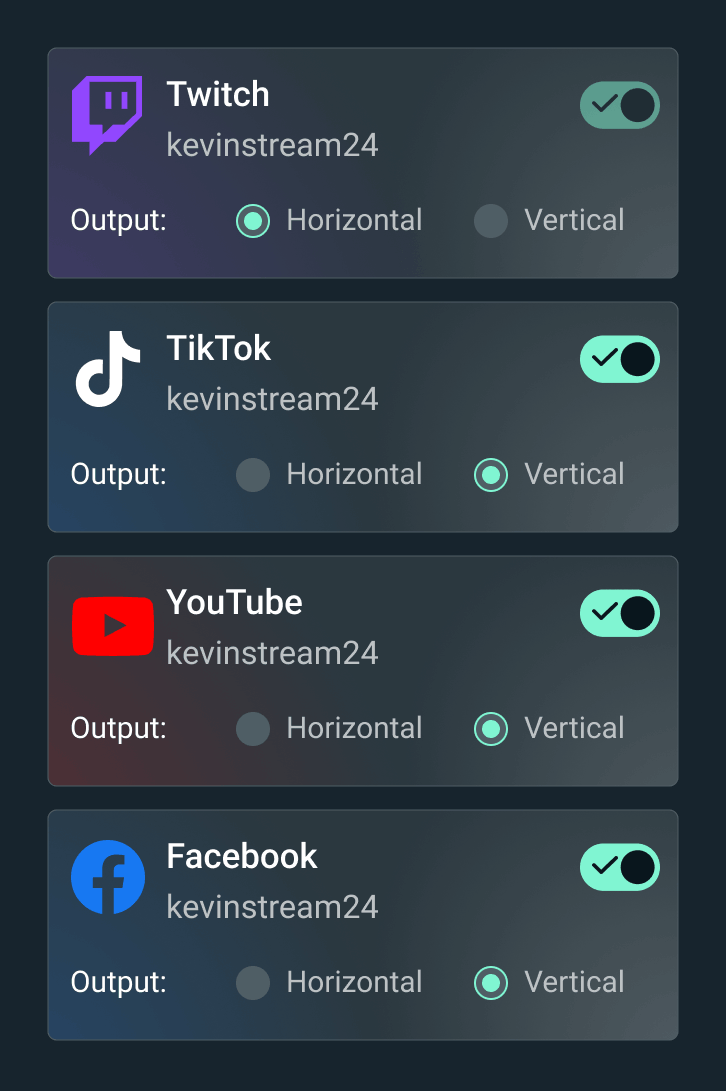
- Multistream to several destinations
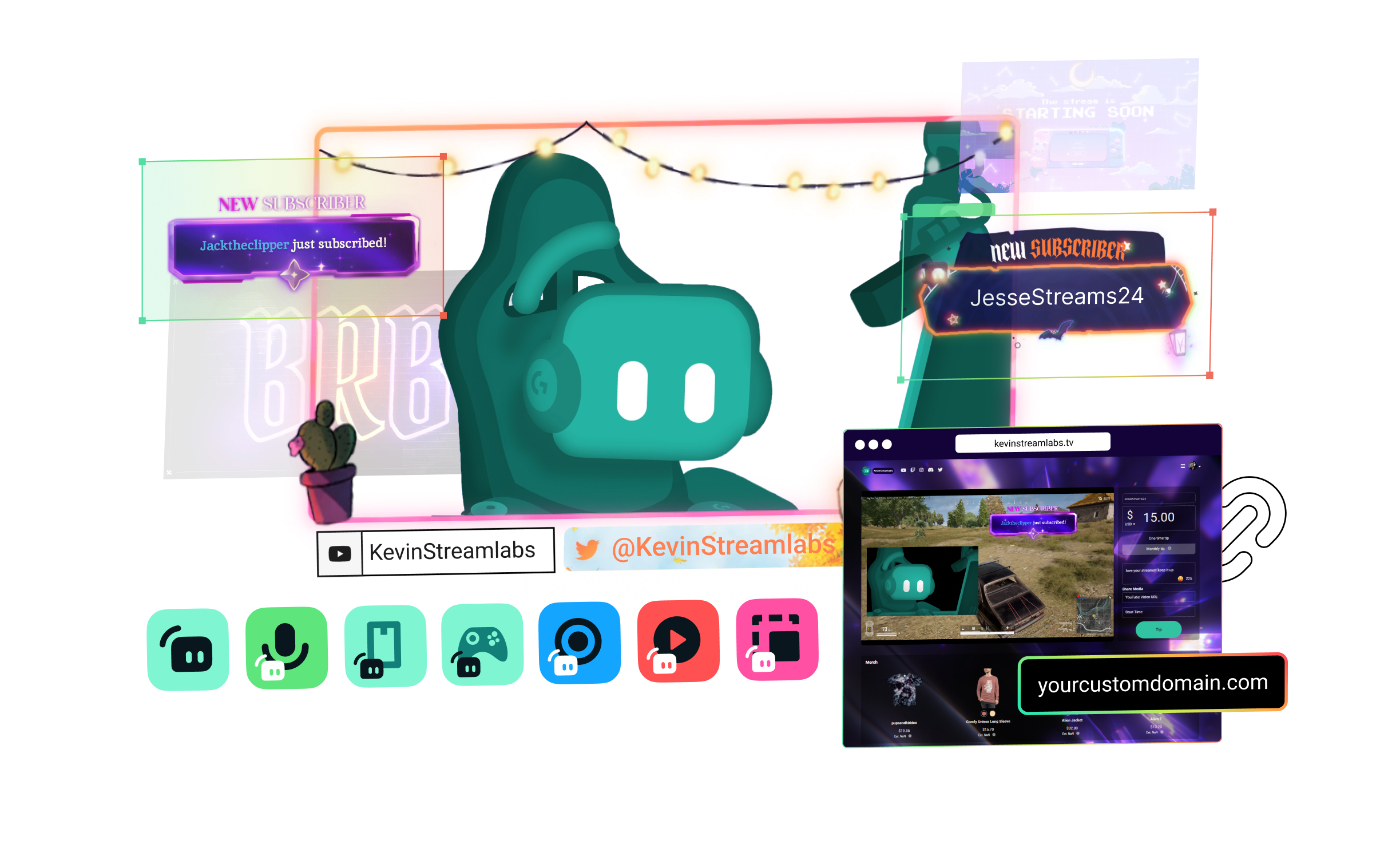
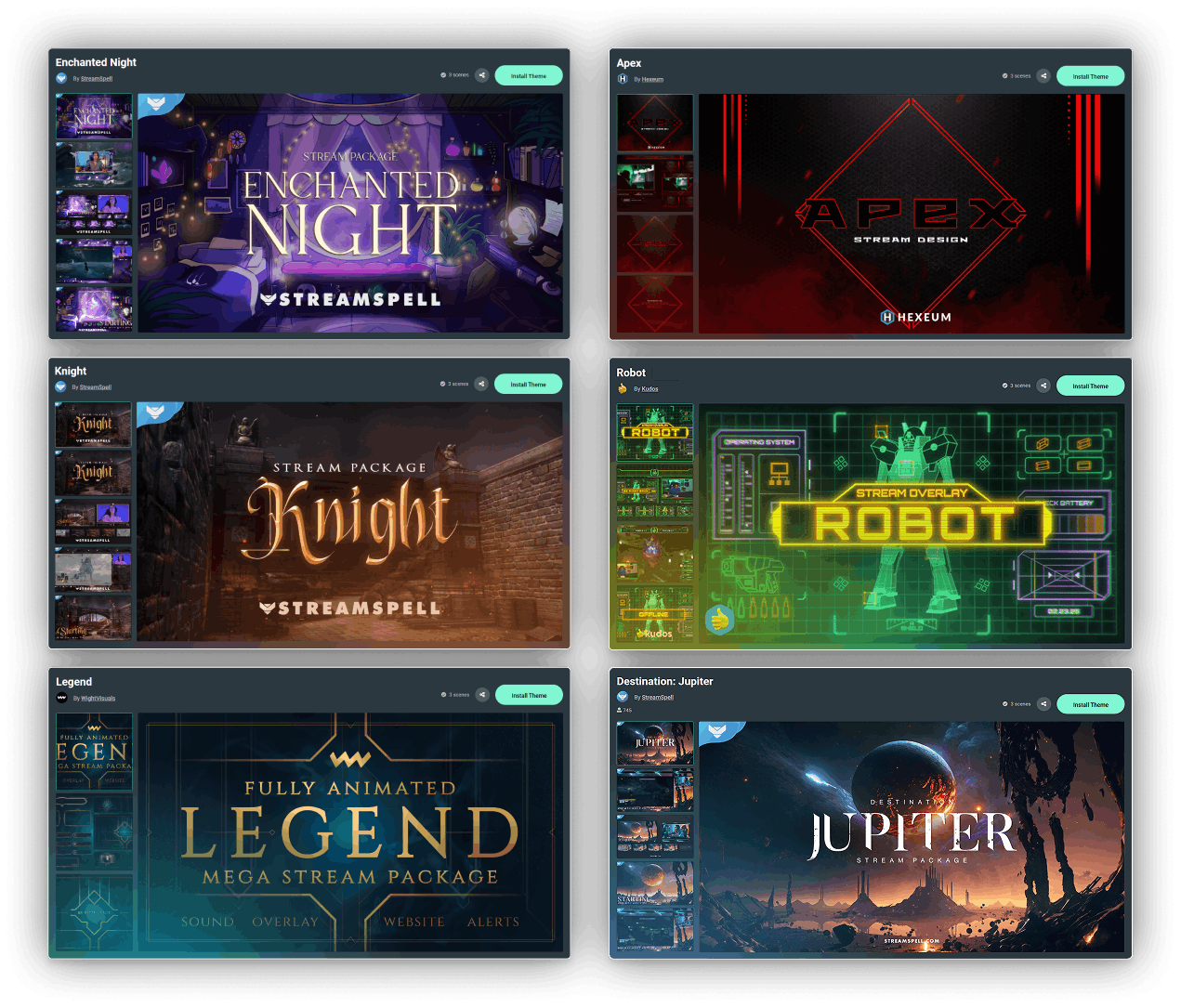
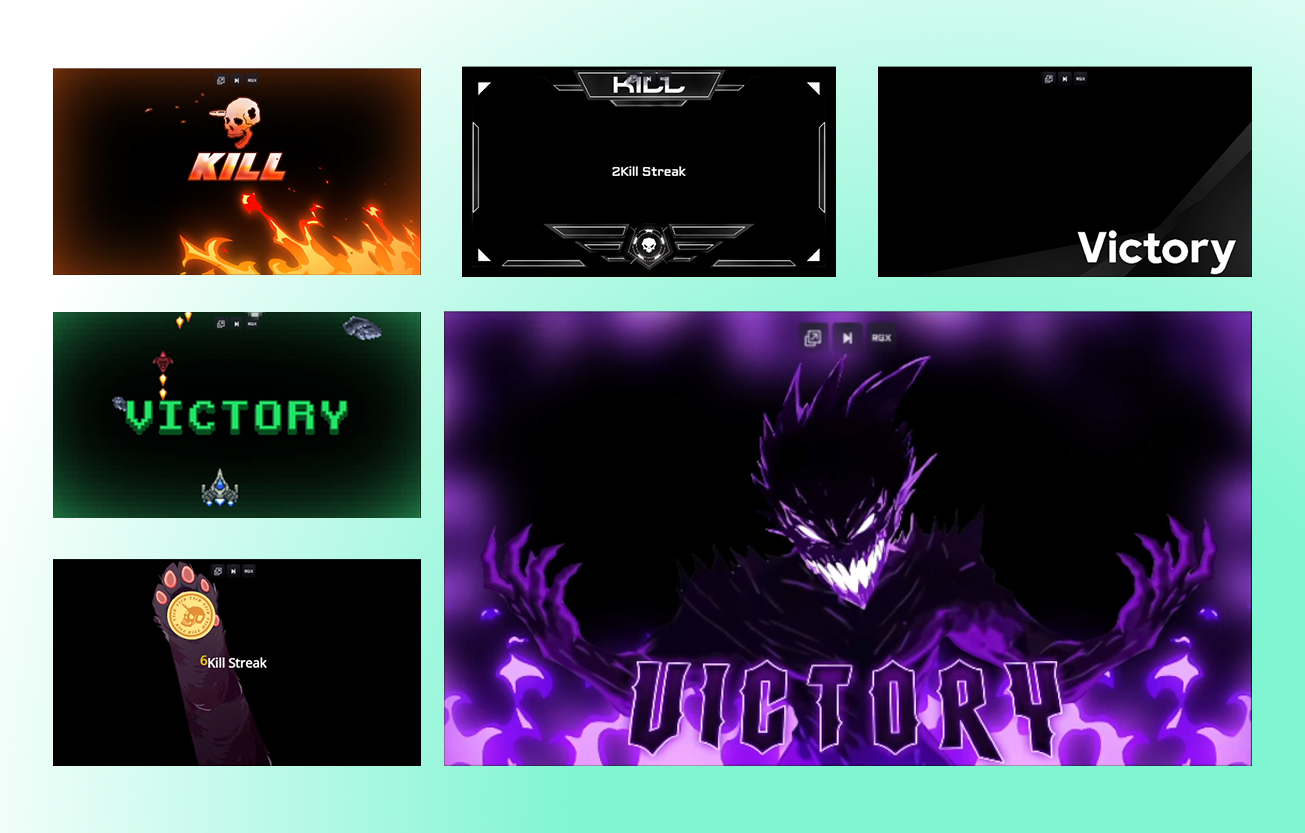
- Full access to thousands of stream overlays and widget themes including Reactive Overlays
- Customize your tip page
- Custom named Cloudbot
- Full Desktop App Store access with dozens of apps
- Best Merch Store profit marginsStreamlabs Console app for Xbox streaming
- Higher Intelligent Streaming Agent usage limitsStream Shift to switch devices mid-stream
- 10GB Cloud Storage
- Collab Cam for up to 11 guests or cameras
- Ultra tier support
- Pro features across the full suite

Ultra+
- Includes everything in Ultra, plus:
- One-on-one streamer success call
- Ultra+ dedicated support
- Semi-annual success check-in
- Dedicated Streamlabs contact
- Highest Intelligent Streaming Agent usage limits
- 5,000 Co-Host interactions/month
- 30 Automations
- 30GB Cloud Storage
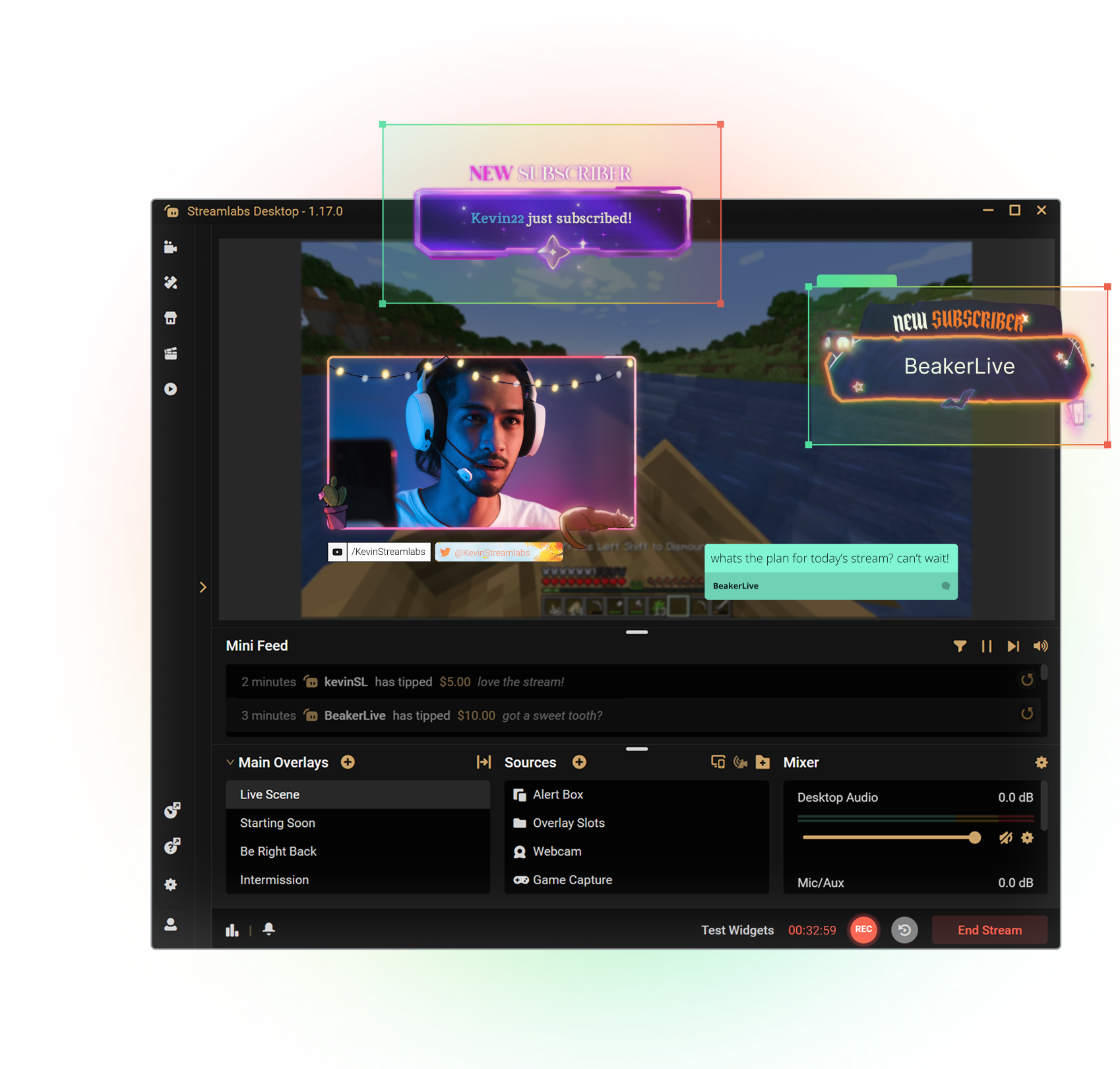
Get the most out of Streamlabs Desktop
With Ultra you unlock access to Multistream, the full overlay and widget theme library, the entire App Store, and more to boost your stream. All native within Streamlabs Desktop.
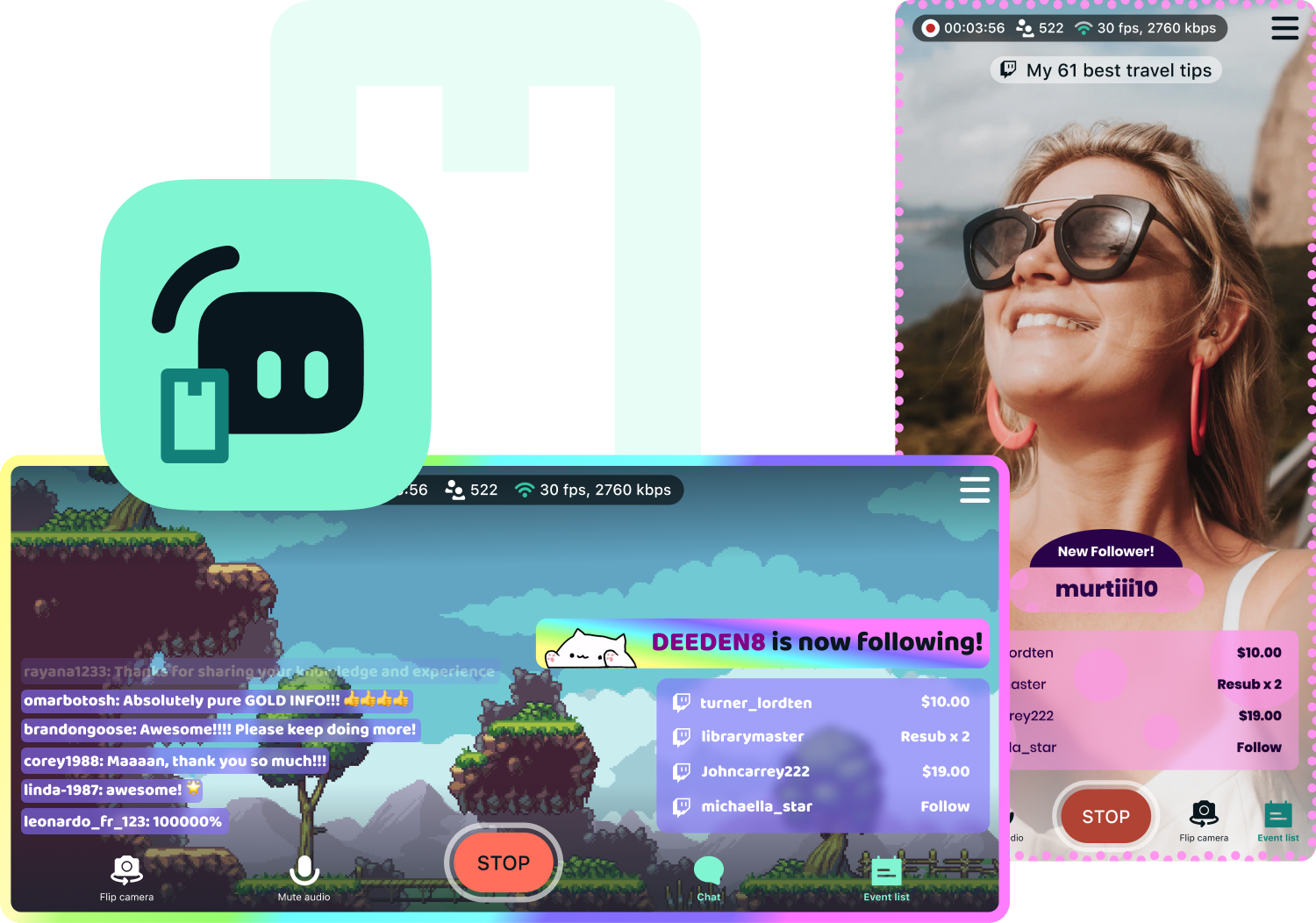
Access exclusive Streamlabs Mobile upgrades
Stream your games and camera from anywhere with disconnect protection and go live to all your platforms with multistream. Plus, switch between your phone and PC without losing viewers with Stream Shift and choose from dozens of mobile overlays to customize your stream.
Available for Android and iOS.
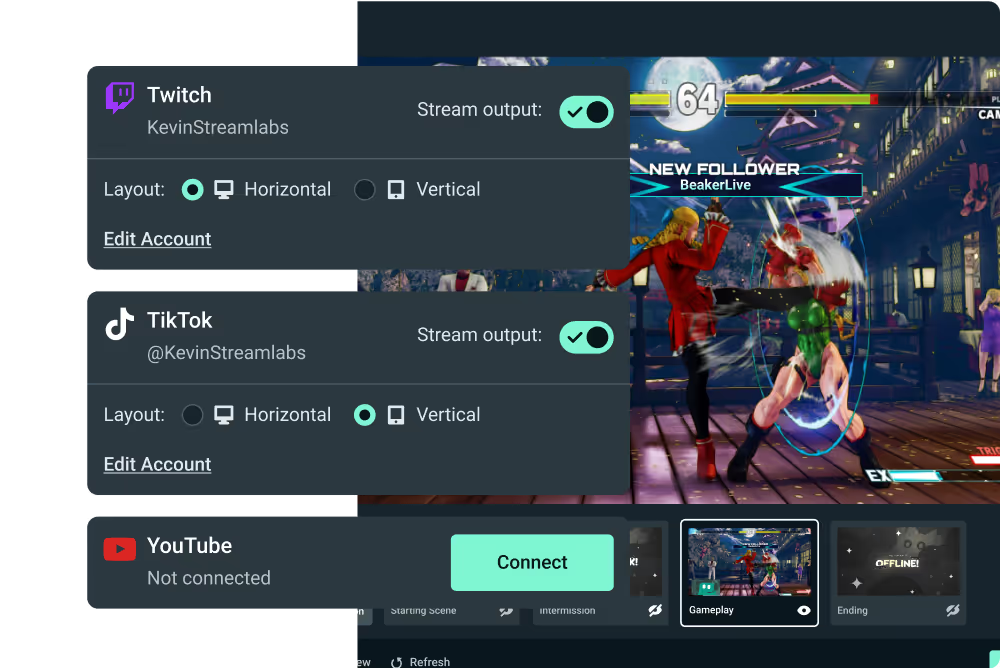
Go live from your Xbox with Streamlabs Console
Use Streamlabs Console to design your broadcast and multistream from Xbox to Twitch, YouTube, and more with no game capture card or PC required.
Tap into game events and automate your stream
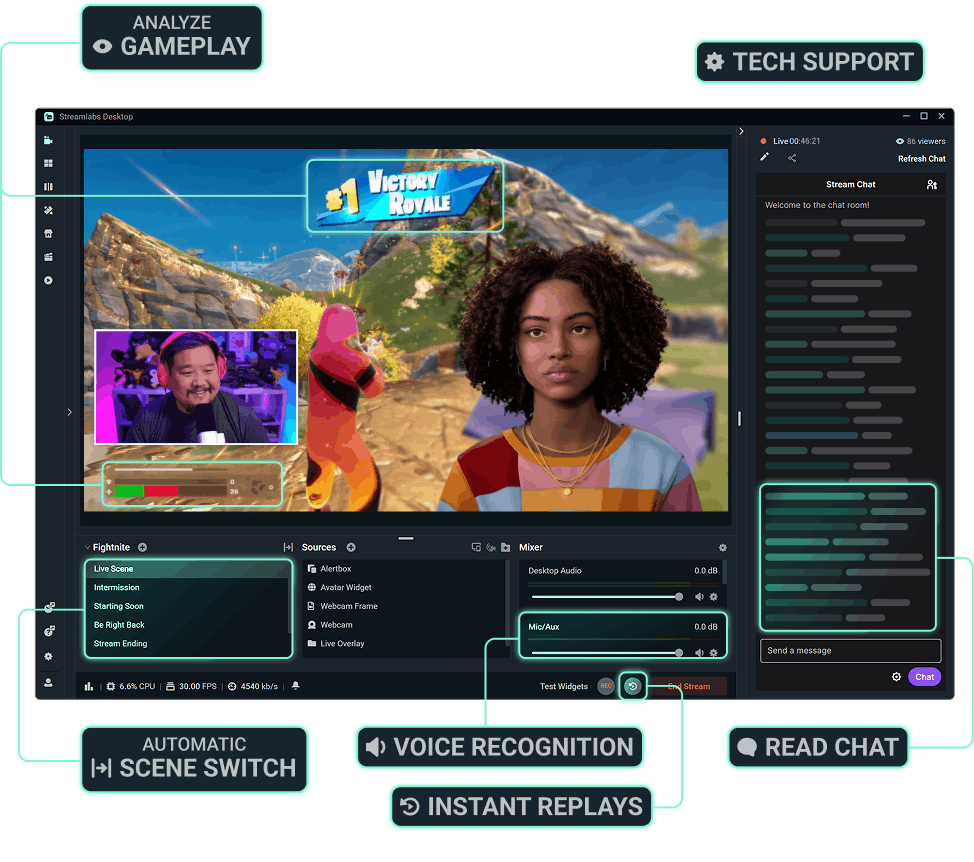
Streamlabs AI powered features are here to make your stream production better than ever before. Automatically enhance your broadcast based on real-time, in-game events. Get the most of Streamlabs AI with Ultra.



More perks with Ultra
Best profit margins on Merch
Pro tier on all creator tools
More Cloud Storage
Designated Ultra support

Mach deine Live-Streams, dein Branding, dein Editing und vieles mehr noch besser mit Streamlabs Ultra.
Greife auf die Premium-Funktionen der gesamten Suite zu, einschließlich Streamlabs Desktop, Mobile, Console, Talk Studio, Podcast Editor, Cross Clip und mehr, alles zu einem günstigen Preis. Mehr erfahren
Compare Ultra Plans
Häufig gestellte Fragen
Mit einer Streamlabs ID können sowohl Creators, die die kostenlose Version nutzen, als auch Ultra-Creators mit einem einzigen Login auf alle Produkte von Streamlabs zugreifen (einschließlich Streamlabs Desktop , Talk Studio, Cross Clip, Video Editor, Streamlabs Console und der Web Suite). Auf dem Streamlabs-Dashboard gibt es in der oberen rechten Ecke ein Produktmenü, über das du mühelos in den verschiedenen Apps von Streamlabs navigieren kannst.
Streamlabs Ultra umfasst eine Reihe professioneller Tools für Creators und vereint die Premium-Funktionen von Streamlabs Desktop, Talk Studio Pro, Cross Clip Pro, Video Editor Pro, Web Suite und Streamlabs Console in einem einfachen Paket.
Im heutigen, mit Inhalten überladenen Umfeld ist es für Creators wichtiger denn je, auf mehreren Plattformen präsent zu sein. Deine Zeit wird jedoch auf vielfältige Weise beansprucht und als Folge davon kann es schwierig sein, hochwertigen Content in Kurz- und Langformat zu produzieren, die sich wirklich von der Masse abheben. Hier kommt Streamlabs Ultra ins Spiel. Ultra umfasst eine ganze Reihe professioneller Tools, die Content- Creators dabei helfen, ihre Leidenschaft auf ein höheres Level zu bringen.
Ultra bietet Multistreaming, mehrere Gäste oder Kameras, hochwertige Aufnahmen und Clip-Bearbeitung ohne Wasserzeichen, komplett anpassbare Branding- und Monetarisierungstools und vieles mehr. Mit einfacher plattformübergreifender Werbung, Community-Management und höherstufigen Monetarisierungs-Tools bist du in der Lage, deine Reichweite und dein Einnahmepotenzial zu maximieren. Entdecke noch heute dein Potenzial und schau dir an, was Streamlabs Ultra für dich tun kann!
Nein, jeder kann die kostenlosen Versionen von Streamlabs Desktop, Mobile und Web Suite sowie Video Editor und Cross Clip nutzen. Mit unseren kostenlosen Tools kannst du Live-Streams auf alle gängigen Plattformen übertragen, Clips und Videos bearbeiten und einen All-in-one-Link erhalten. Mit der Streamlabs ID kannst du dich ganz einfach mit einem Login bei allen anmelden.
Mit einer Streamlabs ID kannst du dich ganz einfach bei Streamlabs Desktop, dem Plug-In für OBS, Talk Studio, Cross Clip, Video Editor, Streamlabs Console, Streamlabs Mobile und der Streamlabs Web Suite anmelden. Du kannst eine Streamlabs ID über das Streamlabs-Dashboard einrichten, ohne dass das Auswirkungen auf dein aktuelles Konto hat. Wenn du ein Ultra-Abo hast, brauchst du eine Streamlabs-ID, um in allen unseren Apps deine Pro-Vorteile nutzen zu können. Hier erfährst du, wie du deine Streamlabs ID einrichtest.
Streamlabs Starter und Ultra haben beide Tools für viele Geräte, von Desktop-PCs über Mobilgeräte bis hin zu Browsern. Mit Ultra erhältst du auch Zugang zu Streamlabs Console für Xbox-Streaming und Talk Studio für browserbasiertes Streaming.
Du kannst weiterhin die kostenlose Produktpalette von Streamlabs nutzen, darunter die kostenlosen Versionen von Streamlabs Desktop, Cross Clip, Video Editor und Web Suite.
Du kannst jederzeit hier auf Streamlabs Ultra upgraden.
Wir bieten verschiedene Abonnementoptionen für Talk Studio, Cross Clip, Video Editor und Streamlabs Console an. Wenn du mehr als ein Tool benutzt, lohnt es sich am meisten, Streamlabs Ultra zu abonnieren.
Im heutigen Umfeld, in dem Videokünstler eine so wichtige Rolle spielen, sind diese nicht mehr auf einen bestimmten Inhaltstyp oder eine bestimmte Plattform beschränkt. Tatsächlich diversifizieren jetzt viele Videokünstler ihre Inhalte und erreichen neue Publikumsgruppen, indem sie mit neuen Formaten und Kanälen experimentieren. Aus diesem Grund gehen wir über herkömmliche Live-Streaming-Tools hinaus und entwickeln eine Suite, die für alle Arten von Videokünstlern geeignet ist. Mit Ultra hast du alles, was du brauchst, um tolle Inhalte für verschiedene Plattformen zu erstellen.
Auf keinen Fall! Live-Streaming ist das Herzstück von Streamlabs. Wir werden auch weiterhin die besten Tools der Branche für das Live-Streaming entwickeln. Wir arbeiten ständig daran, Streamlabs Desktop und Mobile zu verbessern und neue Funktionen hinzuzufügen. Wir sind aber überzeugt, dass Ultra eine super wichtige Lösung für moderne Creators ist, und freuen uns, sie unserer Community anbieten zu können.