

Stream to Patreon
Go live exclusively for your Patreon members directly from Streamlabs Desktop.

Stream to Patreon
Go live exclusively for your Patreon members directly from Streamlabs Desktop or OBS with the Streamlabs Plugin.
Stream to Patreon
Go live exclusively for your Patreon members directly from Streamlabs Desktop and Mobile or OBS with the Streamlabs Plugin.

Setup once, stream anytime
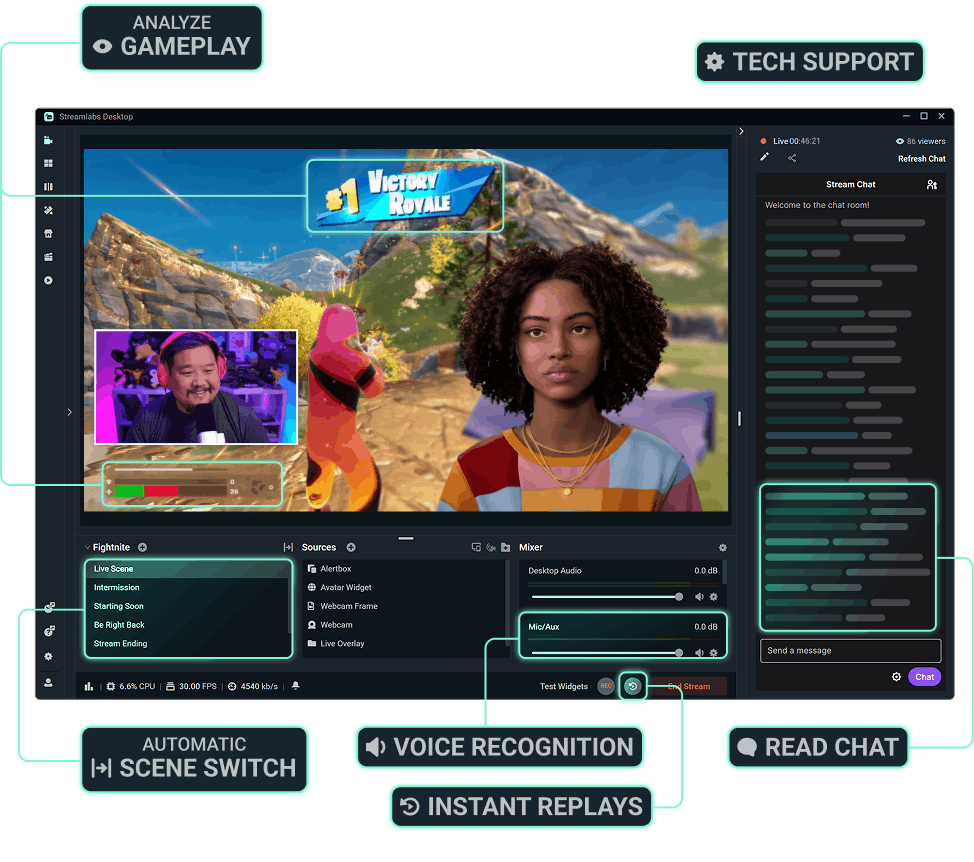
No need to go through setup every stream. Connect your Patreon account, make your stream perfect, then go live in a couple clicks from Streamlabs Desktop.
Setup once, stream anytime
No need to go through setup every stream. Connect your Patreon account, make your stream perfect, then go live in a couple clicks from Streamlabs Desktop or Plugin for OBS.
Reach your community everywhere
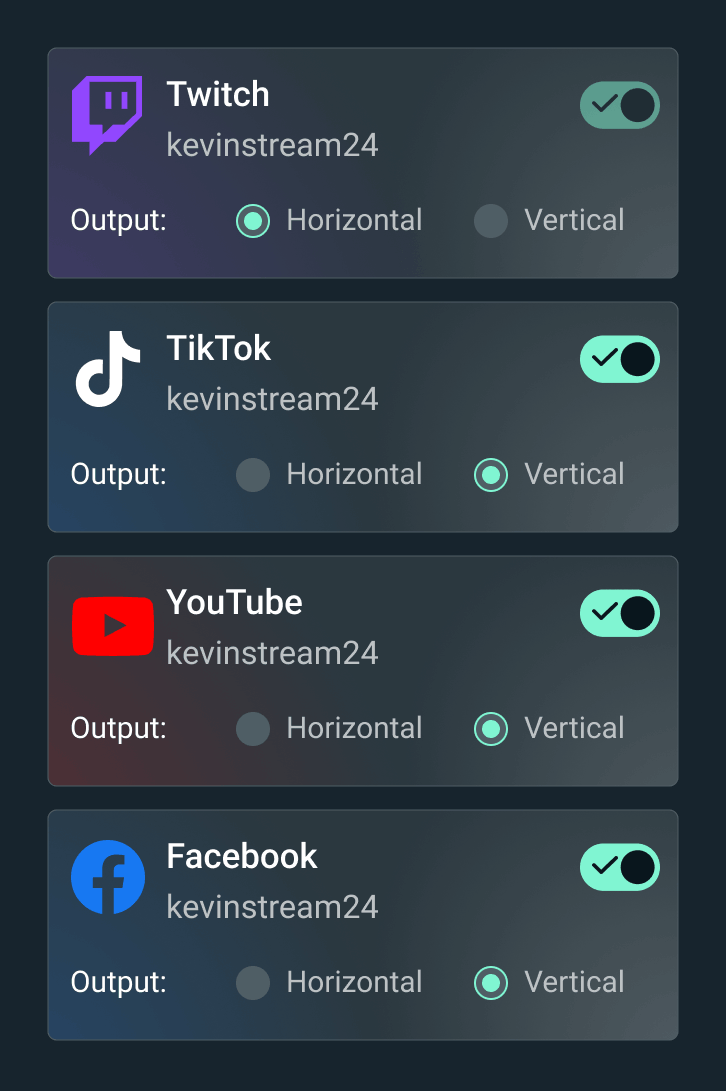
Reach your community wherever they are by multistreaming to Patreon and any other destination of your choice without doing double the work. Enable Dual Output to optimize your stream for vertical and horizontal platforms.
Stay true to your brand with overlays
Make sure your brand is reflected in your streams with these overlays curated specifically for Patreon.
Keep chat close
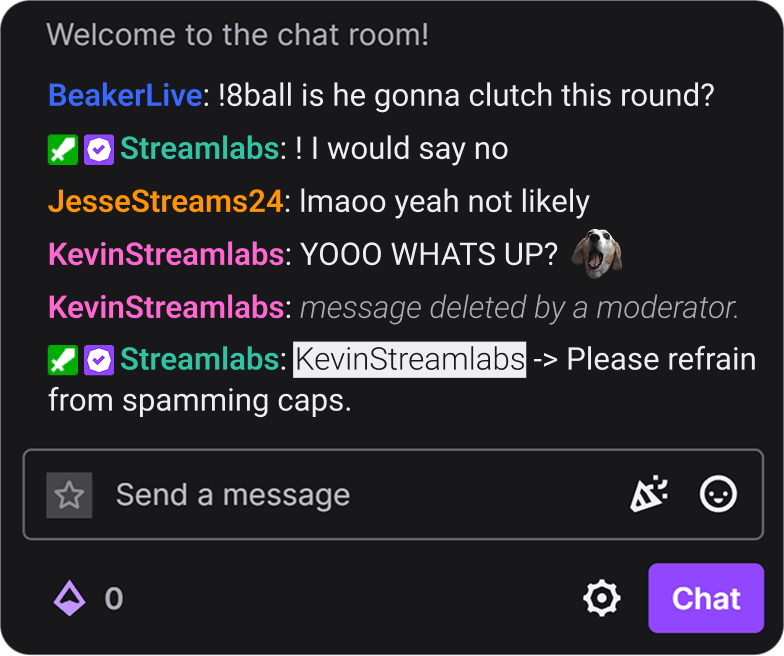
Get feedback in real-time and keep up with the conversation your members are having with integrated chat. When multistreaming, make sure to set the primary chat in the go-live window to Patreon.



Get started streaming to Patreon
Connect your account
Connect Patreon to your Streamlabs account in your account settings.
Set access and start streaming
Set up your stream in Streamlabs Desktop.
Once ready, hit Go Live to choose which member tiers to go live to and start your stream.
Need help?
Check out our full guide for an in-depth walkthrough on streaming to Patreon.
Get started streaming to Patreon
Connect your account
Connect Patreon to your Streamlabs account in your account settings.
Set access and start streaming
Set up your stream in Streamlabs Desktop or in OBS with the Streamlabs Plugin.
Once ready, hit Go Live to choose which member tiers to go live to and start your stream.
Need help?
Check out our full guide for an in-depth walkthrough on streaming to Patreon.
Get started streaming to Patreon
Connect your account
Connect Patreon to your Streamlabs account in your account settings.
Set access and start streaming
Set up your stream in Streamlabs Desktop, in OBS with the Streamlabs Plugin, or on Streamlabs Mobile.
Once ready, hit Go Live to choose which member tiers to go live to and start your stream.
Need help?
Check out our full guide for an in-depth walkthrough on streaming to Patreon.
Häufig gestellte Fragen
Patreon Live is available to creators who meet Patreon's criteria including having a published Patreon page that is marked Safe for All Audiences and is in good standing and complies with Patreon's Community Guidelines and terms of use. Check out Patreon’s Live guides for more information or contact our support team.
Yes! After clicking Go Live, you can specify which tiers of members have access to your livestream.
You can stream (or multistream) to Patreon by connecting Patreon in your Platform settings and making sure Patreon is toggled on after clicking Go Live in Streamlabs Desktop, OBS with the Streamlabs Plugin, or Streamlabs Mobile app. For more specific instructions, view our guide blog here.
You can stream (or multistream) to Patreon by connecting Patreon in your Platform settings and making sure Patreon is toggled on after clicking Go Live in Streamlabs Desktop. For more specific instructions, view our guide blog here.
You can stream (or multistream) to Patreon by connecting Patreon in your Platform settings and making sure Patreon is toggled on after clicking Go Live in Streamlabs Desktop or in OBS with the Streamlabs Plugin. For more specific instructions, view our guide blog here.
No! If you are using Streamlabs Desktop, Plugin for OBS, or Mobile you do not need to enter your stream key from Patreon to stream. Simply connect your account and go live.
No! If you are using Streamlabs Desktop, you do not need to enter your stream key from Patreon to stream. Simply connect your account and go live.
If you are using Streamlabs Desktop or Plugin for OBS you do not need to enter your stream key from Patreon to stream. Simply connect your account and go live.
By streaming to Patreon via Streamlabs Desktop, OBS with the Streamlabs Plugin, or Streamlabs Mobile, you’re getting the best experience possible. Say goodbye to the days hunting down and entering stream keys plus take advantage of built-in features like overlays, multistreaming, and more!
By streaming to Patreon via Streamlabs Desktop, you’re getting the best experience possible. Say goodbye to the days hunting down and entering stream keys plus take advantage of built-in features like overlays, multistreaming, and more!
By streaming to Patreon via Streamlabs Desktop or OBS with the Streamlabs Plugin, you’re getting the best experience possible. Say goodbye to the days hunting down and entering stream keys plus take advantage of built-in features like overlays, multistreaming, and more!
Patreon Live is available to creators who meet Patreon’s criteria including having a published Patreon page that is marked Safe for All Audiences and is in good standing and complies with Patreon’s Community Guidelines and terms of use. Check out Patreon’s Live guides for more information or contact our support team.
Patreon streaming support for the Streamlabs Plugin for OBS is coming soon.
Yes! You can connect your Patreon account in Streamlabs Plugin for OBS to go live directly to Patreon from OBS, no stream key required.
Patreon streaming support for the Streamlabs Mobile app is coming soon.
Yes! You can go live to Patreon directly from the Streamlabs Mobile app.