
البث أصبح بسيطًا — ابدأ في دقائق!
Streamlabs Desktop هو التطبيق الرائد الشامل للبث المباشر والتسجيل، ويضم تنبيهات وتراكبات وعناصر واجهة مستخدم وميزات لتحقيق الربح مدمجة، ويمنحك إمكانية تخصيص احترافي دون إعداد معقد.
كل ما تحتاج إليه للبث مجانًا
يأتي Streamlabs Desktop بكل ما تحتاج إليه للبث المباشر وتسجيل الفيديو مجانًا، بما في ذلك التنبيهات والتراكبات وعناصر واجهة المستخدم والمشاهد المخصصة المدمجة.
بجودة عالية ومحسّنة للفيديو والصوت، يمكنك تسجيل كاميرا الويب وأسلوب اللعب وسطح المكتب والميكروفون في مكان واحد. ميزات اختيارية متاحة مع اشتراك Ultra.

البث المباشر على عدة منصات في وقت واحد
يمكنك الوصول إلى المشاهدين على المزيد من المنصات، مثل YouTube وTwitch وKick وغيرها، من خلال البث المتعدد. بالإضافة إلى ذلك، مع Dual Output، يمكنك البث عموديًا وأيضًا أفقيًا في الوقت نفسه - حيث يتوفر تنسيق واحد مجانًا، مع ميزات البث المتعدد الموسعة المتاحة مع Ultra، مع نمو قناتك.
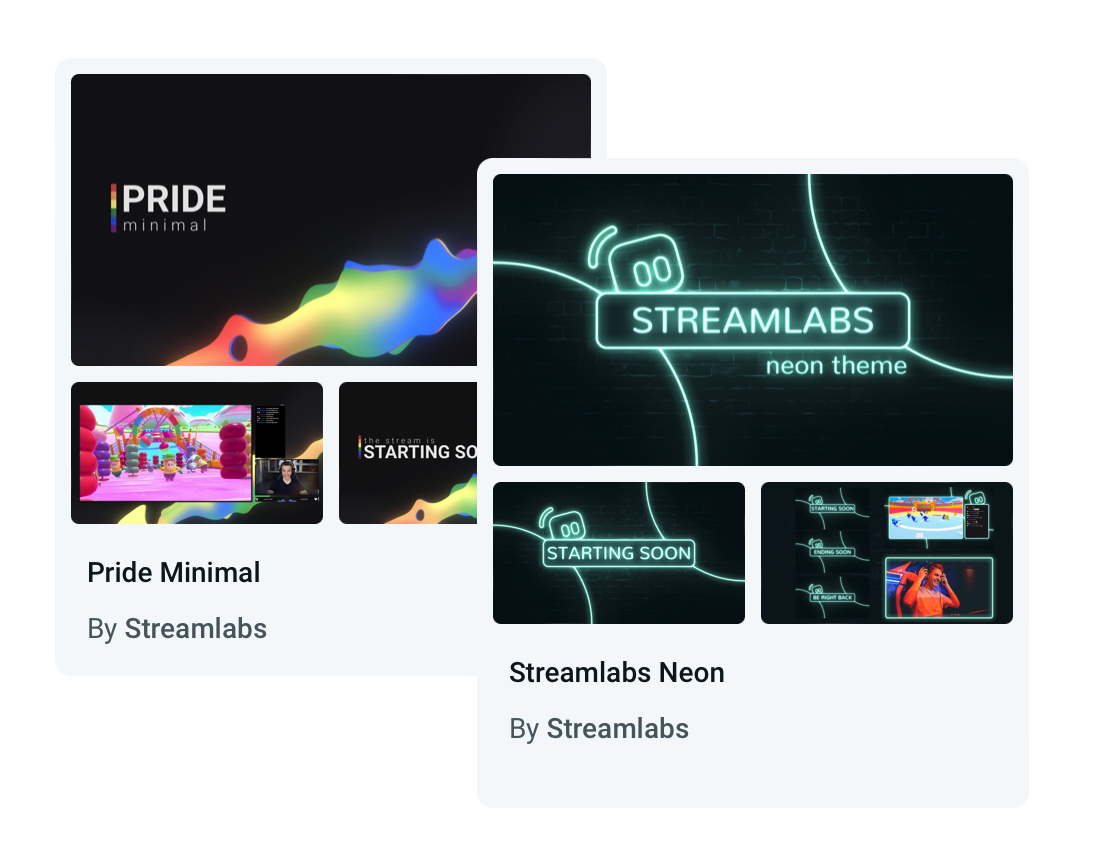
صمم بثًا يميزك عن الآخرين
اختر من بين مئات التراكبات وسمات عناصر واجهة المستخدم المجانية والجميلة والمصممة بشكل احترافي. من غير الرسمية إلى العصرية والجريئة، ستجد ما يناسب شخصيتك وعلامتك التجارية.
هل تبحث عن شيء أكثر ديناميكية؟ تستجيب التراكبات التفاعلية المدعومة من Streamlabs AI لأحداث اللعبة لحظيًا، مما يضفي طابعًا حيويًا على بثك.
اعمل بطريقتك
يمكنك إضفاء الطابع الشخصي على تخطيط Streamlabs Desktop بسهولة، بإضافة الفيديو والصوت والدردشة والأحداث الأخيرة في المكان الذي تريده باستخدام محرر التخطيط.
أدوات الإنتاج
أدوات قوية مدمجة لمساعدتك في التقاط كل جزء من بثك وإدارته وضبطه.
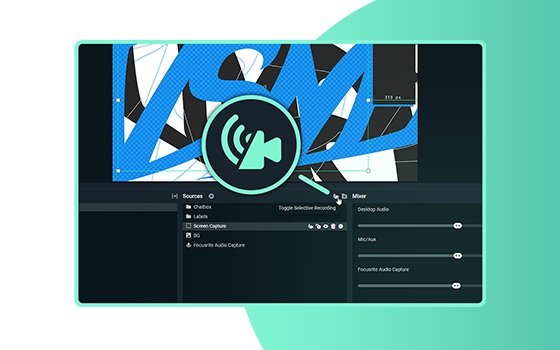
التسجيل الانتقائي
اختر المصادر التي تظهر في النسخة المسجلة من بثك المباشر.
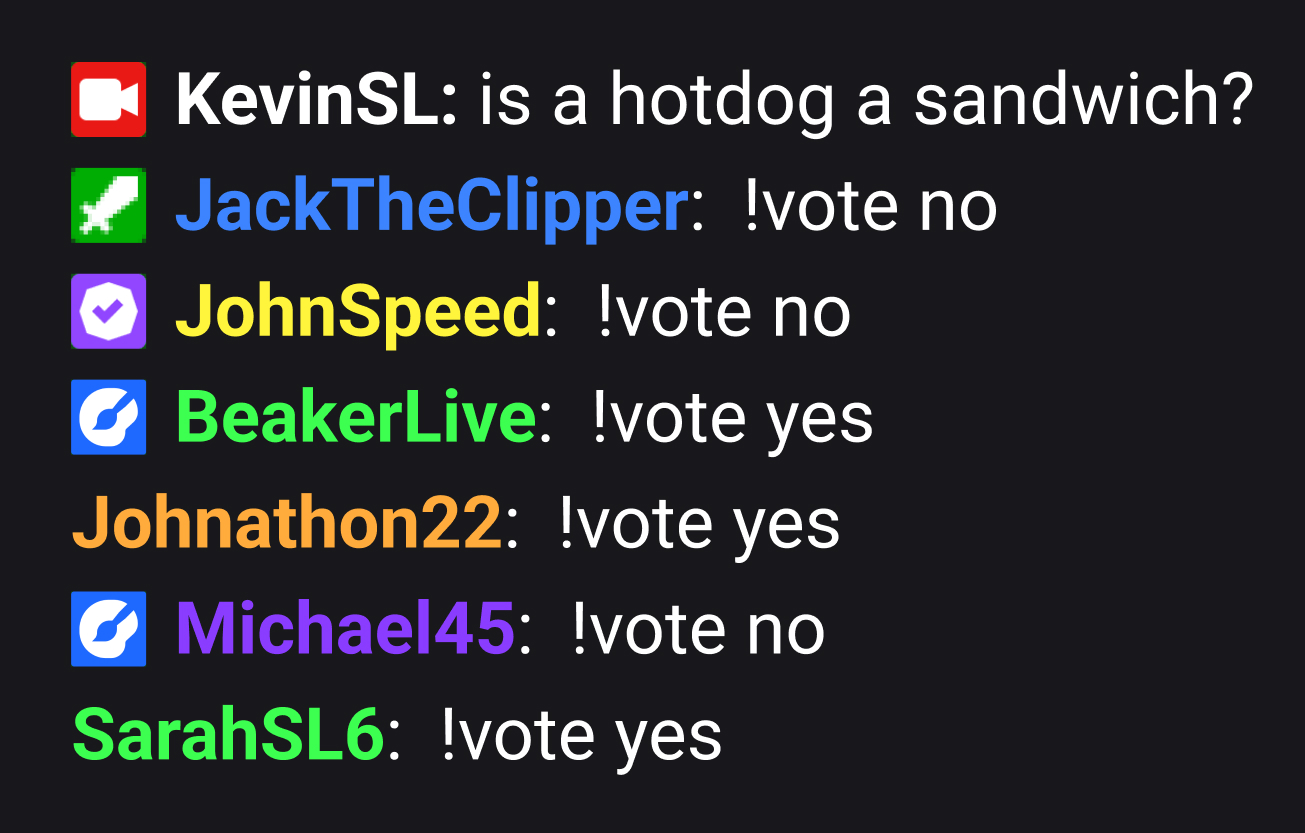
الدردشة المدمجة
تتيح لمقدمي البث عرض رسائل المشاهدين من Twitch وYouTube وKick، والمزيد، وإدارتها مباشرة داخل Streamlabs.

مزج الصوت
ارفع مستوى جودة الصوت لديك مع الإعدادات المدمجة وأداة مزج الصوت في Streamlabs Desktop
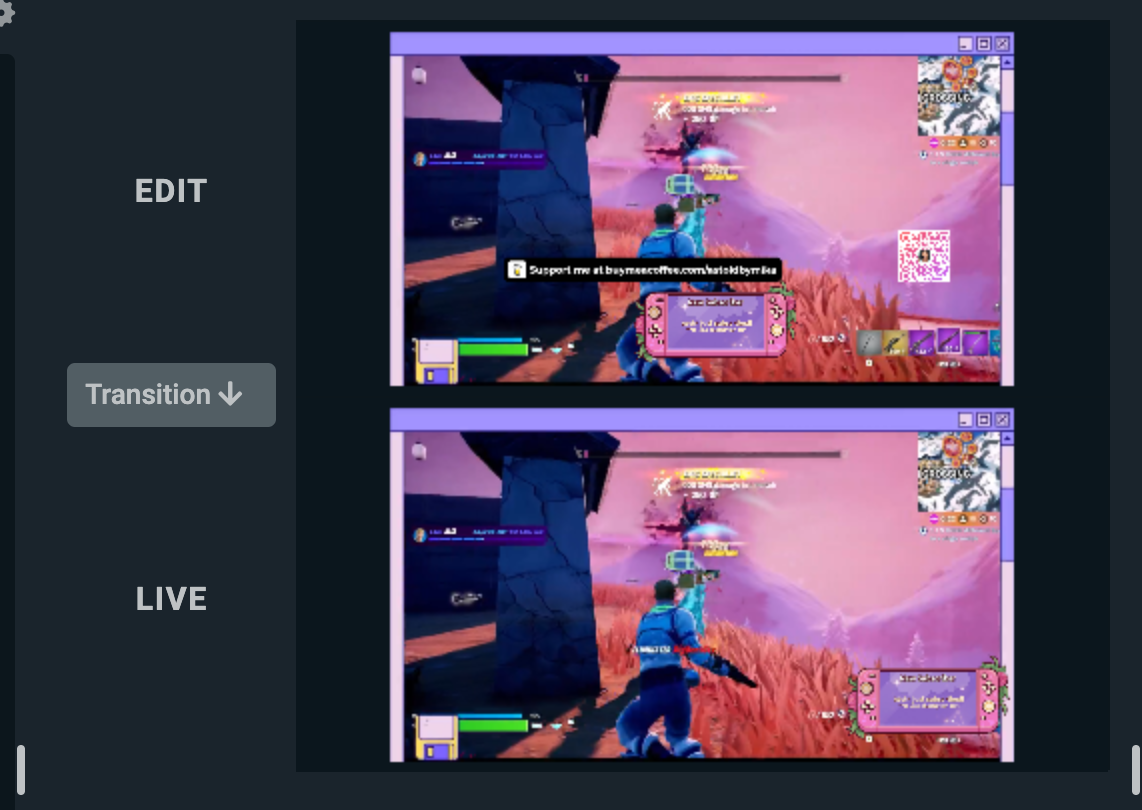
وضع الاستوديو
خصص مشهدًا أثناء البث المباشر، وقم بتعديله قبل أن يتمكن المشاهدون من رؤيته.
إنشاء تنبيهات مخصصة
قم بإعداد إشعارات ديناميكية لتجربة تفاعل مثالية. يمكن تعيين التنبيهات للمتابعين والمشتركين الجدد والتبرعات والتشجيعات والمضيفين والتبرعات الخيرية وغير ذلك الكثير.
زيادة التفاعل باستخدام عناصر واجهة المستخدم الممتعة
استمتع مع جمهورك من خلال أدوات قابلة للتخصيص بالكامل مثل تتبع التبرعات واستطلاعات الرأي والألعاب التفاعلية وأهداف المتابعين/المشتركين وتراكب الدردشة والمزيد.
يمكن أن تتفاعل عناصر واجهة المستخدم مثل Game Pulse مع أحداث اللعبة، والتفاعل مع جمهورك نيابةً عنك.
Cloudbot هو رفيقك الأمثل الجديد
يقدم روبوت الدردشة المجاني الخاص بنا ميزات للترفيه والإشراف لحماية الدردشة الخاصة بك من الأشخاص المزعجين مع تقديم ألعاب ممتعة وأوامر قابلة للتخصيص وغير ذلك لجمهورك المتزايد.
تسجيل أبرز اللقطات ونشرها في لمح البصر
قم بتعديل مقاطع فيديو مميزة وإنشائها بسهولة من لقطات الإعادة لـ YouTube وTikTok وReels، والمزيد.
تلتقط أداة AI Highlighter المجانية لدينا أفضل لحظات اللعب لديك تلقائيًا؛ لتتمكن من تعديلها ومشاركتها على وسائل التواصل الاجتماعي في ثوانٍ. تدعم أكثر من اثنتي عشرة لعبة، منها Fortnite، وLeague of Legends، وBattlefield 6، وغيرها الكثير!
التعاون والتحكم
استضف الآخرين في بثك، وأدِر كل شيء بسهولة من أي مكان.
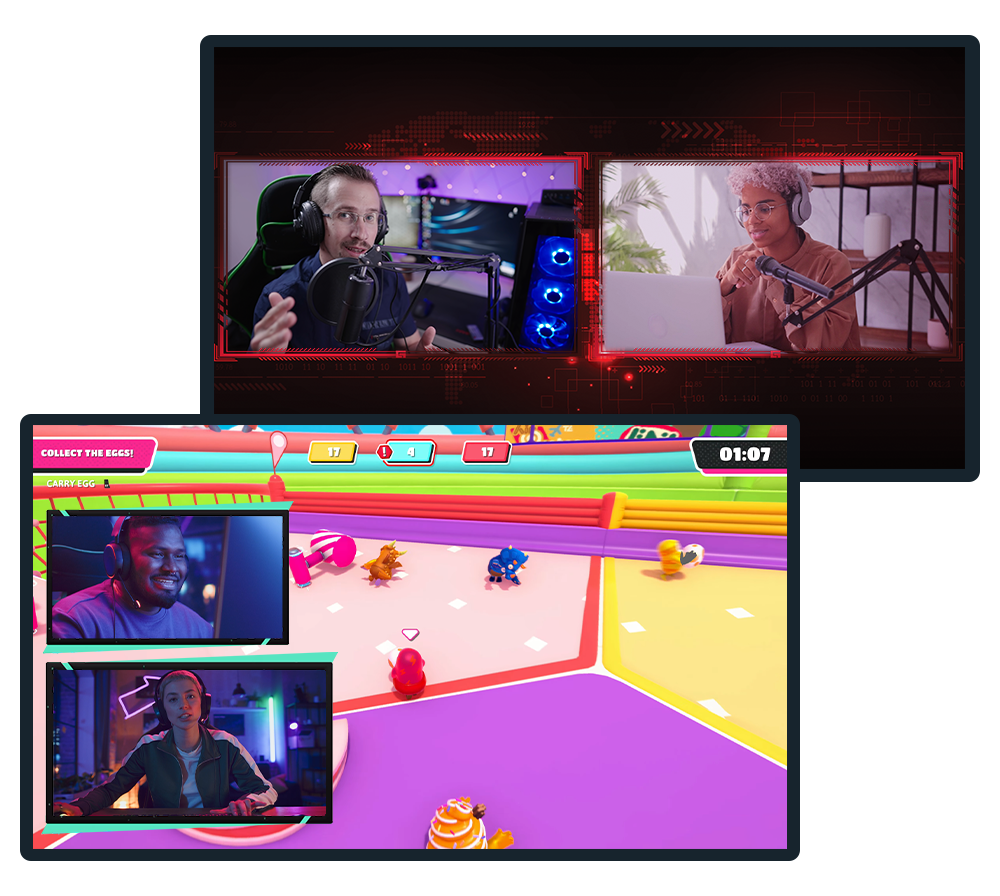
Collab Cam
قم بتطوير بثك من خلال التعاون، واستضف ضيوفًا في بثك أو تسجيلاتك على منصات، مثل Twitch وYouTube وKick، والمزيد.
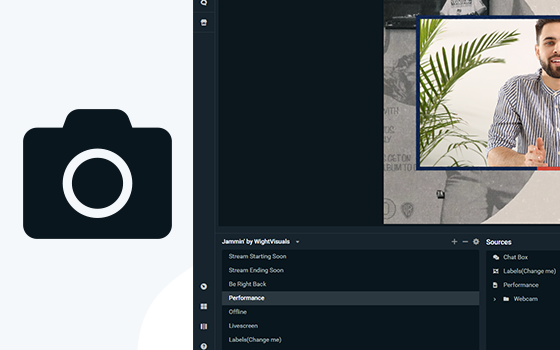
كاميرا الويب الافتراضية
حوّل مشاهدك إلى مصدر كاميرا ويب، واستخدم تخطيط البث الخاص بك، مباشرة في تطبيقات مؤتمرات الفيديو مثل Zoom.
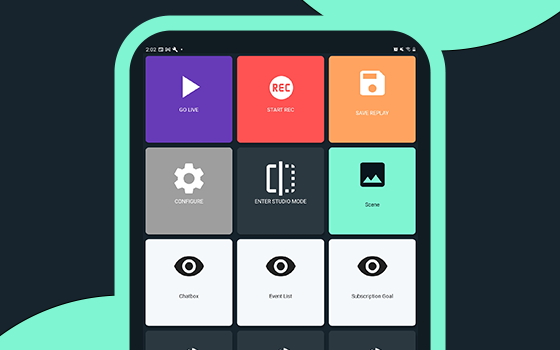
تطبيق Controller
تحكم في بثك في Streamlabs Desktop، باستخدام جهازك المحمول فقط. متاح على نظامَي التشغيل Android وiOS.
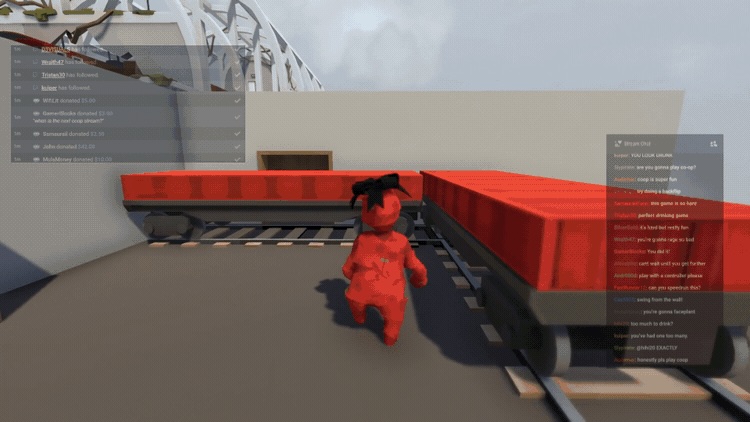
تراكب الألعاب
اعرض الدردشة وأحداث البث مباشرة فوق لعبتك، مما يسهل التفاعل مع المشاهدين، دون الحاجة إلى مغادرة اللعبة.
Intelligent Streaming Agent
مضيفك المشارك، ومنتجك المباشر، وداعمك الفني - يعملون معًا؛ حتى تتمكن من التركيز على الإبداع. طُوِّر باستخدام تكنولوجيا NVIDIA وInworld؛ لإنشاء صور رمزية واقعية وذكاء في الوقت الحقيقي.
التبديل بين الأجهزة بسلاسة أثناء البث
قم بالتبديل بين الأجهزة دون إنهاء بثك باستخدام Stream Shift!
ابدأ على جهاز الكمبيوتر الخاص بك، وانتقل إلى الكمبيوتر المحمول أو إلى الهاتف المحمول - دون فقدان المشاهدين، أو تقسيم مقطع الفيديو المتاح للعرض عند الطلب. جلسة بث مستمرة دون أي انقطاع.
كسب المال مقابل البث مع فرص الرعاية
احصل على فرص الرعاية مباشرة من Streamlabs Desktop، وابدأ تحقيق الربح من محتواك، مع توسع قاعدة جمهورك. متاح لمقدمي البث مهما كان حجم جمهورهم!
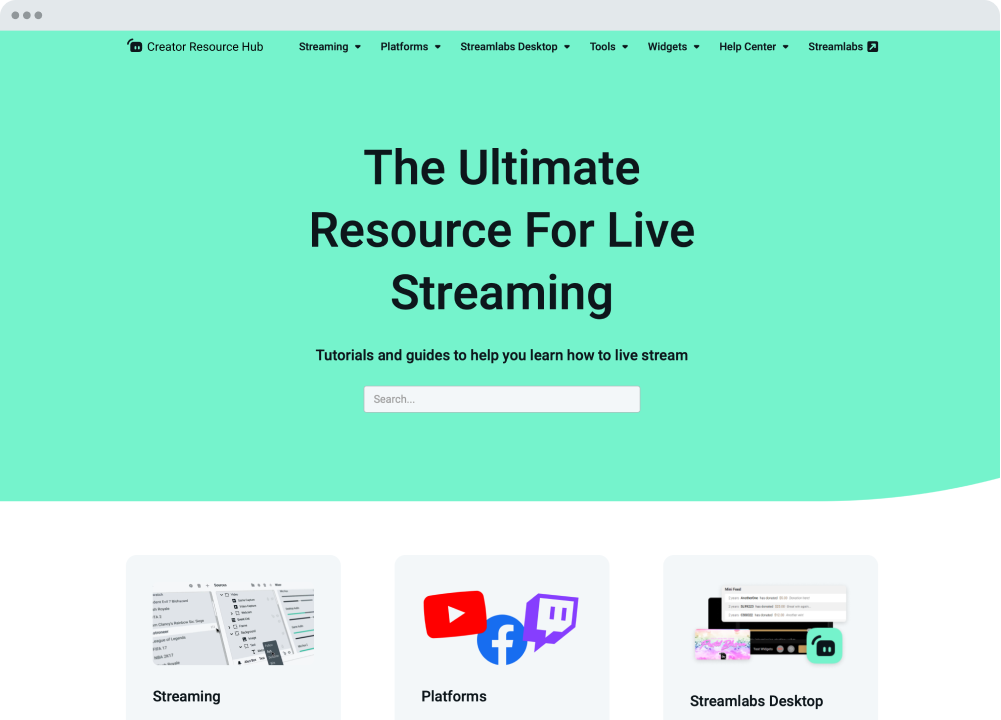
نحن هنا لتقديم المساعدة
تقدم Streamlabs University وCreator Resource Hub برامج تعليمية خطوة بخطوة ومقاطع فيديو والمزيد لمساعدتك على البدء والارتقاء بمهاراتك إلى المستوى التالي. كما أن فريق الدعم لدينا متاح على مدار الساعة وطوال أيام الأسبوع عبر Discord أو البريد الإلكتروني للإجابة عن أي من أسئلتك.
المنظومة المتكاملة وسير العمل
أدوات وتكاملات تُسهِّل إنشاء المحتوى وإدارته.
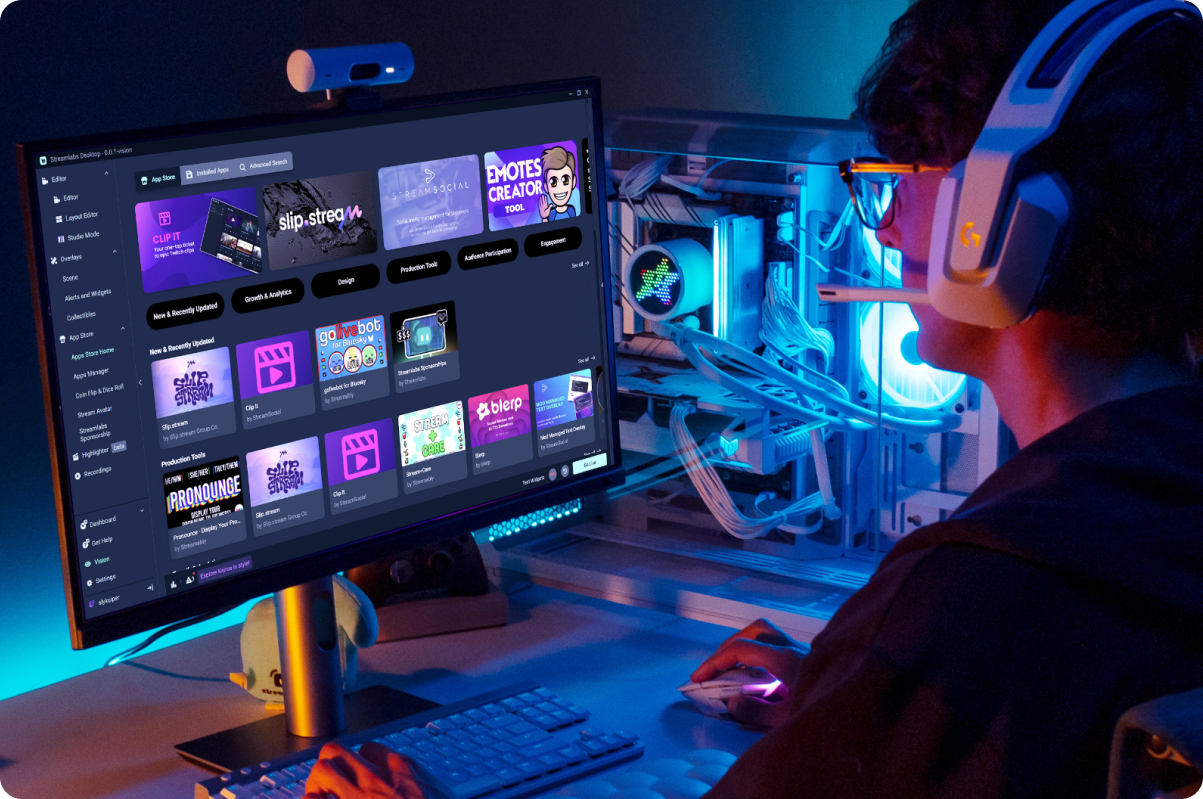
App Store
تمكّن من الوصول إلى مكتبة متنامية من التطبيقات؛ لتوسيع إمكانيات Streamlabs Desktop؛ وتحسين تجربة البث الخاصة بك.
سير عمل سلس لمنشئي المحتوى
سجل وحرر وأنشئ بشكل أسرع مع أدوات Streamlabs المصممة لتبسيط سير عملك كمنشئ محتوى.
نسخ احتياطية سحابية
احتفظ بنسخة احتياطية من إعداداتك بأمان على السحابة؛ لتتمكن من استعادة إعدادات البث في أي وقت.
تكامل G Hub
قم بتعيين مفاتيح G ومفاتيح F على معدات Logitech المتوافقة؛ لتشغيل الإجراءات في Streamlabs Desktop.
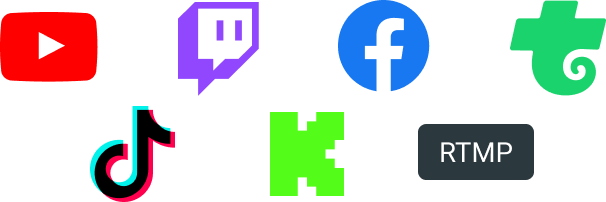
قم بالبث في أي منصة يشاهدها جمهورك على Twitch وYouTube وKick، وغيرها الكثير.

الأسئلة الشائعة
A Streamlabs account is not required if you are using Streamlabs Desktop for recording only. However, signing in allows you to access features like alerts, widgets, cloud backups, and integrations.
You can use Streamlabs tools like alerts, widgets, overlays, and tipping with OBS through Streamlabs Plugin for OBS. This plugin allows you to add your favorite Streamlabs features directly to your OBS setup.
Your bitrate and encoder settings depend on your internet speed and the platform you’re streaming to. Most creators stream at 4500–6000 kbps using hardware encoders like NVENC or AMF when available. Check out our blog to learn more about bitrate settings when live streaming.
Yes! With multistreaming, you can broadcast your stream to multiple platforms at the same time while using other Streamlabs Desktop features and customizations. You can go live to one horizontal and one vertical output for free with Dual output or explore expanded multistreaming features with Streamlabs Ultra. Our multistream feature operates on our servers, saving your PC’s resources.
Streamlabs Desktop supports popular platforms like Twitch, YouTube, Kick, TikTok, X (Twitter), Trovo, Facebook, and Instagram via native integrations. Plus many others through custom RTMP connections.
Streamlabs Desktop runs on Windows and macOS and requires a computer capable of real-time video encoding.
Minimum Requirements
Operating System: Either Windows 10 or Mac OS 12 and higher.
RAM: 8GB
Recommended Requirements
Operating System: Either Windows 10 or Mac OS 13 and higher
CPU:
- Intel® Core™ i5 or higher (11th or 12th gen)
- AMD Ryzen 5000 series or higher
GPU:
RAM: 16GB+
Storage: 512GB SSD or more
Internet: Ethernet connection. Also review what upload speeds you need for live streaming (3.6 Mbps or better for 720p at 30 fps for most platforms) and our tips on bitrate settings.
No. Streamlabs Desktop does not add watermarks or impose time limits on local recordings. You can record your content freely using the built-in recording tools.
OBS is a powerful open-source streaming tool that lets creators build their setup from scratch. Streamlabs Desktop, built on top of OBS, is also open-source and offers an easy setup with built-in alerts, overlays, widgets, and other creator-focused features designed to simplify streaming.
Streamlabs Desktop is a free streaming software that helps creators capture, customize, and broadcast their live stream content to their preferred platforms. It’s designed for streamers, gamers, and creators who want powerful tools to go live, record content, and engage their audience.
Click go live
Yes
Get Streamlabs
- go live in minutes!
صُمم Streamlabs Desktop بالاستناد إلى محرك OBS الأساسي. نريد أن نشكر جيم والمطورين الذين ساهموا في مشروع OBS. لولا عملهم الجاد على مدار سنوات، لما كان من الممكن وجود Streamlabs Desktop. نقدم لهم كل الحب والتقدير.